9 Best Platforms for Microlearning for Busy Teams

How we put this together: we compare official feature and pricing pages, app store listings, privacy policies and public user reviews. Prices change, so check the provider's site before you pay.
Key takeaways
- TalentCards and 7taps are strong starting points for short, mobile lessons, while Axonify suits large frontline workforces.
- The best microlearning apps deliver lessons in minutes, not hours, and repeat key points over time to aid recall.
- Free plans exist, but they usually cap users or features, so check limits before rolling out to a whole team.
- The best microlearning platform for you depends on whether staff learn on phones, in chat tools, or at desks.
Quick comparison
| Name | Who it suits | Starting price | Free option | |
|---|---|---|---|---|
 TalentCards TalentCards | Mobile card lessons | Free | Yes | Visit |
 7taps 7taps | Fast browser lessons | Free | Yes | Visit |
 Axonify Axonify | Large frontline teams | See website | No | Visit |
 Qstream Qstream | Spaced practice by email or app | See website | No | Visit |
 EduMe EduMe | Deskless workforce training | See website | No | Visit |
 OttoLearn OttoLearn | Adaptive spaced learning | See website | No | Visit |
 Arist Arist | Chat-based microlearning | See website | No | Visit |
 EdApp EdApp | Free templates and mobile courses | Free | Yes | Visit |
 5Mins.ai 5Mins.ai | Short video lessons for staff | See website | No | Visit |
The best platforms for microlearning
We compared official feature pages, pricing pages, app store listings and public reviews to find the best platforms for microlearning. The best microlearning platforms, the best microlearning apps and the best micro learning apps share one idea: short lessons, delivered often, in a format staff can finish between tasks.
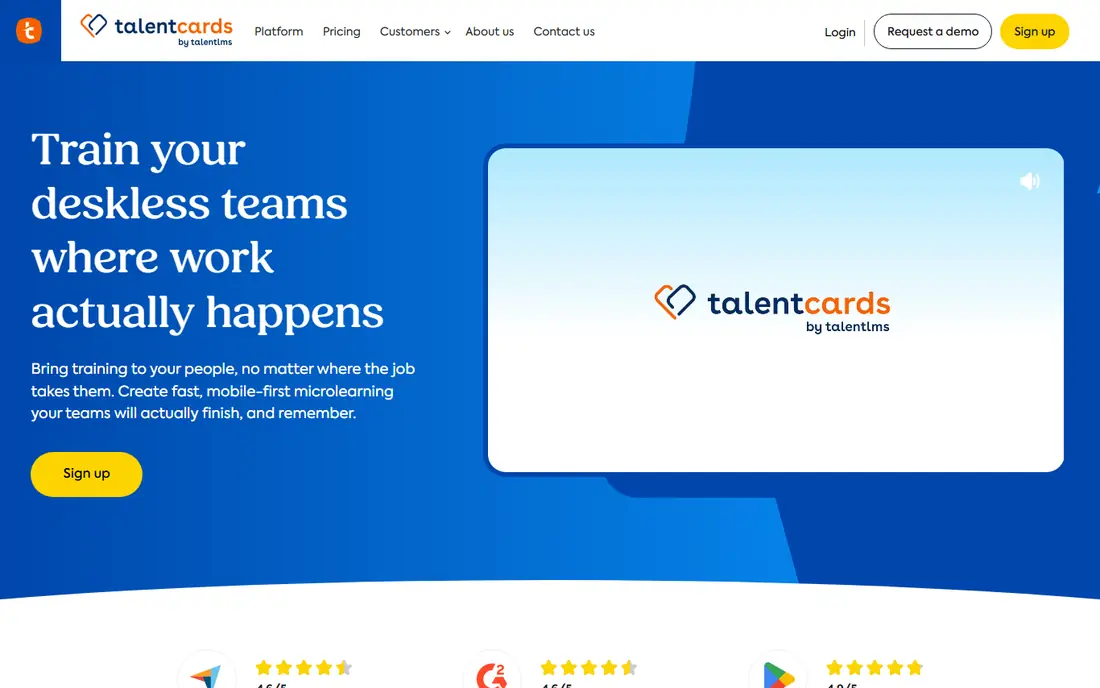
TalentCards fits teams with mobile workers who need short, visual lessons they can finish in a few minutes. Lessons are built as cards with text, images and quizzes, which suits safety briefings, product updates and onboarding steps. Offline access helps staff who work away from reliable wifi. What stands out is the card format, which keeps lessons focused and easy to complete. The honest catch is the user cap on the free plan, so a rollout beyond five users needs a paid plan priced per user. Start with one team, measure completion, and expand only if the format works.
- Card-based lessons suit phones
- Free plan for up to five users
- Spaced repetition and analytics included
- Free plan caps users
- Video upload needs paid plans
- Design options are simpler than full course tools
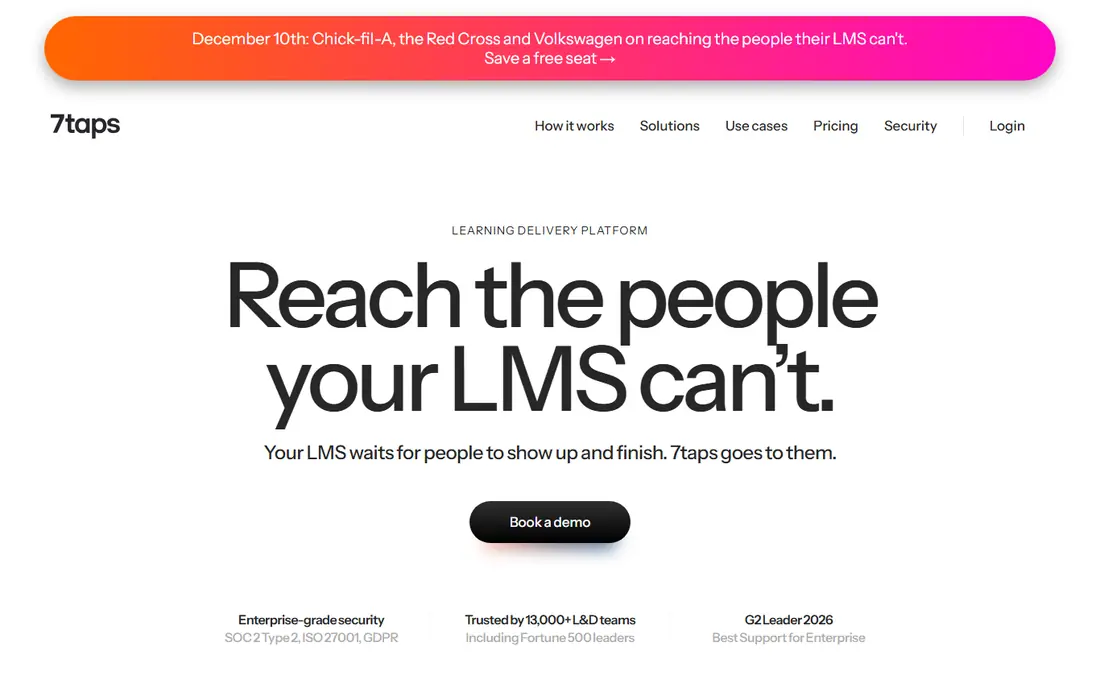
7taps fits trainers who need to turn a policy update or product change into a lesson today, not next month. You build bite-sized pages with text, images, video and questions, then share a link that opens in a browser. That speed suits managers who create content themselves, without a learning design team. What stands out is creation speed, which lowers the barrier to keeping training current. The honest catch is depth: 7taps is built for short lessons, so a long compliance course with complex branching may need a fuller learning system. Use it for updates and refreshers, and keep longer courses elsewhere.
- Create a short course in minutes
- Share by link in a browser
- Tracking and analytics for shared lessons
- No native mobile app in some listings
- Free plan has limits
- Less depth for long certification courses
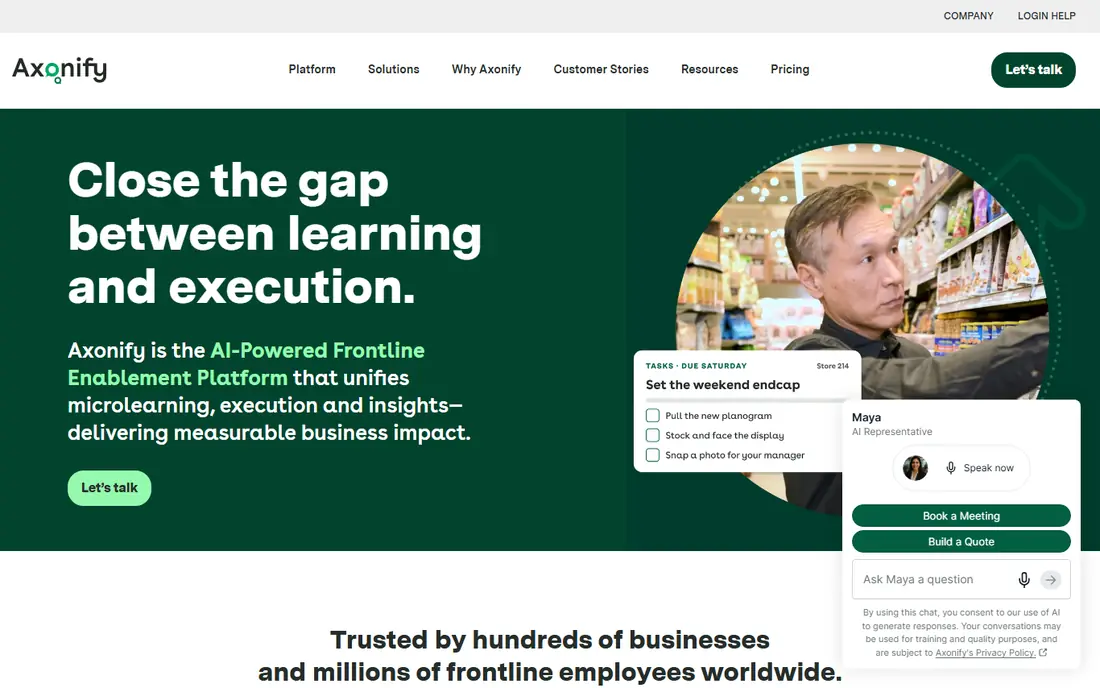
Axonify fits retail, hospitality, grocery and other frontline employers with many staff across sites. The platform mixes short daily learning with messages, quizzes and performance data, so managers can see who has completed key topics. Support for many languages helps diverse workforces learn in a language they prefer. What stands out is the frontline focus, from mobile access to manager reporting. The honest catch is cost and scale: pricing is not a simple public list, and smaller teams may find it more system than they need. Ask for a quote based on your headcount, and compare it with TalentCards or EdApp for a smaller rollout.
- Daily microlearning plus communication tools
- Supports many languages
- Strong reporting for managers
- Pricing is quote-led
- Best suited to larger organisations
- Setup needs planning for content and roles
Qstream fits teams that need staff to retain knowledge, not just complete a course once. It sends short, scenario-based questions over days or weeks, then repeats topics where answers show gaps. That spaced approach suits sales knowledge, compliance rules and product details that staff must recall under pressure. What stands out is the focus on recall, which is different from a library of videos. The honest catch is format: if your team expects rich video or interactive simulations, Qstream will feel narrow. It works best as a reinforcement layer on top of initial training, not as the only training tool.
- Spaced questions reinforce knowledge over time
- Scenario-based practice
- Analytics show knowledge gaps
- Pricing is quote-led
- Format is question-led, not video-led
- Needs regular content to stay useful
EduMe fits employers whose staff do not sit at desks, such as delivery, warehouse, care and retail workers. Lessons are short, mobile and designed to be finished between tasks, with access that avoids complex logins in some setups. Managers can track completion and target follow-up where knowledge is weak. What stands out is the deskless design, which removes barriers that stop frontline staff from starting training. The honest catch is pricing transparency, since costs are quote-led and depend on workforce size. Pilot it with one site or role, and check completion rates before a company-wide rollout.
- Mobile-first lessons for deskless staff
- No login friction in some setups
- Analytics for completion and knowledge
- Pricing is quote-led
- Less suited to desk-based deep courses
- Content creation needs planning
OttoLearn fits teams that want learning to adapt to what each person already knows. The system presents short lessons and questions, then repeats weak topics until mastery improves, rather than giving everyone the same path. That adaptive approach can save time for experienced staff while giving newer staff more practice. What stands out is the adaptive engine, which personalises the path without manual work from a trainer. The honest catch is cost structure: it is priced for teams, so a solo trainer or tiny business may find it expensive. Check the monthly starting price for your team size before you trial it.
- Adaptive learning adjusts to each learner
- Spaced repetition built in
- Analytics for mastery and gaps
- No permanent free plan in most listings
- Pricing starts at a monthly level that suits teams, not solo users
- Content range depends on your own material
Arist fits teams who already communicate in Slack, Teams or text messages and want learning to arrive where work happens. Lessons are delivered as short chat sequences with text, images and questions, so staff do not need to open a separate learning app. That placement can lift completion for busy teams. What stands out is delivery inside everyday chat, which reduces friction. The honest catch is dependence on that chat tool: if staff ignore chat messages or use several tools, lessons can get lost. It works best where one chat tool is already the main channel for team communication.
- Delivers lessons in chat tools staff already use
- Short text and media lessons
- Tracking for completions
- Pricing is quote-led
- Less visual than app-based platforms
- Depends on staff using the chosen chat tool
EdApp, now also known as SC Training, fits small teams and trainers who want a free starting point with ready templates. You can build mobile courses from templates, add quizzes and badges, and share them with staff on phones. That template library helps trainers who do not have a design team. What stands out is the free entry point and template range. The honest catch is branding and plan limits: the name change can make pricing and support pages harder to follow, and advanced analytics and branding need paid plans. Confirm the current plan name and limits before you build a large library on the free tier.
- Free plan with templates and mobile courses
- Authoring tools for quick course creation
- Gamification and quizzes
- Brand changed to SC Training in some markets, which can confuse buyers
- Advanced features need paid plans
- Support varies by plan
5Mins.ai fits employers who want a ready library of short video lessons, rather than building every lesson themselves. Topics cover workplace skills, management and compliance, with lessons designed to finish in minutes. That library can fill gaps quickly for a team without a training department. What stands out is the ready-made content, which saves authoring time. The honest catch is fit: a general library will not cover every niche role or internal process, so you may still need custom lessons for company-specific topics. Check the library for your roles before you buy, and trial it with the team who will use it most.
- Library of short video lessons
- Covers workplace skills and compliance topics
- Mobile access for staff
- No permanent free plan in most listings
- Library topics may not cover niche roles
- Custom content needs higher plans
How we picked these
We compared official feature pages, pricing pages, app store listings and public reviews, and we weighted lesson length, mobile access, spaced repetition, analytics and ease of authoring. We included app-based, browser-based and chat-based options, since the best microlearning software is not one format for every team. We did not claim hands-on testing, and we flagged quote-led pricing where a public price was not available.
How to choose a microlearning platform
The right platform depends on your staff, their devices, and how much content you will create yourself.
Match the format to the job
Phone-based card lessons suit frontline staff, chat lessons suit teams already in Slack or Teams, and video libraries suit office staff who want ready content. Pick the format staff will actually open, not the one with the longest feature list. A short trial with one team will tell you more than a demo.
Check completion, not just content
Ask each vendor how completion, knowledge gaps and repeat visits are reported, and test those reports in a trial. A platform that shows who finished a lesson but not who understood it will miss the point of microlearning. Look for spaced repetition and quiz results, not just a library count.
Plan who creates the lessons
If you have no training team, a template library or ready content matters more than advanced authoring tools. If you create content often, authoring speed, templates and translation support matter more. Count the hours needed to build and update lessons, since that cost continues after purchase.
Frequently asked questions
What are the best platforms for microlearning?
TalentCards and 7taps are strong for quick, mobile lessons, Axonify suits large frontline teams, and EduMe suits deskless workforces. Qstream and OttoLearn focus on spaced practice and recall, while Arist delivers lessons in chat. The best microlearning platform depends on your team size, devices and content needs.
What is the best microlearning app for a small team?
TalentCards and EdApp offer free plans that suit a small team test, while 7taps offers a free starting point for browser lessons. Check user caps and feature limits on each free plan before you roll out to everyone. Start with one team, measure completion, and expand if the format works.
What are the best microlearning apps for frontline workers?
Axonify, EduMe and TalentCards are built for frontline and deskless staff, with mobile access, short lessons and manager reporting. Offline access and simple login matter more for these workers than deep course features. Trial the app on the devices staff actually use, in the places they actually work.
How long should a microlearning lesson be?
Most microlearning lessons aim for a few minutes, often two to ten minutes, so staff can finish one between tasks. Shorter lessons suit updates and recall, while slightly longer lessons suit a new skill with practice questions. If a lesson regularly takes more than fifteen minutes, it may be a short course, not microlearning.
Is microlearning enough on its own for training?
Microlearning works well for updates, refreshers and recall, but it rarely replaces hands-on practice, coaching or longer courses for complex skills. Use it to reinforce initial training, spread updates quickly, and keep knowledge fresh over time. Pair it with practice, feedback and manager support for skills that carry risk.
What is the best micro learning app for creating my own courses?
7taps suits fast browser courses, TalentCards suits card-based mobile courses, and EdApp suits template-based mobile courses. All three let a trainer build without a design team, but they differ on free limits and paid features. Build the same short lesson in two tools during a trial and compare authoring time and learner completion.
Sources we checked (9)

Online Jobs is an independent blog about careers, online work, learning new skills and the tools that help people earn. More about us.
Keep reading
All posts
Zoom Alternatives
Zoom alternatives compared for 2026: Google Meet, Microsoft Teams, Webex, Jitsi and more for free calls, large meetings and webinars for teams and classrooms.

Workday Alternatives
We compared the best workday alternatives for HR, payroll, and global hiring, from BambooHR and Gusto to Rippling, Deel, and HiBob for growing teams in 2026.

WordPress Alternatives
WordPress alternatives guide: we compare 8 platforms for builders, designers, stores, and publishers to leave WordPress without losing your full site content.