Best Platform for Data Science in 2026: 8 Products Compared

How we put this together: we compare official feature and pricing pages, app store listings, privacy policies and public user reviews. Prices change, so check the provider's site before you pay.
Key takeaways
- Databricks leads for large scale data and AI work, while Dataiku leads for mixed teams where analysts and data scientists share projects.
- KNIME and Google Colab offer low cost starts for solo analysts, learners and small teams.
- Amazon SageMaker and Google Vertex AI suit teams already committed to AWS or Google Cloud.
- Governance, reproducibility and deployment matter as much as modelling features once a project moves toward production.
- Our pick for most teams is Dataiku for collaboration, or Databricks when data scale and engineering depth are the main constraints.
Quick comparison
| Name | Who it suits | Starting price | Free option | |
|---|---|---|---|---|
 Databricks Databricks | unified data and AI at scale | See website | Free trial | Visit |
 Dataiku Dataiku | collaborative AI for mixed teams | See website | Free trial | Visit |
 KNIME KNIME | visual data pipelines | See website | Yes | Visit |
 Google Colab Google Colab | notebook based analysis | See website | Yes | Visit |
 Amazon SageMaker Amazon SageMaker | AWS machine learning | See website | Free tier | Visit |
 Google Vertex AI Google Vertex AI | Google Cloud machine learning | See website | Free tier | Visit |
 Azure Machine Learning Azure Machine Learning | Microsoft cloud machine learning | See website | Free tier | Visit |
 Domino Data Lab Domino Data Lab | governed enterprise data science | See website | Free trial | Visit |
The best platforms for data science
These eight platforms cover notebooks, visual pipelines, AutoML, cloud machine learning and governed enterprise work.
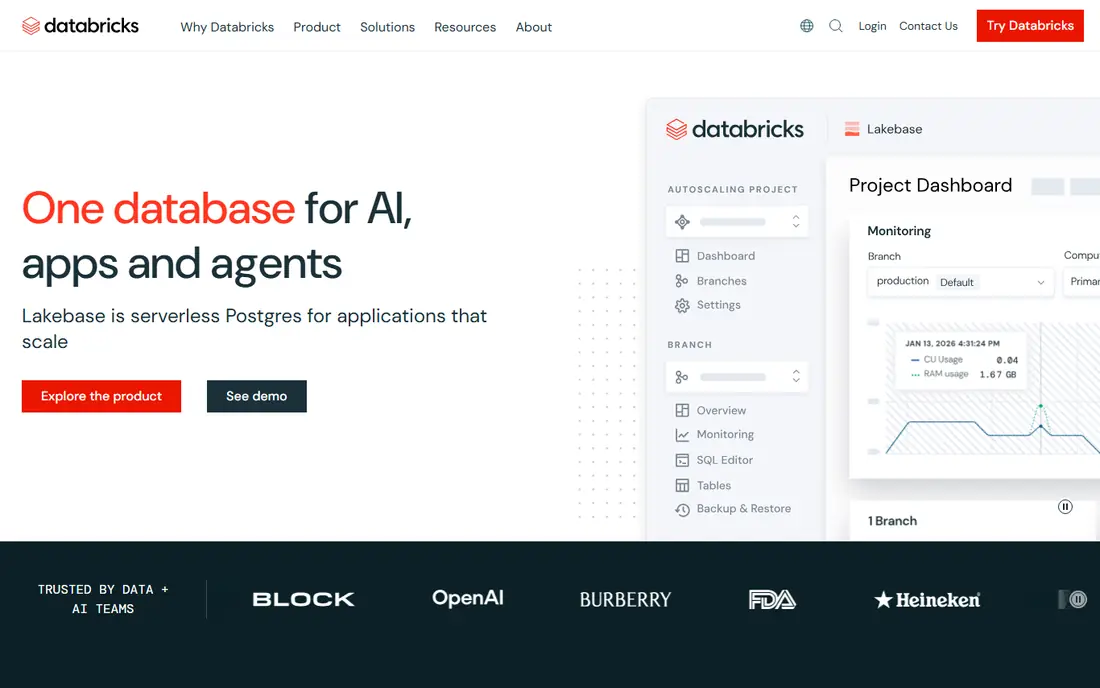
Databricks suits organisations where data scale is the main problem. Data engineering, machine learning and AI work can run on a shared lakehouse, with Spark, MLflow and governance tools in one platform. That unity helps teams that move from raw data to models without copying data between systems. The catch is cost and skill. Consumption based pricing varies with compute, storage and workloads, so budgeting needs care. Teams also need cloud and engineering skills to get full value. For large, data heavy work, Databricks is the industry standard on this list. For a solo analyst, it is more platform than needed.
- Lakehouse for data and AI
- Strong Spark and ML tools
- Governance with Unity Catalog
- Consumption pricing is complex
- Needs cloud and engineering skills
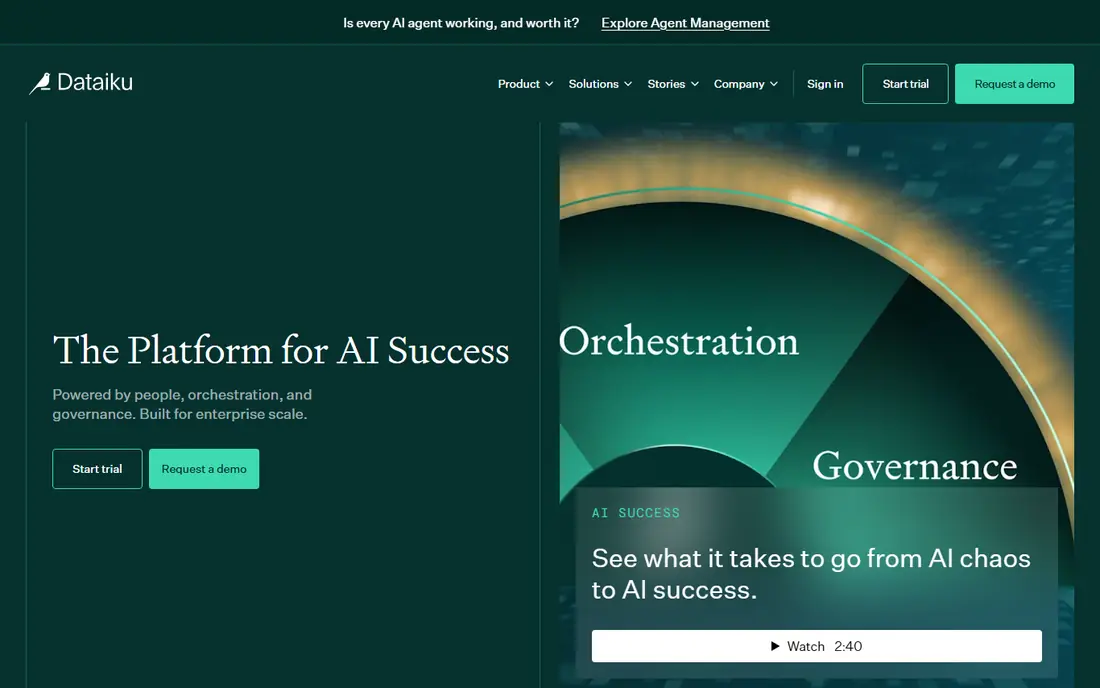
Dataiku is the collaboration pick. Analysts can use visual recipes while data scientists write Python, R or SQL in the same project flow, so both groups work on one pipeline rather than handing files back and forth. AutoML, governance and AI agent features support the move from preparation to production. Pricing is quote based, which makes early comparison harder, and the platform is large for a solo job. A free edition and trial help with evaluation. For a mixed team that needs shared, governed projects, Dataiku offers the clearest joint workspace on this list.
- Visual and code work in one flow
- AutoML and governance
- Business user access
- Quote based pricing
- Large platform for small jobs
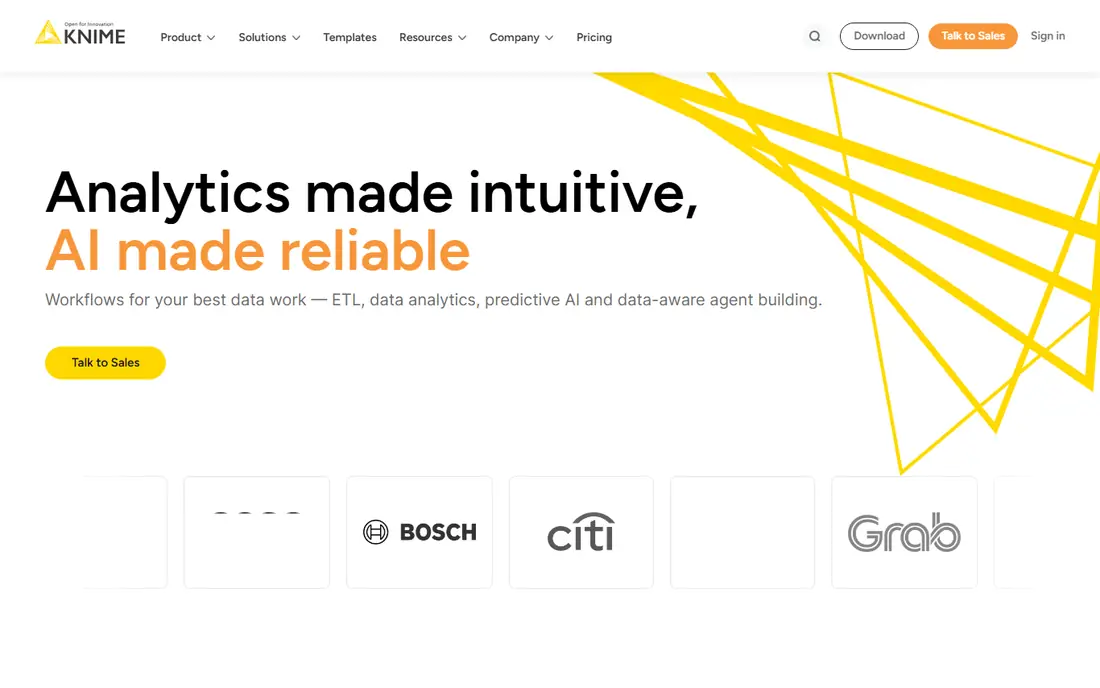
KNIME appeals to analysts who prefer visual pipelines to code alone. Drag and drop nodes handle data preparation, transformation, modelling and reporting, and the free desktop version covers a lot of solo work. That visual style makes pipelines easier to explain to non technical colleagues. Large, complex pipelines can still become hard to manage, and enterprise sharing, scheduling and governance need a paid server. For a solo analyst, student or small team, KNIME is a strong low cost start. For a large production system, pair it with proper version control and deployment planning.
- Visual drag and drop pipelines
- Free desktop version
- Strong data preparation
- Enterprise features need a paid server
- Visual work can get complex at scale
Google Colab is the easiest way to start data science in a browser. Notebooks run Python, support common data libraries, and can be shared with a link, which suits learning, teaching and quick analysis. Free access lowers the barrier for students and solo analysts who do not want to install tools. Free compute is limited and sessions can disconnect, so Colab is not a production platform for scheduled jobs or large models. Paid options add more resources, but a serious production workflow still needs a cloud platform or a managed service. For exploration and learning, Colab remains an excellent first step.
- Free notebooks in the browser
- GPU access options
- Easy sharing
- Free resources are limited
- Not a production platform
Amazon SageMaker suits teams already on AWS. It covers data preparation, training, tuning, deployment and monitoring in one managed service, with deep links to AWS storage, databases and security tools. That closeness reduces integration work for AWS based products. The trade-off is AWS dependence and cost complexity. Teams need AWS skills, and compute and storage costs vary with workload, so budgeting needs monitoring. For an AWS shop building production models, SageMaker is a natural pick. For a multi cloud team, a neutral platform such as Databricks or Dataiku may fit better.
- Full ML lifecycle on AWS
- Strong training and deployment tools
- AWS integrations
- AWS skills needed
- Costs vary with compute and storage
Google Vertex AI covers the machine learning lifecycle on Google Cloud, from preparation and training to deployment and monitoring, with strong links to generative AI models. AutoML options help teams that want models without deep tuning, while custom training suits experienced data scientists. As with SageMaker, cloud skills and usage based costs are the trade-offs. A team not already on Google Cloud should weigh migration effort against the benefit. For a Google Cloud organisation, Vertex AI gives a coherent, managed path from data to deployed model, with governance and monitoring built in.
- Full ML lifecycle on Google Cloud
- Strong generative AI links
- AutoML options
- Google Cloud skills needed
- Costs vary with usage
Azure Machine Learning suits Microsoft centred organisations. It covers preparation, training, deployment and monitoring on Azure, with links to Microsoft data services and identity tools. Responsible AI features help teams document and monitor models, which matters in regulated work. The platform can feel complex for a small team, and Azure skills are needed to get full value. For a Microsoft shop, though, the integration with existing identity, data and security tools is a real advantage. Solo analysts should start with Colab or KNIME, and move to Azure Machine Learning when production needs grow.
- Full ML lifecycle on Azure
- Microsoft 365 and data links
- Responsible AI tools
- Azure skills needed
- Interface can feel complex
Domino Data Lab focuses on governed, reproducible data science for enterprises. Experiments, code, data and environments are tracked, so a model can be reproduced and audited later. That audit trail matters in regulated industries, where a model decision may need to be explained months after deployment. Enterprise pricing and setup planning are the trade-offs. Domino is not a low cost solo tool, and a small team may find Dataiku or a cloud platform simpler. For a large organisation where reproducibility, governance and compliance are non negotiable, Domino offers the strongest controls on this list.
- Reproducible experiments
- Governance and audit trails
- Multi cloud support
- Enterprise pricing
- Setup needs planning
How we picked these
We compared official feature pages, pricing pages, documentation and public reviews for platforms that support data science work end to end, from preparation to deployment. We favoured platforms that are actively maintained, that support notebooks, code or visual pipelines, and that offer a free tier, trial or free edition for evaluation. We also weighed governance, reproducibility and cloud fit, since those decide whether a platform suits a solo analyst or a regulated enterprise. We did not claim hands-on testing for every platform, and we did not rank by vendor claims alone. Instead, we looked at team fit, cloud alignment and production readiness. Prices are often quote based or usage based, so check the vendor site before budgeting, and trial a platform with a real project before committing a team to it.
Choosing the right data science platform
Start with team and cloud. A solo analyst needs a notebook or visual tool. A mixed team needs a shared workspace. An AWS, Google or Azure team will get more value from its own cloud platform. A regulated enterprise needs governance and reproducibility first, even if that means a larger platform.
Test with a real project, not a demo dataset
A demo dataset hides data quality, governance and deployment problems. Trial shortlisted platforms with a real, messy project from your own work, including preparation, modelling and a simple deployment step. That trial reveals integration gaps and cost patterns that a clean demo will not show.
Check governance early
Version control, experiment tracking, access controls and audit trails matter once models affect real decisions. Check those features before a project grows, since adding governance later is harder than starting with it. For regulated work, ask vendors for documentation on audit, lineage and model monitoring.
Plan for total cost, not just licence price
Cloud compute, storage, data transfer and engineering time often outweigh licence fees. Estimate cost for a typical project, including training runs and deployment, and monitor usage during the trial. A platform that looks cheap on licence alone can become costly if every experiment needs large compute.
Frequently asked questions
What is the best platform for data science for beginners?
For beginners, Google Colab is the easiest free start for notebooks, and KNIME is the easiest visual start for pipelines. Both offer free versions and large learning communities. Once a beginner needs team work, governance or production deployment, Dataiku or a cloud platform becomes a better fit.
What is the best data science tool for teams?
Dataiku is the best pick for mixed teams, since analysts and data scientists can share one project flow. Databricks suits large data and engineering teams, while Domino Data Lab suits regulated enterprises that need reproducibility. The best team tool depends on team mix, cloud choice and governance needs.
Is Databricks or Dataiku better for data science?
Databricks is better for large scale data engineering and AI work on a lakehouse, while Dataiku is better for collaboration between technical and business users. A data heavy engineering team will favour Databricks, while a mixed analytics team will favour Dataiku. Many large organisations use both for different jobs.
Can I learn data science for free?
Yes, Google Colab and KNIME offer free versions that cover notebooks and visual pipelines, and many platforms offer free tiers or trials. Free resources suit learning and small projects, though production work, large compute and team features usually need a paid plan. Start free, then pay when a real project needs scale.
What is the difference between a data science platform and a notebook?
A notebook is a single interactive document for code, analysis and charts, such as Google Colab. A data science platform adds shared projects, data preparation, AutoML, deployment, governance and monitoring around notebooks and pipelines. Notebooks suit exploration, while platforms suit team and production work.
Sources we checked (8)

Online Jobs is an independent blog about careers, online work, learning new skills and the tools that help people earn. More about us.
Keep reading
All posts
Replit Alternatives
Replit alternatives for 2026 compared: browser coding, AI app builders and team workspaces, with free plans, limits and honest trade-offs for developers.
Docker Alternatives
Compare Docker alternatives for 2026, with Podman, Rancher Desktop, OrbStack, containerd, Colima, Finch, Portainer and Kubernetes on cost, fit and licensing.
9 Best Coding Software Picks for Beginners and Pros
Find the best coding software for beginners and pros, with free and paid editors and IDEs compared on price, languages, debugging, and ease of use today.