Best Platform Engineering Tools in 2026: 8 Tools Compared

How we put this together: we compare official feature and pricing pages, app store listings, privacy policies and public user reviews. Prices change, so check the provider's site before you pay.
Key takeaways
- Backstage is free open-source software, but the real cost is the platform team time needed to build, run and upgrade it.
- Port is the clearest priced portal, with a free plan for up to 15 seats and Basic from $30 per seat per month on annual billing.
- Humanitec is the only tool here that truly orchestrates environments, with Teams from $1,979 per month on annual billing.
- Cortex and OpsLevel suit teams whose main problem is service standards and production readiness, not just finding services.
- Pick by your bottleneck: discovery, governance, or environment provisioning, since no single tool solves all three equally well.
Quick comparison
| Name | Who it suits | Starting price | Free option | |
|---|---|---|---|---|
 Backstage | Open-source developer portals | Free | Yes | Visit |
 Port | Priced catalog and self-service portal | $30 per seat per month | Yes | Visit |
 Humanitec | Environment orchestration | $1,979 per month | Free trial | Visit |
 Cortex | Service standards and scorecards | See website | No | Visit |
 OpsLevel | Governance and maturity checks | See website | No | Visit |
 Qovery | Self-service environments on your cloud | See website | Free trial | Visit |
 Rafay | Kubernetes platform management | See website | No | Visit |
 Crossplane | Open-source infrastructure control | Free | Yes | Visit |
The best platform engineering tools
We compared official pricing pages, documentation and product pages for the best platform engineering software, and we focused on the job each tool actually does. Some tools are developer portals that help engineers find services and request resources. Others are orchestrators that provision environments. Others are governance tools that score services against standards. Treating them as interchangeable leads to a poor purchase, so the eight tools below are grouped by their core strength, and each one fits a different platform team problem.
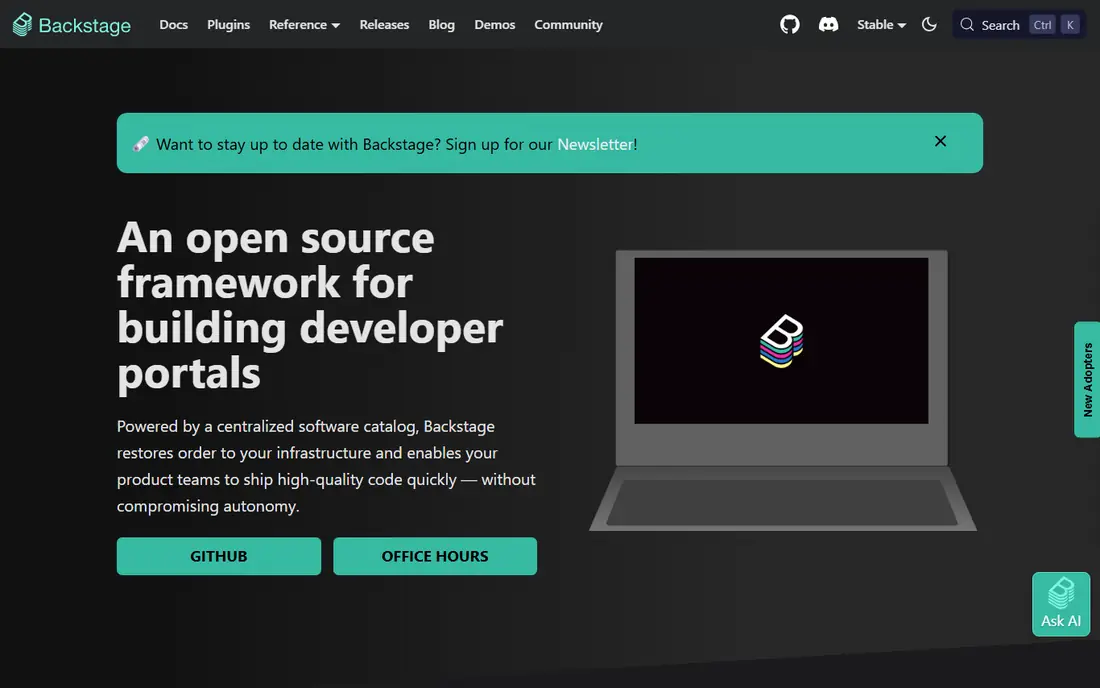
Backstage, originally built at Spotify and now a CNCF project, is the open-source framework most developer portals are compared against. It gives a platform team a service catalog, software templates for creating new services, TechDocs for documentation as code, and search across services, with a large community plugin ecosystem for Kubernetes, CI, monitoring and cloud tools. For a team with unusual requirements or a large platform group, that flexibility is unmatched by any single commercial portal.
The catch is total cost of ownership. The licence is free, but a production Backstage instance typically needs dedicated engineers for setup, upgrades, plugin compatibility and catalog maintenance, with published estimates putting that at one to three platform engineers depending on scale. Small teams without that bench should buy a managed portal instead. Backstage is the right choice when control and customisation matter more than time to value, and when the platform team is treated as a real product team.
- Free Apache-licensed framework
- Large plugin ecosystem
- Service catalog, templates and TechDocs
- Needs a dedicated platform team to run
- Upgrades and plugin maintenance take ongoing effort
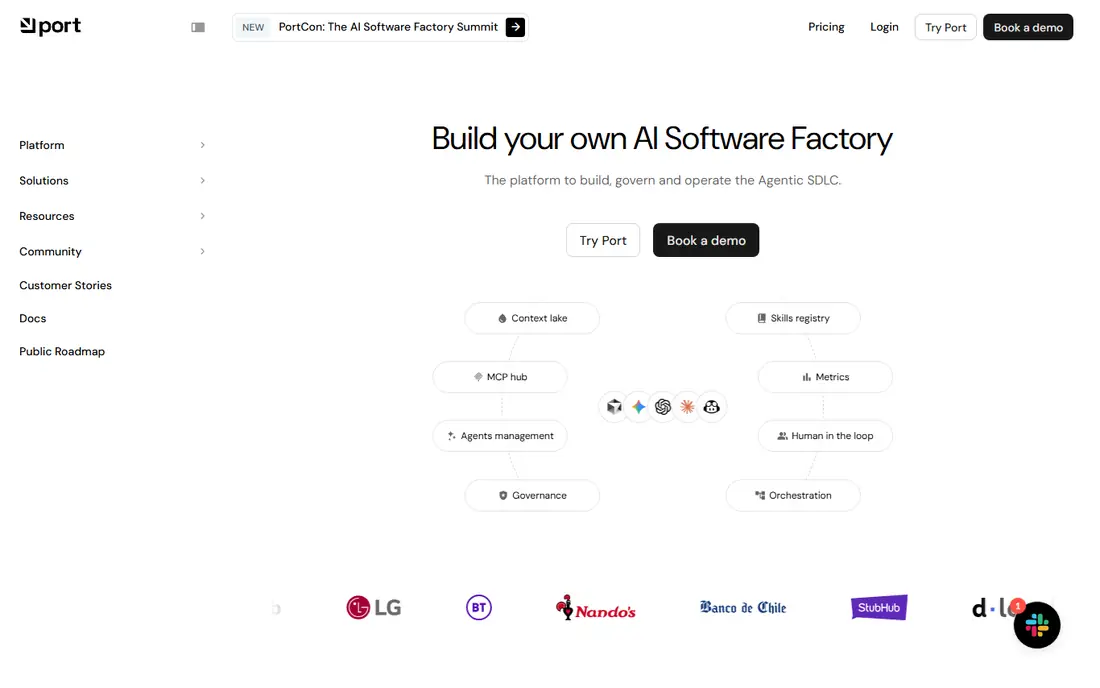
Port is our pick for teams that want Backstage-style discoverability without building a framework, and want to know the price before a demo. Its blueprint-driven catalog models services, APIs, teams and infrastructure, and self-service actions let developers request resources, create services and run workflows with approvals, without filing a ticket. The free plan covers up to 15 seats and 10,000 entities with community support, which is enough for a real proof of concept.
Basic is listed from $30 per seat per month on annual billing for up to 50 seats, and Standard from $40 per seat per month for up to 200 seats, with governance, dynamic permissions and more workspaces on higher tiers. The limits are scorecards as a paid add-on and provisioning that still depends on your CI and pipelines for the last mile, so Port does not replace your infrastructure automation. For a catalog and self-service problem, Port is the most transparent option in this list.
- Clear published pricing
- Free plan for up to 15 seats
- Blueprint catalog and self-service actions
- Scorecards are a paid add-on
- Deep provisioning still routes through your pipelines
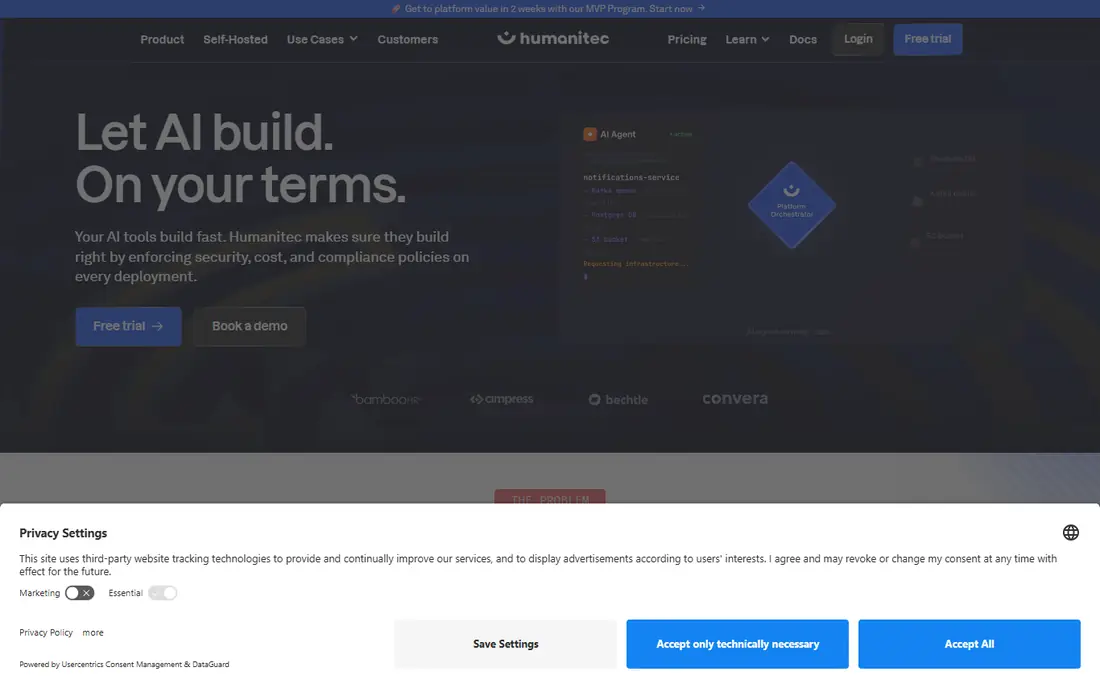
Humanitec is different from a portal, because its Platform Orchestrator actually computes and provisions environments from resource definitions, rather than just listing services or triggering a pipeline. Developers define workloads with the open-source Score specification, and Humanitec wires databases, queues, DNS and cloud resources per environment, with baselines, drift detection and a Portal frontend for self-service. That makes it the pick when the real pain is environment ticket queues, not service discovery.
The price reflects that depth. Teams is listed at $1,979 per month on annual billing for five users, and Pro at $4,950 per month for 50 users, with Enterprise and self-hosted options on quote. Adopting Humanitec also means its orchestrator becomes the authoritative provisioning logic, so leaving later means re-implementing that logic, not just exporting a catalog. For an organisation of roughly 50 or more developers losing time to environment provisioning, Humanitec deserves a proof of concept. For a discovery problem, buy a cheaper catalog.
- Real environment orchestration from Score specs
- Consistent golden paths
- Self-hosted option for regulated teams
- Steepest entry price here
- Orchestrator becomes the source of truth for provisioning
- Per-tier pricing needs negotiation at growth steps
Cortex suits engineering teams whose main deliverable is service quality and readiness, not just a catalogue page. It auto-discovers services, predicts ownership, scores services against standards for security, reliability, documentation and operations, and routes failures to ticketing tools, with dashboards for engineering leaders on delivery and adoption metrics. That scorecard model helps a platform team enforce standards across hundreds of services without manual audits.
The trade-off is price and data dependence. Cortex uses quote-based, per-seat pricing, with published summaries putting annual costs in the tens to hundreds of thousands depending on team size, so budgeting needs a sales conversation. Scorecards also only work well when service data is fresh and ownership is clear, so a team with a messy catalog should fix discovery first. For a governance and readiness problem, Cortex is one of the strongest tools here. For a simple portal, Port is cheaper and faster.
- Strong scorecards and service standards
- Auto-discovery and ownership data
- Engineering intelligence reporting
- Quote-based pricing
- Needs clean service data to score well
- Less of a general portal than Port
OpsLevel is a governance-first portal, built around a service catalog, scorecards and campaigns that help a platform team raise service maturity across an organisation. Scorecards check production readiness, security, documentation and operational standards, while campaigns track large migrations, such as moving services to a new runtime or fixing a common vulnerability, with progress visible to teams and leaders. That campaign model is a practical difference from a simple checklist, since it turns standards into tracked work.
The limits are price and user caps. OpsLevel uses custom quotes, with Standard covering up to 50 users and Enterprise covering unlimited users in the summaries we checked, so a growing team must plan for the Enterprise step. Self-service actions are thinner than Port, so a team whose main problem is developer self-service may prefer Port, while a team whose main problem is audit readiness and standards enforcement will get more from OpsLevel. For a governance-led platform team, OpsLevel is a strong pick.
- Catalog plus scorecards and campaigns
- Maturity and production-readiness focus
- Campaign tools for large migrations
- Quote-based pricing
- Standard caps users at 50
- Less self-service depth than Port
Qovery suits teams that want developers to spin up preview and staging environments on their own cloud without waiting for platform tickets. It connects to your cloud account, provisions environments from code and configuration, and gives developers a simple interface for deploys, logs and environment management, while keeping infrastructure in your account. That model helps startups and scale-ups that want cloud control without building a full platform team.
The catch is pricing transparency and workload fit. Qovery offers a free trial, but larger team pricing needs a quote, and the depth of support varies by cloud provider and workload type, so a complex multi-cloud setup needs a proof of concept. Qovery is not a full governance portal like Cortex or OpsLevel, and it is not an orchestrator like Humanitec, but for self-service environments on your own cloud, it is a practical middle ground. Test it on your realest workload, not a demo app.
- Preview environments and self-service deploys
- Runs on your AWS, GCP or other cloud
- Developer-friendly workflows
- Pricing needs a quote for larger teams
- Depth varies by cloud and workload type
Rafay suits platform teams that run Kubernetes across multiple clouds and need centralised cluster lifecycle, policy, access and cost controls. It helps a platform team provision and manage clusters, enforce policies, manage add-ons and give developers a consistent way to deploy, without each team running its own cluster tooling. That central control matters when clusters multiply across regions, clouds and business units.
The limits are focus and price. Rafay uses quote-based pricing, and its value is tied to Kubernetes, so a team that mainly runs serverless, virtual machines or a single cloud may get less from it. Setup also needs platform expertise, since cluster policy and lifecycle design are not beginner tasks. For a Kubernetes-heavy organisation with a real multi-cluster problem, Rafay is a strong platform tool. For a simple developer portal, start with Port or Backstage.
- Managed Kubernetes operations across clouds
- Cluster lifecycle and policy tools
- Platform team controls
- Quote-based pricing
- Kubernetes-focused, so less useful for non-Kubernetes teams
- Setup needs platform expertise
Crossplane is the open-source building block for teams that want to manage cloud infrastructure through Kubernetes APIs, rather than buying a full portal or orchestrator. It lets a platform team define composable cloud resources, such as databases, buckets and clusters, as Kubernetes objects, with providers for major clouds, and developers can request those resources through the same API model. That composability is powerful for a platform team building its own golden paths.
The trade-off is scope. Crossplane is not a developer portal, a scorecard tool or a hosted orchestrator, so a team still needs a frontend, catalog, governance and environment workflows around it, or a tool like Humanitec or Port on top. It also needs Kubernetes expertise and ongoing maintenance, like Backstage. For a platform team that wants an open, Kubernetes-native control plane as the foundation of its own platform, Crossplane is a strong, free starting point. For a team that wants a finished product, buy a portal first.
- Free open-source control plane for cloud resources
- Kubernetes-native API for infrastructure
- Composable resource definitions
- Needs Kubernetes and platform expertise
- No portal or scorecards out of the box
- Maintenance is your team's job
How we picked these
We compared official pricing pages, documentation and product pages, and we kept only tools that are actively maintained and used for platform engineering in October 2026, covering portals, orchestrators, governance tools and infrastructure control planes. We noted where pricing is published versus quote-based, and where a free licence still carries a large staffing cost. We did not claim hands-on testing, and we treated third-party pricing summaries as a check on vendor pages. Platform tools vary sharply by team size, cloud and workload, so run a proof of concept on a real service before you commit.
What to check before you buy
Name the bottleneck before you shortlist. If developers cannot find services or owners, buy a catalog portal. If services fail standards and audits, buy a scorecard tool. If environment requests sit in a ticket queue, buy an orchestrator. If you buy a catalog for an orchestration problem, or an orchestrator for a discovery problem, the tool will look like a failure even when it works as designed.
Build versus buy, honestly priced
Backstage and Crossplane are free to download, but they need platform engineers to build, upgrade and maintain them, and that staffing cost often exceeds a commercial subscription for teams under a few hundred developers. A commercial portal ships in weeks, with support and upgrades included, but it adds per-seat costs and less custom control. Price both routes over three years, including staffing, hosting, upgrades and adoption work, not just the licence line.
Adoption, data quality and exit
A portal that half the organisation ignores costs twice as much per active user, so plan adoption from day one, with templates, docs and self-service actions that solve a real daily task. Check data freshness, since scorecards and catalogs are only as good as the service data behind them, and ask how you export catalog, scorecard and provisioning definitions if you leave. A tool that locks your platform logic in a proprietary format needs a stronger case than one built on open specs such as Score.
Frequently asked questions
What is the best platform engineering tool for a small team?
Port is the best starting point for most small teams, with a free plan for up to 15 seats and Basic from $30 per seat per month. Backstage is free but needs platform engineers to run, so it usually costs more in time for a small team. Start with Port, prove the catalog and self-service value, and only build on Backstage if you outgrow the commercial portal.
Is Backstage free?
Backstage software is free and open source under the Apache licence, but running it in production needs engineering time for hosting, upgrades, plugins and catalog maintenance. Published estimates put that at one to three platform engineers depending on scale, so the total cost of ownership is far above zero. Managed Backstage options exist, but they are quote-based.
What is the difference between Port and Humanitec?
Port is a catalog and self-service portal that helps developers find services and request resources, while Humanitec is an orchestrator that provisions environments from Score specs and resource definitions. Port solves discovery and self-service, while Humanitec solves environment provisioning. Some teams use both, with Port as the frontend and Humanitec as the backend.
What are the best engineering software tools for service standards?
Cortex and OpsLevel are the strongest scorecard tools in this list, with catalogs, scorecards and campaigns for production readiness and maturity. Cortex adds engineering intelligence reporting, while OpsLevel adds campaign tracking for large migrations. Both use quote-based pricing, so ask for a quote based on your developer count and service count.
Do I need a platform engineering tool if I already use Kubernetes?
Kubernetes orchestrates containers, but it does not give developers a catalog, templates, scorecards or self-service environment workflows on its own. A platform tool adds that developer-facing layer, whether it is a portal, a scorecard system or an orchestrator. If your team is small and Kubernetes use is simple, you may not need a full platform tool yet.
How do I choose between building and buying a developer portal?
Buy if your team is under about 50 developers, if you need value in weeks, or if you lack dedicated platform engineers. Build on Backstage or Crossplane if you have a platform team, unusual requirements, or hundreds of services where commercial per-seat costs exceed staffing costs. Price both routes over three years, including upgrades and adoption work.
Sources we checked (8)

Online Jobs is an independent blog about careers, online work, learning new skills and the tools that help people earn. More about us.
Keep reading
All posts
n8n Alternatives
n8n alternatives compared for 2026, with Zapier, Make, Activepieces, and more, covering visual builders, code steps, self-hosting, and pricing models.

ZoomInfo Alternatives
The best ZoomInfo alternatives in 2026, compared on price, free plans, data coverage, and which tool fits small teams or large sales teams best in detail.

Yotpo Alternatives
Find cheaper alternatives to Yotpo for reviews and loyalty, with Judge.me, Loox, Stamped, and more compared for Shopify stores in 2026, all in one guide.