Best Photo Sharing Platform in 2026: 9 Products Compared

How we put this together: we compare official feature and pricing pages, app store listings, privacy policies and public user reviews. Prices change, so check the provider's site before you pay.
Key takeaways
- Google Photos is the best all round free starting point for families, with shared albums and smart search.
- Flickr and 500px suit photographers who want community feedback and public portfolios, not just private storage.
- SmugMug and Pixieset suit professionals who need client galleries, selling tools, and unlimited style storage.
- iCloud Photos and Amazon Photos win mainly inside their ecosystems, for Apple users and Prime members respectively.
- Privacy settings matter more than the platform name, so check album visibility, link sharing, and download rules before posting.
Quick comparison
| Name | Who it suits | Starting price | Free option | |
|---|---|---|---|---|
 Google Photos | family sharing and smart search | Free | Yes | Visit |
 Flickr | photographer community | Free | Yes | Visit |
 SmugMug | professional portfolios and selling | $16 per month | Free trial | Visit |
 iCloud Photos | Apple device users | $0.99 per month | Yes | Visit |
 Amazon Photos | Prime members | Free | Yes | Visit |
 500px | exposure and licensing for photographers | See website | Yes | Visit |
 VSCO | mobile editing and sharing | $2.49 per month | Yes | Visit |
 Pixieset | client galleries for photographers | $12 per month | Yes | Visit |
 FamilyAlbum | private family sharing | Free | Yes | Visit |
The best photo sharing platform
A photo sharing platform can mean private family albums, a public photographer portfolio, or a client gallery for paid work. We compared platforms that are live in October 2026, let users share photos with people or the public, and fit at least one of those jobs well. The order follows use case, from family sharing to community to professional delivery, rather than a single winner for every user.
Google Photos is the easiest family sharing pick. You can create a shared album, invite family by email or link, and let everyone add photos from a trip or event. Smart search helps find a photo by person, place, or object without manual tagging, and automatic backup from a phone keeps new photos safe without extra steps.
Storage is the limit. The 15 GB free allowance is shared across Google Photos, Gmail, and Drive, so heavy photo users will need a Google One plan, starting at $1.99 per month for 100 GB in many regions. For families, though, the sharing ease outweighs that cost, and partner sharing can automate sharing with one other person.
- 15 GB free shared across Google services
- Shared albums that family can add to
- Smart search by people, places, and objects
- Free storage is shared with Gmail and Drive, so it fills fast
- No professional client proofing or selling tools
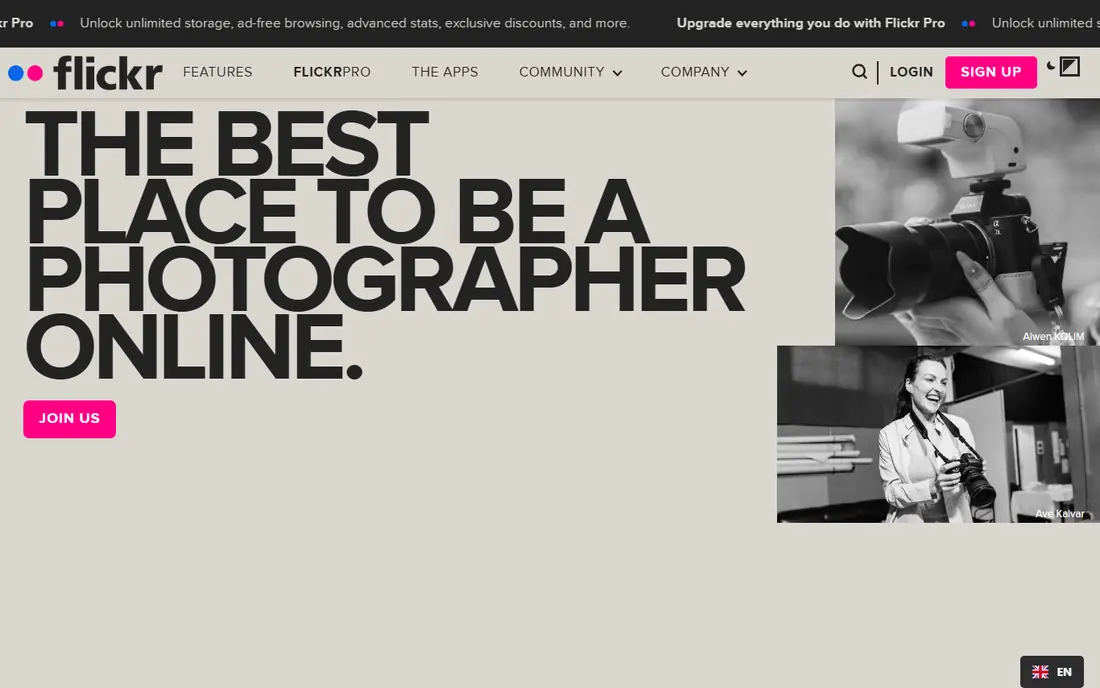
Flickr remains the community home for photographers who want feedback, not just storage. You can join groups by genre, tag photos in detail, and get comments from other photographers who understand technique. The photo pages also show camera settings and licensing options, which helps learners study how a shot was made.
The free limit is 1,000 photos and videos, so heavy shooters will need Flickr Pro for unlimited uploads. Pro pricing varies by billing period, so check the current Flickr page. For hobbyists who want community and a public portfolio, Flickr is still the most focused choice, even as social apps have grown larger.
- Free plan with 1,000 photos
- Strong photographer community and feedback
- Groups, tags, and detailed photo pages
- Free plan is limited to 1,000 items
- No client selling or proofing workflow for professionals
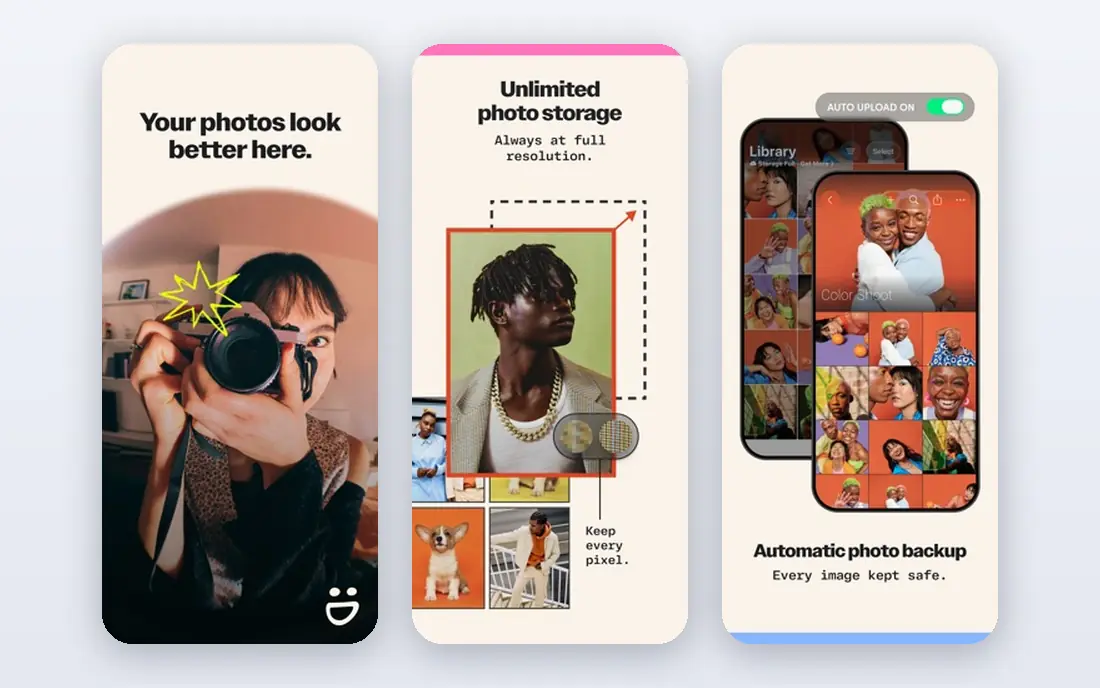
SmugMug suits photographers who need one account for a portfolio, client delivery, and sales. You can build a custom site, create password protected client galleries, sell prints, and store photos without a storage cap on paid plans. Privacy controls per gallery let you keep client work private while a public portfolio stays visible.
Casual users should look elsewhere. With no free plan and a starting price around $16 per month, SmugMug is a professional purchase, not a family album tool. For a working photographer, the portfolio, delivery, and selling tools in one place can replace several separate services, which justifies the price.
- Unlimited photo storage on paid plans
- Custom portfolios, client galleries, and print selling
- Strong privacy controls per gallery
- No free plan, only a 14 day trial
- Price is high for casual family sharing
iCloud Photos is the natural pick for Apple users. Photos sync across iPhone, iPad, and Mac, shared albums let family add photos, and the Shared Photo Library can pool photos with a partner automatically. Editing on one device syncs to the others, which keeps a family library consistent without manual transfers.
Free storage is only 5 GB, so most users will need a paid iCloud plan, starting at $0.99 per month for 50 GB in many regions. Android and Windows users get less value, since integration is thinner outside Apple devices. If your household is mainly Apple, iCloud Photos is the simplest sharing choice.
- Deep integration with iPhone, iPad, and Mac
- Shared albums and iCloud Shared Photo Library
- 5 GB free to start
- 5 GB free storage fills very fast
- Best value only inside the Apple ecosystem
Amazon Photos is a strong backup and sharing option for Prime members. Prime includes unlimited full resolution photo storage, plus a Family Vault that lets up to five people share storage. That makes it a low extra cost way to back up a large photo library, since many households already pay for Prime for delivery and video.
Non Prime users get only 5 GB, so the value case depends on Prime membership. Video storage is also more limited than photo storage, so video heavy users should check current limits. For a Prime household that wants a second backup and simple family sharing, Amazon Photos is hard to beat on value.
- Unlimited full resolution photo storage for Prime members
- Family vault sharing
- Good backup value for Prime households
- Best value needs a Prime membership
- Video storage is limited compared with photo storage
500px suits photographers who want exposure and a chance to license work. You can build a portfolio, join a large community, and submit photos to a licensing marketplace where buyers can purchase use rights. That mix of portfolio and marketplace sets 500px apart from pure storage tools.
Upload limits apply on the free plan, and paid plans vary, so check the current 500px pricing page. Licensing income is also uncertain, since it depends on buyer demand for your style and subject. Use 500px for exposure and portfolio building, and SmugMug or Pixieset for client delivery work.
- Large photographer audience for exposure
- Licensing marketplace for selling photos
- Portfolio and community features
- Free plan limits uploads
- Licensing income is not guaranteed and depends on demand
VSCO fits phone photographers who care about editing and a clean feed. Its presets and editing tools give mobile photos a consistent look, and the sharing feed focuses on images rather than likes and follower counts. That calmer social feel appeals to photographers who want feedback without the noise of a large social app.
Family sharing is not the main job here. There is no shared album workflow like Google Photos, and client delivery tools are absent. At $2.49 per month for a membership in many regions, VSCO is a low cost creative tool, best paired with Google Photos or iCloud Photos for family sharing.
- Strong mobile presets and editing tools
- Clean sharing feed without heavy social pressure
- Good for phone photographers
- No large family album workflow
- Community is smaller than Instagram or Flickr
Pixieset is built for photographers who deliver work to clients. You can create a branded gallery, let clients proof, favourite, and download photos, and sell prints or digital files through a store. The free plan lets a new photographer test the gallery workflow before paying, with paid plans from $12 per month for more storage and features.
Storage caps by plan are the main limit, so high volume photographers should check the tier that fits their yearly shoot count. Pixieset is not a family sharing app or a public community, but for client work it is cleaner and more focused than a general storage tool.
- Clean client galleries with proofing and downloads
- Store and website tools for photographers
- Free plan to test the workflow
- Storage limits apply by plan
- Not a family album or public community tool
FamilyAlbum suits families who want a private space, not a public feed. Only invited family members can see photos, and the app is simple enough for relatives who do not use other photo apps. Unlimited photo uploads on the free plan in many cases make it a good choice for a family that posts often but does not want a public account.
Professional features are absent, and video and storage extras may need a paid plan, so check current limits. For a family that wants privacy first and simplicity over editing tools, FamilyAlbum is a better fit than Instagram or a public portfolio site. Pair it with Google Photos or Amazon Photos for backup, since FamilyAlbum is a sharing app first.
- Private family only sharing by design
- Unlimited photo uploads on free plan in many cases
- Simple app for grandparents and relatives
- No public portfolio or photographer community
- Paid features needed for extra storage and video limits
How we picked these
We started with platforms that are live in October 2026 and let users share photos with family, the public, or clients. Each platform had to offer sharing controls, not just private storage with no sharing feature. We checked vendor pricing pages for free tiers, entry prices, and storage limits, and we used See website where pricing varied by plan or region.
We ranked by sharing job, not by total user count alone. A huge social app can be a poor private family tool, while a small private app can be perfect for grandparents. We left out pure backup tools with no sharing workflow, stock sites with no personal sharing, and platforms we could not verify as live products.
How to share photos safely
Sharing settings decide who sees a photo, not the platform name. Use this guide before you post a family album or a public portfolio.
Check album visibility before you invite anyone
Confirm whether an album is private, link only, or public, and who can download or reshare photos. A link only album can spread beyond the people you invited if someone forwards the link. For children and private events, use invite only albums with download controls where available.
Keep a backup outside the sharing app
A sharing app is not a backup on its own. Keep a second copy in Google Photos, Amazon Photos, iCloud, or an external drive, so a closed account or a deleted album does not lose originals. Export full resolution originals regularly, not just compressed social versions.
Think before posting location and children
Photos can reveal location, school, and routine details through backgrounds and metadata. Remove location data for public posts, and agree family rules for photos of children before sharing. A private family app such as FamilyAlbum reduces that risk, but it does not remove the need for family agreement.
Choose the right tool for each audience
Use a private app for family, a community site for feedback, and a client gallery for paid work. Mixing audiences in one public album creates awkward privacy trade offs. Separate tools for separate audiences keep settings simple and mistakes less likely.
Frequently asked questions
What is the best photo sharing app for families?
Google Photos is the best all round family pick, with shared albums, smart search, and easy phone backup. FamilyAlbum is better if privacy and simplicity matter most, since it is private by design. iCloud Photos wins for Apple households, and Amazon Photos wins for Prime households that want unlimited photo backup.
What is the best free photo sharing app?
Google Photos offers 15 GB free shared across Google services, Flickr offers 1,000 free photos with a photographer community, and FamilyAlbum offers free private family sharing. The best free pick depends on audience: Google Photos for families, Flickr for photographers, and FamilyAlbum for private family only sharing.
Is SmugMug worth paying for?
SmugMug is worth it for working photographers who need a portfolio, client galleries, print selling, and unlimited photo storage in one account. At around $16 per month, it is too much for casual family sharing, where Google Photos or FamilyAlbum are free. Trial SmugMug for 14 days with a real client gallery before committing.
Can I share photos privately without social media?
Yes. FamilyAlbum, Google Photos shared albums with invite only access, iCloud shared albums, and SmugMug private galleries all allow private sharing without a public social feed. Check album visibility, link sharing, and download settings before inviting family, and avoid public links for private events.
What is the best photo sharing platform for photographers?
Flickr and 500px are best for community feedback and exposure, while SmugMug and Pixieset are best for client delivery and selling. Many photographers use both types: Flickr or 500px for public work, and SmugMug or Pixieset for client galleries. Choose by whether you need feedback, sales, or client proofing most.
How much storage do I get free with Google Photos?
Google Photos gives 15 GB free, shared across Google Photos, Gmail, and Google Drive. That allowance fills fast for heavy photo users, so many families upgrade to Google One, starting at $1.99 per month for 100 GB in many regions. Check your current Google storage page to see how much space your photos, mail, and drive files use together.
Sources we checked (9)

Online Jobs is an independent blog about careers, online work, learning new skills and the tools that help people earn. More about us.
Keep reading
All posts
eBay Alternatives
Looking for ebay alternatives? We compared 9 marketplaces for sellers on fees, buyer reach, categories and ease of listing, to help you sell with confidence.

ZoomInfo Alternatives
The best ZoomInfo alternatives in 2026, compared on price, free plans, data coverage, and which tool fits small teams or large sales teams best in detail.

Zoom Alternatives
Zoom alternatives compared for 2026: Google Meet, Microsoft Teams, Webex, Jitsi and more for free calls, large meetings and webinars for teams and classrooms.