Best Phone Tracking App in 2026: 8 Apps Compared

How we put this together: we compare official feature and pricing pages, app store listings, privacy policies and public user reviews. Prices change, so check the provider's site before you pay.
Key takeaways
- Every app here is for consent-based sharing only: finding your own phone, or sharing location with family and friends who agree to it.
- Tracking someone without their consent is illegal in most places and can also breach app store rules, so do not use these tools that way.
- Life360 is the most complete family safety app, while Apple Find My and Google Find Hub are the best free starting points for your own devices.
- Glympse is the best choice for temporary sharing, because each share ends automatically after a set time.
- Talk about location sharing as a family first, agree on when it is on and off, and let adults and teens control their own settings.
Quick comparison
| Name | Who it suits | Starting price | Free option | |
|---|---|---|---|---|
 Life360 | Family safety with driving tools | Free | Yes | Visit |
 Apple Find My | Finding Apple devices and family sharing | Free | Yes | Visit |
 Google Find Hub | Finding Android devices and sharing | Free | Yes | Visit |
 Glympse | Temporary location sharing | Free | Yes | Visit |
 GeoZilla | Family location with messaging | Free | Yes | Visit |
 iSharing | Family locator with alerts | Free | Yes | Visit |
 Family Locator by Sygic | Family safety with SOS alerts | Free | Yes | Visit |
 FamiSafe | Family safety with parental controls | See website | Free trial | Visit |
The best phone tracking apps for consent-based sharing
This list covers only legitimate uses: finding a lost phone, sharing your location with family during travel, keeping in touch with children who agree to share, and coordinating arrivals with friends. Each app below requires the person sharing location to opt in, usually by installing the app, creating an account, and granting location permission on their own device.
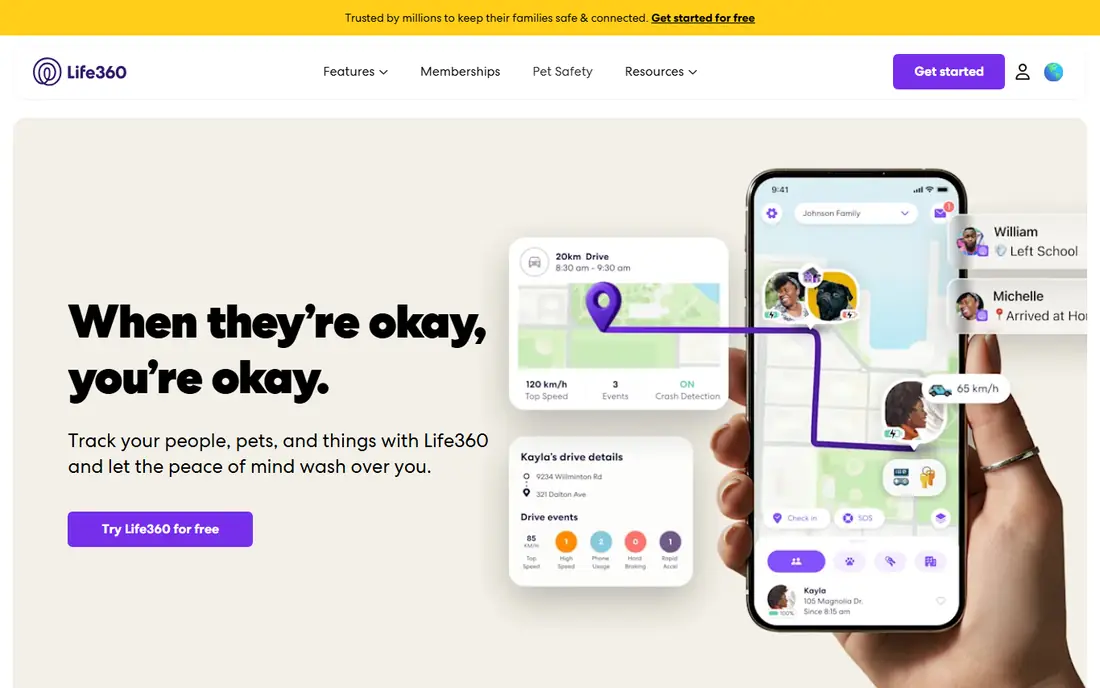
Life360 is the best-known family location app, built around private Circles where family members choose to share location with each other. The free plan covers real-time sharing, two days of location history, two place alerts, and SOS notifications, which is enough for many families to test whether the app helps. Paid plans add longer history, unlimited place alerts, driving reports, crash detection, roadside assistance, and emergency support.
The honest catch is cost and privacy balance. Platinum at $24.99 per month is a real commitment, and families should review data-sharing settings together, including what location history is kept and who can see it. Life360 works best when everyone in the Circle agrees on the rules: when sharing is on, when it pauses, and what place alerts are for. Used that way, it is a practical safety tool, not a monitoring system.
- Real-time family map with place alerts
- Crash detection and driving reports on paid plans
- SOS and roadside help
- Paid plans cost up to $24.99 per month
- Location history is limited on the free plan
- Battery use can be higher
Apple Find My is the first app most iPhone owners should use, because it is free, built in, and designed for finding your own devices. It can locate a lost iPhone, play a sound, lock it, or erase it remotely, and it works with iPad, Apple Watch, Mac, and AirTags. Family Sharing lets family members share location with each other, but each person controls their own sharing.
Find My does not try to be a full family safety suite. There are no driving reports, crash alerts, or place alert histories like Life360. For Apple households that mainly need to find a lost phone and share location with family by agreement, it is the simplest and cheapest option, and it avoids adding another subscription.
- Free for Apple users
- Finds phones, tablets, watches, and AirTags
- Family sharing with consent
- Apple devices only
- Location sharing needs a family group or explicit share
- No driving reports
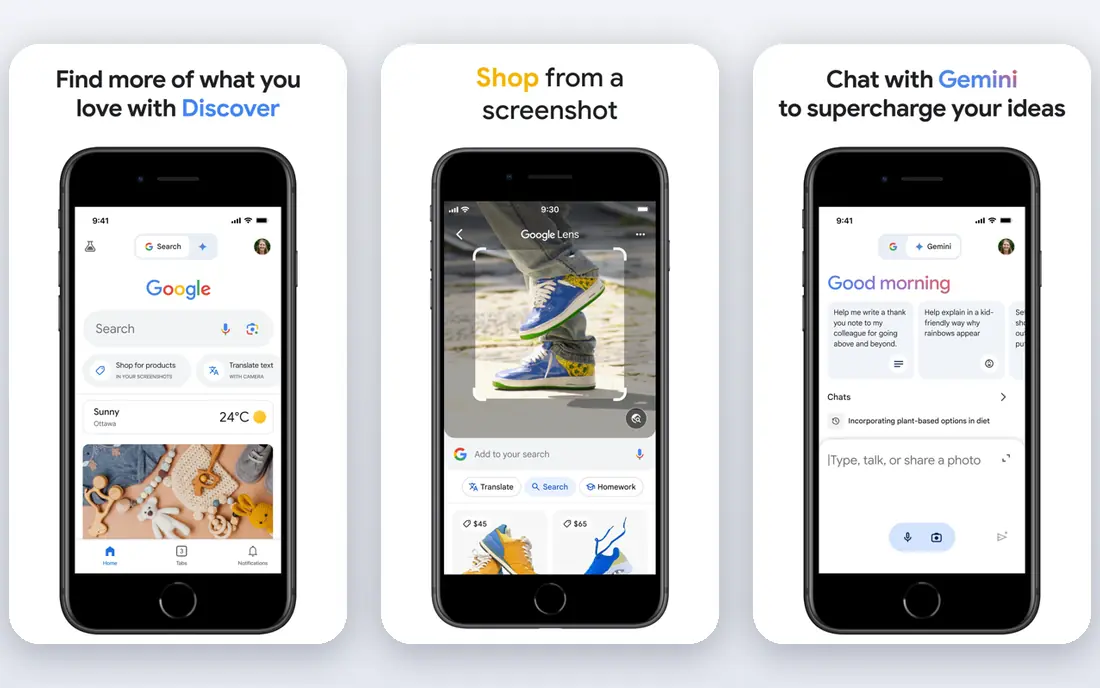
Google Find Hub, formerly Find My Device, is the Android equivalent of Apple Find My. It locates your Android phone or tablet, lets you ring, lock, or erase it, and works with compatible trackers. Location sharing lets you share your live location with chosen contacts for a set time or until you turn it off, which suits travel coordination and family check-ins.
Like Find My, Find Hub is a device finder first and a family safety app second. It does not offer driving reports or crash detection, and some features depend on device model and region. For Android households, start here for free, then add a family app like Life360 only if you need place alerts and driving tools on top.
- Free for Android users
- Finds phones, tablets, and trackers
- Location sharing with chosen contacts
- Android and web focused
- Features vary by device and region
- No family driving suite
Glympse takes the opposite approach from Life360: instead of a permanent family map, you share your live location for a set period, such as a journey to the airport, and sharing stops automatically when the timer ends. Recipients can view the share in a browser without installing an app or creating an account, which makes it ideal for coordinating with friends, relatives, or colleagues.
That temporary design is also its limit. Glympse does not keep a family dashboard, location history, or driving reports, so it will not replace a family safety app for ongoing use. For one-off trips, arrivals, and meetups where you want a clear end to sharing, it is the most privacy-friendly choice on this list.
- Time-limited shares that end automatically
- Recipients need no account
- Simple and private by design
- No permanent family map
- No crash detection or place history
- Premium features are business focused
GeoZilla combines a family location map with messaging, geofencing, and location history, so families can see arrivals, chat in the app, and get alerts for places such as home or school. The free plan covers basic sharing, with paid upgrades for longer history and extra features. It suits families who want Life360-style features with built-in messaging in one app.
GeoZilla is less polished than Life360, and its free limits mean larger families may need a paid plan sooner. Check the current in-app pricing before committing, and agree as a family on which alerts are useful rather than turning on every notification. For families that value messaging alongside location, it is a solid alternative.
- Family map with geofencing and messaging
- Location history
- SOS features
- Free plan is limited
- Interface is less polished than Life360
- Paid features need checking in app
iSharing is a family locator app with real-time sharing, place alerts, messaging, and a panic alert for emergencies. It suits families who want a straightforward map plus a quick way to message or alert each other, without the driving suite that makes Life360 more expensive. The free plan covers core sharing, with a premium plan for longer history and extra alerts.
The smaller user base means fewer public reviews and guides than Life360, so test it with your family before paying. Platform differences also matter: check that the features you need work the same on iPhone and Android in your household. For a simple, alert-focused family app, iSharing is worth a trial.
- Real-time family map
- Place alerts and walkie-talkie style messaging
- Panic alert option
- Paid plan needed for full history
- Some features vary by platform
- Smaller user base than Life360
Family Locator by Sygic focuses on family safety basics: a shared map, geofencing for places such as home and school, and SOS alerts for emergencies. It works across iPhone and Android, which helps mixed-device families, and the free version covers core sharing for a trial. In-app purchases add longer history and extra alerts.
The free version limits are real, so families that need daily place alerts and history will likely need to pay. The interface is functional rather than polished, but the core job, knowing family members arrived safely when they agreed to share, is handled well. Compare its store pricing with Life360 and GeoZilla before choosing.
- Geofencing and SOS alerts
- Family map
- Works across iPhone and Android
- Free version is limited
- Interface can feel dated
- Paid pricing varies by store
FamiSafe is a parental control app that includes location sharing, geofencing, and SOS features alongside screen time, app blocking, and web filtering. It suits parents of younger children who need both location awareness and device controls in one app, with reports that help parents discuss online habits with their children.
FamiSafe is less suited to adult family sharing, where a simple location app with mutual consent works better and feels less intrusive. Pricing varies by plan and app store, so we list it as See website and advise checking the current plan inside the store. Parents should also talk with children about why controls are in place and agree on age-appropriate limits together.
- Location sharing plus screen time and app controls for parents
- Geofencing
- Activity reports
- Best for parents of younger children, not adult family sharing
- Pricing varies by plan and store
How we picked these
We compared official product pages, app store listings, pricing pages, and privacy policies for apps that support finding your own phone or sharing location with consent. We excluded covert tracking tools that promise to monitor another person without their knowledge, because tracking someone without consent is illegal in most places and breaches app store rules. We favoured apps with clear opt-in sharing, published free tiers or trials, and a track record in 2026. We did not claim hands-on testing; our comparison rests on vendor pages, pricing, and public documentation.
Consent, privacy, and safety rules to follow
Only share location with people who agree to it, and only install a tracking app on a phone you own or with the explicit permission of its owner. For children, parents should explain what the app does, what data it keeps, and when sharing pauses, and revisit those rules as children grow older. Adults in a family should be able to pause or stop sharing without conflict, and location data should never be used as a punishment or a test of trust.
Check privacy settings in each app: who can see your location, how long history is kept, whether location data is sold or shared with third parties, and how to delete history. Turn off sharing when you do not need it, use temporary shares like Glympse for one-off trips, and keep your phone software updated. If you feel unsafe because someone is tracking you without consent, seek help from a trusted person or local support service and check your phone for unknown apps and location permissions.
Finding your own lost phone
For a lost phone, use Apple Find My or Google Find Hub first, since both are free and built for that job. Act quickly: locate the device, play a sound if it is nearby, lock it if it is out of reach, and erase it only if recovery looks unlikely and your data is backed up. Contact your carrier if the phone is stolen, report it to police if needed, and change passwords for accounts that were signed in on the device.
Frequently asked questions
What is the best app to track phone location with consent?
Life360 is the best full family option, while Apple Find My and Google Find Hub are the best free options for finding your own devices. Glympse is best for temporary sharing that ends automatically. Choose based on whether you need a permanent family map, a device finder, or a one-off share.
What is the best free phone tracking app?
Apple Find My is free for iPhone users and Google Find Hub is free for Android users, and both find your own devices without a subscription. Glympse is also free for temporary sharing, and Life360 offers a free plan for basic family sharing. Paid plans add history, alerts, and driving tools.
Can I track someone phone without them knowing?
No, you should not track someone without their consent. Tracking someone without consent is illegal in most places, can breach app store rules, and can put the other person at risk. The apps in this article require the person sharing location to opt in on their own device.
What is the best app to track location for family safety?
Life360 leads for family safety because it combines a real-time map, place alerts, crash detection, and SOS tools in one app. GeoZilla, iSharing, and Family Locator by Sygic are solid alternatives with similar maps and alerts. Agree on sharing rules as a family first, and let each person control their own settings.
How do I stop someone tracking my phone?
Check location permissions in your phone settings, review apps with location access, and remove any app you do not recognise or did not agree to install. Turn off location sharing in family apps, change your account passwords, and check for unknown profiles or device management settings. If you feel unsafe, seek help from a trusted person or local support service.
Sources we checked (8)

Online Jobs is an independent blog about careers, online work, learning new skills and the tools that help people earn. More about us.
Keep reading
All posts
Surfshark Alternatives
Looking for Surfshark alternatives? We compare 8 VPN services on price, privacy, streaming, and device limits to help you find a VPN that fits your needs.

NordPass Alternatives
We compared NordPass alternatives for families, solo users and teams, checking pricing, free plans, passkeys and sharing, so you can switch safely today.
Best background check app
We compared the best background check app options in 2026 for employers, landlords and individuals, with published prices, coverage and compliance notes.