Best Phone Tracker App Free in 2026: 8 Apps Compared


Finding your own Android phone · Starting price: Free
How we put this together: we compare official feature and pricing pages, app store listings, privacy policies and public user reviews. Prices change, so check the provider's site before you pay.
Key takeaways
- Google Find Hub and Apple Find My are the best free starting points for finding your own lost phone, since they are built into the phone.
- Life360 is the strongest family option when everyone in the group agrees to share location and wants place alerts and driving reports.
- Glympse suits short, temporary sharing, such as letting family know you are on your way home, without ongoing tracking.
- Do not use a tracker to follow someone without their knowledge or consent. That use is not recommended here, and it may break the law where you live.
- Free plans often limit history, alerts, and features, so check what the free tier actually includes before relying on it for safety.
Quick comparison
| Name | Who it suits | Starting price | Free option | |
|---|---|---|---|---|
| Google Find Hub | Finding your own Android phone | Free | Yes | Visit |
 Apple Find My | Finding your own Apple devices | Free | Yes | Visit |
 Life360 | Family location sharing with consent | Free | Yes | Visit |
 Glympse | Temporary location sharing | Free | Yes | Visit |
 iSharing | Cross-platform family sharing | Free | Yes | Visit |
 Family Locator | Simple family maps and alerts | Free | Yes | Visit |
 GeoZilla | Family safety on a budget | Free | Yes | Visit |
 Prey | Finding and protecting your own devices | Free | Yes | Visit |
The best phone tracker apps
We compared official feature pages, pricing pages, and app store listings, and we focused only on legitimate uses: finding your own device, recovering a lost phone, and family safety where everyone involved has agreed to share location. We do not recommend tracking someone without consent, and we say so plainly: do not use these tools for secret surveillance of another adult. Check local laws, get clear agreement, and let every person control their own sharing settings.
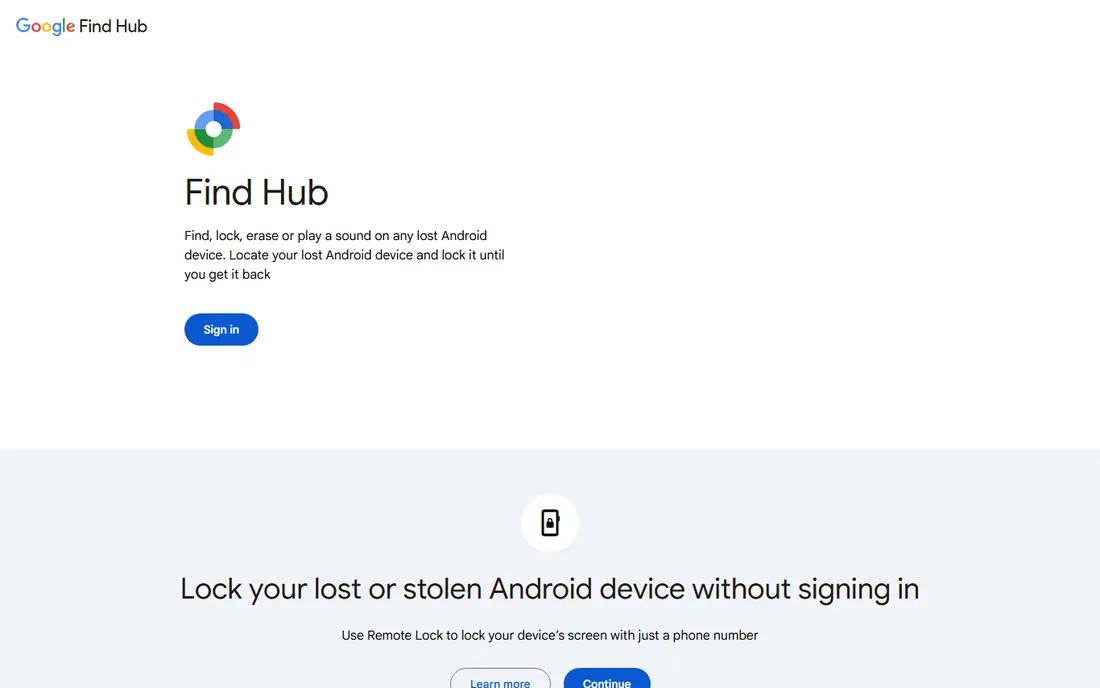
Google Find Hub, formerly Find My Device, is the first tool to set up on any Android phone, because it is already there. From a browser or another device, you can see your phone's last known location, play a sound to find it nearby, lock it, or erase it if recovery looks unlikely. That last step protects your data, but it also ends tracking, so use it only when you accept the phone may not come back.
The limits are practical, not hidden. A phone that is off, out of battery, or without a connection may only show its last location. Keep location services and Find Hub turned on, and test it once with a second device so you know the steps before you actually lose a phone.
- Built into Android
- Can ring, lock, and erase your own device remotely
- Works with compatible trackers
- Needs your Google account signed in and location on
- Finding a phone that is off or offline is limited
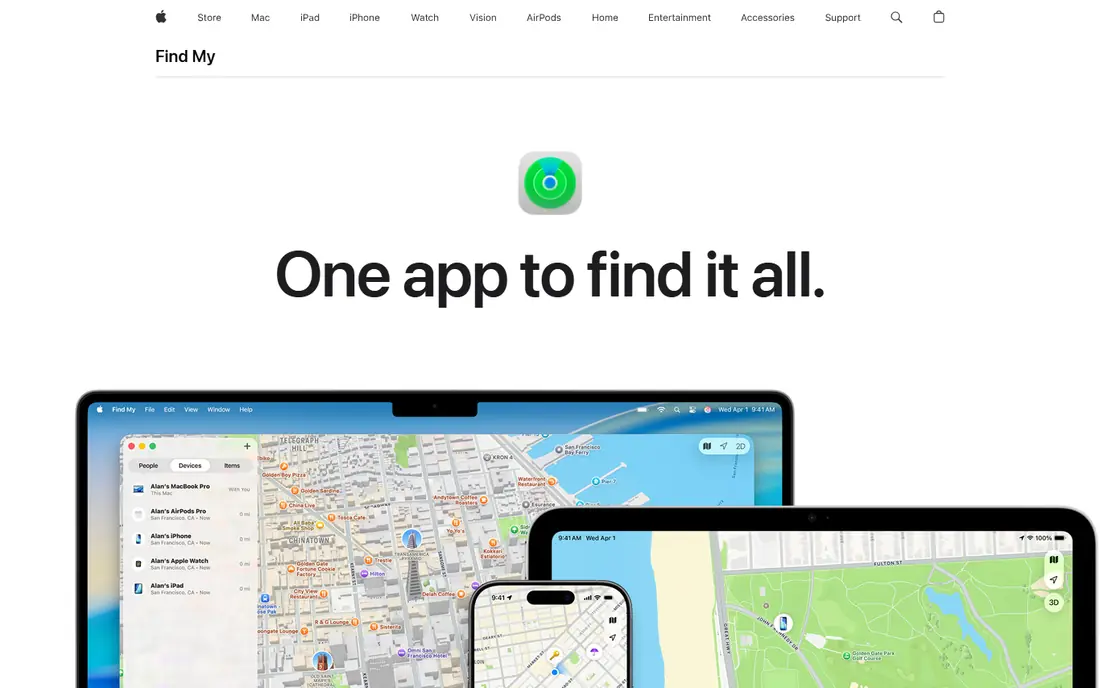
Apple Find My is the matching first step for iPhone owners. You can locate your own iPhone, iPad, Mac, Watch, or AirPods, play a sound, mark a device as lost, and lock it remotely. The Find My network can also help locate a device that is offline, using nearby Apple devices to relay an encrypted location, which improves the odds of recovery.
Family sharing works when each person agrees to share location with the family group, and any member can stop sharing at any time. That consent model is the right one for families. If you use Android as well as Apple devices, you will need a cross-platform app for shared family maps, since Find My stays inside Apple products.
- Built into iPhone, iPad, and Mac
- Find My network helps locate offline devices
- Easy family sharing with consent
- Works only within the Apple ecosystem
- Precise finding needs a compatible device nearby
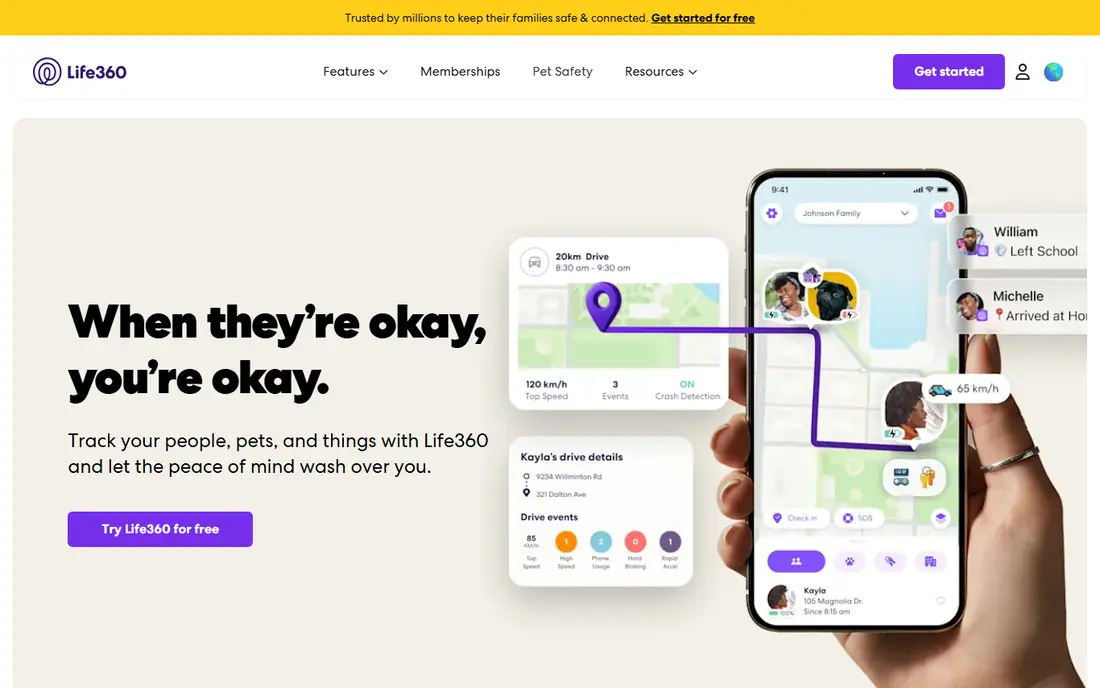
Life360 is the best-known family locator, and its Circles model fits households well. Each family member joins a Circle and agrees to share location, and the app can send alerts when someone arrives at or leaves a place such as home or school. Paid tiers add longer history, driving reports, crash detection, and emergency dispatch features.
Consent and conversation matter here more than features. Agree as a family on what sharing is for, such as school runs and teen driving safety, and respect a member's wish to pause or limit sharing where the app allows it. The free tier covers basic sharing, but check the current paid tiers on the vendor site if you want crash detection or longer history.
- Circles for family groups
- Place alerts for home and school
- Crash detection and SOS on paid tiers
- Free tier limits history and features
- Some family members may find constant sharing intrusive
Glympse is the right tool when sharing should end on its own. You send a Glympse with a time limit, such as 30 minutes for a journey home, and the recipient can watch your progress without installing an app. When the time runs out, sharing stops, which avoids the awkwardness of an always-on tracker for a one-off trip.
That simplicity is also its limit. Glympse does not replace a family locator for daily school runs or ongoing safety, since it has no place alerts or history in the same way. Use it for trips, meetups, and deliveries, and use a family app for regular sharing with consent.
- Share location for a set time only
- No ongoing tracking by default
- Recipient needs no account to view
- Not suited to ongoing family monitoring
- Features are simpler than Life360
iSharing suits mixed-device families, since it works on both iPhone and Android with a shared map. Family members who agree to share can see each other in real time, get arrival alerts, and message inside the app. That cross-platform support matters in households where not everyone uses the same phone brand.
As with any tracker, accuracy depends on location permissions, background app settings, and battery. Check that each phone allows location access in the background, or updates will lag. The free tier covers basic sharing, with paid features for longer history and extra alerts, so verify the current tiers on the vendor site.
- Works on iPhone and Android
- Real-time family map
- Alerts and messaging in one app
- Free tier has limits
- Accuracy depends on phone settings and battery use
Family Locator, from Sygic, offers a straightforward family map with place alerts and an SOS option, without a heavy feature list. That simplicity appeals to families who want a shared map and arrival notices, but do not need driving reports or crash detection. Setup is quick, and each member controls their own sharing.
The smaller community means fewer public reviews to compare, so test the free tier with your family for a week before paying. Check battery use too, since any always-on locator can drain a phone faster if permissions are set to constant high accuracy. For a simple, consent-based family map, it does a solid job.
- Clear family map
- SOS and place alerts
- Works across iPhone and Android
- Smaller user base than Life360
- Some advanced features need a paid plan
GeoZilla is a budget-friendly family locator that covers the basics well. The free tier offers real-time sharing for family members who agree to it, and paid tiers add longer history and more alerts. It works on iPhone and Android, which helps mixed households, and the app stays focused on location rather than adding unrelated tools.
The interface is plainer than Life360, and some users may miss driving reports or crash features. If your main need is a shared map and place alerts at low cost, GeoZilla is worth testing. As always, agree the rules as a family first, and let each person manage their own sharing.
- Free family sharing
- Place alerts and location history on paid tiers
- Works on both major platforms
- Interface is simpler than rivals
- Paid features are needed for fuller history
Prey is different from the family apps above, since it is built to find and protect devices you own, not to track people. You install it on your own phones, laptops, and tablets, and if one goes missing, you can locate it, lock it, sound an alarm, and gather a report to help recovery. That makes it a good companion to Find Hub or Find My for users with several devices.
It is not a family locator, and it should not be used to follow another person. The free tier covers a limited number of devices, with paid plans for more devices and features. For a household with many laptops and phones, Prey adds a useful safety net for the hardware itself.
- Covers phones, laptops, and tablets you own
- Remote lock and wipe
- Reports for lost devices
- Built for device recovery, not family location sharing
- Free tier limits device count
How we picked these
We reviewed each vendor's own feature and pricing pages and app store listings, and we used "See website" where pricing was not clearly published. We included only tools with legitimate, consent-based uses, and we excluded apps marketed for secret surveillance. We favored free tiers that genuinely work, cross-platform support for families, and clear privacy controls. We did not claim hands-on testing; our comparison rests on official pages, listings, and public documentation.
How to use a phone tracker safely and legally
Start with the job, not the app. If the job is finding your own phone, use the built-in tool for your platform and stop there. If the job is family safety, pick one app, agree the rules together, and keep sharing limited to what the family actually needs. Everyone who shares location should know they are sharing, why, and how to stop.
Check the settings on each phone. Location sharing needs background permission to update reliably, but that permission also uses battery, so test for a week and adjust accuracy settings if the battery drain is too high. For children, use parental tools that fit your child's age and your local law, and talk with older children about why sharing is in place. For adults, consent is not optional, and tracking an adult partner, colleague, or stranger without their knowledge is not a use we recommend.
Finally, protect the account itself. Use a strong password and two-factor authentication on the tracker account, since that account can reveal where your family is. Review who is in each sharing group every few months, remove people who no longer need access, and delete location history you do not need. A tracker should increase safety, not create a new privacy risk.
Frequently asked questions
What is the best app to track a phone location for free?
Google Find Hub is the best free pick for your own Android phone, and Apple Find My is the best free pick for your own Apple devices. For family sharing with consent, Life360's free tier is the strongest all-round free option. The right pick depends on whether you are finding a device or sharing location within a family.
What is the best app for tracking a phone location with family consent?
Life360 is our pick for most families, thanks to Circles, place alerts, and cross-platform support. iSharing and GeoZilla are good alternatives for mixed iPhone and Android households. Agree the sharing rules as a family first, and make sure every member knows how to pause or change their sharing.
Can I track someone's phone without them knowing?
We do not recommend that, and it may break the law where you live. Legitimate tracking covers your own device, a lost phone, and family safety where everyone has agreed to share. If you are worried about a family member's safety, talk with them, use a consent-based app, or contact local authorities in an emergency.
How do I find my lost phone for free?
On Android, open Google Find Hub from a browser, sign in to your Google account, and choose ring, lock, or erase. On iPhone, open Find My from another Apple device or iCloud, and use the same options. Act quickly, since a phone that runs out of battery or goes offline may only show its last known location.
Do free phone tracker apps work well?
Free tiers work well for basic finding and sharing, but they often limit history, alerts, and the number of places or devices. Built-in tools such as Find Hub and Find My are free and reliable for device recovery. For family features such as crash detection or long history, check whether a paid tier is worth it for your household.
What is the best location tracking app for a family with iPhones and Android phones?
Life360, iSharing, and GeoZilla all work across iPhone and Android, which makes them better family picks than Apple Find My or Google Find Hub alone. Test one app with your family for a week, check battery use and update speed, and keep sharing limited to members who have agreed to it.
Sources we checked (8)

Online Jobs is an independent blog about careers, online work, learning new skills and the tools that help people earn. More about us.
Keep reading
All posts
Surfshark Alternatives
Looking for Surfshark alternatives? We compare 8 VPN services on price, privacy, streaming, and device limits to help you find a VPN that fits your needs.

NordPass Alternatives
We compared NordPass alternatives for families, solo users and teams, checking pricing, free plans, passkeys and sharing, so you can switch safely today.

LLM Tool Integration Security Best Practices
Learn LLM tool integration security best practices for 2026, with eight tools for guardrails, tool scoping, sandboxing, agent governance and audit logging.