Best Personal Finance Software in 2026: 8 Apps Compared

How we put this together: we compare official feature and pricing pages, app store listings, privacy policies and public user reviews. Prices change, so check the provider's site before you pay.
Key takeaways
- Monarch Money is the best all-round household dashboard, combining budgets, net worth and investments in one place.
- YNAB suits people who want a hands-on method that changes spending habits, with zero-based budgeting at its core.
- Quicken Simplifi is the best low-cost all-rounder, with cash-flow forecasting at a lower price than most rivals.
- Rocket Money, Goodbudget and NerdWallet offer genuinely useful free tiers for subscription tracking, envelopes and tracking.
- This guide is general information only, not financial advice, and prices vary with promotions and billing term.
Quick comparison
| Name | Who it suits | Starting price | Free option | |
|---|---|---|---|---|
 Monarch Money Monarch Money | Household dashboard | $14.99 per month | Free trial | Visit |
 YNAB YNAB | Zero-based budgeting | $14.99 per month | Free trial | Visit |
 Quicken Simplifi Quicken Simplifi | Low-cost all-rounder | $5.99 per month | Free trial | Visit |
 Copilot Money Copilot Money | Apple users and design | $13 per month | Free trial | Visit |
 Rocket Money Rocket Money | Subscription tracking | Free | Yes | Visit |
 EveryDollar EveryDollar | Simple zero-based plans | Free | Yes | Visit |
 Goodbudget Goodbudget | Envelope budgeting | Free | Yes | Visit |
 NerdWallet NerdWallet | Free tracking and credit score | Free | Yes | Visit |
The best personal finance software
This guide is general information only, not financial advice, and it does not recommend specific investments or debt strategies for your situation. We compared apps on bank sync, budgeting method, cash-flow tools, investment tracking, household sharing and price, using vendor pricing pages and recent budgeting app comparisons. Prices change with promotions, so check the vendor page before subscribing.
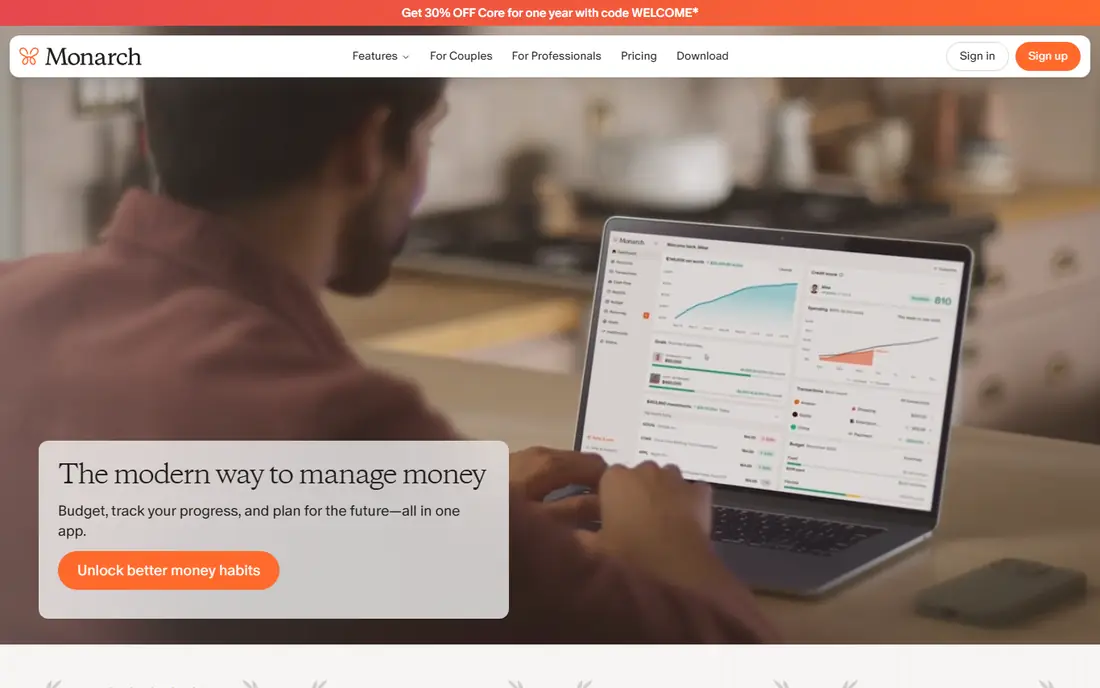
Monarch Money is our pick for households that want one clear view of money. It links bank, card, loan and investment accounts, shows net worth beside budgets and cash flow, and lets partners share the same dashboard with custom views. Flexible budgeting suits couples and families whose spending does not fit a rigid monthly template, and goal tracking helps with savings and debt plans. There is no free tier, only a 7-day trial, and pricing at $14.99 per month or $99.99 per year is higher than budget rivals. If you will actually open the dashboard weekly and share it with a partner, that cost is justified, but casual users who only glance monthly may prefer a free tool.
- Budgets, net worth and investments in one dashboard
- Good household sharing
- Flexible planning tools
- No lasting free tier
- Price is higher than Simplifi
- 7-day trial is short
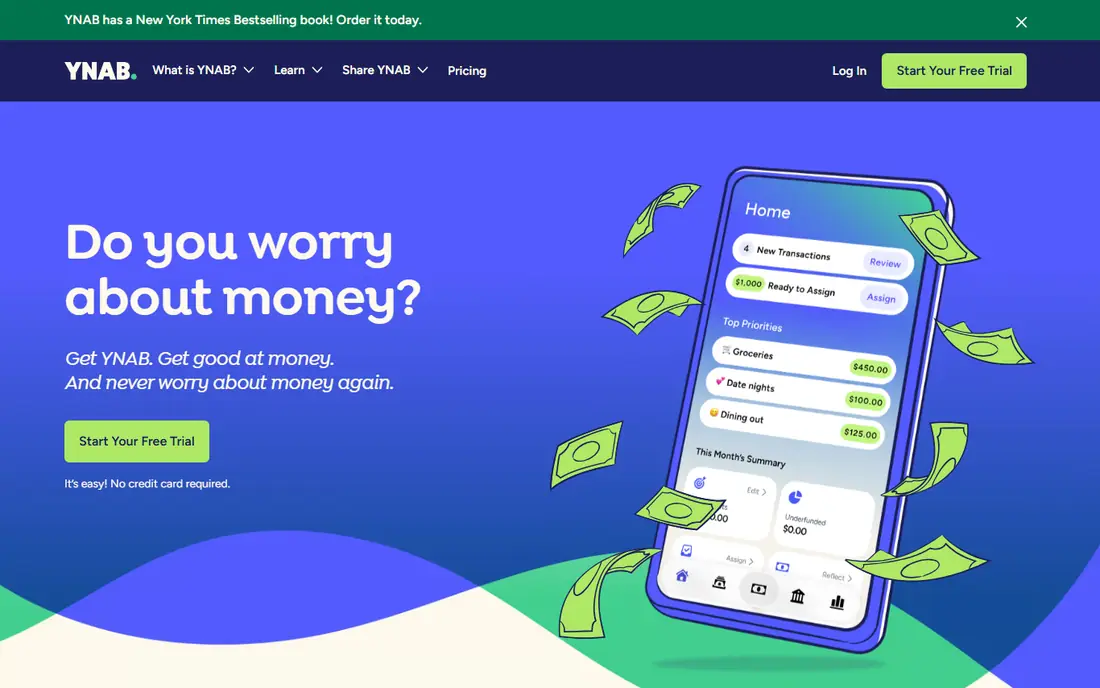
YNAB, short for You Need A Budget, is less an app and more a method with an app attached. Every dollar gets a job, you budget only money you actually have, and you adjust as life changes, which helps many users break paycheck-to-paycheck cycles. Workshops, guides and support teach the method, and the app tracks progress against each category in real time. The method needs regular work, with pricing at $14.99 per month or $109 per year and a 34-day trial. Users who only glance weekly often struggle, while users who check categories a few times a week report the biggest change. If you want a system that changes habits, YNAB is the strongest choice here.
- Clear zero-based method
- Strong habit change for many users
- Good workshops and support
- Learning curve for new users
- Price is high
- Needs regular attention to work well
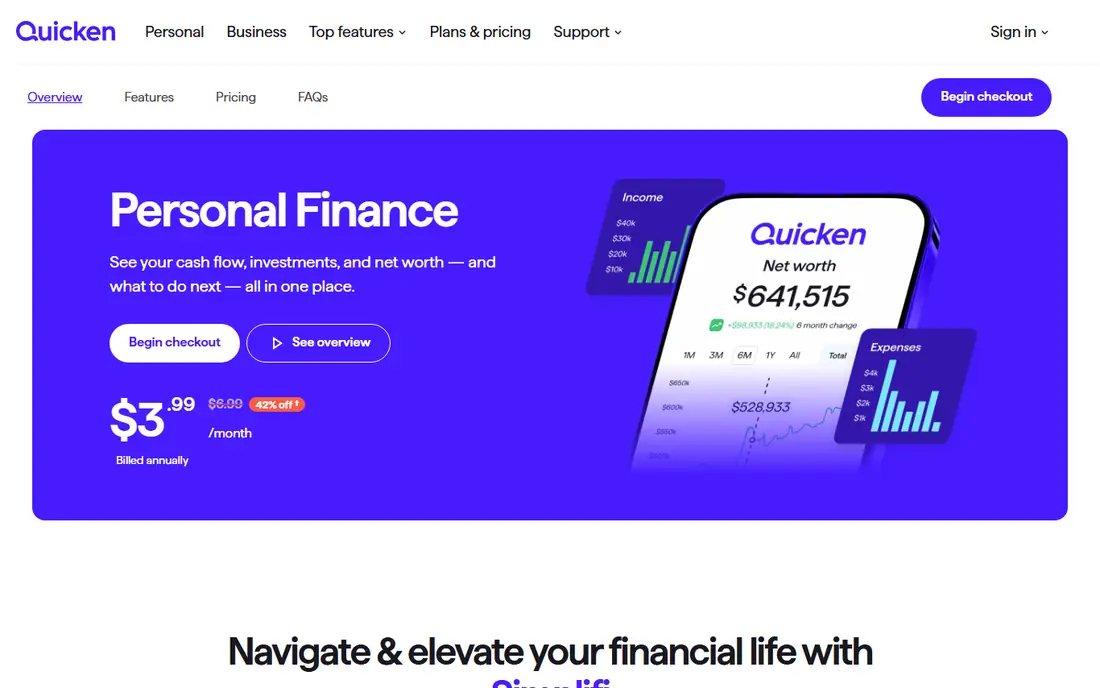
Quicken Simplifi offers most of what Monarch does at a lower price, with bank sync, categorisation, a spending plan and cash-flow forecasting that projects future balances. That forecast is the standout feature, since it warns you about a low balance before it happens, rather than only reporting past spending. Watchlists and custom reports add useful control without complexity. Household design is less polished than Monarch, and first-year promotional pricing can differ from the renewal rate, so check the price you will pay after year one. At $5.99 per month billed annually on standard pricing, Simplifi is the best value all-rounder for solo users and small households.
- Low price for an all-rounder
- Cash-flow forecasting
- Spending plan and watchlists
- Household sharing is thinner than Monarch
- Promotional first-year price differs from renewal
Copilot Money is the best-looking finance app on this list, and that design helps daily use. It syncs accounts, categorises transactions intelligently, tracks net worth and investments, and presents spending in a clean, readable way on iPhone, iPad and Mac. Apple households who open the app daily will appreciate how fast it is to review, correct and understand transactions. The limit is platform, since there is no Android app, so mixed-device households cannot share it fully. Pricing at $13 per month or $95 per year sits in the mid-range, with a one-month trial. For Apple-only users who value design and daily review, Copilot is a strong pick.
- Beautiful Apple design
- Smart categorisation
- Good investment and net worth views
- Apple devices only
- No Android app
- Price is mid-range
Rocket Money starts with the problem many people actually have, which is forgotten subscriptions. The free tools track recurring charges, show spending patterns and flag price rises, while Premium adds bill negotiation, smart savings and deeper budgeting, priced on a pay-what-you-want basis within a set range. For a quick cleanup of monthly bills, the free tier alone can save real money. Premium features are the catch, since the most useful tools need payment, and the variable Premium price makes total cost harder to compare. Use Rocket Money first for subscription cleanup, then decide whether Premium adds enough beyond a dedicated budgeting app to justify it.
- Free subscription tracking
- Bill negotiation tools on Premium
- Spending insights
- Key tools sit behind Premium
- Premium price is pay-what-you-want and varies
EveryDollar offers the simplest zero-based budget on this list, following the method popularised by Dave Ramsey. The free version lets you create a monthly plan by hand, assign every dollar and track spending against each category, which suits users who prefer a clear, no-frills system. The interface stays simple, with no investment clutter or complex forecasting. Bank sync requires Premium, priced at $17.99 per month or $79.99 per year, and the rigid monthly structure suits steady incomes better than variable freelance income. If you like manual budgeting and a simple method, the free version is an excellent starting point, with Premium as an optional upgrade.
- Simple zero-based budgeting
- Free manual version
- Clear Ramsey-style method
- Bank sync needs Premium
- Method is rigid for variable incomes
Goodbudget brings the cash envelope method to a phone, without requiring bank links. You divide money into digital envelopes for groceries, rent, transport and fun, then spend from each envelope until it is empty, which makes limits visible in a way a bank balance does not. Couples can share a budget and sync envelopes across devices, which helps joint spending. The free tier limits envelopes, accounts and devices, with Plus at $10 per month or $80 per year adding more envelopes and bank sync in supported regions. Manual entry suits users who want control and privacy, but it takes discipline. For envelope budgeting without bank connections, Goodbudget remains the classic choice.
- Digital envelope method
- Free tier for basic use
- Good for shared household budgets
- Free tier limits envelopes and accounts
- Bank sync needs Plus in supported regions
NerdWallet offers free account tracking, credit score monitoring and spending insights in one place. Link bank and card accounts to see balances and transactions beside educational guides, calculators and credit tools, which helps beginners understand their money without paying. For users who mainly want oversight and learning resources, not daily budgeting, the free tools are hard to beat. It is not a full budgeting app, with weaker category budgets than YNAB or Monarch, and some tools need a paid plan. Pair NerdWallet with a budgeting app if you need both free tracking and detailed spending plans, or use it alone if account overview and credit monitoring are your main needs.
- Free account tracking
- Credit score monitoring
- Spending insights
- Not a full budgeting app
- Some features need a paid plan
How we picked these
We checked vendor pricing pages, feature pages and app listings, and compared them with recent budgeting app guides. We favoured apps with current sync, budgeting or tracking features, a clear free or trial path, and a distinct method or strength, and we left out discontinued apps and narrow bill-only tools. Prices, trial lengths and free limits change often, so confirm them on the vendor page before subscribing.
How to choose personal finance software
Pick a method, not just an app
Zero-based budgeting, envelope budgeting, flexible dashboards and simple tracking suit different habits. YNAB and EveryDollar suit hands-on planners, Goodbudget suits envelope users, Monarch and Simplifi suit dashboard watchers, and NerdWallet suits free tracking. Choose the method you will actually maintain, since an unused app saves nothing.
Test bank sync with your accounts
Link your main bank, card and loan accounts during the trial and check that transactions import, categorise and update reliably. Sync problems are the most common reason people abandon a finance app, so a week of real transactions tells more than a feature list. Check how the app handles joint accounts, business accounts and manual entries.
Count the total yearly cost honestly
Compare annual prices, not monthly headlines, and include Premium upgrades, bank sync costs and promotional renewals. A $5.99 per month app billed annually costs far less than a $14.99 per month app, but only if you use it. Start free where possible, then pay for the app you open most often.
Review money weekly, not just monthly
Set a short weekly review to categorise transactions, check upcoming bills and adjust categories. That habit catches errors, forgotten subscriptions and cash-flow problems early, and it turns a dashboard into a useful tool rather than a report you ignore until month end.
Frequently asked questions
What is the best money management software for couples?
Monarch Money is the best couples pick, thanks to shared dashboards, flexible budgets and net worth tracking in one place. Goodbudget also suits couples who prefer envelope budgeting and shared limits. Test household sharing during the trial, since partner access varies by app.
What is the best personal finance app that is free?
NerdWallet is best for free tracking and credit scores, Rocket Money is best for free subscription tracking, and Goodbudget is best for free envelope budgeting. No free app covers every feature, so pick the free tool that matches your main job, or pair two free tools together.
Is YNAB worth the price?
YNAB is worth it for users who commit to its zero-based method and check categories regularly, since many users report changed spending habits. It is less worth it for users who only glance monthly or want a passive dashboard, in which case Simplifi or Monarch may fit better.
What happened to Mint?
Mint, the free budgeting app from Intuit, shut down in March 2024, with users directed to Credit Karma, which does not offer the same budgeting features. Monarch Money, Simplifi and Copilot are the most common replacements for former Mint users, depending on device and budget.
Do finance apps sell my data?
Policies vary by vendor, so read the privacy page and data controls for the app you choose. Reputable apps use bank-level encryption and allow you to control data sharing, but avoid linking accounts you do not need, and review connected accounts regularly.
Can personal finance software help with debt?
Yes, by showing total debt, interest, cash flow and payoff progress in one place, and by helping you assign extra payments to a target debt. YNAB, Monarch and Simplifi all support debt goals, but for serious debt problems, consider a nonprofit credit counsellor alongside an app, since this guide is not financial advice.
Sources we checked (8)

Online Jobs is an independent blog about careers, online work, learning new skills and the tools that help people earn. More about us.
Keep reading
All posts
Best Trading Apps for Beginners
Compare the best trading app for beginners, with $0 stock commissions, fractional shares, education, paper trading and account types explained in 2026 now.
Best Trading App
We compared the best trading apps for beginners and active traders on fees, tools, accounts and ease of use, so you can pick a platform that fits your plan.
Best Tax Software
Compare the best tax software in 2026 for simple returns, investors, freelancers, and preparers, with free options, state fees, and honest limits for filing.