Best Pedometer App in 2026: 8 Apps Compared

How we put this together: we compare official feature and pricing pages, app store listings, privacy policies and public user reviews. Prices change, so check the provider's site before you pay.
Key takeaways
- Pacer is our pick for most people, because it counts steps well, adds goals and challenges, and works on both iPhone and Android.
- Apple Health and Google Fit are the best free starting points, since they are already on your phone and cost nothing extra.
- StepsApp and Pedometer++ style simplicity suits walkers who want a clean daily count without social feeds or coaching.
- Sweatcoin and Strava suit walkers who need rewards or route tracking, but both use more battery and collect more data.
Quick comparison
| Name | Who it suits | Starting price | Free option | |
|---|---|---|---|---|
 Pacer Pacer | All-round step counting | Free | Yes | Visit |
 Apple Health Apple Health | iPhone owners who want built-in tracking | Free | Yes | Visit |
 Google Fit Google Fit | Android owners who want built-in tracking | Free | Yes | Visit |
 StepsApp StepsApp | Clean daily step visuals | Free | Yes | Visit |
 Accupedo Accupedo | Simple counting with a widget | Free | Yes | Visit |
 Fitbit Fitbit | Step counting plus a wearable | Free | Yes | Visit |
 Samsung Health Samsung Health | Samsung phone and watch owners | Free | Yes | Visit |
 Strava Strava | Walkers who also track routes | Free | Yes | Visit |
The best pedometer app
A good pedometer app should count steps without draining your battery, show your progress at a glance, and stay out of your way. The apps below cover that range, from built-in phone tools to social walking apps and reward apps. We compared official app store listings, feature pages, and pricing pages to build this list.
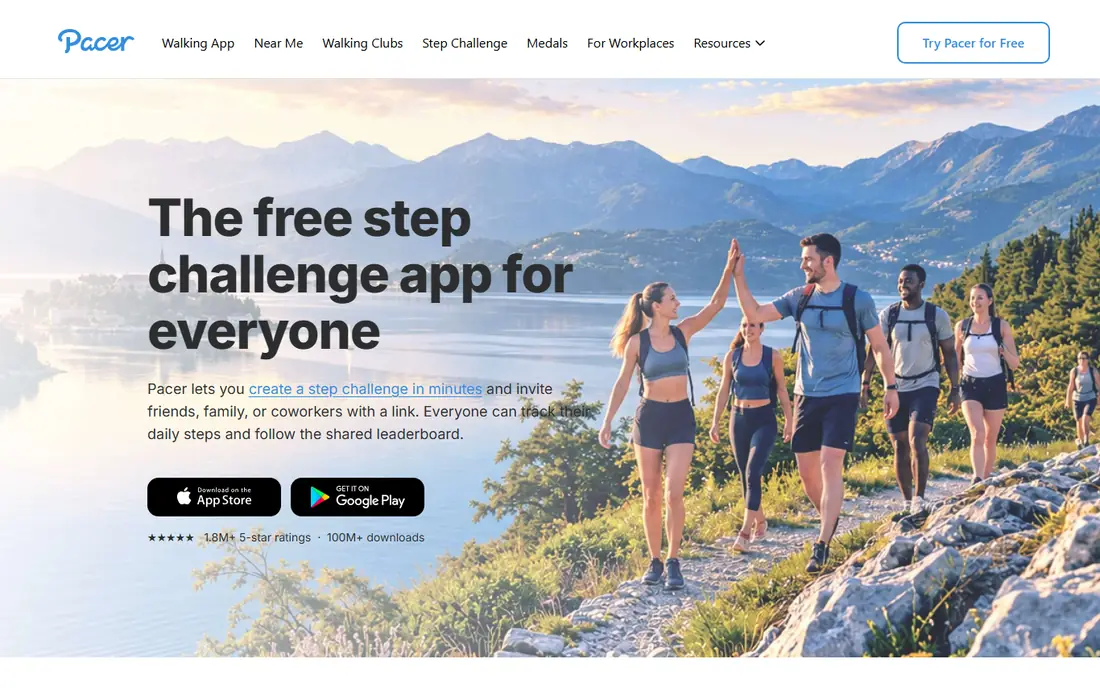
Pacer counts steps using your phone sensor and adds calorie, distance, and weight tracking in the same app. Guided walking plans and group challenges give casual walkers a reason to keep going, and the trends view makes weekly progress easy to read. It also syncs with Fitbit, Garmin, Apple Health, and Google Fit, so your steps do not get trapped in one app.
The free version includes ads, and the more structured plans require a paid subscription. Battery use is also higher than a bare step counter, since Pacer does more in the background. For most walkers, the free tier is enough to test, and the paid tier only makes sense if you actually follow the plans.
- Works on iPhone and Android
- Guided plans and challenges
- Syncs with Fitbit, Garmin, and health apps
- Free version shows ads
- Full plans and coaching sit behind a subscription

Apple Health quietly counts your steps using your iPhone motion sensor, and it pulls in steps from an Apple Watch when you wear one. There are no ads, no subscription, and no separate account to manage, which makes it the lowest-friction option for iPhone owners. Trends and daily totals are easy to check without opening another app.
The trade-off is motivation. Apple Health shows your numbers but does not coach you, set adaptive goals, or run challenges the way Pacer or Fitbit do. It is a tracker, not a program. Pair it with a dedicated app if you want plans and social features, or keep it if a clean count is all you need.
- Already installed on iPhone
- No ads or subscription
- Steps stay on device and in iCloud
- IPhone only
- No coaching or challenges built in
Google Fit counts steps and activity on Android phones and Wear OS watches, and it adds Heart Points for more intense movement. That second goal helps walkers who also do brisk walks or workouts, since steps alone do not capture effort. It connects with many health apps, so your data can move to other tools.
Google Fit is simpler than a full fitness platform, with limited challenges and no deep coaching. Some users also worry about its long-term future, since Google has shifted focus to Health Connect on Android. As a free, built-in step counter, it still does the job well today.
- Free on Android
- Heart Points add a second goal
- Works with many wearables and apps
- Fewer social features than Pacer
- Future development has slowed
StepsApp focuses on one job: showing your steps clearly. The calendar view, streaks, and monthly trends make it easy to spot good weeks and quiet weeks at a glance. It reads steps from Apple Health, so it does not need to run its own heavy tracking in the background.
The free version covers the core count, while extra widgets and themes sit behind a yearly subscription. Android users get a thinner feature set than iPhone users, so check the current store listing for your phone. If you want a tidy step diary without a social feed, StepsApp is a strong pick.
- Clear calendar and trend views
- Works with Apple Health
- Low clutter
- Premium features need a subscription
- Android version is more limited
Accupedo keeps things deliberately narrow. It counts steps, shows distance and calories, and puts a widget on your home screen so you can check progress without opening the app. Its motion filtering aims to ignore false steps from driving or shaking, which helps accuracy for phone-in-pocket walking.
You will not get coaching, challenges, or deep health tracking here. The design is functional rather than polished, and the premium tier adds little beyond removing limits. Accupedo suits walkers who want a widget and a number, and nothing else competing for attention.
- Home screen widget for a quick count
- 3D motion filtering
- Low battery use
- Steps only, with few extra health metrics
- Design feels basic
Fitbit is the pick if you already wear, or plan to buy, a Fitbit tracker or watch. Steps sync automatically, and the app adds sleep, heart rate, and activity data around that step count. Challenges with friends and family add a social push that phone-only apps often lack.
Without a Fitbit device, the app is still usable but less compelling, since phone step counting is not its main strength. Fitbit Premium adds guided programs and deeper insights for a monthly fee. Buy into Fitbit for the wearable ecosystem, not just for a phone step counter.
- Works with Fitbit trackers and watches
- Challenges and community features
- Sleep and heart data alongside steps
- Best experience needs a Fitbit device
- Premium coaching costs extra
Samsung Health is the built-in choice for Samsung phone owners, and it pairs naturally with a Galaxy Watch. It tracks steps alongside workouts, sleep, and weight, so walkers who want a broader health picture do not need three separate apps. Challenges and together features add a light social layer.
On non-Samsung Android phones, the experience is thinner, and some features vary by country. It is also a broad health app, so step counting is one tab among many rather than the whole focus. For Samsung owners, it is the obvious free starting point.
- Free on Samsung devices
- Steps, workouts, sleep, and food logging in one app
- Works with Galaxy Watch
- Best on Samsung hardware
- Some features vary by region
Strava is best known for running and cycling, but it also records walks with GPS maps, pace, and elevation. That route view suits walkers who care where they went, not just how many steps they took. Challenges and clubs add motivation, and the community is large and active.
Strava is not a pure pedometer. It does not focus on all-day step totals the way Pacer or Apple Health do, and GPS tracking uses more battery than sensor-only counting. Use Strava for recorded walks and routes, and keep a dedicated step counter running for your daily total.
- GPS route maps for walks
- Segments and challenges
- Large active community
- Higher battery use with GPS
- Step counting is secondary to activity tracking
How we picked these
We compared official app store listings and feature pages for step counter apps that work today on iPhone or Android, count steps without a mandatory wearable, and offer a genuine free tier. We favored apps with clear pricing, reasonable battery use, and health app sync, and we included built-in tools, simple counters, and social options so different walking styles are covered. We did not claim hands-on testing.
How to get more accurate step counts
Carry your phone in a pocket or on your body rather than in a loose bag, since a swinging bag creates false steps and missed steps alike. Give the app motion permission and, on Android, turn off aggressive battery optimization for it, or the system may pause counting in the background. Wearable users should wear the device snugly on the wrist, since a loose watch undercounts.
Also set a realistic goal before you judge an app. A jump from 3,000 to 10,000 steps in one week is hard to hold, while a 500-step weekly increase tends to stick. Check your weekly average rather than one good day, and compare apps over a full week on the same phone if you want a fair accuracy test.
Frequently asked questions
What is the best free step counter app?
Pacer is our pick for the best free step counter app, because its free tier covers step counting, trends, and challenges on both iPhone and Android. Apple Health on iPhone and Google Fit on Android are also fully free and need no extra download. StepsApp and Accupedo are good free choices if you want a simpler, quieter app.
What is the best pedometer app for Android?
Pacer and Google Fit lead on Android. Google Fit is free, built in on many phones, and syncs with Health Connect, while Pacer adds plans, challenges, and device sync. Accupedo is a good lightweight Android choice if you want a widget and low battery use.
What is the best pedometer app for iPhone?
Apple Health is the best built-in iPhone option, with no ads and no cost. Pacer is the best full-featured iPhone step counter, and StepsApp suits iPhone users who want clean visuals and streaks. Fitbit is the pick if you also wear a Fitbit device.
Do pedometer apps work without a smartwatch?
Yes, all eight apps count steps using your phone sensor, with no watch required. A watch improves accuracy and adds heart and sleep data, but it is optional. Keep the phone on your body during walks for the best count.
Do step counter apps drain battery?
Sensor-only counters such as Apple Health, Google Fit, and Accupedo use very little battery. Apps with GPS route tracking, such as Strava, use more, especially on long walks. If battery life matters, turn off GPS tracking for daily counting and save it for recorded walks.
Sources we checked (8)

Online Jobs is an independent blog about careers, online work, learning new skills and the tools that help people earn. More about us.
Keep reading
All posts
Best workout apps for women
Compare the best workout apps for women in 2026, from free guided classes to structured strength plans, with current prices, free plans and honest trade-offs.

Best Yoga App
Find the best yoga app for home practice in 2026, with verified prices, free options, class styles, trials and honest limits for 10 yoga apps compared.
Best Workout Tracker App
We compared the best workout tracker app options for gym, home, and running training, checking prices, free plans, and logging tools in detail. See inside.