Best PCB Design Software in 2026: 8 Tools Compared

How we put this together: we compare official feature and pricing pages, app store listings, privacy policies and public user reviews. Prices change, so check the provider's site before you pay.
Key takeaways
- KiCad is the best free PCB tool, with no board size limits and professional features that suit many commercial projects.
- Altium Designer remains the professional standard for complex, high-speed boards, but it needs a serious budget and learning time.
- EasyEDA and Flux suit fast prototypes, especially for browser-based work with quick fabrication ordering.
- Autodesk Fusion suits products where the board and the enclosure are designed together in one mechanical workflow.
- Check library quality, export formats, and fabrication file support before you commit, since switching tools mid-project is costly.
Quick comparison
| Name | Who it suits | Starting price | Free option | |
|---|---|---|---|---|
 KiCad | Free professional PCB design | Free | Yes | Visit |
 Altium Designer | Complex professional boards | See website | Free trial | Visit |
 EasyEDA | Fast browser prototypes | Free | Yes | Visit |
 Autodesk Fusion | Boards plus mechanical design | $57 per month | Free trial | Visit |
 OrCAD X | Schematic-driven design | See website | Free trial | Visit |
 DipTrace | Affordable perpetual licences | Free | Yes | Visit |
 Flux | Collaborative browser design | See website | Yes | Visit |
 DesignSpark PCB | Free simple boards | Free | Yes | Visit |
The best pcb design software
PCB design software covers schematic capture, where you draw the circuit, and layout, where you place parts and route traces on the board. The best tool depends on board complexity, team size, and if you need high-speed design, simulation, or mechanical integration. We compared official feature pages, pricing pages, and public documentation, and we used See website where a vendor sells mainly through quotes.
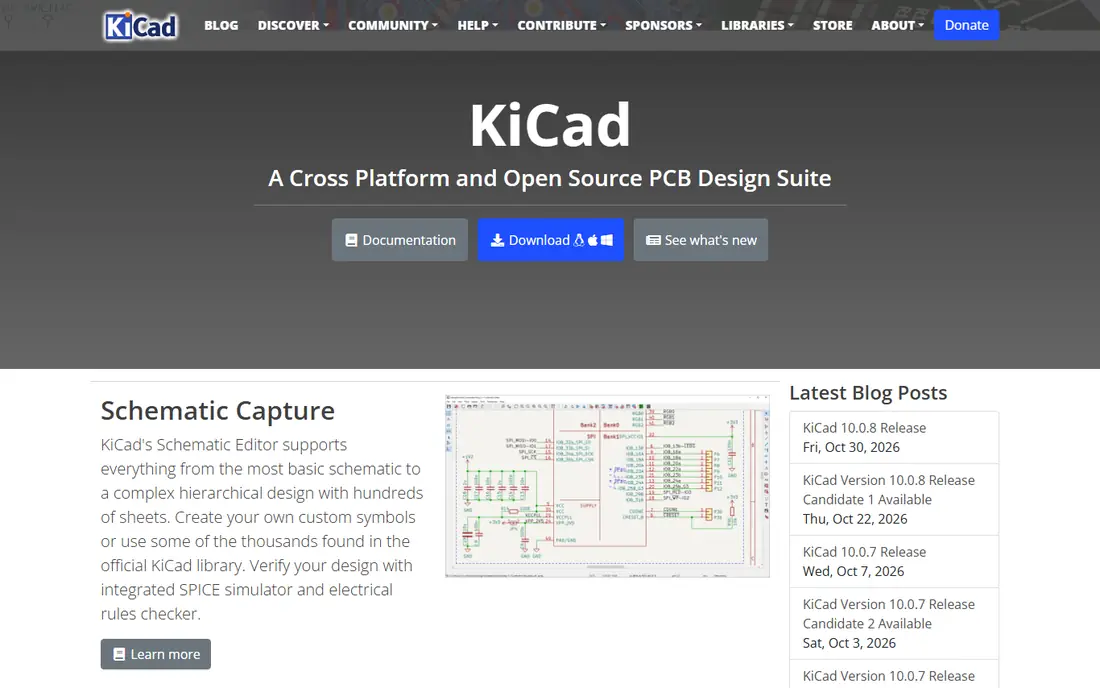
KiCad is the free pick that genuinely competes with paid tools. You get schematic capture, PCB layout, a 3D viewer, and simulation tools without paying for a licence, and there are no artificial limits on board size or layers. That makes it suitable for hobbyists, startups, and many professional projects, especially when budget matters more than enterprise support. Community libraries and forums help with parts and problems.
The learning curve is real, and library management needs more manual care than Altium. High-speed design with field-solver impedance tools is also less automated, so very dense boards may still need a commercial tool. For most boards up to moderate complexity, though, KiCad is the best value in PCB design, and it keeps improving with each release.
- Free and open source with no size limits
- Schematic, layout, and 3D viewer in one package
- Large community libraries
- Learning curve for new users
- Library management takes more manual work

Altium Designer is the professional standard for complex boards. Its libraries, supply chain integration, and design rule tools help teams manage thousands of parts, high-speed signals, and multi-board products with confidence. Manufacturing outputs, including fabrication and assembly files, are thorough, which reduces back-and-forth with fabricators. For a hardware team shipping complex products, Altium pays for itself in fewer respins and clearer handoffs.
The cost and learning curve are the barriers. Subscription pricing is high, and new engineers need training before they use the full tool well. Smaller teams should compare Altium with KiCad and DipTrace before committing, since many boards do not need Altium depth. If your boards are dense, high-speed, or safety-critical, Altium is still the safest professional pick.
- Deep libraries and supply chain data
- Strong high-speed and multi-board tools
- Excellent manufacturing outputs
- High subscription cost
- Steep learning curve for new engineers
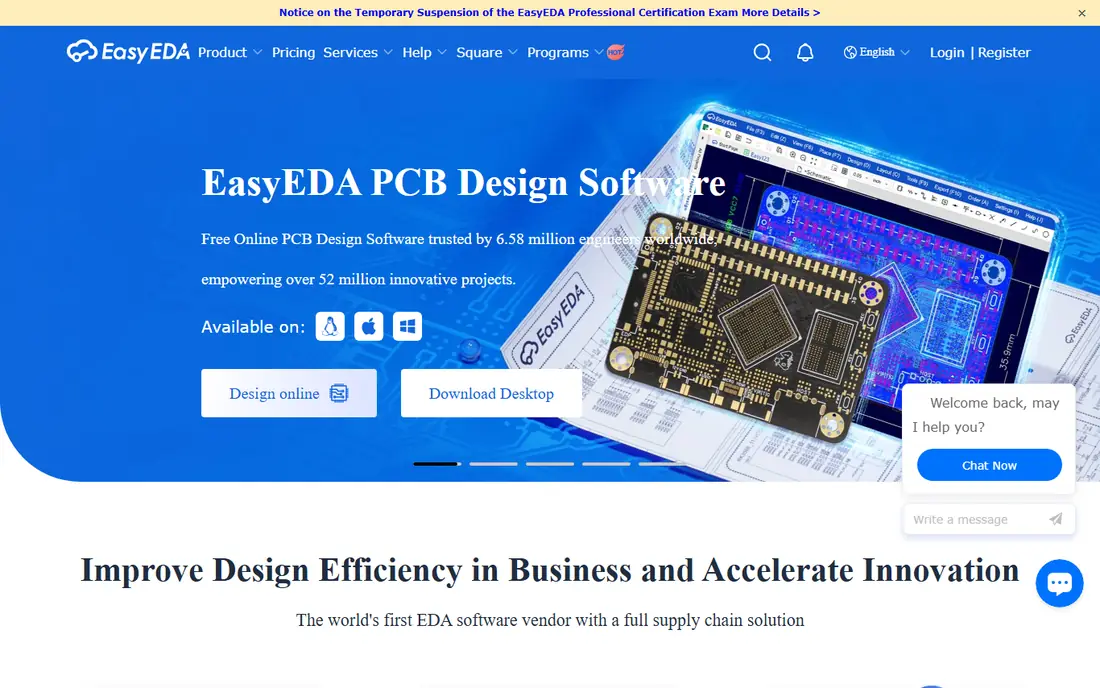
EasyEDA is the fastest route from idea to a manufactured board. It runs in a browser, so there is nothing to install, and schematic and layout tools are simple enough for a beginner to use in an afternoon. Ordering through a linked fabricator is quick, which suits hobby projects, student work, and fast prototypes where speed matters more than advanced analysis.
The limit is complexity. Dense, high-speed boards with strict impedance and signal integrity needs are better served by Altium, KiCad, or OrCAD X. Browser-based work also depends on a stable connection and on the vendor platform. If you want a quick prototype without a licence cost, EasyEDA is an excellent starting point.
- Free and browser-based
- Fast ordering with a linked fabricator
- Easy to learn for beginners
- Weaker for dense high-speed boards
- Web-based work needs a reliable connection
Autodesk Fusion suits teams that design electronics inside a physical product. You can design the board, check it against the enclosure in 3D, and catch fit problems before fabrication, which saves costly mechanical rework. That integration is valuable for wearables, consumer devices, and industrial products where board shape and enclosure fit are tight. Fusion also covers mechanical CAD, so a small team can use one platform for both jobs.
PCB depth is less than Altium for very complex boards, and the full subscription costs $57 per month billed annually, so check if you need the full Fusion package or only the electronics workspace. A free trial and a personal-use option help you test the workflow. If mechanical fit matters as much as the circuit, Fusion is a strong pick.
- PCB design inside mechanical CAD
- 3D board and enclosure checks
- Good for products with tight packaging
- PCB tools are less deep than Altium
- Subscription cost for full features
OrCAD X is a professional schematic and PCB tool with strong simulation for analogue and mixed-signal circuits. Engineers who start from a detailed schematic and need SPICE simulation, careful constraint management, and reliable manufacturing outputs will find it familiar and capable. It is widely used in professional teams, which helps when hiring or sharing designs with partners.
Pricing is often quote-based, and the interface feels traditional compared with newer browser tools. That matters less for experienced engineers, but beginners may prefer KiCad or EasyEDA for a first project. If schematic-driven design and simulation are central to your work, OrCAD X belongs on the shortlist.
- Strong schematic capture and simulation
- Good for analogue and mixed-signal work
- Established in professional teams
- Quote-based pricing for many teams
- Interface feels traditional
DipTrace is the affordable middle ground between free tools and high-end professional software. The free edition handles small boards, and paid versions use perpetual licences rather than subscriptions, which appeals to small shops that want predictable costs. The interface is easy to learn, schematic and layout tools are solid, and 3D preview helps catch placement errors early.
Library size and community support are smaller than KiCad, and very complex high-speed boards will still need Altium or OrCAD X. For small businesses, hobbyists moving to paid work, and teams that prefer owning a licence, DipTrace is a sensible and budget-friendly choice.
- Free edition for small boards
- Perpetual licences for paid versions
- Easy to learn for small teams
- Smaller library and community than KiCad
- Less depth for very complex boards
Flux is a modern, browser-based PCB tool built for collaboration. Teams can work on a board together, share projects easily, and use a clean interface that feels closer to a modern web app than a traditional CAD tool. That makes it useful for distributed teams, student groups, and open hardware projects where sharing and commenting matter.
As a newer platform, Flux has a smaller library and partner ecosystem than KiCad or Altium, and advanced high-speed design tools are limited. Check export formats and fabrication support before you commit to a commercial project. If collaboration and ease of use matter most, Flux is a fresh and promising pick.
- Browser-based collaboration
- Modern interface
- Helpful for teams and community projects
- Newer platform with smaller ecosystem
- Advanced high-speed tools are limited
DesignSpark PCB is a free tool for simple boards, with a straightforward workflow that suits beginners, students, and hobbyists. Schematic capture and layout cover the basics well, and the learning curve is gentler than KiCad. For a first board, a simple sensor project, or a classroom exercise, DesignSpark PCB gets you from schematic to fabrication files without cost or complexity.
Advanced features are limited, and the community is smaller than KiCad, so complex or high-speed work will outgrow it quickly. Treat it as a learning and simple-project tool, and move to KiCad or DipTrace when boards get denser. For free, simple PCB design, DesignSpark PCB is a useful starting point.
- Free for simple boards
- Easy to learn
- Good for beginners and students
- Limited advanced features
- Smaller community than KiCad
How we picked these
We compared official feature pages, pricing pages, and public documentation for PCB tools that are actively maintained and that cover schematic capture, layout, and manufacturing output. We favoured tools with different strengths: free professional design, high-end commercial design, fast browser prototypes, mechanical integration, and affordable licences. We did not claim hands-on testing, and we used See website where pricing is quote-based or not clearly published on the vendor site.
How to choose PCB software for your next board
Start with board complexity, not price. Count layers, note high-speed signals such as USB, Ethernet, or DDR, and check if you need impedance control, differential pairs, or length matching. Simple two-layer boards work well in KiCad, EasyEDA, DipTrace, or DesignSpark PCB, while dense high-speed boards usually need Altium or OrCAD X.
Next, check libraries and fabrication outputs. A tool with poor libraries will cost you hours building parts, and a tool with weak Gerber, drill, and assembly outputs will cost you time with your fabricator. Test the full flow on a small board first: draw a schematic, lay out the board, generate fabrication files, and send them to your chosen fabricator for a design review.
Finally, think about team and future work. A solo hobbyist can pick any free tool, but a team needs version control, shared libraries, and clear export formats. A startup should also check if the tool scales as boards get more complex, since switching tools mid-product is painful. Pick the simplest tool that handles your hardest likely board, not just your easiest one.
Frequently asked questions
What is the best free PCB design software?
KiCad is the best free PCB design software for most users, with no size limits and professional features. EasyEDA and DesignSpark PCB are also free and easier to learn for simple boards and fast prototypes.
What is the best PCB software for beginners?
EasyEDA is easiest for a first board, since it runs in a browser and ordering is simple. KiCad takes longer to learn but rewards the effort with far more depth, so beginners who plan to keep designing should start with KiCad or EasyEDA.
Is KiCad good enough for professional PCB design?
Yes, for many commercial boards KiCad is good enough, with multilayer layout, differential pairs, and manufacturing files that major fabricators accept. Very dense high-speed boards with field-solver needs may still suit Altium or OrCAD X better.
What is the best PCB design software for high-speed boards?
Altium Designer is the leading pick for complex high-speed boards, with strong signal integrity, constraint, and library tools. OrCAD X is also strong for schematic-driven high-speed work, while KiCad handles moderate high-speed designs well.
Can I move a PCB project between tools?
Some tools import projects from rivals, but design rules, libraries, and routing rarely transfer perfectly. Export and check Gerber files, verify connectivity, and rebuild design rules after any move, and keep the original project files as a backup.
Sources we checked (8)

Online Jobs is an independent blog about careers, online work, learning new skills and the tools that help people earn. More about us.
Keep reading
All posts
n8n Alternatives
n8n alternatives compared for 2026, with Zapier, Make, Activepieces, and more, covering visual builders, code steps, self-hosting, and pricing models.

eBay Alternatives
Looking for ebay alternatives? We compared 9 marketplaces for sellers on fees, buyer reach, categories and ease of listing, to help you sell with confidence.

ZoomInfo Alternatives
The best ZoomInfo alternatives in 2026, compared on price, free plans, data coverage, and which tool fits small teams or large sales teams best in detail.