Best Payroll Software for Restaurants in 2026: 9 Tools Compared

How we put this together: we compare official feature and pricing pages, app store listings, privacy policies and public user reviews. Prices change, so check the provider's site before you pay.
Key takeaways
- Toast Payroll suits restaurants already on Toast POS, because hours, tips, and sales data flow into payroll without re-entry.
- Square Payroll suits small cafes and quick-service spots on Square, with a clear entry price and simple setup.
- Gusto suits independent restaurants that want payroll plus HR and benefits in one easy system.
- Homebase and 7shifts suit hourly teams that want scheduling and payroll linked, while ADP, Paychex, Restaurant365, and QuickBooks suit larger or multi-unit operations.
Quick comparison
| Name | Who it suits | Starting price | Free option | |
|---|---|---|---|---|
 Toast Payroll | Restaurants on Toast POS | See website | No | Visit |
 Square Payroll | Small cafes on Square | See website | Free trial | Visit |
 Gusto | Independent restaurants plus HR | See website | Free trial | Visit |
 Homebase | Hourly teams with scheduling | See website | Yes | Visit |
 7shifts | Scheduling-led restaurant teams | See website | Yes | Visit |
 RUN Powered by ADP | Growing multi-location groups | See website | No | Visit |
 Paychex Flex | Full-service payroll and HR | See website | No | Visit |
 Restaurant365 | Multi-unit accounting plus payroll | See website | No | Visit |
 QuickBooks Payroll | Restaurants on QuickBooks | See website | Free trial | Visit |
The best payroll software for restaurants
Restaurant payroll is harder than office payroll. Tips change every shift, staff work several roles at different rates, hours come from a POS or time clock, and tax rules vary by location. The tools below were compared on tip handling, scheduling and time links, POS integration, tax filing, price, and how much support a small owner gets.
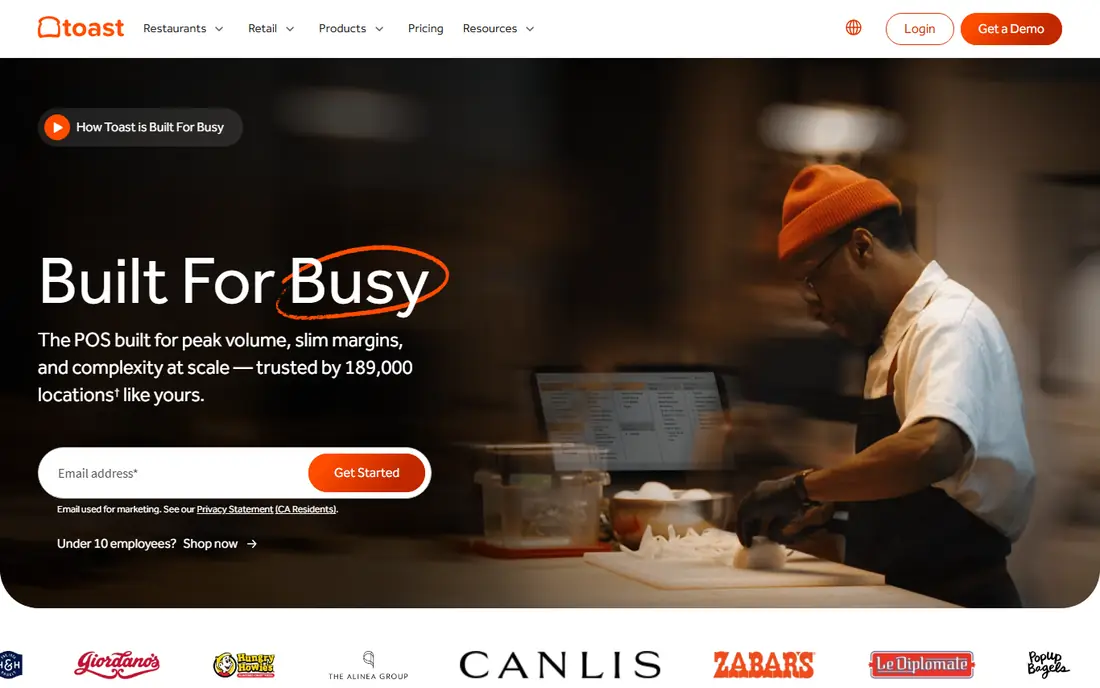
Toast Payroll is the natural pick for a restaurant that already runs Toast POS. Hours, roles, and tips from Toast flow into payroll, which cuts manual entry and reduces errors from retyping timecards. Tip pooling, tip distribution, and team management sit in the same system as POS data, so a manager can review labour costs against sales without exporting files between tools.
The limit is lock-in. A restaurant on Square, Lightspeed, or another POS will not get the same benefit, and switching POS systems later means rethinking payroll too. Pricing also needs a quote based on locations and staff count. For a Toast restaurant, though, the joined-up flow for tips, hours, and payroll is hard to beat, and it is the first tool to test.
- Deep Toast POS link for hours and tips
- Tip pooling and distribution tools
- Team management in one system
- Best value only for Toast POS users
- Pricing and per-employee terms need a quote
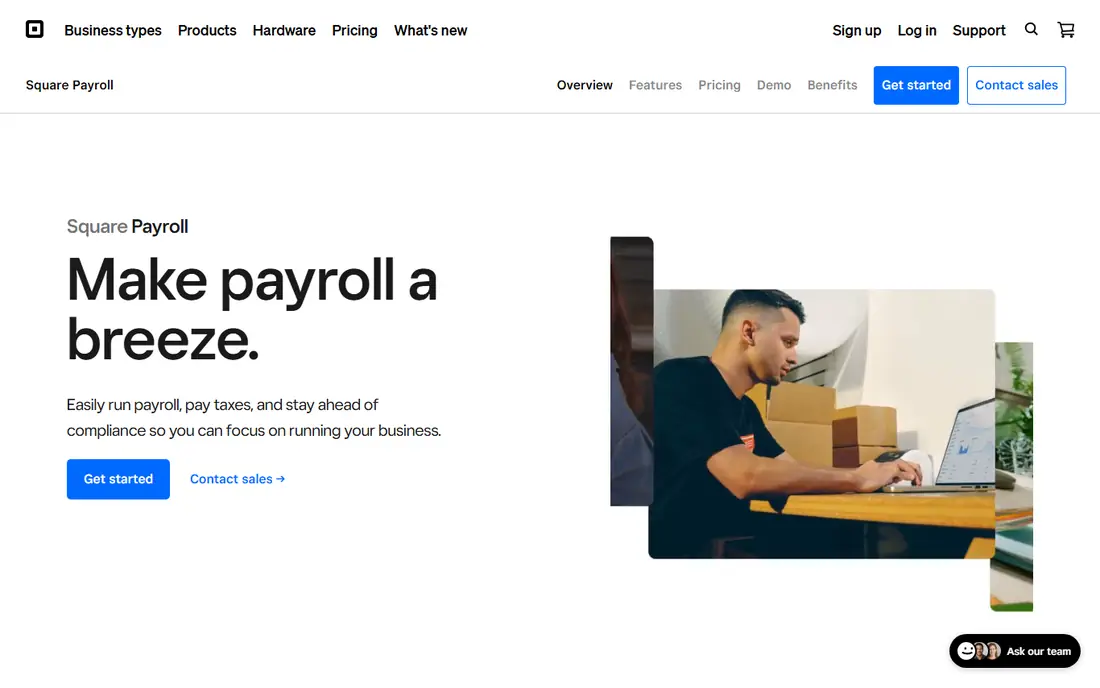
Square Payroll suits a small cafe, bakery, or quick-service spot that already uses Square for payments. Timecards can be imported, payroll runs are straightforward, and tax filings are handled in the system. Labour cost reports help a small owner see how staffing costs compare with sales, without a separate reporting tool. Setup is faster than enterprise payroll, which matters for an owner who also works the floor.
Complex tip pooling and multi-unit scheduling are less deep here than in Toast Payroll or 7shifts. A large full-service restaurant with many roles and tip rules may need a more restaurant-specific system. For a small Square-based spot with a stable team, Square Payroll offers clear pricing, simple runs, and a low learning curve.
- Simple setup for Square users
- Timecard imports and labour reports
- Tax filing included
- Restaurant-specific depth is less than Toast for complex tip pools
- Some features need Square POS
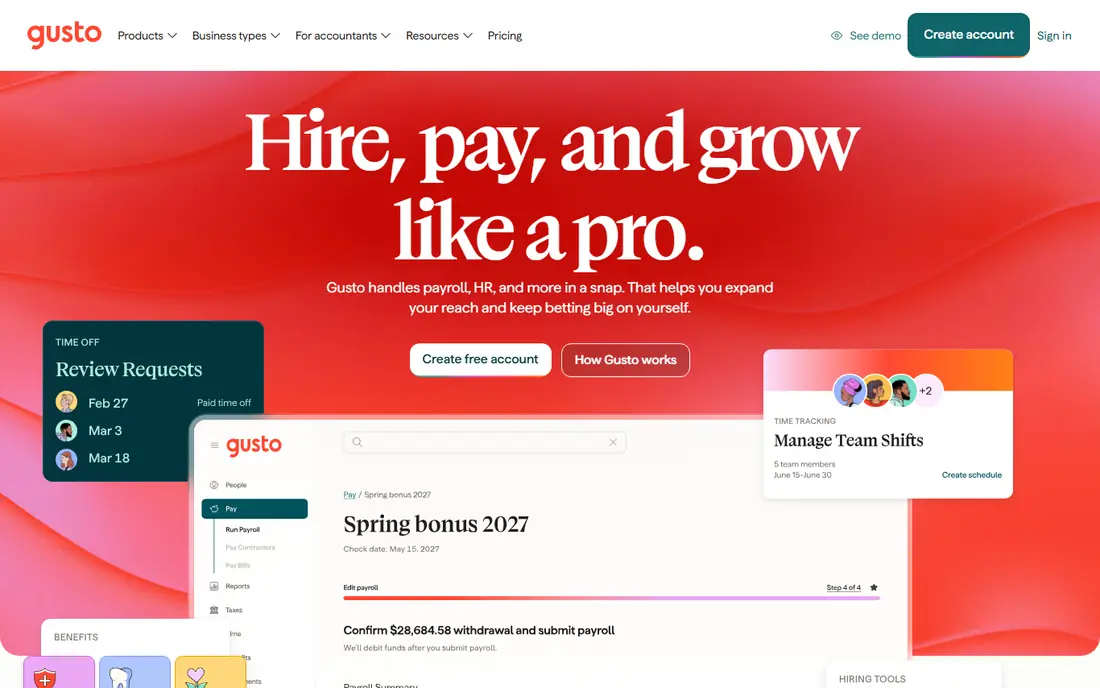
Gusto is the general payroll pick that many independent restaurants use well. Payroll runs, tax filings, direct deposit, and new-hire onboarding are presented in a clear interface, and benefits, time tracking, and HR tools can be added as the team grows. Tip reporting is supported, and integrations with scheduling tools such as 7shifts help link hours to pay without manual entry.
Gusto is not a POS system, so a restaurant still needs a POS and a scheduling tool alongside it. That separation is fine for an independent restaurant that wants a strong HR and payroll core, but it is less joined-up than Toast Payroll for a Toast restaurant. For an owner who values ease of use, clear pricing tiers, and HR help, Gusto is a strong and popular choice.
- Easy payroll runs
- HR, benefits, and onboarding in one place
- Tip reporting and integrations
- Restaurant POS depth is less than Toast
- Price rises with staff count and plan tier
Homebase suits hourly restaurant teams that want scheduling and payroll together. Managers build schedules, staff clock in and out, timecards sync to payroll, and team messages stay in the same app. That link between schedule and pay reduces the Friday scramble to fix hours, and the free tier helps a very small team start without a large subscription.
Larger or multi-state operations should check compliance depth before choosing Homebase as the only payroll system. Complex tax, benefits, and multi-location rules may need ADP or Paychex instead. For a single-location cafe or restaurant with an hourly team, Homebase offers a practical mix of scheduling, time tracking, and payroll at a low entry cost.
- Scheduling, time clocks, and payroll in one app
- Team messaging
- Free tier for small teams
- Payroll depth for complex multi-state rules is less than ADP
- Advanced payroll features need paid plans
7shifts starts from scheduling, which is why many restaurant managers like it. Schedules, availability, time off, and labour cost forecasts are built for restaurants, and tip pooling tools help managers handle shared tips fairly. The payroll add-on then pulls hours and tips into pay runs, which keeps scheduling and payroll in step.
Payroll through 7shifts is an add-on, not a standalone payroll company, so buyers should check tax filing, benefits, and support coverage for their states. A restaurant that already uses 7shifts for scheduling will find the payroll add-on a natural next step. A restaurant that needs payroll first and scheduling second may prefer Gusto or Homebase as the starting point.
- Strong restaurant scheduling
- Tip pooling and tip payout tools
- Payroll add-on links hours and tips
- Payroll is an add-on to a scheduling platform
- Full payroll pricing needs a quote
RUN Powered by ADP suits restaurant groups that are growing past a single location. Multi-state payroll, tax filing, compliance help, and HR add-ons are built for complexity, and support from ADP staff helps when rules change or a new state is added. That depth matters when a group opens a second site in a new state with different tip, overtime, and reporting rules.
A tiny cafe may find RUN more formal and costly than it needs. Pricing is quoted based on staff and services, so a small owner should get a clear quote and compare it with Gusto or Square before signing. For a growing group that needs compliance confidence above all, RUN is a strong and established choice.
- Deep compliance and tax support
- Multi-state payroll
- HR add-ons and expert help
- Pricing is quoted, not published simply
- Setup and support can feel formal for a tiny cafe
Paychex Flex offers a full-service path from hire to retirement, with payroll, time tracking, HR, and benefits in one platform. Restaurant programmes, tip tools, and guided support help owners who want a service team to handle setup and ongoing questions, rather than learning every tax rule themselves. That guided model suits owners who prefer a phone call to a help article when a payroll problem appears.
Add-ons are the point to watch. Many useful features sit behind higher tiers, so the entry quote may not include everything a restaurant needs. Get a written list of included services, per-employee costs, and add-on prices before comparing Paychex with ADP or Gusto. For an owner who wants guided, full-service support, Paychex Flex is a credible and long-running option.
- Full-service payroll, HR, and benefits
- Restaurant programmes and support
- Time and tip tools
- Many features are paid add-ons
- Pricing needs a quote and careful plan comparison
Restaurant365 suits multi-unit operators who want payroll linked to accounting, inventory, and scheduling, not just to a time clock. Labour costs, food costs, and sales can be viewed together by location, which helps a group compare sites and spot problems early. Payroll runs inside that wider system, so hours and tips feed into both pay and accounting without duplicate entry.
This is a system for groups, not for a single cafe. Pricing is custom, setup takes planning, and the team needs training to use accounting and inventory features well. A single-location restaurant will find Restaurant365 heavy and costly. A multi-unit group that needs one view of money, stock, and labour will find it a strong rival to separate payroll plus accounting tools.
- Accounting, inventory, scheduling, and payroll in one system
- Multi-unit reporting
- Labour cost analytics
- Custom pricing
- Implementation is a project for multi-unit groups
QuickBooks Payroll suits a restaurant that already runs QuickBooks for accounting. Payroll entries sync to the books, tax filings are automated, and an accountant who knows QuickBooks can review payroll without learning a new system. That accounting link saves reconciliation time at month end, which is a real benefit for an owner who already closes books in QuickBooks.
Restaurant-specific scheduling and tip pooling still need a POS or scheduling tool alongside QuickBooks Payroll. A Toast or 7shifts integration can fill that gap, but the buyer should confirm the integration before committing. For a QuickBooks-based restaurant that wants payroll inside its accounting system, QuickBooks Payroll is a practical and familiar choice.
- Tight QuickBooks accounting sync
- Automated taxes and direct deposit
- Familiar for many accountants
- Restaurant tip and scheduling depth needs POS or scheduling integrations
- Plan tiers vary
How we picked these
We compared official feature pages, pricing pages, documentation, and public reviews for payroll tools with restaurant features or strong restaurant use. We kept tools that are available now, that handle hourly pay, tips, or scheduling links, and that file taxes or support tax filing. We left out general HR tools with no payroll function, and tools that had closed or stopped offering restaurant payroll. Prices change with staff count, locations, and plan, so check the vendor pricing page or quote for your team size before budgeting.
What to check before you choose
Map tips and roles first
List every role, pay rate, tip rule, and tip pool before a demo. A tool that cannot handle your actual tip and role mix will create manual work every pay run, whatever its headline price says.
Test the POS and schedule link
Run a full week of real hours from your POS or scheduling tool into payroll on a trial. Check that hours, roles, tips, and overtime map correctly, and that corrections are easy to make before the run is finalised.
Confirm tax filing for your states
Confirm which federal, state, and local filings are included, and what happens when you add a location or a new hire in another state. Tax support is the part of payroll that is hardest to fix after a mistake, so get it in writing.
Frequently asked questions
What is the best restaurant payroll software for small cafes?
Square Payroll and Homebase suit many small cafes. Square is best for cafes already on Square POS, while Homebase is best for cafes that want scheduling, time clocks, and payroll in one low-cost app.
What is the best payroll service for restaurants with tips?
Toast Payroll, 7shifts, and Square Payroll all handle tips, with Toast leading for Toast POS users and 7shifts leading for scheduling-led teams. Check tip pooling, tip reporting, and tip payout tools against your actual tip rules before choosing.
What is the best payroll software for restaurants with multiple locations?
RUN Powered by ADP, Paychex Flex, and Restaurant365 suit multi-location groups. ADP and Paychex lead on compliance and HR depth, while Restaurant365 leads on linking payroll to accounting and inventory across sites.
Do I need payroll software if I already use a POS system?
A POS system tracks sales and hours, but payroll software handles pay calculations, tax filings, direct deposit, and year-end forms. Some POS systems, such as Toast and Square, offer payroll add-ons that close that gap in one system.
How much does restaurant payroll software cost?
Costs vary by staff count, locations, and plan. Small teams may pay a low monthly base plus a per-person fee, while larger groups pay quoted prices with add-ons. Get a quote for your actual staff count and locations, and ask what is included for tax filing.
Can payroll software handle part-time and seasonal staff?
Yes, most tools in this list handle part-time, seasonal, and variable-hour staff, with time tracking and onboarding for short-term hires. Check how seasonal hires, terminations, and rehires are handled, and whether per-person fees apply during off months.
Sources we checked (9)

Online Jobs is an independent blog about careers, online work, learning new skills and the tools that help people earn. More about us.
Keep reading
All posts
n8n Alternatives
n8n alternatives compared for 2026, with Zapier, Make, Activepieces, and more, covering visual builders, code steps, self-hosting, and pricing models.

ZoomInfo Alternatives
The best ZoomInfo alternatives in 2026, compared on price, free plans, data coverage, and which tool fits small teams or large sales teams best in detail.
Yotpo Alternatives
Find cheaper alternatives to Yotpo for reviews and loyalty, with Judge.me, Loox, Stamped, and more compared for Shopify stores in 2026, all in one guide.