Best Payroll Software for Payroll Automation in 2026: 9 Tools Compared

How we put this together: we compare official feature and pricing pages, app store listings, privacy policies and public user reviews. Prices change, so check the provider's site before you pay.
Key takeaways
- Gusto and OnPay offer the clearest published US pricing, while Rippling and ADP are quote based and suit larger or more complex teams.
- Autopilot payroll only works well when time tracking, benefits, and tax filings feed into the same system, so check integrations before you buy.
- Global hiring changes the choice completely. Deel is built for contractors and employees abroad, while Gusto is mainly a US payroll tool.
- Always confirm tax filing coverage for your states, because a low base price means little if filings are manual or extra.
Quick comparison
| Name | Who it suits | Starting price | Free option | |
|---|---|---|---|---|
 Gusto | Simple US payroll and benefits | $49 per month | Free trial | Visit |
 Rippling | HR, IT, and payroll in one place | See website | No | Visit |
 Deel | Global contractors and employees | $49 per month | No | Visit |
 ADP | Large and growing employers | See website | No | Visit |
 Paychex | Mid-size firms with HR support | See website | No | Visit |
 OnPay | Flat, multi-state US payroll | $49 per month | Free trial | Visit |
 Patriot | Budget US payroll basics | $37 per month | Free trial | Visit |
 QuickBooks Payroll | QuickBooks users | $45 per month | Free trial | Visit |
 Justworks | PEO benefits and compliance | See website | No | Visit |
The best payroll software for payroll automation
Payroll automation means more than running pay on a schedule. The best tools calculate pay, withhold taxes, file returns, pay staff by direct deposit, and update benefits and time records without manual re-entry. We compared official pricing pages, automation features, tax filing, and global coverage.
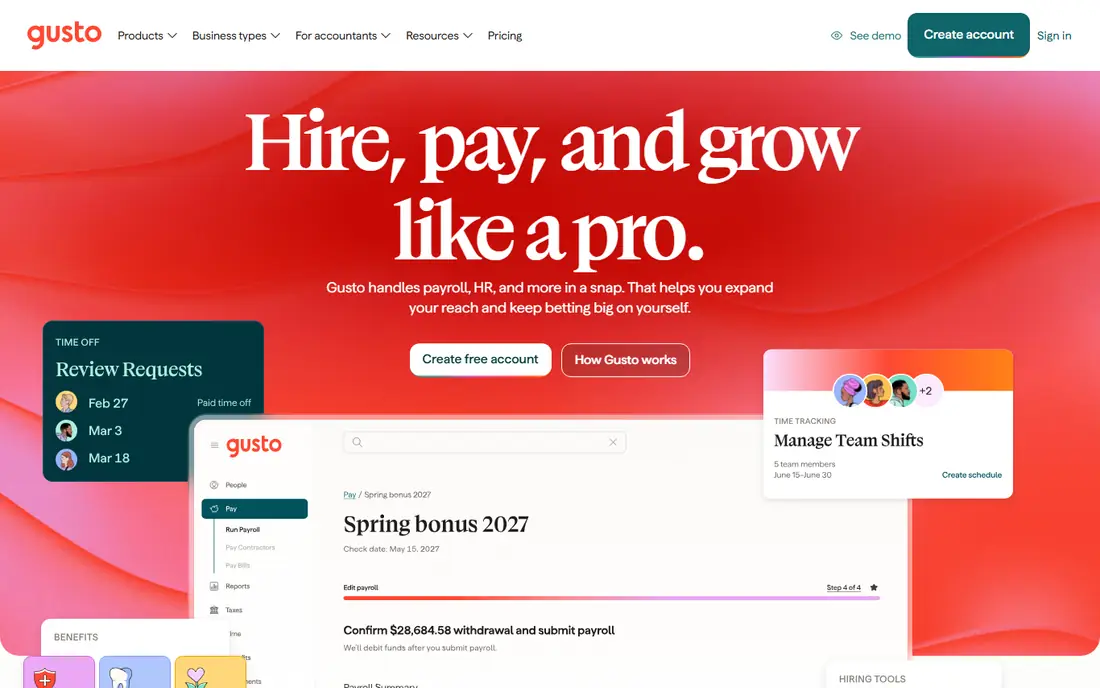
Gusto is our pick for most small US teams because payroll, benefits, and time tracking sit in one clear interface. Its AutoPilot feature can run payroll automatically once you set the schedule, and it files federal, state, and local payroll taxes for you. The Simple plan starts at $49 per month plus $6 per person, which makes budgeting easy.
The limits matter as you grow. The Simple plan runs payroll in one state, so multi-state teams need the Plus plan. International hiring is also limited compared with a global platform, since Gusto focuses on US payroll and contractor payments abroad. For a US team under about 50 people, it is hard to beat on simplicity.
- Clear published pricing
- AutoPilot payroll
- Automatic tax filing
- Contractor payments on every plan
- Simple plan covers one state only
- Global hiring is limited to contractor payments
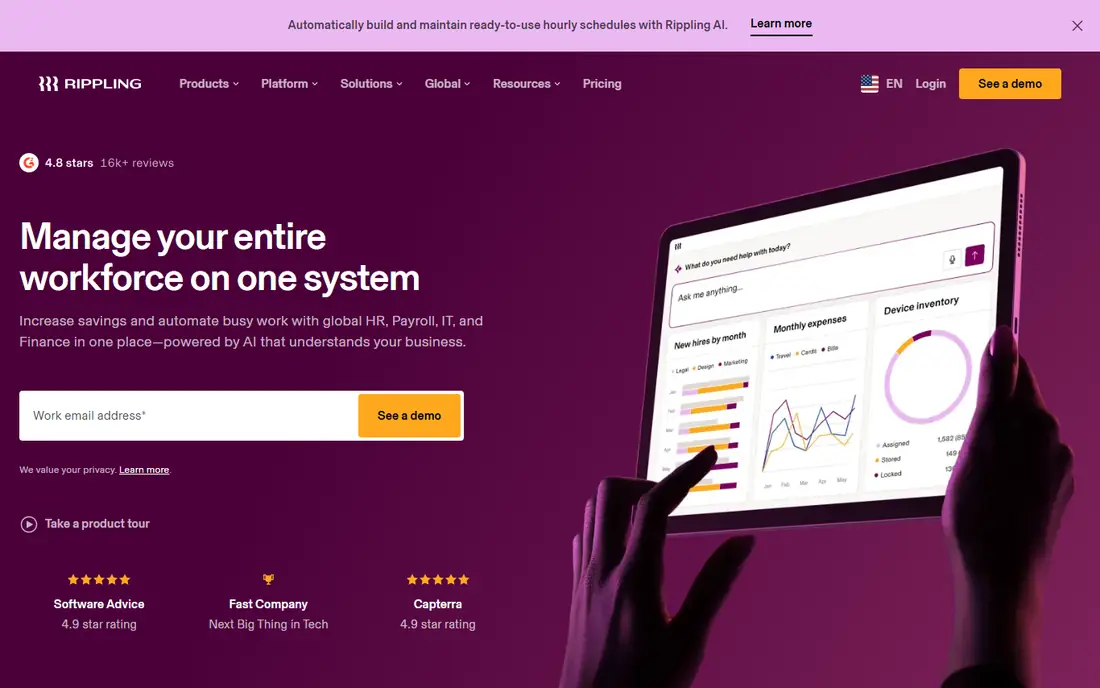
Rippling ties payroll to the same employee record used for HR, devices, apps, and finance. That single record powers automation, such as provisioning a laptop and accounts when someone joins, and removing access when they leave. Payroll taxes are filed with federal, state, and local agencies, and global payroll is available as an add-on.
Pricing is quote based and modular, so the total depends on which products you add. That makes Rippling best for teams that want to consolidate several systems, rather than teams that only need basic payroll. Ask for a full quote with payroll included before you compare it with a published-price rival.
- Unified HR, payroll, IT, and finance data
- Strong automation workflows
- Global payroll options
- Quote-only pricing
- Modules add cost
- Can be more than a small team needs
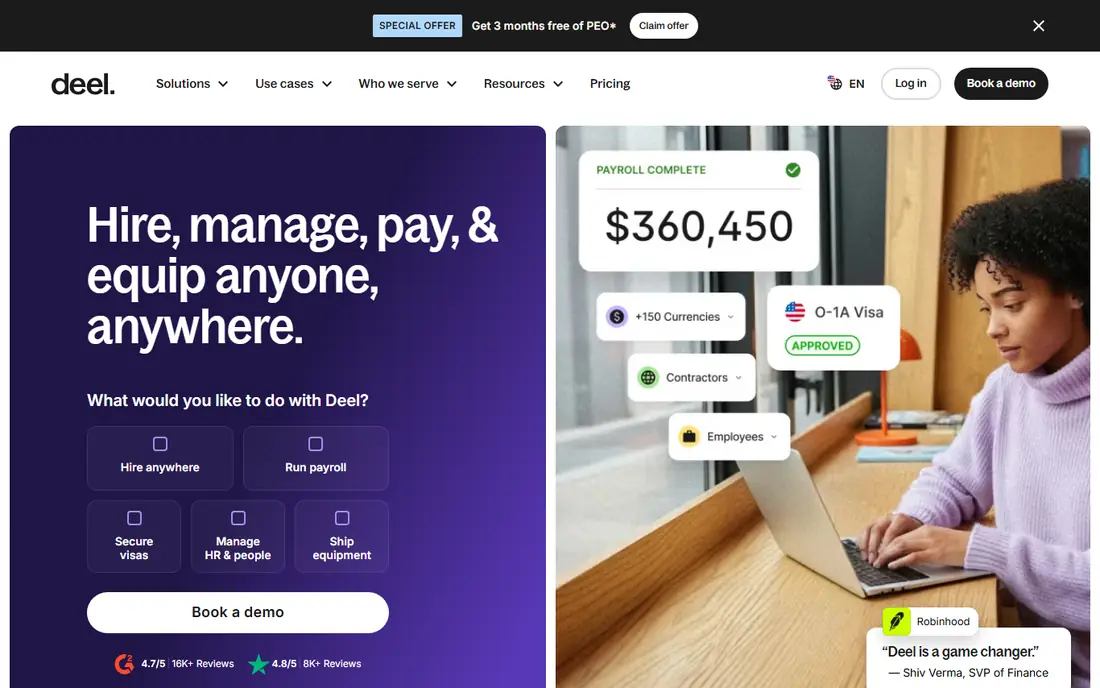
Deel is built for hiring beyond your home country. It handles contractor payments, localized contracts, and tax forms, and its employer of record service lets you employ staff in other countries without setting up a local entity. Contractor plans start at $49 per contractor per month, which is clear and easy to budget.
US payroll itself is priced by quote, and employer of record pricing starts much higher, at $599 per employee per month in published comparisons. That makes Deel best when international hiring is the main job, not when you only need domestic payroll for a small US team.
- Contractor payments from $49 per contractor per month
- Employer of record in many countries
- Localized contracts
- US payroll pricing is quote based
- Employer of record is costly per employee
ADP Run and its larger platforms cover payroll, tax filing, benefits, time, and HR for employers of almost any size. That depth helps as headcount, states, and compliance needs grow, and its support network is larger than most rivals. Reporting and integrations with accounting and HR systems are also strong.
The drawback is pricing and complexity. ADP prices by quote, so small teams cannot compare it at a glance, and implementation can take longer than a self-serve tool. It suits teams that expect to pass 50 employees soon and want a vendor that can grow with them.
- Deep compliance and HR support
- Scales from small firms to enterprises
- Strong reporting
- Quote-only pricing
- Setup can feel heavy for very small teams
Paychex combines payroll automation with HR services, benefits, and time tracking, which suits mid-size firms that want help rather than just software. Tax filing, direct deposit, and employee self-service are core features, and its support team can advise on compliance questions.
Pricing is quoted, so you need a sales conversation to get a firm number. Smaller teams that want instant published pricing may prefer Gusto or OnPay, but firms that value a dedicated support relationship often find Paychex worth the extra step.
- Full-service payroll and tax filing
- HR guidance
- Benefits administration
- Quote-only pricing
- Plan structure can be confusing at first
OnPay keeps payroll simple with a single plan approach, rather than tiers that open up basic features. It covers multi-state payroll, tax filings, and direct deposit, and it integrates with accounting tools such as QuickBooks and Xero. Pricing starts at $49 per month plus $6 per person.
It does not try to be a full HR and IT platform, so teams that want performance reviews, recruiting, or device management will need other tools. For straightforward, automated US payroll across several states, that focus is a strength, not a weakness.
- One flat plan structure
- Multi-state payroll included
- Simple pricing at $49 per month plus $6 per person
- Fewer HR extras than Rippling or ADP
- Benefits options are more limited
Patriot suits cost-sensitive US teams that want full-service payroll without paying for a large HR suite. Its basic payroll plan starts at $37 per month plus a per-person fee, and a full-service option adds tax filing. Setup is quick, and the interface stays focused on pay runs and taxes.
The trade-off is breadth. You get less in the way of benefits administration, advanced HR workflows, and integrations than larger platforms offer. If your main need is accurate, automated pay and filings at a low price, Patriot covers it well.
- Low starting price
- Full-service tax filing option
- Simple setup
- Fewer automation and HR features
- Add-ons can raise the total
QuickBooks Payroll makes sense if your books already live in QuickBooks. Payroll entries flow into accounting without manual exports, tax calculations stay in step with your chart of accounts, and employee pay data sits next to your financial reports. Entry pricing starts at $45 per month plus a per-person fee in published comparisons.
Outside QuickBooks, that advantage fades, and tier pricing can climb as you add features such as time tracking or HR support. If you plan to switch accounting tools soon, compare payroll on its own merits before you lock in.
- Native sync with QuickBooks accounting
- Automatic tax calculations
- Same-day direct deposit on some plans
- Best value only inside QuickBooks
- Pricing rises with tiers and add-ons
Justworks works as a professional employer organization, which means it co-employs your staff for payroll, benefits, and compliance purposes. That model gives small teams access to benefits and support that are usually tied to larger employers, while Justworks handles payroll taxes and filings.
PEO pricing is quoted per employee and varies with benefits choices, so budgeting needs a direct quote. It also changes the employer relationship in ways some founders prefer to avoid. For teams where benefits access is the deciding factor, Justworks is worth a quote alongside Gusto and Rippling.
- PEO model with access to large-group benefits
- Payroll, compliance, and HR support in one service
- Good for small teams wanting benefits
- PEO pricing is quote based
- You share employer responsibilities under the PEO model
How we picked these
We compared official pricing pages, automation features, tax filing coverage, and global hiring options for tools that actively sell payroll automation in October 2026. We favored tools with automatic tax filing, direct deposit, and clear contractor or multi-state coverage. We did not claim hands-on testing, and where pricing was quote based, we wrote See website instead of inventing a rate.
Choosing payroll automation that fits your team
Start with where your people work, not with the feature list. A US-only team, a multi-state team, and a global team need different payroll engines, and the wrong engine creates manual work at exactly the moment you wanted automation.
Check tax filing in every state
Confirm that federal, state, and local filings are included for each state where you have staff, and ask who handles corrections if a filing is wrong. Also check new-hire reporting and year-end forms, since those tasks often fall outside a basic plan.
Test the full pay run
Run a test cycle with hourly staff, overtime, bonuses, and a contractor payment if you use them. Watch how time records, benefits deductions, and reimbursements flow into the pay run, because manual fixes there defeat the purpose of automation.
Price the whole stack
Base fees and per-person fees are only part of the cost. Add benefits administration, time tracking, contractor payments, and any PEO or employer of record fees. A higher base price can still be cheaper once those extras are included.
Frequently asked questions
What is the best payroll automation software?
For most small US teams, Gusto is the easiest pick thanks to AutoPilot payroll, automatic tax filing, and published pricing. Rippling suits teams that want HR and IT in the same system, while Deel suits teams hiring abroad.
What is the best payroll software for payroll automation for small businesses?
Gusto and OnPay are strong small-business picks, since both publish pricing and automate tax filings. Patriot is cheaper if you only need core payroll, while QuickBooks Payroll suits teams already using QuickBooks for accounting.
Does payroll automation file taxes for me?
Most full-service tools file federal, state, and local payroll taxes, but coverage varies by state and plan. Confirm filing is included for every state where you employ staff, and ask who is responsible for penalties if a filing is late or wrong.
Can payroll software pay international contractors?
Yes, but tools differ. Deel is built for international contractors and employees, Gusto offers global contractor payments, and Rippling offers global payroll as an add-on. Compare per-contractor fees and local compliance support before you choose.
How much does payroll software cost?
Published US pricing often starts at $37 to $49 per month plus a per-person fee, while Rippling, ADP, Paychex, and Justworks price by quote. Global employer of record services cost far more per employee, so get a quote for your exact headcount and countries.
Sources we checked (9)

Online Jobs is an independent blog about careers, online work, learning new skills and the tools that help people earn. More about us.
Keep reading
All posts
n8n Alternatives
n8n alternatives compared for 2026, with Zapier, Make, Activepieces, and more, covering visual builders, code steps, self-hosting, and pricing models.

ZoomInfo Alternatives
The best ZoomInfo alternatives in 2026, compared on price, free plans, data coverage, and which tool fits small teams or large sales teams best in detail.

Yotpo Alternatives
Find cheaper alternatives to Yotpo for reviews and loyalty, with Judge.me, Loox, Stamped, and more compared for Shopify stores in 2026, all in one guide.