Best Payroll Software in 2026: 8 Tools Compared

How we put this together: we compare official feature and pricing pages, app store listings, privacy policies and public user reviews. Prices change, so check the provider's site before you pay.
Key takeaways
- The best payroll software for most small businesses is full-service payroll, where the vendor files federal and state taxes for you, rather than a cheaper self-service plan.
- Gusto suits small businesses that want payroll plus light HR in a friendly app, while OnPay suits owners who want one simple price.
- Patriot Software suits very small teams on a tight budget, and Square Payroll suits shops already using Square for payments or point of sale.
- QuickBooks Payroll is the natural choice if you already run QuickBooks accounting, since it keeps payroll and books in one place.
- Rippling, ADP Run and Paychex Flex suit larger or more complex teams, but their pricing is quote-based, so you need a sales conversation to compare them fairly.
Quick comparison
| Name | Who it suits | Starting price | Free option | |
|---|---|---|---|---|
 Gusto Gusto | Small business payroll plus HR | See website | No | Visit |
 OnPay OnPay | One simple payroll price | See website | No | Visit |
 Patriot Software Patriot Software | Budget payroll for tiny teams | See website | Free trial | Visit |
 Square Payroll Square Payroll | Square users and hourly teams | See website | No | Visit |
 QuickBooks Payroll QuickBooks Payroll | QuickBooks accounting users | See website | Free trial | Visit |
 Rippling Rippling | Payroll plus HR and IT | See website | No | Visit |
 ADP Run ADP Run | Growing and complex teams | See website | No | Visit |
 Paychex Flex Paychex Flex | Payroll with HR guidance | See website | No | Visit |
The best payroll software
Payroll software has one job that matters above all else: pay people correctly, on time, and file the taxes correctly. The tools below all do that, but they differ in price structure, HR depth, ease of use and how much help you get when a tax or compliance question comes up.
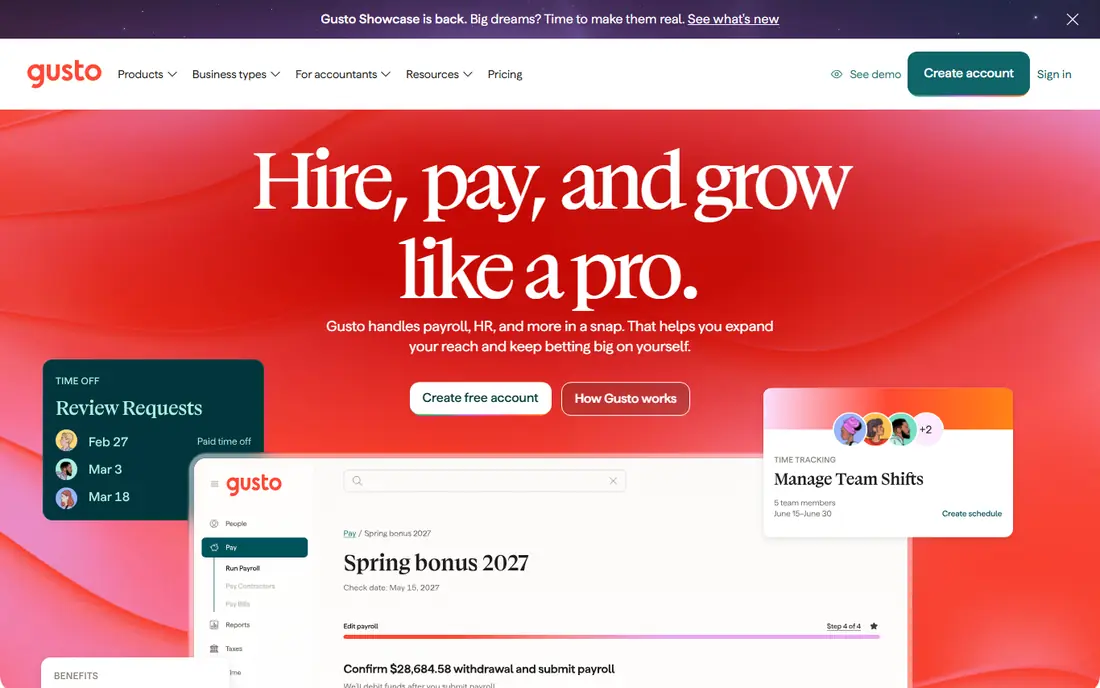
Gusto is the default recommendation for a typical American small business, and it earns that spot with a clear workflow. Employees enter their own tax and bank details during onboarding, payroll runs with federal and state filings handled, and direct deposit, contractor payments and new-hire reporting sit in the same app. Add-ons for health benefits, workers compensation and time tracking turn it into a light HR suite without a second vendor.
The weakness is cost at the low end and abroad. A very small team pays a base fee plus a per-person fee for a payroll run that may be simple, and international payroll is limited compared with global platforms. For a domestic team of roughly five to one hundred people, though, the combination of polish and completeness is hard to beat.
- Full-service tax filing
- Employee self-service onboarding
- Benefits, time tracking and HR add-ons
- Price rises with team size and add-ons
- International payroll is limited
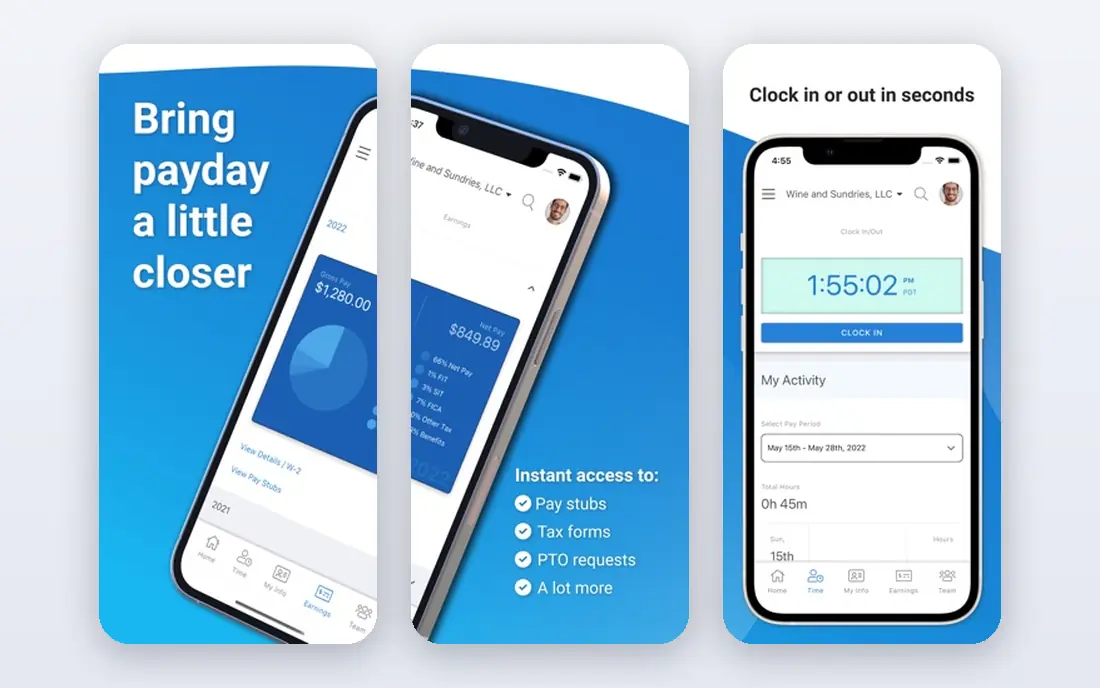
OnPay appeals to owners who dislike plan menus. It offers a single plan with full-service payroll, including tax filings, direct deposit, contractor payments and new-hire reporting, at one published price structure. That simplicity makes budgeting easy, and it suits a small business that wants payroll done well without choosing between several tiers.
The trade-off is HR depth. OnPay covers core payroll and basic HR well, but it does not match Gusto or Rippling for benefits administration, performance tools or IT management. If payroll is the main job and HR is secondary, OnPay is a strong and honest choice. If you want a full HR suite, compare Gusto or Rippling first.
- Single plan with full-service payroll
- Clear pricing
- Handles multi-state payroll and taxes
- HR features are lighter than Gusto or Rippling
- Fewer integrations than larger platforms
Patriot Software is the best payroll service for a very small team on a tight budget. It offers a basic plan for owners who want to run payroll themselves, and a full-service plan where Patriot files taxes for you. That choice lets a two-person business start cheaply, then move to full service as the team grows or tax complexity rises.
The basic plan does not file taxes for you, so the cheapest price is not a like-for-like comparison with full-service rivals. HR features are also basic, and support is less extensive than at Gusto or Paychex. For a tiny team that wants the lowest credible full-service price, Patriot is worth a trial, but compare the full-service price, not the basic price, with rivals.
- Low-cost plans
- Basic and full-service options
- Simple interface for small teams
- Full-service plan costs more than basic
- HR features are basic
- Support is less extensive than larger vendors
Square Payroll is the natural choice for a restaurant, cafe or retail shop already using Square. Hours from Square time tracking flow into payroll, tips and shift data stay in one system, and full-service tax filing handles federal and state taxes. That integration removes manual hour entry, which is where many small payroll errors start.
Outside the Square ecosystem, the advantage fades. Square Payroll covers payroll well, but its HR features are lighter than Gusto or Rippling, and a business that does not use Square point of sale may find a general payroll tool a better fit. If Square already runs your shop, though, Square Payroll is the simplest payroll choice you can make.
- Works with Square point of sale and time tracking
- Good for hourly and shift teams
- Full-service tax filing
- Less useful if you do not use Square
- HR features are lighter than HR-first platforms
QuickBooks Payroll suits a business that already runs its books on QuickBooks Online. Payroll, accounting, expenses and reporting sit in one system, so payroll costs flow into the books without manual journals, and tax filings and direct deposit are handled in the same workflow. That single-system view helps an owner or bookkeeper close the month faster.
The catch is that the value depends on QuickBooks Online. A business that does not use QuickBooks will pay for accounting it does not need, or will need to add it to get the full benefit. The interface can also feel busy, since it carries accounting as well as payroll. If QuickBooks already runs your books, QuickBooks Payroll is the obvious payroll add-on. If it does not, compare Gusto or OnPay first.
- Payroll inside QuickBooks accounting
- Tax filings and direct deposit
- Contractor payments and reports
- Best value only with QuickBooks Online
- Price rises with accounting plan
- Interface can feel busy
Rippling is built for a growing company that wants payroll, HR and IT in one place. It automates onboarding, device management, app access and payroll from a single employee record, so a new hire gets paid, gets benefits and gets system access in one workflow. That breadth suits startups and scaling companies that would otherwise juggle several vendors.
The drawback is scale and price transparency. Rippling prices by quote, so you cannot compare it from a published price alone, and a very small team will pay for breadth it does not use. Setup also takes longer than a simple payroll signup. If you plan to grow, hire abroad, or manage devices alongside payroll, Rippling is a strong long-term platform. If you only need payroll, a simpler tool is cheaper and faster.
- Payroll, HR and IT in one system
- Strong automation
- Global payroll options for growing teams
- Pricing is quote-based
- More than a very small team needs
- Setup takes longer than a simple payroll tool
ADP Run is the big-brand safety net for a growing business. It handles payroll, tax filing and compliance across states, with HR resources and support that smaller vendors cannot match. That depth matters for a business in a regulated industry, with multi-state staff, or with complex pay rules such as shift differentials and garnishments.
The trade-off is that ADP Run is quote-based and built for scale. A small team may find the sales process longer and the platform more formal than Gusto or OnPay, and the price may be higher for a simple payroll run. If compliance confidence and room to scale matter most, ADP Run is a strong choice. If you want a quick self-serve signup, start elsewhere.
- Deep compliance and tax expertise
- Scalable for multi-state teams
- Large support and HR resources
- Pricing is quote-based
- Interface can feel formal
- Small teams may find it oversized
Paychex Flex suits an owner who wants payroll plus a human to call when a labour or tax question comes up. It covers full-service payroll, tax filing and HR tools, with dedicated specialist support on many plans. That guidance is useful for a business without an in-house HR person, especially when hiring, terminating or handling a complex pay situation.
Pricing is quote-based, so comparing Paychex Flex with a published-price tool takes a sales call, and a very small team may find the platform larger than it needs. Add-ons can also raise the total cost. For a growing business that values HR guidance alongside payroll, Paychex Flex is a credible and well-supported choice.
- Payroll plus HR guidance
- Dedicated specialist support on many plans
- Compliance help for small businesses
- Pricing is quote-based
- Feature set can feel large for a tiny team
- Add-ons increase cost
How we picked these
We compared official feature pages, pricing pages, app store listings, privacy policies and public reviews for each tool. We kept only payroll tools that exist today, serve US employers, and offer full-service or clearly labelled payroll with tax filing. We favoured a mix of small-business tools, budget options and larger platforms, and we marked pricing as "See website" where a vendor prices by quote, by base fee plus per-person fee, or by accounting plan, rather than publishing a single number that would apply to every team.
What to check before you buy
Full-service versus self-service
Full-service payroll means the vendor files your federal and state payroll taxes and handles year-end forms. Self-service payroll means you file them yourself, which saves money but adds risk and work. For most small businesses, full service is worth the extra monthly cost, since a missed filing or a late deposit can cost far more than the price difference.
Count the real monthly cost
Payroll pricing usually combines a base fee with a per-person fee, and the per-person fee applies to everyone paid that month, including contractors on some plans. Work out the cost for your actual headcount, including seasonal staff, and add any fees for benefits, time tracking or multi-state filings. That total, not the base fee alone, is the price to compare.
Check multi-state and contractor handling
If you have staff in more than one state, or you pay contractors as well as employees, check that the tool handles both without extra manual work. Multi-state tax registration, new-hire reporting and contractor payments vary by vendor, and a tool that handles one state well may struggle with several. Ask those questions in a trial or demo before you commit.
Frequently asked questions
What is the best small business payroll software?
Gusto is the best starting point for most small businesses, thanks to full-service payroll plus light HR in a friendly app. OnPay suits owners who want one simple price, and Patriot Software suits very small teams on a tight budget. If you already use QuickBooks or Square, their payroll tools are the natural fit, since they keep payroll and accounting or point of sale in one place.
What is the best payroll service for a tiny team?
Patriot Software and OnPay are strong choices for a tiny team, since both keep pricing simple and cover full-service payroll. Square Payroll also suits a tiny retail or food team already using Square. Compare the full-service price for your headcount, not just the base fee, and check whether contractor payments or multi-state filings add cost.
How much does payroll software cost?
Most small-business payroll tools charge a monthly base fee plus a per-person fee, while larger tools such as ADP Run, Paychex Flex and Rippling price by quote. The total depends on headcount, states, add-ons and whether you choose full-service or self-service payroll. Because of that variation, we list pricing as "See website" and recommend working out the cost for your exact team.
Is full-service payroll worth it?
For most small businesses, yes. Full-service payroll files federal and state taxes, handles direct deposit and year-end forms, and reduces the risk of a missed filing. Self-service payroll is cheaper, but it leaves tax filing and compliance work with the owner, and a single error can cost more than a year of the price difference.
Can payroll software handle contractors?
Most tools on this list handle contractor payments, but the details vary. Some include contractor payments in the base plan, while others charge per contractor or require a separate plan. Check contractor limits, payment methods and year-end form handling before you choose, especially if contractors make up a large share of your workforce.
What is the best HR payroll software for a growing company?
Rippling, ADP Run and Paychex Flex are the strongest choices for a growing company that needs HR alongside payroll, with Gusto as a lighter option for smaller growing teams. Rippling adds IT management, ADP Run adds deep compliance resources, and Paychex Flex adds dedicated HR guidance. Get quotes from at least two, since all three price by quote.
Sources we checked (8)

Online Jobs is an independent blog about careers, online work, learning new skills and the tools that help people earn. More about us.
Keep reading
All posts
Best Web Scraping Tools
Compare the best web scraping tools in 2026, from no-code Octoparse and Browse AI to Apify, Firecrawl, Bright Data, Zyte, ScraperAPI and free Scrapy, with prices.
Best Web Hosting Services
Find the best web hosting services for your site in 2026. We compare prices, speed, support and ease of use across eight leading hosting providers today.
Best Video Conferencing Software
Looking for the best video conferencing software? We compare 8 meeting apps on price, meeting limits, features, security and ease of use. Read the guide.