Best Payroll Companies in 2026: 8 Tools Compared


Small teams wanting payroll and benefits · Starting price: $49 per month
How we put this together: we compare official feature and pricing pages, app store listings, privacy policies and public user reviews. Prices change, so check the provider's site before you pay.
Key takeaways
- Gusto is our pick for most small businesses that want payroll, benefits, and HR in one clear system, while OnPay suits teams that want one flat feature set.
- Rippling fits growing teams that want payroll, HR, and IT together, while ADP RUN and Paychex Flex suit firms that expect to scale or want hands-on support.
- Published starting prices hide tier limits, so check state coverage, contractor handling, and benefits before you compare monthly fees.
- No company in this list is ranked by an invented score, and pricing should be confirmed on the vendor page for your employee count and states.
Quick comparison
| Name | Who it suits | Starting price | Free option | |
|---|---|---|---|---|
| Gusto | Small teams wanting payroll and benefits | $49 per month | Free trial | Visit |
 OnPay | Flat pricing with all features included | See website | Free trial | Visit |
 Rippling | Growing teams wanting payroll, HR, and IT | $8 per month | Free trial | Visit |
 ADP RUN | Teams that expect to scale | See website | Free trial | Visit |
 Paychex Flex | Teams wanting a payroll specialist | See website | Free trial | Visit |
 QuickBooks Payroll | Businesses already using QuickBooks | $50 per month | Free trial | Visit |
 Square Payroll | Retail and hospitality teams on Square | $35 per month | Free trial | Visit |
 Patriot Payroll | Budget full-service payroll | $37 per month | Free trial | Visit |
The best payroll companies
We compared companies that run payroll, file payroll taxes, and pay employees and contractors, rather than time-tracking tools alone. The right pick depends on employee count, state coverage, benefits, and how much support the owner wants, because a cheap plan that misses a state filing is not cheap at all.
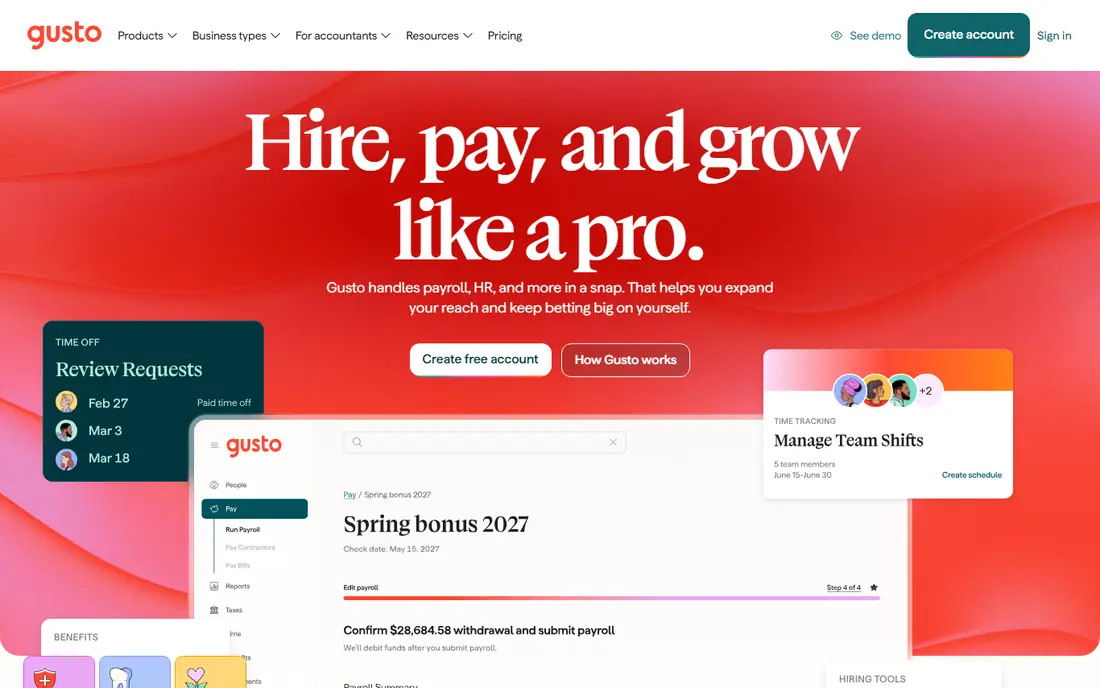
Gusto is the easiest starting point for most small businesses. Setup guides a new employer through tax registrations, employee onboarding, and first payroll, and employees can view pay stubs and tax forms in a self-service portal. Benefits, including health and retirement options, can sit alongside payroll rather than in a separate system. The limit is tiering. A team with employees in several states, or a team that needs faster direct deposit and deeper HR tools, will need a higher tier. Count states, contractors, and benefits before you compare the entry price, and test the trial with your real pay schedule.
- Clear setup for small teams
- Automatic tax filing in many states
- Benefits and contractor payments in one system
- Entry plan covers limited states in some cases
- Costs rise with higher tiers and headcount
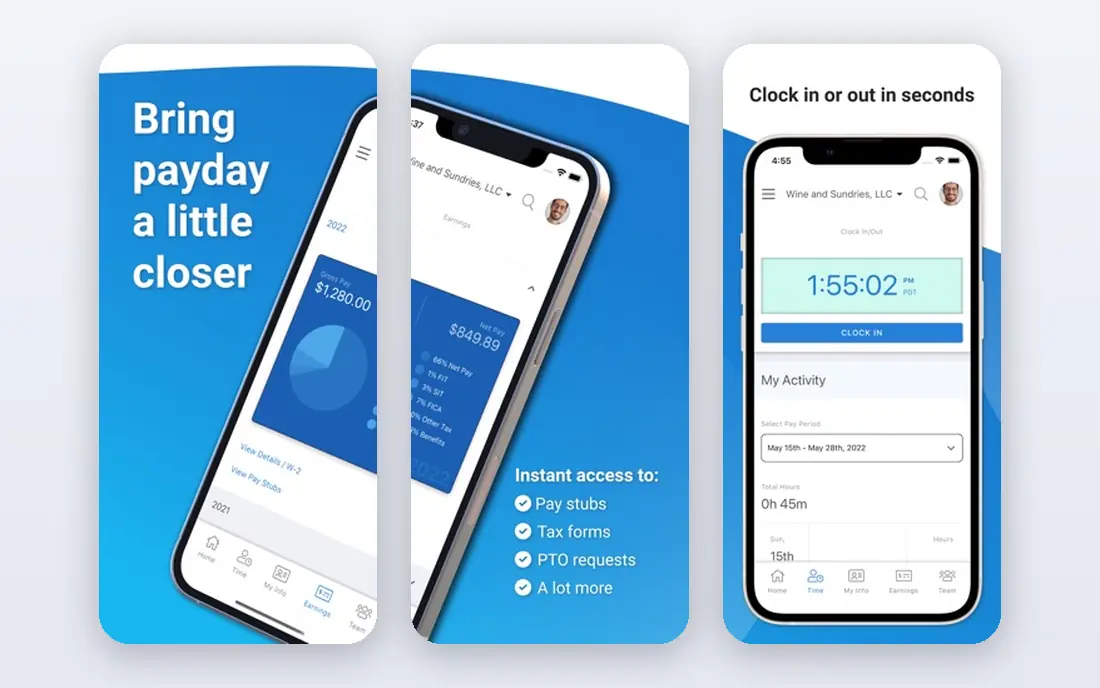
OnPay suits a business that dislikes tier puzzles. Most features sit in one plan, so a team does not need to guess which tier provides multi-state payroll, benefits, or reporting. Phone support is a real strength for owners who want a person to walk through a tax or pay question. The trade is ecosystem size. OnPay integrates with common accounting tools, but its library is smaller than Gusto or Rippling. For a small to midsize team that values simple pricing and human support over a huge app marketplace, OnPay is a strong and calm choice.
- One plan with most features included
- Strong phone support
- Clear payroll, benefits, and HR tools
- Fewer integrations than some larger platforms
- Interface is functional rather than flashy
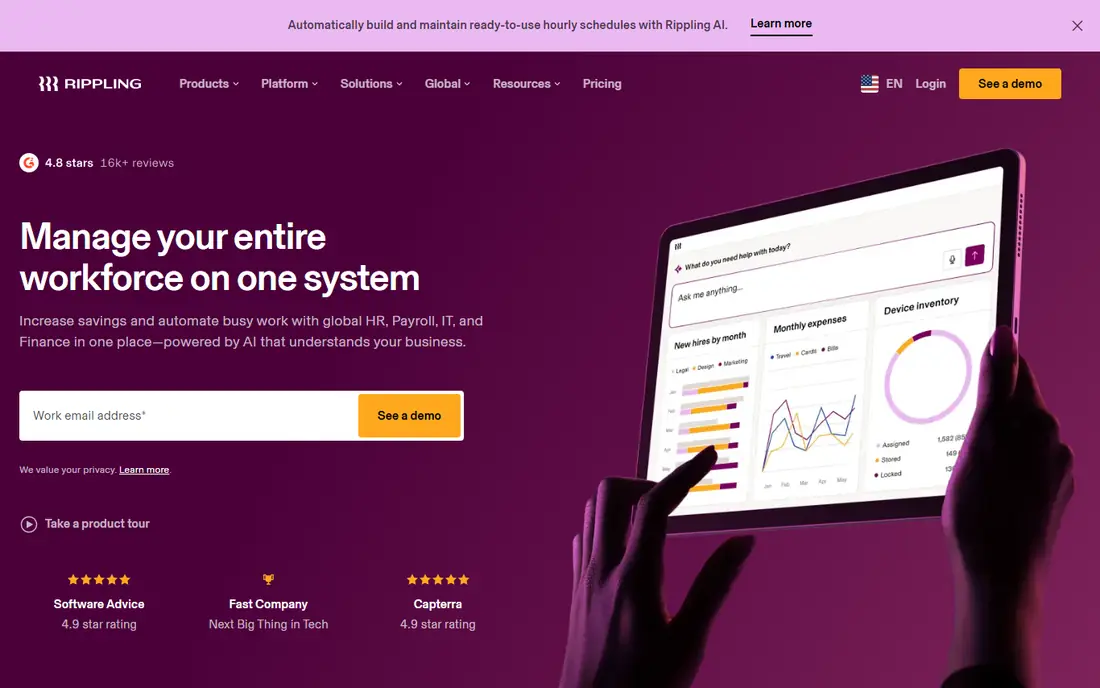
Rippling fits a fast-growing team that hires across roles, locations, and devices. Onboarding can trigger payroll, benefits, app access, and device setup from one flow, which saves time when hiring is frequent. Global payroll and contractor options also help teams with international staff. Pricing is the hard part to compare, because modules and user counts change the total. A very small team may find Gusto or OnPay simpler and cheaper. For a scaling tech or remote team, Rippling gives automation and control that simpler payroll tools do not match.
- Payroll, HR, and IT in one system
- Strong automation for onboarding
- Many integrations and global options
- Pricing is modular and often quote-based
- Setup can be complex for very small teams
ADP RUN suits a business that plans to grow into a larger employer and wants a vendor that can grow with it. Payroll, tax filing, time tracking, and HR tools sit in a mature system, and reporting covers compliance needs that small tools handle less deeply. That scale helps a firm with complex pay rules or many locations. The drawback is transparency. Most teams need a quote, and the sales process can feel heavy for a five-person business. A small team should ask for a full written quote, including add-ons, before comparing ADP RUN with a published-price rival like Gusto or OnPay.
- Deep compliance and reporting tools
- Scales from small teams to enterprise
- Broad HR and benefits options
- Pricing is usually quote-based
- Interface and sales process feel enterprise-heavy
Paychex Flex appeals to owners who want a named specialist rather than a help center alone. Payroll, tax filing, benefits, and HR can sit in one platform, and support covers complex questions about state rules and reporting. That human help matters when payroll errors carry real penalties. Pricing clarity is weaker than Gusto or OnPay, and total cost can run higher for a small team. Ask for a quote that lists base fees, per-employee fees, and add-ons, and compare it at your real headcount. For a midsize firm that values support, Paychex Flex is a credible pick.
- Dedicated specialist support on many plans
- Broad payroll, HR, and benefits coverage
- Strong compliance focus
- Pricing is often quote-based
- Costs can be higher than budget rivals
QuickBooks Payroll is the natural pick for a business already running QuickBooks. Payroll entries flow into accounting without manual journals, and accountants who know QuickBooks can review pay, taxes, and reports in a familiar system. That fit saves time at month end and tax time. The catch is tiering. Full automatic tax filing and faster direct deposit sit on higher plans, so the entry price does not tell the whole story. A business that does not use QuickBooks should compare Gusto or OnPay first, because the main advantage here is the accounting link.
- Payroll inside QuickBooks accounting
- Automatic tax filing on higher tiers
- Familiar for bookkeepers and accountants
- Best tax features sit on higher tiers
- Per-employee fees add up as headcount grows
Square Payroll suits cafes, shops, and restaurants already using Square for sales and scheduling. Hours can flow from Square team tools into payroll, which reduces manual entry for hourly staff. Contractor payments and tax filing are also covered in a straightforward way. Larger employers with complex benefits, multi-state rules, or deep HR needs will outgrow it. For a small hourly team on Square, the simplicity is the point. Check state coverage and benefits options before you move a team with staff in several states.
- Fits Square point-of-sale and team management
- Simple payroll for hourly staff
- Contractor payments included in some plans
- Less suited to large or complex employers
- Benefits options are thinner than Gusto or Paychex
Patriot Payroll is a budget-friendly option for very small businesses that need reliable payroll without a large HR suite. The basic tier suits owners who will handle tax filings themselves, while the full-service tier adds tax filing and deposits. That choice lets a tiny team pay only for the help it needs. The limit is breadth. Benefits, advanced HR, and integrations are thinner than Gusto, Rippling, or Paychex. For a micro-business with simple pay, Patriot gives good value. For a growing team that needs benefits and HR in the same system, a broader platform will serve better.
- Low entry cost
- Basic and full-service options
- Clear payroll and tax filing on the full-service tier
- HR and benefits tools are thinner than larger rivals
- Interface is basic
How we picked these
We compared official pricing pages, feature pages, and public reviews, with weight on tax filing, state coverage, contractor support, benefits, employee self-service, and support quality. We did not invent ratings or rankings, and we did not treat a vendor claim as a verified fact. Where a price could not be confirmed on the vendor site, we wrote "See website" rather than guessing. We did not claim hands-on testing.
Choosing a payroll company for your team size
Start with headcount, states, and pay types. Count W-2 employees, contractors, hourly staff, and salaried staff, and list every state where you have workers. A plan that covers one state at entry level will cost more for a multi-state team, and contractor-only plans differ from full employee payroll. Next, test the payroll run. Add an employee, set a pay rate, run a test payroll, and check tax forms, pay stubs, and direct deposit timing. Ask about year-end forms, new-hire reporting, and support hours during payroll deadlines. Finally, get a written quote at your real headcount, including per-person fees, benefits admin fees, and any setup charges, so the monthly total is clear before you switch.
A short buying checklist
Confirm tax filing coverage for federal, state, and local taxes, and check whether filings are automatic or owner-handled. Ask about contractor payments, benefits admin, time tracking, and data export. Read the contract for term length, exit fees, and support levels, because switching payroll mid-year needs care with tax records.
Frequently asked questions
What payroll company is the best?
Gusto is our pick for most small businesses, OnPay suits teams that want flat pricing, and Rippling suits growing teams that want payroll, HR, and IT together. ADP RUN and Paychex Flex suit larger or support-led firms. The best payroll company depends on headcount, states, benefits, and how much support you want.
Which payroll company is best for a small business?
Gusto and OnPay are the strongest small-business picks in this list, thanks to clear setup and full-service tax filing options. Square Payroll suits small retail and hospitality teams on Square, while Patriot Payroll suits very small teams on a tight budget. Compare total cost at your real headcount, not just the entry monthly fee.
What are the best online payroll companies?
Gusto, OnPay, Rippling, QuickBooks Payroll, and Square Payroll are all online-first payroll companies with self-service portals and automatic calculations. ADP RUN and Paychex Flex also offer online platforms with deeper support. Choose by accounting fit, state coverage, and whether you need benefits and HR in the same account.
How much does payroll software cost?
Entry prices in this list range from around $35 to $50 per month plus a per-person fee, but many vendors use quote-based pricing or tiered plans. Total cost depends on employees, contractors, states, benefits, and add-ons. Ask for a written quote at your real headcount and check which tier includes the tax filing and support you need.
Does payroll software file taxes for you?
Many full-service plans do file federal, state, and local payroll taxes and handle deposits, but basic plans may leave filing to the owner. Gusto, OnPay, ADP RUN, and Paychex Flex offer full-service options, while Patriot offers both basic and full-service tiers. Confirm filing coverage in writing for every state where you have workers.
Can I switch payroll companies mid-year?
Yes, but it needs care with year-to-date pay, tax filings, and year-end forms. Export payroll history, tax records, and employee data before you switch, and confirm how the new vendor handles prior quarters. Many vendors offer migration help, and an accountant should review the switch before the first run on the new system.
Sources we checked (8)

Online Jobs is an independent blog about careers, online work, learning new skills and the tools that help people earn. More about us.
Keep reading
All posts
n8n Alternatives
n8n alternatives compared for 2026, with Zapier, Make, Activepieces, and more, covering visual builders, code steps, self-hosting, and pricing models.

ZoomInfo Alternatives
The best ZoomInfo alternatives in 2026, compared on price, free plans, data coverage, and which tool fits small teams or large sales teams best in detail.
Yotpo Alternatives
Find cheaper alternatives to Yotpo for reviews and loyalty, with Judge.me, Loox, Stamped, and more compared for Shopify stores in 2026, all in one guide.