Best Payment Apps for Small Business in 2026: 8 Tools Compared


In-person and online selling together · Starting price: 2.6% plus 10 cents in person; 2.9% plus 30 cents online
How we put this together: we compare official feature and pricing pages, app store listings, privacy policies and public user reviews. Prices change, so check the provider's site before you pay.
Key takeaways
- Square fits businesses that sell in person and online, while Stripe fits online-first businesses with developer resources.
- PayPal can help checkout conversion through buyer familiarity, but its card fees can be higher than other options.
- Helcim suits growing businesses that want interchange-plus pricing without negotiating a custom deal.
- Authorize.net suits established businesses that already have a merchant account and value a classic gateway.
- Fees, payout timing, and hardware costs matter as much as the headline rate, so check the full fee page before choosing. This guide is general information only and is not financial advice.
Quick comparison
| Name | Who it suits | Starting price | Free option | |
|---|---|---|---|---|
| Square | In-person and online selling together | 2.6% plus 10 cents in person; 2.9% plus 30 cents online | Yes | Visit |
 Stripe | Online-first businesses and developers | 2.9% plus 30 cents per online transaction | No | Visit |
 PayPal | Checkout conversion through buyer trust | 2.99% plus 49 cents for standard card payments | No | Visit |
 Helcim | Interchange-plus pricing without haggling | Interchange plus, no monthly fee | No | Visit |
 Authorize.net | Classic gateway for established businesses | $25 per month plus transaction fees | No | Visit |
 Shopify Payments | Stores already on Shopify | See website | No | Visit |
 Toast | Restaurants and food service | See website | No | Visit |
 Clover | Retail and service businesses with hardware needs | See website | No | Visit |
The best payment apps for small business
A payment app has to fit how you actually sell. A market stall needs a card reader and fast payouts. An online store needs a checkout that works on mobile and handles refunds cleanly. A service business needs invoices and payment links. The apps below cover those patterns, and the right pick follows your sales channel first and your fee tolerance second.

Square is the most straightforward all-round choice for a small business that sells in both channels. The free plan covers point of sale, online payments, and invoices, and a free card reader lowers the starting cost for a new business. Inventory, staff permissions, and reporting sit in the same dashboard, which helps an owner who does not want several systems. The fee structure needs attention. In-person rates in recent comparisons are lower than online rates, and higher plans change those rates and add monthly fees per location. Square fits best when simplicity and a single system matter more than squeezing the lowest possible rate on every transaction.
- Free plan, simple point of sale, online store, and invoices in one account
- Online rates are higher than in-person rates, and advanced plans add a monthly fee per location
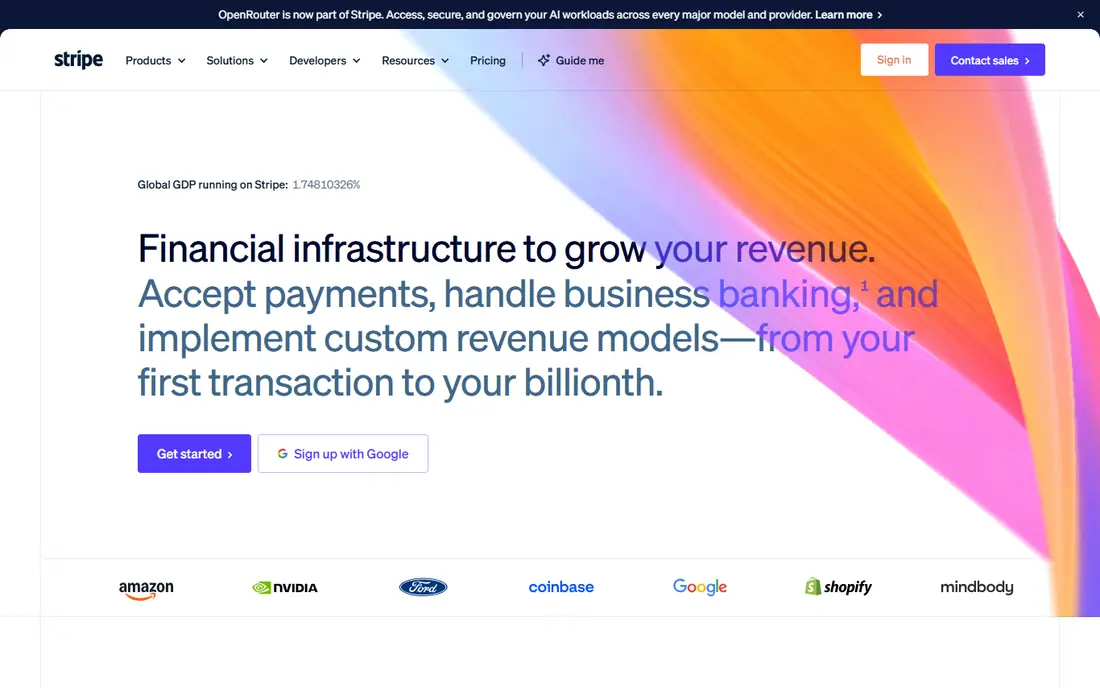
Stripe suits online businesses that need flexibility. Payment links work without code, while the API supports custom checkouts, subscriptions, marketplaces, and a wide range of payment methods. That depth is why many online platforms and software businesses build on Stripe, even when they also offer other payment options. There is no monthly fee for the standard account in recent listings, and the headline online rate is 2.9% plus 30 cents for domestic cards, with extra fees for international cards and currency conversion. Stripe fits best when online sales are the main channel and the team can handle setup, testing, and refund workflows without in-person hardware support.
- Strong APIs, payment links, subscriptions, and global payment methods
- Needs developer help for custom checkouts, and support is less hands-on than a point of sale provider
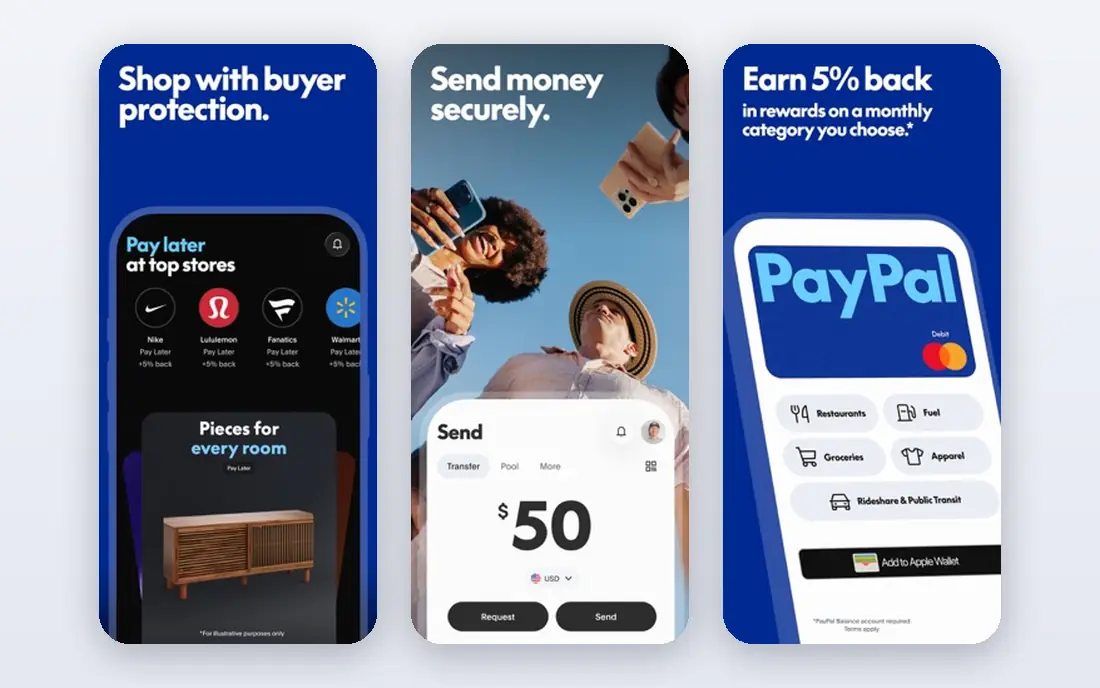
PayPal remains useful because many buyers already have an account and trust the checkout. That familiarity can help a new online store convert visitors who might hesitate to enter card details on an unknown site. Setup is simple, and payment links, invoicing, and a business account cover the basics for freelancers and small sellers. The cost is the trade-off. Recent comparisons list standard card payments at 2.99% plus 49 cents, with higher figures for PayPal checkout in some listings, and international fees add more. Check the current business fee page for your country and transaction type, since fees vary by method and currency. PayPal fits best as one checkout option, not necessarily the only one.
- Widely recognised checkout, buyer protection familiarity, and simple setup
- Card fees can be higher than Stripe or Square, and account holds are a common complaint in reviews
Helcim takes a different pricing angle. Instead of a flat rate, it charges interchange plus a margin, and that margin shrinks as volume grows in recent listings. That model can save money for businesses with steady volume, because the business pays the underlying card cost plus a clear margin, rather than a flat rate that hides the margin. There is no monthly fee in recent listings, which helps a growing business that does not want a subscription before volume justifies it. Helcim is less familiar to buyers than PayPal, so it works best as a backend processor rather than a consumer-facing checkout brand. Check the current pricing page for the margin at your volume band.
- Transparent interchange-plus model and no monthly fee in recent listings
- Less well known than Square or Stripe, and hardware costs apply for terminals
Authorize.net is a classic payment gateway, not a full point of sale system. It connects a website or a merchant account to card processing, with tools for recurring billing, fraud screening, and customer profiles. Businesses that already have a merchant account and a developer or agency to handle integration often keep Authorize.net for stability. Recent listings put the all-in-one plan at $25 per month plus 2.9% plus 30 cents per transaction, with a gateway-only option at a lower monthly figure in some listings. That monthly fee only makes sense once volume is high enough for the lower transaction cost to offset it. New businesses with low volume will usually find a no-monthly-fee option cheaper.
- Long-running gateway with broad processor compatibility and fraud tools
- Monthly fee, and setup is more involved than a modern all-in-one app
Shopify Payments is the natural choice for a store already running on Shopify. It sits inside the Shopify checkout, so orders, payouts, and refunds appear in the same admin as products and inventory. Using Shopify Payments also avoids the extra fee Shopify charges when a third-party gateway is used, which is a real saving for stores on lower plans. The catch is the Shopify subscription itself, which starts at $39 per month in recent listings for the Basic plan, with rates that improve on higher plans. Shopify Payments alone does not make sense if you are not on Shopify. For a Shopify store, it is usually the simplest and cheapest payment setup to start with.
- Built into Shopify checkout, with no extra third-party gateway fee when used
- Requires an active Shopify plan, and rates vary by plan
Toast is built for restaurants, not for general retail. Table management, online ordering, kitchen display, and tip handling are part of the system, and payment processing sits inside that workflow. That focus helps a restaurant run service, takeaway, and delivery from one platform, rather than stitching together a generic point of sale and a separate ordering tool. Pricing is not a simple published flat rate in recent listings, and hardware and plan costs depend on the restaurant setup. Toast fits best when food service is the whole business. A retail shop or a service business will find Square or Clover a better general fit.
- Restaurant point of sale, online ordering, and kitchen tools in one system
- Pricing is tailored to restaurant setup, and it is not a general retail tool
Clover suits a counter-based business that wants proper hardware. Counter terminals, handheld devices, and mobile readers cover different selling spots, and the app marketplace adds inventory, loyalty, and reporting features. That hardware range helps a shop that needs a fixed till, a portable device for the floor, and an online store link. Costs are harder to compare than a flat-rate app, because hardware, software plans, and processing rates vary by provider and plan. Recent comparisons list monthly software from around $14.95 per month, with hardware costs on top. Get a written quote that names hardware, monthly fees, and processing rates before signing, and compare the total over a year.
- Wide hardware range, app marketplace, and point of sale for counter and mobile use
- Hardware and monthly software costs can add up, and rates vary by plan and processor
How we picked these
We compared official feature pages, pricing pages, and public reviews for payment apps that serve small businesses, not just large enterprises. We looked for a clear sales channel fit, published or widely listed fees, and features such as invoices, payment links, point of sale, or subscriptions. We also favoured apps that a small business can set up without a long sales process, except where a specialist tool such as Toast justified a tailored quote. We did not run hands-on tests for this guide, and we did not claim that any app will improve sales or reduce fees for a specific business. Fees vary by country, card type, and transaction method, and vendors change fee pages over time. Where figures disagreed across sources, we used See website or the most widely listed figure and noted that readers should check the current fee page. This guide is general information only and is not financial advice.
Choosing a payment app without overpaying
Start with your sales mix. Count how much revenue comes from in-person sales, online sales, invoices, and subscriptions, then match each channel to the app that handles it best. A business that is mostly in person should weight in-person rates and hardware costs, while an online business should weight checkout rates, refund handling, and international fees. Next, work out the total monthly cost at your real volume, not just the headline rate. Add monthly fees, hardware costs, and any extra gateway fees, then compare that total across two or three apps. Finally, check payout timing and hold policies in reviews and vendor terms, because a low rate helps little if payouts are delayed during a busy period.
Frequently asked questions
What is the best payment app for small business?
The best app depends on how you sell. Square fits in-person and online together, Stripe fits online-first businesses, and PayPal fits checkout trust. List your sales channels first, then compare the total cost and the setup effort for the apps that cover those channels.
What is the best payment platform for small business?
A platform should cover your main channel plus invoices and reporting without extra systems. Square and Stripe both do that for different channels, while Shopify Payments does it best inside Shopify. Check whether the platform needs developer help, since that cost counts as part of the total.
What is the best app for small business payments on the go?
Square and Clover both offer mobile readers and handheld devices for selling away from a counter. Square has a lower starting cost with a free reader offer in recent listings, while Clover offers a wider hardware range. Check reader cost, battery life, and offline handling on the vendor page before choosing.
What is the best online payment service for small business?
Stripe and PayPal are the most common online services for small businesses, with Shopify Payments close behind for Shopify stores. Stripe suits custom online checkouts, PayPal suits buyer trust, and Shopify Payments suits a Shopify checkout. Compare international fees if you sell across borders.
How do payment app fees work?
Most apps charge a percentage of each transaction plus a fixed fee, such as 2.9% plus 30 cents for an online card payment. Some apps add a monthly fee, hardware costs, or extra fees for international cards, currency conversion, or keyed transactions. Always read the current fee page for your country, and ask for the total cost at your monthly volume.
Sources we checked (8)

Online Jobs is an independent blog about careers, online work, learning new skills and the tools that help people earn. More about us.
Keep reading
All posts
n8n Alternatives
n8n alternatives compared for 2026, with Zapier, Make, Activepieces, and more, covering visual builders, code steps, self-hosting, and pricing models.

eBay Alternatives
Looking for ebay alternatives? We compared 9 marketplaces for sellers on fees, buyer reach, categories and ease of listing, to help you sell with confidence.

ZoomInfo Alternatives
The best ZoomInfo alternatives in 2026, compared on price, free plans, data coverage, and which tool fits small teams or large sales teams best in detail.