Best Patch Management Software in 2026: 9 Tools Compared


Broad third-party patching · Starting price: $245 per year
How we put this together: we compare official feature and pricing pages, app store listings, privacy policies and public user reviews. Prices change, so check the provider's site before you pay.
Key takeaways
- ManageEngine Patch Manager Plus offers broad third-party patching and a free edition for small fleets, making it a strong budget pick.
- Automox suits distributed teams with a cloud-native, policy-driven approach across Windows, Mac and Linux.
- NinjaOne and Atera suit IT teams and MSPs that want patching inside a wider endpoint management platform.
- Action1 is the best free starting point for Windows-heavy small teams, with a free tier for up to 100 endpoints in vendor listings.
- PDQ Connect suits small Windows teams that want simple, fast patching without a full RMM suite.
Quick comparison
| Name | Who it suits | Starting price | Free option | |
|---|---|---|---|---|
| ManageEngine Patch Manager Plus | Broad third-party patching | $245 per year | Yes | Visit |
 Automox | Distributed cloud fleets | $3 per endpoint per month | Free trial | Visit |
 NinjaOne | RMM plus patching | See website | Free trial | Visit |
 PDQ Connect | Small Windows teams | $12 per device per year | Free trial | Visit |
 Action1 | Free patching for small teams | Free | Yes | Visit |
 Atera | MSPs and IT teams | $129 per month | Free trial | Visit |
 Ivanti Neurons for Patch Management | Vulnerability-led patching | See website | No | Visit |
 Qualys Patch Management | Security-led patching | See website | Free trial | Visit |
 Microsoft Intune | Microsoft-centric fleets | See website | No | Visit |
The best patch management software
Patch management is about more than installing updates. A good tool must cover operating systems and third-party apps, test patches before wide rollout, report compliance for audits, and avoid breaking work with forced reboots. The tools below cover dedicated patching, RMM platforms with patching built in, and security-led options for larger organisations.
ManageEngine Patch Manager Plus
Who it suits: Broad third-party patching
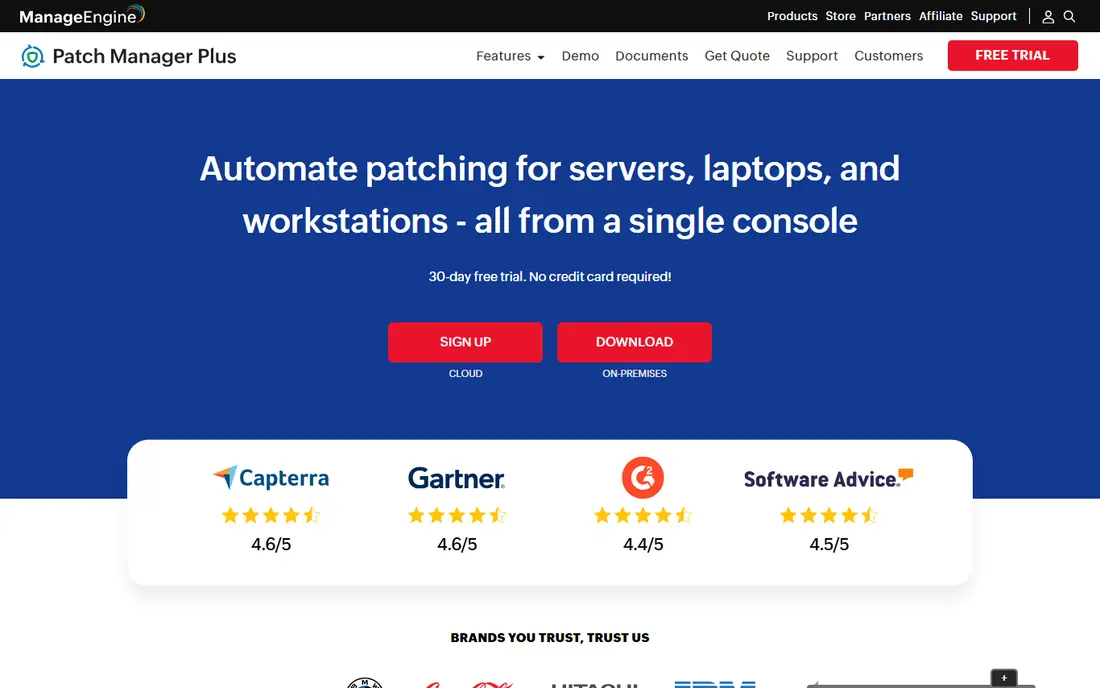
ManageEngine Patch Manager Plus is a dedicated patching tool with broad coverage. It handles operating system patches and a large catalogue of third-party apps, which matters because browsers, office tools and utilities are common attack targets. Automated deployment, test groups and compliance reports help IT teams prove that fleets are up to date for audits. The interface is less modern than cloud-native rivals, and pricing varies between cloud and on-premises editions, so check the edition that matches your setup. A free edition for up to 20 computers and 5 servers in vendor listings makes it easy to test on a small fleet. For budget-conscious teams that need dedicated patching depth, it is a strong first pick.
- Covers Windows, Mac and Linux plus many third-party apps
- Free edition for small fleets
- Detailed compliance reports
- Interface feels dated
- Cloud and on-premises pricing differ
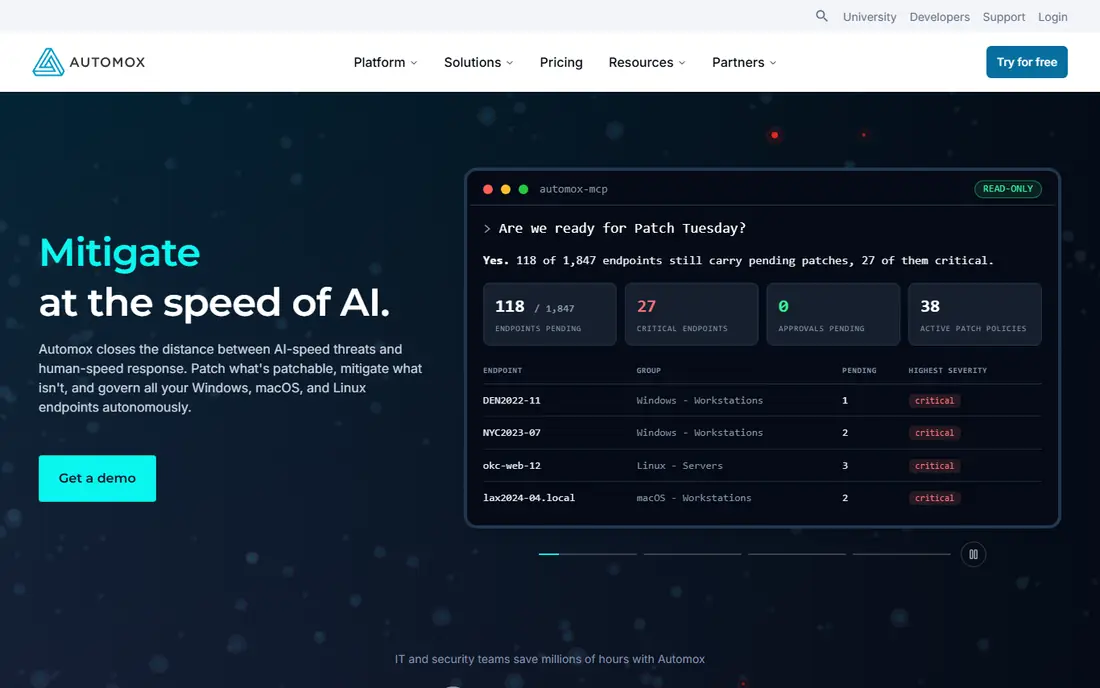
Automox is built for remote and hybrid fleets. Because it is cloud-native, IT teams can patch laptops that rarely visit an office, without VPN or on-premises servers. Policies automate patching by device group, and Worklets let teams run custom scripts for configuration and remediation alongside patches. Pricing depends on volume and plan, so get a quote for your endpoint count rather than relying on a headline rate. Rollback is also less direct than in tools with built-in snapshot recovery. For distributed teams that need consistent patching across locations, Automox is a practical cloud-first choice.
- Cloud-native with no VPN needed
- Policy-driven automation
- Covers Windows, Mac and Linux
- Price varies by volume
- Rollback needs scripted Worklets rather than a built-in tool
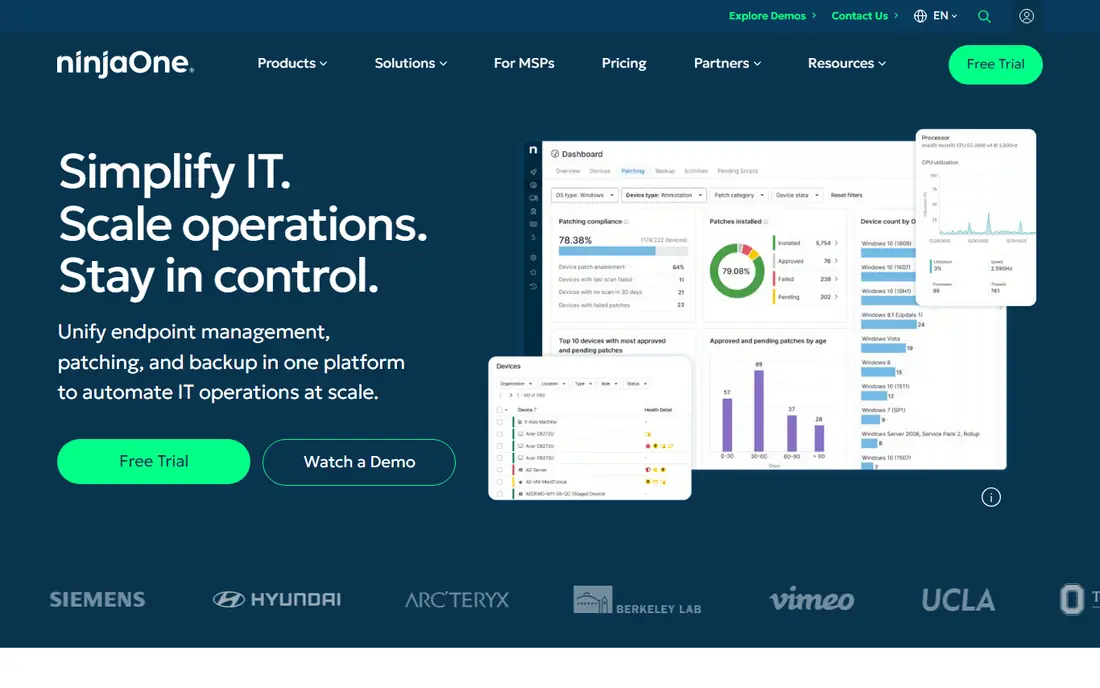
NinjaOne is a remote monitoring and management platform with patch automation built in. IT teams can patch Windows, Mac and Linux devices, monitor health, access devices remotely and automate common tasks from one console. That breadth suits MSPs and internal IT teams that manage hundreds or thousands of endpoints. Pricing is quote-based, which makes early budgeting harder, and small teams that only need patching may find the full platform more than they need. For teams that want patching as part of wider endpoint management, NinjaOne is one of the most capable options.
- Patching plus monitoring, remote access and backup
- Strong automation
- Popular with MSPs
- Quote-based pricing
- More platform than a small team may need
PDQ Connect focuses on simple, fast patching for Windows-heavy teams. Packages for common apps, schedules and deployment groups let a small IT team patch a fleet without learning a large RMM suite. The per-device yearly price is low, which helps small businesses and schools. Coverage beyond Windows is limited, so mixed-OS fleets need another tool. It also lacks the vulnerability management depth of security-led platforms. For a small Windows team that wants straightforward patching at a low cost, PDQ Connect is a strong fit.
- Simple setup for Windows fleets
- Low per-device price
- Fast package deployment
- Mac and Linux coverage is limited compared with rivals
- Fewer security features than Qualys or Ivanti
Action1 stands out because its free tier is a full platform for up to 100 endpoints, not a limited demo. Small teams and startups can patch Windows devices, view compliance and automate deployment without an upfront cost. Cloud delivery means no on-premises server is needed for remote devices. Paid pricing above the free tier is quote-based, so larger teams need to request a price. Mac and Linux coverage is also less central than in Automox or NinjaOne. For a Windows-heavy team under 100 endpoints, Action1 is the best free starting point.
- Free for up to 100 endpoints in vendor listings
- Cloud-native
- No functional limits on the free tier in listings
- Windows focus in many use cases
- Paid pricing is quote-based above the free tier
Atera prices per technician rather than per endpoint, which can suit teams with many devices per technician. Patching sits alongside monitoring, remote access, ticketing and automation in one platform, so IT teams do not need separate tools for each job. That consolidation helps MSPs that manage many client fleets. A larger technician team will see costs rise, even if endpoint counts stay flat. Teams that only need patching may also prefer a dedicated tool. For MSPs and internal IT teams with high endpoint-to-technician ratios, Atera offers good value.
- Per-technician pricing with unlimited endpoints on plans
- RMM plus ticketing and remote access
- AI-assisted workflows
- Per-technician cost rises with team size
- Patching is part of a larger suite
Ivanti Neurons for Patch Management
Who it suits: Vulnerability-led patching
Ivanti Neurons for Patch Management takes a security-led approach. It prioritises patches by vulnerability risk rather than by date alone, so teams fix the most dangerous gaps first. Broad third-party coverage and enterprise reporting help larger organisations meet compliance needs across many sites. Pricing is quote-based, and setup can be complex for a small team without dedicated security staff. For mid-market and enterprise teams that already use vulnerability data to plan work, Ivanti gives patching a clearer risk focus than a simple schedule-based tool.
- Risk-based patch prioritisation
- Broad third-party coverage
- Enterprise reporting
- Quote-based pricing
- Implementation can be complex for small teams
Qualys Patch Management suits security-mature organisations that already track vulnerabilities. Patching can be driven directly from vulnerability findings, so remediation and reporting share one workflow. Cloud delivery and detailed compliance reports help teams that must prove patch status to auditors or regulators. Pricing is per asset and quote-based, and the full value appears when Qualys vulnerability tools are also in use. Smaller teams may find the platform more complex and costly than a dedicated patching tool. For security-led teams, the combined workflow is a clear advantage.
- Combines vulnerability management and patching
- Strong compliance reporting
- Cloud platform
- Quote-based per-asset pricing
- Best value when paired with wider Qualys tools
Microsoft Intune is the natural patching choice for fleets already standardised on Microsoft 365. Windows Update policies, device compliance and app deployment sit in the same console as device management, which reduces tool sprawl for Microsoft shops. Windows Autopatch can further automate update rings for Windows devices. Third-party app patching is limited compared with ManageEngine or Ivanti, and some features need specific Microsoft licences or add-ons such as Patch My PC. For a Microsoft-centric fleet that mainly needs OS and Microsoft app patching, Intune is a practical and cost-effective choice.
- Deep Windows and Microsoft 365 integration
- Device management plus patching
- Familiar for Microsoft shops
- Third-party patching is limited without add-ons
- Best for Microsoft-licensed fleets
How we picked these
We compared official feature pages, pricing pages and public reviews for patch tools that are actively sold in October 2026. We weighted OS and third-party coverage, automation and test rollout options, reporting for compliance, rollback options and total cost per endpoint. Tools that only handled Windows Update, or that had no clear patch reporting, did not make the list.
How to roll out patches without breaking work
Start with a test group that covers each device type and critical app in your fleet. Deploy to that group first, wait for reports of failures or app issues, and only then roll out to the wider fleet. Use maintenance windows for reboots, and give users clear notice so unsaved work is not lost. Track compliance by device group, not just by total percentage, so a single failing site or app does not hide behind a good overall number. Keep a rollback plan for critical apps, whether that is a snapshot, a previous package version or a manual reinstall step. Review patch reports weekly, and prioritise internet-facing apps and known exploited vulnerabilities first.
Frequently asked questions
What is the best patch management software?
ManageEngine Patch Manager Plus is a strong dedicated pick for broad coverage and price, while Automox suits distributed fleets and NinjaOne suits teams that want RMM plus patching. Action1 is the best free start for small Windows teams. The best tool depends on OS mix, fleet size and whether you need wider endpoint management.
What are the best patch management tools for small businesses?
Action1, PDQ Connect and ManageEngine Patch Manager Plus are good small-business picks. Action1 is free up to 100 endpoints in listings, PDQ Connect is low cost for Windows teams, and ManageEngine offers a free edition for small fleets. All three avoid the quote-based pricing of enterprise platforms.
What is the top patch management software for enterprises?
Ivanti Neurons and Qualys Patch Management suit enterprises because they link patching to vulnerability risk and compliance reporting. NinjaOne and Atera also scale well for large fleets and MSPs. Enterprise teams should test reporting, rollback and third-party coverage on a pilot group before a full rollout.
Does patch management software cover third-party apps?
Yes, but coverage varies. ManageEngine, Ivanti and Qualys cover a broad range of third-party apps, while Intune covers Microsoft apps best and needs add-ons for wider third-party patching. Check that your critical apps, such as browsers, office tools and PDF readers, are in the vendor catalogue before buying.
How much does patch management software cost?
Costs range from free for Action1 up to 100 endpoints, to $12 per device per year for PDQ Connect Basic, $245 per year for ManageEngine for 50 endpoints, and $3 per endpoint per month for Automox in listings. NinjaOne, Ivanti and Qualys use quote-based pricing, so request a price for your exact endpoint count.
Can patch management work for remote workers?
Yes, cloud-native tools such as Automox, Action1, NinjaOne and PDQ Connect patch devices over the internet without VPN. That matters for hybrid and remote teams whose laptops rarely connect to an office network. Check that the tool supports your OS mix and can enforce reboots during maintenance windows.
Sources we checked (9)

Online Jobs is an independent blog about careers, online work, learning new skills and the tools that help people earn. More about us.
Keep reading
All posts
n8n Alternatives
n8n alternatives compared for 2026, with Zapier, Make, Activepieces, and more, covering visual builders, code steps, self-hosting, and pricing models.

ZoomInfo Alternatives
The best ZoomInfo alternatives in 2026, compared on price, free plans, data coverage, and which tool fits small teams or large sales teams best in detail.

Yotpo Alternatives
Find cheaper alternatives to Yotpo for reviews and loyalty, with Judge.me, Loox, Stamped, and more compared for Shopify stores in 2026, all in one guide.