Best Password Manager Apps in 2026: 9 Tools Compared

How we put this together: we compare official feature and pricing pages, app store listings, privacy policies and public user reviews. Prices change, so check the provider's site before you pay.
Key takeaways
- Bitwarden is our pick for most people, because its free plan covers unlimited passwords and sync across devices.
- 1Password is the polished paid pick, with strong family sharing, breach alerts, and a clean app on every platform.
- Proton Pass and NordPass are strong choices for people who want a generous free plan and a privacy-focused account.
- A password manager only helps if you use it everywhere, so pick one with apps for your phone, computer, and browser.
- Turn on two-factor authentication for the manager itself, and keep a secure recovery method in a place you can find if your phone is lost.
Quick comparison
| Name | Who it suits | Starting price | Free option | |
|---|---|---|---|---|
 Bitwarden Bitwarden | Free sync for most people | $1.65 per month | Yes | Visit |
 1Password 1Password | Polished apps and family sharing | $2.99 per month | Free trial (14 days) | Visit |
 Dashlane Dashlane | Bundled VPN and monitoring | $4.99 per month | Yes | Visit |
 NordPass NordPass | Simple setup and low price | $1.49 per month | Yes | Visit |
 Proton Pass Proton Pass | Privacy and email aliases | $2.49 per month | Yes | Visit |
 Keeper Keeper | Admin controls and security | $2.92 per month | Yes | Visit |
 LastPass LastPass | A familiar name | $3.00 per month | Yes | Visit |
 RoboForm RoboForm | Form filling | See website | Yes | Visit |
 Enpass Enpass | Offline-first vaults | $1.99 per month | Yes | Visit |
The best password manager apps
A good password manager creates strong passwords, fills them in for you, and warns you when a password is weak, reused, or exposed in a breach. The tools below all do that core job, but they differ on price, free plans, sharing, and how much control you keep over your vault.
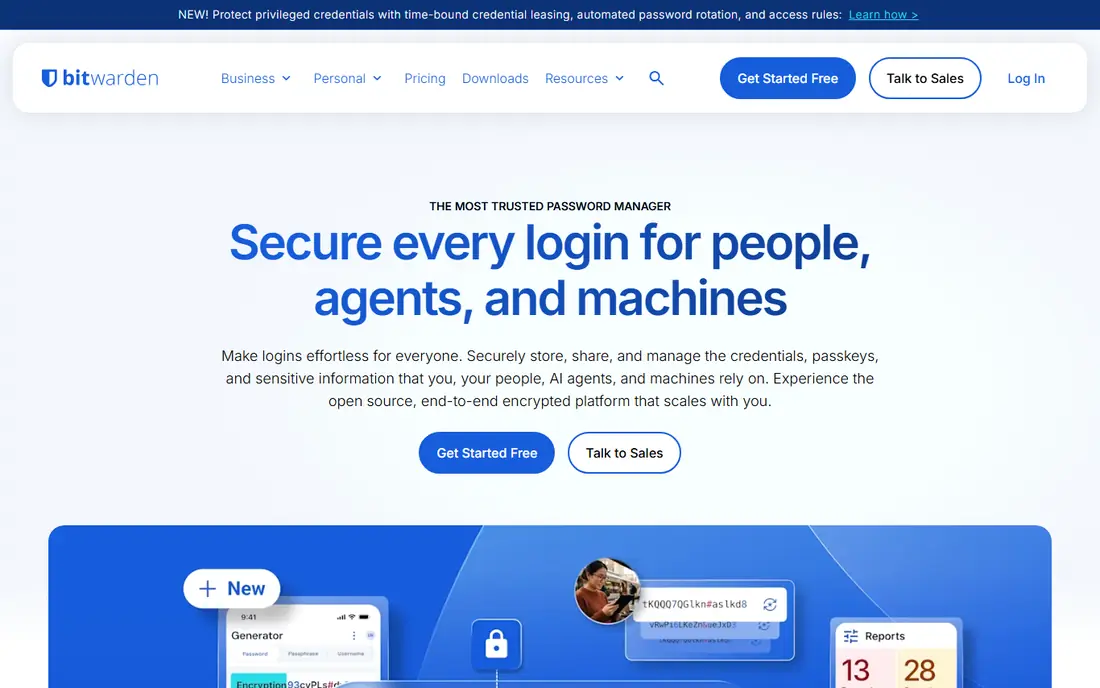
Bitwarden stands out because its free plan is a complete product, not a short demo. You get unlimited passwords, sync across Windows, Mac, Linux, iOS, Android, and major browsers, plus passkey support, without paying. The code is open source and has been reviewed in independent audits, which helps explain why security-minded users trust it.
Paid plans add a built-in authenticator, encrypted file storage, emergency access, and deeper vault health reports. At $1.65 per month billed annually, premium is still one of the cheapest paid tiers here. The trade-off is polish, because the apps look plain next to 1Password and autofill is less smooth on a few sites. For most people, that is a fair exchange for the price.
- Unlimited passwords and devices on the free plan
- Open source code
- Passkey support
- Plainer design than 1Password
- Autofill can miss a field on some sites
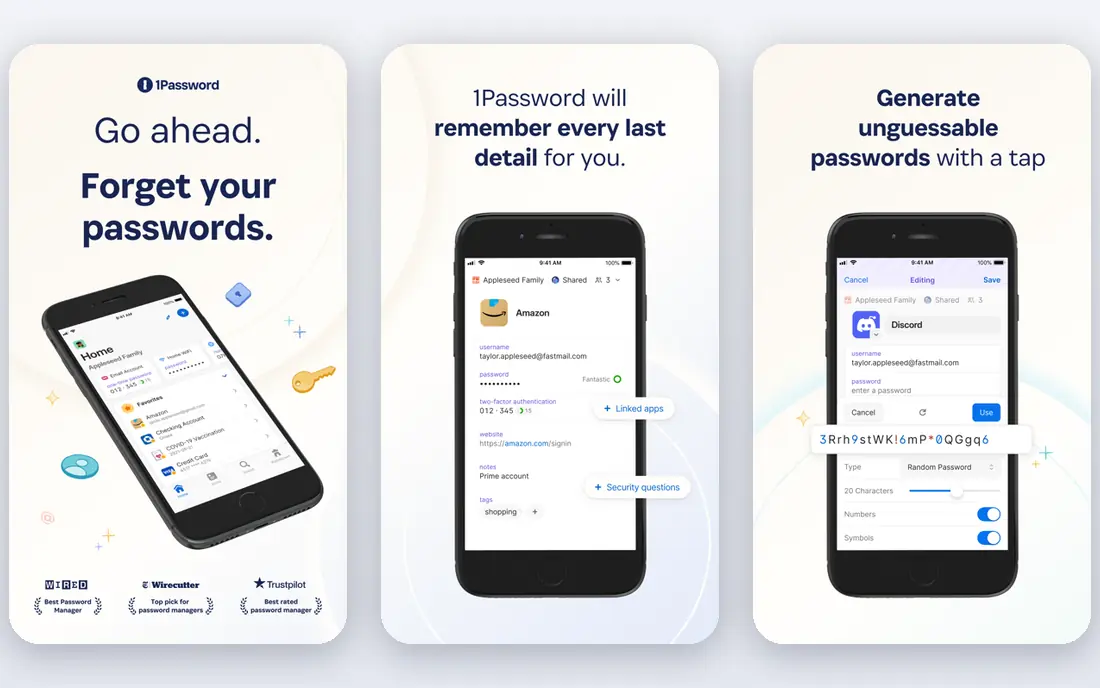
1Password is the easiest password manager to recommend to a household that will actually use it. The apps feel consistent on phone and computer, sharing with family members is simple, and Watchtower flags weak, reused, and breached passwords in plain language. Travel Mode lets you remove selected vaults from a device while you travel, then restore them later.
The price starts at $2.99 per month billed annually for an individual plan, with family plans covering more people. There is no free tier, only a 14-day trial, so budget for a subscription. 1Password also uses a Secret Key alongside your master password, which adds protection but means you must store that key somewhere safe. If polish and family use matter most, this is our paid pick.
- Clean apps on every platform
- Watchtower breach alerts
- Travel Mode for border crossings
- No free plan beyond the trial
- The Secret Key adds one more item to store safely
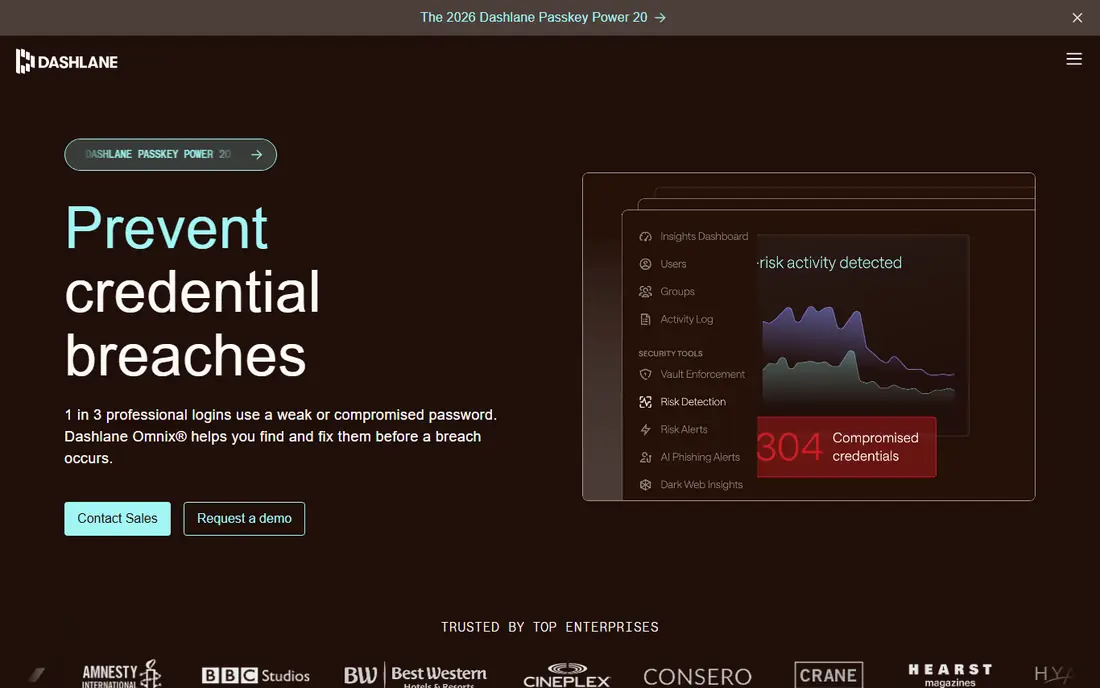
Dashlane aims to cover more than passwords in one subscription. Paid plans add dark web monitoring, password health scoring, phishing alerts, and a VPN, which suits a household that does not want a separate VPN subscription. The family plan covers up to 10 members with private vaults, so per-person cost drops sharply for a larger household.
For a single user, Dashlane is harder to justify at $4.99 per month billed annually, because Bitwarden and Proton Pass cover the core job for less. The free plan, limited to 25 passwords on one device, is best treated as a trial. Choose Dashlane when you want the bundle and the family plan, not when you only need password storage.
- Dark web monitoring and password health scores
- A VPN included in paid plans
- Family plan for up to 10 members
- The highest individual price here
- The free plan is limited to 25 passwords
NordPass keeps the first week simple. Setup is short, the interface is easy to read, and password generation, autofill, and breach scanning cover the basics without a long settings tour. It uses XChaCha20 encryption, a modern cipher, and it fits well for people who already use other Nord products, though you do not need them to use NordPass.
Pricing starts at $1.49 per month on a two-year plan, with shorter plans costing more, so check the term before you compare prices. The free plan works on one device, which limits it for people who switch between phone and computer. If you want a low-cost paid manager with a calm interface, NordPass is a strong shortlist pick.
- Simple interface
- XChaCha20 encryption
- Low price on longer plans
- Free plan is limited to one device
- Fewer advanced business controls than Keeper
Proton Pass is built around privacy first. The free plan covers unlimited passwords and devices, which already beats many rivals, and paid plans add email aliases that hide your real address when you sign up for a site. That alias feature is practical, not just a privacy badge, because it cuts spam and makes a breach easier to contain by disabling one alias.
Proton is based in Switzerland and uses end-to-end encryption, so the company cannot read your vault contents. The paid price starts around $2.49 per month billed annually, but check the current plan in your currency, because Proton prices vary. If you want a free plan you can keep long term, plus aliases, Proton Pass deserves a trial.
- Unlimited passwords on the free plan
- Built-in email aliases
- Swiss privacy approach
- Paid price varies by plan and currency
- Some advanced features sit in wider Proton bundles
Keeper suits people who want control over sharing and permissions, whether for a family or a small team. Admin controls, secure record sharing, and BreachWatch monitoring for exposed passwords give it a business-grade feel, while the personal apps still cover everyday logins, cards, and secure notes. It is a good fit when one person manages passwords for others and needs clear limits.
The personal price starts around $2.92 per month billed annually, and family and business plans add seats and controls. The free plan is limited, mainly on mobile, so treat it as a way to test the apps rather than a long-term plan. Keeper is less playful than 1Password, but for control and compliance-minded users, that serious tone is the appeal.
- Strong admin and sharing controls
- BreachWatch monitoring
- A long security track record
- The interface can feel business-focused
- The free plan is limited on mobile
LastPass remains familiar because it was one of the first password managers many people tried, and it still supports a wide range of browsers and devices. Paid plans add unlimited devices, sharing, emergency access, and security alerts, and the interface will feel familiar to anyone moving from a browser password store.
Two limits matter. The free plan covers only one device type, either computers or mobile, which frustrates people who switch between both. LastPass has also faced public criticism after past security incidents, so users who weigh a vendor track record heavily may prefer Bitwarden, 1Password, or Proton Pass. At $3.00 per month billed annually, LastPass is not the cheapest paid option either.
- Widely known and easy to find help for
- Broad browser and device support
- Family sharing on paid plans
- Free plan is limited to one device type
- Past security incidents have hurt trust for some users
RoboForm earns its place for one job that many managers handle only passably, which is filling long web forms. It handles identities, addresses, and payment details with less manual typing, and it supports older browsers that some newer managers ignore. For people who fill out many forms for work, school, or government sites, that strength saves real time each week.
The apps look dated compared with 1Password or Proton Pass, and the feature set is less broad for team admin work. Pricing varies by plan and promotion, so check the vendor pricing page and use the free plan to test form filling on the sites you use most. RoboForm is a value pick for form-heavy users, not the best all-round pick for most households.
- Strong form filling for long web forms
- Broad browser support
- A low-cost paid tier
- Design feels dated next to newer rivals
- Check current pricing, because plans and prices vary
Enpass takes a different approach to storage. You can keep a vault locally and sync it through a cloud service you choose, rather than storing it only on the vendor servers. That control appeals to people who want to decide where their encrypted vault lives, and it also means you can use Enpass without relying on one vendor cloud for sync.
Setup needs more attention, because you choose the sync method and must keep backups yourself. The price starts around $1.99 per month billed annually, with one-time purchase options listed in some app stores, so check the store for your device. Enpass suits a careful user who wants control, while a cloud-only manager suits someone who wants setup to just work.
- Vaults you control, with local or cloud sync of your choice
- One-time purchase options in some stores
- No account required for local vaults
- Sync setup needs more care than a cloud-only manager
- The interface is plain
How we picked these
We compared official feature pages, pricing pages, app store listings, privacy policies, and public reviews for password managers that work across major browsers and phones in the United States. We favored managers with strong encryption, passkey support, clear free or trial terms, and honest notes about past incidents or limits. We did not claim hands-on testing, and we did not treat a bundled VPN or a low price as a substitute for sound vault security.
Check the vendor pricing page before you buy, because password manager prices and free plan limits change often, and longer billing terms can hide a higher renewal price.
What to check before you commit
Start with the devices you use every day, not the feature list. Install the browser extension and the phone app, test autofill on your bank, email, and work sites, and check that passkeys work where you need them. If autofill fails on your most-used sites, even a cheaper manager will cost you time.
Free plan or paid plan
A free plan is enough if it covers unlimited devices and sync, as Bitwarden and Proton Pass do. Pay when you need family sharing, emergency access, breach monitoring, or a built-in authenticator, and compare the annual cost, not just the monthly headline. A manager that costs $2 per month more is still cheap insurance if it means you actually use it.
Sharing, recovery, and passkeys
Check how sharing works for family members, whether each person keeps a private vault, and how emergency access works if you are locked out. Set up two-factor authentication on the manager, store recovery codes offline, and test passkey sign-in on at least one major site. A password manager should make recovery possible without making it easy for someone else.
Security habits that still matter
A manager does not fix reused passwords by itself. Run the vault health report, change weak and reused passwords for email and banking first, and turn on breach alerts where offered. Keep your master password long, unique, and memorized, and never store it in the vault it protects.
Frequently asked questions
What is the best password manager app?
Bitwarden is our pick for most people, because its free plan covers unlimited passwords and sync, and its paid plan is cheap. 1Password is our paid pick for polish and family sharing. The best password manager software for you is the one you will use on every device, so test autofill on your daily sites before you commit.
What is the best password management tool for families?
1Password and Dashlane both offer family plans with private vaults and shared items. 1Password covers up to five people on its family plan, while Dashlane covers up to 10 members, which can lower the per-person cost for a larger household. Bitwarden also offers a family plan, and its low price makes it a good choice for a family on a budget.
Is there a good free password manager app?
Yes. Bitwarden and Proton Pass both offer free plans with unlimited passwords, which is enough for many individuals. NordPass, Dashlane, Keeper, and LastPass offer free plans too, but with device or password limits that matter in daily use. If you use both a phone and a computer, check the device limit before you rely on a free plan.
What is a password keeper app, and is it different from a password manager?
A password keeper app is another name for a password manager. Both store logins in an encrypted vault, generate strong passwords, and fill them in for you. Some older apps use keeper in the name, but the core job is the same, so compare encryption, sync, sharing, and recovery rather than the label.
How do passkeys work with a password manager?
A passkey replaces a password with a cryptographic key pair, so you sign in with your device, fingerprint, or face instead of typing a secret. Most managers on this list support storing and syncing passkeys, which means you can use the same passkey on your phone and computer. Keep a backup sign-in method for sites that do not yet support passkeys well.
Should I still use my browser password manager?
Browser password managers are better than reusing passwords, but a dedicated manager works across browsers and devices, adds breach alerts, and makes sharing safer. If you use more than one browser, or you share logins with family, a dedicated app is worth the switch. Export carefully, delete the exported file after import, and turn off the browser prompt to save passwords once you move.
Sources we checked (9)

Online Jobs is an independent blog about careers, online work, learning new skills and the tools that help people earn. More about us.
Keep reading
All posts
Surfshark Alternatives
Looking for Surfshark alternatives? We compare 8 VPN services on price, privacy, streaming, and device limits to help you find a VPN that fits your needs.
NordPass Alternatives
We compared NordPass alternatives for families, solo users and teams, checking pricing, free plans, passkeys and sharing, so you can switch safely today.
Best VPN Service
We compared the best VPN service options for privacy, streaming and value, checking official pricing, free plans and honest limits before ranking them.