Best Password App in 2026: 8 Apps Compared

How we put this together: we compare official feature and pricing pages, app store listings, privacy policies and public user reviews. Prices change, so check the provider's site before you pay.
Key takeaways
- Bitwarden is the best free password app, with unlimited passwords and sync across devices on its free plan.
- 1Password suits people who want the most polished apps and family sharing, but it has no free tier.
- Proton Pass suits privacy-focused users who also want email aliases built in.
- Dashlane dropped its free plan, and LastPass limits its free tier to one device type, so check free terms carefully.
Quick comparison
| Name | Who it suits | Starting price | Free option | |
|---|---|---|---|---|
 Bitwarden | best free password app | Free | Yes | Visit |
 1Password | polished apps and family sharing | $3.99 per month | Free trial | Visit |
 Proton Pass | privacy plus email aliases | Free | Yes | Visit |
 NordPass | simple low-cost paid plan | See website | Yes | Visit |
 Dashlane | bundled security tools | $4.99 per month | No | Visit |
 Keeper | business and family controls | See website | Yes | Visit |
 LastPass | familiar name, basic use | $3 per month | Yes | Visit |
 RoboForm | form filling and value | See website | Yes | Visit |
The best password apps
A password app should do one job without friction: remember strong, unique passwords so you do not have to, and fill them in safely across your phone and computer. Passkey support, breach alerts and secure sharing matter too, but the core test is simple. If the app is annoying, you will stop using it, and weak reused passwords will return. The apps below cover free, family and business use, with prices checked against recent vendor and comparison pages.
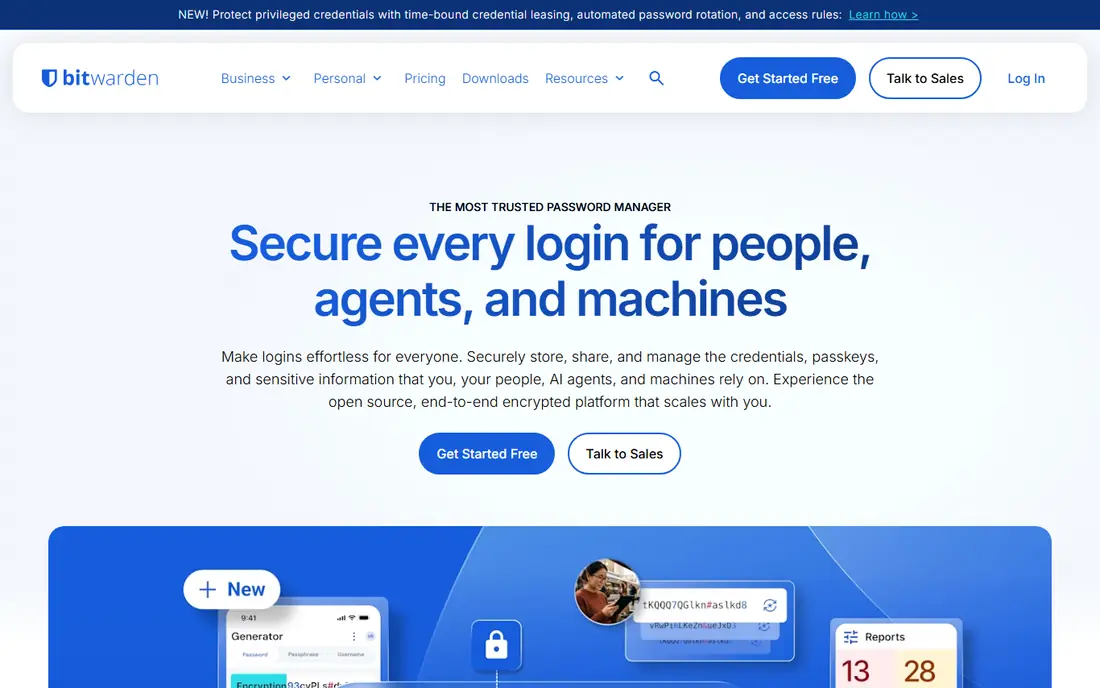
Bitwarden is the default recommendation when price matters. The free plan covers unlimited passwords across unlimited devices, which no other major rival matches. Premium adds file attachments, emergency access and extra authentication options for about $1.65 per month billed annually, based on recent pricing pages. Being open source also means its code can be reviewed by outside experts.
The interface is functional rather than beautiful, and it lacks some of the polish and guided setup of 1Password. That matters less once daily use becomes routine, since autofill and search work well. For individuals, families on a budget and anyone who wants a free app they can keep long term, Bitwarden is our pick.
- Free plan includes unlimited passwords and device sync
- Open source code
- Self-hosting option
- Interface is plainer than 1Password
- Premium features need a paid plan
- Family setup takes a little care
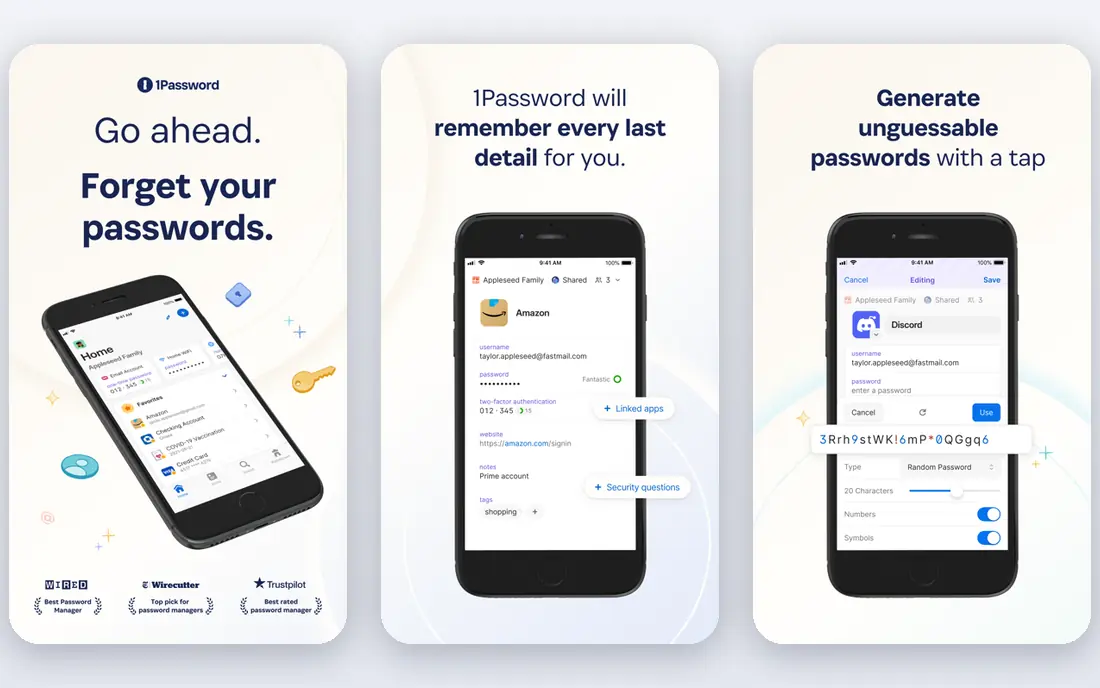
1Password sets the standard for design. Apps feel consistent across phone, computer and browser, Watchtower flags weak, reused or breached passwords, and Travel Mode can remove sensitive vaults from a device while you travel. Family plans cover five people with shared vaults and guest accounts, which makes it a strong household pick.
Cost is the catch. There is no free tier, and individual pricing rose to $3.99 per month billed annually in 2026, with family plans higher. If you value polish and will use the app daily, the price is easy to justify. If you only need basic storage, Bitwarden covers the same core job for free.
- Best-designed apps in this list
- Travel Mode and Watchtower alerts
- Strong family and team sharing
- No free tier, only a 14-day trial
- Price rose in 2026
- Some advanced tools need higher plans
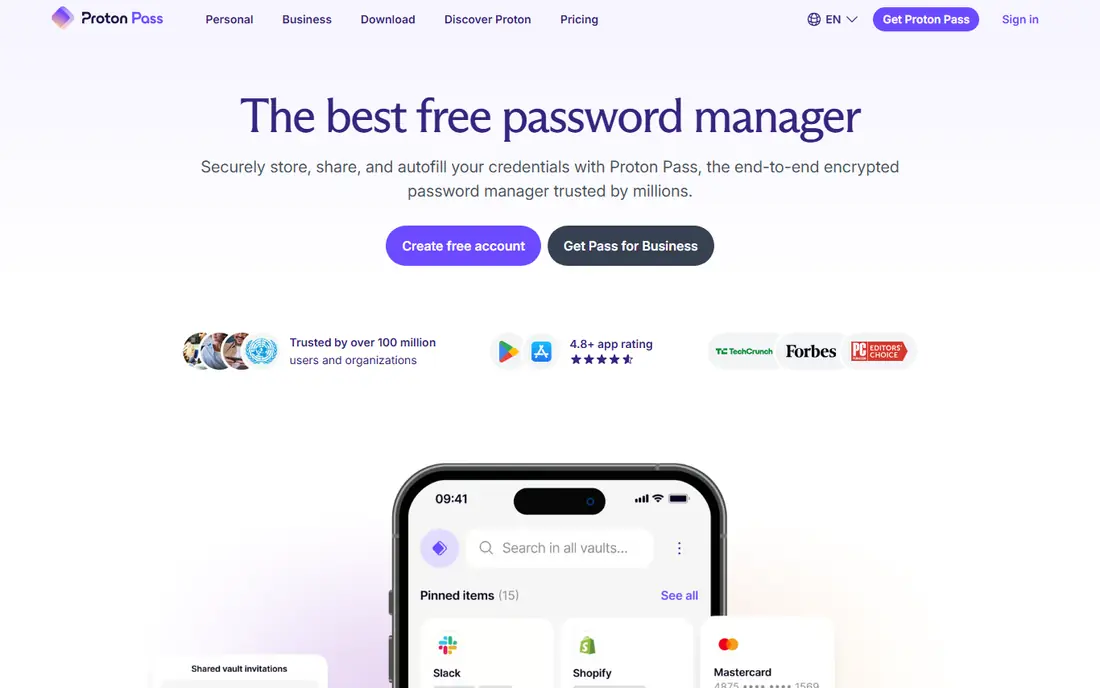
Proton Pass comes from the team behind Proton Mail, and that privacy focus shows. The free plan includes unlimited logins, and paid plans add more vaults and unlimited email aliases, which let you sign up for services without sharing your real address. Encryption is end to end, so Proton cannot read your vault contents.
The trade-off is ecosystem fit. Proton Pass works best if you also use Proton Mail or Proton VPN, and its integration range is narrower than 1Password or Bitwarden. Paid pricing also depends on whether you buy Pass alone or a Proton bundle, so check the current page. For privacy-first users, Proton Pass is a strong, genuinely useful free start.
- Free plan with unlimited logins
- Built-in email aliases hide your real address
- End-to-end encryption
- Paid plan pricing varies by bundle
- Smaller third-party integration range
- Some business features need Proton plans
NordPass keeps the experience simple. Vaults, autofill and passkey support cover the daily job, and the interface rarely gets in the way. Promotional paid rates are among the lowest here, which makes it a tempting upgrade from the free tier, especially for NordVPN subscribers who can bundle services.
Read the free and renewal terms carefully. The free plan works on one device at a time, which frustrates people who switch between phone and laptop. Promo rates also rise at renewal, so confirm the renewal price, not just the first-term price. For a single-device user or a Nord customer, NordPass is good value. For multi-device free use, Bitwarden wins.
- Clean simple interface
- XChaCha20 encryption
- Low promotional paid rates
- Free plan limited to one device
- Renewal prices differ from promo rates
- Fewer business admin tools than Keeper
Dashlane bundles a password manager with dark web monitoring and, on some plans, a VPN, which appeals to buyers who want one security subscription. Autofill is strong, and the apps feel modern across browsers and mobile. Paid individual plans start around $4.99 per month billed annually, based on recent pricing pages.
The free plan is gone, so there is no way to try Dashlane long term without paying after a trial. That puts it at a disadvantage against Bitwarden and Proton Pass for budget buyers. Dashlane suits users who want the bundle and are happy to pay for it, rather than users hunting for the cheapest solid manager.
- Polished apps
- Dark web monitoring and VPN bundle
- Strong autofill
- Free plan was discontinued
- Paid price sits at the higher end
- Family plans are business-focused in some regions
Keeper leans toward teams and families that need control. Admins can manage users, enforce policies and share folders with clear permissions, while families get shared vaults and emergency access. Breach monitoring and secure file storage round out a business-ready package that also works for households.
The free tier is limited compared with Bitwarden, and the interface feels more corporate than friendly. Pricing also shifts with promotions, so confirm the current rate for your plan size. Keeper is our pick for a small business or a family that wants admin control, rather than for a solo user seeking the simplest free app.
- Strong admin controls for teams
- Secure file storage
- Breach monitoring
- Free tier is limited
- Interface feels business-first
- Pricing varies by plan and promo
LastPass remains familiar to many users, and its browser autofill and vault sharing cover the basics well. Paid plans start around $3 per month billed annually, with family plans for up to six users. If you already use LastPass and are happy with it, there is no urgent need to switch on features alone.
Two limits matter. The free tier works on only one device type, so phone-plus-computer users must pay or switch. Past security incidents also weigh on trust for some buyers, even though LastPass has since changed practices and published updates. New buyers should weigh Bitwarden or 1Password first, and only pick LastPass if its workflow already fits them.
- Widely known
- Easy browser autofill
- Family plans available
- Free tier limited to one device type
- Past security incidents concern some users
- Paid price is mid-range
RoboForm has filled web forms for years, and that strength still shows. Beyond passwords, it handles addresses, payment details and custom fields well, which saves time on checkout and sign-up forms. Paid plans are low cost, and a free tier covers basic use on one device.
The design feels older than 1Password or Proton Pass, and some newer features arrive later here. Linux users should also check current platform support before buying. For a value buyer who fills many forms, RoboForm is a solid, affordable pick that covers the core job well.
- Strong form filling beyond passwords
- Low-cost paid plans
- Works on most platforms
- Interface feels older
- Some features trail 1Password
- Linux support is limited
How we picked these
We compared official pricing pages, free tier terms and feature pages, plus recent pricing comparisons checked against vendor pages. We favored apps that still operate, support passkeys, offer autofill across major platforms, and publish clear security practices. We did not claim hands-on testing, and we based our notes on vendor documentation and public pricing information. Prices and free terms change with promotions, so confirm the current terms on the vendor site before you subscribe.
How to choose the right password app
Start with devices, then people, then price. If you use a phone and a laptop daily, a one-device free tier will frustrate you, so Bitwarden or Proton Pass fit better than a limited free plan. For a household, compare family pricing and shared vault ease, not just the individual rate. Turn on two-factor authentication for the vault itself, since that account protects every other login.
Importing matters too. Most apps offer import from browsers and rivals, so a switch is less painful than it looks. Try the free tier or trial for a week with real logins, and check autofill on your most-used sites. Pick the app you will actually keep using, since a password manager only helps when every important login lives in it.
Frequently asked questions
What is the best app for passwords?
Bitwarden is the best free password app, while 1Password is the best polished paid app. Proton Pass suits privacy-focused users, and NordPass suits buyers who want a low-cost paid plan. Your device mix and budget decide between them more than any single feature.
What is the best free password app?
Bitwarden offers the strongest free plan, with unlimited passwords and sync across devices. Proton Pass also offers a useful free plan with unlimited logins and limited email aliases. LastPass and NordPass free tiers limit devices, so they suit single-device users only.
Is a password app safe?
A reputable password app with end-to-end encryption and a strong master password is safer than reusing passwords or storing them in a notes file. No system is risk-free, so use two-factor authentication on the vault, keep recovery options current, and watch breach alerts. Choose a vendor with published audits and a clear security history.
Do password apps support passkeys?
Yes, most major apps here support storing and filling passkeys, though support varies by platform and browser. Check passkey support for your phone and browser before you switch, especially if you plan to move away from passwords on major accounts.
Can I share passwords with family safely?
Yes, family plans from 1Password, Bitwarden, Keeper and others offer shared vaults with permissions, so you do not need to send passwords by message or email. Set up a shared vault for household accounts and keep personal vaults separate. Emergency access features help if a family member cannot reach their vault.
Sources we checked (8)

Online Jobs is an independent blog about careers, online work, learning new skills and the tools that help people earn. More about us.
Keep reading
All posts
Surfshark Alternatives
Looking for Surfshark alternatives? We compare 8 VPN services on price, privacy, streaming, and device limits to help you find a VPN that fits your needs.
NordPass Alternatives
We compared NordPass alternatives for families, solo users and teams, checking pricing, free plans, passkeys and sharing, so you can switch safely today.
LLM Tool Integration Security Best Practices
Learn LLM tool integration security best practices for 2026, with eight tools for guardrails, tool scoping, sandboxing, agent governance and audit logging.