Best OSINT Tools in 2026: 8 Tools Compared

How we put this together: we compare official feature and pricing pages, app store listings, privacy policies and public user reviews. Prices change, so check the provider's site before you pay.
Key takeaways
- Maltego is the strongest pick for visual link analysis, while Shodan and Censys suit internet-facing asset discovery.
- SpiderFoot, Recon-ng and theHarvester suit automated and command-line recon, with free and open source options for learners.
- The OSINT Framework is a directory, not a search engine, so it helps you find the right source rather than running the search itself.
- These tools must only be used for lawful, legitimate work such as journalism, security research and due diligence, and must not be used to dox, stalk or harass anyone.
Quick comparison
| Name | Who it suits | Starting price | Free option | |
|---|---|---|---|---|
 Maltego | Visual link analysis | Free | Yes | Visit |
 Shodan | Internet-facing device and service discovery | $49 one-time | Yes | Visit |
 SpiderFoot | Automated open source scans | Free | Yes | Visit |
 Recon-ng | Command-line recon framework | Free | Yes | Visit |
 theHarvester | Domain and email recon | Free | Yes | Visit |
 OSINT Framework | Finding the right OSINT source | Free | Yes | Visit |
 Censys | Internet-wide asset search | See website | Yes | Visit |
 Have I Been Pwned | Breach exposure checks on your own domains | Free | Yes | Visit |
The best OSINT tools
The best tool for OSINT depends on the question you are trying to answer. Some tools map links between people, domains and infrastructure. Others scan the internet for exposed services. Others automate the early steps of domain recon. We compared official documentation, pricing pages and public feature lists, and we framed every use here around lawful, legitimate work: journalism, security research, due diligence and checking your own organisation's exposure. These tools must not be used to dox, stalk or harass anyone, and you should only test systems you own or have clear permission to test.
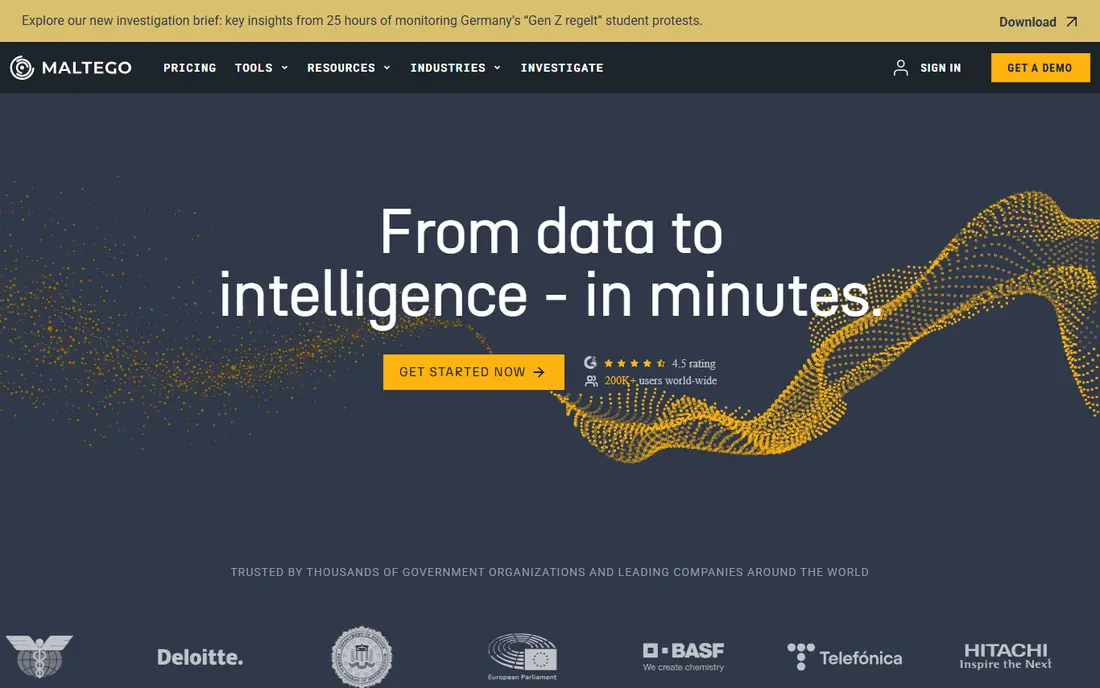
Maltego turns scattered public data into a graph, so you can see how a domain, an email address, a company and an IP address connect. That visual view is its main strength. An investigator can follow a link, expand it, and see a pattern that a flat list of results would hide. It is used in security research, journalism and due diligence for exactly that reason.
The free Community Edition is enough to learn the workflow, with limits on data and transforms. Paid plans add far more connectors and capacity, but the price puts them out of reach for many solo researchers. Start with the free edition on a public, lawful case, and only pay when you hit a limit on a real investigation.
- Clear graph view of links between entities
- Wide range of data connectors
- Useful free Community Edition for learning
- Paid plans are costly for solo users
- The graph takes time to learn well
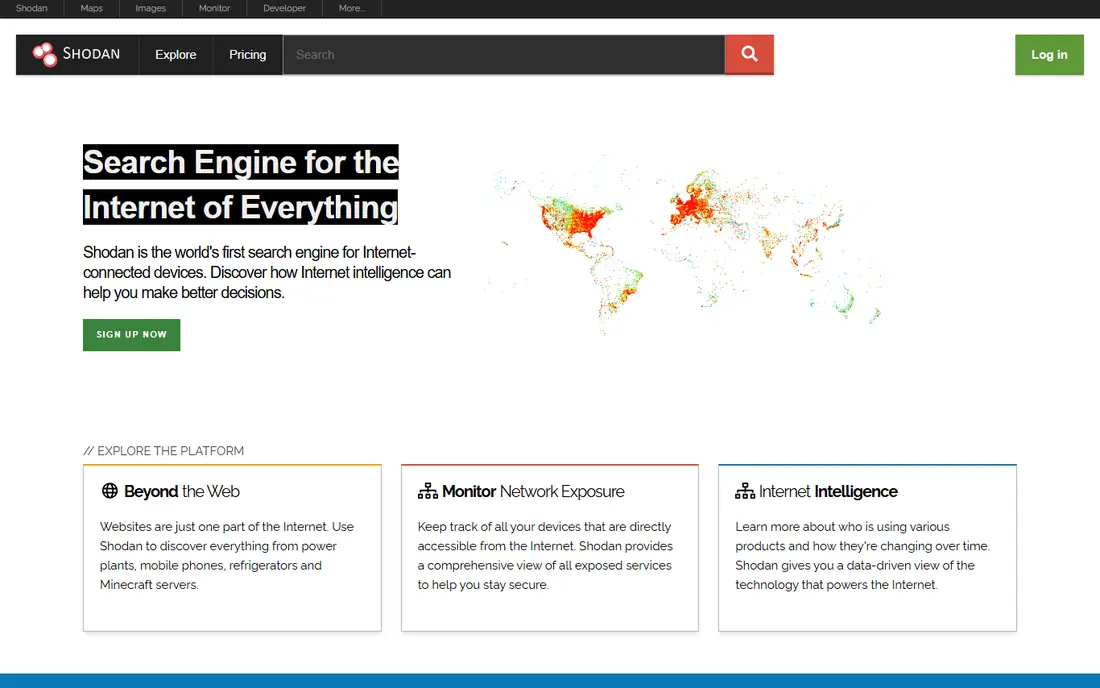
Shodan is often described as a search engine for internet-connected devices. It indexes servers, routers, cameras and other services that are reachable from the internet, along with banners and open ports. For a security team, the value is defensive: search for your own organisation's assets, find exposed services, and fix them before an attacker notices.
Shodan offers a free tier with limited searches, and a one-time membership that adds more capacity. The catch is interpretation. A result shows exposure, not a confirmed flaw, so you need to check the service, its version and its access controls before you call it a risk. Never use Shodan results to probe a system you do not own or have permission to test.
- Fast search across internet-connected devices and services
- Useful for finding your own exposed assets
- Clear membership option
- Results need careful reading, because an open port alone does not prove a weakness
- Paid credits add cost for heavy use
SpiderFoot automates open source intelligence gathering. Give it a domain, an IP address or an email address, and it runs a set of modules against public sources, then presents the results in one place. That automation saves hours on the early stage of an investigation, when you need a broad footprint before you dig into one lead.
The open source version can be self-hosted, which suits researchers who want control over their data. The paid hosted version adds convenience and capacity. Either way, expect noise. Automated results include false leads and stale data, so treat SpiderFoot as a starting map, not as a finished report.
- Automates many recon steps in one scan
- Wide module range
- Self-hosted open source option
- Setup and module configuration take time
- Results need triage, because automated scans produce noise
Recon-ng is a free, open source recon framework for the command line. It works in modules, so you can run one module to gather subdomains, another to check hosts, and another to store results in a database for later work. That modular, repeatable workflow suits analysts who run similar recon tasks often and want a record of each step.
It is not a beginner-friendly graphical tool. You need comfort with the command line, and many modules need an API key from a public source before they return data. For a technical analyst, that effort pays off in speed and control. For a casual user, Maltego or the OSINT Framework will feel easier.
- Free and open source
- Modular design for repeatable workflows
- Good for analysts who like the command line
- Command-line only, so it suits technical users
- Module setup and API keys take effort
theHarvester is a light, free tool for the first pass on a domain. It queries public search engines and other public sources to gather email addresses, hostnames and subdomains linked to that domain. For penetration testers and security researchers, that first pass often reveals the email format, a forgotten subdomain or a public-facing host worth checking further.
It is a starting tool, not a full investigation platform. The depth of its results depends on the sources it can query at the time, and it will not map links the way Maltego does. Use it early, record what it finds, then move to a deeper tool for the leads that matter.
- Free and open source
- Fast first pass on emails, hosts and subdomains
- Light to install and run
- Results depend on the public sources it queries
- Limited depth compared with a full platform
The OSINT Framework is a directory, not a search engine. It organises hundreds of public OSINT resources by task, such as username search, domain research, image analysis and public records. If you know what you need but not which tool covers it, the Framework points you to the right place.
That design is both its strength and its limit. You still need to run each linked tool yourself, and some links go stale as services change. Keep it as a reference map beside your working tools. For a beginner, it is one of the best free ways to learn how broad lawful OSINT work really is.
- Free directory of hundreds of OSINT resources
- Organised by task and data type
- Useful for learning the field
- It links to tools rather than running searches itself
- Some linked sources change or close over time
Censys scans the internet and lets you search hosts, certificates and services from that data. Like Shodan, it suits defensive work: find your own exposed hosts, check certificate history, and spot services that should not be public. Its search language also helps analysts narrow results by port, protocol or certificate detail.
Censys offers a free tier with limited credits, and paid plans for heavier use. Check the current credit terms on the vendor site, because heavy scanning consumes credits fast. As with Shodan, treat a result as a lead to verify, not as proof of a weakness, and only act on systems you own or have permission to test.
- Broad internet-wide scanning data
- Useful for asset discovery and certificate research
- Free credits for light use
- Paid use can get costly at scale
- Results need the same careful reading as any internet scan data
Have I Been Pwned lets you check if an email address or a domain you control appears in known data breaches. For an individual, it is a simple hygiene check. For an organisation, domain search helps security teams find staff accounts that need a password reset and accounts tied to old breaches. That narrow job is why it belongs here, beside broader recon tools.
The limit is scope. It only knows about breaches that have been collected and verified, so a clean result is not a guarantee. Paid plans add API access and wider domain monitoring. Use it as one check in a wider security routine, alongside strong passwords, two-factor sign-in and regular patching.
- Free checks for email addresses and domains you control
- Clear breach data
- Useful for password and account hygiene
- It checks known breaches only, so a clean result does not prove safety
- API and domain features are paid
How we picked these
We compared official documentation, pricing pages and public feature lists, and we favoured tools that are live now, that serve a distinct OSINT job, and that are widely used for lawful research. We included free and open source tools beside paid platforms, because cost should not block a learner from starting with lawful, defensive work. We did not claim hands-on testing we did not do, and we avoided tools whose main use is personal data lookup for harassment or stalking.
What to check before you choose
Start with the question, not the tool
A domain question calls for theHarvester or SpiderFoot. A link question calls for Maltego. An exposure question calls for Shodan or Censys. Picking the tool first leads to long, unfocused searches.
Stay inside lawful use
Only gather public data, only test systems you own or have written permission to test, and respect privacy law in your country. If a tool offers personal data you do not need for a legitimate purpose, do not collect it.
Verify before you report
Automated OSINT results contain errors, duplicates and stale records. Cross-check a key finding in a second source before you act on it or pass it to anyone else.
Budget for credits and keys
Free tiers are generous for learning but limited for large investigations. Check credit limits, API key needs and paid prices before you build a workflow around one tool.
Frequently asked questions
What is the best tool for OSINT?
There is no single best tool for OSINT, because each tool answers a different question. Maltego suits link analysis, Shodan and Censys suit asset discovery, and SpiderFoot suits automated domain recon. Most investigators use several tools together.
What is the best OSINT tools list for beginners?
A good beginner set is the OSINT Framework for finding sources, theHarvester for a first domain pass, Have I Been Pwned for breach checks, and the free tier of Maltego or Shodan for a first visual or asset search. All of these have free entry points.
Is there a best OSINT platform for teams?
Maltego is the closest to a team platform in this list, with shared graphs and paid connectors, while SpiderFoot and Censys suit teams that need automation or internet-wide data. Teams should also budget for training, because graph and scan results need skilled reading.
Are OSINT tools legal?
Collecting publicly available information for a lawful purpose is generally legal, but the details depend on your country and on how you use the data. Accessing a system without permission, bypassing access controls, or using personal data to harass someone is not lawful OSINT work. When in doubt, get legal advice before you start.
What are the best tools for OSINT in security research?
For security research, Shodan, Censys, SpiderFoot, Recon-ng and theHarvester form a strong set, with Maltego for linking findings together. Use them on your own assets or on systems you have clear permission to test, and document each step.
What are the best online investigation tools for journalists?
Journalists often start with the OSINT Framework, Have I Been Pwned and public records sources, then use Maltego to map links between companies, domains and public filings. Keep notes on sources, verify key facts in a second source, and avoid collecting personal data you do not need for the story.
Sources we checked (8)

Online Jobs is an independent blog about careers, online work, learning new skills and the tools that help people earn. More about us.
Keep reading
All posts
Surfshark Alternatives
Looking for Surfshark alternatives? We compare 8 VPN services on price, privacy, streaming, and device limits to help you find a VPN that fits your needs.

NordPass Alternatives
We compared NordPass alternatives for families, solo users and teams, checking pricing, free plans, passkeys and sharing, so you can switch safely today.

LLM Tool Integration Security Best Practices
Learn LLM tool integration security best practices for 2026, with eight tools for guardrails, tool scoping, sandboxing, agent governance and audit logging.