Home / HR and diagramming tools
8 Best Org Chart Software Tools for Clear Team Structure

How we put this together: we compare official feature and pricing pages, app store listings, privacy policies and public user reviews. Prices change, so check the provider's site before you pay.
Key takeaways
- The best org chart software depends on whether you need a simple chart, a live directory, or workforce planning.
- Diagram tools suit one-off charts, while HR-connected tools keep charts current as people join, move, or leave.
- For large companies, data sync, permissions, and scenario planning matter more than pretty templates.
- Small teams can start free or low cost, but should check headcount limits and export options.
- A chart only helps if it is easy to update, easy to share, and easy to read on a phone.
Quick comparison
| Name | Who it suits | Starting price | Free option | |
|---|---|---|---|---|
 Lucidchart Lucidchart | Diagramming plus org charts | See website | Yes | Visit |
 Pingboard Pingboard | Live directory and org chart | See website | Free trial | Visit |
 ChartHop ChartHop | People analytics and planning | See website | No | Visit |
 Organimi Organimi | Simple dedicated org charts | See website | Yes | Visit |
 Microsoft Visio Microsoft Visio | Microsoft 365 organisations | See website | Free trial | Visit |
 SmartDraw SmartDraw | Fast automatic chart formatting | See website | Free trial | Visit |
 Miro Miro | Collaborative org design workshops | Free | Yes | Visit |
 Creately Creately | Visual team planning | See website | Yes | Visit |
The best org chart software
We compared the best software for org charts on chart quality, data handling, collaboration, sharing, and price. The best org chart tool for a small team is rarely the best org chart software for large companies, so the list below covers both ends.
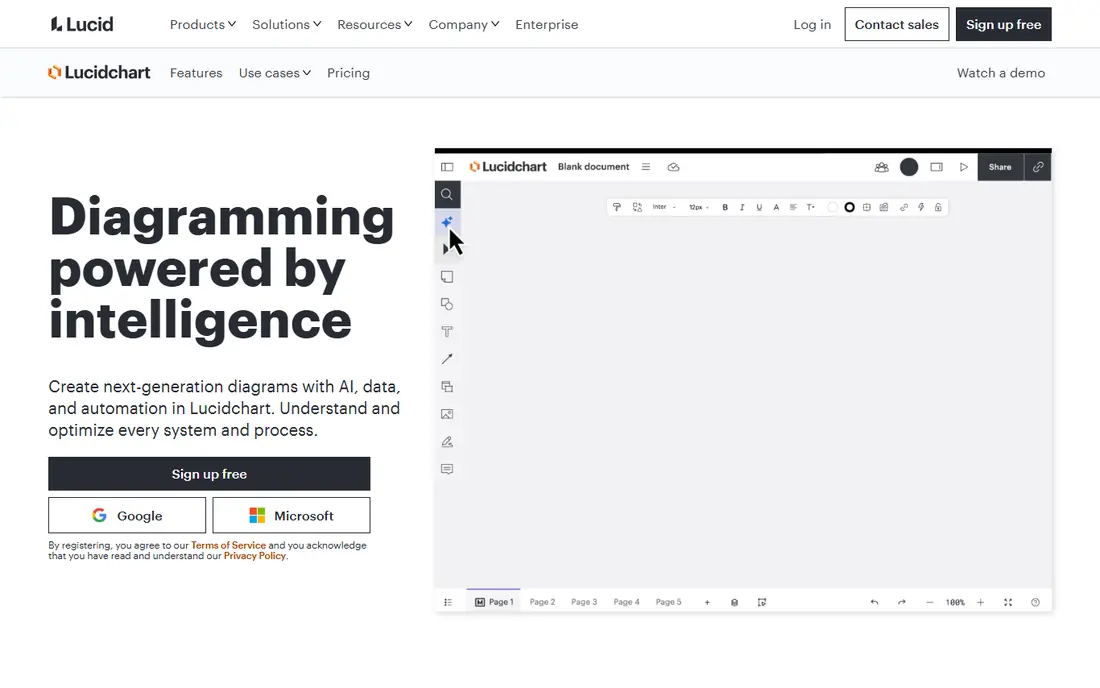
Lucidchart fits a team that needs org charts alongside flowcharts, process maps, and system diagrams. The canvas is flexible, templates give a fast start, and colleagues can edit and comment in real time. Data import also helps a team build a first chart from a spreadsheet rather than drawing every box by hand. The honest catch is maintenance. Lucidchart is a diagram tool first, so keeping a chart current still needs a routine or a higher-plan data feature. For a one-off chart, a board deck, or a reorganisation draft, that trade is fine. For a live company directory, a HR-connected tool may save more time.
- Flexible diagramming
- Org chart templates
- Real-time collaboration and data import
- Data refresh features sit on higher plans
- Chart-only teams may pay for a wider suite
- Large charts need care to stay readable
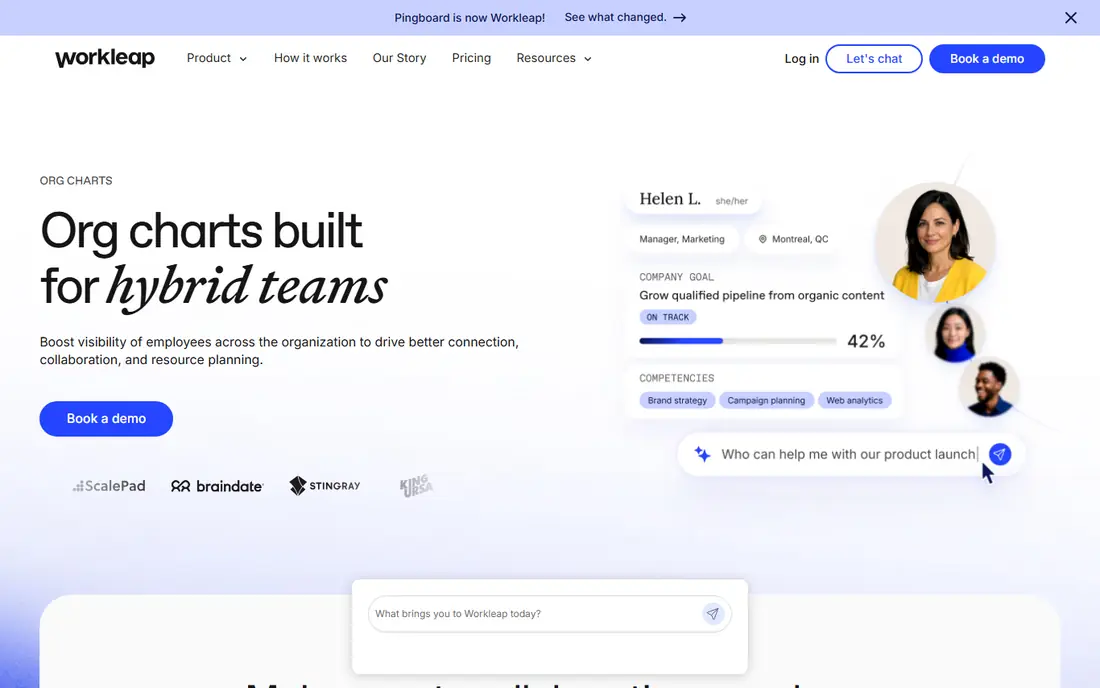
Pingboard fits a growing company that wants staff to find people, teams, and reporting lines without asking HR. Profiles, photos, and out-of-office status sit alongside the chart, so the tool works as a daily directory, not just a static diagram. That daily use helps keep data fresh, because staff notice errors when they look themselves up. The weakness is packaging. Pingboard now sits within Workleap, and pricing can be less simple than a chart-only tool. Small teams should confirm the minimum commitment before signing up. For a mid-size firm that wants a live chart and directory in one place, Pingboard is a strong best app for org charts.
- Live org chart with employee profiles
- Mobile apps
- Out-of-office and directory features
- No standalone free plan for larger use
- Part of a wider Workleap platform
- Pricing needs a quote for many teams
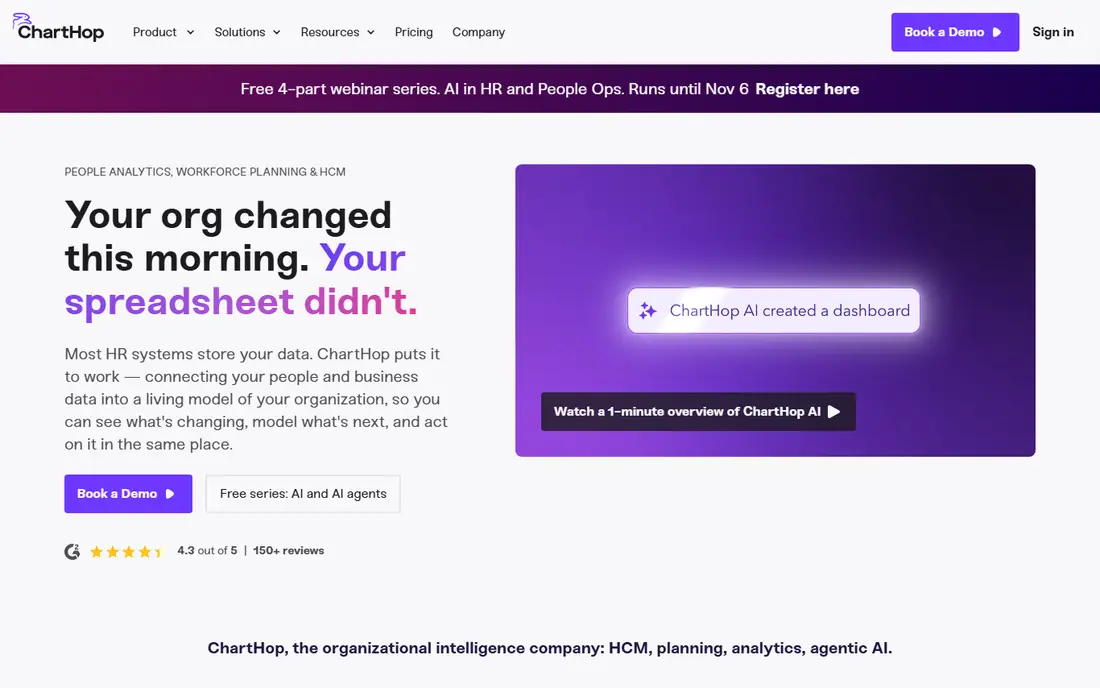
ChartHop fits a larger company that needs to plan headcount, not just draw it. Charts update from HR and payroll data, and leaders can model scenarios, such as a new team, a merger of two groups, or a hiring plan, before they commit. Compensation and people analytics sit in the same system, which helps HR and finance work from one set of numbers. The catch is scope and cost. ChartHop is not a quick chart maker for a ten-person team. It suits firms where workforce planning is already a formal job, and where the cost is justified by better headcount decisions. If you only need a clean chart for a website or a deck, a simpler tool will do the job faster.
- HRIS sync
- Headcount and compensation planning
- Scenario modelling for reorganisations
- Quote-based pricing
- More setup than a chart-only tool
- Overkill for a simple chart
Organimi fits a small or mid-size team that wants a dedicated org chart tool without learning a full diagram suite. Import a spreadsheet, arrange the boxes, add photos, and share a link or a print version. That focus keeps the learning curve short, which matters when HR or an office manager owns the chart. The honest weakness is automation. Lower plans need manual updates, and automatic HR sync sits higher. For a stable team, manual updates are fine. For a fast-growing firm, check the sync plan before you build a large chart, or you may face a weekly manual chore.
- Built only for org charts
- Simple import from spreadsheets
- Photo boards and directories
- Automatic sync needs higher plans
- Design options are narrower than Lucidchart
- Matrix charts need premium tiers
Microsoft Visio fits an organisation already deep in Microsoft 365. Charts can be built from Excel data, shared through familiar Microsoft tools, and styled with precise controls. For IT, operations, and facilities teams that already draw network and floor plans in Visio, org charts fit the same workflow. The catch is ease of use. Visio is a professional diagram tool, not a simple chart app, and casual users may find it heavy. Web-first rivals are easier for a quick collaborative edit. Visio earns its place when Microsoft integration and data-driven charts are the priority, and when the team already knows the tool.
- Data-driven charts from Excel
- Strong diagram controls
- Fits Microsoft 365 workflows
- Learning curve for new users
- Best features need paid plans
- Collaboration is weaker than web-first tools
SmartDraw fits a user who wants a neat chart fast, without fiddling with alignment. Add a box, and the layout adjusts. Templates cover common structures, and exports suit decks and documents. For an office manager or a consultant who produces charts for clients, that speed is the main draw. The weakness is collaboration and polish. SmartDraw is less suited to live, multi-person editing than Miro or Lucidchart, and its look can feel dated. If your main need is a polished chart for a presentation, SmartDraw does that job well. If your main need is a live team directory, look at Pingboard or ChartHop instead.
- Automatic formatting as you add boxes
- Many templates
- Exports to common formats
- Interface feels less modern than rivals
- Collaboration is lighter
- Price rises for teams
Miro fits a team redesigning its structure in a workshop. People can move boxes, add notes, and discuss options on a shared canvas in real time. The org chart widget and CSV import give a fast start, and the same board can hold strategy notes, hiring plans, and timelines. The honest catch is that Miro is a whiteboard, not a people system. It will not sync with HR data on its own, and a chart can drift out of date if no one owns it. Use Miro for design and discussion, then publish the agreed structure in a directory tool or a clean document for daily use.
- Free plan for basic use
- Infinite canvas for workshops
- Org chart widget with CSV import
- Not a dedicated HR directory
- Charts need manual upkeep
- Large boards can get messy
Creately fits a distributed team that wants visual planning without a high price. Templates, shapes, and collaboration cover org charts plus roadmaps and process diagrams. Data links can connect a chart to a table, which helps a team keep roles and headcount visible during planning. The weakness is depth. Creately does not match ChartHop on workforce planning or Pingboard on live directories. For a small team that wants a flexible, affordable visual tool, that limit may not matter. For a large company, Creately is best as a planning aid, not as the system of record for people data.
- Org chart templates
- Data-connected diagrams
- Collaboration and sharing options
- Smaller ecosystem than Lucidchart or Miro
- HR sync is limited
- Advanced features need paid plans
How we picked these
We compared official feature pages, pricing pages, help docs, and public reviews for each tool. We looked at chart quality, data import and sync, collaboration, sharing and export, permissions, and price for the team size each tool serves. We did not claim hands-on testing. Where a price could not be confirmed on the vendor site, we wrote See website.
How to choose an org chart tool
Start with the job, not the template gallery. A chart for a pitch deck needs polish and export quality. A chart for daily use needs search, profiles, and current data. A chart for planning needs scenarios and headcount data. Those three jobs point to different tools, and buying the wrong type is the most common mistake.
Decide how the chart will stay current
Ask who updates the chart, how often, and from what source. A spreadsheet import works for a stable team. An HR sync works for a growing firm. No sync and no owner means a chart that is wrong within a month. Put a named owner and a monthly check in place, whatever tool you pick.
Check sharing, privacy, and access
Org charts show reporting lines, roles, and sometimes pay bands or locations. Check who can view, edit, and export the chart, and whether contractors or part-timers see the full company view. For large companies, role-based access is not a nice extra, it is a requirement. For a public website chart, keep it to names, roles, and teams only.
Test readability before you buy
Build a test chart with your real structure, including dotted lines, matrix roles, and vacant posts. View it on a phone and in print. A tool that looks clean with ten boxes can become unreadable with two hundred. The best organizational chart software keeps deep structures readable through filters, search, and collapsible teams.
Frequently asked questions
What is the best org chart software for large companies?
ChartHop suits large companies that need HR sync, scenario planning, and people analytics. Pingboard suits large firms that mainly need a live directory and chart. The best org chart software for large companies is the one that matches its HR system and its planning needs.
What is the best free org chart tool?
Miro, Lucidchart, and Organimi all offer free starting points, and diagrams.net is also free for basic charts. Free plans limit boxes, collaborators, or exports, so check those limits against your headcount before you build a full chart.
What is the best software for org charts for a small team?
Organimi and Creately suit small teams that want a simple, affordable chart. Miro suits a small team that also wants workshop collaboration. A small team should start with a free plan and only pay when headcount or sharing needs grow.
Should org charts sync with HR software?
Yes, if your firm grows or changes often. Sync cuts manual updates and reduces errors. If your team is stable and small, a spreadsheet import plus a monthly check is enough, and a sync feature may not justify a higher price.
How often should an org chart be updated?
Update it when someone joins, leaves, moves teams, or changes manager, and review the whole chart at least monthly. A chart that staff know is current gets used. A chart that staff know is stale gets ignored.
Can I print or export an org chart?
Most tools on this list offer PDF export, image export, or print views, though limits vary by plan. Check export quality on a trial, especially for large charts, because a chart that only looks good on screen is less useful for boards and offices.
Sources we checked (8)

Online Jobs is an independent blog about careers, online work, learning new skills and the tools that help people earn. More about us.
Keep reading
All posts
Zoom Alternatives
Zoom alternatives compared for 2026: Google Meet, Microsoft Teams, Webex, Jitsi and more for free calls, large meetings and webinars for teams and classrooms.

Top Rated Poster Maker Software
Top rated poster maker software compared for 2026: Canva, Adobe Express, VistaCreate, PosterMyWall and more for events, sales and classrooms for US users.

Surfshark Alternatives
Looking for Surfshark alternatives? We compare 8 VPN services on price, privacy, streaming, and device limits to help you find a VPN that fits your needs.