Best Online Service for Signing PDFs in 2026: 9 Services Compared

How we put this together: we compare official feature and pricing pages, app store listings, privacy policies and public user reviews. Prices change, so check the provider's site before you pay.
Key takeaways
- DocuSign remains the most widely recognised e-signature service, while Adobe Acrobat Sign suits teams already working in PDF workflows.
- Dropbox Sign, SignWell and BoldSign offer unlimited sending on paid plans, which helps teams that send many documents.
- SignNow and Zoho Sign are strong budget options, and PandaDoc suits teams that build proposals and quotes as well as signing.
- Free plans differ a lot, from a few documents a month to a full free tier, so check document limits before you rely on a free plan.
- Envelope and signature request limits matter more than seat price for high volume teams, so count documents first.
Quick comparison
| Name | Who it suits | Starting price | Free option | |
|---|---|---|---|---|
 DocuSign | Widely recognised signing | $10 per month | Free trial | Visit |
 Adobe Acrobat Sign | PDF heavy workflows | $14.99 per month | Free trial | Visit |
 Dropbox Sign | Unlimited sending for teams | $15 per month | No | Visit |
 PandaDoc | Proposals plus signing | $19 per month | Yes | Visit |
 SignNow | Budget small business signing | $8 per month | Free trial | Visit |
 Zoho Sign | Zoho suite teams | $10 per month | Yes | Visit |
 Signeasy | Simple mobile signing | $10 per month | Free trial | Visit |
 SignWell | Template based repeat signing | See website | Yes | Visit |
 BoldSign | Low cost unlimited sending | See website | Yes | Visit |
The best online service for signing PDFs
An online PDF signing service should make it easy to upload a PDF, place signature fields, send it to signers, and store a completed copy with an audit trail. The services below differ on limits, templates, integrations and compliance, so match the service to your document volume and workflow.
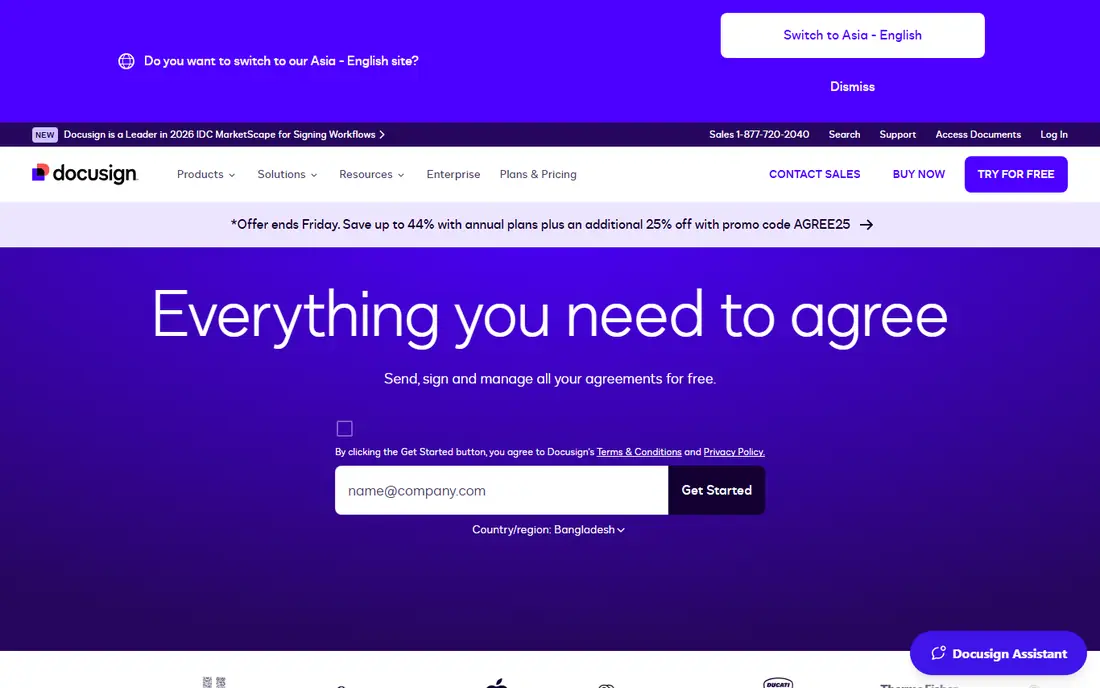
DocuSign is the service most recipients already know, and that familiarity reduces friction. Signers trust the request, understand the flow, and rarely need instructions, which helps when sending contracts to clients, partners or new hires. Its templates, routing rules and integrations also suit teams that send the same document types repeatedly. The main limit is envelope count. Personal plans allow a small number of envelopes a month, and Standard plans allow 100 envelopes per user a year, so high volume teams can hit limits or overage costs. DocuSign is best when recognition and workflow depth matter more than the lowest price per document.
- Instantly recognised by clients and legal teams
- Strong templates and routing
- Broad integrations
- Envelope limits on lower plans
- Higher plans cost more than budget rivals
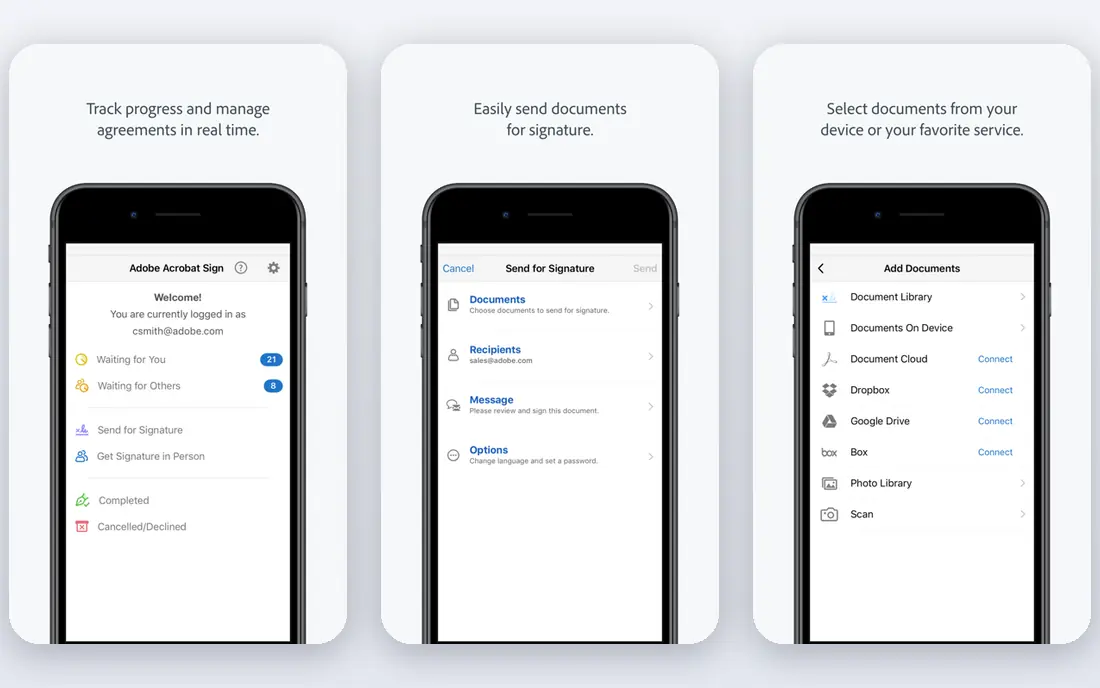
Adobe Acrobat Sign suits teams that already live in PDFs. Because it sits inside the Acrobat family, users can edit, prepare and send PDFs without switching tools, and enterprise teams gain compliance and admin controls that smaller tools lack. For legal, finance and operations teams with heavy PDF use, that integration saves time. Smaller teams may find the price harder to justify if they only send a few PDFs a month. Acrobat Sign is best when PDF editing, signing and storage form one workflow, rather than when signing alone is the only need. Check whether your Acrobat plan already includes Sign, because bundling changes the effective cost.
- Deep PDF editing and Acrobat integration
- Strong compliance options
- Good for enterprise PDF workflows
- Entry price is higher than budget tools
- Full value needs Acrobat familiarity
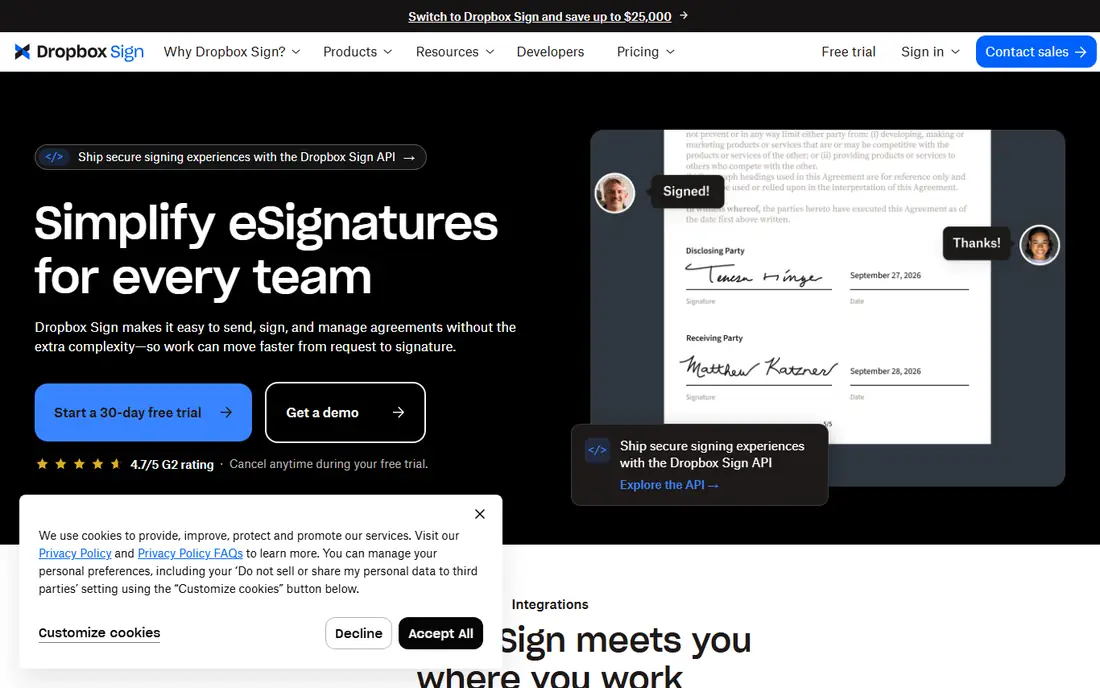
Dropbox Sign, formerly HelloSign, is a strong choice for teams that send many documents and hate counting envelopes. Paid plans offer unlimited signature requests, which removes the main cost surprise found in DocuSign lower plans. The signer experience is clean and fast, which helps completion rates for client facing documents. Teams that need proposal building, pricing tables and CRM driven documents will find PandaDoc deeper. Dropbox Sign focuses on signing well, with templates and integrations, rather than on full document automation. For signing volume first teams, that focus is an advantage, not a weakness.
- Unlimited signature requests on paid plans
- Simple signer experience
- Good Dropbox, Google Drive and HubSpot integrations
- No permanent free plan
- Proposal and document editing features are thinner than PandaDoc
PandaDoc suits sales and service teams that create a document before they sign it. Users can build proposals with pricing tables, product details and terms, send them for approval, and collect signatures in the same flow. That combined workflow saves the copy and paste work that comes from building a proposal in one tool and signing it in another. If you only need to sign PDFs that already exist, PandaDoc may cost more than a simpler tool. Its value appears when document creation, approval and signing happen together, especially for sales teams that send many proposals each month. Check template and CRM features on your plan, because some advanced options sit on higher tiers.
- Proposal, quote and contract builder plus signing
- Templates and CRM integrations
- Free plan for basic e-signing
- Higher starting price for full Starter features
- Signing alone is cheaper elsewhere
SignNow is one of the best value signing services for small businesses. Its starting price is low, paid plans offer generous sending, and templates, bulk sending and integrations cover most everyday needs. For a small team that sends contracts, NDAs and hiring forms regularly, SignNow delivers the core job at a fraction of enterprise cost. Very high volume teams should check workspace limits, because some plans cap invites per workspace per year and require a site licence beyond that. Most small teams will not hit those limits, but a team sending hundreds of documents should confirm the current terms. For normal small business volume, SignNow is hard to beat on price.
- Low starting price
- Unlimited sending on paid plans in many cases
- Bulk sending and templates
- Workspace invite limits can affect very high volume use
- Interface is less polished than DocuSign
Zoho Sign makes most sense inside the Zoho ecosystem. Teams using Zoho CRM, Books or other Zoho apps can send documents for signature without leaving their workflow, and data flows between apps with less manual work. Its free plan, with a small monthly allowance, also lets individuals test real signing before paying. External recognition is weaker than DocuSign, so some first time signers may need a brief note explaining the request. Document limits on lower plans also matter for growing teams. Zoho Sign is best for Zoho users who want signing inside their existing system, rather than for teams that need the most widely recognised brand.
- Free plan with a small monthly document allowance
- Strong Zoho CRM and app integrations
- Good value for Zoho users
- Document limits on lower plans
- Less recognised by external signers than DocuSign
Signeasy focuses on getting a document signed with minimal setup, which suits freelancers, landlords and small service businesses. Its mobile app handles self signing and in person signing well, so a document can be completed on a phone or tablet without a desktop. Templates and team features cover repeat documents without adding complexity. Teams with complex routing, approvals and compliance needs may find Signeasy light. It is not built to replace a full contract workflow platform, and its template system is simpler than PandaDoc or DocuSign. For straightforward PDF signing, that simplicity is exactly why many small users prefer it.
- Simple setup and mobile app
- Easy self signing and in person signing
- Good for freelancers
- Advanced workflow and enterprise features are thinner
- Template depth is less than PandaDoc
SignWell suits teams that send the same documents repeatedly and want a quick, low cost setup. Its free plan allows a few documents a month, and paid plans offer unlimited sending, which makes budgeting simple for growing teams. Template creation is fast, so repeat contracts, forms and agreements take minutes to prepare after the first setup. Integration depth is the main limit. SignWell connects to common tools, but its marketplace is smaller than DocuSign or Dropbox Sign, so teams with unusual CRM or storage needs should check integrations first. For straightforward repeat signing, SignWell offers strong value without enterprise complexity.
- Free plan with a small monthly allowance
- Unlimited sending on paid plans
- Quick template setup
- Integrations are fewer than DocuSign or Dropbox Sign
- Brand recognition is lower
BoldSign is a newer low cost option that competes on generous free and paid sending limits. Its free plan allows more documents a month than many rivals, and paid plans offer unlimited sending, which suits freelancers and small teams that send documents often but do not want to count envelopes. The signing experience is clean for both senders and signers. Brand recognition and automation depth trail larger rivals. Teams that need complex proposal building or deep enterprise compliance should check BoldSign against PandaDoc, DocuSign or Adobe first. For everyday PDF signing at a low cost, BoldSign is a strong and growing alternative.
- Free plan with a generous monthly allowance
- Unlimited sending on paid plans
- Clean signing experience
- Smaller brand recognition
- Advanced document automation is thinner than PandaDoc
How we picked these
We compared official pricing pages, document limits, template features, integrations and compliance information, and we kept only services that are actively sold in October 2026 for online PDF signing. We looked for services that handle the full signing flow, including upload, field placement, sending, reminders, audit trail and completed PDF storage, rather than tools that only let one person sign their own document. Pricing was checked against vendor pages and recent public comparisons, and we used See website where a plan price varies by region, billing or current testing. Document limits were given extra weight, because a low seat price means little if a team hits an envelope cap in the first month. Legal validity also depends on local law and document type, so check whether a simple electronic signature is enough for your specific document.
Choosing the right signing service for PDFs
Start by counting documents. A freelancer sending five PDFs a month has different needs from a sales team sending 200, and a free plan may serve the first while a paid unlimited plan serves the second. Count both documents sent and signers per document, because some limits count envelopes while others count signature requests.
Check signer experience and legal needs
Test the signer flow on a phone as well as a desktop, because many signers complete documents on mobile. Check audit trail, authentication options and storage, and confirm whether your document type needs a simple signature, an advanced signature or a qualified signature under local rules. For regulated or high value documents, choose a service with the compliance features your legal team requires.
Match templates and integrations to your workflow
If you send the same contract monthly, templates and bulk sending save more time than a lower seat price. If you use a CRM, storage app or accounting tool, check native integrations before you commit, because manual uploads create errors over time. Run a trial with a real document and a real signer, and check completion time, reminder behaviour and the final PDF quality before you move a whole team.
Frequently asked questions
What is the best online service for signing PDFs?
DocuSign is the best known choice and suits teams that value recognition and workflow depth, while Dropbox Sign suits teams that want unlimited sending on paid plans. SignNow and Zoho Sign suit budget teams, and PandaDoc suits teams that build proposals as well as signing. The best online PDF signing services for you depend on document volume, templates and integrations.
Is there a free service for signing PDFs?
Yes. PandaDoc, Zoho Sign, SignWell and BoldSign offer free plans with a limited monthly document allowance, which suits occasional signing. DocuSign, Adobe Acrobat Sign, SignNow and Signeasy offer free trials rather than a permanent free plan. For regular business use, a paid plan usually makes sense once you pass the free allowance.
Are online PDF signatures legally valid?
In many countries, electronic signatures are legally valid for most everyday agreements under laws such as ESIGN and UETA in the US and eIDAS in the EU, provided the signature process includes consent, intent and an audit trail. Some document types, such as certain wills, property transfers or notarised documents, may need a different signature type or a wet signature. Check local law and your document type before relying on an electronic signature for a high value agreement.
How many documents can I send on a free plan?
Free allowances differ by service, from a few documents a month on some plans to a larger allowance on BoldSign. Paid plans often offer unlimited signature requests, while DocuSign lower plans cap envelopes per month or per year. Always check the current plan page for your service, because free allowances and envelope limits change.
Which signing service is cheapest for small businesses?
SignNow starts at a low monthly price and offers generous sending on paid plans, while Zoho Sign and BoldSign offer strong free or low cost options for small teams. The cheapest service depends on your document volume, because a low seat price with a strict envelope cap can cost more than a slightly higher price with unlimited sending. Count your monthly documents before you compare seat prices alone.
Can I sign a PDF on my phone?
Yes. Most services on this list offer a mobile app or mobile web signing, and Signeasy is particularly strong for mobile and in person signing. Signers can open a link, review the PDF, place a signature and submit from a phone or tablet. Senders should still test the mobile flow, because field placement and document length affect how easy a mobile signature feels.
Sources we checked (9)

Online Jobs is an independent blog about careers, online work, learning new skills and the tools that help people earn. More about us.
Keep reading
All posts
n8n Alternatives
n8n alternatives compared for 2026, with Zapier, Make, Activepieces, and more, covering visual builders, code steps, self-hosting, and pricing models.

eBay Alternatives
Looking for ebay alternatives? We compared 9 marketplaces for sellers on fees, buyer reach, categories and ease of listing, to help you sell with confidence.

ZoomInfo Alternatives
The best ZoomInfo alternatives in 2026, compared on price, free plans, data coverage, and which tool fits small teams or large sales teams best in detail.