Best Online Gaming Platforms in India in 2026: 8 Platforms Compared

How we put this together: we compare official feature and pricing pages, app store listings, privacy policies and public user reviews. Prices change, so check the provider's site before you pay.
Key takeaways
- Steam and Epic Games Store offer the widest PC game libraries for players in India, with frequent sales and free titles.
- Xbox Game Pass and PlayStation Plus suit console and cloud players who want a large library for a monthly fee.
- JioGames and Google Play Games suit mobile-first players who want casual and free-to-play titles.
- Real-money gaming rules in India changed sharply in 2025, so only use licensed services and check current state rules before playing.
- Set time and spend limits, use parental controls for younger players, and treat paid games as entertainment, not income.
Quick comparison
| Name | Who it suits | Starting price | Free option | |
|---|---|---|---|---|
 Steam | Widest PC game library | Free | Yes | Visit |
 Epic Games Store | Free weekly games and PC titles | Free | Yes | Visit |
 Xbox Game Pass | Console and cloud library | See website | No | Visit |
 PlayStation Plus | PlayStation library and online play | See website | No | Visit |
 Nintendo Switch Online | Nintendo games and family play | See website | No | Visit |
 JioGames | Mobile and casual games in India | Free | Yes | Visit |
 Google Play Games | Android games and achievements | Free | Yes | Visit |
 Ludo King | Casual board games with friends | Free | Yes | Visit |
The best online gaming platforms in India
India has a large and varied gaming market, from PC and console libraries to mobile casual games played with family. This list focuses on licensed, mainstream platforms that are available to players in India and that offer clear age controls, payment options, and customer support. We compared official store pages, subscription pages, and platform help pages to build it. Our pick for most players is Steam, because its library, regional pricing, and community features cover the widest range of tastes.
A plain note on rules: online gaming law in India varies by state and has changed in recent years, including a 2025 law restricting real-money online games. This article does not recommend real-money play, betting, or offshore sites. Stick to licensed platforms, play free or paid games for entertainment, and check current rules in your state if you are unsure. Most platforms here are for players aged 18 and over for paid accounts, and younger players should use family accounts and parental controls.
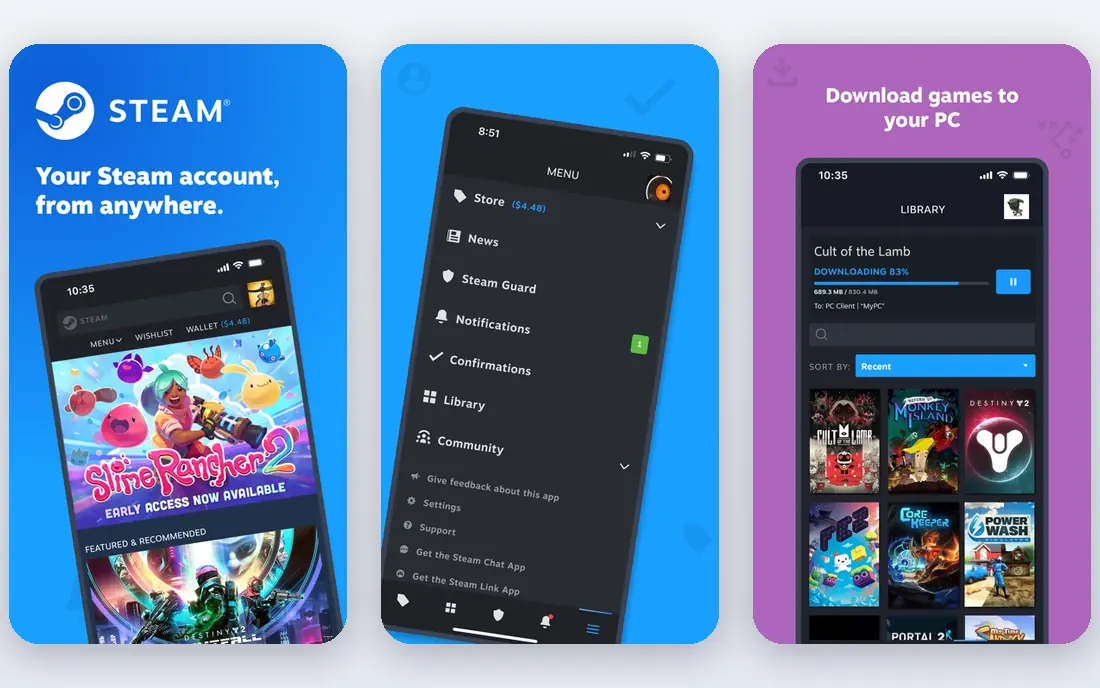
Steam is the largest PC game store for most Indian players, with thousands of titles across action, strategy, role-playing, simulation, and indie games. Regional pricing in rupees makes many titles more affordable than a direct dollar conversion, and seasonal sales add further discounts. Free-to-play titles also give new players a way to start without paying.
The main limits are hardware and choice. Demanding games need a capable PC, and the sheer size of the store can make it hard to pick a first game. Steam guards, family sharing, and parental controls help manage accounts, but parents should still set up a family account for younger players rather than sharing an adult account.
- Very large PC library
- Regional pricing in India
- Community, workshop, and cloud save features
- Needs a capable PC for demanding titles
- Library size can overwhelm new players
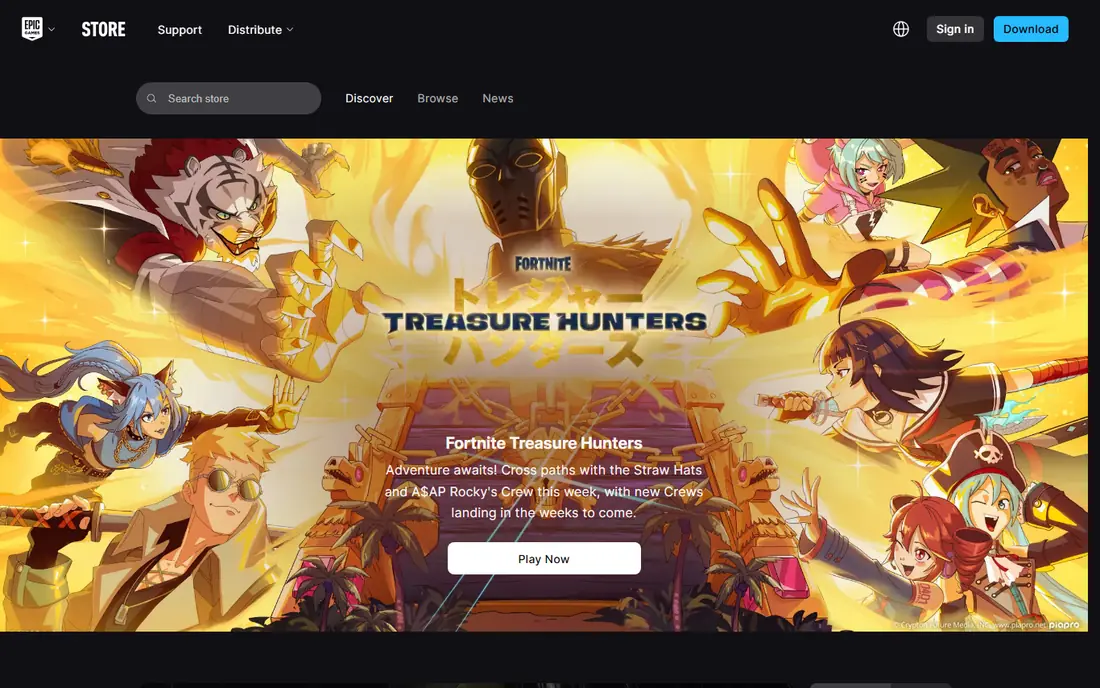
Epic Games Store is best known for its free game offers, which let players build a library without spending at first. The store also carries major PC titles, including popular battle royale and action games, and runs seasonal sales. For a new PC player in India, claiming free titles is a low-risk way to learn what genres you enjoy.
Epic has a smaller catalogue than Steam and fewer community tools in some areas, so players who value workshops, forums, and deep social features may still prefer Steam as a main store. Used alongside Steam, Epic is a strong second store for free games and major releases.
- Regular free game offers
- Large PC library
- Exclusive titles and seasonal sales
- Smaller library than Steam
- Fewer community features for some players
Xbox Game Pass gives subscribers access to a rotating library of games on console, PC, or cloud, depending on the plan. That model suits players who like to try many games without buying each one. Selected new titles appear on the service at launch on certain tiers, which can make the subscription good value for regular players.
The rotating library is also the catch, since titles can leave the service and then need a separate purchase to keep playing. Cloud play needs a stable connection, which varies by city and network. Check the current plan tiers in India before subscribing, since console, PC, and cloud access differ by tier.
- Large rotating library
- Console, PC, and cloud options on higher tiers
- Day-one titles on selected plans
- Subscription cost
- Library titles rotate out
- Needs a stable connection for cloud play
PlayStation Plus is the subscription service for PlayStation consoles, covering online multiplayer and, on higher tiers, a catalogue of PS4 and PS5 titles plus monthly games. For players who already own a PlayStation, it is the natural way to play online with friends and to try a wider library. Family and parental controls help manage younger players on a shared console.
The service only makes sense with a PlayStation console, and the catalogue differs by tier, so the cheapest tier does not include the full library. Check which tier covers the games you want before paying, and note that monthly games must be claimed during their offer period.
- Online multiplayer access
- Monthly games on selected tiers
- Large catalogue on higher tiers
- Needs a PlayStation console
- Catalogue and tiers vary by plan
Nintendo Switch Online suits families and players who prefer Nintendo titles, local multiplayer, and classic games. The service supports online play, cloud saves for supported titles, and, on the higher tier, libraries of classic Nintendo games. A family membership can cover several accounts, which helps households with more than one player.
Online features are simpler than Xbox or PlayStation services, and the service requires a Switch console. Players who mainly want competitive online shooters or the widest third-party library may prefer another platform. For family play and Nintendo exclusives, it remains a clear choice.
- Family-friendly Nintendo titles
- Classic game libraries on higher tiers
- Family membership options
- Needs a Nintendo Switch console
- Online features are simpler than rivals
JioGames offers a library of casual and mobile-friendly games for players in India, with free titles and a focus on easy, short-session play. That makes it a good fit for players who game on a phone or in a browser and who want quick games without a large download or a console. The India focus also helps with local language and payment familiarity.
The catalogue leans casual, so players looking for major PC or console releases should use Steam, Epic, or a console service instead. Treat JioGames as a casual companion platform, and check age and payment settings if children use the same device.
- India-focused casual game library
- Works on mobile and web
- Free titles available
- Casual focus means fewer major console-style titles
- Catalogue varies by device
Google Play Games is the hub for Android gaming, covering free and paid titles, achievements, leaderboards, and cloud saves for supported games. Most Android players in India already have access through their phone, which makes it the simplest starting point for mobile gaming. Family Link controls help parents manage what children can download and buy.
Quality varies, because the store carries everything from polished titles to simple ad-supported games. In-app purchases are common in free games, so check purchase settings and set spend limits. For Android players, Google Play Games is essential, but it works best when paired with a clear rule on purchases.
- Huge Android game range
- Achievements and leaderboards
- Family controls through Google Family Link
- Quality varies widely
- Many free games include in-app purchases
Ludo King brings the familiar board game of Ludo to mobile, with online matches, private rooms, and play against computer opponents. It is easy to learn, works on modest phones, and suits family play across ages. Private rooms make it a good choice for playing with relatives in different cities.
The scope is narrow by design: this is a casual board game, not a full gaming platform. Players who want varied genres should pair it with a larger store such as Steam or Google Play Games. For relaxed, social play, Ludo King is one of the most accessible options in India.
- Familiar board game format
- Private rooms with friends and family
- Works on mobile with modest hardware needs
- Casual scope only
- Online play needs a stable connection
How we picked these
We compared official store and subscription pages for mainstream gaming platforms available to players in India, with a focus on licensed services, clear age controls, and a real library of games. We favoured platforms with a working Indian store presence, transparent subscription tiers, and family or parental controls. We left out real-money gaming apps, betting sites, and offshore platforms, because their legal status varies by state and their risks are higher for ordinary players.
What to check before you play
Start with your device. PC players should check Steam and Epic first, console players should check the service tied to their console, and mobile players should start with Google Play Games or JioGames. Check whether a subscription includes the games you want, whether titles rotate out, and whether cloud play works on your connection. For families, set up separate child accounts and turn on purchase approval before a child plays.
Spend and time limits matter more than any feature list. Set a monthly game budget, turn off one-tap purchases where possible, and agree on play times for younger players. If a platform asks you to deposit money to win cash prizes, or directs you to an offshore site, stop and check current Indian and state rules first. Entertainment games should be fun without a financial risk attached.
Responsible play basics
Play for entertainment, not income, and never borrow money to play. Take breaks, keep gaming from crowding out sleep, study, or work, and talk to a trusted person if play feels hard to control. For younger players, keep devices in shared spaces where possible, review friend requests together, and use reporting and blocking tools when another player behaves badly.
Frequently asked questions
What is the best online gaming platform in India?
Steam is the best overall choice for PC players, because of its large library and regional pricing in India. Console players should choose the service tied to their console, while mobile players will get most value from Google Play Games. The best platform depends on your device, budget, and the types of games you enjoy.
Are online games legal in India?
Rules vary by state and by game type, and real-money online gaming faced major restrictions in 2025. This list focuses on licensed, entertainment platforms where you buy games or pay a subscription, not on betting or cash-prize play. If you are unsure about a specific service, check current central and state rules and stick to well-known licensed platforms.
Which gaming platform is best for kids in India?
Nintendo Switch Online and Google Play Games with Family Link controls are good starting points for families, because they offer family accounts and purchase controls. Ludo King also suits family play in private rooms. Parents should still set time limits, approve purchases, and review friend requests with younger players.
Do I need a fast connection to play online games in India?
Downloaded single-player games need a connection mainly for purchase and updates, while online multiplayer and cloud gaming need a stable, low-lag connection. Cloud play is the most demanding, so test it on your home network before relying on it. Mobile casual games generally work on modest connections, though online matches still need a stable signal.
Is Steam available in India with rupee pricing?
Yes, Steam offers a store for players in India with pricing in rupees and local payment options on supported methods. Prices vary by title and sale period, so check the store page at purchase time. Free-to-play titles and seasonal sales make it possible to start without a large upfront spend.
Can I play with friends on different devices?
Some games support cross-play across PC, console, and mobile, but many do not, so check the game page before buying. Platforms such as Steam, Xbox, and PlayStation each have their own friend systems, and a game bought on one store does not always transfer to another. For family play, a simple cross-device title such as Ludo King can be easier than a major cross-play release.
Sources we checked (8)

Online Jobs is an independent blog about careers, online work, learning new skills and the tools that help people earn. More about us.
Keep reading
All posts
Best Minecraft Server Hosting Services
Compare the best Minecraft server hosting services for 2026, with starting prices, RAM guidance, modpack support, and honest limits for every host now.
Best Game Recording Software
Compare the best game recording software for PC gaming, with free and paid capture tools, instant replay, streaming, and editing compared for creators.
Best Game Apps
We compared the best game apps for phones in 2026, from free open worlds to paid classics, and flagged the costs, storage needs and catches for each pick.