Best Minecraft Server Hosting Services in 2026: 8 Hosts Compared

How we put this together: we compare official feature and pricing pages, app store listings, privacy policies and public user reviews. Prices change, so check the provider's site before you pay.
Key takeaways
- Apex Hosting is our pick for beginners, because its panel, one-click modpack installs, and support make a first server far less confusing.
- BisectHosting leads for modded servers, with a very large modpack catalog and many server locations, though premium plans cost more than budget tiers.
- PebbleHost and ScalaCube offer low starting prices for small servers, but check RAM and CPU specs carefully before choosing a budget plan.
- Shockbyte and Nodecraft suit players who want simple setup and easy switching, while Host Havoc and Hostinger appeal to performance-focused owners.
- RAM matters more than player slots for modded play. Light packs need around 4 GB, while large packs need 8 GB or more.
Quick comparison
| Name | Who it suits | Starting price | Free option | |
|---|---|---|---|---|
 Apex Hosting | Beginners | $14.99 per month | Free trial | Visit |
 BisectHosting | Modded servers | $5.99 per month | No | Visit |
 Shockbyte | Simple first servers | $3.99 per month | Free trial | Visit |
 PebbleHost | Budget hosting | $2.25 per month | No | Visit |
 Nodecraft | Multi-game players | $5.96 per month | Free trial | Visit |
 Host Havoc | Performance-focused servers | $5.00 per month | Free trial | Visit |
 ScalaCube | Multiple small servers | $2.00 per month | No | Visit |
 Hostinger | VPS-level control | $6.99 per month | No | Visit |
The best minecraft server hosting services
A good Minecraft host does more than keep a server online. It should offer enough RAM for your pack, a clear panel, easy backups, and support that answers when a mod breaks. These eight hosts cover beginners, modded players, and budget builders.
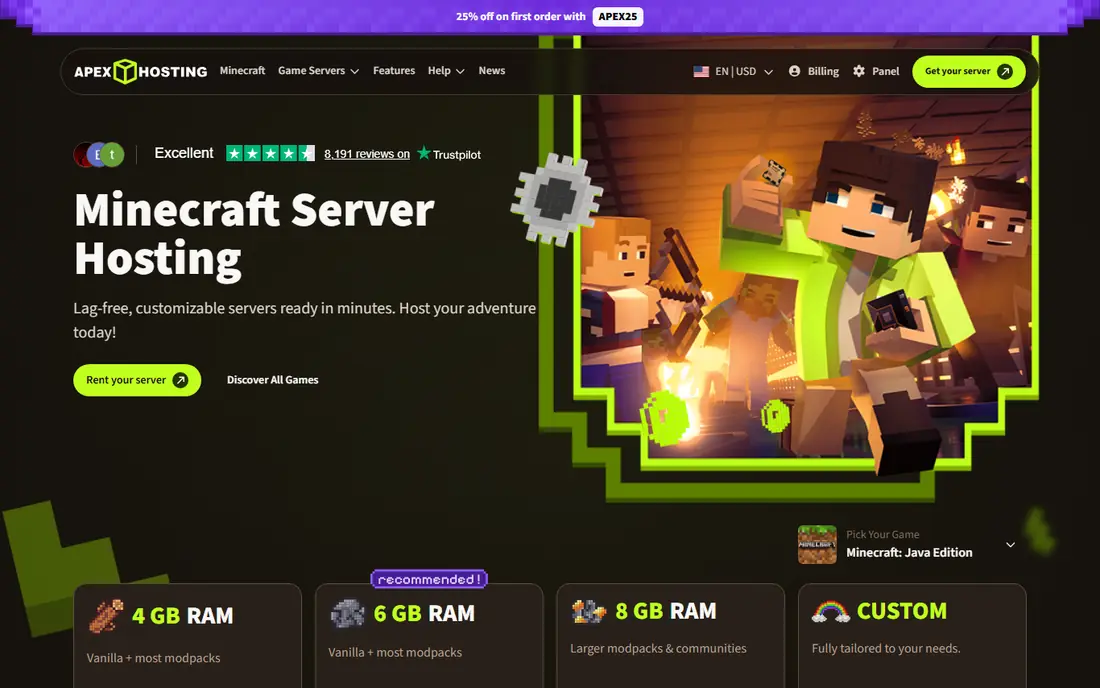
Apex Hosting is the host we recommend first to a new server owner, because setup rarely feels like a technical project. The panel guides you through choosing Java or Bedrock, installing a modpack, and managing players, and support is available if a pack fails to load. One-click installs cover a large catalog of packs, so you can switch from vanilla to a popular modded pack without editing server files by hand. That ease matters when you are also learning how to manage players and permissions.
The price is higher than the cheapest hosts, and the entry plan suits small vanilla or light modded servers better than huge packs. You will need to step up RAM for large packs, and first-month promotions can make the renewal price look like a surprise if you do not check it. Apex also offers a money-back period on many plans, which gives you time to test performance with your actual players. For a first server where ease matters more than the lowest price, Apex is a safe pick.
- Beginner-friendly panel
- One-click modpack installs
- Support available around the clock
- Higher starting price than budget hosts
- Renewal and promo prices differ
- Larger packs need higher tiers
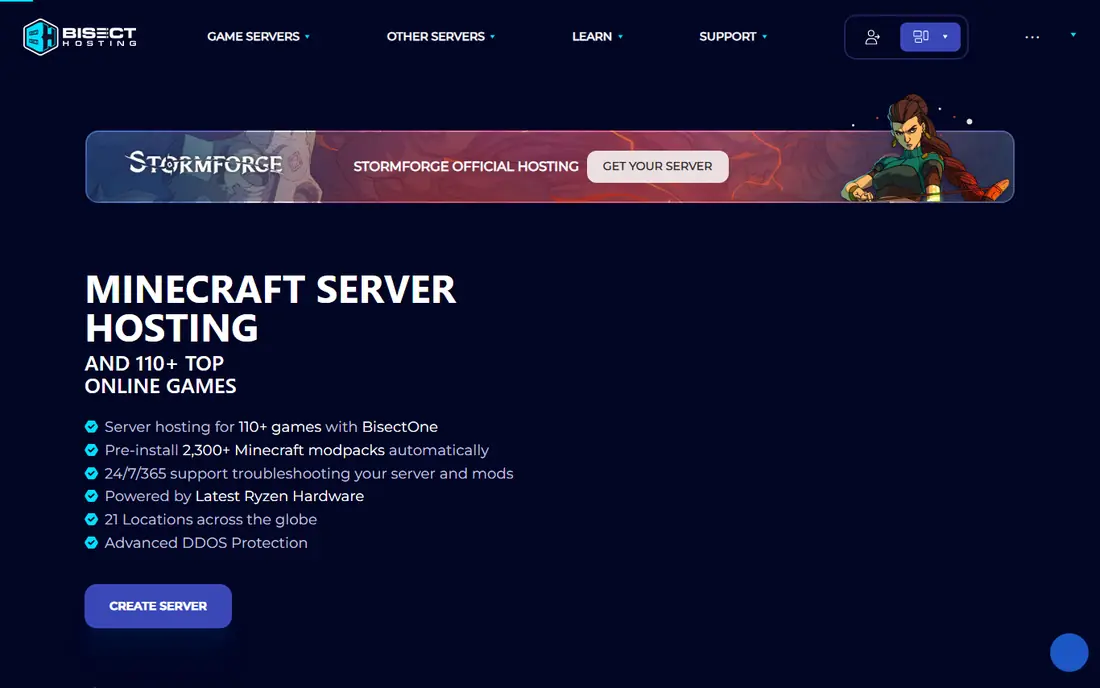
BisectHosting is the modded specialist on this list, with more than 2,000 one-click modpacks and 21 server locations in the figures we found. That catalog saves hours when you want to try a new pack, and the location choice helps players in different regions get lower latency. Support staff are used to modded problems, such as pack version mismatches and plugin conflicts, which are the issues that most often break a modded server. For a community built around modded play, that experience is worth paying for.
The main warning is tier confusion. Budget plans use weaker hardware than premium plans, so comparing a Bisect budget plan with another host's standard plan is not a fair comparison. First-month promotions also differ from renewal prices, so check what month two costs before you commit. For heavy packs, budget at least 8 GB of RAM, and more if you run many players and plugins together. If modded play is your main goal, BisectHosting is our top pick despite those caveats.
- Very large one-click modpack catalog
- Many server locations
- Strong support for modded setups
- Budget and premium tiers differ in hardware
- First-month promo is not the renewal price
- Larger packs need more RAM
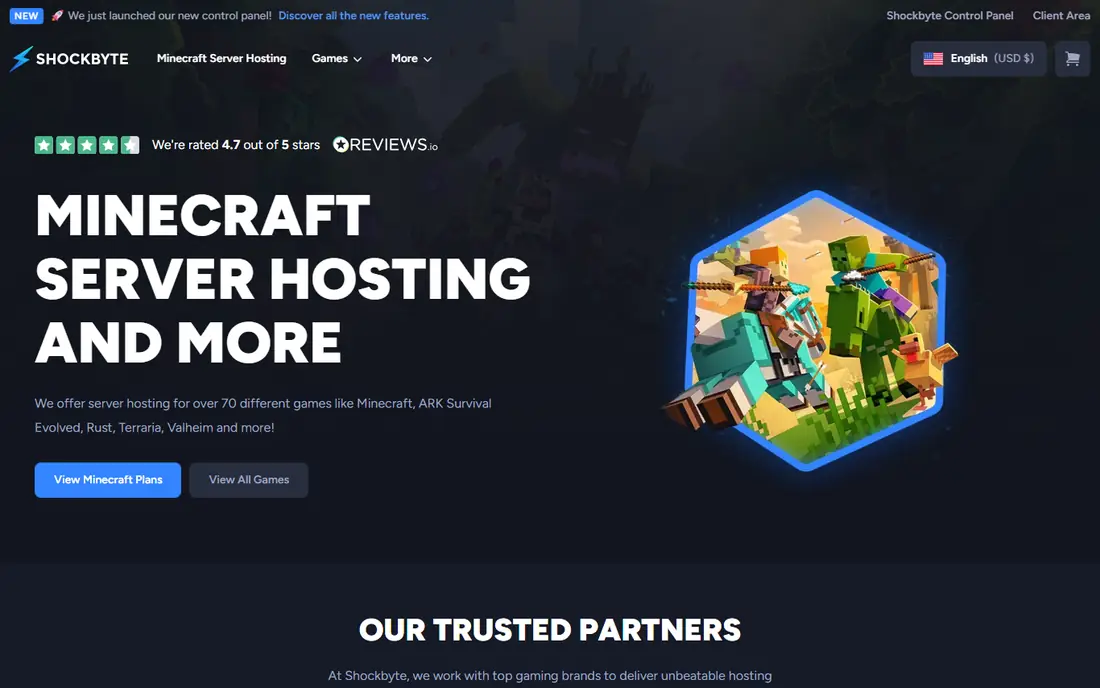
Shockbyte suits a small group of friends who want a server up today without learning server administration. The panel is clean, the modpack installer covers popular packs, and many plans allow unlimited player slots, which removes one common worry for growing communities. Support is available around the clock, and the starting price is low enough for a first experiment. For vanilla play and light modded packs, Shockbyte gives you a straightforward path.
The limits show up on heavy modded servers, where memory headroom and CPU speed matter more. Larger packs may need a higher tier than the entry plan, and the refund window is short, so test performance early with your actual pack and players. Shockbyte is best for beginners and small communities who value simplicity. If you plan to run a large pack with dozens of players, compare BisectHosting premium or Host Havoc before you settle.
- Clean panel for beginners
- Unlimited player slots on many plans
- Modpack and plugin installer included
- Higher RAM tiers cost more
- Performance on large modded packs can lag behind premium hosts
- Refund window is short
PebbleHost is a favorite among budget-conscious players, because its entry price is among the lowest on this list. The budget tier works for small vanilla servers and light packs, while the premium tier uses faster processors and a much larger modpack installer for heavier play. That two-tier structure lets you start cheap and upgrade if your server grows, without moving hosts. Locations cover North America, Europe, Australia, and Asia in many plans.
The gap between tiers is the key detail. A budget plan will not perform like a premium plan, so do not judge PebbleHost only by its cheapest price. For a large modded pack, the premium tier is the realistic comparison, and its price per gigabyte is still competitive. Check RAM, CPU, and storage for the exact tier you plan to buy, and test with your pack before inviting a large group. For small servers and careful buyers, PebbleHost offers strong value.
- Low starting price
- Premium tier uses faster CPUs
- Large modpack installer on premium plans
- Budget and premium tiers differ sharply
- Entry plans suit small servers only
- Support response varies by plan
Nodecraft appeals to players who do not only play Minecraft. Its platform lets you switch a server between supported games, which suits a group that plays Minecraft one month and another game the next. The mobile app makes it easy to restart a server, check players, and change settings away from a computer. For households with varied gaming tastes, that flexibility is more useful than a Minecraft-only feature list.
The trade is specialization. Nodecraft is not as focused on Minecraft modpacks as BisectHosting or Apex, and heavy packs still need enough RAM and a higher tier. Pricing also works differently from simple per-gigabyte hosts, so read the plan details to see what one subscription covers. If Minecraft is your only game, a specialist host may give you better modpack tools. If your group rotates games, Nodecraft is the most flexible pick here.
- Switch between supported games without losing progress on many plans
- Mobile app for management
- Easy server switching
- Price is per server node rather than per game in some plans
- Heavy Minecraft packs need higher tiers
- Fewer Minecraft-only extras than specialists
Host Havoc targets owners who care about performance first, with NVMe storage and hardware choices aimed at reducing lag. That focus shows up on busy servers, where fast storage and CPU speed keep chunk loading smooth. The panel is clear, support is responsive in most reviews, and the starting price is competitive for the performance tier. For a community that has outgrown a budget host and feels lag during peak play, Host Havoc is a logical upgrade.
The main limits are scope and price at higher tiers. Some plans focus on Java Edition, so Bedrock players should confirm support before buying. The location list is also smaller than the largest hosts, which may matter for players outside North America and Europe. Still, for a Java server where smooth performance matters more than the lowest price, Host Havoc earns its place. Test during your refund window with a full player load, not just one or two players.
- NVMe storage on many plans
- Strong performance focus
- Clear panel and support
- Java-focused in many plans, so check Bedrock support
- Higher tiers cost more
- Fewer locations than the largest hosts
ScalaCube is useful when one group wants several small servers rather than one large one. Its low starting price and multi-server support let you run a vanilla server, a modded test server, and a mini-game server without paying for three separate premium plans. The launcher and modpack tools help beginners install packs, and the platform covers Java and Bedrock in many plans. For a school group, a club, or a family with different worlds, that flexibility is appealing.
Entry plans are small, so a large modded world will need an upgrade. Performance also varies by plan, and the interface packs in many options, which can feel busy at first. ScalaCube is best for small, varied servers where cost matters more than peak performance. If you run one large community server, a specialist host with stronger hardware may serve you better, even at a higher price.
- Low starting price
- Supports multiple servers on some plans
- Launcher and modpack tools included
- Entry plans suit small servers only
- Performance varies by plan
- Interface can feel busy
Hostinger takes a different approach from the managed hosts above. Its Minecraft plans give you more control over the underlying virtual server, which suits technical owners who want root access, custom software, and full configuration freedom. Data centers in several regions help with latency, and the starting price is competitive for the control you receive. If you already manage Linux servers, Hostinger can be a flexible and affordable base.
That control is also the drawback. You will handle more setup, updates, and troubleshooting yourself, and support is general hosting support rather than Minecraft-specific help for every mod problem. Beginners who want one-click packs and guided setup will find Apex or BisectHosting easier. Hostinger suits owners who want to learn server administration, run custom setups, or host other services alongside Minecraft on the same virtual server.
- Full control over a virtual server
- Strong value for technical users
- Global data centers
- More setup work than managed Minecraft hosts
- You manage updates and security
- Support is general hosting support, not Minecraft-only
How we picked these
We compared official pricing pages, plan details, and public host comparisons, and we checked modpack catalog sizes, server locations, and refund terms where hosts publish them. We favored hosts that are actively maintained, that support Java and Bedrock where stated, and that offer clear RAM tiers rather than vague unlimited claims. We excluded hosts with no current pricing page and hosts that only offer free servers with heavy limits, because a paid community server needs reliable uptime and support.
We did not run load tests on every host ourselves. Instead, we weighed published hardware details, modpack support, and user-facing features such as backups, DDoS protection, and panel ease. Prices change with promotions, billing terms, and taxes, so the starting prices above reflect figures found during research in October 2026. Always confirm RAM, CPU, renewal price, and refund terms on the host site before you buy.
How to choose the right RAM and plan
Start with your pack, not with player slots. Vanilla and light plugin servers run well on 2 GB to 4 GB for a small group. Light modded packs usually need 4 GB to 6 GB, while large packs with many mods need 8 GB or more, especially with several players online at once. Player slots alone do not tell you much, because ten players on a heavy pack use far more memory than ten players on vanilla. When in doubt, choose the next RAM tier up, since running out of memory causes crashes and long load times.
Next, check location, backups, and support. Choose a server location near most of your players to reduce lag, and confirm how often backups run and how easy it is to restore one. A daily backup can save a world after a bad mod update, and a host that makes restoration hard is a poor choice for modded play. Also check the refund or trial window and test with your real pack during that period, with as many players as you expect at peak.
Finally, think about growth. A host that lets you upgrade RAM without moving worlds is better than a host that forces a migration later. Keep a local backup of your world files as well, separate from the host backup, so you are not locked in if you switch hosts. That habit protects months of building work and makes changing hosts far less stressful.
Frequently asked questions
What is the best Minecraft server hosting service for beginners?
Apex Hosting is the easiest starting point for most beginners, thanks to its clear panel and one-click modpack installs. Shockbyte is another simple option for small vanilla servers. Start with a small plan, test with friends, and upgrade RAM only if you see lag or crashes.
How much RAM do I need for a modded Minecraft server?
Light modded packs usually need 4 GB, medium packs need 6 GB, and large packs need 8 GB or more. Player count, plugins, and world size also affect memory use. If a pack crashes on load or lags with several players online, low RAM is often the cause.
Is free Minecraft server hosting worth it?
Free hosting can work for a short test with friends, but free plans usually limit RAM, uptime, and support. A paid plan from a host on this list gives better performance, backups, and help when a mod breaks. Use free hosting to learn, then move to a paid plan for a long-term world.
Can I switch hosts without losing my world?
Yes, most hosts let you download world files, and you can upload them to a new host. Keep your own local backup before you move, and check that the new host supports the same Minecraft version and modpack. Test the moved world with a few players before inviting the full community.
Do I need Java or Bedrock hosting?
Java Edition supports the widest mod and plugin ecosystem, while Bedrock Edition covers consoles, mobile, and Windows cross-play. Choose a host that supports the edition your players actually use, and confirm cross-play support if your group mixes devices. Some hosts support both editions on the same plan.
Sources we checked (8)

Online Jobs is an independent blog about careers, online work, learning new skills and the tools that help people earn. More about us.
Keep reading
All posts
Best Game Recording Software
Compare the best game recording software for PC gaming, with free and paid capture tools, instant replay, streaming, and editing compared for creators.

Best Game Apps
We compared the best game apps for phones in 2026, from free open worlds to paid classics, and flagged the costs, storage needs and catches for each pick.
Best Cross Platform Multiplayer Games
Looking for the best cross platform multiplayer games? We compare 8 games you can play with friends on PC, PlayStation, Xbox, Switch, and mobile today.