Best Offline Music App in 2026: 8 Products Compared

How we put this together: we compare official feature and pricing pages, app store listings, privacy policies and public user reviews. Prices change, so check the provider's site before you pay.
Key takeaways
- Offline listening almost always needs a paid plan, even when the same app offers a free streaming tier.
- Spotify and Apple Music are the safest starting points for most listeners because their download controls are simple and their catalogs are wide.
- Sound quality matters more than catalog size once you listen on good headphones, and that is where TIDAL, Apple Music, and Qobuz stand out.
- Download limits, device limits, and renewal checks vary, so read the offline rules before a long trip.
- If you own music files already, a local player can beat a subscription for files you want to keep forever.
Quick comparison
| Name | Who it suits | Starting price | Free option | |
|---|---|---|---|---|
 Spotify Spotify | Discovery and playlists | See website | Yes | Visit |
 Apple Music Apple Music | Apple devices and lossless audio | See website | Free trial | Visit |
 YouTube Music YouTube Music | Videos, live tracks, and rare uploads | See website | Yes | Visit |
 Amazon Music Unlimited Amazon Music Unlimited | Prime members and Alexa homes | See website | Free trial | Visit |
 TIDAL TIDAL | High quality audio | See website | Free trial | Visit |
 Deezer Deezer | Flow mixes and clear controls | See website | Yes | Visit |
 Pandora Pandora | Hands off radio style listening | See website | Yes | Visit |
 Qobuz Qobuz | Album focused hi-res listening | See website | Free trial | Visit |
The best offline music app
Offline listening sounds simple until you are on a plane with no signal and a playlist that did not finish downloading. The apps below all offer real offline playback in October 2026, but they differ on download limits, audio quality, device support, and how much work it takes to keep downloads ready.
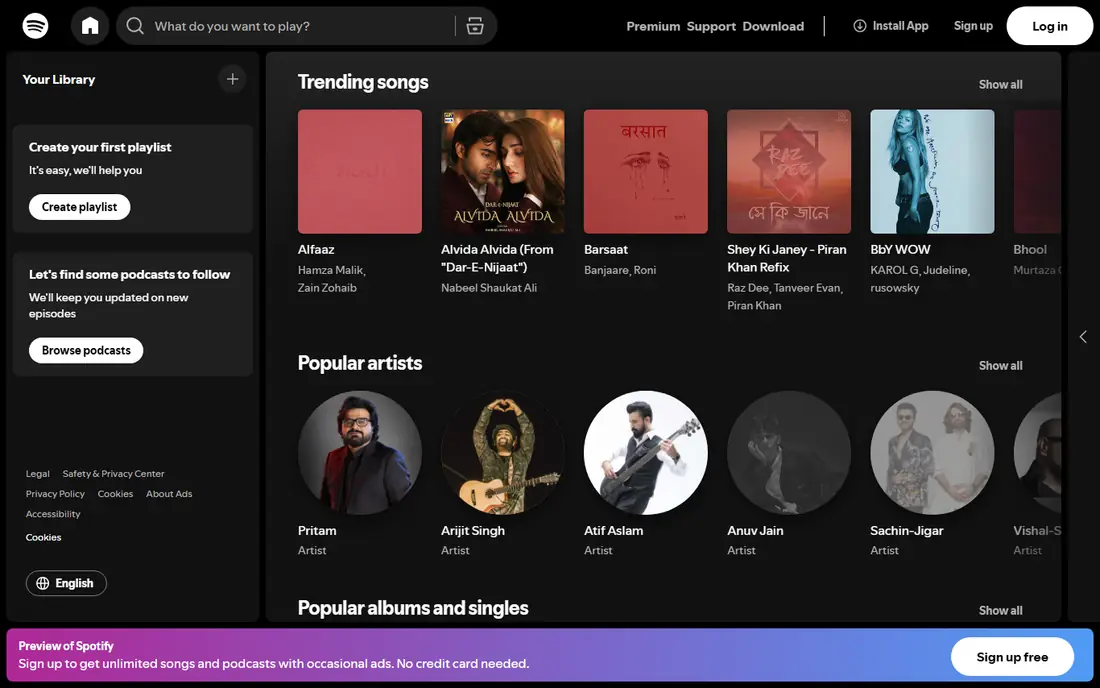
Spotify earns the top spot for most people because the offline part gets out of the way. You open a playlist or album, turn on Download, and the app handles the rest while you are on Wi-Fi. That matters on a busy morning when you do not want to manage files, storage settings, or sync queues before you leave the house. The discovery tools also help offline listening, since Discover Weekly, Release Radar, and Daily Mixes give you fresh material to save without hunting for new music every week.
The catch is that offline playback sits behind Premium. The free tier is useful for trying the catalog and for streaming with ads, but it will not help on a flight. You also need to open the app online from time to time so it can confirm your subscription, which is normal for streaming downloads and worth knowing before a long period without internet. If you listen mainly through phone speakers or basic earbuds, the sound is fine. If you own high end headphones and care about lossless detail, one of the hi-res options below may suit you better.
- Strong personal playlists and discovery
- Works on phones, desktops, speakers, cars, and game consoles
- Simple download toggle for playlists and albums
- Free tier does not allow offline downloads
- Audio quality is not the highest in this list for careful listeners
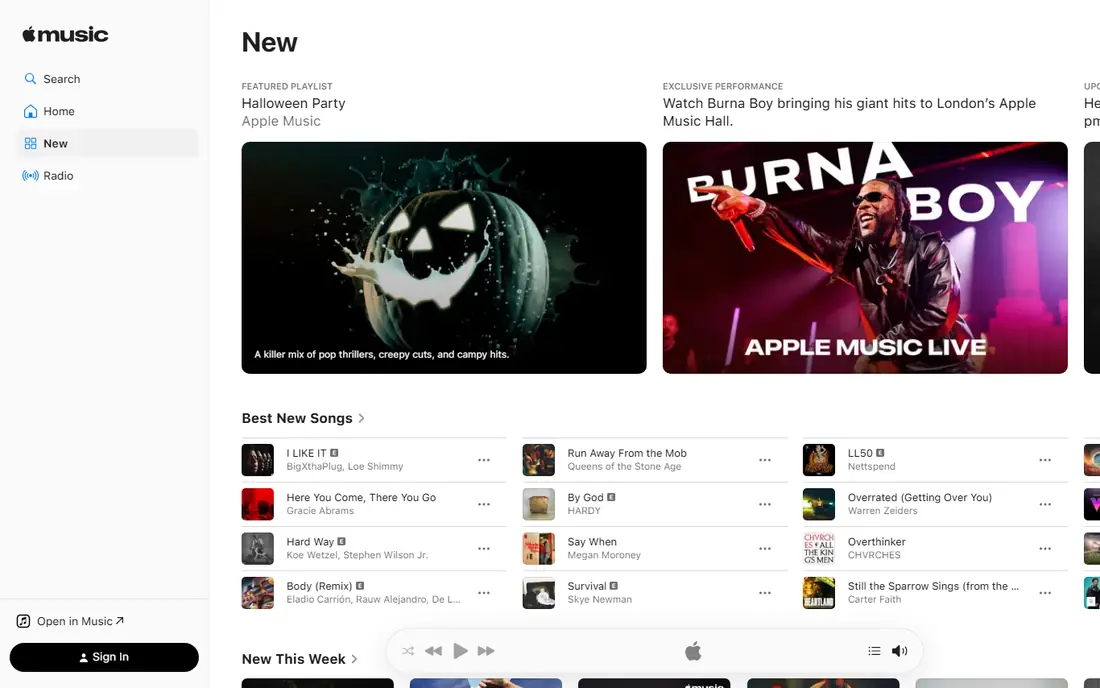
Apple Music is the easiest choice if your daily devices are made by Apple. Downloads sit inside your library, Siri and Apple Watch controls feel natural, and you can save whole albums or playlists in a few taps. The sound is a real step up for listeners who want lossless audio without paying for a separate hi-res tier. That combination of simple downloads and better sound is why we rank it just behind Spotify for most people, and ahead of it for Apple households.
The main limits are about fit rather than quality. If you use Android as your main phone, Apple Music still works, but the experience is not quite as smooth. There is also no free tier to fall back on after a trial, so this is a subscription decision rather than a try it free forever option. For a household that already uses Apple services, check the bundle options on the Apple site before you pay for music alone, since the combined price can change the value.
- Lossless and spatial audio included in the standard plan
- Downloads work well across iPhone, iPad, Mac, and Apple Watch
- Large catalog with strong library tools
- Android and Windows experience is less polished than the Apple experience
- No permanent free tier after the trial
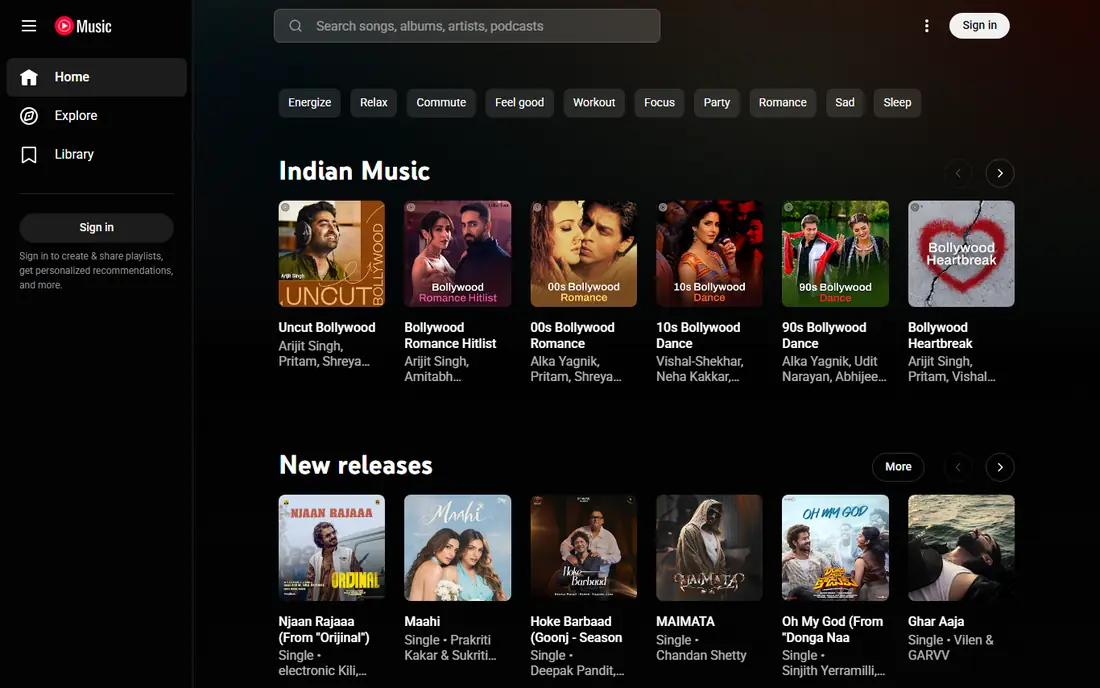
YouTube Music fits listeners whose taste does not stop at official albums. If you love live recordings, acoustic versions, covers, and songs that only exist as videos, this app finds material the other services often miss. Premium downloads let you save that material for offline trips, and the smart download feature can refresh a set of songs based on what you play most. That is handy when you forget to prepare before a journey.
The trade off is polish. Playlist management and library controls feel less tidy than Spotify or Apple Music, and the sound quality is aimed at everyday listening rather than hi-res fans. You also need Premium for downloads and for background play on mobile, so the free tier is mainly a way to test the catalog. Pick this one when rare material matters more than lossless sound.
- Catalog goes beyond studio albums to live sets, covers, and remixes
- Smart downloads can save music for you automatically
- Video and audio in one app
- Offline downloads need Premium
- Audio quality and library tools lag behind Apple Music and TIDAL for careful listeners
Amazon Music Unlimited makes most sense in a home that already runs on Amazon. If you ask Alexa for music in the kitchen, listen in the car, and want the same playlists offline on your phone, the pieces fit together well. Downloads are simple on mobile, and the catalog covers mainstream music, podcasts, and a growing set of hi-res tracks on the Unlimited plan.
Confusion is the main problem. Prime members get a version of Amazon Music with a more limited on demand catalog, while Unlimited is the full paid service. Check which version you have before you assume a song will download. Discovery also feels less personal than Spotify, so you may need to build more of your own playlists. If you are not a Prime member and do not use Alexa, the other apps on this list give you more for the same effort.
- Good value for Prime members who already use Amazon services
- Offline downloads on mobile
- Strong Alexa voice control at home
- Music discovery is weaker than Spotify
- The difference between Prime Music and Unlimited can confuse new buyers
TIDAL is for listeners who notice sound quality and want it front and center. On supported devices, hi-res tracks and Dolby Atmos mixes can sound more open and detailed than standard streams, especially with good headphones or a decent home setup. Downloads work on mobile, so you can take that quality on a trip rather than leaving it at your desk. The app also shows credits more clearly than most rivals, which music fans tend to like.
The catch is that TIDAL is less of an all in one audio app. Podcasts are limited, discovery is less inventive, and the social features are quieter. Desktop offline support has also been a weak point in past versions, so mobile should be your main offline device here. If sound quality is your top test and you mainly listen on a phone with good headphones, TIDAL is a strong pick. If you want podcasts, social playlists, and discovery in the same app, Spotify fits better.
- Hi-res FLAC and Dolby Atmos options for serious listening
- Clear credits and artist information
- Offline downloads on mobile
- Discovery and podcast support are thinner than Spotify
- Some features vary by device, so check mobile and desktop support before you subscribe
Deezer is a calm, well organized option that does not try to do everything at once. Flow is the standout feature: it blends songs you love with new picks in one endless mix, which is ideal for offline listening when you do not want to pick a playlist. Downloads on paid plans are simple, and the app layout makes it easy to see what is saved on your device and what still needs Wi-Fi.
The limits are regional and social. Some hi-res features and catalog details differ by country, so check the Deezer site for your region before you commit. The community features are also quieter than Spotify, so collaborative playlists and friend activity matter less here. Deezer suits a listener who wants a reliable personal mix, clear controls, and offline playback without a noisy social layer.
- Flow creates a personal mix from your taste
- Offline downloads on paid plans
- Clear lyrics and playlist tools
- Catalog and hi-res reach vary by region
- Smaller social scene than Spotify
Pandora still works best as a radio first service. You pick an artist or song, and Pandora builds a station around that sound. That is perfect for a drive, a work session, or a party where nobody wants to act as DJ. Paid plans add offline listening, so you can save stations and playlists for places without a signal. The app is simple, and that simplicity is part of its charm.
Control is the trade off. If you want to build large custom playlists, manage a deep library, or save exact albums in order, Spotify and Apple Music do that job better. Pandora is also mainly a United States service, so travelers and listeners outside the United States should check availability first. Pick Pandora when you want music to start quickly and keep playing with little input from you.
- Station based listening is easy and low effort
- Offline mode on paid plans
- Good for background listening and discovering similar artists
- Full album and playlist control is weaker than Spotify or Apple Music
- Availability is limited outside the United States
Qobuz takes a different approach from the playlist first apps. It treats albums as the main unit, with detailed notes, credits, and hi-res quality that suits focused listening. Mobile downloads let you take hi-res albums offline, and the option to buy some albums as files gives you a copy that does not depend on a subscription. That ownership angle matters if you have favorite albums you never want to lose access to.
The downside is breadth and discovery. Qobuz is less helpful if you want daily mixes, social playlists, and the newest chart material in one feed. Some listeners will also find gaps in genres outside classical, jazz, rock, and singer songwriter material. Use Qobuz as your main app if you listen by album and care about sound quality, or pair it with a mainstream service if you also want discovery and podcasts.
- Hi-res downloads and streaming for album lovers
- Detailed album notes and credits
- You can also buy and keep some albums as files
- Discovery and mainstream playlist features are thinner
- Catalog gaps appear for some pop and hip hop listeners
How we picked these
We compared official feature pages, pricing pages, app store listings, privacy policies, and public reviews for each service. We checked whether offline downloads are offered on mobile, whether a free tier or trial exists, and whether hi-res audio is part of the standard plan or a separate tier. We also looked at device support, because an offline app is only useful if it runs on the phone, tablet, or watch you actually carry. We did not test every app in person for this guide, and we did not count a feature unless the vendor page or app listing supported it.
What to check before you pay
Download rules
Read the offline rules on the vendor site before a trip. Some apps limit how many devices can hold downloads, how long downloads stay valid without an online check, and how much storage each download uses at higher quality. Lower the download quality for a long trip if storage is tight, and download over Wi-Fi the night before you travel.
Sound quality and storage
Hi-res audio sounds better on good equipment, but it also uses more storage and more data to download. If you listen on basic earbuds or a car speaker, standard quality is often enough and leaves room for more songs. If you listen on wired headphones or a home system, try the hi-res tier on a trial and compare the same album at both settings.
Free tier traps
A free tier is not the same as free offline listening. In this list, free tiers allow streaming with limits, while downloads need a paid plan or a trial. Check the trial end date when you sign up, and cancel before it renews if you only wanted a short test.
Frequently asked questions
What is the best offline music app for most people?
Spotify is our pick for most people because downloads are simple, discovery keeps playlists fresh, and the app works on almost every device. Apple Music is a close second, and the better pick if you live in the Apple ecosystem and want lossless audio included.
Can I listen offline for free?
You can stream for free on some apps, but offline downloads normally need a paid plan. The main exception is music you already own as files, which a local player can play offline without a subscription. Check each app page for the current free tier rules before you rely on it.
Which app has the best sound quality offline?
Apple Music, TIDAL, and Qobuz are the strongest hi-res choices in this list. The best result depends on your headphones, your phone, and whether the album you want is offered in hi-res on that service. Try the same album on two services during a trial if sound quality is your main test.
How many songs can I download?
Limits vary by app and plan, and they change over time, so check the vendor help page for the current device and download limits. As a rule, plan for a device limit as well as a per device song limit, and keep at least one device as your main offline device.
Do downloads work on a plane?
Yes, if you downloaded the music before the flight and the app has checked your subscription recently. Open the app once while online before you board, confirm the downloads show as available offline, and switch the app to offline mode if it offers one.
What happens to downloads if I cancel?
Streaming downloads normally stop working when a paid plan ends, because they are rented through the subscription rather than owned. If you want music that stays yours after canceling, buy albums as files from a store such as Qobuz or Bandcamp and keep your own backup.
Sources we checked (8)

Online Jobs is an independent blog about careers, online work, learning new skills and the tools that help people earn. More about us.
Keep reading
All posts
Spotify Alternatives
Looking for Spotify alternatives? We compare 8 music services on price, sound quality, free tiers, and catalogs to help you find a good alternative to Spotify.
Best Music Distribution Services
Looking for the best music distribution service? We compare 8 distributors on price, royalties, release speed, and what happens if you stop paying. today
Best Karaoke Apps
Looking for the best karaoke app for a party or solo practice? We compare 8 karaoke apps on song choice, sound tools, price, and social features for you.