Best Karaoke Apps in 2026: 8 Apps Compared

How we put this together: we compare official feature and pricing pages, app store listings, privacy policies and public user reviews. Prices change, so check the provider's site before you pay.
Key takeaways
- Smule and StarMaker lead for social singing, with large catalogs and duets that let you sing with other people.
- KaraFun and Singa suit parties better, because they focus on playing songs on a TV or speaker rather than recording for a feed.
- Free tiers are useful for trying an app, but full solo song choice and most effects sit behind a paid plan.
- Check the song list for the artists you sing most before you pay, since catalog gaps matter more than any single feature.
Quick comparison
| Name | Who it suits | Starting price | Free option | |
|---|---|---|---|---|
 Smule Smule | Social singing and duets | See website | Yes | Visit |
 StarMaker StarMaker | Contests and collaboration | See website | Yes | Visit |
 Yokee Yokee | Casual phone karaoke | See website | Yes | Visit |
 KaraFun KaraFun | Parties and group singing | See website | Yes | Visit |
 Singa Singa | Home parties on a big screen | See website | Yes | Visit |
 WeSing WeSing | Singing with friends online | See website | Yes | Visit |
 SingSnap SingSnap | Browser karaoke and recording | See website | Yes | Visit |
 Red Karaoke Red Karaoke | A large song catalog on mobile | See website | Yes | Visit |
The best karaoke apps
A good karaoke app does three things well. It has the songs you want, it makes your voice sound clear without hiding it, and it fits how you sing, whether that is alone, at a party, or with friends online. The eight apps below cover those different uses, and our pick for most people is Smule for social singing, with KaraFun as the stronger choice for a living room party.
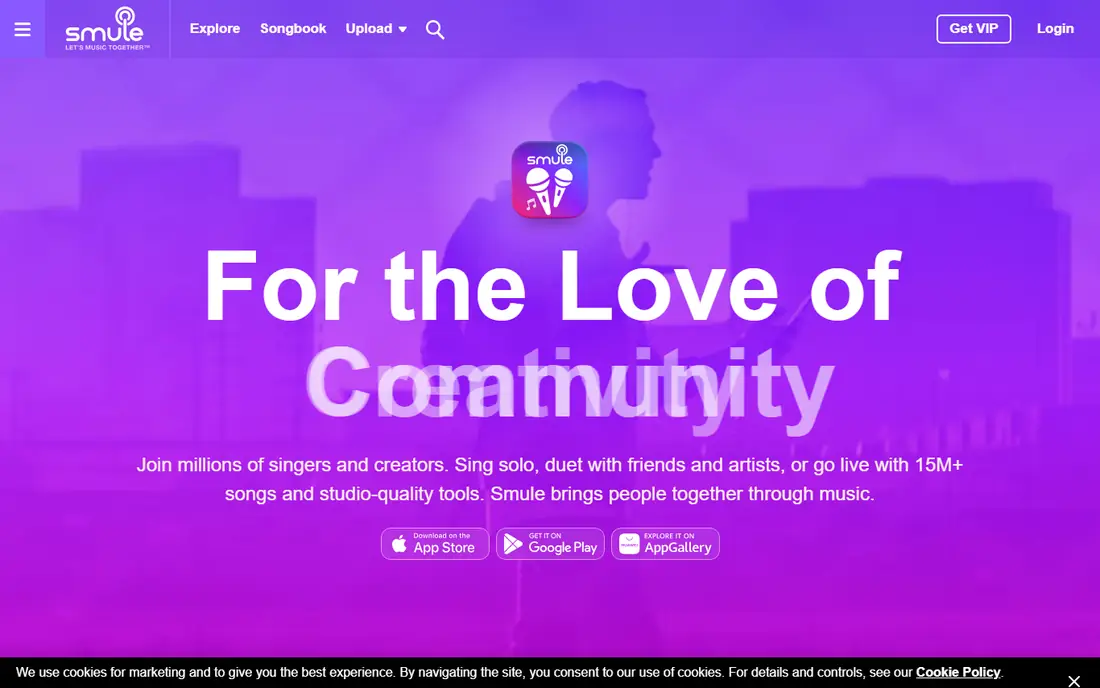
Smule is the best known karaoke app for a reason. Its catalog covers a wide range of pop, rock, country, and older hits, and its social side is the main draw. You can join songs started by other people, start duets, and share recordings with a community that comments and reacts. For singers who want feedback and a regular habit, that community keeps the app interesting after the first week.
The catch is price and pressure to pay. Free users can join some songs and try a limited set of solos, but singing any song solo on demand is a paid feature. Prices vary by store and region, so check the price shown in your app store before you subscribe. Sound quality also depends on your phone and headphones, so use wired headphones or a decent headset if you plan to record often.
- Very large song catalog
- Duets and group songs with other singers
- Pitch and audio effects for recordings
- Full solo choice needs a paid plan
- The app pushes its paid plan often on the free tier
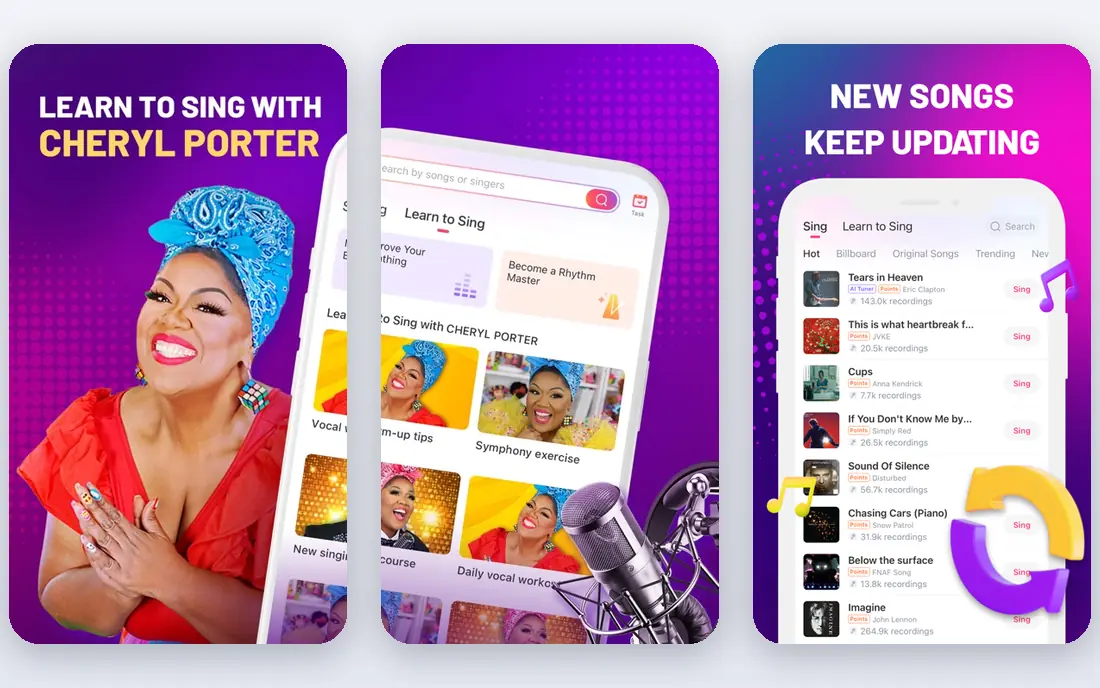
StarMaker suits singers who like a bit of competition. You can record solos, join duets, form virtual groups, and enter contests inside the app. That structure gives casual singers a reason to come back, and it works well for people who sing with friends in different cities. The catalog is broad, with a strong showing in pop and Asian pop alongside Western hits.
The downside is clutter. The home screen packs in contests, live rooms, and promotions, so finding a simple song to sing can take more taps than it should. Free singing is possible, but extended song access and effects sit behind a subscription. If you prefer a calm, plain karaoke player, KaraFun below will feel simpler.
- Strong duet and group features
- Singing contests and challenges
- Wide range of pop and international songs
- The interface can feel busy
- Some features and songs need a paid plan

Yokee is a straightforward choice for people who just want to sing on a phone without learning a social network first. Pick a song, sing along to the scrolling lyrics, and record a video if you want one. That simplicity makes it a good pick for beginners, younger singers, and anyone who only sings now and then.
The trade-off is depth. Yokee does not have the same community or contest scene as Smule or StarMaker, and its vocal effects are more limited. It also uses a subscription for full access, so check what is free in your region before you commit. For occasional singing, though, the free tier is enough to tell whether you like the feel of the app.
- Simple to start singing
- Video recording options
- A large back catalog of popular songs
- Some songs and features are paid
- Audio effects are basic compared with Smule
KaraFun is our pick for a party. It is designed to run on a TV, laptop, or tablet in a room full of people, with a queue, clear lyrics, and controls for pitch and tempo. That makes it far more useful at a gathering than an app built around solo recordings. You can build a playlist in advance, so nobody spends the evening searching for songs while guests wait.
The honest catch is that KaraFun is less fun if you want to record and share performances. Its strength is playback in the room, not a feed of singers. Some plans also allow offline use, which helps at venues with weak internet, but confirm that detail on the pricing page for the plan you choose. For a birthday or holiday party, it is the least fussy option here.
- Built for parties and TV playback
- Offline songs on some plans
- Clear lyrics and pitch controls
- Less of a social recording community
- The best party features need a paid subscription
Singa works in a similar way to KaraFun, with a focus on singing together rather than posting recordings. Its interface is clean, which helps when a group is passing a phone or remote around. You can search by artist or song, queue favorites, and use curated lists for parties, family nights, or seasonal events.
Catalog depth is the main thing to check. Singa started in the Nordic countries and has grown since, but song availability can differ by region, so search for your must-have songs first. Pricing is subscription based, with different plans for home use and business use. If you run a bar or a regular karaoke night, look at the business plan rather than a home plan.
- Clean party interface
- Works on TV, phone, and computer
- Curated playlists for events
- Catalog depth varies by country
- Full access needs a subscription
WeSing is a social karaoke app with a large user base, especially in Asia, and it has grown in other markets too. Its live rooms and duet tools make it easy to sing with friends who are not in the same room. If your group already uses WeSing, that is a strong reason to pick it, since karaoke is better with people you know.
The interface is busy, with live rooms, feeds, and promotions competing for attention. New users may need a few sessions to find the simple sing-along mode. As with most apps here, full song access and some effects need payment. Try the free tier with a friend before you pay, and see whether the rooms feel welcoming or noisy to you.
- Easy duets and group rooms
- A large community of singers
- Live singing rooms
- The app can feel crowded
- Some content and effects are paid
SingSnap is a good pick if you prefer a computer and a browser over a phone. You can sing, record, and share from a laptop with a microphone, which suits people who already have a home setup. Its community has been around for years, so there is a steady stream of recordings and comments from regular singers.
The look and feel are dated compared with Smule or StarMaker, and that may put off singers who want a modern mobile app. Song choice is solid for classic pop and standards, but newer chart songs may appear more slowly than on larger apps. Still, for browser singing and a quieter community, it is a useful option that is easy to try for free.
- Works in a browser without a phone app
- Recording and sharing tools
- A long-running karaoke community
- The design feels older than newer apps
- The catalog is smaller than the biggest mobile apps
Red Karaoke has been around for a long time, and its catalog is one of its strengths, with songs in several languages. That breadth helps households where people sing in more than one language, or where tastes run from classic rock to Latin pop. You can record solos and duets, and the web version is handy if you prefer a bigger screen.
The app itself is less polished than Smule, and navigation can feel slow at times. Not every song is free, so expect some favorites to need a subscription. Even so, if catalog breadth matters more to you than contests or a modern feed, Red Karaoke deserves a place on your shortlist, and the free tier is enough for a fair trial.
- Large catalog with many languages
- Recording and duet options
- Works on phone and computer
- Some songs are paid
- The interface is less polished than the leaders
How we picked these
We compared official feature pages, pricing pages, and app store listings, and we looked at what each app is actually built for, rather than ranking them on catalog size alone. We favored apps that are still maintained, that work on current phones, and that cover different uses, from parties to social singing to browser recording. We did not count a feature as a strength unless the vendor describes it on its own site or store listing.
What to check before you pay
Start with your song list. Search for ten songs you sing often, including one older favorite and one recent hit, and see how many each app has. Then check the device you will use. A party app needs TV or speaker output and a queue, while a social app needs a good microphone and a quiet room for recording.
Price comes third, not first. A cheap plan with a thin catalog will cost you more in frustration than a slightly higher plan with the songs you want. Also check whether the plan is billed monthly or yearly, whether it renews automatically, and how to cancel in your app store. Finally, think about privacy. Social karaoke apps share recordings by design, so check the sharing settings before you post a first performance, especially for younger singers.
Frequently asked questions
What is the best karaoke app for a party?
KaraFun or Singa, because both are built for group singing on a TV or speaker, with queues and clear lyrics. Social apps like Smule work at a party too, but they are built around recording, not running a room full of singers.
What is the best karaoke app for free?
Smule, StarMaker, and Yokee all have free tiers that let you sing a limited set of songs or join other singers. Free tiers are best for trying an app. If you want to sing any song solo on demand, expect to pay.
What is the best karaoke software for a computer?
SingSnap and KaraFun both work well on a computer, and KaraFun also runs on a TV. If you want a browser option with no install, SingSnap is the simpler starting point.
Can I use a karaoke app without the internet?
Some party apps offer offline songs on paid plans, which helps at venues with weak internet. Most social apps need a connection to load songs, record, and share, so check the offline detail on the plan you choose.
Do karaoke apps sound good without a microphone?
They sound best with headphones and a phone microphone, or a USB microphone on a computer. A cheap headset often beats a phone speaker for recording, because it keeps room noise out of the track.
Which karaoke app has the most songs?
Smule and Red Karaoke both claim very large catalogs, but the right question is whether they have your songs. Search for your own favorites before you subscribe, since catalog depth varies by genre and country.
Sources we checked (8)

Online Jobs is an independent blog about careers, online work, learning new skills and the tools that help people earn. More about us.
Keep reading
All posts
Spotify Alternatives
Looking for Spotify alternatives? We compare 8 music services on price, sound quality, free tiers, and catalogs to help you find a good alternative to Spotify.

Best Offline Music App
Find the best offline music app for your phone in 2026. We compare 8 apps on downloads, sound quality, playlists, device support, and offline limits in detail.

Best Music Distribution Services
Looking for the best music distribution service? We compare 8 distributors on price, royalties, release speed, and what happens if you stop paying. today