Best note-taking app for students in 2026: 8 apps compared

How we put this together: we compare official feature and pricing pages, app store listings, privacy policies and public user reviews. Prices change, so check the provider's site before you pay.
Key takeaways
- Notion is our top pick for course planning and group projects, with databases, templates, and a free education plan for eligible students.
- OneNote is the best free all-rounder for typed and handwritten notes across Windows, Mac, phones, and the web.
- GoodNotes and Notability suit iPad users who handwrite lecture notes and annotate PDFs, while Obsidian suits students who want linked notes they own.
- The best student app depends on how you study: handwriting, typing, planning, or revision each point to a different winner.
Quick comparison
| Name | Who it suits | Starting price | Free option | |
|---|---|---|---|---|
 Notion | Course planning and projects | Free | Yes | Visit |
 Microsoft OneNote | Free typed and handwritten notes | Free | Yes | Visit |
 GoodNotes | iPad handwriting and PDFs | See website | Yes | Visit |
 Obsidian | Linked notes you own | Free | Yes | Visit |
 Evernote | Quick capture and search | Free | Yes | Visit |
 RemNote | Flashcards and revision | Free | Yes | Visit |
 Nebo | Handwriting to text | See website | Free trial | Visit |
 Notability | iPad notes and audio | See website | Free trial | Visit |
The best note-taking apps for students
Student notes need to cover lectures, readings, assignments, and revision, often on more than one device. These eight cover planning, handwriting, linked notes, and flashcard revision, so you can pick by study style rather than by popularity alone.
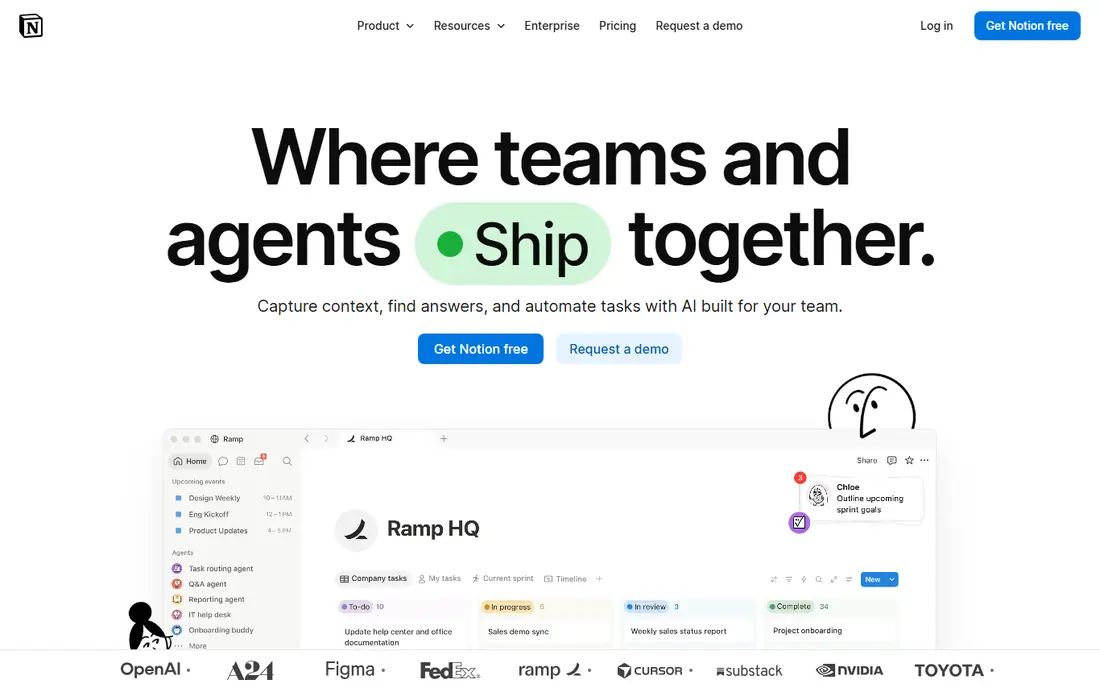
Notion is our top pick for students who need to organise a whole semester, not just take notes in one lecture. You can build a course hub with pages for each module, databases for assignments and deadlines, and templates for lecture notes, then share pages with a project group for joint work. That planning layer is what sets Notion apart from a simple notebook app, and eligible university students can access education benefits on top of the free plan. The cost is setup time. A blank Notion workspace can feel overwhelming, and students who over-build databases may spend more time organising than studying. Start with one simple template for lecture notes and one database for deadlines, and add features only when a real need appears. Offline access is also less strong than in local-first apps, so check sync before an exam or a flight.
- Databases, templates, and pages for courses and deadlines
- Strong group collaboration
- Free education plan for eligible students
- Setup can take time
- Offline use is less reliable than local-first apps
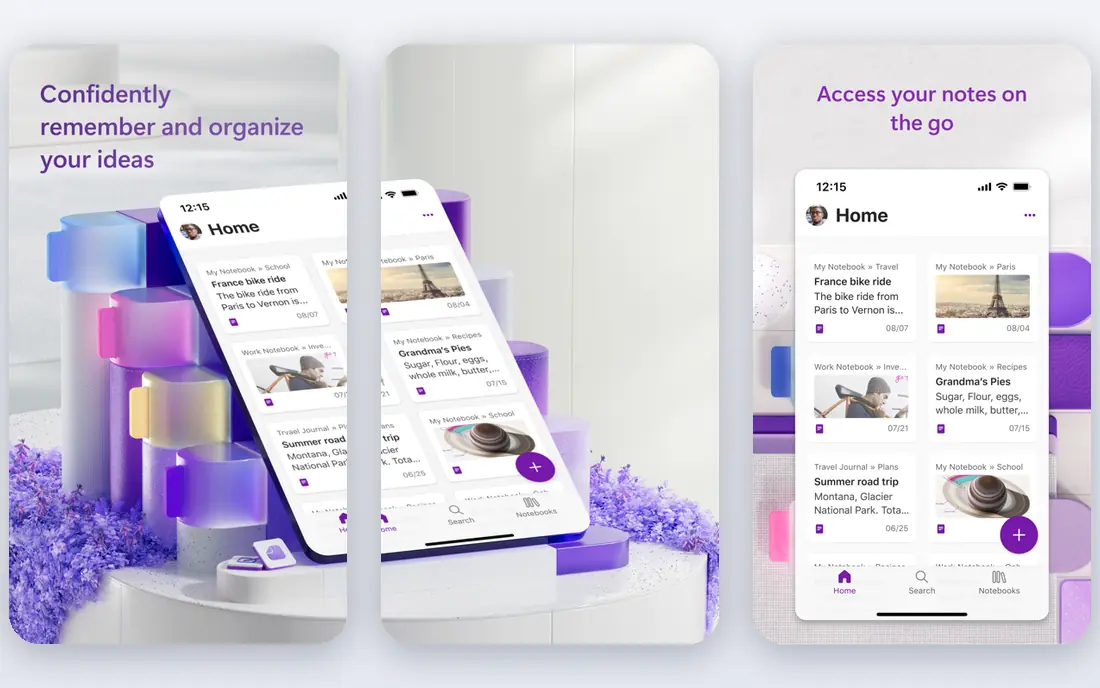
OneNote is the best free all-rounder for students, because it runs on Windows, Mac, iOS, Android, and the web, and it handles typing, handwriting, and pasted images in the same notebook. You can organise notes by notebook, section, and page, which mirrors how many courses are structured, and you can record audio alongside notes for revision. For a student who wants one free app for everything, OneNote covers the most ground. The main limits are storage and structure. Notes sync through OneDrive, so your available storage matters if you add many PDFs and images, and the free-form page layout can feel less organised than Notion's databases. If you already use Microsoft tools for university, OneNote is a natural, no-cost default.
- Free across devices
- Typed, handwritten, and audio notes in one notebook
- Section and page structure
- Sync relies on OneDrive storage
- Search and organisation feel looser than database apps
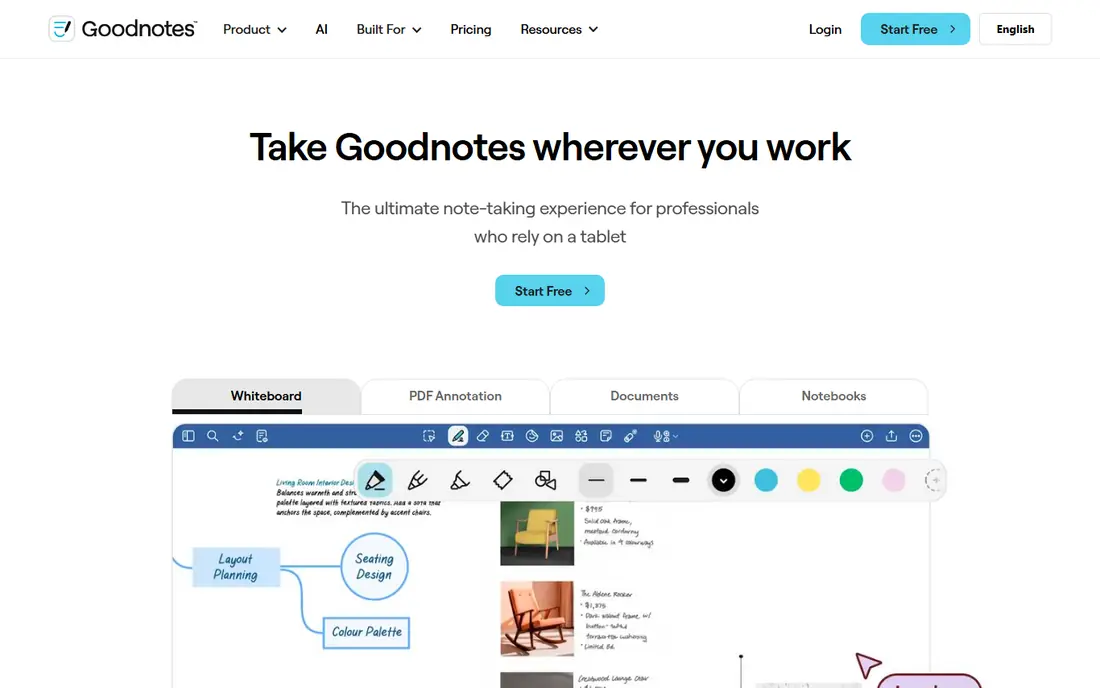
GoodNotes suits iPad students who prefer to handwrite notes and annotate lecture slides. You can write with a stylus, import PDFs, highlight and annotate slides, and search handwritten text, which makes revision faster than flipping through paper notebooks. Notebook templates for planners, Cornell notes, and flashcards help students who like a paper-like structure on a tablet. The main limit is platform. GoodNotes is strongest on Apple devices, so Windows and Android students need another pick, and the free tier limits notebook numbers, with a paid upgrade for unlimited use. Check the current pricing page for your device. If you study mainly on an iPad with a stylus, GoodNotes is hard to beat for handwritten work.
- Natural handwriting on iPad
- PDF annotation and notebook templates
- Search for handwritten notes
- Best on Apple devices
- Paid upgrade needed for unlimited notebooks on current plans
Obsidian appeals to students who want a long-term knowledge base, not just a semester of notes. Your notes are local plain-text files, so you own them and can keep them for years, and links between notes help you connect ideas across modules for essays and exams. The graph view shows how topics link together, which suits revision for concept-heavy subjects. Setup is the trade-off. Obsidian's core app is free, but syncing across devices with the built-in service costs extra, and choosing plugins takes time. Students who like a simple, ready-made notebook may prefer OneNote or Notion. If you study dense subjects and want notes that stay readable and portable after graduation, Obsidian is a strong, free foundation.
- Local plain-text notes you control
- Links between notes for revision
- Large plugin community
- Setup and plugin choices take time
- Built-in sync is a paid extra
Evernote is built for quick capture: a web clip, a photo of a whiteboard, a lecture PDF, and a typed note can all land in one searchable place. Its search, including text inside images, helps during revision when you remember a phrase but not where you filed it. For students who collect material from many sources, that capture-and-search workflow is still useful. The free plan is now very limited, with caps on notes, notebooks, and devices, so it works less well as a full-semester notebook than it once did. Paid plans remove those limits, but students should compare the price with free options like OneNote and Obsidian first. Use Evernote if fast capture and search matter most, and check the current free limits before you rely on it.
- Fast capture from web, phone, and desktop
- Strong search including text in images
- Simple notebook structure
- Free plan is limited to a small number of notes, one notebook, and one device on current terms
RemNote is designed for students who revise with flashcards. You write notes in an outline, mark parts as flashcards, and review them on a spaced schedule, so revision is built into note-taking rather than added later. That workflow suits medicine, law, languages, and other subjects with a lot of facts to retain, and PDF annotation keeps source material close to your notes. The interface is more structured than a simple notebook, and handwriting support is weaker than GoodNotes or Notability. Students who prefer free-form notes may find the outline style restrictive. If your main study problem is remembering facts for exams, RemNote turns your notes into a revision system with less extra work.
- Notes turn into flashcards for spaced revision
- Linked notes and PDF annotation
- Free tier for students
- Interface takes learning
- Less suited to free-form handwriting than iPad apps
Nebo stands out for handwriting conversion. If you write notes by hand on a tablet, Nebo can turn that writing into typed, editable text, including diagrams and maths notation, which makes notes easier to search, share, and paste into assignments. That conversion is useful for students who think better by hand but need typed notes for coursework. Nebo's ecosystem is smaller than OneNote or GoodNotes, with fewer templates and integrations, and pricing varies by platform, so check the official store listing for your device. It works best as a handwriting-to-text tool alongside a main notebook app, rather than as a complete course planner on its own.
- Converts handwriting to typed text well
- Supports diagrams and maths notation
- Works with stylus devices
- Smaller ecosystem than OneNote or GoodNotes
- Pricing and platform support vary by device
Notability is another strong iPad choice, with a particular strength in pairing audio with notes. You can record a lecture while you write, then tap a note later to hear what was said at that point, which helps when lecture slides alone do not explain a concept. PDF annotation, handwriting, and templates cover most lecture needs in one app. Like GoodNotes, Notability is Apple-focused, so Windows and Android students should look elsewhere, and current plans use a subscription model, so check pricing before committing. If audio-linked notes would help your revision, Notability's playback feature is a practical reason to choose it over a plain notebook app.
- Handwriting, PDF annotation, and audio recording together
- Good for lecture playback
- IPad-focused design
- Best on Apple devices
- Subscription model on current plans
How we picked these
We checked official product pages, pricing pages, and app store listings for each app, looking at handwriting, typing, planning, collaboration, revision tools, sync, and free access for students. We also read public reviews and student guides to check recurring limits, such as free plan caps and platform restrictions. We did not claim hands-on testing, and we used See website where pricing varied by platform or plan.
What to check before you pick a note app
Start with how you actually study. Handwriters should test GoodNotes, Notability, or Nebo on their tablet, planners should test Notion, and revisers should test RemNote or Obsidian's linked notes. Check device support, since several strong apps are Apple-only, and check sync: a note that only lives on one device will fail you during an exam week. Test the free tier with a real lecture week before paying, and keep backups, since a semester of notes is too valuable to trust to one app without an export plan.
Frequently asked questions
What is the best note taking app for students overall?
Notion is our top pick for planning and group work, while OneNote is the best free all-rounder for typed and handwritten notes. The best choice depends on study style: handwriting points to GoodNotes, linked revision notes point to Obsidian, and flashcard revision points to RemNote.
What is the best free note-taking app for students?
OneNote and Obsidian both offer strong free tiers, with OneNote covering typed and handwritten notes across devices, and Obsidian offering unlimited local notes. Notion also offers a free plan, with extra education benefits for eligible university students. Test each with a real week of lectures before choosing.
Is GoodNotes or Notability better for students?
Both are strong iPad apps for handwriting and PDF annotation. GoodNotes offers notebook templates and handwritten search, while Notability pairs audio recording with notes for lecture playback. Try the free or trial version of each with a real lecture to see which handwriting feel you prefer.
Can students get Notion for free?
Yes, Notion offers a free plan for individuals, and eligible students at accredited colleges and universities can access extra education benefits. High school students can still use the regular free plan. Check Notion's education page for current eligibility, since terms change.
What is the best note-taking app for revision?
RemNote is built for revision, turning notes into flashcards on a spaced schedule. Obsidian also helps revision through linked notes that connect ideas across modules. For fact-heavy subjects, RemNote's flashcard workflow is the most direct revision tool on this list.
Should students use one note app or several?
One main app is usually better, because notes stay searchable in one place. Many students still pair a planner like Notion with a handwriting app like GoodNotes, or a revision app like RemNote. If you use two apps, give each a clear job so notes do not split across tools.
Sources we checked (8)

Online Jobs is an independent blog about careers, online work, learning new skills and the tools that help people earn. More about us.
Keep reading
All posts
n8n Alternatives
n8n alternatives compared for 2026, with Zapier, Make, Activepieces, and more, covering visual builders, code steps, self-hosting, and pricing models.

eBay Alternatives
Looking for ebay alternatives? We compared 9 marketplaces for sellers on fees, buyer reach, categories and ease of listing, to help you sell with confidence.

ZoomInfo Alternatives
The best ZoomInfo alternatives in 2026, compared on price, free plans, data coverage, and which tool fits small teams or large sales teams best in detail.