Best No-Code App Builders in 2026: 8 Tools Compared

How we put this together: we compare official feature and pricing pages, app store listings, privacy policies and public user reviews. Prices change, so check the provider's site before you pay.
Key takeaways
- Glide is the easiest starting point, since it turns a spreadsheet into a working app with little setup.
- Bubble suits web apps with complex logic and user accounts, although the learning curve is longer than simpler builders.
- FlutterFlow suits mobile apps that need a polished native feel and a connection to Firebase.
- Softr suits internal tools and client portals built from Airtable or Google Sheets data.
- AppSheet suits businesses already using Google Workspace, since it builds apps from Sheets and Drive data.
Quick comparison
| Name | Who it suits | Starting price | Free option | |
|---|---|---|---|---|
 Glide | Sheet based apps | See website | Yes | Visit |
 Bubble | Complex web apps | See website | Yes | Visit |
 Adalo | Mobile apps for beginners | See website | Yes | Visit |
 FlutterFlow | Polished mobile apps | See website | Yes | Visit |
 Softr | Portals from Airtable or Sheets | See website | Yes | Visit |
 AppSheet | Google Workspace apps | See website | Yes | Visit |
 Thunkable | Learning and simple mobile apps | See website | Yes | Visit |
 Draftbit | Custom mobile apps with code export | See website | Free trial | Visit |
The best no-code app builders
No-code app builders let you turn a spreadsheet or a database into a working app without writing code, which suits small businesses, startups, and internal teams. We compared data sources, mobile and web output, templates, automation, and pricing per user or per app. The right builder depends on whether you need a customer facing mobile app, an internal tool, or a simple app built from a sheet.
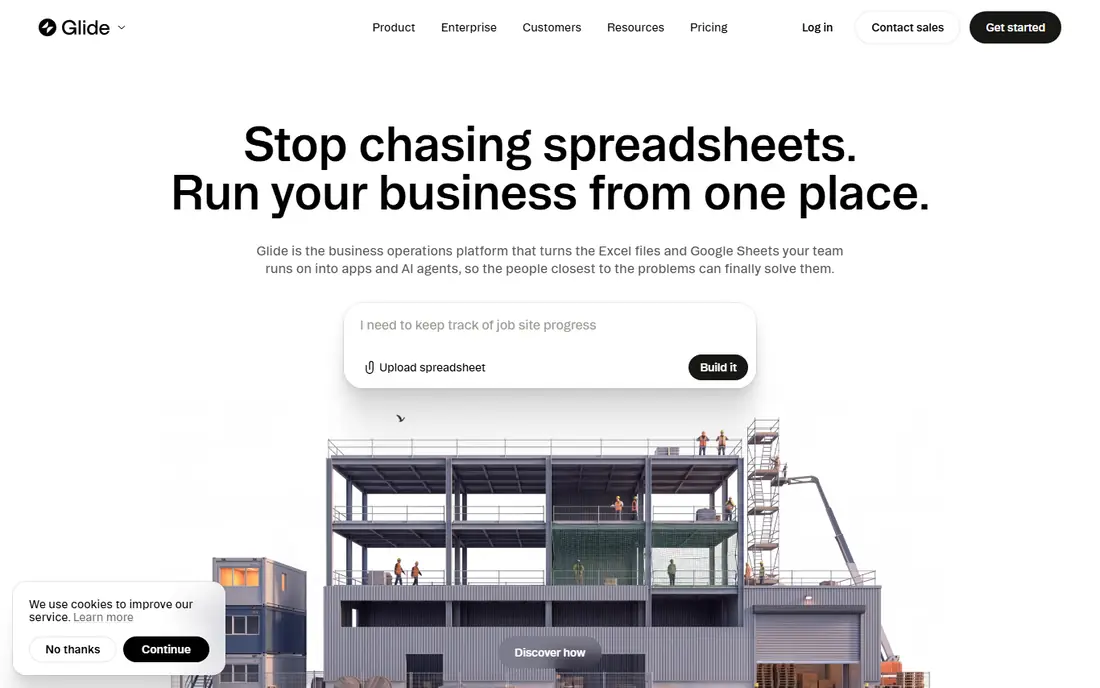
For a reader who wants an app built quickly from a spreadsheet, Glide is a direct place to start. Glide turns Google Sheets, Excel, or other data into a working web or mobile app with templates, forms, and user access controls. The reports and screens are organised around that job, so a first search or setup does not require learning a large system first.
Complex logic and highly custom designs are harder than in Bubble, so very complex apps may hit limits. Check the plan limits before you pay, and confirm that the coverage and export options match the work you actually do each month. Pick Glide when speed and a sheet based start matter most.
- Very easy setup
- Sheet based data
- Templates and forms
- Limited complex logic
- Custom design limits
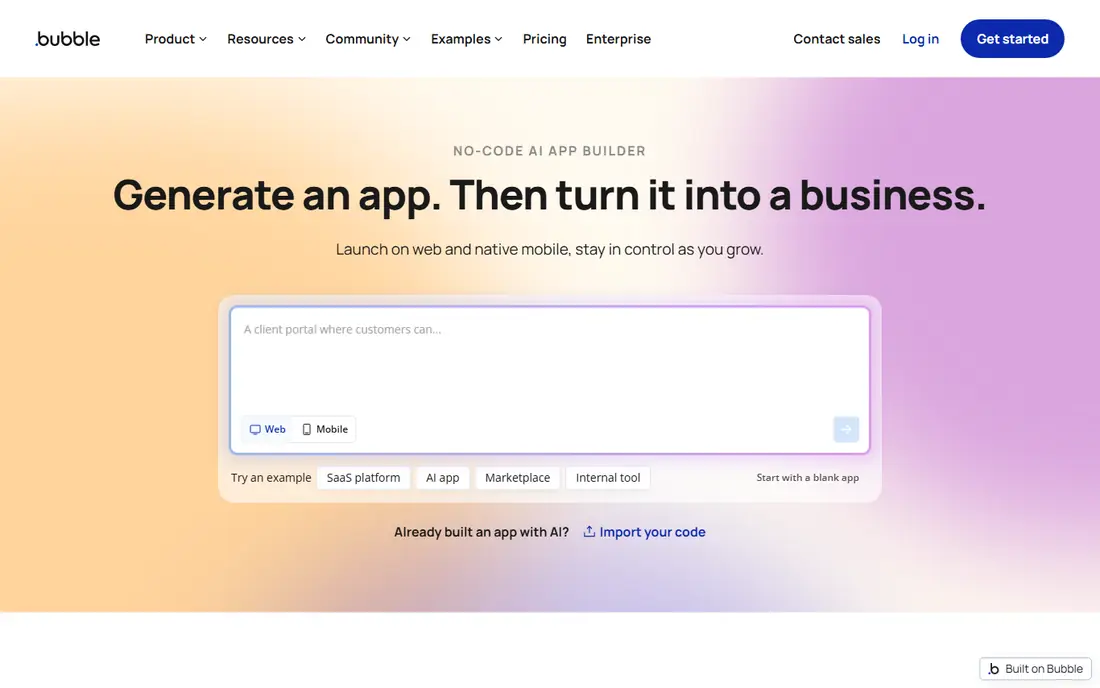
If a complex web app with user accounts is the main job, Bubble deserves a close look. Bubble offers a visual editor, database, workflows, and plugin system for web apps with user accounts, payments, and complex logic. The reports and screens are organised around that job, so a first search or setup does not require learning a large system first.
The learning curve is longer than simpler builders, and performance needs care on large apps. Check the plan limits before you pay, and confirm that the coverage and export options match the work you actually do each month. Pick Bubble when a web app needs real logic, not only a data view.
- Full visual workflows
- Database and plugins
- User accounts and payments
- Longer learning curve
- Mainly web apps, not native mobile
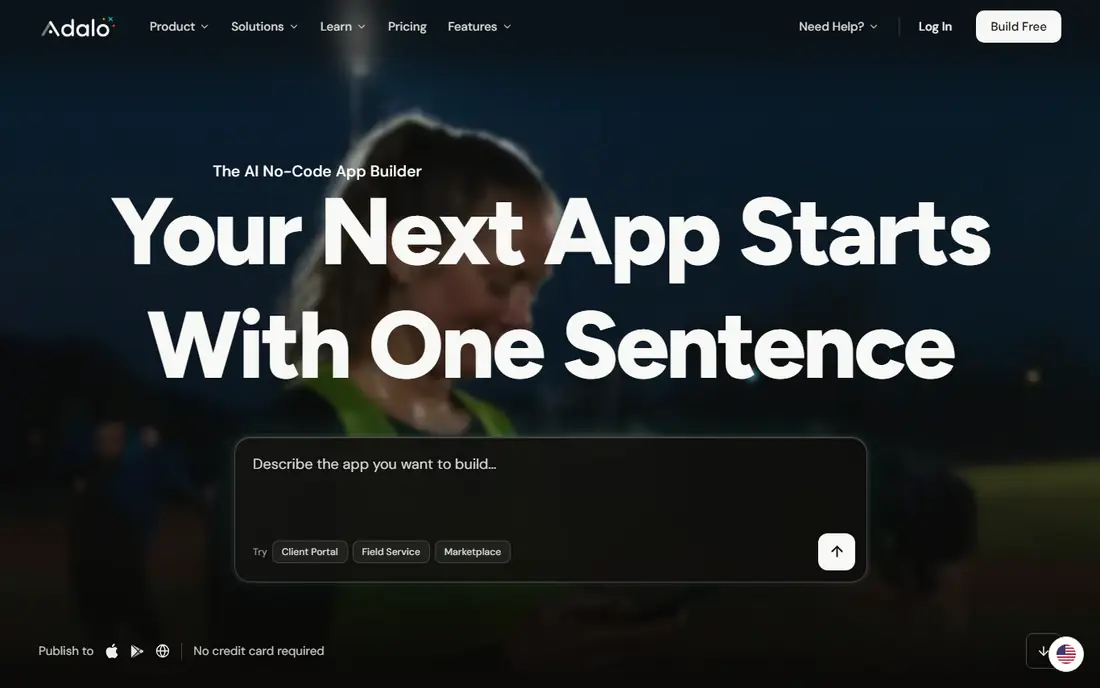
Adalo suits a reader who needs a mobile app built without code without a long setup. Adalo offers a drag and drop mobile app builder with databases, user accounts, and app store publishing for beginners. The reports and screens are organised around that job, so a first search or setup does not require learning a large system first.
Performance and design flexibility are lower than FlutterFlow for complex mobile apps. Check the plan limits before you pay, and confirm that the coverage and export options match the work you actually do each month. Pick Adalo when a first mobile app matters more than advanced performance.
- Easy mobile builder
- App store publishing
- Built-in database
- Performance limits on large apps
- Fewer advanced features
When a polished mobile app with Firebase data matters most, FlutterFlow makes a practical shortlist entry. FlutterFlow builds native mobile apps with a visual editor, Firebase integration, and app store publishing for iOS and Android. The reports and screens are organised around that job, so a first search or setup does not require learning a large system first.
It suits mobile apps better than web apps, and some advanced features need Firebase knowledge. Check the plan limits before you pay, and confirm that the coverage and export options match the work you actually do each month. Pick FlutterFlow when a native mobile feel matters most.
- Native mobile output
- Firebase integration
- App store publishing
- Mobile focus limits web use
- Firebase learning needed
A reader focused on a portal built from Airtable data will find Softr easy to understand. Softr turns Airtable or Google Sheets into client portals, internal tools, and websites with user access controls and templates. The reports and screens are organised around that job, so a first search or setup does not require learning a large system first.
It depends on your data source, so complex logic outside that data can be limited. Check the plan limits before you pay, and confirm that the coverage and export options match the work you actually do each month. Pick Softr when a portal from existing data is the main job.
- Easy Airtable and Sheets portals
- User access controls
- Templates
- Data source dependent
- Limited complex app logic
AppSheet is built around an app built from Google Sheets and Drive, and that focus shows in the layout. AppSheet, from Google, builds apps from Sheets, Drive, and other data, with automation, forms, and mobile access for business teams. The reports and screens are organised around that job, so a first search or setup does not require learning a large system first.
Design options are more functional than beautiful, so customer facing apps may need extra design work. Check the plan limits before you pay, and confirm that the coverage and export options match the work you actually do each month. Pick AppSheet when Google Workspace data is already the system of record.
- Google Workspace integration
- Automation and forms
- Mobile access
- Functional rather than polished design
- Pricing is per user
For a simple mobile app or learning project, Thunkable offers a clear and workable route. Thunkable offers a block based mobile app builder with app store publishing, which suits beginners, schools, and simple business apps. The reports and screens are organised around that job, so a first search or setup does not require learning a large system first.
Complex business apps may outgrow its block based logic and design options. Check the plan limits before you pay, and confirm that the coverage and export options match the work you actually do each month. Pick Thunkable for a simple mobile app or a first build.
- Block based building
- App store publishing
- Easy for beginners
- Limited for complex apps
- Design options are basic
Readers who need a mobile app that may later need code can start with Draftbit and compare from there. Draftbit builds mobile apps visually and allows code export, which suits teams that want a no-code start with a path to custom code later. The reports and screens are organised around that job, so a first search or setup does not require learning a large system first.
It is a smaller builder than Bubble or FlutterFlow, so check templates and support before a large project. Check the plan limits before you pay, and confirm that the coverage and export options match the work you actually do each month. Pick Draftbit when code export matters for future flexibility.
- Visual mobile building
- Code export option
- Custom components
- Smaller ecosystem
- Fewer templates than leaders
How we picked these
We started with no-code builders that still operate in October 2026, offer a working app output, and publish a free plan or a clear paid price. We compared data sources, app types, templates, automation, user limits, and publishing options. Our findings rest on official pricing and feature pages and public help pages, and we favoured builders that state free limits and publishing rules plainly.
How to choose a no-code app builder
Start with the app you need to build, not the builder with the longest feature list. A customer mobile app, an internal dashboard, and a simple form app need different tools, and the wrong choice leads to workarounds later.
Match the builder to the app type
Glide and Softr suit data driven apps built from sheets and databases. Bubble suits complex web apps with user accounts and workflows. FlutterFlow and Adalo suit mobile apps that need a native feel and app store publishing.
Check data, users, and publishing limits
Free plans often limit rows, users, or published apps, so check those numbers at your real scale. Also check whether you can publish to app stores, use a custom domain, and export data if you later move to a coded app.
Test a real workflow before you commit
Build one real workflow end to end: data entry, a list view, a detail view, and a notification or approval step. If that workflow feels slow or limited, the builder will not suit the full app. Also check support, templates, and community help, since no-code building still needs learning time.
Frequently asked questions
What is the best no-code app builder?
Glide suits simple data apps, Bubble suits complex web apps, and FlutterFlow suits mobile apps. The best no-code app builder depends on app type, data source, and whether you need app store publishing.
What is the best free no-code app builder?
Glide, Softr, and Adalo offer free plans, although each limits rows, users, or published apps. Glide gives the easiest free start for a sheet based app, while Softr gives a strong free start for Airtable based portals.
What are the best no-code app builder platforms for internal tools?
Softr and AppSheet suit internal tools built from existing data, while Bubble suits more complex internal web apps. Internal tools benefit most from a builder that connects to the data you already use.
Can no-code apps go on app stores?
Yes, Adalo, FlutterFlow, and Thunkable support app store publishing, although the process and plan requirements differ. Web focused builders such as Bubble and Softr mainly produce web apps, not native store apps.
Do I need to know code to use a no-code builder?
No, these builders work with visual editors, templates, and data connections, although some logic and design skill helps. Complex apps may still benefit from a developer for integrations or custom features.
Sources we checked (8)

Online Jobs is an independent blog about careers, online work, learning new skills and the tools that help people earn. More about us.
Keep reading
All posts
n8n Alternatives
n8n alternatives compared for 2026, with Zapier, Make, Activepieces, and more, covering visual builders, code steps, self-hosting, and pricing models.

ZoomInfo Alternatives
The best ZoomInfo alternatives in 2026, compared on price, free plans, data coverage, and which tool fits small teams or large sales teams best in detail.

Yotpo Alternatives
Find cheaper alternatives to Yotpo for reviews and loyalty, with Judge.me, Loox, Stamped, and more compared for Shopify stores in 2026, all in one guide.