Best No Code App Builder in 2026: 8 Builders Compared

How we put this together: we compare official feature and pricing pages, app store listings, privacy policies and public user reviews. Prices change, so check the provider's site before you pay.
Key takeaways
- Bubble suits complex web apps with custom logic, a real database, and a large plugin range.
- Glide suits internal tools built from a spreadsheet, with a fast path from data to a working app.
- Softr suits portals and client tools built on Airtable, Google Sheets, or Notion data.
- Adalo and FlutterFlow suit native mobile apps, with FlutterFlow offering code export for later handover.
- Most builders offer a free plan, but publishing, users, and usage limits decide the real cost.
Quick comparison
| Name | Who it suits | Starting price | Free option | |
|---|---|---|---|---|
 Bubble Bubble | Complex web apps | See website | Yes | Visit |
 Glide Glide | Spreadsheet to internal app | See website | Yes | Visit |
 Softr Softr | Portals on existing data | See website | Yes | Visit |
 Adalo Adalo | Native mobile apps | See website | Yes | Visit |
 FlutterFlow FlutterFlow | Native apps with code export | See website | Yes | Visit |
 AppSheet AppSheet | Google Workspace data apps | See website | Yes | Visit |
 Thunkable Thunkable | Visual mobile logic | See website | Yes | Visit |
 GoodBarber GoodBarber | Content and commerce apps | See website | Free trial | Visit |
The best no code app builder
A no code builder should match the app you actually want to ship. A portal, an internal tool, a native mobile app, and a complex web product have different needs, and the cheapest builder is not always the fastest route to a working result. The eight builders below cover those jobs with distinct strengths.
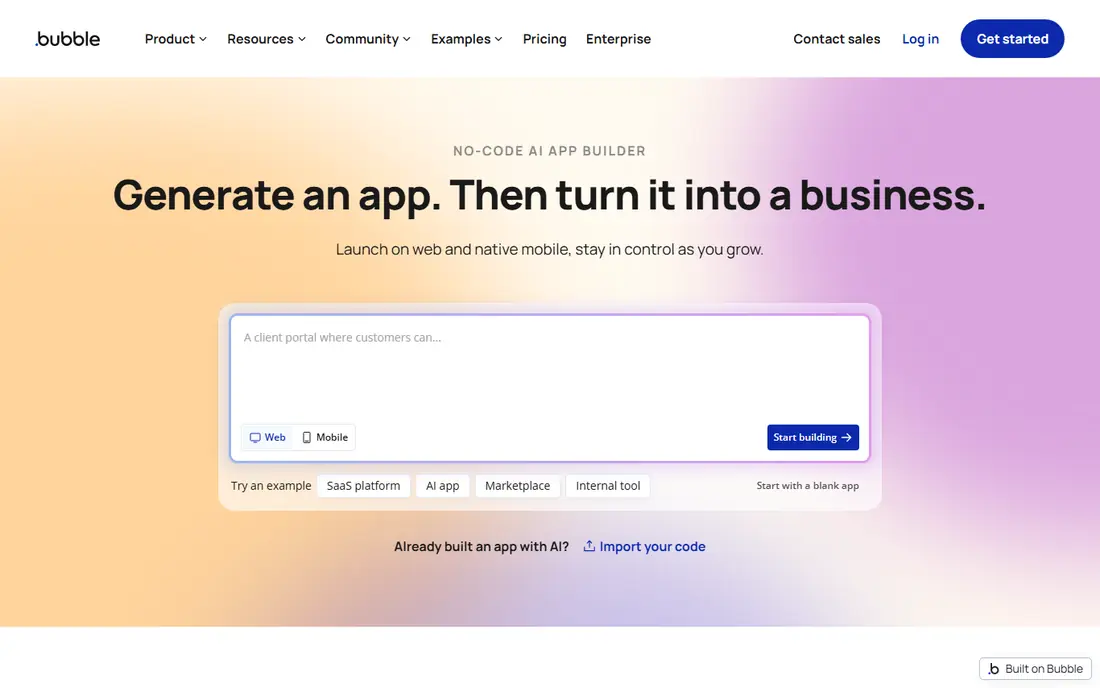
Bubble is the most capable visual builder for web apps that need custom rules, user roles, and a real database. You design pages visually, define data types, and build workflows that respond to user actions, which makes it suitable for marketplaces, SaaS tools, and multi-role products. The plugin range also fills gaps without code, from payments to maps and messaging. The cost model needs attention. Bubble charges for workload, which measures server processing, so inefficient searches and workflows can raise costs as usage grows. Start on the free plan, learn efficient data design early, and test with real user flows before publishing a paid app.
- Visual workflow logic
- Built-in database and hosting
- Large plugin and template range
- Steeper learning curve
- Usage-based workload costs need care
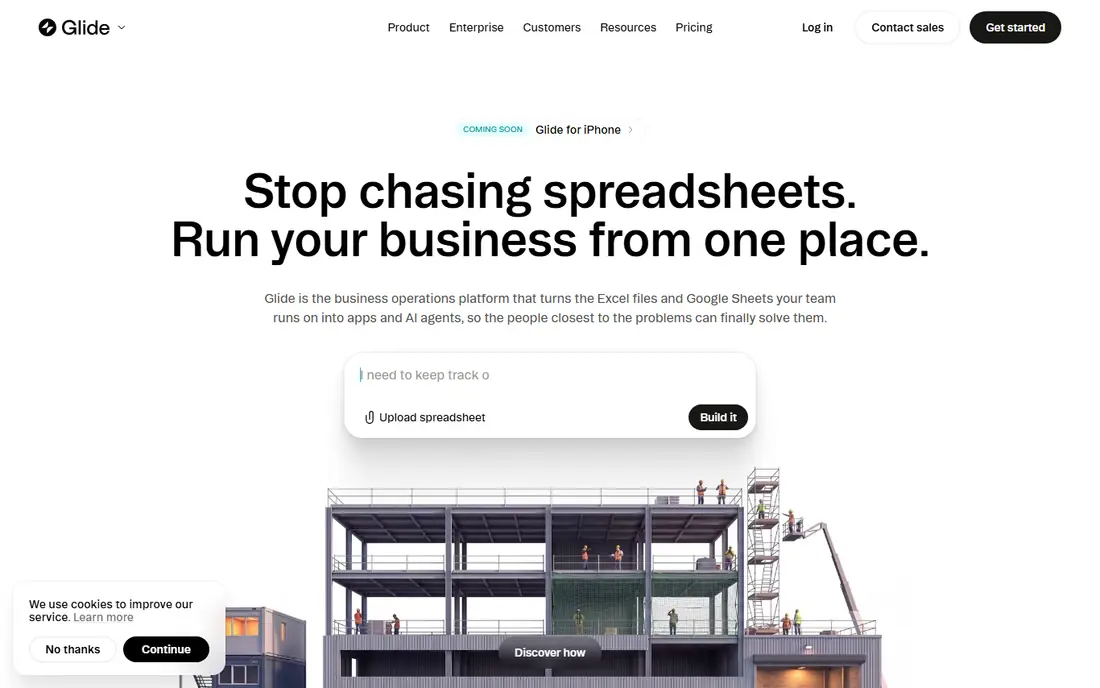
Glide turns a spreadsheet or database into a usable app in hours rather than weeks, which makes it ideal for internal tools, directories, trackers, and simple customer apps. The layouts are clean on mobile, and the data-first approach means non-technical teams can maintain the app by updating a sheet. For a first internal tool, Glide is often the fastest honest route. The limit is scope. Glide is less suited to a complex public product with deep custom logic, and costs rise with users and data updates. Use Glide when the data already exists and the job is to make it usable, searchable, and easy to update.
- Fast build from spreadsheets
- Clean mobile-friendly layouts
- Good for internal tools
- Less suited to complex public web products
- Paid limits depend on users and updates
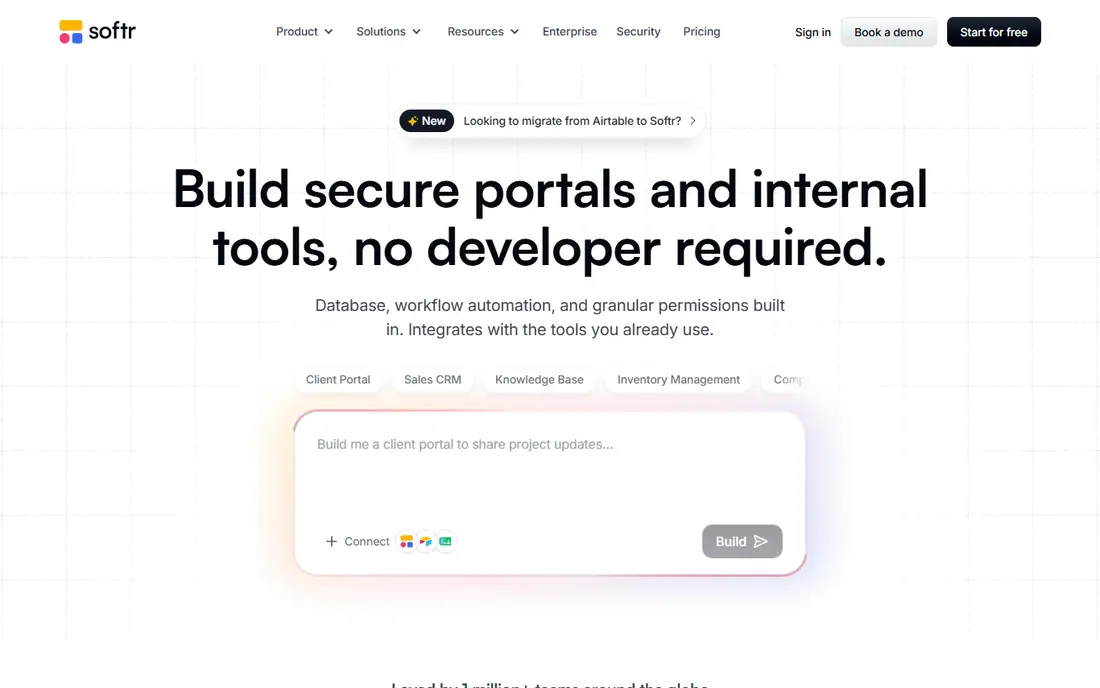
Softr is built for the common business need of turning a database into a portal for clients, staff, or members. You connect Airtable, Google Sheets, or Notion, choose a template, and add logins and permissions so different users see different records. That makes it a strong pick for client dashboards, directories, and internal hubs. It is not a full native mobile builder, and the data source sets practical limits on structure and scale. If your data already lives in Airtable or Sheets and you need a polished portal quickly, Softr is hard to beat. If you need a store-listed native app, shortlist Adalo or FlutterFlow instead.
- Fast portals from Airtable, Sheets, or Notion
- User permissions and logins
- Strong templates
- Web and progressive app focus, not full native apps
- Data source limits shape the app
Adalo suits small businesses and solo builders who want a real app in both app stores without writing code. The drag-and-drop canvas, database, and actions cover common mobile needs such as lists, forms, user accounts, and simple payments. Publishing to iOS and Android from one project saves time compared with building two separate apps. Complex apps with heavy data, advanced logic, or high user counts can hit performance and plan limits. Adalo works best for focused mobile products with a clear core flow. Map that flow first, build it, and test on a real phone before adding extra screens.
- Native iOS and Android publishing
- Visual drag-and-drop builder
- Single canvas for web and mobile
- Performance limits on very complex apps
- Paid plans needed for publishing and scale
FlutterFlow gives builders a route to a native app that can later be handed to developers, because it can export Flutter code. That matters for teams who want to start without code but keep a path to custom development. Design control is strong, and the platform covers mobile, web, and desktop outputs from one project. The trade-off is effort. FlutterFlow asks more of new builders than Glide or Softr, especially around data, state, and app logic. It is the right pick when you want a polished native app, care about long-term portability, and are willing to learn a deeper tool.
- Native Flutter apps
- Code export for developer handover
- Strong design control
- More learning than simpler builders
- Advanced features need a paid plan
AppSheet is the natural pick inside Google Workspace, because it builds apps directly from Sheets, Forms, and Drive data. Field teams, operations staff, and small businesses use it for inspections, inventories, approvals, and data capture, often with offline use in the field. Automation rules can send alerts, update records, and move work forward without manual steps. Design polish is not its strength, and the per-user pricing model matters for larger teams. AppSheet wins on practical data work rather than consumer-facing beauty. If your team already lives in Google Sheets, it is the lowest-friction builder on this list.
- Strong Google Sheets and Drive integration
- Offline-capable apps
- Automation and workflows
- Design is functional rather than polished
- Pricing is per user
Thunkable uses visual blocks for logic, which helps builders who think in steps and conditions rather than in code syntax. You can design screens, connect data and device features, and test on a real phone during the build. That hands-on loop makes it a good learning tool as well as a practical builder for focused mobile apps. It is not a web-first product, and complex business logic can become hard to manage in blocks at scale. Thunkable fits education, prototypes, and focused mobile apps where clear logic and device testing matter more than a large web dashboard.
- Visual blocks for app logic
- Real device testing
- Cross-platform mobile publishing
- Less suited to complex web products
- Advanced features sit behind paid plans
GoodBarber suits content publishers, shops, and organisations that want a polished app for articles, audio, video, or products. Templates are design-led, and built-in commerce, push notifications, and monetisation tools cover common publishing needs without extra plugins. For a content or store app, the starting point feels closer to finished than a blank canvas. Custom logic is the limit. GoodBarber is less flexible than Bubble for a bespoke web product, and there is no permanent free plan, only a trial. Use it when design and content delivery are the priority, and check trial limits before building a large catalogue.
- Design-led templates
- Content and commerce features
- Push notifications and monetisation tools
- Trial rather than a permanent free plan
- Less flexible for complex custom logic
How we picked these
We compared official feature pages, pricing pages, app store listings, and public template and integration notes for builders that cover web, mobile, portal, and internal tool use. We favoured builders with a free plan or trial, a clear output type, and a distinct job, so readers are not comparing eight near-identical tools. We also noted code export, data source limits, and per-user pricing, because those factors decide long-term cost and portability. We did not claim hands-on testing of every builder, and we did not rank by marketing claims. The picks reflect output type, learning curve, data handling, and fit for different builders, from internal teams to solo mobile founders. Prices change often, so check the vendor pricing page before committing to a paid plan.
Choosing the right no code builder for you
Start with the output, not the feature list. A portal needs data permissions, an internal tool needs fast data updates, a native app needs store publishing, and a complex web product needs workflow logic. Write down the core flow in one paragraph before opening a builder, because that paragraph will rule out half the list.
Test with real data and real users
Build with a small slice of real data, not sample rows, and test on the device your users will use. Check how logins, permissions, and search behave, and note where the free plan stops. A builder that feels fast with ten rows may feel slow with ten thousand, so test scale early for data-heavy tools.
Plan for cost and exit
Compare paid plans by users, records, updates, and publishing, not only by the headline monthly price. Check whether you can export data, and for mobile apps, whether code export is offered. A clear exit path matters even if you never use it, because it keeps your app portable as your business grows.
Frequently asked questions
What is the best no code app builder for beginners?
Glide and Softr are the easiest starting points, because both build from data you already have and offer clear templates. Glide suits internal tools from spreadsheets, while Softr suits portals from Airtable or Sheets. Bubble is more powerful, but it takes longer to learn.
What is the best app maker for iOS and Android?
Adalo and FlutterFlow are the strongest picks for store-listed mobile apps. Adalo is simpler for small, focused apps, while FlutterFlow offers more design control and code export. Thunkable is also worth trying for visual logic and device testing.
Is there a free no code platform?
Yes, Bubble, Glide, Softr, Adalo, FlutterFlow, AppSheet, and Thunkable all offer a free plan or free building tier, though publishing and scale usually need a paid plan. GoodBarber offers a trial rather than a permanent free plan. Always check user, record, and publishing limits on the pricing page.
What is the best no code platform for a business portal?
Softr is the best fit for most portals, thanks to its Airtable, Sheets, and Notion connections and its permission controls. Glide also works well for internal portals built from spreadsheets. Choose Softr when different user groups need different views of the same data.
Can I build an app without coding experience?
Yes, that is the point of these builders, though the learning curve varies. Spreadsheet and portal builders can produce a working app in days, while complex web and native builders take longer to learn. Start with a small core flow, use templates, and add features only after the first version works.
Do no code apps scale?
Some do, and some hit limits on users, data, or custom logic. Bubble, FlutterFlow, and AppSheet are better placed for growth than a simple prototype builder, but all no code tools have ceilings. Test with realistic data volumes, watch usage-based costs, and keep data export in mind from the start.
Sources we checked (8)

Online Jobs is an independent blog about careers, online work, learning new skills and the tools that help people earn. More about us.
Keep reading
All posts
Best Web Scraping Tools
Compare the best web scraping tools in 2026, from no-code Octoparse and Browse AI to Apify, Firecrawl, Bright Data, Zyte, ScraperAPI and free Scrapy, with prices.

Best Web Hosting Services
Find the best web hosting services for your site in 2026. We compare prices, speed, support and ease of use across eight leading hosting providers today.
Best Video Conferencing Software
Looking for the best video conferencing software? We compare 8 meeting apps on price, meeting limits, features, security and ease of use. Read the guide.