Best Mobile Security Apps in 2026: 8 Apps Compared


Single Android phone protection · Starting price: See website
How we put this together: we compare official feature and pricing pages, app store listings, privacy policies and public user reviews. Prices change, so check the provider's site before you pay.
Key takeaways
- Bitdefender Mobile Security is the best single-phone pick for Android, with strong scanning and low impact on battery and performance.
- Norton Mobile Security suits users who want scam, web and Wi-Fi protection in a focused mobile app.
- Avast and AVG offer the most useful free Android protection, though premium plans add VPN, anti-theft and app locking.
- McAfee suits households, because its multi-device plans cover unlimited devices in one subscription.
- On iPhone, security apps focus on web, scam, VPN and identity tools, since iOS limits traditional malware scanning.
Quick comparison
| Name | Who it suits | Starting price | Free option | |
|---|---|---|---|---|
| Bitdefender Mobile Security | Single Android phone protection | See website | Free trial | Visit |
 Norton Mobile Security | Focused scam and web protection | See website | Free trial | Visit |
 Avast Mobile Security | Free Android protection | Free | Yes | Visit |
 McAfee Mobile Security | Multi-device households | See website | Free trial | Visit |
 Malwarebytes Mobile Security | Simple malware removal | See website | Yes | Visit |
 Avira Mobile Security | Free privacy tools | Free | Yes | Visit |
 Kaspersky Mobile Security | Strong malware detection | See website | Yes | Visit |
 AVG AntiVirus | Free Android scanning | Free | Yes | Visit |
The best mobile security apps
Mobile security apps do different jobs on Android and iPhone. On Android, they can scan apps and files for malware, block scam sites, lock apps and find a lost phone. On iPhone, Apple limits traditional scanning, so apps focus on web protection, scam call and text filtering, VPN, password tools and identity monitoring. The apps below cover both platforms where possible, and we note where an app is Android-first. We compared them on scanning, scam and web protection, VPN, anti-theft, battery impact and pricing, using vendor pages and recent comparisons for prices that change by region and promotion.
Bitdefender Mobile Security
Who it suits: Single Android phone protection
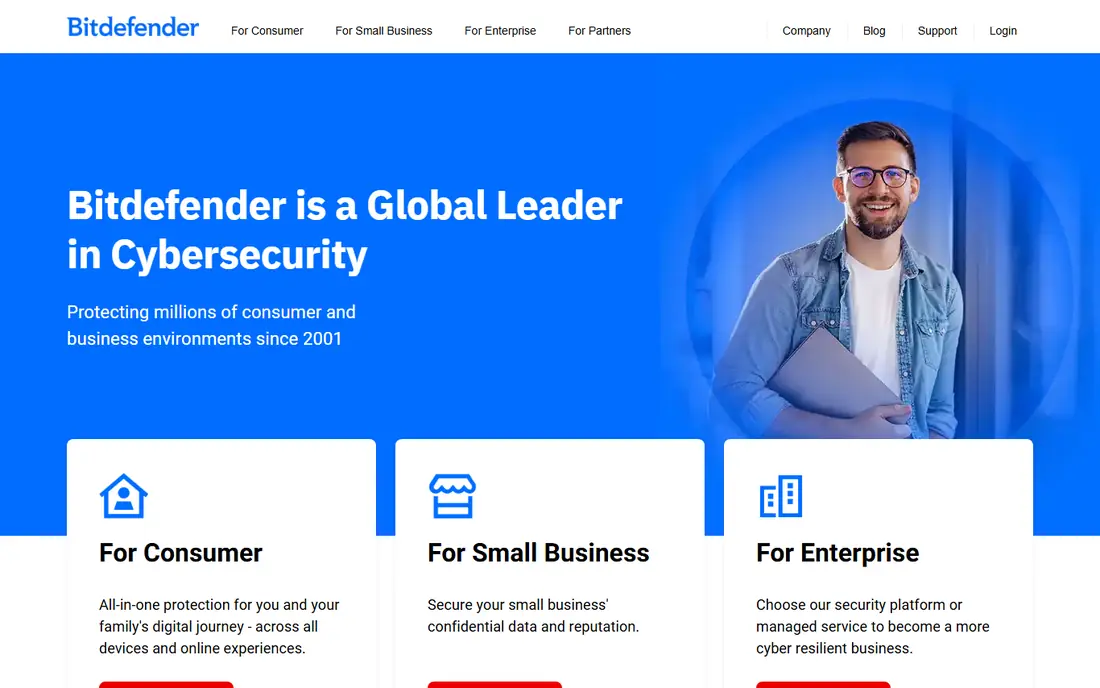
Bitdefender Mobile Security is the best pick for a single Android phone, because it combines strong malware scanning with a light touch on performance. The Android app scans apps and files, checks web links for scams, offers an app lock for sensitive apps, and includes anti-theft tools to locate, lock or wipe a lost phone. Bitdefender also includes a VPN with limits on the mobile plan, and account privacy checks for data breaches. That mix covers the main phone threats, which now arrive more often as scam texts and fake websites than as traditional viruses.
The iOS version is more limited, since Apple does not allow the same file scanning, so iPhone users get web protection, VPN and privacy tools rather than full malware scanning. Mobile-only pricing is also per device, so a household with many phones may find a multi-device suite cheaper. Bitdefender fits best for an Android user who wants strong, low-impact protection on one phone, with a trial to test battery and performance first.
- Strong malware detection with low battery impact
- Web and scam protection
- App lock and anti-theft on Android
- IOS version has fewer scanning features
- Mobile-only plan covers one device
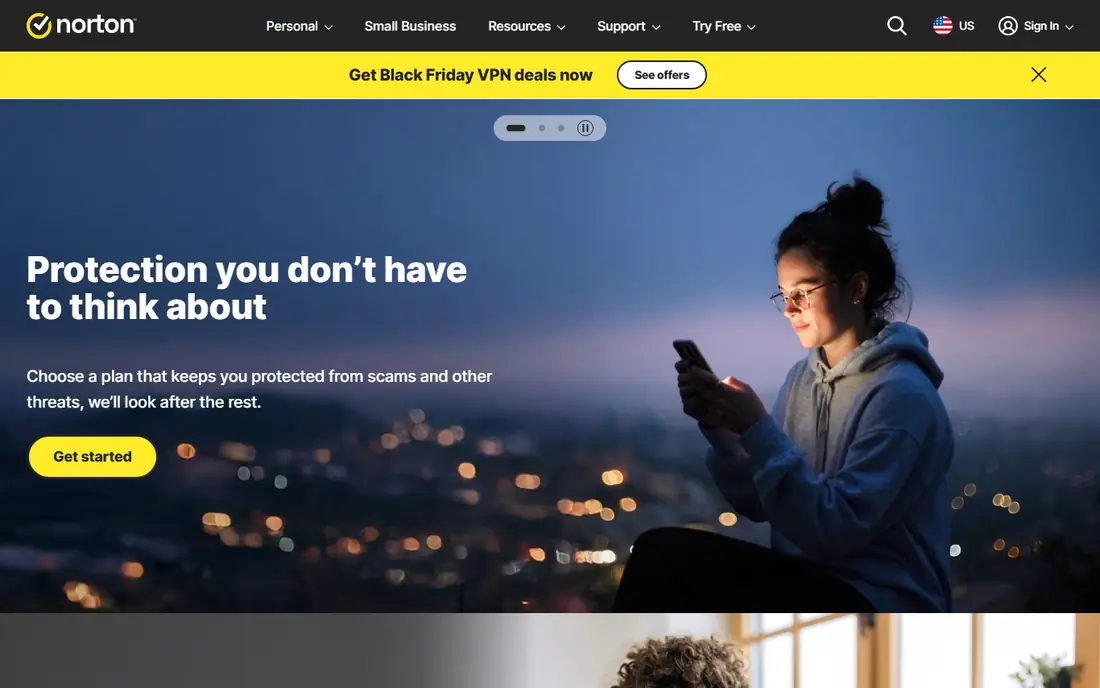
Norton Mobile Security focuses on the threats that matter most on a phone: scam texts, malicious websites, unsafe Wi-Fi and app risks. The app scans for malware on Android, warns about risky Wi-Fi networks, and blocks known scam sites before you open them. Higher Norton 360 plans add VPN, dark web monitoring, cloud backup and parental controls across devices, which makes Norton a good upgrade path if you later want protection for computers as well. Norton offers a trial, so you can test alerts and battery impact before paying.
Norton mobile-only pricing covers one device, and first-year prices are often lower than renewal prices, so check the renewal figure before subscribing. The app can also feel heavier than Bitdefender on some phones, though recent versions have improved performance. Norton fits best for a user who wants a well-known security brand, strong scam protection, and a clear upgrade to a full multi-device suite.
- Strong scam, SMS and web protection
- Wi-Fi security checks
- Dark web monitoring on higher plans
- Mobile-only plan covers one device
- Higher renewal prices than first-year offers
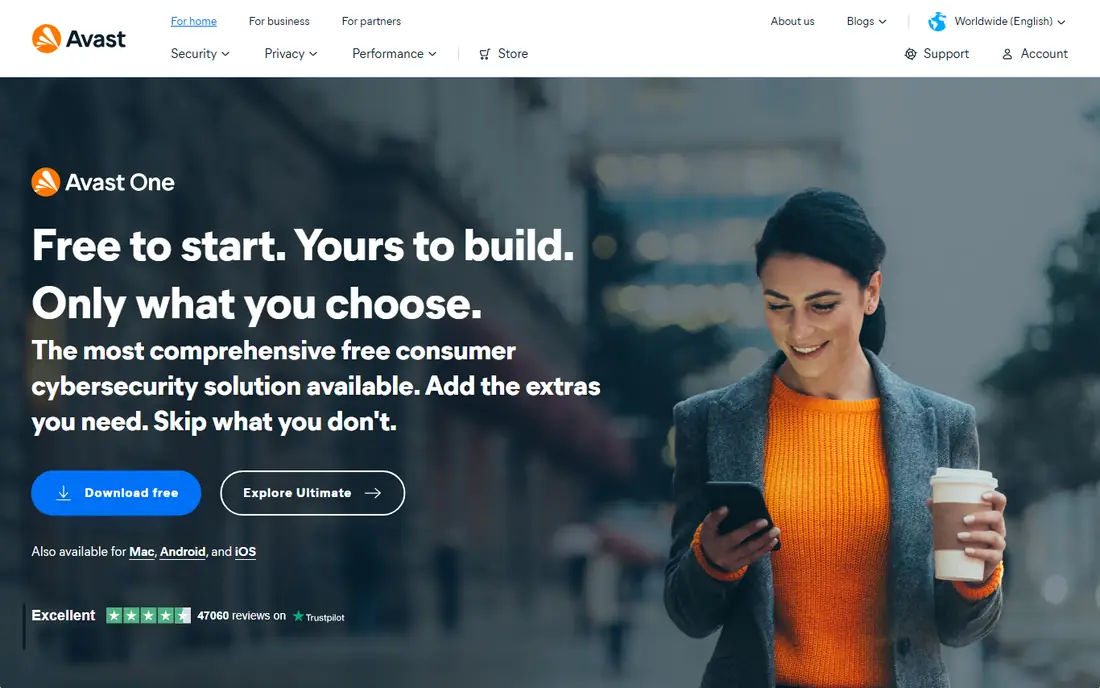
Avast Mobile Security is the best free starting point for Android, because its free plan includes malware scanning, web protection, Wi-Fi checks and app insights without paying. That covers the core job for a user who wants basic protection and is willing to see ads and upgrade prompts. Premium adds VPN, app locking, anti-theft with a camera trap, and removal of ads, and it comes as part of Avast multi-device plans rather than a mobile-only licence. That makes Avast good value for a household that already uses Avast on computers.
The free version includes ads, which some users find annoying, and premium pricing varies by plan and promotion, so check the current Avast page. iOS features are also more limited than Android, as with most mobile security apps. Avast fits best for an Android user who wants free protection first, with a paid upgrade available if VPN and anti-theft become priorities.
- Useful free Android plan
- Malware scanning, web protection and app insights
- Premium adds VPN and anti-theft
- Free version includes ads and upsells
- Premium is a multi-device plan, not mobile-only
McAfee Mobile Security, now sold as part of McAfee Plus plans, suits households because its premium plans cover unlimited devices. That means one subscription can protect phones, tablets and computers for the whole family, with VPN, identity monitoring, scam protection and data cleanup included depending on plan. The mobile app scans for malware on Android, checks Wi-Fi safety, blocks risky sites and offers anti-theft tools. For a family with many devices, that unlimited model is often cheaper than buying a mobile licence per phone.
McAfee has no mobile-only plan, so a single-phone user may pay more than with Bitdefender or Norton mobile plans. The app can also feel heavy on older or low-storage phones, so use the trial to test performance. McAfee fits best for a household that wants one subscription for every device, with identity and VPN tools included, rather than a single-phone app.
- Unlimited devices on McAfee Plus plans
- Identity monitoring and VPN
- Scam and web protection
- No mobile-only plan for a single phone
- App can feel heavy on older phones
Malwarebytes Mobile Security
Who it suits: Simple malware removal
Malwarebytes Mobile Security is the simplest serious option on this list. Its Android app focuses on detecting and removing malware, ransomware and potentially unwanted apps, with web protection through Browser Guard and privacy audits for app permissions. That focus appeals to users who do not want a suite full of extras, and who prefer an app that does one job well. Malwarebytes offers a free version for scanning, with premium adding real-time protection, web blocking and ransomware protection.
Malwarebytes lacks some suite features, such as a full VPN, parental controls or cloud backup, so users who want an all-in-one package should look at Norton, McAfee or Bitdefender Total Security. iOS features are also limited to web and call protection. Malwarebytes fits best for a user who wants simple, effective malware protection, or as a second-opinion scanner alongside another security app, though running two real-time scanners at once is not advised.
- Simple, focused malware scanning and removal
- Browser Guard for web protection
- Low-clutter design
- Fewer extras than a full suite
- Premium features need a subscription
Avira Mobile Security offers a free plan that covers device scanning on Android, privacy checks, app permissions, and a VPN with data limits. That free mix is useful for a user who wants privacy tools as well as basic protection, without paying upfront. Avira also offers identity protection and system optimisation tools on paid plans, and its interface is clean and easy for beginners. Avira is part of the same group as Norton, which gives it a large threat research base behind the app.
Avira free VPN limits and premium upsells mean heavy VPN users will need a paid plan or a separate VPN. iOS features focus on privacy, VPN and device tools rather than file scanning. Avira fits best for a user who wants a free, privacy-focused mobile app, and who values a simple interface over a full security suite.
- Free plan with privacy and device tools
- VPN with limits on free plan
- Clean, simple interface
- Premium features need a paid plan
- Malware scanning is Android-focused
Kaspersky Mobile Security has a long record of strong malware detection in independent lab tests, and its Android app covers scanning, web protection, anti-theft, app lock and call filtering. That detection strength is why many reviewers still rank Kaspersky highly for Android protection, even as its market presence has changed in some regions. The free plan covers basic scanning, with premium adding full real-time protection, VPN and identity tools.
Availability varies by region due to government restrictions and store policies in some countries, so check whether Kaspersky is sold and supported in your region before buying. Premium pricing also varies by plan and promotion. Kaspersky fits best for an Android user in a region where it is fully supported, who prioritises detection strength and is comfortable with a paid premium plan for full protection.
- Excellent malware detection record
- Web and scam protection
- Anti-theft and app lock on Android
- Availability varies by region due to restrictions
- Premium pricing varies by plan
AVG AntiVirus, from the same group as Avast, offers free Android protection with malware scanning, anti-theft, Wi-Fi checks and device performance tools. Its camera trap takes a photo if someone tries to open your phone incorrectly, and premium adds app locking, a photo vault and VPN. Setup is simple, which helps beginners who want protection without a complex suite. AVG free is a practical starting point for an Android phone that currently has no third-party protection.
AVG free includes ads and upgrade prompts, and its iOS app is limited to identity, VPN and web tools rather than file scanning. Premium pricing is part of AVG multi-device plans, so check the current page for your device count. AVG fits best for an Android user who wants a free, beginner-friendly scanner with anti-theft, and who may upgrade later for app lock and VPN.
- Free Android scanning and anti-theft
- Photo vault and app lock on premium
- Simple setup
- Free version includes ads
- IOS version is more limited
How we picked these
We looked for mobile security apps that are active in 2026, available on Android or iOS through official app stores, and cover malware, scam, web or identity protection in a meaningful way. We checked vendor homepages, pricing pages where available, and recent comparisons for free plans, trials and device limits. We kept a mix of free, mobile-only and multi-device suite options, because a single-phone Android user and a multi-device household need different products. We excluded apps that are no longer maintained or that make unverified claims about protection.
We did not claim hands-on lab testing, and prices in this market change with promotions and renewals. Where pricing is yearly or multi-device, we mark it as See website rather than converting it to a monthly figure that would mislead. Always check the renewal price, the device limit and the iOS or Android feature differences before subscribing.
Choosing mobile security for Android and iPhone
On Android, start with scanning, web protection and anti-theft, since those are the features you can actually use. Bitdefender, Norton, Avast and Kaspersky all cover those jobs, with free options at Avast, AVG and Avira for basic protection. On iPhone, start with web protection, scam filtering, VPN and identity monitoring, since iOS blocks traditional file scanning. Norton and McAfee are stronger on that identity and web side, while Bitdefender and Avast iOS apps cover web and VPN tools.
Check what you already have before paying
Before buying, check whether a desktop security subscription you already own includes the mobile app, since Norton 360, McAfee Plus, Avast and Bitdefender Total Security all include mobile protection. Paying separately for a mobile-only plan in that case means buying the same protection twice. Also keep your phone system updated, use a screen lock, enable Find My Device or Find My iPhone, and be cautious with links in texts and emails, since no app can block every scam if those basics are ignored.
A note on safety and realistic expectations
No mobile security app can guarantee that a phone will never be infected, scammed or stolen. These apps reduce risk by scanning, blocking known threats and helping you find a lost device, but they work best alongside system updates, strong passwords, two-factor authentication and caution with unknown links. This guide is general information only and does not replace advice from a security professional for a high-risk situation, such as a suspected account takeover or a device used for sensitive work.
Frequently asked questions
What is the best mobile security app?
Bitdefender Mobile Security is the best single-phone pick for Android, while Norton Mobile Security is a strong alternative for scam and web protection. For free Android protection, Avast and AVG are the best starting points. For households, McAfee Plus with unlimited devices is often the best value.
What is the best phone protection app for Android?
For Android, Bitdefender, Norton, Avast, Kaspersky and McAfee all offer scanning, web protection and anti-theft. Bitdefender leads on detection with low battery impact, while Avast and AVG lead on free protection. Choose Bitdefender or Norton for paid protection, and Avast or AVG if you want to start free.
What is the best security app for iPhone?
On iPhone, Norton and McAfee are strong for identity, web and scam protection, while Bitdefender and Avast offer web protection and VPN tools. iOS does not allow traditional file scanning, so judge iPhone apps on web filtering, scam call and text tools, VPN and breach monitoring, not on malware scan claims.
Do I need a mobile security app?
On Android, a security app adds value for scanning, scam blocking and anti-theft, especially if you install apps outside the Play Store or receive many scam texts. On iPhone, built-in protections are strong, so a security app is most useful for VPN, scam filtering and identity monitoring rather than malware scanning. In both cases, system updates and cautious link handling matter as much as any app.
Is there a free mobile security app that works well?
Yes. Avast Mobile Security, AVG AntiVirus and Avira Mobile Security all offer free Android plans with scanning and basic protection, though they include ads and upsells. Malwarebytes also offers a free scanning version. Start free, test battery impact, and only pay when you need VPN, app lock, anti-theft or multi-device cover.
How much does mobile security cost?
Mobile-only plans are often priced yearly, with first-year offers around 15 to 20 dollars for one device in recent comparisons, and higher renewal prices. Multi-device suites cost more upfront but cover many devices, so they can be cheaper per device for a household. Always check the renewal price and device limit on the vendor page before subscribing.
Sources we checked (8)

Online Jobs is an independent blog about careers, online work, learning new skills and the tools that help people earn. More about us.
Keep reading
All posts
n8n Alternatives
n8n alternatives compared for 2026, with Zapier, Make, Activepieces, and more, covering visual builders, code steps, self-hosting, and pricing models.

ZoomInfo Alternatives
The best ZoomInfo alternatives in 2026, compared on price, free plans, data coverage, and which tool fits small teams or large sales teams best in detail.

Yotpo Alternatives
Find cheaper alternatives to Yotpo for reviews and loyalty, with Judge.me, Loox, Stamped, and more compared for Shopify stores in 2026, all in one guide.