Best Mileage Tracking App in 2026: 8 Compared

How we put this together: we compare official feature and pricing pages, app store listings, privacy policies and public user reviews. Prices change, so check the provider's site before you pay.
Key takeaways
- MileIQ and Everlance lead for automatic tracking, with free plans covering 40 and 30 automatic trips a month in turn.
- TripLog and Timeero suit teams that need reimbursement controls, while Hurdlr suits self-employed drivers who also want tax estimates.
- Stride is the clearest free starting point for occasional drivers, and Driversnote suits drivers who need clean logs across countries.
- Count your monthly business drives before you pay, because most free plans cap automatic trips rather than manual entries.
Quick comparison
| Name | Who it suits | Starting price | Free option | |
|---|---|---|---|---|
 MileIQ MileIQ | Simple automatic tracking | $13.99 per month | Yes | Visit |
 Everlance Everlance | Mileage plus expenses | $10.99 per month | Yes | Visit |
 TripLog TripLog | Team reimbursement | See website | Free trial | Visit |
 Hurdlr Hurdlr | Self-employed tax estimates | $9.99 per month | Yes | Visit |
 Driversnote Driversnote | Clean international logs | See website | Yes | Visit |
 Stride Stride | Free gig-driver tracking | Free | Yes | Visit |
 Zoho Expense Zoho Expense | Mileage inside Zoho | See website | Yes | Visit |
 Timeero Timeero | Field teams and GPS time tracking | See website | Free trial | Visit |
The best mileage tracking app
We compared official feature pages, pricing pages, app store listings, privacy policies, and public reviews to find the best mileage tracking app for different kinds of drivers. The best app for mileage tracking depends on how often you drive, whether you need expenses as well, and whether a manager must approve your trips.
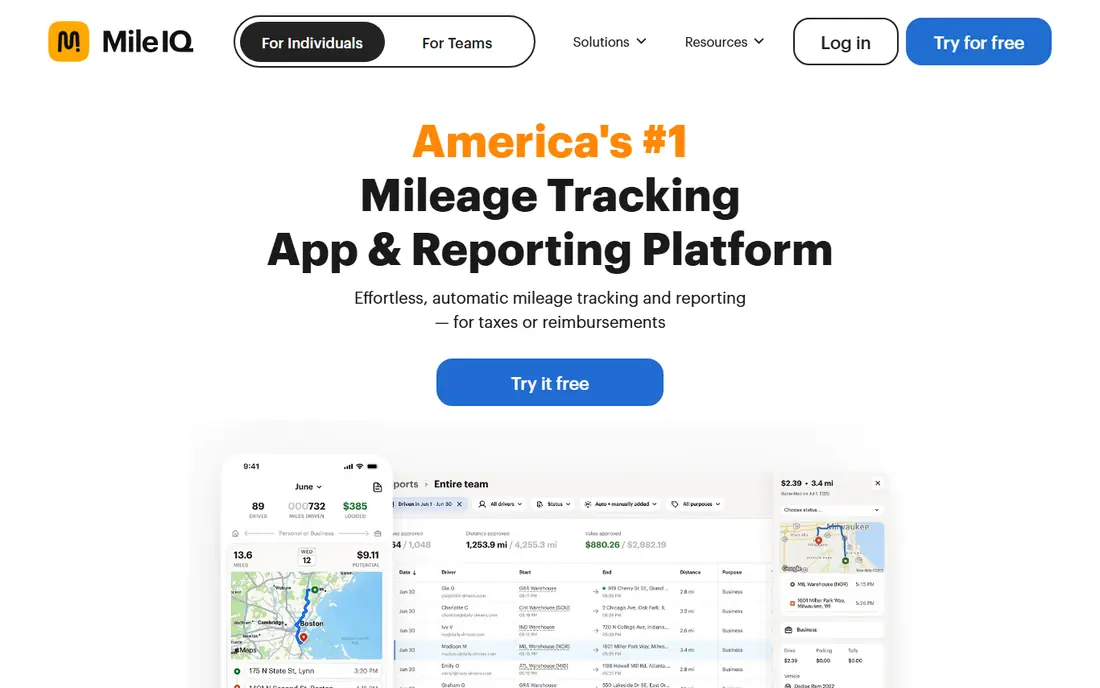
MileIQ fits drivers who want the least daily effort. The app detects drives in the background, then lets you swipe each drive as business or personal. That short habit replaces a paper logbook and reduces the chance that a busy week leaves gaps in your records. The honest catch is scope. MileIQ focuses on mileage, so drivers who also need receipt scanning or income tracking will need a second tool. The free plan is still useful for light schedules and for learning the workflow before paying for unlimited drives.
- Automatic drive detection
- Simple swipe classification
- Clear mileage reports
- Free plan caps automatic drives at 40 a month
- No built-in expense tracking
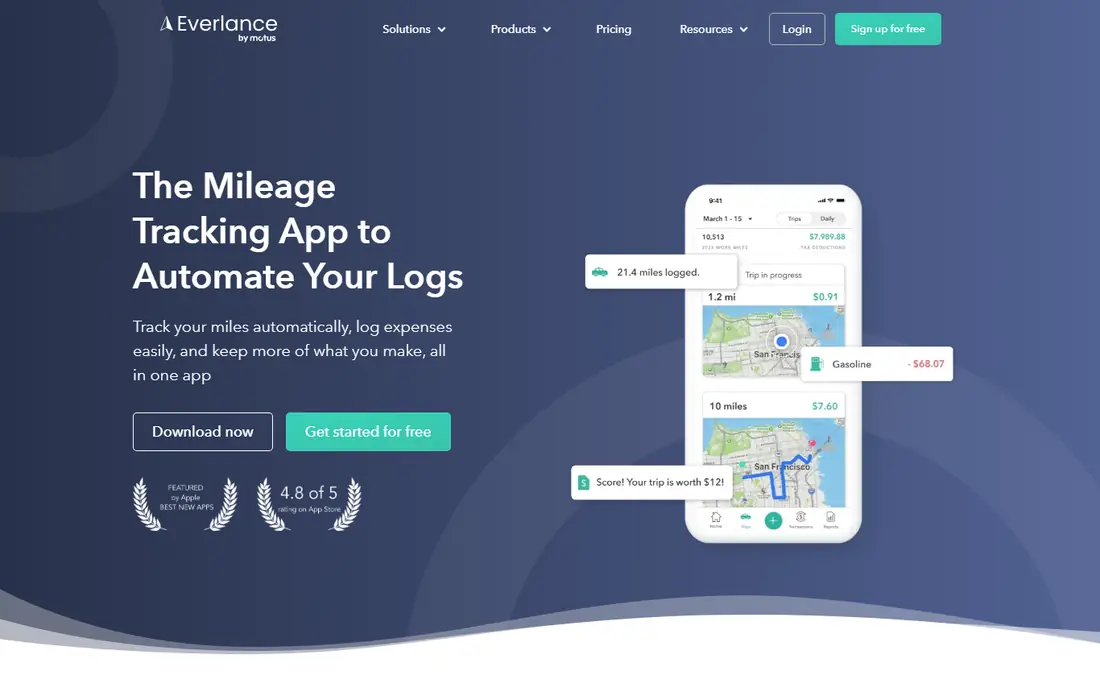
Everlance fits freelancers and small business owners who want mileage and spending in one place. Its free plan includes 30 automatically detected trips a month plus unlimited manual trips, along with receipt uploads and exports. Work-hours rules can classify trips inside set hours without a swipe for every drive. The trade-off is that the most helpful automation is paid. Card and bank sync, plus tax filing help, sit on the Professional plan. Drivers who only need mileage may find Everlance broader than necessary, while drivers who hate juggling two apps will value the combined view.
- Automatic trip detection
- Expense and receipt tracking
- Work-hours classification
- Bank sync sits on higher plans
- Automatic trip cap applies on the free plan
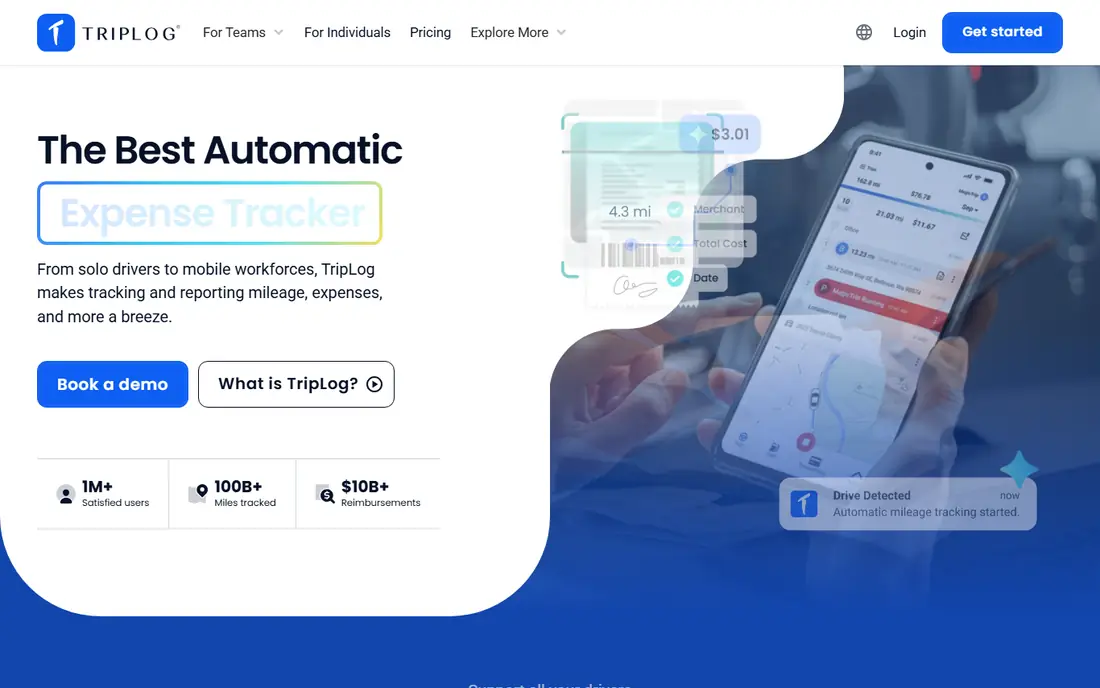
TripLog fits companies that reimburse employee drivers and need admin controls. Managers can review trips, apply reimbursement rates, and keep records in one dashboard instead of collecting spreadsheets at month end. It also tracks related driving costs that a simple log can miss. The catch is complexity for solo drivers. A team tool brings settings, roles, and approval steps that one person may never need. Check the current plan details before signing up, because team pricing and included features differ by tier.
- Team mileage plans
- Reimbursement workflows
- Fuel and toll tracking options
- Pricing varies by plan and team size
- Setup takes longer for small teams
Hurdlr fits self-employed workers who want a running view of taxes alongside mileage. It tracks business miles and other income and expenses, then estimates tax liability so quarterly payments feel less like guesswork. That combined view suits gig drivers, consultants, and tradespeople with mixed income. The honest limit is that an estimate is not a finished return. You still need to review categories, check local rules, and confirm figures before filing. Drivers who only drive occasionally may also find the free manual tracking enough, which makes the paid upgrade easy to postpone.
- Automatic mileage tracking
- Running tax estimates
- Income and expense tracking
- Full automatic features need a paid plan
- Tax estimates are estimates, not filing advice
Driversnote fits employees and freelancers who need a tidy, defensible log without extra features. The interface stays focused on trips, vehicles, and reports, which helps when an employer or tax authority asks for a clear record. It is a strong choice for drivers who value accuracy over an all-in-one finance app. The catch is the free cap and the narrow scope. Heavy drivers will need a paid plan, and anyone who wants full expense or tax filing tools should pair it with accounting software. For pure mileage logging, though, that focus is a strength rather than a flaw.
- Automatic trip logging
- Reports suited to tax rules in several countries
- Simple interface
- Free plan caps automatic trips
- Broader expense tools are limited
Stride fits gig drivers who want a free starting point and do not want a subscription. It tracks miles automatically and keeps the process simple, which matters when driving is only part of a varied work week. There is no monthly fee to justify before the first trip. The trade-off is depth. Stride does not match TripLog or Timeero for team controls, and its reports are simpler than those from paid mileage specialists. For a solo driver who mainly needs a reliable log for deductions, that simplicity is often enough.
- Free mileage tracking
- Simple setup
- Useful for gig and delivery drivers
- Fewer team and reimbursement features
- Reporting is more basic than paid rivals
Zoho Expense fits businesses already running on Zoho, QuickBooks, or similar accounting tools. Mileage becomes part of a wider expense workflow, with approvals and reports flowing into the same system as receipts and reimbursements. That reduces duplicate entry for finance teams. The catch is fit. If you do not use Zoho, a dedicated mileage app will feel faster and simpler. Zoho Expense is a strong pick when mileage is a small part of a larger expense process, and a weaker pick when mileage is the only job to do.
- Mileage plus full expense reporting
- Accounting integrations
- Team approval workflows
- Best value only inside the Zoho system
- Mileage is one feature among many
Timeero fits field teams that need to prove where time and miles went. It combines GPS time tracking with mileage, and segmented trips help when one shift includes several stops. Managers gain a clearer record of routes, hours, and reimbursable distance. The honest catch is that solo drivers pay for team power they may never use. Pricing is quoted for teams, and the setup suits employers rather than individuals. For delivery, service, and field crews, that extra structure is exactly the point.
- GPS mileage plus time tracking
- Segmented trips
- Team location features
- No permanent free plan
- More tool than a solo driver needs
How we picked these
We compared official feature pages, pricing pages, and app store listings, then checked privacy policies and public reviews for each app. We gave weight to automatic detection, report quality, free plan limits, team controls, and how clearly each vendor states its price. We did not claim hands-on testing, and we treated vendor marketing claims with care, favouring features and prices we could verify on a vendor page or store listing.
How to choose a mileage app for your driving pattern
Start with your monthly drive count. If you make fewer than 30 business trips a month, a free plan may cover you. If you drive daily, pay for unlimited automatic tracking, because manual entry fails on busy days and gaps cost money at tax time. Next, decide whether mileage is the whole job. Solo drivers usually do best with MileIQ, Driversnote, or Stride. Freelancers who also track income and expenses should look at Everlance or Hurdlr. Employers should shortlist TripLog or Timeero and check approval, rate, and export options before rolling a tool out to a team.
Check the report before you commit
Run one full week on a free plan or trial and export the report. Check that start and end points look right, that business and personal trips separate cleanly, and that your accountant or manager can read the file without extra work.
Watch battery and privacy settings
Automatic tracking needs location access, so check how each app handles background location, data retention, and exports. A clear privacy policy and an easy export matter more than a long feature list, because your mileage log is a financial record.
Frequently asked questions
What is the best app for mileage tracking for a small business?
MileIQ suits small businesses that want simple automatic tracking, while TripLog and Timeero suit teams that need approvals and reimbursement controls. The best app for mileage tracking for business use depends on team size, so test the report and approval flow before you commit.
What is the best free mileage tracking app?
Stride is a strong free option for gig drivers, and MileIQ and Everlance offer useful free plans with capped automatic trips. The best free choice depends on how many business trips you make each month, because caps matter more than the headline price.
Do mileage apps work for taxes?
Mileage apps can produce logs that support tax deductions or reimbursements, but they do not replace tax advice. Check that reports include dates, distances, purposes, and vehicle details, and confirm the current mileage rules that apply in your country.
Can I track mileage without automatic GPS?
Yes, most apps allow manual entry, and Everlance offers unlimited manual trips on its free plan. Manual tracking works for occasional drivers, but automatic detection is more reliable for daily drivers who might forget to start a trip.
Which mileage app is best for freelancers?
Everlance and Hurdlr suit freelancers because they combine mileage with expenses and tax estimates. MileIQ is a good alternative when you only need mileage and want the simplest daily routine.
Do these apps work on both iPhone and Android?
MileIQ, Everlance, TripLog, Hurdlr, Driversnote, Stride, and Timeero offer iPhone and Android apps, while Zoho Expense also offers mobile apps and a web dashboard. Check the current store listing for your device before you sign up.
Sources we checked (8)

Online Jobs is an independent blog about careers, online work, learning new skills and the tools that help people earn. More about us.
Keep reading
All posts
Zoom Alternatives
Zoom alternatives compared for 2026: Google Meet, Microsoft Teams, Webex, Jitsi and more for free calls, large meetings and webinars for teams and classrooms.

Top Rated Poster Maker Software
Top rated poster maker software compared for 2026: Canva, Adobe Express, VistaCreate, PosterMyWall and more for events, sales and classrooms for US users.

Surfshark Alternatives
Looking for Surfshark alternatives? We compare 8 VPN services on price, privacy, streaming, and device limits to help you find a VPN that fits your needs.