Best Medical Billing Software in 2026: 8 Tools Compared


Large groups and health systems · Starting price: See website
How we put this together: we compare official feature and pricing pages, app store listings, privacy policies and public user reviews. Prices change, so check the provider's site before you pay.
Key takeaways
- The best medical billing software for large groups is different from the best fit for a solo practice, because claim volume, denial work, and staffing change the value of each tool.
- Top medical billing software now bundles eligibility checks, claim scrubbing, electronic remittance posting, and patient statements in one workflow, so staff spend less time moving data between systems.
- Quote-based pricing is common in this category, so the top rated medical billing software platforms are hard to compare on price alone without a written quote for your specialty and volume.
- Practices that want a lighter start should look at SimplePractice and ChARM Health first, while larger groups should shortlist athenahealth, AdvancedMD, and CareCloud.
- Always confirm payer connections, clearinghouse fees, and contract terms before you switch, because those details affect cash flow more than the monthly subscription.
Quick comparison
| Name | Who it suits | Starting price | Free option | |
|---|---|---|---|---|
| athenahealth | Large groups and health systems | See website | No | Visit |
 Tebra | Independent practices | See website | No | Visit |
 AdvancedMD | High-volume insurance billing | See website | No | Visit |
 DrChrono | Mobile-first practices | See website | Free trial | Visit |
 SimplePractice | Mental health practices | See website | Free trial | Visit |
 CollaborateMD | Small practices on a budget | See website | No | Visit |
 CareCloud | Growing multi-specialty groups | See website | No | Visit |
 ChARM Health | Low-volume practices | See website | Yes | Visit |
The best medical billing software
We compared tools that handle real insurance billing, not just scheduling or notes, and we ranked them by claim workflow, denial tools, payer support, and how clearly each vendor explains its pricing.
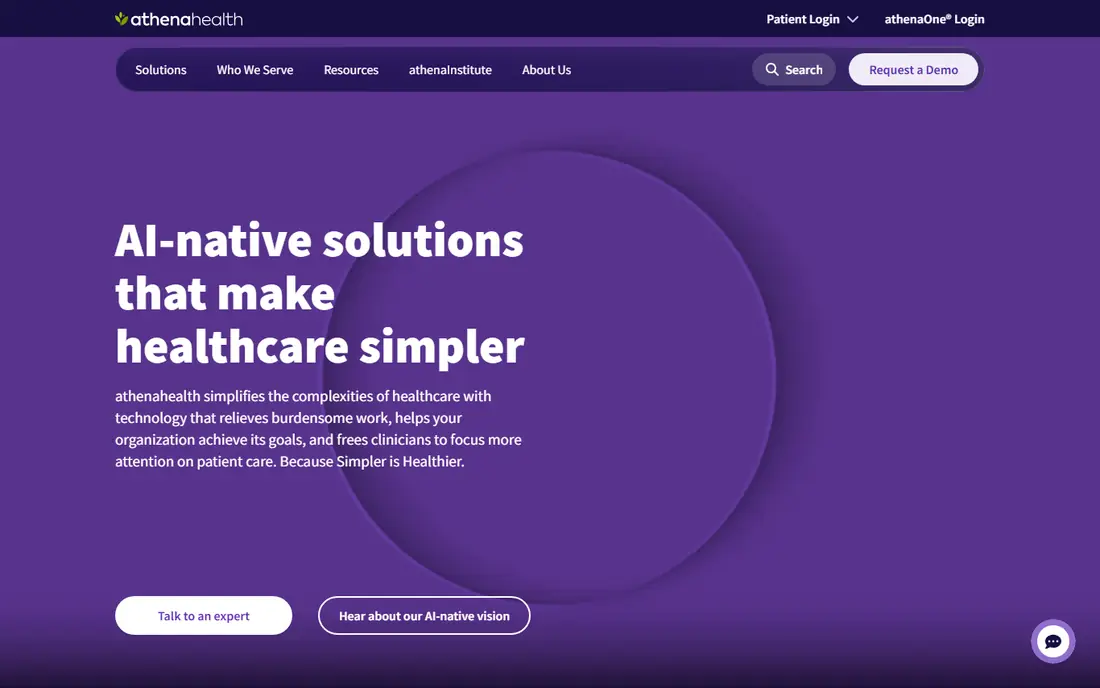
For a practice that processes a high volume of claims, athenahealth offers one of the most complete revenue cycle setups on this list. Eligibility checks, claim submission, denial follow-up, and patient billing sit inside the same platform as clinical records, which reduces duplicate entry and missed charges. That integration matters when several locations, specialties, or billing staff share the same workflow.
The honest weakness is cost clarity. Because pricing is tied to collections and contract terms, you cannot budget from a public price page alone. Ask for the full fee structure, including any percentage of collections, clearinghouse charges, and add-on services, before you sign. If your group is large enough to use the reporting and payer tools fully, that effort is worth it. Smaller practices may find the setup heavier than they need.
- Large payer network
- Strong revenue cycle tools
- Billing, charting, and scheduling in one system
- Pricing is quote-based
- Implementation can take time for large groups
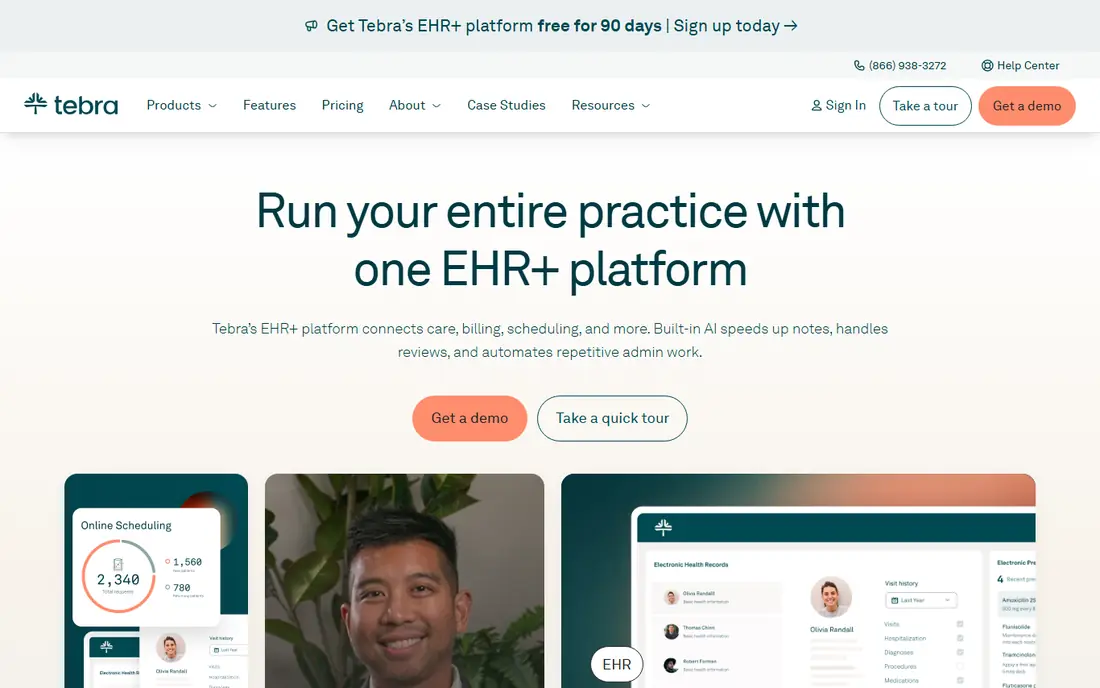
Tebra, formed from Kareo and PatientPop, is built for independent practices that need billing to work without a large back office. Claims, patient payments, scheduling, and messaging are connected, so front-desk staff can follow a claim from submission to payment without switching tools. The platform also covers patient intake and reminders, which helps reduce no-shows and incomplete records.
One point to check is bundle structure. Selected solutions and full practice bundles are priced differently, and the right fit depends on provider type and claim volume. Get a quote that lists each component separately, and confirm which billing services are handled by the vendor and which stay with your staff. For an independent practice that wants one vendor for billing and daily operations, Tebra is a strong shortlist option.
- Billing-first design for independent practices
- Patient engagement tools included
- Practice management in the same platform
- Pricing varies by provider type and volume
- Some features sit in higher bundles
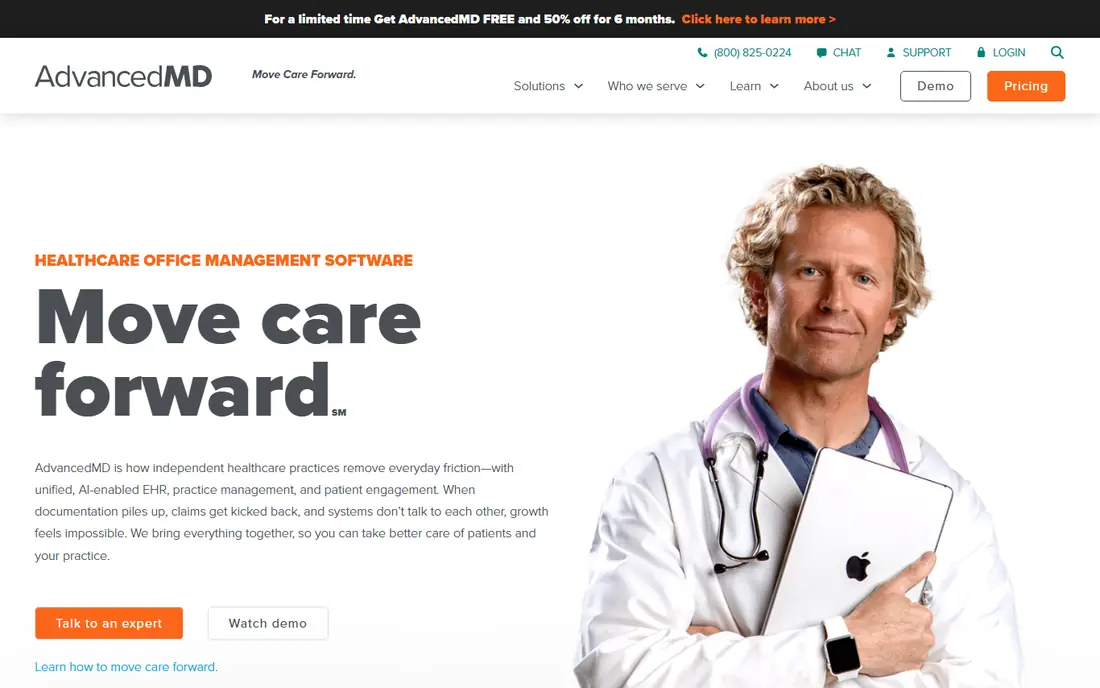
AdvancedMD suits practices where billing is a daily, high-volume job rather than an occasional task. Its revenue cycle tools cover claim scrubbing, denial tracking, and follow-up work, and its reports help managers see where claims stall. When staff handle many payers and many claim types, that visibility helps them fix repeat problems instead of resubmitting the same errors.
The trade-off is complexity. A full revenue cycle suite has more settings, roles, and reports than a simple billing app, so training takes time. Practices should also confirm pricing by provider and module, since the total depends on what is included. If your billing team is experienced and your volume is high, AdvancedMD gives them the controls they need. If you have one biller and a simple payer mix, a lighter tool may be faster to learn.
- Dedicated denial management tools
- Broad revenue cycle suite
- Reporting for billing performance
- Quote-based pricing
- Depth can mean a longer learning period for new staff
DrChrono stands out for clinicians who work away from a desk. Charting, prescribing, and billing share one mobile-friendly system, and billing profiles can pre-fill charges based on visit type. That design helps a provider finish billing steps in the exam room instead of leaving them for the end of the day. Eligibility checks and electronic remittance posting round out the core workflow.
Pricing needs careful reading. The vendor uses custom quotes across tiers, and some items such as paper claims, mailed statements, texts, and faxes can carry per-unit charges. Ask for that list in writing with your quote, and compare it against your current monthly volume. For a mobile-first independent practice, the workflow fit is strong. For a practice that sends many paper statements, the extra charges deserve a close look.
- Strong iPad and mobile charting
- Billing profiles that pre-fill charges
- Patient portal included
- Pricing is quote-based
- Per-unit charges can apply to statements, texts, and faxes
SimplePractice is the most approachable option here for therapists, counselors, and small behavioral health practices. Scheduling, notes, telehealth, and insurance billing live in one package, and the client portal handles intake, payments, and messages. That combination suits a solo practitioner or a small group that does not want separate tools for each job.
The limit is scope. SimplePractice is designed around behavioral health workflows, so a multi-specialty clinic with complex surgical billing will outgrow it quickly. Pricing is published by plan, which makes budgeting easier than with quote-only vendors, but confirm which billing features sit in each tier. For mental health practices, it is often the fastest route to clean claims and paid invoices without hiring extra billing staff.
- Clear published plans for small practices
- Telehealth and client portal included
- Insurance billing built for therapists
- Built mainly for behavioral health and wellness
- Less suited to surgical or multi-specialty clinics
CollaborateMD focuses on billing rather than trying to cover every part of a practice. That focus helps small teams that already have a clinical system or do not need a full electronic health record. Staff can submit claims, track denials, post payments, and send patient statements from a cloud system that does not require local servers or heavy IT support.
The weakness shows up at scale. Large groups with many specialties, locations, and custom reporting needs may find the tool thinner than athenahealth or AdvancedMD. It is also less useful if you want clinical notes and billing in one record. For a small practice that wants affordable, straightforward billing with a short learning period, CollaborateMD deserves a demo. Check payer connections for your main insurers before you commit.
- Cloud-based billing interface
- Clear claim workflow for small teams
- Lower entry cost than enterprise suites
- Less depth for large groups
- Fewer built-in clinical tools than full EHR platforms
CareCloud fits groups that are growing beyond a single specialty or location and need billing to keep pace. Its platform combines practice management, revenue cycle work, and patient payments, which helps managers track performance across providers. When a group adds clinicians or opens a new site, a shared billing workflow prevents each location from building its own habits.
As with other enterprise-leaning vendors, pricing requires a conversation, and the final cost depends on services and volume. Ask how much of the revenue cycle work CareCloud handles directly, and how much stays with your team, because that split changes staffing needs. For a growing group that wants one system for billing and operations, CareCloud is a practical candidate. Smaller practices may prefer a simpler, published-price tool.
- Revenue cycle and practice management in one platform
- Tools for multi-specialty groups
- Patient payment options
- Pricing is quote-based
- Setup and training time varies by practice size
ChARM Health is worth a look when patient volume is light and budget matters more than advanced analytics. The platform covers scheduling, charting, billing, and telehealth, and its pricing structure can suit practices that do not see enough patients to justify an enterprise contract. Users often report a fast start, which helps a new practice get claims moving without a long implementation.
The trade-offs are reporting depth and integration range. Managers who need detailed revenue reports or many third-party connections may find ChARM Health limited. Support quality has also drawn mixed comments in public reviews. For a small or new practice that values low cost and simple setup, those limits may be acceptable. For a larger group, shortlist a more complete revenue cycle suite instead.
- Low entry cost for light volumes
- Telehealth included
- Quick setup for small practices
- Reporting is thinner than enterprise platforms
- Some integrations can be harder to set up
How we picked these
We compared official feature pages, pricing pages, app store listings, privacy policies, and public reviews for tools that handle insurance claims, eligibility, denial follow-up, and patient billing. We included only tools with a real billing product for US practices, and we left out tools that only offer scheduling or notes. Where a vendor does not publish pricing, we wrote See website instead of repeating a third-party estimate as fact. We did not claim hands-on testing, and we treated public review comments as user reports, not verified results for your practice.
What to check before you choose
Match the tool to your payer mix
List your top payers, claim volume, and denial rate before you book demos. A tool that handles your main payers well will save more time than a tool with a longer feature list that misses a key connection. Ask each vendor to confirm clearinghouse support and electronic remittance for those payers in writing.
Count the full cost, not just the subscription
Add clearinghouse fees, statement costs, per-unit charges, implementation fees, and any percentage of collections. A low monthly price can still cost more if statements, texts, or claim resubmissions carry extra charges. Request a total monthly estimate based on your actual volume.
Test the denial workflow, not just claim submission
Submitting a clean claim is the easy part. Ask to see how denials are grouped, assigned, corrected, and resubmitted, and how long staff spend on each step. The best software for medical billing earns its price in denial work, because denied claims are where revenue is lost.
Frequently asked questions
What is the best medical billing software for a small practice?
For a small practice, the best fit is usually a tool with published pricing, a short setup, and billing features matched to your specialty. SimplePractice suits mental health practices, CollaborateMD suits small general practices, and ChARM Health suits very low volumes. Larger groups should compare athenahealth, AdvancedMD, and CareCloud instead, because their reporting and denial tools handle higher volume better.
How much does top medical billing software cost?
Costs vary widely, and many vendors price by provider, claim volume, and services included. Some small-practice tools publish monthly plans, while enterprise tools use custom quotes or a percentage of collections. Always request a written quote based on your provider count, payer mix, and monthly claim volume, and ask about clearinghouse, statement, and implementation fees.
What is the best software for medical billing with denial management?
AdvancedMD and athenahealth are strong choices for denial work, because they group denials, track follow-up, and report on repeat causes. CareCloud also offers revenue cycle reporting for growing groups. During a demo, ask the vendor to show a real denial workflow from alert to corrected resubmission, rather than a slide about denial features.
Do I need a full EHR to use medical billing software?
No, you do not always need a full electronic health record. Standalone billing tools such as CollaborateMD can work alongside an existing clinical system. A combined platform helps when you want charges, notes, and claims in one record, but it can cost more and take longer to set up. Choose based on whether your current clinical system already works well.
What are the best medical billing software reviews telling us?
Public reviews often praise easy claim submission and patient portals, and they often criticize quote-only pricing, support wait times, and extra fees. Read recent reviews for your specialty and practice size, and treat one complaint as a question for the demo, not a final verdict. A short trial or guided demo with your own claim examples gives a clearer picture than review scores alone.
Is top 10 medical billing software the same as top 5 medical billing software?
No, the two phrases describe different list lengths, not different quality levels. A top 5 list usually names the strongest general fits, while a top 10 list adds niche options for small practices, mental health, or low volumes. Use the longer list to find a specialty fit, then shortlist three tools for demos based on your payer mix and budget.
Sources we checked (9)

Online Jobs is an independent blog about careers, online work, learning new skills and the tools that help people earn. More about us.
Keep reading
All posts
ZoomInfo Alternatives
The best ZoomInfo alternatives in 2026, compared on price, free plans, data coverage, and which tool fits small teams or large sales teams best in detail.

Zoom Alternatives
Zoom alternatives compared for 2026: Google Meet, Microsoft Teams, Webex, Jitsi and more for free calls, large meetings and webinars for teams and classrooms.

Workday Alternatives
We compared the best workday alternatives for HR, payroll, and global hiring, from BambooHR and Gusto to Rippling, Deel, and HiBob for growing teams in 2026.