Best Meal Planner App in 2026: 8 Apps Compared


Recipe collections and calendars · Starting price: $5.95 per month
How we put this together: we compare official feature and pricing pages, app store listings, privacy policies and public user reviews. Prices change, so check the provider's site before you pay.
Key takeaways
- Plan to Eat suits households that already collect recipes, while Paprika suits readers who want a one-time purchase and offline access.
- Samsung Food is the strongest free starting point, with recipe saving, a calendar and a grocery list at no cost.
- Eat This Much is the clear pick when calorie and macro targets matter more than recipe discovery.
- Shared lists and a shared calendar matter more for families than a large recipe catalogue alone.
Quick comparison
| Name | Who it suits | Starting price | Free option | |
|---|---|---|---|---|
| Plan to Eat | Recipe collections and calendars | $5.95 per month | Free trial | Visit |
 Paprika Recipe Manager | One-time recipe management | See website | Yes | Visit |
 Samsung Food | Free planning and lists | Free | Yes | Visit |
 AnyList | Shared grocery lists | Free | Yes | Visit |
 Eat This Much | Calorie and macro plans | Free | Yes | Visit |
 eMeals | Done-for-you weekly menus | See website | No | Visit |
 Prepear | Family plans and creator recipes | Free | Yes | Visit |
 Yummly | Recipe discovery and search | Free | Yes | Visit |
The best meal planner apps
A meal planner should reduce the nightly question of what to cook, not add another app to manage. The best choice depends on whether you start from recipes you love, from nutrition targets, or from a shared household list. The eight apps below cover those starting points, with clear notes on cost and limits.
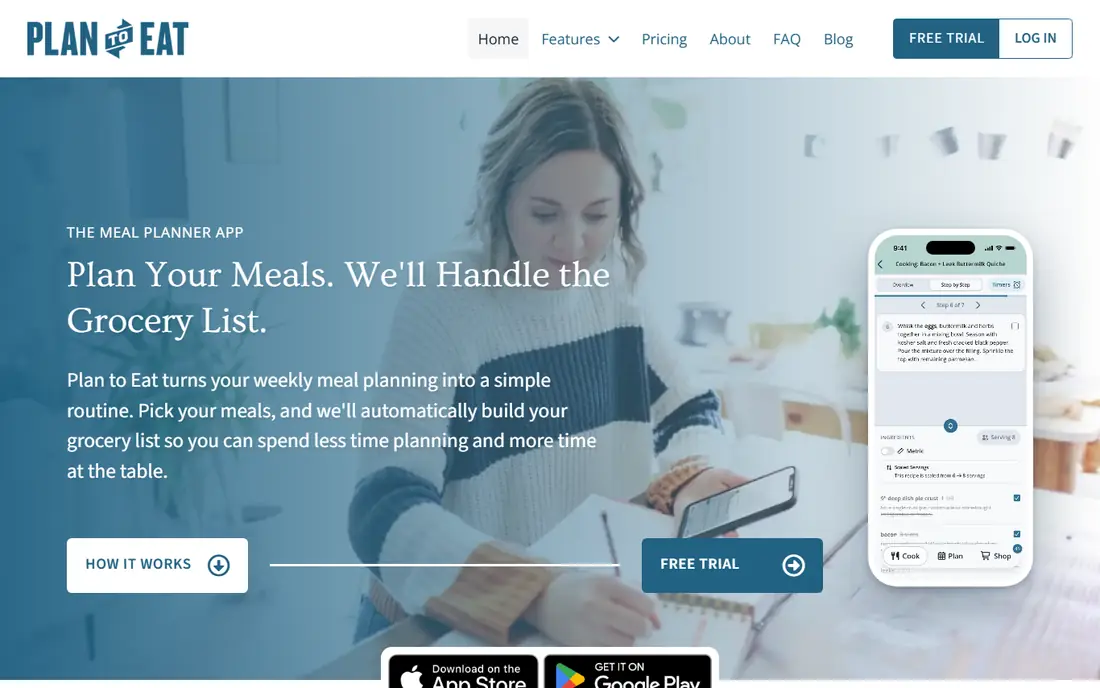
Plan to Eat is built for people who already save recipes from blogs, magazines and social feeds. Its clipper pulls a recipe into your collection, and you drag meals onto a calendar for any length of time. The grocery list then combines ingredients and sorts them by store, which makes the weekly shop faster and less error-prone.
The catch is that you bring the recipes. If you want the app to suggest a full week with no input, eMeals or Eat This Much will feel easier. For a household that cooks from a trusted set of recipes, though, Plan to Eat gives more control than most rivals. One account can serve the household, which helps when two people share shopping and cooking.
- Strong recipe clipper
- Flexible calendar
- Grocery list sorted by store and aisle
- No built-in recipe catalogue
- Subscription only after the trial
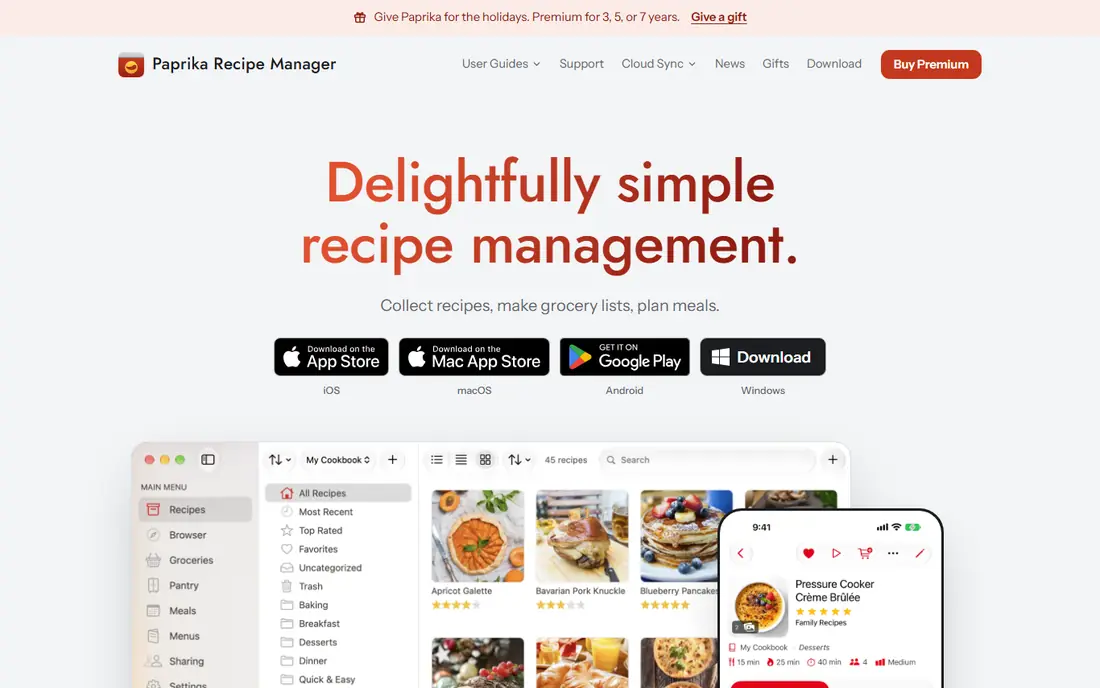
Paprika takes a different route from subscription planners: you buy the app for each platform and keep your recipes on your device. The built-in browser and bookmarklet make saving recipes simple, and the pantry tool tracks quantities and expiry dates. For cooks who dislike monthly fees, that model is hard to beat.
Paprika also works offline, which matters in a kitchen with weak signal or on a trip. Its planner supports daily, weekly and monthly views, plus reusable menus for busy weeks. The trade-off is that each platform is a separate purchase, and there is no web planner. If you cook mainly on a phone or tablet, that limit may not matter.
- Pay once per platform
- Offline recipe access
- Pantry and grocery list tools
- No browser version
- Sync needs a separate account
- Nutrition data is limited
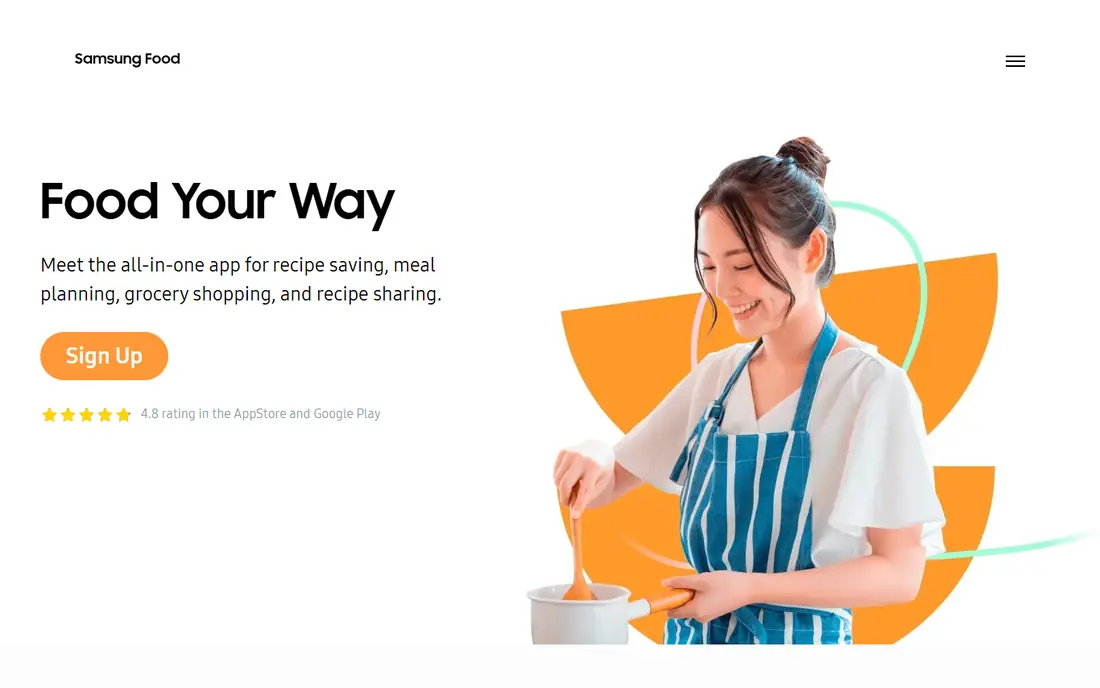
Samsung Food, formerly Whisk, is the easiest free place to start. You can save recipes from almost any site, place them on a calendar, and turn the week into a categorised grocery list. The free tier covers the core planning job, which is more than many paid apps offer before you subscribe.
Paid Plus adds extra features, but most households can test the free version for several weeks before deciding. The app is less focused than Plan to Eat for a large personal collection, and its shopping links vary by region. Still, as a no-cost trial of meal planning, it is the first app we would suggest to a curious cook.
- Free recipe saving and planning
- Grocery list included
- Large recipe catalogue
- Best features sit behind a paid tier
- Appliance links mainly help Samsung owners
AnyList shines in the shop, not just in the kitchen. Lists sync live between household members, so one person can add milk while another is already in the store. It also works with common voice assistants, which helps when your hands are full. That live sharing is the feature families tend to miss most when they switch away.
The free tier covers lists well, while the meal calendar sits behind the paid Complete tier. If your main problem is coordination rather than recipe ideas, AnyList plus a recipe app may beat a single all-in-one planner. Used alone, it is best for households that already know what they want to cook each week.
- Live shared lists
- Voice assistant support
- Meal calendar in the paid tier
- Planning features need the paid tier
- No built-in recipe catalogue
Eat This Much starts from numbers, not recipes. You set a calorie target and a macro split, and it builds a day or week of meals to match, with a grocery list to match. That direct link between a nutrition goal and a shopping list is why it suits people tracking weight, training or a specific diet pattern.
The downside is variety. Automated plans can repeat meals, and the app is less useful for a family that wants to cook one shared dinner from saved recipes. Used as a personal nutrition planner, it is clear and practical. For general family planning, pair it with a recipe app or choose a different lead tool.
- Plans built to calorie and macro targets
- Automatic grocery list
- Simple daily plans free
- Recipes can feel repetitive
- Less focus on family cooking and recipe collections
eMeals removes the planning step entirely. You pick a menu style, such as family, low carb or budget friendly, and the service sends a week of dinners with a matching list. The list can link to pickup and delivery services in supported regions, which cuts another chore from the week.
That convenience comes with less control. Cooks who love their own recipes will find eMeals restrictive, and a menu that does not suit your household will waste food. For busy families that mainly want someone else to choose dinner, however, the time saved each week is the whole point. Try a short period and check waste before you commit for a year.
- Ready weekly menus in many styles
- List links to major grocery services
- Saves decision time
- You cannot import your own recipes easily
- Subscription needed
- Menus may not suit every taste
Prepear combines a free planner with recipes from food creators and cookbooks. You can plan meals, build a list and share the plan with family members, which suits households where more than one person cooks. The creator catalogue gives it more ready-made ideas than a pure recipe manager.
The free tier is usable, but Gold adds features at a higher yearly cost than many rivals. Check which Gold features you would actually use before paying. For families that enjoy discovering new creators and want a free start, Prepear is a friendly option that does not force a subscription on day one.
- Free planner and list
- Creator recipes and cookbooks
- Family sharing features
- Paid Gold tier is costly
- Some features vary by region
- Ads in the free tier
Yummly is best seen as a discovery tool with planning added, rather than a full planner. Its search filters by diet, allergy, cuisine and cooking time, and recommendations improve as you save recipes. That makes it useful when you are stuck for ideas or cooking for mixed dietary needs.
Planning and lists are present, but they are less flexible than Plan to Eat or Paprika for a large collection. Use Yummly to find the recipe, then plan the week in your main app if you need a stronger calendar. For casual cooks who mainly need ideas and a simple list, Yummly alone may be enough.
- Large recipe search with diet filters
- Personalised recommendations
- Shopping list included
- Planning is lighter than dedicated planners
- Some features need a paid tier
How we picked these
We looked for apps that are live in October 2026, that plan meals and produce a usable grocery list, and that fit at least one clear household need. We checked vendor sites and app listings for current prices and free tiers, and we left out apps that have shut down or that only offer recipes without planning. Where a price varies by platform or billing cycle, we marked it as such and pointed readers to the vendor page.
We also gave weight to household use, not just solo cooking. A planner that only one person can see fails in a shared home, so shared lists, shared calendars and simple shopping lists counted heavily. Nutrition accuracy matters too, but we did not treat an app as medical advice: it is a planning aid, and personal health decisions still need professional input where relevant.
Choosing a meal planner that sticks
Match the app to how you already cook
Recipe collectors need a strong clipper and calendar. Nutrition-focused cooks need targets and a list built from those targets. Busy families need ready menus or strong sharing. An app that fights your habits will be abandoned in a few weeks, even if its feature list looks long.
Test sharing before you pay
Add a second household member, make a list, and shop from it during the trial. Check whether changes sync quickly, whether the list sorts by aisle, and whether the planner is easy on a phone in the kitchen. Those daily details decide whether the app survives past the first month.
Watch the true yearly cost
A small monthly fee adds up, and a one-time purchase can be cheaper over three years. Compare the yearly total, not just the monthly headline, and check whether the paid tier adds features you will use weekly. If the free tier covers your week, there is no need to upgrade.
Keep the plan simple at first
Plan three or four dinners a week, not seven, and reuse leftovers for lunch. A planner works best when the week has room for a takeaway night, a simple meal and a change of plan. Build the habit first, then expand to full weeks and breakfasts if you want them.
Frequently asked questions
What is the best meal planning app for families?
Plan to Eat suits families with a recipe collection, Prepear suits families that want creator recipes and sharing, and AnyList suits families whose main need is a live shared list. The best pick depends on whether your family cooks from saved recipes, wants ready ideas, or mainly needs better shopping coordination.
What is the best app for meal planning on a budget?
Samsung Food is a strong free starting point, and Paprika can be cheaper over time because you pay once per platform rather than monthly. Compare the yearly cost of any subscription with what you save on waste and impulse shopping, and keep the free tier if it covers your week.
What is the best healthy meal planning app?
Eat This Much is the strongest choice when calorie and macro targets are the priority, because plans are built to those numbers. This is general information only and does not replace medical advice, so check any major diet change with a clinician if you have a health condition.
What are the best apps for meal planning with a grocery list?
Plan to Eat, Samsung Food, Paprika, AnyList and Prepear all turn a plan into a list, but they sort and share lists differently. Test the list in a real shop: it should combine duplicate ingredients, sort by aisle or store, and update for other household members without delay.
Can I plan meals for free?
Yes, Samsung Food, AnyList, Eat This Much, Prepear and Yummly all offer free tiers, and Paprika offers a limited free version on some platforms. Free tiers may limit features or show ads, so use a few weeks of free use to learn whether the planner fits before paying.
Is a meal planner app worth paying for?
It can be, if it cuts waste, reduces takeaway spending, or saves planning time each week. It is not worth paying for if you only plan occasionally or if the free tier already covers your meals. Set a simple test: if the app does not save you time or money in a month, cancel it.
Sources we checked (8)

Online Jobs is an independent blog about careers, online work, learning new skills and the tools that help people earn. More about us.
Keep reading
All posts
Leg Extension Alternatives
We compare leg extension alternatives that build quad strength at home or in the gym, with honest notes on form, equipment, and knee comfort. for 2026.

Best workout apps for women
Compare the best workout apps for women in 2026, from free guided classes to structured strength plans, with current prices, free plans and honest trade-offs.

Best app for counting calories
Find the best app for counting calories in 2026. We compare MyFitnessPal, Cronometer, Lose It and more on food databases, free plans and ease of use today.