Best Math Apps in 2026: 8 Apps Compared

How we put this together: we compare official feature and pricing pages, app store listings, privacy policies and public user reviews. Prices change, so check the provider's site before you pay.
Key takeaways
- Khan Academy, GeoGebra, and Desmos are fully free and cover learning, geometry, and graphing without a subscription.
- Photomath is the best camera solver for school math, while Symbolab and Wolfram Alpha go deeper on algebra, calculus, and advanced topics.
- Free tiers often show an answer but charge for full steps, so check what steps are included before you pay.
- The best math app depends on the task: learning a topic, checking homework, or exploring a graph need different tools.
Quick comparison
| Name | Who it suits | Starting price | Free option | |
|---|---|---|---|---|
 Photomath | Camera solving for school math | Free | Yes | Visit |
 Khan Academy | Free learning and practice | Free | Yes | Visit |
 Wolfram Alpha | Advanced computation and data | Free | Yes | Visit |
 Mathway | Fast answers across topics | Free | Yes | Visit |
 Symbolab | Step-by-step algebra and calculus | Free | Yes | Visit |
 GeoGebra | Geometry, algebra, and 3D | Free | Yes | Visit |
 Brilliant | Interactive problem solving | See website | Free trial | Visit |
 Desmos | Graphing and classroom exploration | Free | Yes | Visit |
The best math apps
We compared official feature pages, pricing pages, and app store listings for math apps that are still available in 2026. A solver is most useful when you have already tried the problem and use the steps to find where your method went wrong. Copying answers without studying the steps will not help on a test, and teachers may have rules about solver use, so check those rules first.
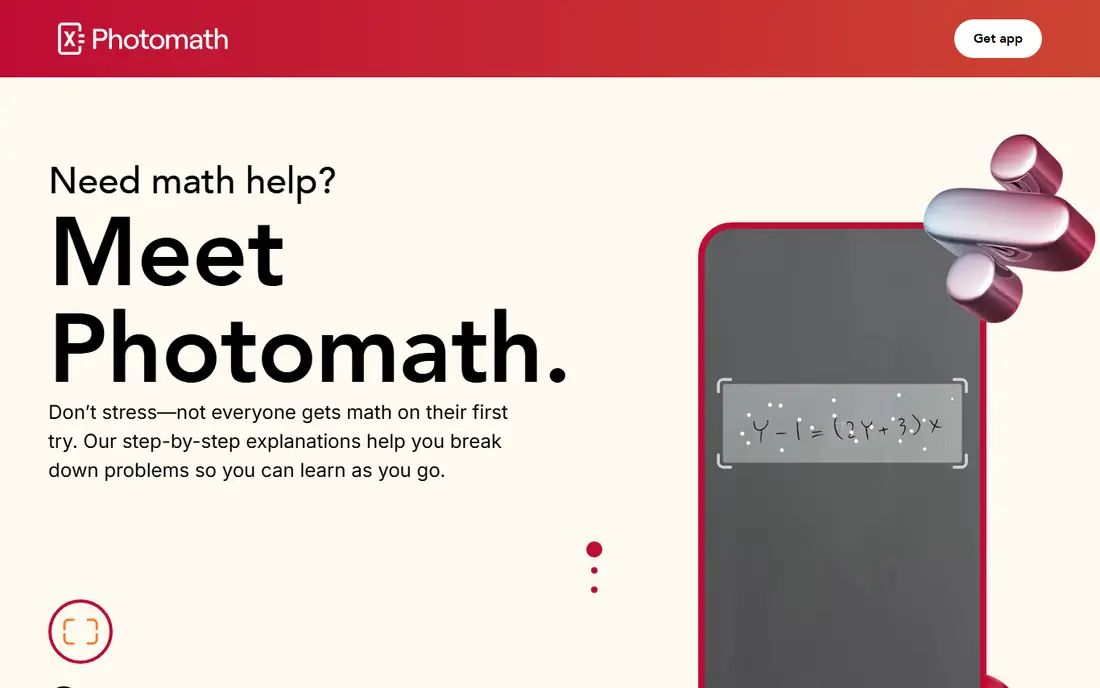
Photomath is the easiest solver to start with. Point your phone camera at a printed or handwritten problem, and it reads the problem and shows a solution with steps. For arithmetic, fractions, algebra, and basic calculus, that speed makes it a useful check after you have tried the problem yourself.
The catch is the Plus tier. Basic steps are free, but animated tutorials and deeper explanations sit behind a subscription, listed in app stores at around $9.99 per month. If you only need to check answers and review basic steps, the free tier is enough. If you need guided explanations every day, compare Plus with Symbolab before paying.
- Fast camera scanning
- Clear basic steps free
- Good for handwritten and printed problems
- Richer explanations need Plus
- Mobile only
- Advanced college topics are limited
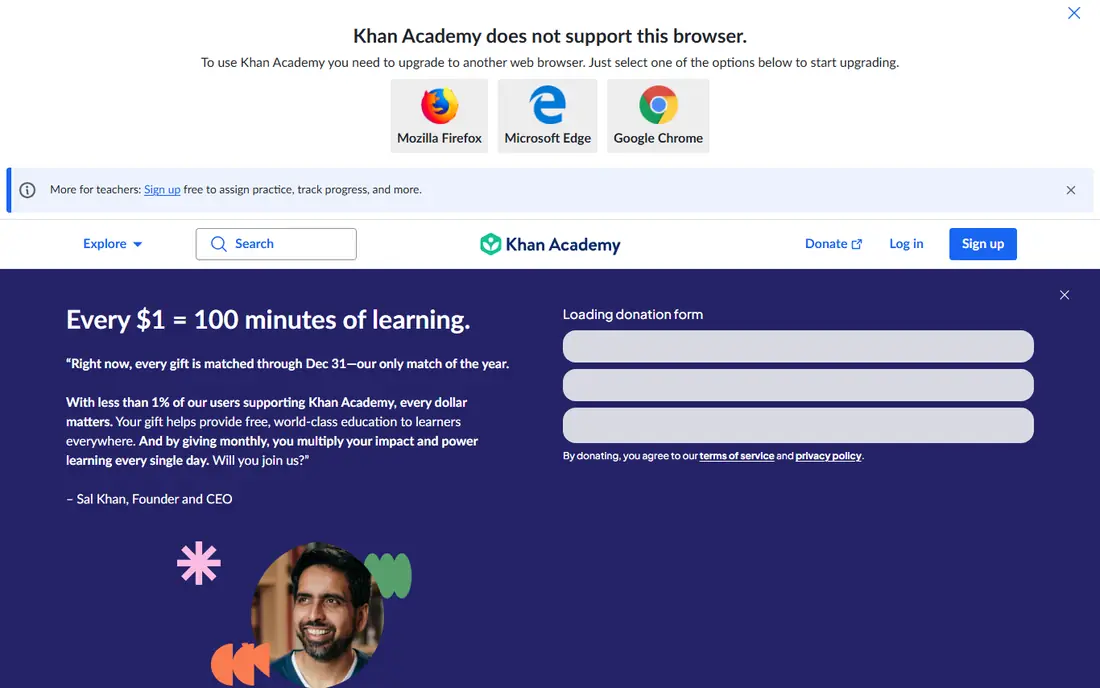
Khan Academy is a learning app first, not a solver. It offers structured lessons, videos, and practice problems that build from arithmetic through algebra, geometry, and calculus, with hints when you get stuck. That structure helps when the real problem is a gap in understanding, not a single tricky question.
It will not solve a photo of your homework, and that is the point. If you keep getting the same type of problem wrong, a Khan Academy unit on that topic is more useful than ten solved examples. It is also fully free, which makes it the best starting point for any student on a tight budget.
- Fully free
- Structured courses from basics to calculus
- Practice with hints and videos
- Not a photo solver
- No instant answer for a single homework problem
- Progress needs regular use
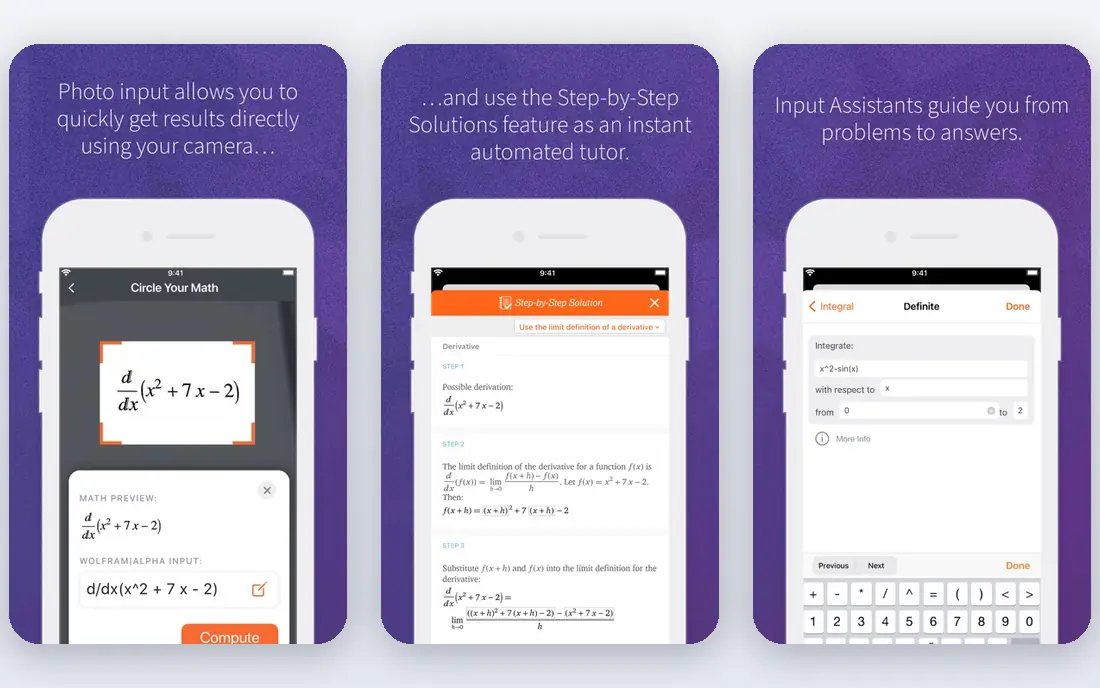
Wolfram Alpha is a computational engine, not just a solver. You can type an equation, a function, or a data question, and it computes results across math, physics, chemistry, and statistics. For university students and professionals, that breadth is unmatched by school-focused solvers.
The free tier is the limit. It shows answers, but step-by-step solutions need a Pro subscription, and the input format can feel strict if you are used to writing math by hand. Use the free tier to check results, and pay for Pro only if you need steps and extra features regularly.
- Very broad computation
- Covers math, science, and data
- Strong for university topics
- Steps need Pro
- Input format takes learning
- Free tier shows answers, not full methods
Mathway is built for speed. Type or photograph a problem, pick the topic, and it returns an answer across algebra, calculus, statistics, chemistry, and more. When you need to verify a result quickly, that minimal interface is a real advantage over a heavier learning app.
The honest catch is that steps are paid. The free tier gives answers, but the method behind them needs a subscription, listed at around $9.99 per month. That makes Mathway best as an answer checker, not as a learning tool, unless you pay. Pair it with a free learning app if you need to understand the method.
- Very fast
- Broad topic coverage
- Simple web and app interface
- Steps need a paid subscription
- Less teaching than Khan Academy
- Easy to use as an answer copier
Symbolab focuses on showing the method, which is why many students prefer it for algebra and calculus. It breaks a problem into steps, lets you explore graphs, and offers practice problems for the same topic. When you are stuck halfway through a calculation, seeing each intermediate step helps more than seeing only the final answer.
The free tier has limits, and full steps plus some advanced features sit behind Pro. That means a heavy user can hit the daily cap and need to pay or wait. If you live in algebra and calculus, Pro may be worth it. If you only need occasional help, use the free tier alongside Photomath and Khan Academy.
- Detailed steps for many topics
- Graphing and practice tools
- Works on web and mobile
- Full steps and some features need Pro
- Free tier has daily limits
- Interface can feel busy
GeoGebra is a free suite for geometry, algebra, spreadsheets, and 3D graphics. You can draw shapes, move points, graph functions, and see how a change in one value changes the whole picture. That visual approach helps with geometry and functions in a way that a solver list of steps cannot.
It is not a solver, so it will not work through a homework problem for you. It is also less guided than a tutor app, which means a teacher or a lesson plan helps at first. For visual learners and for anyone studying geometry, it is one of the best free math apps available, and it costs nothing to keep.
- Fully free
- Geometry, graphing, and 3D tools
- Classroom and exam use in many places
- Not a step solver
- Learning curve for advanced tools
- Less guided than a tutor app
Brilliant takes a different approach from solvers. Its courses use short interactive problems that build intuition step by step, rather than lectures or answer keys. Topics cover algebra, calculus, probability, and computing, and the problems adapt as you progress. For a learner who wants to understand why a method works, that style can stick better than watching a video.
The trade-off is price and purpose. Full access needs a subscription, and Brilliant will not solve a specific homework problem on demand. It is best for someone who wants to build math skill over weeks, not for someone who needs one answer tonight. Use the trial to see if the interactive style suits you before paying.
- Interactive lessons that build intuition
- Math, science, and computing courses
- Good for motivated learners
- Paid subscription for full access
- Not a homework solver
- Needs regular practice to pay off
Desmos is best known for its graphing calculator, which is free, fast, and easy to use. You can plot functions, add sliders, explore transformations, and share graphs with a link. Teachers also use its classroom activities to run interactive lessons, which makes it a familiar tool in many schools.
It is not a step solver, so it will not derive an integral or solve an equation symbolically in the way Symbolab does. Its strength is exploration: seeing what a function looks like, how parameters change it, and where graphs meet. Pair Desmos with a solver and a learning app, and you cover checking, understanding, and visualising in one free combination.
- Fully free
- Excellent graphing calculator
- Classroom activities and teacher tools
- Not a symbolic step solver
- Limited to graphing and exploration
- Needs a device with a browser or app
How we picked these
We compared official feature pages, pricing pages, and app store listings for math apps that are available in 2026 and that cover solving, learning, graphing, or geometry. We kept a mix of free and paid tools, and we noted where full steps or full courses sit behind a subscription. We did not claim hands-on testing, and we did not invent prices. Where pricing varies by platform or region, we wrote See website or gave the widely listed app store rate as a guide to check in the app.
How to use a math app without hurting your learning
Start by trying the problem on paper. When you get stuck, use a solver to find the step where your method diverged, then close the app and redo the problem from memory. That redo is where learning happens, and it is the part most students skip.
Match the app to the task
Use Khan Academy or Brilliant to learn a topic, Photomath or Symbolab to check a method, and Desmos or GeoGebra to explore a graph or shape. No single app does all three well, and switching apps by task is faster than forcing one app to do everything.
Watch for school rules and paywalls
Some schools limit solver use on homework or tests, so check your course rules before you rely on one. Also check the free tier before paying: many apps show answers free and charge for steps, so a paid plan may not add what you actually need.
Frequently asked questions
What is the best math app overall?
For most students, the best combination is free: Khan Academy for learning, Photomath for checking school math, and Desmos for graphing. If you need deep steps for algebra and calculus, add Symbolab or Wolfram Alpha Pro.
What are the best free math apps?
Khan Academy, GeoGebra, and Desmos are fully free and cover learning, geometry, and graphing. Photomath, Symbolab, Mathway, and Wolfram Alpha also have free tiers, but full steps or advanced features may need a paid plan.
Which math app is best for algebra?
Symbolab is a strong pick for algebra because it shows detailed steps, while Photomath is best for scanning algebra problems from paper. Khan Academy is best if you need to learn algebra from the basics rather than just check answers.
Can a math app help with calculus?
Yes. Symbolab and Wolfram Alpha handle calculus topics such as derivatives and integrals, and GeoGebra and Desmos help you visualise functions. For learning calculus concepts, Khan Academy and Brilliant offer structured lessons.
Is Photomath free?
Photomath has a free tier for scanning and basic steps, with Photomath Plus as a paid subscription for deeper explanations and animated tutorials. Check the price inside the app, as it varies by billing period and region.
Sources we checked (8)

Online Jobs is an independent blog about careers, online work, learning new skills and the tools that help people earn. More about us.
Keep reading
All posts
Best Vocabulary Apps
We compare 8 vocabulary apps in 2026, free and paid, for English learners, students, and test prep, with honest notes on what each one does best for daily use.

Best Udemy Alternatives
Explore the best Udemy alternatives for 2026, including Coursera, Skillshare, and LinkedIn Learning, with pricing, certificates, and who each platform suits.
Best Tools for Virtual Tutoring
Compare the best tools for virtual tutoring, from one-to-one tutor marketplaces to free self-paced learning, with pricing, subjects and honest limits.