Best Learning Apps for Kids Free in 2026: 9 Apps Compared


Free all round early learning · Starting price: Free
How we put this together: we compare official feature and pricing pages, app store listings, privacy policies and public user reviews. Prices change, so check the provider's site before you pay.
Key takeaways
- Khan Academy Kids is the strongest free all round app for younger children, because it is free, ad free, and covers several subjects.
- Duolingo ABC is the best free phonics start, with short, game like reading lessons for early readers.
- PBS Kids Games is the best free choice for play based learning from familiar shows, with no subscription needed.
- Starfall and Reading Eggs suit structured reading practice, while Prodigy suits math motivation for school age children.
- Check parental controls, chat features, ads, and data settings before a child uses any app alone.
Quick comparison
| Name | Who it suits | Starting price | Free option | |
|---|---|---|---|---|
| Khan Academy Kids | Free all round early learning | Free | Yes | Visit |
 Duolingo ABC Duolingo ABC | Free phonics and early reading | Free | Yes | Visit |
 PBS Kids Games PBS Kids Games | Free play based learning | Free | Yes | Visit |
 Starfall Starfall | Phonics and early math | Free | Yes | Visit |
 Prodigy Math Prodigy Math | Game based math practice | Free | Yes | Visit |
 ABCmouse ABCmouse | Full early learning curriculum | $14.99 per month | Free trial | Visit |
 Reading Eggs Reading Eggs | Structured reading lessons | See website | Free trial | Visit |
 ScratchJr ScratchJr | First coding for young children | Free | Yes | Visit |
 Funbrain Funbrain | Free games for reading and math | Free | Yes | Visit |
The best learning apps for kids free
We compared official product pages, pricing pages, and app listings for learning apps live in October 2026. We favored apps with a real free plan, not just a short trial, and we noted where full access needs a subscription. A safety note for parents: set up the app yourself first, check for ads, chat, purchases, and data sharing, and use parental controls and age settings. Children should not chat with strangers in a learning app, and screen time should stay balanced with play, sleep, and family time.
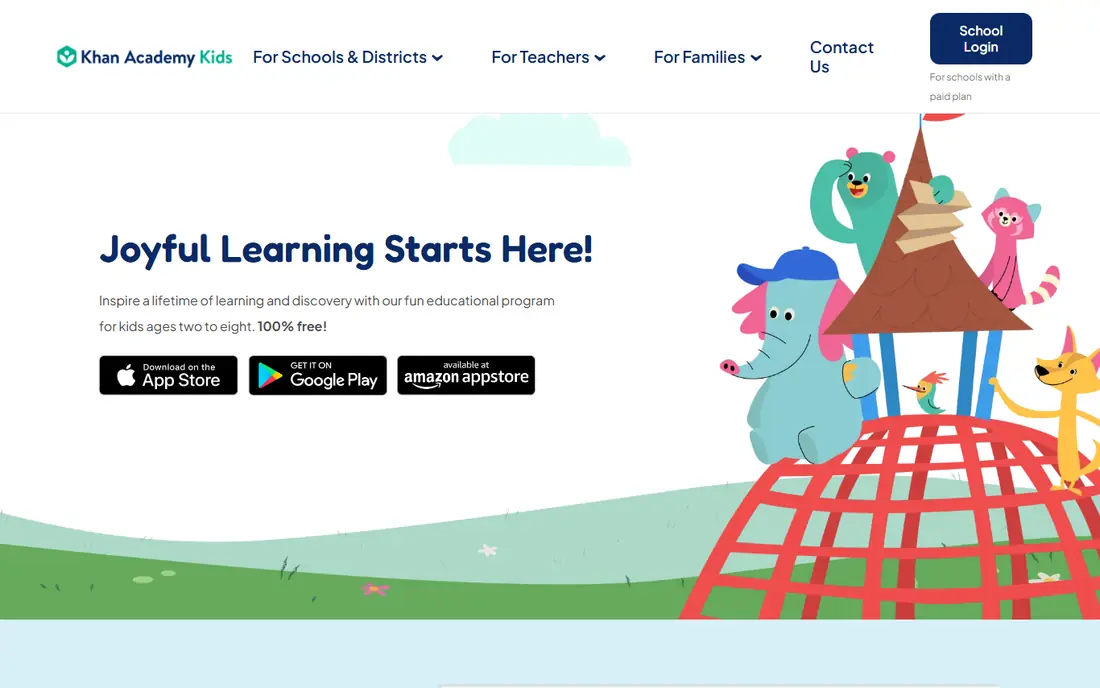
Khan Academy Kids is our top free pick for younger children. It covers early reading, math, logic, colors, shapes, and social emotional learning, with interactive activities, videos, and books, all without ads or a subscription. The app is designed for ages 2 to 8, which makes it a good fit for preschool and early elementary children.
Older children will outgrow it, and it does not replace school work for later grades. Parents should still set up the profile and check settings, even though the app is ad free. For a free, safe, broad start, no other app on this list matches Khan Academy Kids for younger learners.
- Free and ad free
- Covers reading, math, logic, and social skills
- Books and activities for ages 2 to 8
- Best for younger children, not older school work
- Needs a device and internet
- Parent dashboard is basic
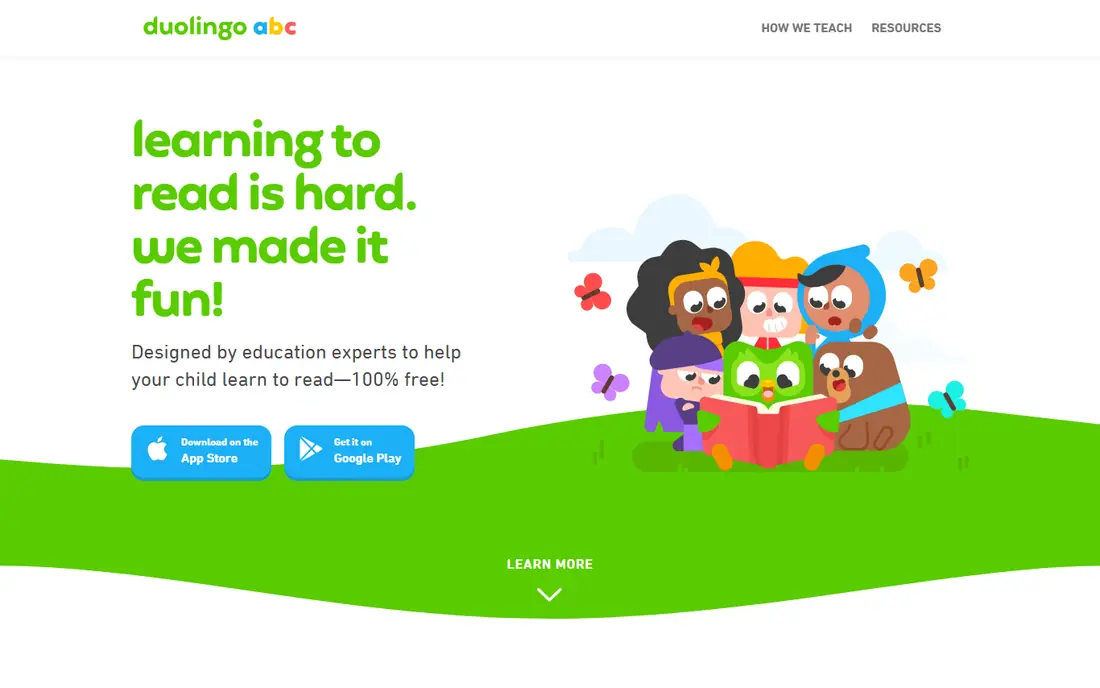
Duolingo ABC focuses on one job and does it well, teaching early readers phonics through short, game like lessons. Children learn letter sounds, blending, and simple words step by step, with rewards that keep sessions fun without turning reading into a race. The app is free, which makes it easy to try alongside a broader app like Khan Academy Kids.
It is not a full curriculum. Math, science, and wider subjects need another app, and the lessons suit early readers rather than fluent readers. For a child learning to read, Duolingo ABC is the best free, focused start, especially when a parent sits nearby for the first sessions.
- Free phonics lessons
- Short, game like sessions
- Clear progression for early readers
- Reading only, not a full curriculum
- Best for early readers
- Some features vary by region
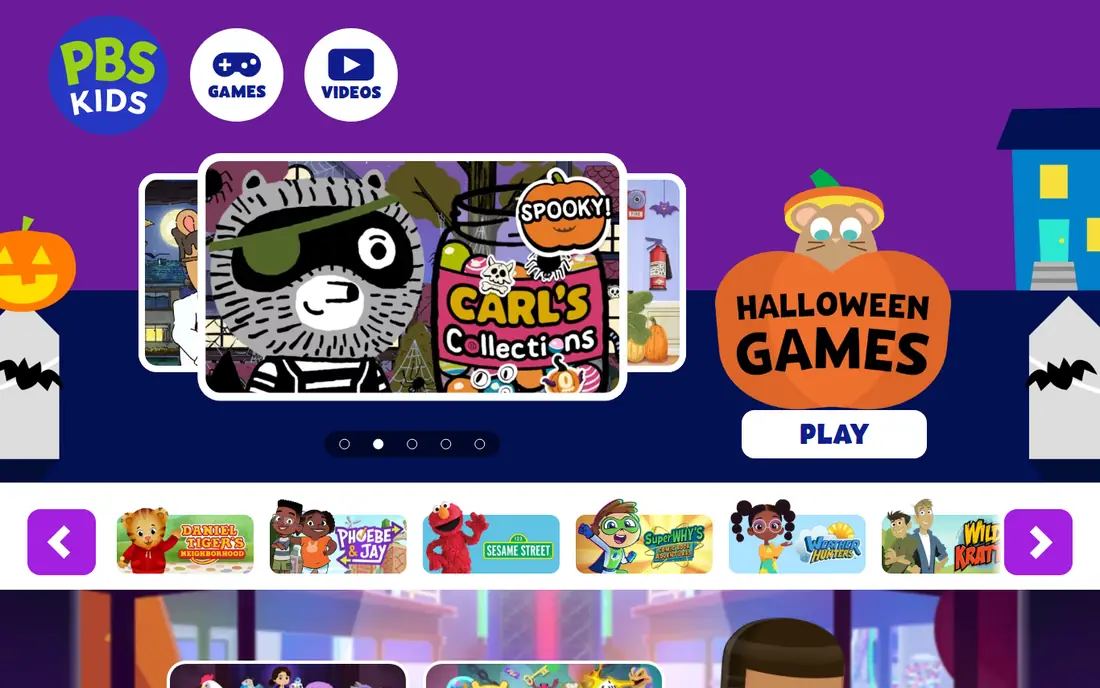
PBS Kids Games turns familiar shows into free learning games covering science, math, reading, and problem solving. Children can play with characters they already know, which lowers the barrier for reluctant learners. There is no subscription, and the PBS Kids brand carries a long history of educational programming.
The trade off is structure. Games vary in depth, and there is less clear progression than in a curriculum app like ABCmouse or Reading Eggs. Use PBS Kids Games as enrichment and fun practice, alongside a more structured app if your child needs a clear learning path. For free, safe play, it is a strong family choice.
- Free games from familiar PBS shows
- Covers science, math, and reading
- No subscription needed
- Game quality varies by show
- Less structured progression
- Best as enrichment, not a curriculum
Starfall has taught early reading for many years, with phonics, songs, stories, and games that suit pre-K through early elementary children. The free tier covers basic phonics and reading activities, which is enough to test whether the style fits your child. Its multisensory approach, combining sound, sight, and play, helps early readers connect letters and sounds.
Full access needs a subscription, so check the current price on the site, and the design feels older than Khan Academy Kids or Duolingo ABC. Math activities are also narrower than the reading library. For structured, gentle phonics practice, Starfall remains a reliable, budget friendly choice.
- Free basic phonics and reading activities
- Playful songs and games
- Good for pre-K through early elementary
- Full access needs a subscription
- Design feels older than rivals
- Math range is narrower than reading
Prodigy Math turns math practice into an adventure game, where solving problems earns rewards, pets, and progress in a fantasy world. The game adapts to a child's level, which helps school age children practice without feeling tested. That motivation is why many teachers and parents use it for homework style practice.
Parents should set up controls and talk about purchases, because a paid membership adds features and can create pressure to upgrade. Game elements can also distract from the math itself if sessions run long. Used in short, focused sessions, Prodigy is the best free math motivator on this list for elementary and middle school children.
- Free math game with adventure and rewards
- Adapts to skill level
- Covers elementary to middle school math
- Paid membership adds features and can create pressure
- Game elements can distract
- Parent controls need setup
ABCmouse offers the fullest early learning curriculum on this list, with a structured path across reading, math, science, social studies, art, and music for ages 2 to 8. Children follow a learning path, earn tickets and rewards, and move through activities in order, which suits families who want school like structure at home.
It is not a free app long term. Pricing is listed at $14.99 per month, with trial and annual options that vary, so check the current offer before subscribing. Some children also find the structured path less playful than Khan Academy Kids. If you want a complete curriculum and are willing to pay, ABCmouse is the most thorough early learning option here.
- Full curriculum for ages 2 to 8
- Reading, math, science, art, and music
- Structured learning path
- Paid subscription, not free long term
- Can feel like school for some children
- Needs parent setup for best use
Reading Eggs gives families a more structured reading program than a game app alone. Lessons follow a systematic phonics sequence, with clear progression, tracking, and reading comprehension work that extends beyond the first sounds. That structure suits children who need explicit teaching, or who have finished Duolingo ABC and want the next step.
Reading is the only subject, so math and science need another app, and full access needs a paid plan after the trial. Lessons are also longer than Duolingo ABC's quick sessions, which suits some children and tires others. Check the current trial and price on the site. For rigorous reading instruction, Reading Eggs is a strong choice.
- Systematic phonics curriculum
- Clear progression and tracking
- Extends beyond early reading
- Literacy only, not a full curriculum
- Paid after trial
- Lessons are longer than Duolingo ABC
ScratchJr introduces coding to children aged 5 to 7 through colorful blocks they snap together to make characters move, talk, and interact. No reading is needed to start, which makes it accessible to pre readers, and children can create stories and games rather than just answering questions. It is free, with no ads or purchases in the core app.
The age range is narrow, and older children should move to Scratch, the full version for ages 8 and up. There is also no structured curriculum, so parents and teachers guide the learning. For a first, creative coding experience, ScratchJr is the best free start for young children.
- Free coding for ages 5 to 7
- Block based, no reading needed to start
- Creative storytelling and games
- Young age range only
- No structured curriculum
- Older children need Scratch itself
Funbrain offers free games, books, comics, and videos for reading and math, aimed at school age children. Many games need no account, which makes it easy to try quickly, and the mix of reading and math suits homework style practice. For families who want a free, browser based option without installing an app, Funbrain is convenient.
The free site carries ads, so parents should supervise use and consider an ad blocker or a supervised session, depending on the device. Structure is also looser than ABCmouse or Reading Eggs, with less progression tracking. As a free supplement for reading and math games, Funbrain is a useful, low friction choice.
- Free games, books, and videos
- Reading and math for school age children
- No account needed for many games
- Ads on the free site
- Less structured than curriculum apps
- Game quality varies
How we picked these
We compared official product pages, pricing pages, and app listings for kids learning apps live in October 2026. We kept apps with a real free plan or a clear free tier, plus two paid curriculum apps, ABCmouse and Reading Eggs, because families often compare them with free options. We weighed subject coverage, age fit, safety features, ads and purchases, and whether the app offers a structured path or only games.
We did not claim hands-on testing that we did not do. We judged each app on the features and limits its vendor publishes, and we used See website where pricing was not cleanly verifiable at the time of writing. App prices, trials, and safety settings change, so parents should check the current store listing and in app settings before a child uses an app alone.
What to check before you let a child play
Set it up yourself first
Create the child profile, turn off chat if available, check purchase settings, and review privacy and data options before handing over the device. A few minutes of setup prevents most safety and spending problems, and it lets you see what the child will actually encounter.
Check ads, purchases, and chat
Free apps pay for themselves in different ways, including ads, membership upsells, or data. Khan Academy Kids and ScratchJr are ad free in core use, while Funbrain and some game apps carry ads. If an app has chat, friends, or open messaging, supervise use closely or choose an app without those features for younger children.
Match the app to age and reading level
An app for ages 2 to 8 will bore a 10 year old, and an app for school age children will frustrate a pre reader. Check the age range on the store listing, try the first lessons together, and watch whether your child understands the instructions without constant help. The right level feels challenging but doable.
Keep sessions short and balanced
Short, focused sessions work better than long app blocks, especially for younger children. Pair app time with reading a paper book, outdoor play, and family conversation, and keep devices out of bedrooms at night. If an app creates arguments about more time, shorten the session and set a clear end point in advance.
Frequently asked questions
What is the best kids learning app that is free?
Khan Academy Kids is the best free all round app for younger children, because it is free, ad free, and covers several subjects. Duolingo ABC is the best free reading app, and PBS Kids Games is the best free play based option. For older children, Prodigy for math and ScratchJr for coding are strong free choices.
What is the best learning app for kids aged 5?
Khan Academy Kids and Duolingo ABC both suit 5 year olds, with Khan Academy Kids covering more subjects and Duolingo ABC focusing on reading. Starfall also suits this age for phonics, and ScratchJr suits 5 year olds for first coding. Try two apps together, one broad and one focused, rather than relying on one alone.
What is the best free learning app for kids in school?
Prodigy Math suits school age math practice, Funbrain suits free reading and math games, and PBS Kids Games suits science and reading enrichment. For structured reading, Reading Eggs offers a trial, and for coding, Scratch suits children aged 8 and up. Match the app to the school subject that needs practice.
Are free learning apps safe for children?
It depends on the app and the setup. Check for ads, chat, purchases, and data sharing, use parental controls, and supervise younger children. Ad free apps like Khan Academy Kids and ScratchJr are safer starting points, while ad supported sites need closer supervision. Never allow chat with strangers in a learning app.
Can learning apps replace school or tutoring?
No. Apps work best as practice and enrichment alongside school, reading, and family learning. They can build fluency in reading and math, and spark interest in science and coding, but they do not replace a teacher, a tutor, or a parent reading together. Use apps to support learning, not to carry it alone.
Sources we checked (9)

Online Jobs is an independent blog about careers, online work, learning new skills and the tools that help people earn. More about us.
Keep reading
All posts
Best Tools for Virtual Tutoring
Compare the best tools for virtual tutoring, from one-to-one tutor marketplaces to free self-paced learning, with pricing, subjects and honest limits.
Best Study Apps for Young Children
Compare the best study apps for young children in 2026, from Khan Academy Kids and ABCmouse to Reading Eggs, Starfall, Duolingo ABC and PBS Kids, with prices.
Best Study Apps for Kids
Looking for the best study apps for kids? We compare Khan Academy Kids, ABCmouse, Prodigy, IXL and more on age, safety, price and subjects for home learning.