Best Lead Generation Tools for Small Businesses in 2026: 9 Tools Compared

How we put this together: we compare official feature and pricing pages, app store listings, privacy policies and public user reviews. Prices change, so check the provider's site before you pay.
Key takeaways
- HubSpot is the best starting point for most small businesses because its free CRM and capture tools cover the basics before you pay.
- Apollo.io suits small teams that need prospecting and outreach in one place, with a free plan to test the database first.
- Hunter.io and Lusha are better as focused contact tools than as full platforms, and they pair well with a CRM.
- OptinMonster is the pick when you already get website traffic but need more of it to turn into enquiries.
- Paid outreach tools only pay off once you have a clear offer, a clean list and time to follow up properly.
Quick comparison
| Name | Who it suits | Starting price | Free option | |
|---|---|---|---|---|
 HubSpot HubSpot | Free CRM and lead capture | Free | Yes | Visit |
 Apollo.io Apollo.io | Prospecting plus outreach | Free | Yes | Visit |
 Lusha Lusha | Quick contact lookups | Free | Yes | Visit |
 Hunter.io Hunter.io | Email finding and verification | Free | Yes | Visit |
 Snov.io Snov.io | Budget email outreach | See website | Free trial | Visit |
 OptinMonster OptinMonster | Converting website visitors | $7 per month | No | Visit |
 Pipedrive Pipedrive | Small sales pipelines | See website | Free trial | Visit |
 Instantly Instantly | High-volume cold email | $47 per month | No | Visit |
 LinkedIn Sales Navigator LinkedIn Sales Navigator | LinkedIn prospecting | See website | No | Visit |
The best lead generation tools for small businesses
Small businesses do not need twenty tools. They need a way to find the right people, capture interest from their own website, and follow up without losing track. We sorted the tools below by that job, not by size alone.
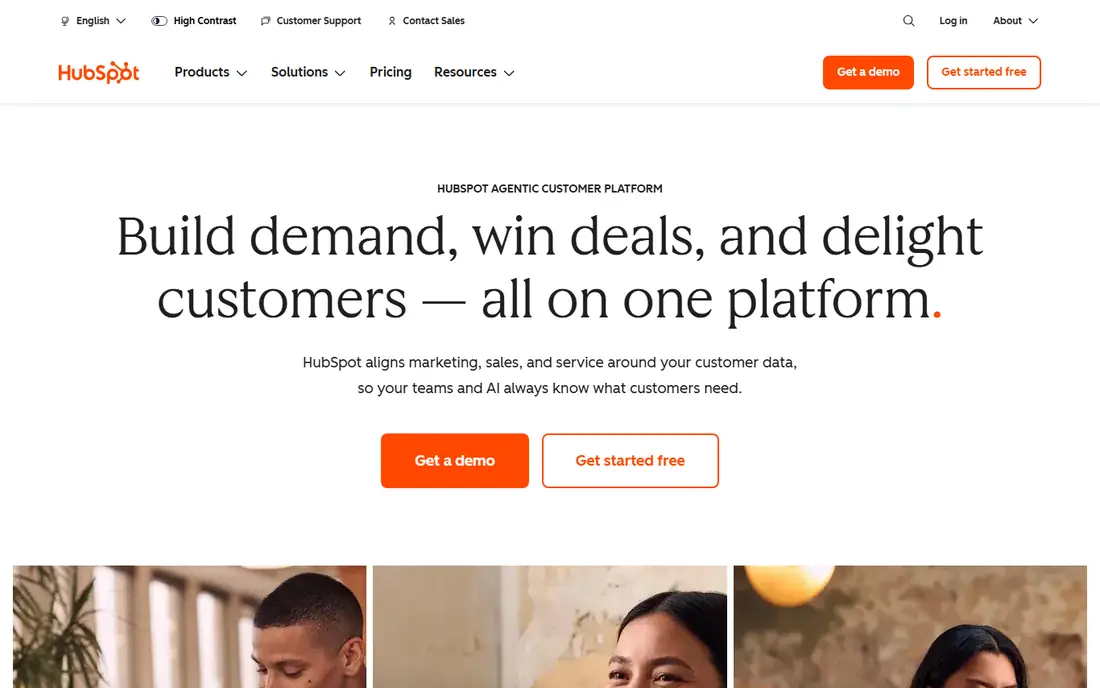
HubSpot earns the top spot for a practical reason. A small business can start with free tools that actually do useful work, including forms, landing pages and a CRM that stores every lead in one place. That means a website enquiry, a chat message and a manual contact entry do not end up in three separate spreadsheets.
The catch appears as you grow. Automation, deeper reporting and larger contact limits sit behind paid hubs, and the bill can climb faster than expected. Start free, learn which reports and workflows you truly use, and only upgrade when a paid feature solves a specific bottleneck. For most small teams, that discipline keeps HubSpot good value.
- Free CRM, forms, landing pages and live chat
- Leads stay in one system
- Scales into paid marketing and sales tools
- Paid Marketing Hub costs rise quickly
- Contact-based pricing can surprise growing teams
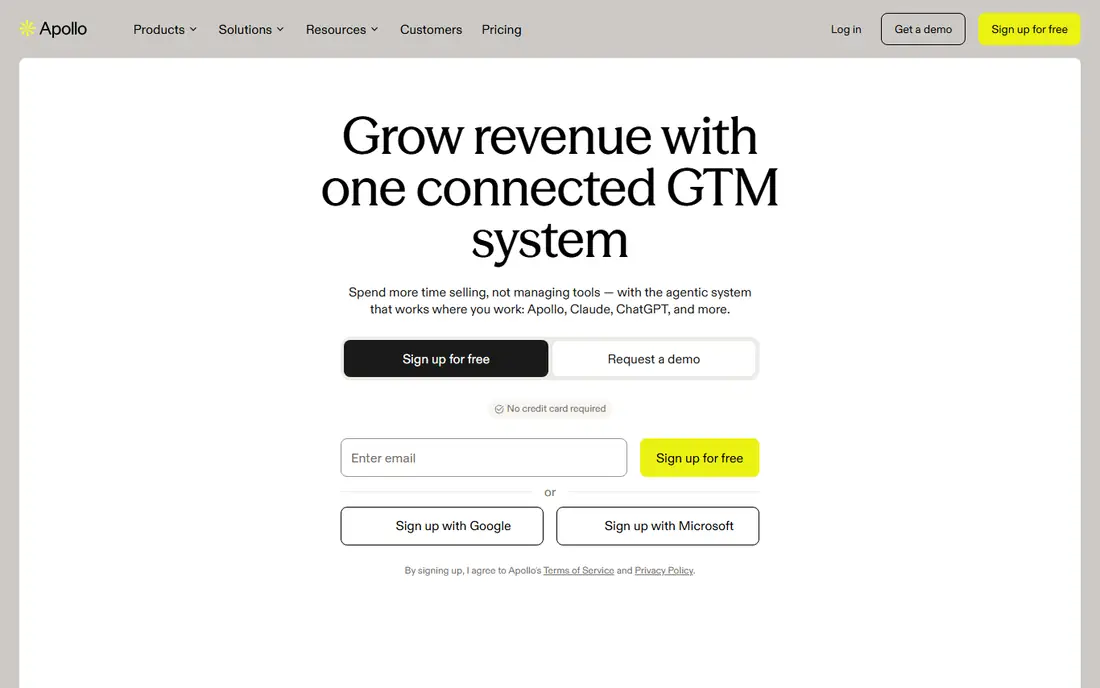
Apollo.io combines two jobs that small outbound teams usually buy separately. You can search for contacts by role, industry and company size, verify an email address, and start a sequence without moving the list to another platform. That single workflow saves time and reduces errors from exporting and importing contacts.
The honest limit is data quality. No database is perfect, and accuracy can dip for smaller companies, niche roles and regions outside the largest markets. Treat Apollo as a strong starting list, verify key contacts before a major campaign, and pair it with HubSpot or another CRM if you also need inbound capture and deal tracking.
- Large B2B contact database
- Email sequencing in the same tool
- Free plan for testing prospecting
- Data accuracy varies by region and niche
- Mainly an outbound tool, not a website capture tool
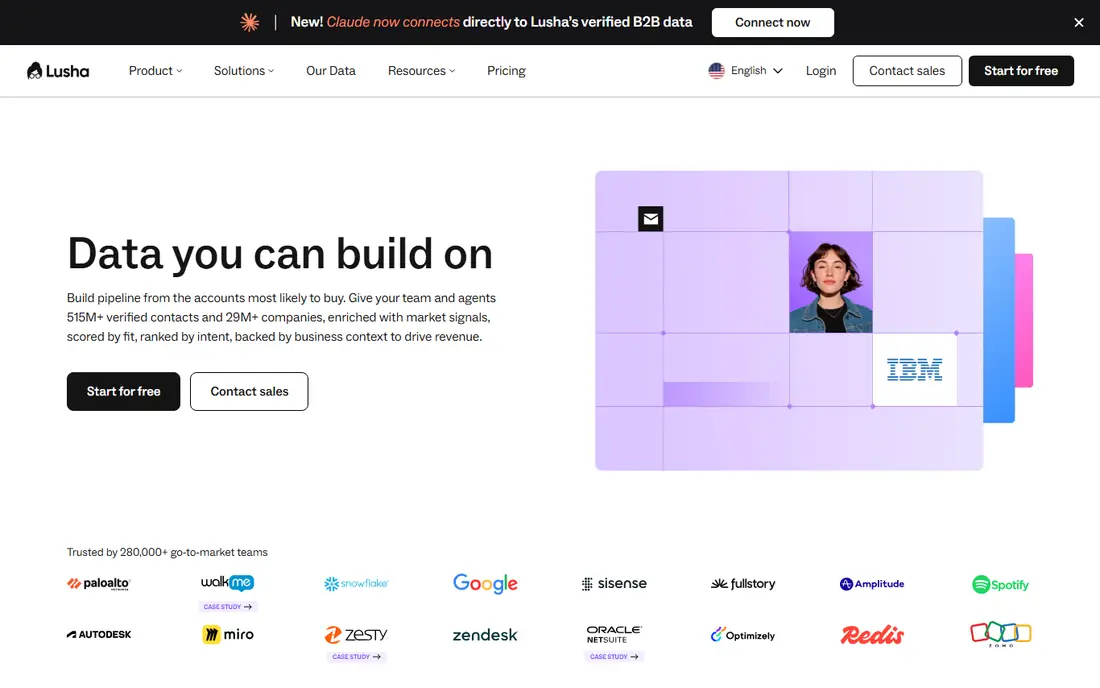
Lusha is best understood as a lookup tool, not a complete lead system. When you find a promising company or person on LinkedIn or a company website, the extension can surface an email address or phone number in a few clicks. For a founder or a small sales team doing targeted research, that speed is the whole point.
It is not built to run large campaigns on its own. Credits run out fast if you prospect all day, and you will still need a CRM and an outreach tool to manage follow-ups. Use Lusha for quality over quantity, focus on accounts that fit well, and keep a record of which contacts actually replied so you can judge whether the credits are earning their keep.
- Fast Chrome extension for contact details
- Simple to use on LinkedIn profiles
- Free plan for light use
- Credit limits bite quickly for heavy prospecting
- Phone data quality varies
- Not a full outreach platform
Hunter.io does one job clearly. Give it a company domain and it can suggest email patterns and individual addresses, then verify them before you send. That verification step matters, because sending to bad addresses harms deliverability and wastes time. The interface is plain, which is a benefit when you only need a quick answer.
The limit is scope. Hunter will not run a full multichannel campaign or manage a pipeline for you. It fits best as a companion to a CRM and a sending tool, especially for teams that already have a target list of companies and need reliable addresses for named contacts. Start on the free credits, test accuracy in your niche, and upgrade only if the hit rate justifies it.
- Simple email finder and verifier
- Domain search is clear
- Transparent credit system
- Credit caps limit heavy use
- No built-in sequencing at the same depth as Apollo
- Mainly an email tool
Snov.io appeals to small teams that want finder, verifier and outreach in one lower-cost package. You can build a list, check addresses and run drip campaigns without buying three separate subscriptions. For a solo founder or a two-person sales team, that bundle keeps costs and logins under control.
The catch is that budget outreach still needs good setup. Domain authentication, warm-up and careful list hygiene matter as much as the tool itself, and Snov.io will not fix a weak offer or a poorly targeted list. Test with a small, well-chosen segment first, watch reply rates and bounces closely, and scale only when the early results are clean.
- Email finder, verifier and drip campaigns in one tool
- Credit-based pricing can suit variable months
- Useful for solo outreach
- Learning curve for campaign setup
- Deliverability needs careful domain setup
- Support and data depth vary by market
OptinMonster is different from the prospecting tools above, because it works on traffic you already have. If people visit your site but leave without enquiring, targeted popups, slide-ins and exit-intent offers can capture an email address or a callback request at the right moment. For a business with steady traffic, that can be a cheaper lead source than buying more clicks.
It will not create demand from nothing. A site with very few visitors will see very few extra leads, no matter how good the popup design is. Use it sparingly, test one offer at a time, and measure enquiries rather than popup views. When used with restraint, it is a useful capture layer on top of HubSpot or another CRM.
- Exit-intent popups and targeting rules
- A/B testing for offers
- Works with many email and CRM tools
- Needs existing website traffic to work
- Popups can annoy visitors if overused
- Design setup takes time to get right
Pipedrive suits small teams that already get leads but lose track of follow-ups. Deals move across a visual pipeline, so it is obvious who needs a call, who is waiting for a quote and who has gone quiet. Lead capture forms and email tools feed that pipeline without forcing the team to learn a large enterprise CRM.
It is not a prospecting database, so you will still need a tool like Apollo, Lusha or Hunter to build lists. Pipedrive also offers less marketing depth than HubSpot, which matters if email nurture and landing page testing are central to your plan. Pick Pipedrive when pipeline clarity is the main problem, and HubSpot when inbound marketing is the main engine.
- Clear visual pipeline
- Lead capture forms and inbox tools
- Easy for small teams to adopt
- Marketing automation is lighter than HubSpot
- Costs rise per user as the team grows
- Prospecting database is not the focus
Instantly is built for teams that run cold email at volume. It supports multiple sending accounts, warm-up, campaign analytics and inbox management in one place, which helps when a single inbox would limit output. For an outbound team with a proven offer and a clean list, that structure is genuinely useful.
Volume is also the risk. Sending more email to a weak list will not create more good leads, and it can damage domain reputation if bounces and complaints rise. Instantly works best after you have tested messaging on a small scale, verified addresses, and set up domains properly. Treat it as a scaling tool, not a starting point for a business that has not yet found its message.
- Built for high-volume sending across accounts
- Email warm-up and analytics included
- Campaign management is central
- Needs careful deliverability setup
- High volume can harm sender reputation if lists are poor
- Not a CRM or capture tool
LinkedIn Sales Navigator makes sense when your buyers are active on LinkedIn and easy to identify by role, company and activity. Advanced search, saved lead lists and alerts for job changes help a small team spot the right moment to reach out, rather than cold contacting a static list. For professional services and B2B sales, that context can lift reply quality.
The price per seat is the main barrier, and the tool does not export emails directly, so you will still need a contact tool and a CRM to complete the workflow. It is also less useful for local consumer businesses whose customers are not on LinkedIn. Buy it when LinkedIn is already a proven channel, not as a hopeful first step into social selling.
- Strong search filters on LinkedIn
- Lead lists and alerts for job changes
- Useful where buyers live on LinkedIn
- Pricey per seat
- No native email export
- Works best as part of a wider stack
How we picked these
We compared official feature pages, pricing pages, app store listings where relevant, privacy policies and public reviews for tools that serve small business lead generation. We favoured tools with a free plan or trial, clear pricing, and a specific job in the stack, whether that job was prospecting, capture, outreach or pipeline management. Where a vendor price could not be confirmed cleanly from its own site, we used See website rather than repeating a third-party estimate as fact.
We did not claim hands-on testing that did not happen. Our view rests on vendor documentation, published pricing, and reviewer reports about daily use, accuracy and cost growth. That is why the list mixes free starting points with paid specialists, instead of ranking every tool on one score.
How to build a small stack without overspending
Start with three parts and nothing more. You need a place to store leads, a way to find new prospects or capture website interest, and a way to follow up. For many small businesses that stack is HubSpot free, plus one prospecting tool such as Apollo or Hunter, plus a simple outreach or capture tool only when the first two are working.
Set a monthly lead target first
Work backwards from revenue. Decide how many closed deals you need, estimate a realistic conversion rate from lead to deal, and use that to set a lead target. That number tells you whether a free plan will last the month or whether credits and seats will run out in week two.
Check data quality in your niche before you pay
Run the same test list through two prospecting tools and compare how many emails verify, how many replies you get, and how many contacts are actually in the right role. A tool that looks cheap per credit can be expensive per real conversation if accuracy is low in your market.
Protect deliverability and trust
Verify emails, authenticate sending domains, keep lists targeted, and give people a clear way to opt out. Review privacy rules for your region and for each vendor, especially for phone data and tracking. Good lead generation is steady and permission-aware, not a race to send the most messages.
Frequently asked questions
What are the best lead generation tools?
For most small businesses, HubSpot for capture and CRM, Apollo.io for prospecting and outreach, and Hunter.io for email verification form a practical core. OptinMonster adds website capture, and Pipedrive adds pipeline clarity. The best combination depends on whether your leads come mainly from outbound prospecting, website traffic or referrals.
What is the best lead generation software for B2B?
Apollo.io and LinkedIn Sales Navigator are strong B2B choices, for different reasons. Apollo combines a database with sequencing, while Sales Navigator gives deeper LinkedIn search and buying signals. HubSpot remains useful for both, because it stores and nurtures the leads those tools find.
What are the best lead generation services for a small team?
A service model can suit teams with no time for prospecting, but most small teams get better control from software plus their own follow-up. If you buy a service, ask how leads are sourced, whether they are exclusive, and how data consent is handled. Compare cost per qualified conversation, not cost per raw name.
What are the best tools for lead generation on a tight budget?
HubSpot free, Apollo free and Hunter free cover capture, prospecting and verification at no initial cost. Snov.io can add budget outreach, and OptinMonster can help if you already have website traffic. Start free, prove one channel, and only then add a paid plan for the bottleneck you actually hit.
What is the best lead generation platform for outbound email?
Instantly suits high-volume cold email once messaging and deliverability are proven, while Apollo suits smaller outbound teams that want prospecting and sequencing together. Snov.io is a budget alternative for solo outreach. In all three cases, list quality and domain setup matter more than sending volume.
Do small businesses need more than one lead generation tool?
In practice, yes, but only two or three. One tool to find or capture leads, one CRM to store and track them, and one tool to send or nurture follow-ups is enough for most small teams. Adding more tools before the first three work well usually creates confusion rather than more pipeline.
Sources we checked (9)

Online Jobs is an independent blog about careers, online work, learning new skills and the tools that help people earn. More about us.
Keep reading
All posts
Best Web Scraping Tools
Compare the best web scraping tools in 2026, from no-code Octoparse and Browse AI to Apify, Firecrawl, Bright Data, Zyte, ScraperAPI and free Scrapy, with prices.

Best Web Hosting Services
Find the best web hosting services for your site in 2026. We compare prices, speed, support and ease of use across eight leading hosting providers today.
Best Video Conferencing Software
Looking for the best video conferencing software? We compare 8 meeting apps on price, meeting limits, features, security and ease of use. Read the guide.