Best Language Learning Apps for Kids in 2026: 8 Apps Compared

How we put this together: we compare official feature and pricing pages, app store listings, privacy policies and public user reviews. Prices change, so check the provider's site before you pay.
Key takeaways
- Duolingo ABC is the best free starting point for early reading, with no ads and no in-app purchases in its published terms.
- Gus on the Go suits young beginners learning vocabulary in many languages, with a one-time purchase per language.
- Lingokids and Studycat offer structured, game-based lessons for preschool and early elementary children.
- Parental controls and age fit matter as much as language choice, so check screen-time limits, progress reports, and chat features before paying.
Quick comparison
| Name | Who it suits | Starting price | Free option | |
|---|---|---|---|---|
 Duolingo ABC | Early reading for ages 3 to 8 | Free | Yes | Visit |
 Duolingo | Older kids learning Spanish and other languages | Free | Yes | Visit |
 Gus on the Go | Vocabulary for young beginners | $3.99 per language | No | Visit |
 Lingokids | Play-based learning for preschoolers | See website | Yes | Visit |
 Studycat | Game-based Spanish and other languages | See website | Free trial | Visit |
 Dinolingo | Many languages with videos and games | See website | Free trial | Visit |
 Little Pim | Immersion videos for toddlers and young kids | See website | Free trial | Visit |
 Mondly Kids | Older kids wanting many languages | See website | Free trial | Visit |
The best language learning apps for kids
Language apps for kids need to do two jobs at once, teach words in a way a child enjoys, and stay safe and age-appropriate while doing it. The apps below cover different ages, from preschoolers learning first words to older children building Spanish or French sentences. We compared official app store listings, age ranges, and parental control features to sort them by age fit first, then by language range.
Duolingo ABC is our pick for families starting early literacy, and it also helps children learning English as an additional language. It teaches letter recognition, phonics, and early words through short games and stories, with levels that parents can lock to keep a child on a sequential path. The app is listed for ages 3 to 8, and its free price makes it easy to try without a subscription decision.
The limits are scope and placement. Duolingo ABC teaches reading in English, so it is not the tool for Spanish vocabulary or French conversation on its own. There is no placement test in its published description, so a parent may need to try a few levels to find the right starting point. For early reading practice, though, its ad-free, free model is unusually generous.
- Completely free with no ads or in-app purchases
- Lessons for preschool through second grade
- Offline play on mobile
- Focuses on English reading, not foreign languages
- No desktop version
- Level placement is manual
The main Duolingo app is the best fit for older children, roughly late elementary and up, who want to learn Spanish or another language with game-like motivation. Its short lessons, streaks, and rewards keep practice regular, and its Spanish course is deep enough for real progress beyond first words. Parents can use it alongside school Spanish to add daily practice.
The catch is age fit. The main app is not a kids-only product, so parents should check its settings, turn on appropriate controls where available, and supervise younger children rather than leaving them unsupervised. The free tier includes ads and limits in some areas, while the paid Super plan removes ads and adds offline lessons, so check current pricing before subscribing for a child.
- Large language range including Spanish
- Game-like lessons that older kids enjoy
- Free tier covers core lessons
- Main app is designed for general users, not only kids
- Ads and paid features appear on the free tier
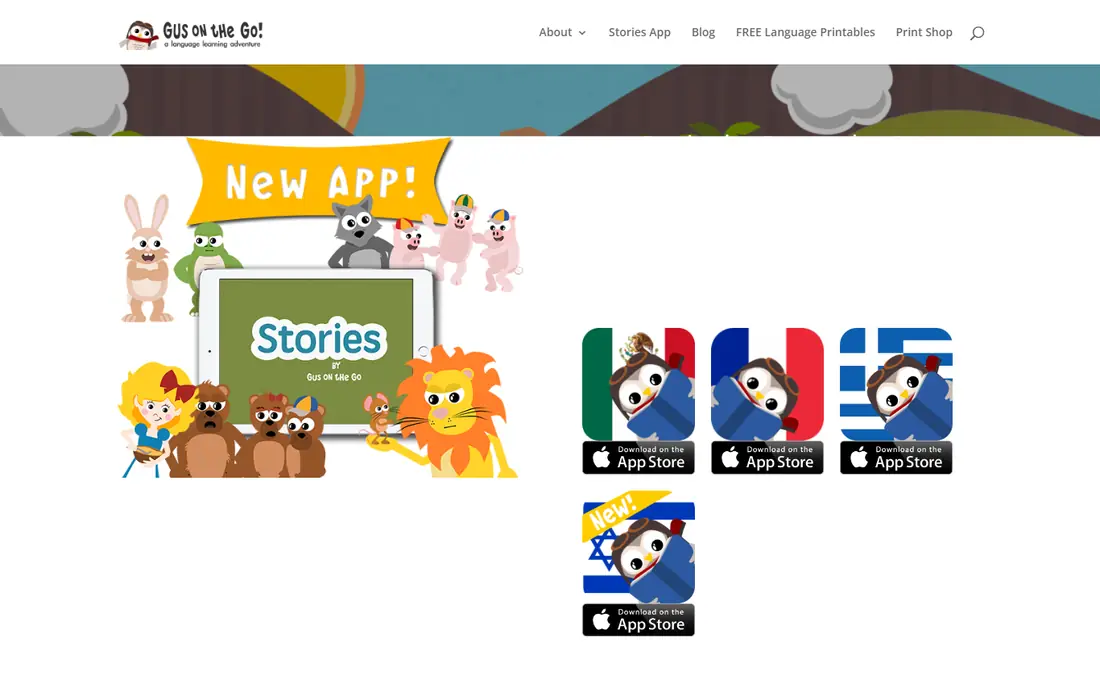
Gus on the Go is a gentle first language app for young children, built around an animated owl, stories, and vocabulary games. Each language is a one-time purchase at $3.99 per language in app store listings, which appeals to parents who dislike subscriptions for a young child. The language range is wide, including less commonly taught languages that larger apps often skip.
The trade-off is depth. Gus on the Go teaches first words and phrases well, but it does not build grammar or conversation, so older children will outgrow it. Treat it as a first step that builds confidence and vocabulary, then move to a deeper app such as Duolingo or Studycat when the child is ready for sentences.
- One-time purchase per language, no subscription
- Over 30 languages in published listings
- Story and flashcard games
- Focuses on basic vocabulary, not grammar or conversation
- No ongoing content subscription
Lingokids is built for preschoolers, with songs, games, and short activities that teach English vocabulary and early concepts through play. Its design suits short sessions, which fits how young children actually use an app, and its parent area shows progress without exposing the child to open chat or social features. For a family learning English, it is a strong and age-appropriate choice.
The limit is language range. Lingokids is primarily an English learning app, so it does not replace a Spanish or French app for a family that wants a second language. Check the current subscription price and trial terms, since full access sits behind a paid plan, and set session limits so play stays a short daily habit rather than an open-ended screen session.
- Play-based lessons for young children
- English-focused content with songs and games
- Parent progress area
- Mainly English, not a broad foreign-language app
- Full content requires a paid plan
Studycat, formerly known for its Learn Spanish app, builds language lessons as games for children, with speaking, listening, and vocabulary woven into play. Spanish is its strongest course, which makes it a natural pick for families searching for the best app for kids to learn Spanish. Pronunciation practice helps children say words aloud rather than only tapping answers.
The trade-off is breadth. Studycat covers fewer languages than Duolingo or Gus on the Go, so a family wanting a less common language should check its current list first. A free trial lets parents test age fit and difficulty before paying, and that test matters, since game style and voice prompts suit some children far better than others.
- Game-based lessons designed for kids
- Spanish is a core strength
- Speaking practice with pronunciation feedback
- Language range is narrower than Duolingo
- Full access requires a subscription after trial
Dinolingo offers language learning for children across many languages, with animated videos, games, songs, and printable worksheets that extend learning off screen. Its parent dashboard shows progress and lets adults manage accounts, which helps families with more than one child learning. For a family that wants one subscription covering several languages, Dinolingo is a practical choice.
The limits are age ceiling and cost. The video and game style is aimed at younger children, so older kids may find it too simple, and full access requires a paid subscription after the trial. Check the current plan price and whether it covers all children in the household, since family pricing terms differ by plan.
- Wide language range for kids
- Videos, games, and printable worksheets
- Parent dashboard and progress tracking
- Subscription required after trial
- Video style suits younger kids more than teens
Little Pim uses an immersion approach, showing young children everyday words and phrases through video with native speakers, rather than translation drills. That gentle, watch-and-repeat style suits toddlers and preschoolers who are not yet reading, and it works well as a shared activity where a parent watches and repeats words with the child.
The catch is format and age range. Older children who can read and want games or writing practice will find Little Pim too passive, and pricing varies by subscription plan, so check the current terms for the language you want. For a first introduction to Spanish or French at a very young age, its immersion videos are a calm and age-appropriate start.
- Immersion method with native-speaker video
- Gentle pace for toddlers
- Spanish, French, and other core languages
- Video-led format suits younger kids only
- Subscription pricing varies by plan and language
Mondly Kids adapts the adult Mondly approach for children, with illustrated lessons, speech recognition, and daily practice across many languages. It suits older kids who want to try Spanish, French, German, or other languages with a structured daily lesson, and its speech practice encourages children to say words aloud. The range is a real advantage for families that have not yet settled on one language.
The trade-off is subscription cost and age fit. Full access requires a paid plan after the trial, and the game style lands differently by age, so use the trial to test whether your child enjoys the lesson format. Parents should also check device settings and session length, since a daily lesson habit works best when it stays short and regular.
- Wide language choice for kids
- Colorful lessons with speech recognition
- Daily lessons that build routine
- Subscription required for full access
- Game style may suit some ages better than others
How we picked these
We compared official app store listings, age ranges, and parent-facing features for language apps that are available today and designed for children. We favored apps with clear age guidance, no open chat with strangers, and a free tier or trial so families can test fit before paying. We used See website where a vendor does not publish a stable starting price, and we excluded general adult apps that do not offer a kids mode.
Parental controls and age appropriateness: what to check
Age labels alone do not tell the full story, so check three things before a child uses any app unsupervised. First, look for a parent dashboard or progress area that is separate from the child view, and confirm whether the app includes ads, in-app purchases, or links that leave the app. Second, check whether the app allows chat, friend requests, or user-generated content, and turn those features off where possible for younger children.
Set session limits and sit in at first
Use device-level screen-time limits to cap daily use, and sit with a young child for the first few sessions to see difficulty, content, and any prompts to buy or share. A short, regular session, often 10 to 15 minutes, works better than a long weekend binge, and it lets a parent spot frustration or boredom early. If an app asks for personal details beyond what is needed for an account, skip it and choose one with clearer privacy terms.
Frequently asked questions
What is the best language learning app for kids?
Duolingo ABC is best for early reading ages 3 to 8, while Duolingo and Studycat suit older kids learning Spanish. The best pick depends on the child age, the target language, and whether you want reading, vocabulary, or conversation practice.
What is the best app for kids to learn Spanish?
Studycat is a strong game-based pick for Spanish, Duolingo covers Spanish for older kids, and Gus on the Go offers Spanish vocabulary for younger beginners. Try a trial lesson in each to see which style your child enjoys most.
Are language apps safe for kids?
Most kids apps in this list avoid open chat, but safety still depends on settings, ads, and purchases. Choose apps with a parent dashboard, no ads where possible, and device screen-time limits, and supervise younger children at first.
What age should kids start a language app?
Many apps target ages 3 and up for first words, while sentence learning and reading-based apps suit ages 6 and up. A child who cannot yet read will do better with video and audio apps such as Little Pim or Gus on the Go.
Do kids language apps replace school language lessons?
No, apps work best as daily practice alongside school lessons, books, and conversation. A short app session builds vocabulary and pronunciation, but classroom teaching and real conversation build grammar and confidence in a different way.
Sources we checked (8)

Online Jobs is an independent blog about careers, online work, learning new skills and the tools that help people earn. More about us.
Keep reading
All posts
Best Vocabulary Apps
We compare 8 vocabulary apps in 2026, free and paid, for English learners, students, and test prep, with honest notes on what each one does best for daily use.

Best Udemy Alternatives
Explore the best Udemy alternatives for 2026, including Coursera, Skillshare, and LinkedIn Learning, with pricing, certificates, and who each platform suits.

Best Tools for Virtual Tutoring
Compare the best tools for virtual tutoring, from one-to-one tutor marketplaces to free self-paced learning, with pricing, subjects and honest limits.