Best Landscape Design Software in 2026: 10 Tools Compared


Flexible 3D modelling for any project · Starting price: See website
How we put this together: we compare official feature and pricing pages, app store listings, privacy policies and public user reviews. Prices change, so check the provider's site before you pay.
Key takeaways
- SketchUp suits custom 3D work, while Planner 5D suits quick room and yard layouts.
- iScape suits homeowners who want to design on a photo of their own yard.
- SmartDraw suits scaled 2D plans you can hand to a contractor.
- Photo-based tools give fast ideas, but measured plans give more reliable quotes.
- Check plant lists, scale tools and export options before you pay for a full plan.
Quick comparison
| Name | Who it suits | Starting price | Free option | |
|---|---|---|---|---|
| SketchUp | Flexible 3D modelling for any project | See website | Yes | Visit |
 Planner 5D | Easy 3D room and yard layouts | See website | Yes | Visit |
 iScape | Fast designs on photos of your own yard | See website | Yes | Visit |
 SmartDraw | Scaled 2D plans to hand a contractor | See website | Free trial | Visit |
 Gardena myGarden | Free starter planning from a garden brand | Free | Yes | Visit |
 Home Outside | Designer-quality planting plans | See website | No | Visit |
 VizTerra | 2D plans and 3D views in one file | See website | Free trial | Visit |
 Live Home 3D | Realistic 3D home and yard design | See website | Free trial | Visit |
 RoomSketcher | Simple floor and outdoor layouts | See website | Yes | Visit |
 Cedreo | Fast 3D plans for housing and outdoor projects | See website | Free trial | Visit |
The best landscape design software
This guide compares ten tools for planning gardens, patios, paths and outdoor rooms. We look at 2D plans, 3D views, photo-based design and plant help, so you can pick a tool that matches your skill level and your project size.
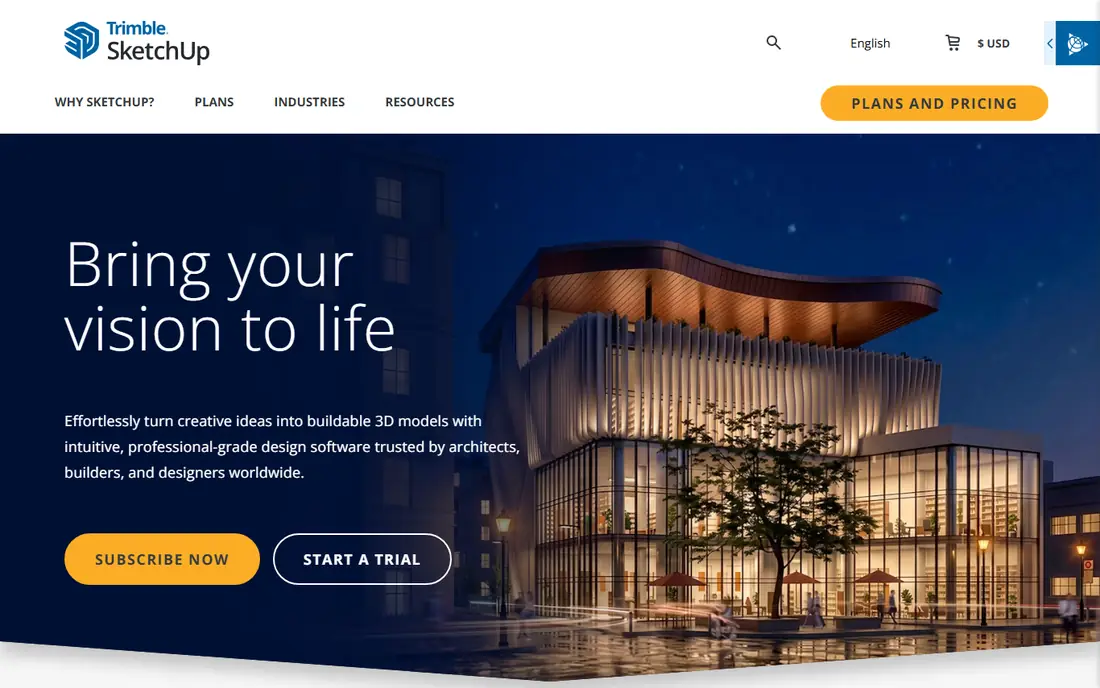
SketchUp fits people who want precise 3D models of a yard, deck or outdoor structure. You can model slopes, odd lot shapes and custom pergolas, and the model library saves time on common objects. For a project where fit matters more than a plant list, that control is valuable. The catch is learning time. Garden-specific planners hand you plants and beds, while SketchUp hands you a blank canvas and modelling tools. Expect an evening or two to learn the basics, and plan to add plant details yourself if you need a full planting plan.
- Free web version to start
- Huge model library
- Handles slopes and odd lot shapes
- Steeper learning curve
- Plant lists are thinner than in garden-specific tools
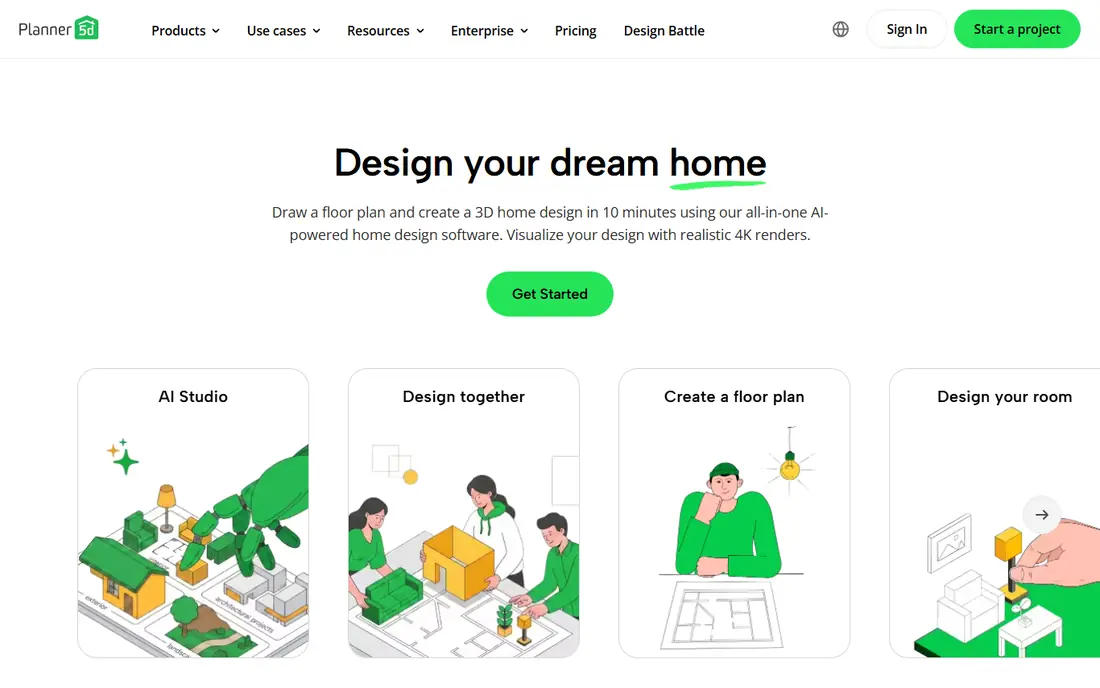
Planner 5D suits beginners who want to test layouts fast. Drag and drop tools let you place paths, lawns, seating and planting areas, then view the result in 3D. Because it also covers indoor rooms, it helps when an outdoor project connects to a house extension or patio door. The limit is detail. Plant data is thinner than in specialist tools, and scale is only as good as the measurements you enter. Measure the yard first, use the free version to test the layout, and upgrade only if you need the paid catalogue or exports.
- Simple drag and drop design
- Works on web and mobile
- Free version for basic layouts
- Plant detail is limited
- Scale accuracy depends on your measurements
- Some items need payment
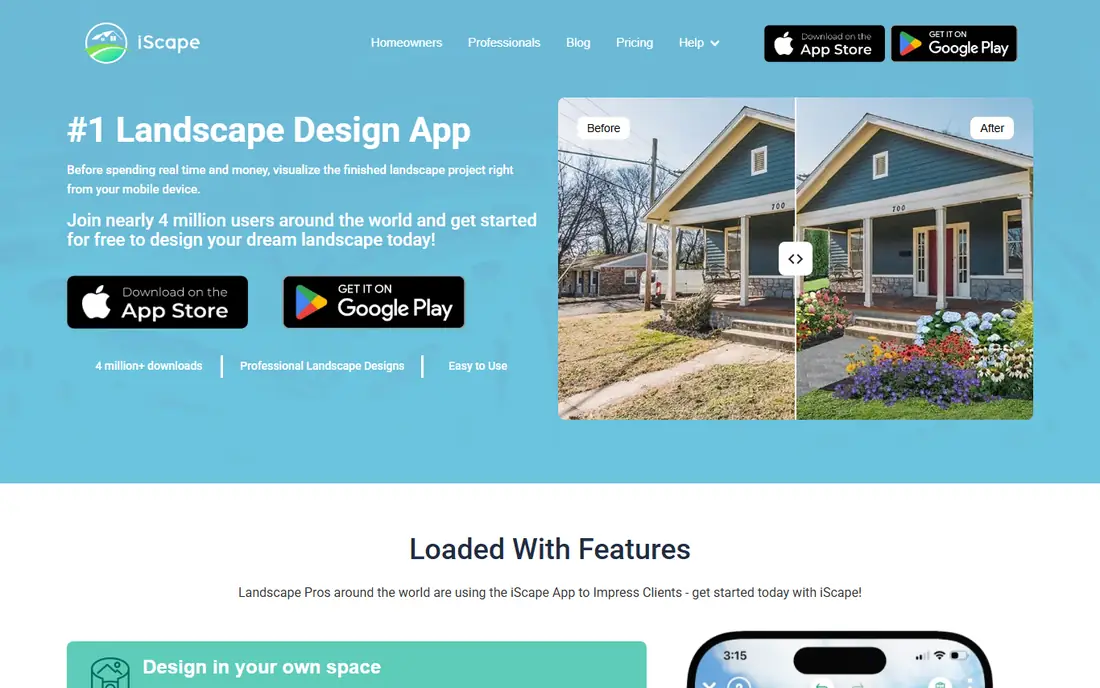
iScape suits homeowners who want to see change on their real yard, not on a blank plan. You design over a photo, place plants and features at a realistic scale, and compare several layouts side by side. That view makes it easier to talk with a contractor or a partner about what will actually change. The honest limit is precision. A photo design shows the look well, but it does not replace a measured plan for ordering materials or setting levels. Use iScape to choose a direction, then confirm sizes, drainage and plant spacing with a measured drawing before you buy.
- Design on your own yard photo
- Large plant and feature catalogue
- Easy layout comparison
- Photo design is less precise than a measured plan
- Some features need a paid plan
SmartDraw suits people who need a clear, scaled plan more than a pretty render. Templates, measurement tools and export options help you produce a drawing a contractor can price from. If your main goal is a reliable quote, a clean 2D plan often beats a glossy 3D view. The trade-off is visual impact. SmartDraw is less suited to showing how planting will look in summer, and its plant catalogue is thinner than specialist tools. Pair it with a photo tool if you need both a measured plan and a visual to share at home.
- Scaled drawing tools
- Templates for site and garden plans
- Exports for sharing
- Less 3D visual appeal
- Garden-specific plant data is limited
- Paid plans needed for full use
Gardena myGarden suits homeowners who want a free first plan without a subscription. The drag and drop tools cover beds, lawns, paths and watering, and sprinkler planning is a useful bonus for larger yards. It is a low-risk way to test whether a planned layout feels right. The limit is depth. Visuals are simpler than in paid 3D tools, and the feature range is narrower. Use myGarden to sketch a first plan and test watering zones, then move to a fuller tool if you need detailed 3D views or a contractor-ready drawing.
- Free to use
- Simple drag and drop planning
- Sprinkler planning tools
- Limited 3D views
- Smaller feature range than paid tools
- Tied to Gardena product thinking
Home Outside suits homeowners who want a planting plan that feels designed rather than assembled from stock items. Plans focus on plant choice, grouping and spacing for a real yard, which helps when you want a garden that looks good in several seasons. The plant list is the main value here. The catch is that it is not a general 3D modeller. If you also need decks, walls and drainage drawn to scale, you may need another tool beside it. Check the plan types and delivery details before you buy, and share good photos and measurements for the best result.
- Planting plans with designer input
- Plans suited to real yards
- Clear plant lists
- No free plan
- Less suited to full 3D modelling
- Turnaround depends on plan type
VizTerra suits designers and serious homeowners who want 2D plans and 3D views that stay in step. Changing the plan updates the 3D view, which cuts rework and helps clients see the same project from two angles. For paid design work, that link saves time. The trade-off is learning time and cost. Casual users who need one small plan may find a simpler tool faster and cheaper. VizTerra pays off when you design often, present to clients, or need both plan and view from one file.
- Combined 2D and 3D design
- Tools for designers and serious homeowners
- Presentation-ready output
- Learning curve for new users
- Pricing is not always simple
- Best value for frequent use
Live Home 3D suits homeowners who want to walk through a design before building it. You can sketch in 2D, switch to 3D at once, sculpt terrain for slopes, and add trees, fences, paths and outdoor furniture. That walkthrough helps catch size and spacing errors early. The limit is plant depth. It covers outdoor objects well, but a specialist planting tool gives more detail on species, spacing and seasonal growth. Use Live Home 3D for layout and structures, and check plant choices with a nursery or a planting plan.
- Real-time 2D and 3D switching
- Terrain tools
- Large outdoor object library
- Pro features need payment
- Plant data is less detailed than specialist tools
- Desktop focus
RoomSketcher suits people who want house and yard in one simple plan. The browser tools are easy to learn, and 2D and 3D views help you check how a patio or path relates to rooms inside. For a whole-property sketch, that simplicity is a strength. Garden detail is the trade-off. Plant ranges, terrain tools and irrigation planning are more basic than in specialist tools. Use RoomSketcher for layout and flow, then add plant detail with a nursery list or a specialist plan if the planting matters most.
- Easy 2D and 3D layouts
- Works in a browser
- Good for house and yard together
- Garden features are more basic than specialist tools
- Full exports need payment
Cedreo suits professionals and serious renovators who need fast, presentable 3D plans. You can model a house and its outdoor areas together, then share views that help a client or contractor understand the project. Speed is the main draw for repeat work. The catch is audience and price. Cedreo is built for housing professionals, so casual users may pay for features they do not need. Check the trial and plan limits first, and use a specialist planting tool if plant choice is the core of your project.
- Fast 3D modelling
- House and outdoor areas in one project
- Presentation tools
- Aimed at housing professionals
- Pricing suits frequent users
- Garden plant detail is limited
How we picked these
We reviewed official feature pages, pricing pages, app store listings and help pages for each tool. We compared 2D and 3D tools, photo-based design, plant help, scale tools, exports and price. Where a price was not published clearly, we wrote See website rather than copying a third-party figure. We did not claim hands-on testing. The best tool depends on whether you need a quick visual, a planting plan or a measured drawing for a contractor, so test a small project in the free version or trial before you pay.
How to choose a garden design tool
Start by naming the job. If you need a visual to agree a style at home, a photo-based tool or a simple 3D planner is enough. If you need a contractor quote, a scaled 2D plan with measurements matters more. If planting is the main work, a tool with plant lists, spacing and seasonal notes will save more time than a prettier render. Next, measure before you design. Note the yard size, sun and shade, drainage, soil type and any slopes or trees you must keep. Enter those facts into the tool, because a design that ignores drainage or shade will fail in the first season. Share the plan with a nursery or contractor for a second check before you order plants or materials. Finally, check exports and costs. Make sure you can save, print or share the plan in a format your contractor can open, and confirm what the free version actually includes. A tool that locks exports behind a paid plan can cost more than it first appears, so test the full path from design to shared file.
Frequently asked questions
What is the best app for garden design?
iScape suits homeowners who want to design on a photo of their own yard, while Planner 5D suits simple 3D layouts. SketchUp suits custom 3D work, and SmartDraw suits scaled plans for contractors. Pick by whether you need a visual, a planting plan or a measured drawing.
Is there a free garden design tool?
Yes, Gardena myGarden is free, and SketchUp, Planner 5D and RoomSketcher offer free versions for basic work. Free versions often limit exports, catalogues or 3D features, so check those limits before you start a large project.
Can I design my garden from a photo?
Yes, iScape and other photo-based tools let you place plants and features over a photo of your yard. The result shows the look well, but it is less precise than a measured plan, so confirm sizes and spacing before you buy materials.
What do professional designers use?
Many professionals combine tools: a 2D plan for measurements, a 3D tool for views, and a planting plan for species and spacing. VizTerra and Cedreo suit frequent design work, while SmartDraw suits scaled drawings. Check the commercial licence if you bill clients for the output.
Do I need to know plant names to use these tools?
No, most tools offer plant catalogues and lists you can browse by size, sun and style. Still, check that chosen plants suit your climate, soil and shade, because a plant that looks good in a render may not thrive in your yard.
Sources we checked (10)

Online Jobs is an independent blog about careers, online work, learning new skills and the tools that help people earn. More about us.
Keep reading
All posts
ZoomInfo Alternatives
The best ZoomInfo alternatives in 2026, compared on price, free plans, data coverage, and which tool fits small teams or large sales teams best in detail.

Zoom Alternatives
Zoom alternatives compared for 2026: Google Meet, Microsoft Teams, Webex, Jitsi and more for free calls, large meetings and webinars for teams and classrooms.

Workday Alternatives
We compared the best workday alternatives for HR, payroll, and global hiring, from BambooHR and Gusto to Rippling, Deel, and HiBob for growing teams in 2026.