Best Keyword Research Tool in 2026: 8 Tools Compared

How we put this together: we compare official feature and pricing pages, app store listings, privacy policies and public user reviews. Prices change, so check the provider's site before you pay.
Key takeaways
- The best keyword research tools show volume, difficulty, and intent together, not just a long list of phrases.
- Suites such as Ahrefs, Semrush, and SE Ranking suit teams that also need rank tracking, audits, and competitor data.
- Mangools KWFinder and Ubersuggest suit smaller budgets, while Google Keyword Planner suits free, ad-based checks.
- AnswerThePublic suits question and content ideas, but it is not a replacement for volume and difficulty data.
- Shortlist tools by checking the same ten keywords in each one, since databases and difficulty scores differ.
Quick comparison
| Name | Who it suits | Starting price | Free option | |
|---|---|---|---|---|
 Ahrefs Ahrefs | Teams wanting deep keyword data | See website | Yes | Visit |
 Semrush Semrush | Teams wanting research plus audits | See website | Free trial | Visit |
 SE Ranking SE Ranking | Agencies wanting research at volume | $103.20 per month | Free trial | Visit |
 Mangools KWFinder Mangools KWFinder | Beginners wanting simple keyword data | See website | Free trial | Visit |
 Moz Keyword Explorer Moz Keyword Explorer | Teams wanting clear difficulty scores | See website | Free trial | Visit |
 Google Keyword Planner Google Keyword Planner | Free checks tied to ads | Free | Yes | Visit |
 AnswerThePublic AnswerThePublic | Question and content ideas | See website | Free trial | Visit |
 Ubersuggest Ubersuggest | Small budgets wanting basic research | See website | Free trial | Visit |
The best keyword research tools
Keyword research decides what to write, what to sell, and what to optimise, so the tool matters. A good tool shows how many people search, how hard a term is to rank for, what searchers want, and which related phrases deserve a page. This list covers suites, focused tools, and free options, with honest notes on where each one fits.
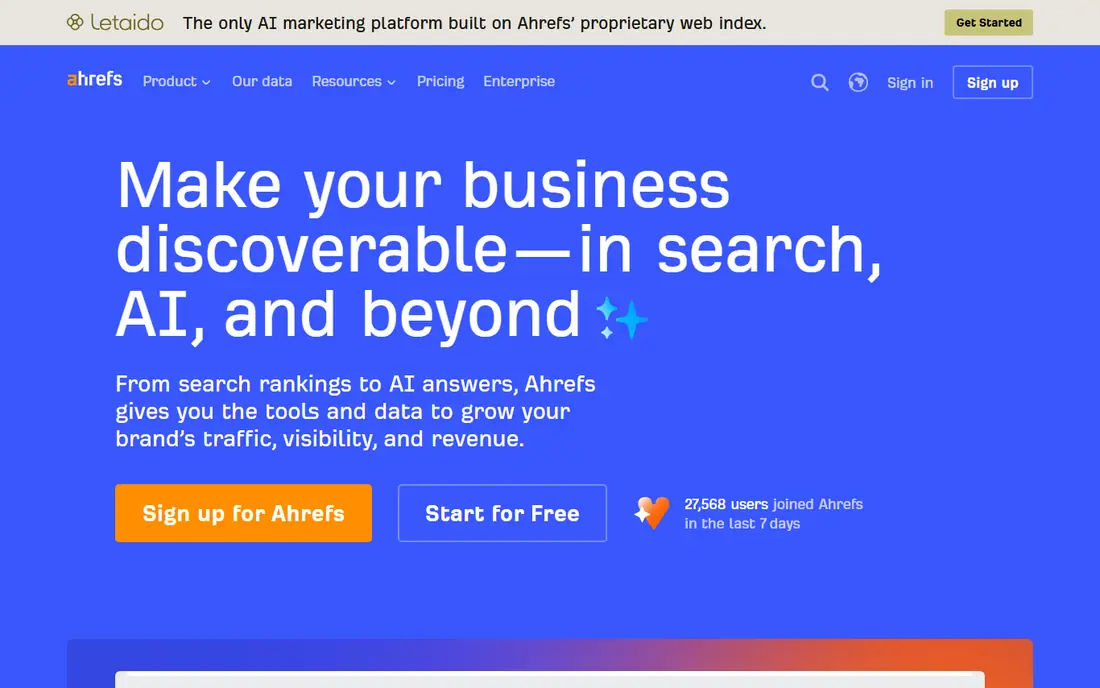
Ahrefs suits a team that needs keyword data it can trust across many topics. Keywords Explorer shows volume, difficulty, clicks, and parent topics, and it links a keyword to the pages that rank for it. That link helps a writer judge whether a term needs a guide, a product page, or a comparison, rather than guessing intent from the phrase alone.
The catch is that keyword research is part of a larger suite, so a research-only buyer pays for audits and backlinks too. Ahrefs offers limited free tools for verified sites, which help a small site test the data. For a team already using Ahrefs for other SEO work, Keywords Explorer is a natural, strong choice.
- Large keyword database with difficulty and traffic data
- Strong competitor keyword views
- Keywords Explorer links research to content and ranking data
- Full access sits in a paid suite
- Keyword limits vary by plan
- Learning curve for new users
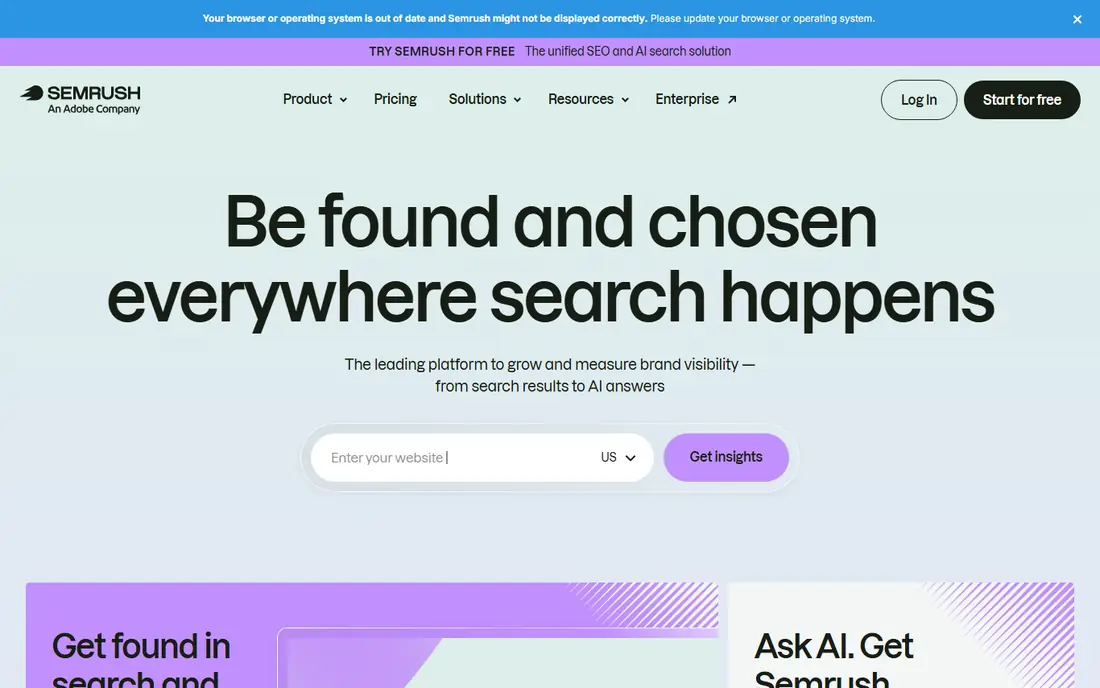
Semrush suits a marketing team that researches, writes, audits, and tracks in one place. Keyword Magic Tool expands a seed term into related phrases, groups them by intent, and filters by difficulty and volume. That grouping helps a team plan a cluster of pages rather than one post at a time.
The trade-off is scope and price. A blogger with a short list may not need the full suite, and the free account covers only a small taste. Trial the tool with your real seed keywords, and check whether the intent groups match what you see in search results. If the rest of the suite stays unused, a focused tool may be better value.
- Keyword Magic Tool gives large related-keyword lists
- Intent and difficulty filters
- Research sits next to audits and tracking
- Cost rises with limits
- Interface covers many tools, so focus takes time
- Free account limits are tight
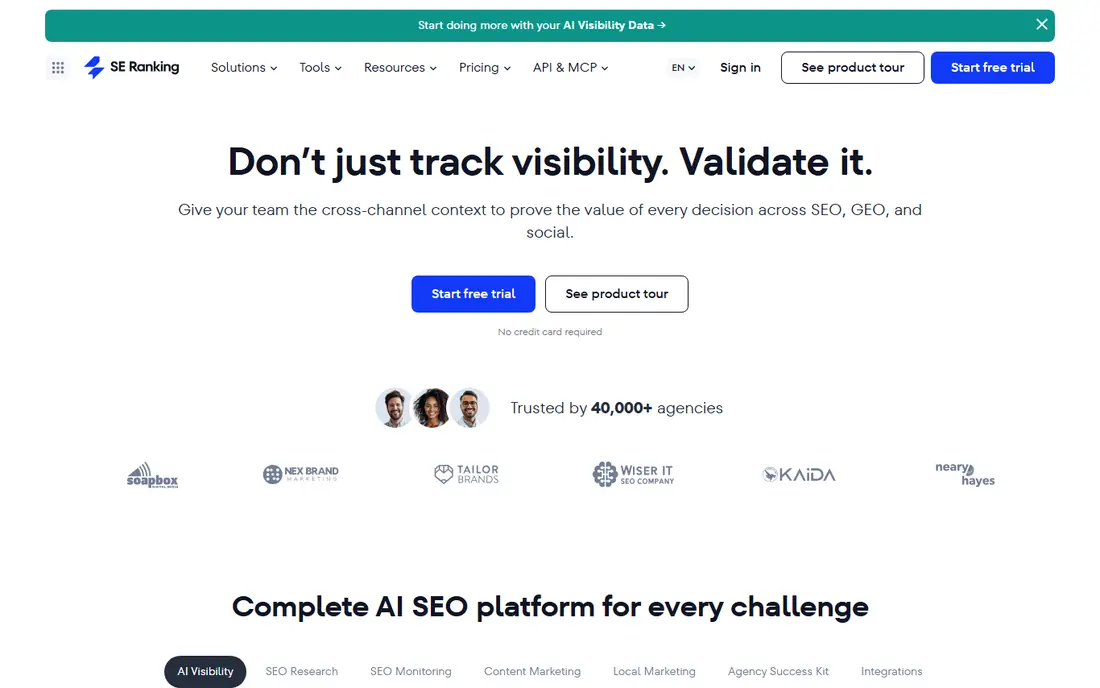
SE Ranking suits agencies and in-house teams that research many keywords and then track them daily. The research tools cover volume, difficulty, and related terms, and researched keywords can move straight into tracking projects. The Core starting price shown on the vendor homepage is 103.20 dollars per month on annual billing, which gives room for volume work.
The honest catch is depth in very niche topics, where the largest databases may show more long-tail phrases. Compare the same seed terms across SE Ranking and a larger suite during the trial to judge coverage for your niche. For routine agency research plus tracking, SE Ranking offers a clear, practical balance.
- Keyword research inside a broad SEO suite
- Daily rank tracking for researched terms
- Starting price shown on the vendor homepage
- Research depth is less than the largest suites in some niches
- Add-ons add cost
- Interface covers many tools
Mangools KWFinder suits beginners, bloggers, and small site owners who want keyword data without a complex suite. Enter a seed term, see related keywords with difficulty and volume, and check the search results for a term in the same view. That simplicity helps a new writer pick winnable terms instead of chasing high-volume phrases that are hard to rank for.
The catch is scale. Larger suites may show more long-tail terms and deeper competitor data, and KWFinder limits vary by plan. For a small site with a focused niche, those limits rarely matter, and the bundle with SERPChecker and LinkMiner adds value. Trial it with your niche terms to confirm coverage before committing.
- Simple, clear keyword difficulty and volume views
- Friendly for beginners
- Bundled with SERP and link tools
- Database is smaller than the largest suites
- Limits on entry plans
- Less competitor depth
Moz Keyword Explorer suits teams that want a clear, readable view of difficulty and opportunity. The priority score combines volume, difficulty, and opportunity into one starting point, which helps a team sort a long list quickly. SERP analysis shows who ranks now, so a writer can judge whether a new page has a realistic chance.
The trade-off is coverage in some niches, where larger databases may list more terms. Use the free trial to test your own seed list, and compare difficulty scores with what you see in search results. For teams that value clear scoring and learning resources, Moz remains a dependable research tool.
- Clear difficulty, opportunity, and priority scores
- Useful SERP analysis
- Long history in SEO education and guides
- Database coverage varies by niche
- Full features need a paid plan
- Research is part of a suite
Google Keyword Planner suits anyone who wants a free, Google-based check before spending on a paid tool. It shows related keywords and volume ranges, and it helps advertisers plan budgets and groups. For a small business already running ads, it fits naturally into that workflow.
The honest catch is precision for organic work. Volume ranges are broad for accounts without ad spend, and the tool does not give organic difficulty or intent in the way paid tools do. Use it as a free cross-check, then confirm difficulty and intent in a paid tool or by reading the search results. For a zero-cost start, it is still useful.
- Free and direct from Google
- Useful for ad planning and broad volume ranges
- Shows related terms for a seed keyword
- Volume is shown as a range, not an exact figure, for most accounts
- Built for ads, not organic difficulty
- Needs a Google Ads account
AnswerThePublic suits writers and content teams looking for questions people actually ask. Enter a topic and see questions, prepositions, and comparisons grouped visually, which sparks article angles, FAQ sections, and video topics. It is especially useful when a keyword list feels stale and needs fresh phrasing.
The catch is that it is an ideas tool first. Volume and difficulty checks still need a suite or a focused keyword tool, and free searches are limited. Use AnswerThePublic to brainstorm, then validate the best ideas in Ahrefs, Semrush, or KWFinder before writing. As a second tool in the workflow, it earns its place.
- Visual question and phrase ideas around a topic
- Strong for content angles and FAQ ideas
- Simple to use for brainstorming
- Volume and difficulty data are limited compared with suites
- Best as a complement, not a main research tool
- Free searches are limited
Ubersuggest suits small businesses, bloggers, and freelancers who need basic keyword data without suite pricing. It shows volume, difficulty, related terms, and content ideas in a plain interface, and domain views help a small team see competitor keywords at a glance. That simplicity keeps research fast for a small list.
The trade-off is depth. Larger suites offer more filters, larger databases, and deeper competitor data, which matter for agencies and competitive niches. For a small site with a focused topic list, Ubersuggest covers the essentials. Trial it with your seed terms and compare difficulty scores with a second tool before relying on it alone.
- Lower-cost research with volume, difficulty, and content ideas
- Simple interface for small teams
- Domain and content views alongside keywords
- Data depth is less than the largest suites
- Limits on free use
- Some features are simpler than suite equivalents
How we picked these
We compared official feature pages, pricing pages, and tool descriptions for keyword research tools available in the United States. We gave weight to volume data, difficulty scoring, intent grouping, related-keyword coverage, and whether the free tier or trial was useful. We did not claim hands-on testing, and we set prices to the vendor figure where we could confirm it on the vendor site, and to See website where plan pricing could change.
How to run keyword research well
Start with a seed list from your products, services, and customer questions, not from a tool alone. Enter those seeds, expand to related terms, and filter by intent: informational terms suit guides, commercial terms suit comparisons, and transactional terms suit product pages. A term with high volume but the wrong intent will bring visits that do not convert.
Next, check difficulty honestly. Read the top results for a term and judge whether your site can compete on content quality, authority, and page type. A tool score helps, but the search results are the real test. Pick a mix of easier terms for quick wins and harder terms for long-term pages, and track the terms you choose so you can see movement over time.
Free tools and paid tools together
A free workflow can work for a small site: Google Keyword Planner for volume ranges, AnswerThePublic for questions, and search results for intent and difficulty. A paid tool adds exact volume, difficulty, and competitor data that save time at scale. Many teams use a free tool for ideas and a paid tool for validation, which keeps costs down without losing rigour.
Avoid common traps
Do not chase volume alone, do not target a term with a page type that does not match intent, and do not build a list so long that tracking becomes work in itself. Review the list each quarter, drop terms that no longer fit, and add terms from new products, questions, and search trends. Keyword research is a routine, not a one-time list.
Frequently asked questions
What is the best keyword research tool?
The best keyword research tool depends on budget and scale. Ahrefs and Semrush suit teams that need deep data plus other SEO tools, SE Ranking suits agencies wanting research and tracking together, and Mangools KWFinder suits beginners. Test the same ten keywords in two tools before choosing, since databases differ.
What are the best keyword research tools for free?
Google Keyword Planner is the best free starting point for volume ranges, and AnswerThePublic offers free searches for question ideas. Mangools, Moz, Semrush, and Ubersuggest offer free trials or limited free use for fuller data. A free workflow works for a small site, but a paid tool saves time when the list grows.
What is the best keyword tool for SEO beginners?
Mangools KWFinder is a strong beginner pick, because difficulty and volume are shown clearly and the interface stays simple. Ubersuggest is also friendly for small budgets. Beginners should still read search results for intent, since a tool score alone does not tell you what page type will rank.
What is the best free keyword research tool?
Google Keyword Planner is the most widely used free keyword research tool, because it is free and comes from Google. Its limits are broad volume ranges and a focus on ads rather than organic difficulty. Pair it with AnswerThePublic for ideas and with search results for intent to get a fuller free picture.
What is the best SEO keyword tool for agencies?
Agencies need volume, tracking, and reporting together, so Semrush, Ahrefs, and SE Ranking are common agency picks, with different strengths in database depth, tracking, and price. Check keyword limits, user seats, and reporting options, since those decide the total cost. Trial the tool with a real client keyword list before signing.
What is the best keyword research software for content ideas?
AnswerThePublic is best for content ideas, because it surfaces questions and phrases around a topic in a visual format. Pair it with a suite for volume and difficulty, so ideas become a prioritised list rather than a long brainstorm. That pairing gives both creativity and a realistic ranking plan.
Sources we checked (8)

Online Jobs is an independent blog about careers, online work, learning new skills and the tools that help people earn. More about us.
Keep reading
All posts
Best Web Scraping Tools
Compare the best web scraping tools in 2026, from no-code Octoparse and Browse AI to Apify, Firecrawl, Bright Data, Zyte, ScraperAPI and free Scrapy, with prices.

Best Web Hosting Services
Find the best web hosting services for your site in 2026. We compare prices, speed, support and ease of use across eight leading hosting providers today.
Best Video Conferencing Software
Looking for the best video conferencing software? We compare 8 meeting apps on price, meeting limits, features, security and ease of use. Read the guide.