Best Job Search Apps in 2026: 9 Apps Compared

How we put this together: we compare official feature and pricing pages, app store listings, privacy policies and public user reviews. Prices change, so check the provider's site before you pay.
Key takeaways
- Indeed is the best general starting point because of its large listing base and strong filters.
- LinkedIn Jobs suits professional roles where networking and recruiter visibility matter as much as the application itself.
- ZipRecruiter and Glassdoor add different strengths, fast matching on one side and employer research on the other.
- Dice, Wellfound and Handshake beat general apps inside their niches, for tech, startups and entry-level roles.
- FlexJobs is worth the paid cost only if remote and flexible work is your main filter and scam screening matters to you.
Quick comparison
| Name | Who it suits | Starting price | Free option | |
|---|---|---|---|---|
 Indeed Indeed | General job search | Free | Yes | Visit |
 LinkedIn Jobs LinkedIn Jobs | Professional networking | Free | Yes | Visit |
 ZipRecruiter ZipRecruiter | Fast matching | Free | Yes | Visit |
 Glassdoor Glassdoor | Employer and salary research | Free | Yes | Visit |
 Monster Monster | General search and resume visibility | Free | Yes | Visit |
 Dice Dice | Tech roles | Free | Yes | Visit |
 Handshake Handshake | Students and entry-level roles | Free | Yes | Visit |
 FlexJobs FlexJobs | Remote and flexible roles | See website | No | Visit |
 Wellfound Wellfound | Startup roles | Free | Yes | Visit |
The best job search apps
A job app should do more than list vacancies. It should help you find roles that fit, apply without friction, and judge an employer before you spend time on interviews. We compared general apps with niche apps, because the best app for a tech role is not always the best app for an hourly role.
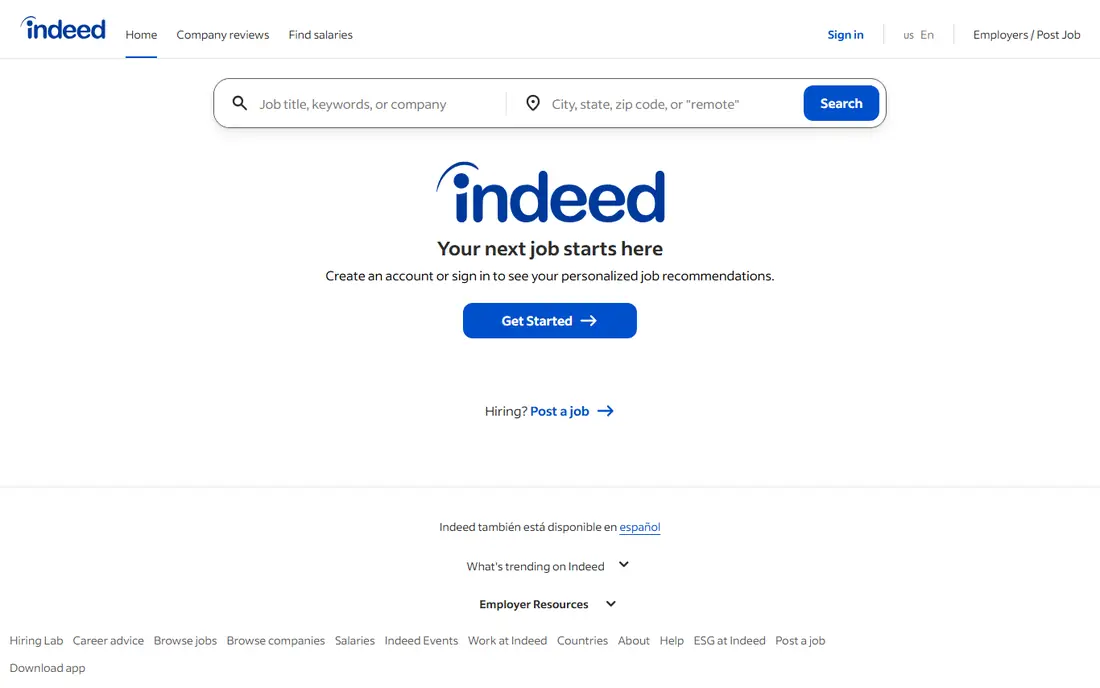
Indeed remains the default general job search app for a simple reason. It aggregates a huge number of listings, from warehouse roles to office roles, and its filters let you narrow by location, pay, schedule and employer. For a job seeker who is still exploring options, that breadth helps you see what is actually available near you.
The downside of breadth is noise. You will see roles that look close but miss on pay, hours or location, and some applications redirect to an employer site with a longer form. Use saved searches and alerts with tight filters, set a daily review limit, and treat Indeed as a discovery tool first. Shortlist carefully, then check the employer directly before applying.
- Very large listing base across industries
- Strong filters for location, salary and job type
- Alerts and saved searches are simple
- High volume means more irrelevant matches
- Some listings lead to employer sites
- Quality varies by role and region
LinkedIn Jobs works best when your profile does part of the work. Recruiters can find you, hiring managers can see your history, and Easy Apply can cut a long form down to a few taps on suitable roles. For professional, corporate and office roles, that combination of search plus network is hard to match with a listings-only app.
The limit is coverage. If you want hourly, warehouse or trade roles, LinkedIn will feel thin compared with Indeed or ZipRecruiter. Premium adds insights and extra messaging options, but the free job search is enough to start. Keep your profile current, use the Open to Work settings thoughtfully, and follow companies you actually want to join.
- Easy Apply on many roles
- Recruiter visibility through your profile
- Networking and company news in the same app
- Premium features cost extra
- Professional roles dominate, so hourly roles are thinner
- Profile upkeep takes time
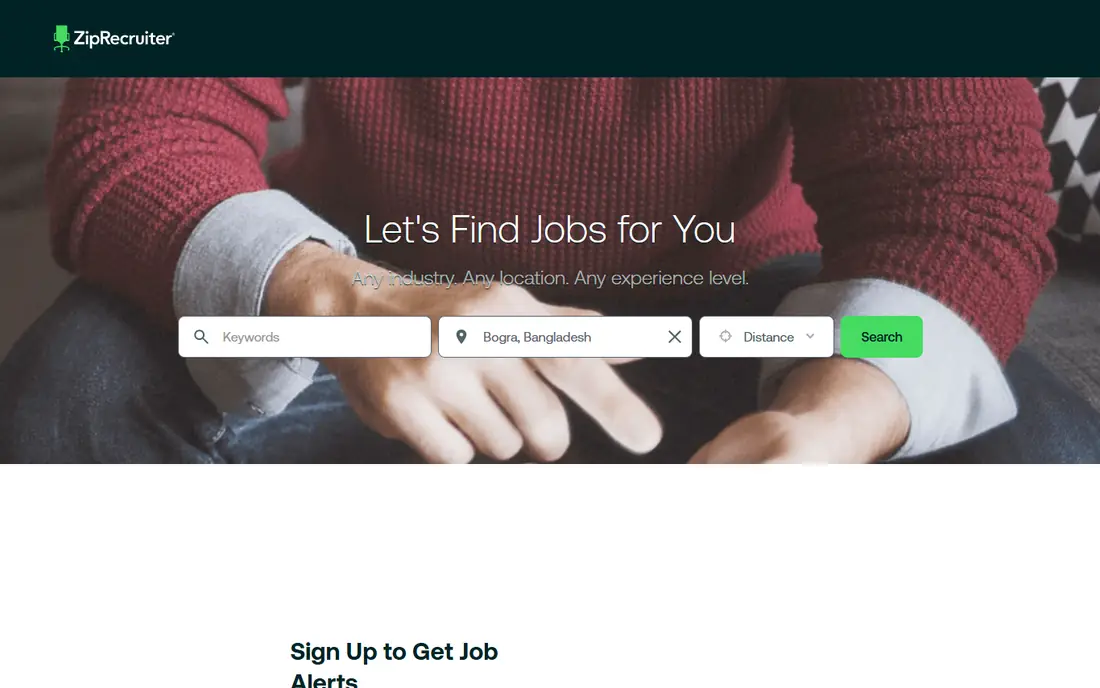
ZipRecruiter is built for speed. Its matching system surfaces roles based on your profile and search history, and alerts can push new matches to your phone quickly. For job seekers who want to apply fast and keep momentum, that mobile-first flow feels easier than opening a desktop site for every role.
Speed does not guarantee fit. Matches can be broad, and the same role may appear through several channels. Treat ZipRecruiter as a fast discovery and alert tool, then read the full description and employer details before applying. A quick application to the wrong role wastes more time than a slower application to the right one.
- AI matching and alerts
- Mobile-first application flow
- Broad distribution across job boards
- Match quality varies
- Some roles are duplicated across boards
- Employer response times still vary
Glassdoor is the research app in this list. Before you apply, you can read employee reviews, check reported salary ranges and get a sense of interview style and management culture. That context helps you avoid roles that look good on pay but fail on hours, support or progression.
Reviews need careful reading. Very positive and very negative reviews are both more likely to be written, so look for patterns across many reviews rather than trusting one story. Salary ranges also vary by location and seniority, so use them as a guide for negotiation, not as a promise. Pair Glassdoor research with Indeed or LinkedIn for the actual application.
- Employee reviews, salary data and culture insight beside listings
- Useful before interviews
- Job alerts included
- Reviews can be polarised
- Salary data varies by role and location
- Some features need an account and contributions
Monster is a generalist with a long history. It covers many industries, lets you upload a resume for employer searches, and offers alerts and templates to speed up applications. For a job seeker who wants a second general source beside Indeed, Monster adds coverage without a new learning curve.
The honest catch is that it no longer leads the general market in most regions. You may find fewer fresh listings than on Indeed, and the design feels dated next to newer apps. That does not make it useless. As a secondary check, especially for traditional office and industrial roles, it can surface roles you missed elsewhere.
- Long-running general job board
- Resume upload and visibility to employers
- Alerts and quick apply on many roles
- Interface feels older than rivals
- Listing volume is lower than Indeed in many markets
- Match relevance varies
Dice is the niche pick for technology work. Because it only lists tech roles, filters can focus on programming languages, tools, clearance, remote status and contract type, rather than forcing tech jobs into general categories. That focus saves time for developers, engineers, data staff and IT support workers.
The limit is obvious. If you are not looking for tech work, Dice has nothing for you. Even inside tech, some listings come through recruiters, so read the employer and role details carefully. For a tech job search, use Dice alongside LinkedIn, and use Indeed only as a broader backup check.
- Tech-only focus with skill filters
- Contract and full-time tech roles
- Salary tools and recruiter visibility for tech skills
- Only useful for tech careers
- Non-tech roles are out of scope
- Some roles are recruiter-led rather than direct
Handshake is built for the start of a career. It connects students and recent graduates with internships, part-time roles and entry-level full-time jobs, often through employers that actively recruit from colleges. For a first job, that employer intent matters, because many general boards bury entry-level roles under senior listings.
Access depends on your school and region, so coverage will not be equal for everyone. Senior professionals will find it thin. If you are a student or recent graduate, create a complete profile, set alerts for your field, and apply early, since campus-linked roles can fill faster than general listings.
- Strong for students and recent graduates
- Internships and entry-level roles
- Employer links to colleges and universities
- Best access depends on your institution
- Senior roles are thinner
- Coverage varies by country and school
FlexJobs charges for access, and that cost is the point to weigh carefully. Listings are hand-screened for remote, hybrid, part-time and freelance work, which can save time and reduce exposure to scam postings. For a job seeker whose main filter is remote work, that screening has real value.
For everyone else, the paid barrier is a drawback. If you are open to on-site work, free apps will give you a larger base at no cost. Try the free search view first, check whether remote roles in your field appear regularly, and only pay if the screened list is clearly better than what you find free elsewhere.
- Hand-screened remote and flexible listings
- Strong filters for schedule and remote type
- Reduces scam and low-quality listings
- Paid access for full details
- Not the largest listing base
- Less useful if you want on-site roles
Wellfound, formerly AngelList Talent, is the startup app in this list. Many listings show salary ranges and equity upfront, and candidates can often reach founders directly rather than going through layers of recruiters. For people who want startup pace, broad responsibility and equity upside, that transparency is a real advantage.
The trade-off is risk and scope. Startups can change direction, freeze hiring or fail, and corporate roles are thin here. Read funding stage, team size and role history carefully, and weigh equity as a possible upside rather than guaranteed pay. Pair Wellfound with LinkedIn if you want both startup and corporate options in one search.
- Salary and equity transparency on many roles
- Direct founder access
- Strong for early-stage startup jobs
- Startup focus means fewer corporate roles
- Equity details vary
- Early-stage risk is higher than at large employers
How we picked these
We compared official feature pages, pricing pages, app store listings, privacy policies and public reviews for job search apps. We favoured apps that are free for job seekers, except where a paid model clearly adds screening value, and we checked application flow, alerts, filters and employer research tools. Where a price could not be confirmed from the vendor, we used See website rather than repeating a third-party figure.
We did not claim hands-on testing that did not happen. Our judgement rests on vendor documentation, published features and reviewer reports about match quality, application friction and listing coverage. That is why the list mixes large general apps with niche apps, rather than ranking every app on listing count alone.
How to run a job search without burning out
Pick two apps, not eight. Use one general app for breadth and one niche or research app for fit. Set alerts with tight filters for location, pay and job type, and review them once or twice a day instead of checking constantly. That rhythm keeps you responsive without turning the search into a full-time scroll.
Apply in batches and track replies
Keep a simple tracker with role, company, date applied, contact and next step. Apply in focused batches, tailor the top lines of each application to the role, and follow up once where an employer contact is given. A tracker also shows which app actually produces interviews, so you can drop a source that only produces noise.
Research before the interview, not after the offer
Check Glassdoor reviews, salary ranges and company news before you invest hours in interviews. Look for patterns in reviews about management, hours and progression. Use that research to prepare questions about team size, onboarding and success measures, rather than only answering employer questions.
Watch for scams and weak listings
Be wary of roles that ask for payment, bank details or personal documents before an interview, or that promise unusually high pay for vague work. Check the employer website and contact details independently. A legitimate employer will not rush you into paying for training or equipment as a condition of hiring.
Frequently asked questions
What is the best job search app overall?
Indeed is the best general job search app for most people, because of listing breadth and filters. LinkedIn Jobs is the best professional app when networking matters, and ZipRecruiter is strong for fast mobile applications. The best overall pick depends on your field and whether you need general or niche coverage.
What is the best app for job search with one-click apply?
LinkedIn Easy Apply and ZipRecruiter offer the smoothest fast-apply flows on suitable roles, and Indeed also offers quick apply on many listings. One-click apply works best when your profile and resume are complete, because employers still screen on those details after the quick form.
What are the best job finding apps for entry-level positions?
Handshake is the best app for students and recent graduates, because it focuses on internships and entry-level roles. Indeed and ZipRecruiter also list many entry-level roles, and Snagajob-style hourly boards can help for shift work. Filter by experience level and apply early for campus-linked roles.
What are the best job search platforms for tech roles?
Dice is the best specialist platform for tech roles, with skill-based filters and tech-only listings. LinkedIn Jobs is the best general professional platform for tech, because recruiters search it actively. Wellfound is the best startup option for tech workers who want salary and equity transparency.
What is the best job application app for fast applications?
ZipRecruiter is built for fast matching and mobile applications, while LinkedIn Easy Apply is fastest for professional roles where your profile is already complete. Indeed is a strong third option for volume. Fast apply helps only if the role fits, so keep filters tight.
Are job search apps free for job seekers?
Most apps in this list are free for job seekers, including Indeed, LinkedIn Jobs, ZipRecruiter, Glassdoor, Monster, Dice, Handshake and Wellfound. FlexJobs is the exception here, with paid access for full details. Employers usually pay for listings and recruiter tools, not job seekers.
Sources we checked (9)

Online Jobs is an independent blog about careers, online work, learning new skills and the tools that help people earn. More about us.
Keep reading
All posts
Best Web Scraping Tools
Compare the best web scraping tools in 2026, from no-code Octoparse and Browse AI to Apify, Firecrawl, Bright Data, Zyte, ScraperAPI and free Scrapy, with prices.
Best Web Hosting Services
Find the best web hosting services for your site in 2026. We compare prices, speed, support and ease of use across eight leading hosting providers today.
Best Video Conferencing Software
Looking for the best video conferencing software? We compare 8 meeting apps on price, meeting limits, features, security and ease of use. Read the guide.