Best iPhone Cleaner App in 2026: 8 Tools Compared

How we put this together: we compare official feature and pricing pages, app store listings, privacy policies and public user reviews. Prices change, so check the provider's site before you pay.
Key takeaways
- iOS limits what cleaner apps can do, so these apps mainly clean photos, videos, contacts, and calendars, not system files.
- Clever Cleaner is the best free starting point, with daily limits and no ads in its free tier.
- CleanMyPhone is the most polished paid photo cleaner, with on-device processing and video compression.
- No cleaner app will make an old iPhone fast by itself, and free storage comes mainly from deleting large videos and duplicates.
Quick comparison
| Name | Who it suits | Starting price | Free option | |
|---|---|---|---|---|
 Clever Cleaner | Free photo cleanup | Free | Yes | Visit |
 CleanMyPhone | Polished photo decluttering | See website | Free trial | Visit |
 Cleaner Kit | All-in-one cleanup | Free | Yes | Visit |
 Cleanup | Duplicate and email cleanup | Free | Yes | Visit |
 Smart Cleaner | Simple storage cleanup | Free | Yes | Visit |
 Easy Cleaner | Beginner-friendly cleanup | Free | Yes | Visit |
 Storage Cleaner | AI photo suggestions | Free | Yes | Visit |
 Phone Cleaner | Contacts and photo cleanup | Free | Yes | Visit |
The best iphone cleaner app
We compared iPhone cleaner apps on what they can actually clean, how they handle your photos, pricing, and privacy. The honest starting point matters: iOS does not let third-party apps delete system junk, clear other apps' caches, or speed up the processor. What these apps can do is help you find duplicate photos, large videos, old screenshots, and similar images, then delete them with your approval.
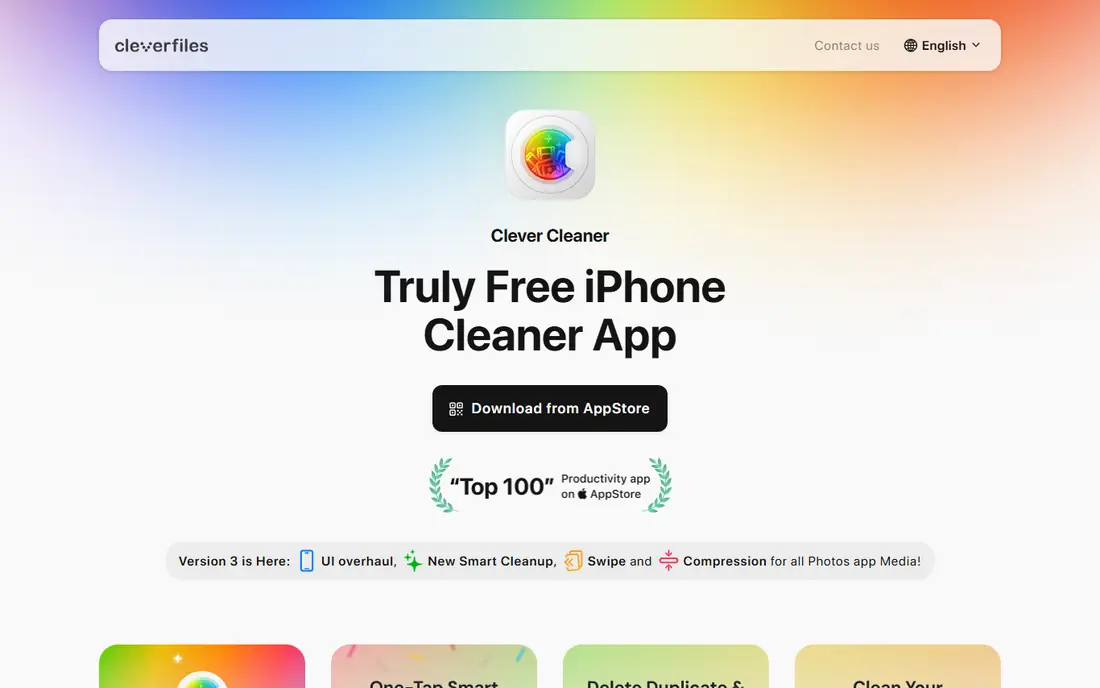
Clever Cleaner, from the team behind Disk Drill, is the best free starting point for most iPhone users. It groups duplicate and similar photos, picks the best shot in each group, sorts videos by size, and converts Live Photos to still images to save space. Deleted items go to the Recently Deleted folder in Photos, so a mistake can be undone within the usual window.
The free tier has daily limits on some tools, though the swipe tool is unrestricted, and a paid plan removes those limits. A lifetime purchase is listed at 39.99 dollars, with a weekly plan also available. If you want to clean a phone this week without a subscription decision, start here and see how much space the free tier frees up.
- Free tier with daily limits
- No ads in free use
- On-device processing
- Daily limits on some tools
- IPhone only
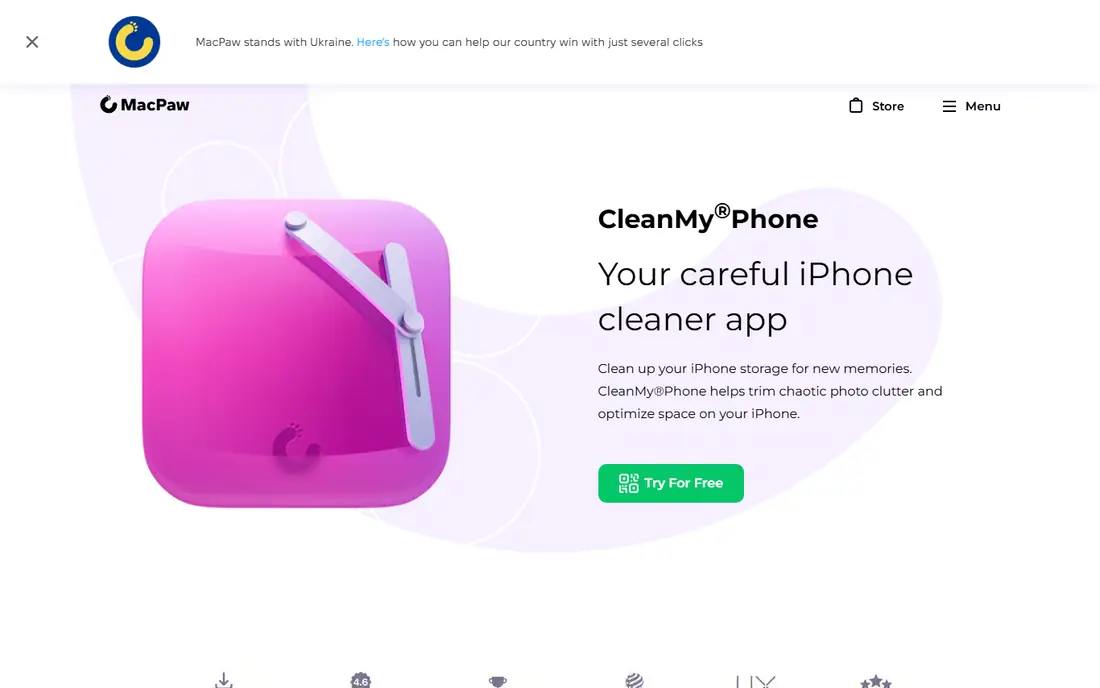
CleanMyPhone, from MacPaw, is the most polished cleaner in this list. It scans your library for duplicates, similar photos, blurry images, screenshots, and large videos, and it can compress videos or convert Live Photos to stills. Processing happens on the device, so your photos are not uploaded for cleanup, which is a real privacy advantage.
The free version limits cleanup mainly to larger videos and screenshots, with full access behind a premium plan or trial. Check the current monthly, annual, and lifetime prices on the MacPaw site before subscribing, since offers change. For users who want a pleasant, careful photo cleanup and are willing to pay, CleanMyPhone is a strong choice.
- Clean interface
- Duplicate and blurry photo detection
- Video compression
- IOS only
- Full features need a paid plan
- Cleaning is limited to photos and videos
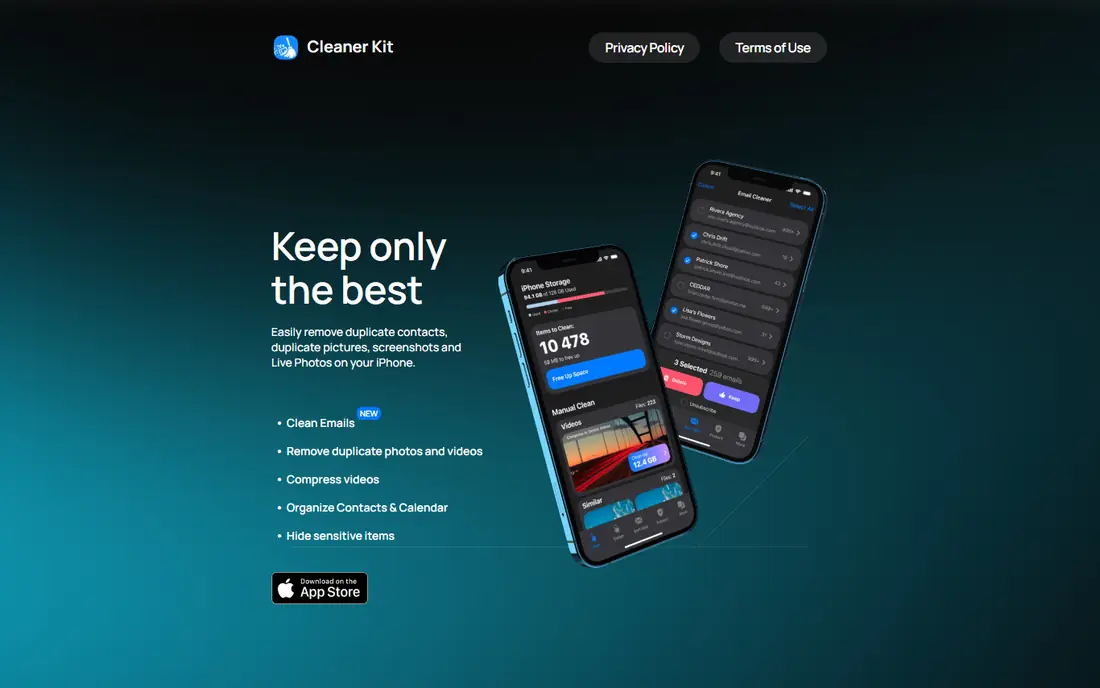
Cleaner Kit packs several cleanup jobs into one app: duplicate photos, similar videos, large videos, screenshots, duplicate contacts, and old calendar events. It also offers a passcode-protected space for sensitive photos and contacts, which suits people who want to hide items without deleting them. That breadth makes it a good one-app choice for a full tidy-up.
The pricing needs care. Premium plans are listed in weekly and other tiers, with prices varying by plan, so a weekly subscription can add up fast if you forget to cancel. Use it for a focused cleanup session, cancel promptly if you do not need it ongoing, and check the App Store listing for the exact plan before paying.
- Photo, video, contact, and calendar cleanup
- Secret space for sensitive items
- Large user base
- Subscription pricing is weekly in many plans
- Privacy label is broader than rivals
Cleanup is known for fast duplicate detection and a clear confirmation screen before anything is deleted, which helps avoid losing a photo you wanted to keep. It also offers email cleanup tools, which can help if inbox clutter bothers you as much as photo clutter. The interface is straightforward, and scans run quickly even on larger libraries.
The main drawback is pricing. The Pro plan is sold by the week in many listings, with a free trial, so it suits a one-time cleanup rather than a long subscription. Download it free, run a scan, and decide whether the cleanup is worth a short paid period. For a single, focused tidy-up, it does the job well.
- Strong duplicate grouping
- Email cleanup tools
- Confirmation before deletion
- Weekly pricing in many plans
- Free use is limited
Smart Cleaner aims for simplicity: scan your library, review suggestions, and delete what you do not need. It covers the core jobs, such as duplicate photos, large videos, and old screenshots, without adding many extra tools. That focus suits beginners who find larger cleaner apps overwhelming.
The trade-off is depth. It does not match CleanMyPhone for polish or Cleaner Kit for breadth, and some features need a paid plan. Check the App Store listing for current prices before subscribing. If you want a simple, low-friction cleanup and nothing else, Smart Cleaner is an easy place to start.
- Simple interface
- Photo and video cleanup
- Easy to use for beginners
- Smaller feature set than rivals
- Some features need a paid plan
Easy Cleaner is built for users who have never used a cleaner app. Its first scan is quick, its categories are clear, and it explains what each group contains before you delete anything. That clarity matters, because the biggest risk with any cleaner is deleting a photo you meant to keep.
Advanced users may find it thin, with fewer controls for similar photos and video compression than paid rivals. The free tools cover a basic cleanup, with a paid plan for fuller use. Start here if you want a gentle introduction to iPhone cleanup, and move to a deeper app only if you still need more space after a first pass.
- Easy first scan
- Clear categories
- Free core tools
- Limited advanced tools
- Paid plan needed for full cleanup
Storage Cleaner uses AI suggestions to group duplicates, similar photos, and low-quality images, then shows a storage overview so you can see which categories use the most space. That overview helps you decide where to focus, rather than deleting at random. For a phone full of burst photos and screenshots, the grouping can save a lot of manual scrolling.
AI suggestions are recommendations, not automatic deletions, so always review a group before confirming. A similar photo is not always a duplicate, and the best shot in a burst is a matter of taste. Use the app to find candidates, then keep the photos that matter and delete the rest with care.
- AI suggestions for duplicates and similar photos
- Storage overview
- Free core use
- Suggestions need checking
- Full features may need a paid plan
Phone Cleaner covers two jobs that often go together: cleaning up photos and tidying contacts. It finds duplicate and similar photos, large videos, and screenshots, and it can also flag duplicate or incomplete contacts. Previewing items before deletion helps avoid mistakes, especially with contacts where a wrong merge is harder to undo.
It is narrower than Cleaner Kit and less polished than CleanMyPhone, so it suits users who want a simple, focused tool rather than an all-in-one suite. Check the current paid plan on the App Store listing before subscribing. For a quick photo and contact tidy-up, it is a practical, low-cost option.
- Photo and contact cleanup
- Preview before deletion
- Free core tools
- Narrower feature set
- Paid plan needed for some tools
How we picked these
We checked official feature pages, App Store listings, and pricing information for each app, and we favored apps that are actively maintained and available in October 2026. We looked for real photo, video, contact, and calendar cleanup, clear previews before deletion, and honest pricing. We also weighed privacy, since a cleaner app gets access to your photo library, and we favored on-device processing where it was stated.
We did not include apps that promise to clean system junk, boost RAM, or speed up an iPhone by magic, because iOS does not allow those actions. Any app making those claims should be treated with caution, and the apps here are judged on the photo and media cleanup they can actually do.
Buying guide: what an iPhone cleaner can and cannot do
Start with what iOS allows. A cleaner app can help you delete photos, videos, contacts, and calendar items you approve, and it can compress some media. It cannot delete system files, clear another app's cache, or change how fast your processor runs. If your phone feels slow, check storage, battery health, and background apps first.
Clean photos before you pay
Run a free scan first, and see how much space duplicates, screenshots, and large videos actually use. Often, a free tier frees enough space for a one-time cleanup, and a subscription is only worth it if you clean regularly or have a very large library. Always review deletions, and remember that deleted photos sit in Recently Deleted for a time.
Check privacy and pricing together
A cleaner app needs photo library access, so check its privacy policy and whether processing happens on the device. Also check whether pricing is weekly, monthly, annual, or lifetime, since weekly plans add up quickly. Set a reminder to cancel a trial before it renews, and avoid any app that deletes without a preview.
Frequently asked questions
Do iPhone cleaner apps really work?
They work for photo and media cleanup, such as duplicates, similar photos, large videos, and old screenshots. They do not clean system junk or speed up your iPhone in the way Android cleaners claim to, because iOS restricts what third-party apps can access and delete.
What is the best free iPhone cleaner app?
Clever Cleaner is the best free starting point, with a free tier, daily limits, and no ads in free use. CleanMyPhone and Cleaner Kit offer free scans and trials, but their full cleanup needs a paid plan. Try the free tier first to see how much space you actually recover.
Can a cleaner app speed up my iPhone?
Not directly. Freeing storage can help if your phone is nearly full, since iOS needs free space for updates and temporary files, but a cleaner cannot make the processor faster or fix an old battery. If slowness persists, check battery health and consider which apps run in the background.
Is it safe to let a cleaner app access my photos?
It can be safe with a reputable app, but the access is broad, so choose carefully. Favor apps with on-device processing, a clear privacy policy, and a preview before deletion. Avoid apps that upload your library without explanation or delete items automatically.
Should I pay weekly for a cleaner app?
Usually not for long. Weekly plans suit a single cleanup session if you cancel promptly, but they become expensive over months. A lifetime or annual plan is better value if you clean often, and a free tier is enough for many one-time cleanups.
What should I delete first to free iPhone storage?
Start with large videos, duplicate and similar photos, old screenshots, and burst photos you do not need. Then check downloaded videos, podcasts, and large apps in iPhone Settings under Storage. Back up photos you want to keep before deleting them from the phone.
Sources we checked (7)

Online Jobs is an independent blog about careers, online work, learning new skills and the tools that help people earn. More about us.
Keep reading
All posts
n8n Alternatives
n8n alternatives compared for 2026, with Zapier, Make, Activepieces, and more, covering visual builders, code steps, self-hosting, and pricing models.

eBay Alternatives
Looking for ebay alternatives? We compared 9 marketplaces for sellers on fees, buyer reach, categories and ease of listing, to help you sell with confidence.

ZoomInfo Alternatives
The best ZoomInfo alternatives in 2026, compared on price, free plans, data coverage, and which tool fits small teams or large sales teams best in detail.