Best Invoicing Software for Freelancers in 2026: 8 Tools Compared


Hourly freelancers and service work · Starting price: $23 per month
How we put this together: we compare official feature and pricing pages, app store listings, privacy policies and public user reviews. Prices change, so check the provider's site before you pay.
Key takeaways
- Wave and Zoho Invoice are our picks for freelancers who want invoicing free, with payment processing as the only regular cost.
- FreshBooks is the best paid pick for service freelancers who bill by the hour and want time tracking tied to invoices.
- Bonsai suits freelancers who also need proposals and contracts, not just invoices.
- Square Invoices fits freelancers who already take payments through Square in person.
- Always add payment processing fees to the subscription price, because they often cost more than the software itself.
Quick comparison
| Name | Who it suits | Starting price | Free option | |
|---|---|---|---|---|
| FreshBooks | Hourly freelancers and service work | $23 per month | Free trial | Visit |
 Wave | Free invoicing for freelancers | Free | Yes | Visit |
 Zoho Invoice | Free invoicing for small rosters | Free | Yes | Visit |
 Invoice Ninja | Budget freelancers who want control | Free | Yes | Visit |
 Square Invoices | Freelancers already using Square | Free | Yes | Visit |
 Bonsai | Proposals, contracts and invoicing together | $19 per month | Free trial | Visit |
 HoneyBook | Client workflow for creative freelancers | See website | Free trial | Visit |
 QuickBooks Online | Freelancers who want full accounting | $38 per month | Free trial | Visit |
The best invoicing software for freelancers
Getting paid is the least enjoyable part of freelancing, and the right tool makes it boring in a good way. You send a clean invoice, the client pays online, reminders go out automatically, and late payments shrink. The tools below range from genuinely free invoicing to full workflow platforms, so the right pick depends on how many clients you have and how you bill.
The list below starts with the strongest paid all-rounder and moves through free options to workflow and accounting tools.
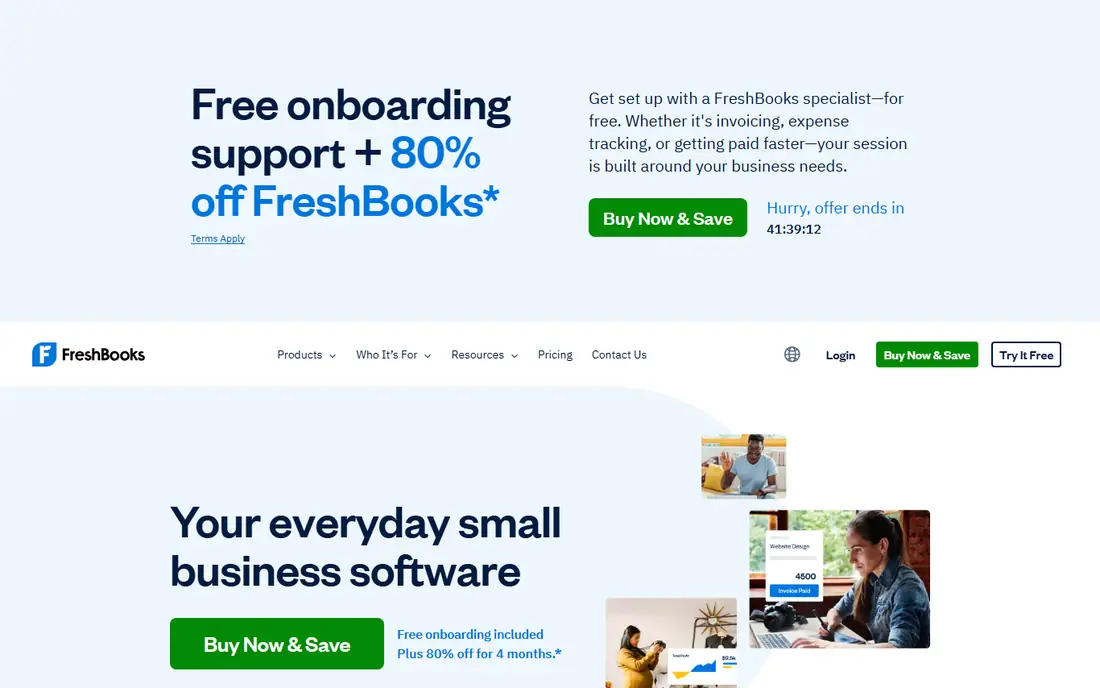
FreshBooks is the invoicing-first pick for freelancers who bill for their time. Track hours on a project, turn them into an invoice in a few clicks, and send a payment page that looks professional without design work. Automatic reminders, late fees and recurring invoices for retainers cover the follow-up work freelancers most often skip.
The Lite plan starts at $23 per month in recent listings, with a 30-day free trial and a cap of five billable clients on Lite. That cap is the key check: a freelancer with six active clients needs the next plan up. If you bill hourly and want time and invoicing in one place, FreshBooks earns its monthly fee. If you send two invoices a month for fixed projects, a free tool below will do.
- Excellent time tracking tied to invoices
- Polished client payment pages
- Automatic reminders and recurring invoices
- No permanent free plan
- Lite plan caps billable clients
- Per-user costs add up for a team
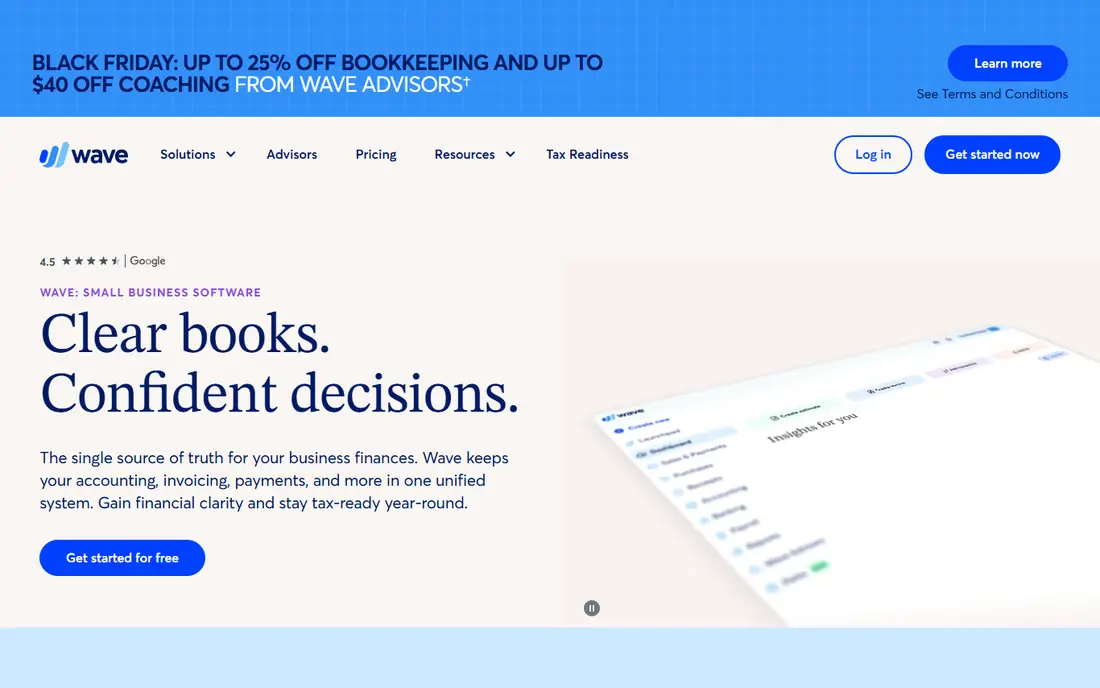
Wave is the best free starting point for a freelancer who wants to spend nothing on software. Invoicing and basic bookkeeping are free, you can send unlimited invoices in recent listings, and clients can pay by card or bank transfer. Automatic reminders help with late payers without extra effort.
The cost appears in payment processing, not subscription, so a freelancer who takes many card payments should compare processing rates with a paid tool. Wave also lacks time tracking, so hourly billers must track hours elsewhere and enter amounts manually. If your work is project-priced and your budget is zero, Wave is the obvious first trial.
- Free invoicing and bookkeeping
- Unlimited invoices in recent listings
- Bank payments and card payments included
- No time tracking
- Payment processing fees apply
- Some features sit on paid add-ons
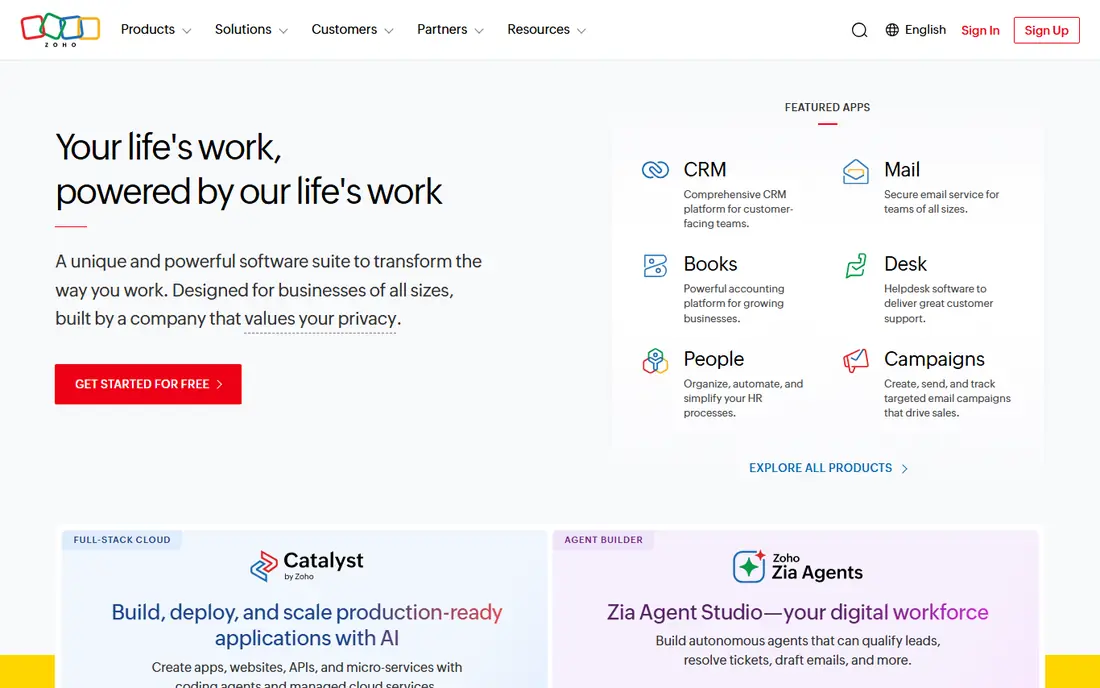
Zoho Invoice is the other genuinely free option, and for some freelancers it is the better one. Templates are customizable, multi-currency support helps freelancers with overseas clients, and recurring invoices and payment reminders are included. Recent listings describe a free plan with limits on users and yearly invoice volume, so check the current limits against your client count.
It pairs well with Zoho Books if you later need full accounting, and it stays free for a solo freelancer with a modest roster. The trade-off is depth: time tracking and project accounting are thinner here than in FreshBooks. For a freelancer sending a handful of invoices a month, Zoho Invoice covers the job at no cost.
- Free invoicing with templates and multi-currency
- Recurring invoices and reminders
- Good for very small teams
- Free plan limits apply to users and volume in recent listings
- Less accounting depth than Zoho Books
Invoice Ninja appeals to freelancers who like control and low cost. The free tier covers invoicing, quotes and basic expenses, with a client cap in recent listings, and paid Pro adds unlimited clients and more features. A self-hosted option lets technical users run the software on their own server, which no other tool in this list offers in the same way.
The interface is functional rather than beautiful, and setup takes a little more patience than Wave or Zoho Invoice. If you want the widest free invoicing with room to grow, or you prefer open-source-style control, Invoice Ninja is a strong pick. If polish and hand-holding matter most, FreshBooks or Wave will feel easier.
- Free tier with invoicing, quotes and expenses
- Self-hosted option for full control
- Many payment gateways
- Free plan caps clients in recent listings
- Interface is more functional than polished
Square Invoices is the natural pick for freelancers who already take payments through Square, such as photographers, stylists or market sellers who also invoice. Send an invoice, let the client pay online, and keep in-person and invoice payments in one ledger. The free tier covers basic invoicing, with a paid Plus plan for more features in recent listings.
Processing fees are the cost to watch, and invoicing features such as time tracking and project billing are thinner than FreshBooks. If Square is already your payment system, the convenience of one ledger outweighs those limits. If you have no Square history, a dedicated invoicing tool will give you more for the same effort.
- Free invoicing tier
- Clients can pay online or in person through Square
- Simple setup for Square users
- Card processing fees apply
- Invoicing depth is thinner than FreshBooks
- Best inside the Square ecosystem
Bonsai is for freelancers whose workflow starts before the invoice. You send a proposal, the client signs a contract, you track time, and then you invoice, all in one system with a client portal. That flow suits consultants, designers and agencies who pitch scoped work and want the paperwork joined up.
The Essentials plan, which covers invoicing, is listed at $19 per month in recent comparisons, with a short free trial and no permanent free plan. A freelancer who only sends simple invoices will find Bonsai more than they need. A freelancer who loses time to proposals and contracts will find it saves more than it costs.
- Proposals, contracts, time tracking and invoicing in one tool
- Client portal
- Good for consultants and agencies
- No permanent free plan
- More tool than a freelancer who only needs invoices
- Pricing varies by plan
HoneyBook is built for creative freelancers such as photographers, planners and designers who manage a client from first inquiry to final payment. Inquiry forms, proposals, contracts, invoices and payments live in one workflow, with automation for follow-ups that would otherwise fall through the cracks. That client journey focus is its strength.
Pricing varies by plan and promotion, so we list See website rather than a figure that may be out of date, and a free trial is offered. It costs more than a pure invoicing tool, so buy it for the whole client workflow, not just invoices. If your clients come through inquiries and need contracts before work starts, HoneyBook fits that pattern well.
- Full client workflow from inquiry to payment
- Templates for proposals, contracts and invoices
- Automation for follow-ups
- Pricing varies and is higher than pure invoicing tools
- Best for creative service businesses, not all freelancers
QuickBooks Online is included because many freelancers eventually need accounting, not just invoicing. The Simple Start plan is listed at $38 per month in recent comparisons, with a 30-day free trial, and it covers invoicing, expense tracking, bank reconciliation and reports your accountant can use directly. That accountant familiarity saves time at tax season.
It is overkill for a freelancer who only needs invoices, and it is the priciest tool in this list. Choose it when your books, taxes and invoicing need to live together, or when your accountant already works in QuickBooks. Start with a free invoicing tool and graduate to QuickBooks when your accounts demand it, rather than paying for accounting depth you do not yet use.
- Full accounting plus invoicing
- The system most US accountants already know
- Strong bank reconciliation and reporting
- Most expensive option here
- More accounting depth than a simple freelancer needs
- Learning curve is higher
How we picked these
We compared official pricing pages, feature pages and recent independent comparisons for invoicing tools, and kept only tools that freelancers can actually use to invoice and get paid today. We favored tools with a free plan or trial, online payment options, recurring invoices and reminders. Where pricing varies by plan or promotion, we wrote See website, and prices shown are starting prices from recent vendor listings.
How to choose invoicing software for freelancers
Count your clients and your invoice volume first. A freelancer with three clients and four invoices a month should start free with Wave or Zoho Invoice. A freelancer with twenty clients, hourly billing and retainers should look at FreshBooks or Bonsai. Then check payment fees, because a low subscription with high card fees can cost more than a paid plan with lower fees.
Trial with a real client invoice
Send a real invoice to yourself in each finalist, pay it by card and by bank transfer, and check how the payment, receipt and reminder look from the client side. Test a recurring invoice, a late reminder and an edited invoice after sending. The tool that makes payment easy for the client is the tool that gets you paid fastest, and that matters more than template variety.
Frequently asked questions
What is the best invoicing software for freelancers?
For most freelancers starting out, Wave or Zoho Invoice cover invoicing free, while FreshBooks at $23 per month is the best paid pick for hourly billing with time tracking. Bonsai suits freelancers who also need proposals and contracts. Your client count and billing style decide the winner.
What is the best free invoicing software for freelancers?
Wave and Zoho Invoice are the strongest free invoicing software for freelancers, with free tiers that cover invoicing, reminders and online payments. Invoice Ninja and Square Invoices also offer free tiers with client or feature limits. Check free limits and payment processing fees before you choose.
What is the best invoicing app for freelancers on a phone?
Wave, FreshBooks, Zoho Invoice and Square Invoices all offer mobile apps for creating, sending and tracking invoices on a phone. FreshBooks has the strongest time tracking on mobile for hourly work, while Wave and Zoho Invoice suit simple invoice sending. Trial the mobile app, not just the desktop site, before you commit.
How much does invoicing software for freelancers cost?
Free tiers exist at Wave, Zoho Invoice, Invoice Ninja and Square Invoices, with payment processing fees on paid invoices. Paid plans in this list start at $19 per month for Bonsai, $23 for FreshBooks and $38 for QuickBooks Online. Add card and bank processing fees to the subscription to find the true cost.
Do I need accounting software as well as invoicing software?
Not always. A freelancer with simple income and expenses can manage with invoicing plus a spreadsheet or a free bookkeeping tool such as Wave. When tax reporting, bank reconciliation and accountant access matter, a full accounting tool such as QuickBooks Online becomes worth its price. Start simple and upgrade when your books demand it.
Can invoicing software chase late payments for me?
Yes, most tools in this list send automatic reminders for overdue invoices, and FreshBooks, Wave, Zoho Invoice and Bonsai all include reminder features. You set the schedule and wording, and the tool follows up without you remembering each due date. Check whether late fees are supported if you charge them.
Sources we checked (8)

Online Jobs is an independent blog about careers, online work, learning new skills and the tools that help people earn. More about us.
Keep reading
All posts
Top AI Financial Software
Searching for top AI financial software? We compared 9 AI finance tools for AP, spend, close, forecasting and bookkeeping to help teams choose wisely.
Quicken Alternatives
Compare the best quicken alternatives for Mac, Windows, and small business owners, from Monarch Money and YNAB to Copilot, Tiller, and Banktivity in 2026.
QuickBooks Online Alternatives
Looking for quickbooks online alternatives? We compared 8 accounting tools on invoicing, bank feeds, payroll, pricing and fit for small businesses today.