Best Invoice Software in 2026: 8 Tools Compared

How we put this together: we compare official feature and pricing pages, app store listings, privacy policies and public user reviews. Prices change, so check the provider's site before you pay.
Key takeaways
- FreshBooks suits freelancers who bill by time or project, with Lite starting at $23 per month.
- Zoho Invoice suits small businesses that want a strong free plan, while Wave suits very small firms that need basic invoicing at no software cost.
- QuickBooks Online and Xero suit businesses that need full accounting beside invoicing, though both cost more.
- Choose by client count, payment options and whether you need accounting, because the cheapest invoice tool can cost more if you outgrow it quickly.
Quick comparison
| Name | Who it suits | Starting price | Free option | |
|---|---|---|---|---|
 FreshBooks FreshBooks | Freelancers and service firms | $23 per month | Free trial | Visit |
 Zoho Invoice Zoho Invoice | Small business free plan | Free | Yes | Visit |
 Wave Wave | Very small firms | Free | Yes | Visit |
 QuickBooks Online QuickBooks Online | Full accounting plus invoicing | See website | Free trial | Visit |
 Xero Xero | Growing firms and accountants | See website | Free trial | Visit |
 Square Invoices Square Invoices | In-person and online sellers | Free | Yes | Visit |
 Invoice Ninja Invoice Ninja | Self-hosting and low cost | Free | Yes | Visit |
 HoneyBook HoneyBook | Creative client workflows | See website | Free trial | Visit |
The best invoice software
Good invoice software does more than make a PDF. It tracks who owes you, sends reminders, accepts online payments and shows which invoices are overdue. We compared official pricing pages, feature pages and app store listings, and we kept only tools that work today for US small businesses. The eight options below cover free, freelancer and full accounting tools.
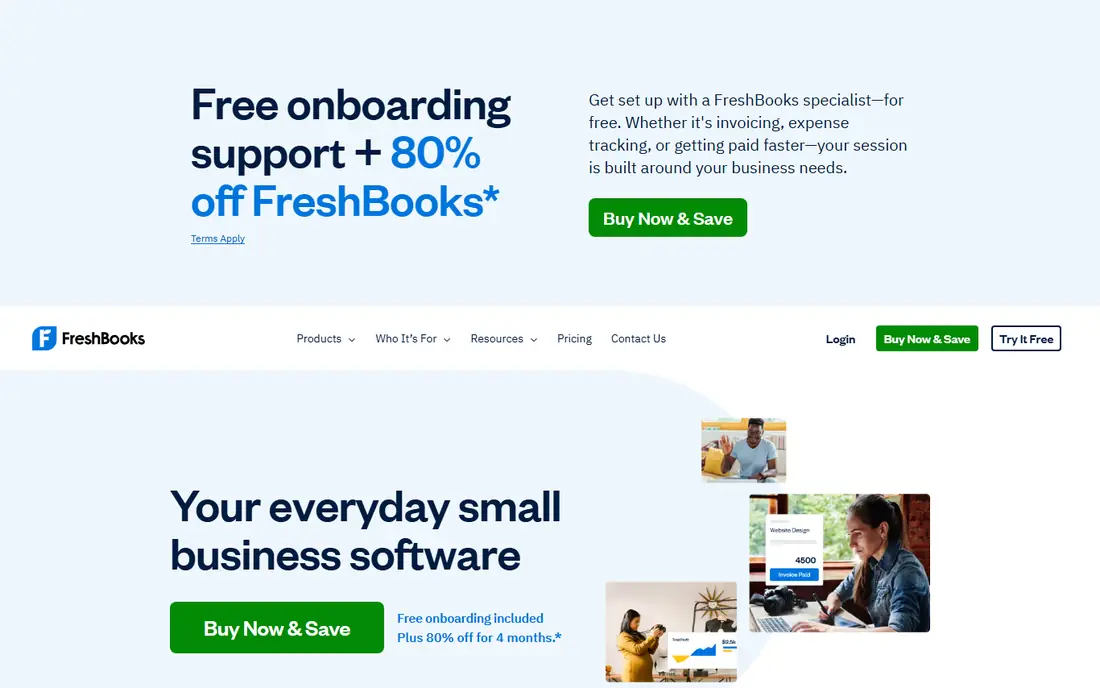
FreshBooks suits freelancers and service firms who bill clients regularly. Lite starts at $23 per month, Plus at $43 per month and Premium at $70 per month, with client limits rising across tiers. Invoices look clean, you can track time and expenses by project, and clients can pay online through a portal, which helps you get paid without chasing paper checks.
The Lite client limit is the main catch. Five billable clients is tight for a working freelancer, so many users need Plus. Payment processing fees also apply on top of the software cost. If you bill by hour or project and want a simple, friendly system, FreshBooks is a strong pick, but budget for Plus if your client list is growing.
- Clean invoices and reminders
- Time tracking and expenses
- Client portal
- Lite limits billable clients to five
- Payment processing fees apply
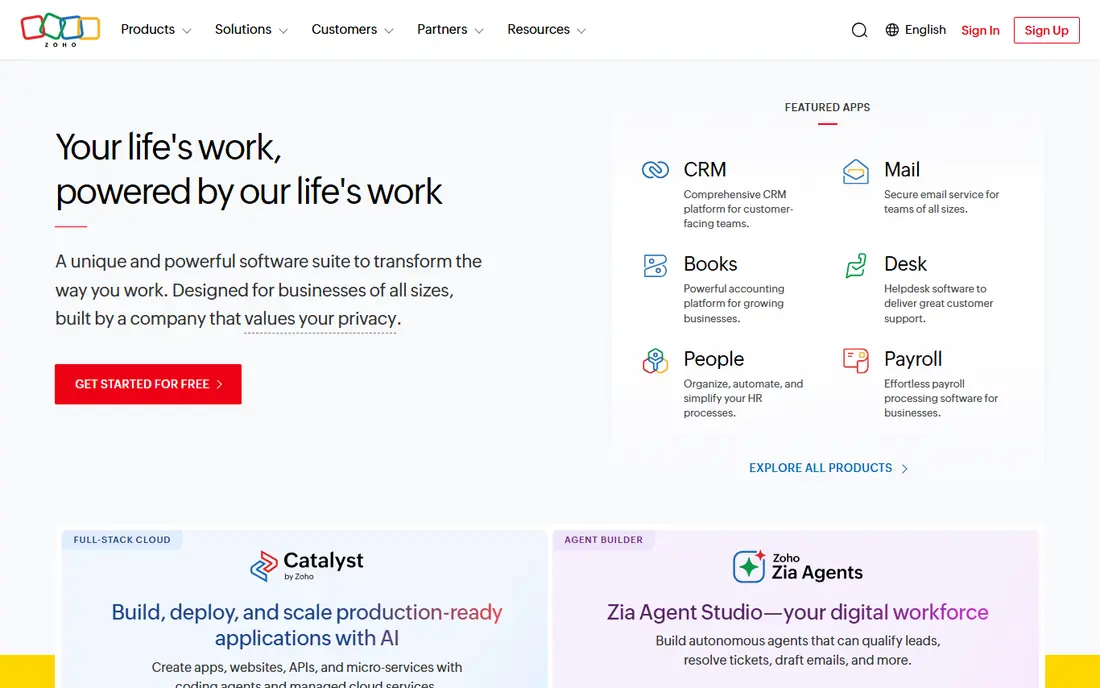
Zoho Invoice suits small businesses that want solid invoicing without a monthly software bill. The free plan covers basic invoicing, templates, payment reminders and client management for smaller firms, and paid options in Zoho Books add full accounting when you need it. Templates look professional, and the app works on phones and computers.
Free plan limits matter as your business grows, and you will need a separate Zoho Books plan for full double-entry accounting, payroll and deeper reports. If you mainly need to send and track invoices, Zoho Invoice gives strong value for free. If you need full accounting now, QuickBooks Online or Xero may fit better.
- Free plan for small firms
- Templates and reminders
- Works with other Zoho apps
- Free plan has limits
- Full accounting needs Zoho Books
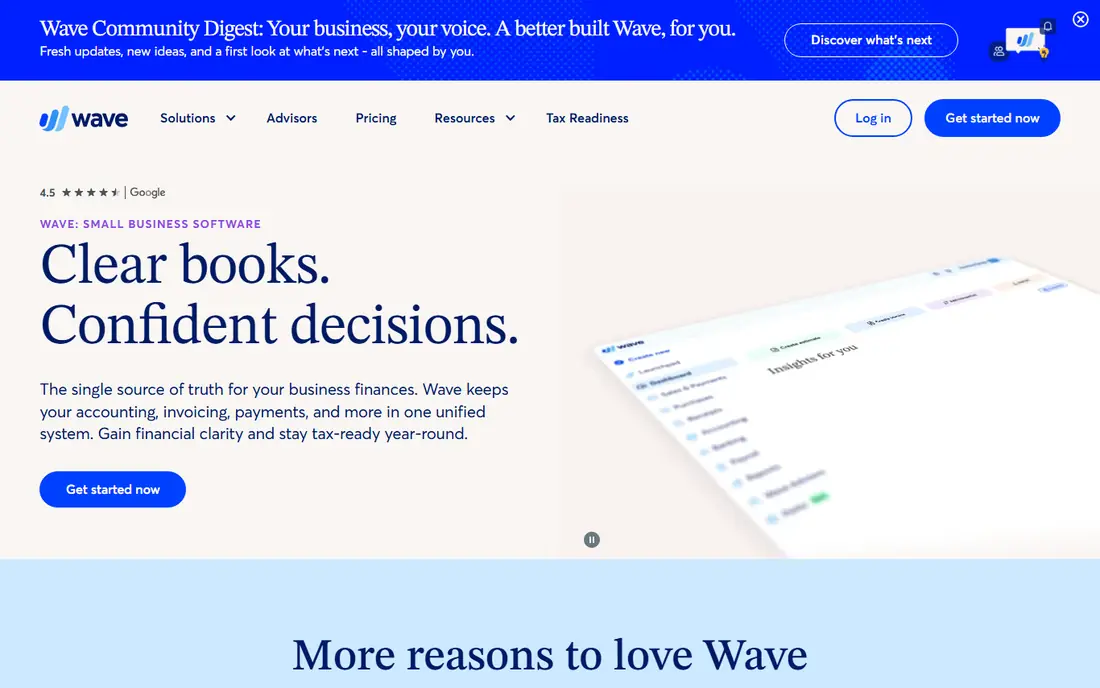
Wave suits very small firms, sole traders and side businesses that need invoicing at no software cost. You can create and send invoices, track payments and manage basic accounting in one free account, with online payment processing available for a fee per transaction. Setup is quick, which helps new businesses that need to bill a first client fast.
Support and advanced features are more limited than paid rivals, and payroll costs extra where offered. Wave also suits US and Canadian businesses best, so check availability for your location. For a tiny firm with simple invoicing needs, Wave is hard to beat on price. For a growing firm with complex accounting, a paid tool will serve you longer.
- Free invoicing and accounting basics
- Simple setup
- Online payments
- Support is more limited
- Payroll and some features cost extra
QuickBooks Online suits businesses that need invoicing plus full accounting in one system. You can send invoices, track expenses, run payroll as an add-on, reconcile bank accounts and share access with an accountant, all inside a platform many US accountants already know. That familiarity can save time at tax season and when you hire bookkeeping help.
The cost and complexity are the trade-offs. QuickBooks Online costs more than Zoho Invoice or Wave, and the interface holds many features that invoice-only users may never open. If you need full accounting, payroll and accountant access, it is a practical choice. If you only send a few invoices a month, a free tool will do the same job for less.
- Full accounting and payroll options
- Wide accountant support
- Many integrations
- Price is higher than invoice-only tools
- Interface can feel busy
Xero suits growing firms that work closely with an accountant. Invoicing, quotes, bank reconciliation and expense tracking sit in one cloud system, and a wide app marketplace lets you add payroll, inventory or time tools as you grow. Accountants in many countries know Xero well, which helps when you need advice or a year-end review.
Pricing rises as you add users and features, and new users may need time to learn the accounting terms and reports. Xero is less focused on simple invoicing than FreshBooks, so freelancers who only need invoices may find it heavy. For a firm that plans to grow and wants accountant-friendly accounting, Xero is a strong long-term pick.
- Strong bank reconciliation
- Invoicing and quotes
- Wide app marketplace
- Price rises with users and features
- Learning time for new users
Square Invoices suits sellers who take payments in person and online. You can send invoices for free, accept card payments through Square, and link sales to Square point of sale and online store tools if you already use them. That link helps cafes, salons, tradespeople and market sellers who invoice some clients and take card payments from others.
Accounting depth is lighter than QuickBooks Online or Xero, so firms that need full reports, payroll and inventory may need another system beside Square. Processing fees apply to card payments, as with other payment tools. If you already use Square for sales, Square Invoices keeps billing and payments in one place with little extra cost.
- Free invoicing
- Easy card payments
- Works with Square point of sale
- Less accounting depth than QuickBooks
- Processing fees apply
Invoice Ninja suits freelancers and small firms that want low-cost invoicing with more control. The free plan covers invoicing, quotes, expenses and client management, and paid plans add more clients, users and features. A self-hosting option lets technical users run the software on their own server, which appeals to privacy-focused firms.
The interface feels less polished than FreshBooks or Square, and self-hosting needs technical setup and maintenance. Most users will use the hosted version, which is simpler and still low cost. If you want a free, flexible invoice tool and do not mind a plainer design, Invoice Ninja is a strong option.
- Free plan with invoicing and quotes
- Self-hosting option
- Many payment gateways
- Interface is less polished
- Self-hosting needs technical setup
HoneyBook suits photographers, designers, planners and other creative professionals who manage a client from inquiry to payment. Invoices sit beside contracts, proposals, questionnaires and scheduling, so you can send a proposal, get a signature and collect payment in one workflow. Automation helps with reminders and follow-ups, which saves time for solo creatives.
HoneyBook is not a full accounting system, so firms that need payroll, inventory or deep reports will need another tool. The price is also higher than free invoice tools, which makes sense only if you use the wider client workflow. For creative businesses that juggle bookings and contracts, HoneyBook can replace several separate tools.
- Invoices plus contracts and proposals
- Client portal
- Automation for bookings
- Price is higher than invoice-only tools
- Less suited to pure accounting
How we picked these
We compared official pricing pages, feature pages and app store listings, and we checked invoice templates, payment options, reminders, client limits and accounting depth. We kept only tools that work today for US small businesses, and we wrote See website where a vendor price was not confirmed at the time of writing. We based strengths on published features and plan limits.
How to choose invoice software
Start with how many clients you bill and how often. A freelancer with five clients can use a free plan, while a firm with fifty clients needs a plan without a tight client limit. Check whether recurring invoices, late reminders and partial payments matter for your work, because those features save the most chasing time.
Next, check payment options. Confirm which card, bank and wallet payments the tool accepts, what processing fees apply, and how long payouts take. A tool with a clean invoice but slow or costly payments can hurt cash flow. Finally, check whether you need accounting beside invoicing. If you do, pick a system your accountant already uses, and test bank reconciliation before you move all clients across.
Templates and getting paid faster
Use a template with your logo, clear payment terms, a due date and a payment link on every invoice. Send invoices promptly after work is done, set automatic reminders for overdue bills, and offer online payment as the default. Small habits like these often matter more than the software brand, because clients pay faster when the next step is obvious.
Frequently asked questions
What is the best invoice software?
FreshBooks suits freelancers, Zoho Invoice suits small firms that want a free plan, and QuickBooks Online suits firms that need full accounting. The best choice depends on client count, payment needs and whether you need accounting beside invoicing. Start free or with a trial, and test a real invoice before you commit.
What is the best invoice app for small business?
Zoho Invoice and Wave both suit small businesses, with Zoho Invoice offering a strong free plan and Wave offering free invoicing plus basic accounting. Square Invoices suits sellers who also take card payments. Pick based on client count, payment methods and whether you need accounting depth.
What is the best free invoice software?
Zoho Invoice, Wave, Square Invoices and Invoice Ninja all offer free invoicing plans with limits. Zoho Invoice suits professional templates and reminders, Wave suits basic accounting beside invoicing, and Invoice Ninja suits users who want self-hosting. Check client and invoice limits on each free plan before you rely on it.
What is the best invoicing software for freelancers?
FreshBooks suits freelancers who bill by time or project, with time tracking and a client portal. HoneyBook suits creative freelancers who also need contracts and proposals. For a free start, Zoho Invoice or Invoice Ninja cover basic freelancer invoicing well.
What is the best app for invoicing on a phone?
FreshBooks, Zoho Invoice, Square Invoices and Wave all offer phone apps for creating and sending invoices, tracking payments and sending reminders. Test creating an invoice, adding a payment link and checking overdue status on your phone, because mobile speed matters when you bill from a job site.
What is the best invoice software for small business accounting?
QuickBooks Online and Xero suit small businesses that need invoicing plus full accounting, bank reconciliation and accountant access. FreshBooks covers lighter accounting for service firms, while Zoho Books pairs with Zoho Invoice for fuller accounting. Choose a system your accountant knows, to save time at year end.
Sources we checked (8)

Online Jobs is an independent blog about careers, online work, learning new skills and the tools that help people earn. More about us.
Keep reading
All posts
Best Web Scraping Tools
Compare the best web scraping tools in 2026, from no-code Octoparse and Browse AI to Apify, Firecrawl, Bright Data, Zyte, ScraperAPI and free Scrapy, with prices.
Best Web Hosting Services
Find the best web hosting services for your site in 2026. We compare prices, speed, support and ease of use across eight leading hosting providers today.
Best Video Conferencing Software
Looking for the best video conferencing software? We compare 8 meeting apps on price, meeting limits, features, security and ease of use. Read the guide.