Best Free Reading Apps in 2026: 8 Apps Compared

How we put this together: we compare official feature and pricing pages, app store listings, privacy policies and public user reviews. Prices change, so check the provider's site before you pay.
Key takeaways
- Libby is the best free route to current ebooks and audiobooks, if you have a public library card.
- Project Gutenberg and Standard Ebooks offer classic books free forever, with no account needed for many titles.
- Kindle, Kobo and Google Play Books offer free apps plus free titles, but most new books still cost money.
- Hoopla suits instant library borrows with no waitlists, where your library offers it.
Quick comparison
| Name | Who it suits | Starting price | Free option | |
|---|---|---|---|---|
 Libby | Free library ebooks | Free | Yes | Visit |
 Hoopla | Instant library borrows | Free | Yes | Visit |
 Project Gutenberg | Classic books free | Free | Yes | Visit |
 Kindle app | Largest ebook store | Free | Yes | Visit |
 Kobo app | EPUB-friendly reading | Free | Yes | Visit |
 Google Play Books | Uploaded EPUB and PDF | Free | Yes | Visit |
 Apple Books | iPhone and iPad reading | Free | Yes | Visit |
 Wattpad | Free community stories | Free | Yes | Visit |
The best free reading apps
Free reading apps fall into three groups: library apps, classic book archives, and store apps with free titles. Library apps give you current books for a loan period. Archives give you classics to keep. Store apps give you a free reader plus a shop. The eight below cover those groups, so you can read more without a subscription.
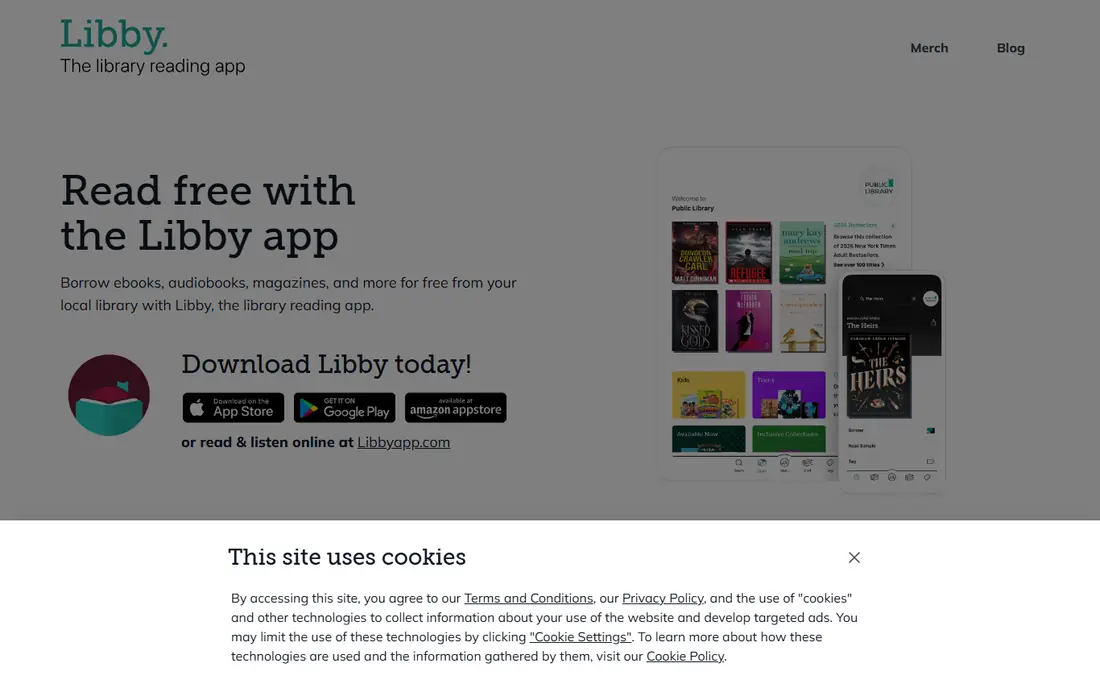
Libby, from OverDrive, is the most valuable free reading app for most readers. With a public library card, you can borrow current ebooks and audiobooks at no cost, with adjustable fonts, bookmarks and offline downloads. There are no ads and no in-app purchases for borrowed titles, which keeps the experience calm.
The limits are structural, not hidden. Popular books carry waitlists because libraries license limited copies, and loans expire on their due dates. Catalogue depth also depends on your library system, although adding every card you qualify for can widen the choice. For current books at no cost, Libby is the first app to set up.
- Free ebooks, audiobooks and magazines with a library card
- No ads
- Offline downloads
- Popular titles have waitlists
- Loan periods end
- Catalogue depends on your library system
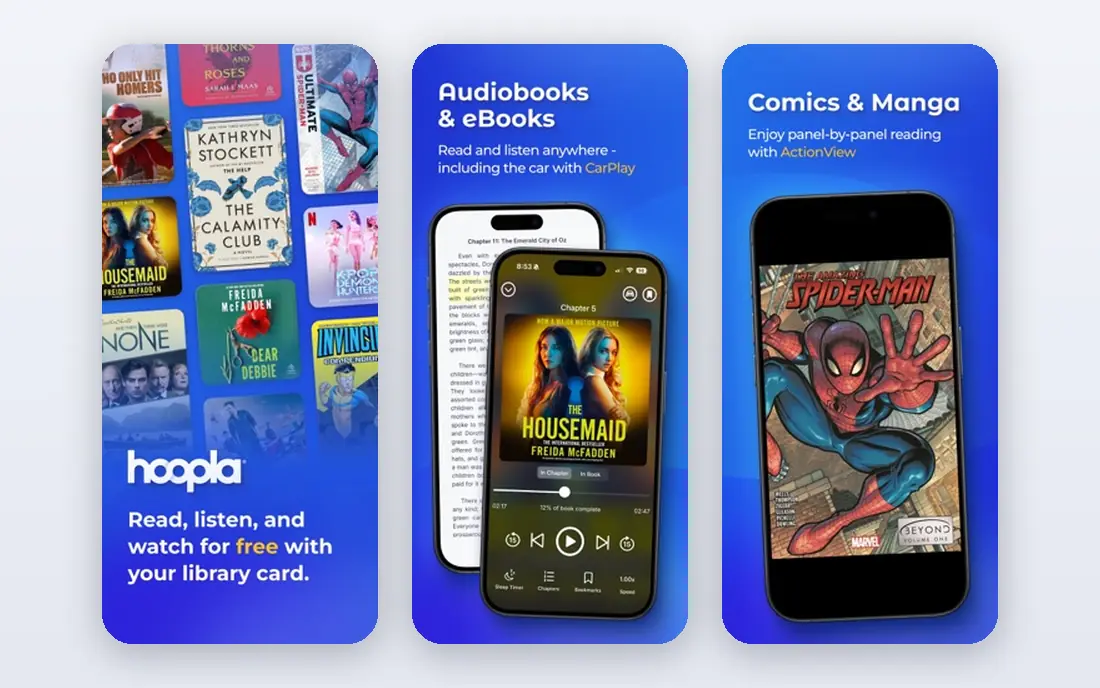
Hoopla solves the main frustration of Libby: waitlists. Where your library offers Hoopla, you can borrow titles instantly, with no queue for a popular book. The service also includes comics, music and video alongside ebooks and audiobooks, which suits households with varied tastes.
The catch is a monthly borrow limit set by your library, so heavy readers may hit the cap. Not every library offers Hoopla, and the catalogue differs from Libby. Used together, Libby for depth and Hoopla for instant access give library readers the best free coverage.
- Instant borrows with no waitlists
- Ebooks, audiobooks, comics and video
- Simple library login
- Monthly borrow limit set by your library
- Catalogue depends on your library
- Not offered by every library
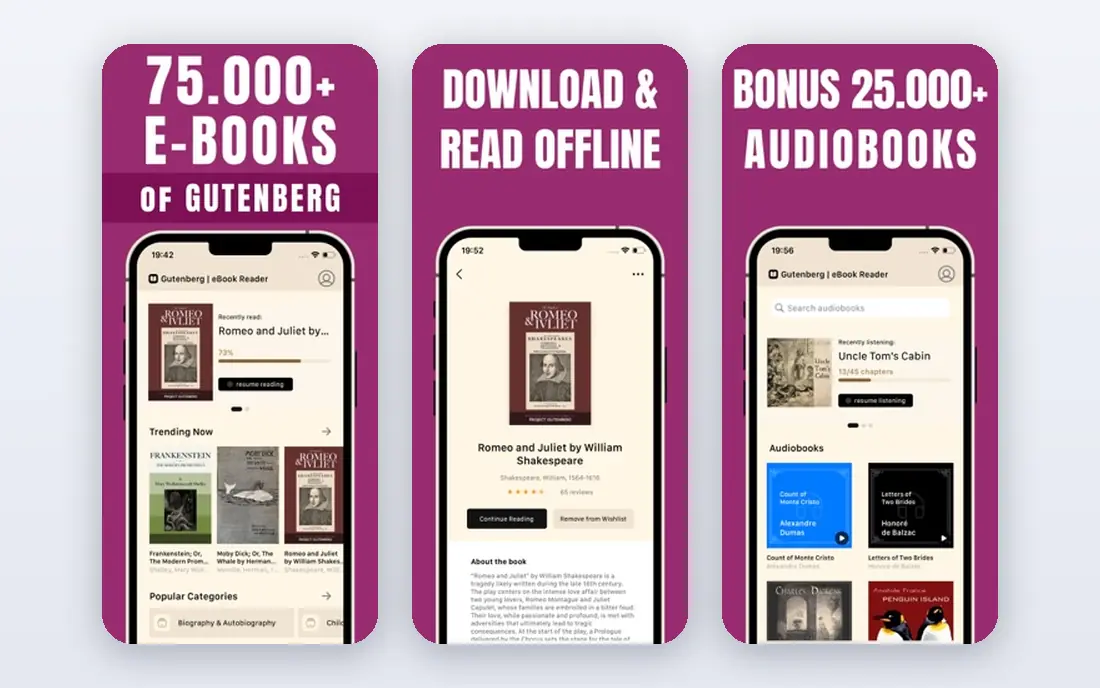
Project Gutenberg is the oldest digital library on the web, with tens of thousands of public-domain books. You can download classics by Austen, Dickens, Twain, Shakespeare and many others in EPUB, Kindle and PDF formats, with no account and no cost. For a classics reader, that catalogue is enough for years.
It does not offer current bestsellers, since those books remain under copyright. The site design is plain, and proof quality varies by title, although popular works are generally clean. Pair Project Gutenberg with Libby, and you cover both classics to keep and current books to borrow.
- Large public-domain catalogue
- No account needed
- EPUB, Kindle and PDF formats
- Classics only, no current bestsellers
- Website and app design is plain
- Proof quality varies by title
The Kindle app is free, even if most new books in the store cost money. It offers thousands of free classics, indie titles and rotating promotional books, plus a large paid store for current releases. Send to Kindle lets you send EPUB and PDF files to your library, which helps if you also use Project Gutenberg.
The main limit is lock-in. Kindle purchases stay in Kindle apps and devices, so moving to another reader later is harder. Kindle Unlimited, at a monthly subscription, is separate from the free app and does not make every book free. For readers who buy from Amazon, the Kindle app is the natural free reader.
- App is free
- Largest ebook store
- Free classics and rotating free titles
- Send to Kindle for files
- Purchases stay in Kindle apps
- Kindle Unlimited is a separate subscription
- EPUB support needs Send to Kindle
Kobo suits readers who prefer EPUB files and an open format. The app is free, the store offers free titles, and your own EPUB files fit more naturally than in the Kindle app. If you own a Kobo eReader, the app and device share a library, which helps for reading across phone and eReader.
The store is smaller than Amazon, and PDF support on iOS is limited. Most current books still cost money, as with any store app. For EPUB readers who want a free app without Kindle lock-in, Kobo is a strong and simple choice.
- App is free
- EPUB-friendly store and uploads
- Free titles available
- Works with Kobo eReaders
- Store is smaller than Kindle
- PDF handling on iOS is limited
- Most new books still cost money
Google Play Books is the most flexible store app for your own files. You can upload EPUB and PDF books to your library and read them on Android, iOS and the web, with sync for position and notes. The store also offers free titles, and purchased books sit alongside your uploads in one library.
Uploads are limited to EPUB and PDF, and the store catalogue is smaller than Kindle. For a reader with a collection of EPUB files from Project Gutenberg or Standard Ebooks, Google Play Books turns a phone into a capable free reader without extra software.
- App is free
- Upload your own EPUB and PDF files
- Free titles available
- Web, Android and iOS reading
- Uploads are EPUB and PDF only
- Store is smaller than Kindle
- Some features vary by device
Apple Books suits readers who stay inside the Apple system. The app is free on iPhone, iPad and Mac, with a clean reading view, adjustable fonts and support for imported files. Free titles and samples help you test the store before buying, and purchases sync across Apple devices.
The limit is platform. There is no Android or Windows version, so readers who switch devices may lose easy access. For an iPhone or iPad reader who wants a simple, free app with a good store, Apple Books is a natural fit.
- App is free on Apple devices
- Clean reading view
- Free titles available
- Imported files supported
- Apple devices only
- Store prices vary
- No Android or Windows app
Wattpad is different from the other apps in this list: it offers community-written stories, not published books from a store or library. Millions of stories across romance, fantasy, mystery and fan fiction are free to read, with new chapters from writers building an audience. That makes it a good source for casual, serial reading.
Quality varies, since anyone can publish, and the free tier includes ads and paid features for some content. Wattpad does not replace Libby or a store for published books. For free, informal reading and discovering new writers, it is a lively and genuinely free option.
- Millions of free community stories
- Many genres
- Offline reading for saved stories
- Quality varies widely
- Paid features and ads in the free tier
- Not a source for published books
How we picked these
We looked for apps that are live in October 2026 and that offer genuinely free reading, not only a free trial. Library apps, public-domain archives and free store apps all qualified, while apps that only offer a short trial did not. We checked vendor and library pages for free tiers, library card needs and borrow limits.
We also kept the groups distinct. A list of eight store apps would miss the free library route, which is the best way to read current books for free. That is why Libby and Hoopla lead the list, with Project Gutenberg for classics and store apps for purchased and uploaded books.
Choosing the right free reading app
Start with a library card if you can
A library card turns Libby and Hoopla into free sources for current ebooks and audiobooks, with no subscription. Check which cards you qualify for, including a card in the city where you study or work, since more than one card widens the catalogue. That single step saves more money than any store promotion.
Use archives for classics you want to keep
Project Gutenberg books do not expire, so they suit a permanent classics library. Download EPUB files and open them in Kindle, Kobo, Google Play Books or Apple Books, depending on your device. That combination gives you a free, lasting library without a subscription.
Pick a store app by your device
Kindle suits Amazon buyers, Kobo suits EPUB readers, Google Play Books suits file uploaders, and Apple Books suits Apple-only readers. The app itself is free in each case, so the choice depends on where you buy books and which devices you use. Avoid buying the same book in two stores.
Check free versus trial carefully
Some apps offer a free trial, not a free tier, and will charge after the trial ends. Libby, Hoopla, Project Gutenberg and the store apps in this list offer free reading without a trial, although paid books and subscriptions remain optional. Read the plan terms before entering payment details.
Frequently asked questions
What are the best free reading apps?
Libby is the best free app for current ebooks and audiobooks with a library card, while Project Gutenberg is the best free source for classics to keep. Hoopla suits instant library borrows, and Kindle, Kobo, Google Play Books and Apple Books offer free apps with free titles plus paid stores.
What is the best app to read free books?
Libby suits current books, because it lends licensed ebooks and audiobooks free through your library. Project Gutenberg suits classics, because its public-domain books are free to download and keep. Use both: Libby for new releases and Project Gutenberg for a permanent classics shelf.
What are the best apps for free books on Android?
Libby, Hoopla, Kindle, Kobo and Google Play Books all work well on Android, with free tiers and offline downloads. Google Play Books is especially useful on Android for uploaded EPUB and PDF files. Apple Books is not available on Android, so Android readers should pick from the other apps.
Can I read books for free without a library card?
Yes, Project Gutenberg offers classics free with no account, and store apps offer free titles and samples without a card. Wattpad also offers free community stories. For current bestsellers free and legally, a library card through Libby or Hoopla is the main route.
Do free reading apps include audiobooks?
Libby and Hoopla both lend audiobooks free with a library card, with playback controls and offline downloads. Store apps such as Kindle and Google Play Books also sell audiobooks, but those are usually paid. For free audiobooks, start with your library apps.
Are free reading apps really free?
Library apps are free to the reader, because the library pays for licenses, while archives such as Project Gutenberg are free because the books are in the public domain. Store apps are free to download, but most new books in their stores cost money. Check whether an app offers a free tier or only a free trial before you sign up.
Sources we checked (8)

Online Jobs is an independent blog about careers, online work, learning new skills and the tools that help people earn. More about us.
Keep reading
All posts
Best Vocabulary Apps
We compare 8 vocabulary apps in 2026, free and paid, for English learners, students, and test prep, with honest notes on what each one does best for daily use.
Best Udemy Alternatives
Explore the best Udemy alternatives for 2026, including Coursera, Skillshare, and LinkedIn Learning, with pricing, certificates, and who each platform suits.
Best Tools for Virtual Tutoring
Compare the best tools for virtual tutoring, from one-to-one tutor marketplaces to free self-paced learning, with pricing, subjects and honest limits.