Best Free Pregnancy Tracking Apps in 2026: 8 Apps Compared


Week-by-week content and community · Starting price: Free
How we put this together: we compare official feature and pricing pages, app store listings, privacy policies and public user reviews. Prices change, so check the provider's site before you pay.
Key takeaways
- What to Expect is the strongest free all-round choice, with week-by-week content, videos, and large community groups.
- Ovia is the best free tracker for detailed health logging, including kick counts, contraction timing, and food safety lookups.
- BabyCenter is a strong free alternative for due-date Birth Clubs, visuals, and childbirth preparation content.
- Pregnancy+ is the pick for visual learners who want interactive baby images, with some tools behind a paid plan.
- These apps give general information only and do not replace medical advice, so use them to prepare questions for prenatal care, not to diagnose symptoms.
Quick comparison
| Name | Who it suits | Starting price | Free option | |
|---|---|---|---|---|
| What to Expect | Week-by-week content and community | Free | Yes | Visit |
 Ovia Pregnancy Tracker | Detailed health tracking | Free | Yes | Visit |
 BabyCenter | Free community and visuals | Free | Yes | Visit |
 Pregnancy+ | Interactive baby visuals | Free | Yes | Visit |
 Flo | Cycle to pregnancy continuity | Free | Yes | Visit |
 The Bump | Planning and checklists | Free | Yes | Visit |
 Glow Nurture | Symptom and health logging | Free | Yes | Visit |
 Baby2Body | Fitness and wellness guidance | Free | Yes | Visit |
The best free pregnancy tracking apps
Free pregnancy apps differ more than their price suggests. Some focus on reading and community, others on logging symptoms and kicks, and a few on fitness and wellness. We compared official app listings, feature pages, and privacy notes to sort them by what each one actually does well. Please note that this article gives general information only and does not replace medical advice from your own clinician.
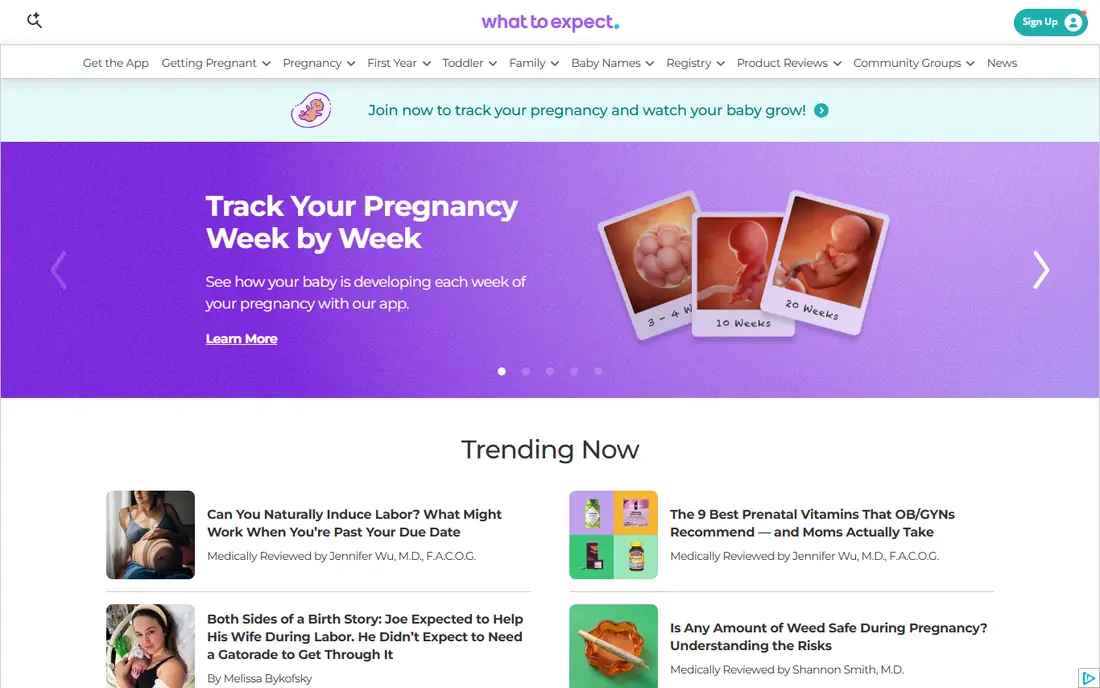
What to Expect is the easiest starting point for most pregnant people. Each week brings a guide to baby development and common body changes, plus videos and checklists that help you prepare for appointments. The forums group users by due date, which makes it simple to find people at the same stage.
The main drawback is the free model itself. Ads appear in the app, and forum posts are peer advice rather than medical guidance, so treat them as shared experience, not instructions. If you want one free app that covers reading, planning, and community, What to Expect is still our first pick.
- Week-by-week guides tied to the well-known book
- Videos and community forums
- Free to download and use
- Ads in the free version
- Community advice varies in quality, so check claims with a clinician
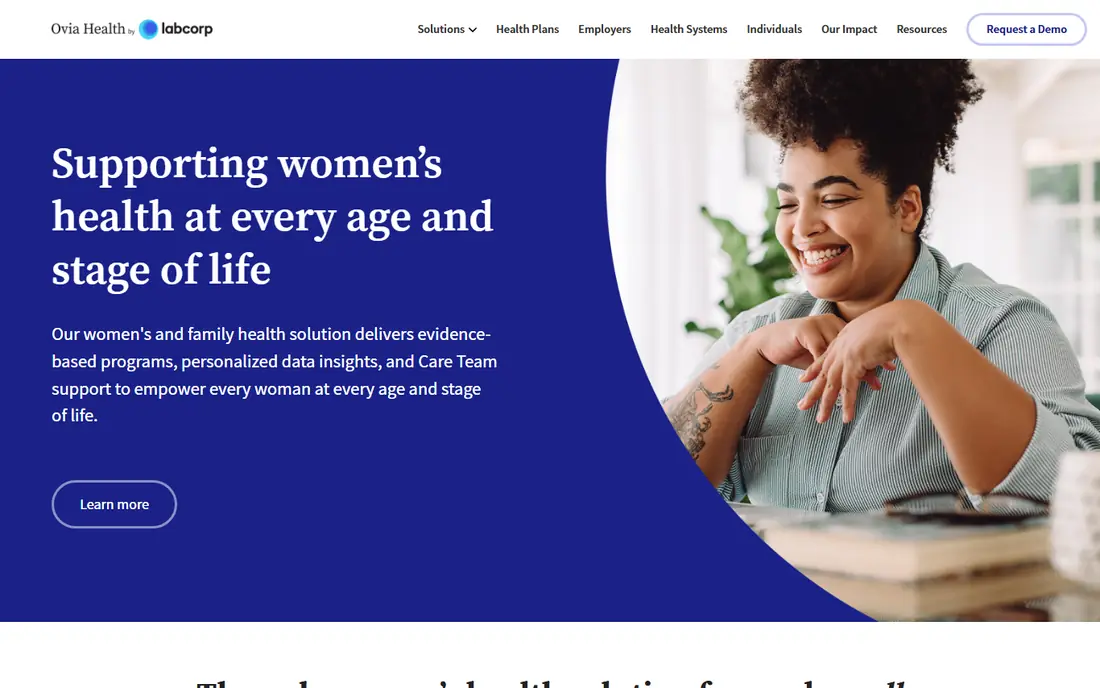
Ovia stands out for tracking. It logs symptoms, weight, sleep, and mood, counts kicks, times contractions, and lets you look up food safety questions that come up daily in pregnancy. It also carries over from cycle tracking into pregnancy and postpartum, so history is not lost when your stage changes.
Ovia is free for consumers, with premium employer and health plan programs adding extra tools, so the core tracker stays usable without payment. As with any health app, read the privacy settings before you log sensitive data, and decide what you are comfortable sharing. For people who like data and daily logging, Ovia is the strongest free tracker here.
- Kick counter and contraction timer
- Symptom and food safety lookups
- Postpartum and cycle continuity
- Premium tools may need an employer or health plan
- Data sharing settings need a careful review
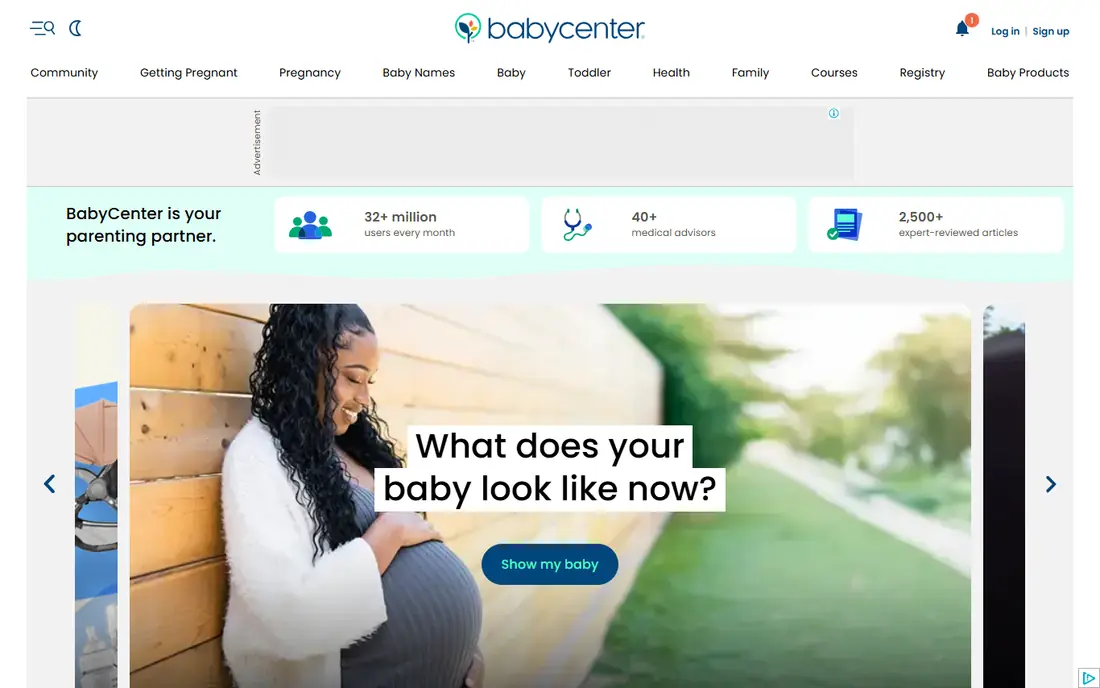
BabyCenter pairs a large content library with Birth Clubs grouped by due month, so users can follow the same timeline together. Its app includes a kick counter and contraction timer alongside week-by-week visuals and articles on labor, feeding, and newborn care. That mix makes it useful well beyond the first trimester.
BabyCenter is free, supported by ads, and its depth can feel overwhelming if you open every article at once. Stick to the weekly guide and your Birth Club at first, then browse deeper topics as questions arise. For a free community with solid visuals, BabyCenter is a close second to What to Expect.
- Birth Clubs by due month
- 3D visuals and kick counter
- Broad childbirth preparation content
- Ads in the free version
- Content volume can feel like a lot to sort through
Pregnancy+, from Philips, is the visual pick. Its interactive models show how a baby may look and grow week by week, and size comparisons turn abstract weeks into something easy to picture. It also includes a kick counter, a contraction timer, and a personal diary for notes and photos.
Some features require a paid upgrade, so check which tools are free before you rely on a specific counter or report. The visuals are illustrations for learning, not scans or medical images, and they should not be used to judge development. If you learn best by seeing, Pregnancy+ makes the weekly changes feel concrete.
- Interactive 3D baby models
- Week-by-week size comparisons
- Kick counter and contraction timer
- Some tools sit behind a paid plan
- Visuals are illustrative, not medical images
Flo is the best pick if your cycle history already lives in Flo. Switching to pregnancy mode keeps past data in one place, and the app adds week-by-week content, symptom logging, and community chats. That continuity matters for people who tracked cycles for months before conceiving.
Flo Premium adds an AI health assistant, extra content, and some trackers, so free users get a slimmer toolset than Ovia offers for free. Flo has also faced past privacy scrutiny, so review its current privacy policy and settings before logging health data. If you already use Flo, staying put is convenient, but if you are starting fresh, Ovia gives more tracking for free.
- Keeps cycle history when moving into pregnancy mode
- Large community
- Symptom logging
- Full features need a paid Premium plan
- Some trackers sit behind that plan
The Bump suits planners. It offers checklists for each trimester, birth plan guides, and registry tools that help you sort baby gear without starting from a blank page. Week-by-week articles cover development and common questions, and the app keeps planning tasks in view.
Tracking is lighter here than in Ovia or Glow Nurture, so people who want detailed symptom or kick logs may want a second app. Registry and shopping content also takes up visible space, which some users will enjoy and others will find distracting. For organized preparation, The Bump is a useful free companion.
- Checklists and registry tools
- Week-by-week content
- Planning guides for birth and baby gear
- Shopping and registry content is prominent
- Tracking tools are lighter than Ovia
Glow Nurture is built around data. It charts symptoms, weight, and other health inputs, offers daily articles tied to your stage, and includes community groups and partner access. After birth, its baby tracker continues with feeding, sleep, and diaper logs, so the app does not end at delivery.
Glow Nurture can feel busy at first, since charts, articles, and community features share the home screen. Some advanced features also require payment, so test the free logging tools before upgrading. For people who want Ovia-style logging with a different community and chart style, Glow Nurture is worth trying.
- Detailed symptom charts
- Community and partner support
- Baby tracker after birth
- Some features need a paid plan
- Interface packs in many options at once
Baby2Body puts the pregnant person, rather than only the baby, at the center. It offers workout guidance matched to pregnancy stage, nutrition ideas, and daily wellbeing tips, with postpartum programs after birth. That focus fills a gap in apps that mainly track kicks and weeks.
Baby2Body is not a full medical tracker, so pair it with Ovia or What to Expect if you want detailed symptom logs. Some programs and plans are paid, while the app itself is free to download. Check any exercise guidance with your clinician, especially if your pregnancy is high risk, and use Baby2Body for movement and wellbeing support rather than medical decisions.
- Pregnancy-safe workout guidance
- Nutrition and wellbeing content
- Stage-matched daily tips
- Fitness focus means lighter medical tracking
- Some programs are paid
How we picked these
We compared official app listings, feature pages, and privacy notes for each app, and we favored apps that are free to download, available in the United States on iOS and Android, and actively maintained. We mixed content-led apps with tracking-led apps and a fitness-led app, so readers can pick by need rather than by download rank alone. Where a vendor does not publish a price, we wrote See website rather than guessing a figure, and all prices here are free starting points with optional paid upgrades.
How to choose a free pregnancy tracking app
Start with what you will actually open every day. If you want reading and company, pick What to Expect or BabyCenter. If you want to log kicks, symptoms, and contractions, pick Ovia or Glow Nurture. If you already track cycles in Flo, stay with Flo for continuity, and add Baby2Body if movement and nutrition guidance matter to you.
Next, check privacy before you log much. Read what data the app collects, whether it sells or shares data, and how to delete your account and history. Set a reminder to review permissions after a few weeks, since free apps often change settings with updates. Finally, bring the app to appointments as a question list, not as a diagnosis, and call your clinician promptly about bleeding, severe pain, reduced movement, or any symptom that worries you.
Frequently asked questions
What is the best pregnancy tracking app free?
What to Expect is our pick for most people, thanks to free week-by-week content and large due-date communities. Ovia is the better pick for detailed tracking, while BabyCenter is a strong free alternative with Birth Clubs and visuals. Try two free apps for a week and keep the one you actually open daily.
What is the best app for tracking pregnancy week by week?
What to Expect, BabyCenter, and Pregnancy+ all offer clear week-by-week guides. What to Expect ties its guides to its well-known book, BabyCenter adds Birth Clubs, and Pregnancy+ adds interactive visuals. All three are free to download, so the best choice is the style of guide you enjoy reading.
Is Flo or Ovia better for pregnancy tracking?
Ovia is better for free pregnancy tracking, with a kick counter, contraction timer, and food safety lookups at no cost to consumers. Flo is better if your cycle history already lives in Flo and you want continuity into pregnancy mode. Flo Premium adds more features, but its free tier is slimmer for pregnancy tracking than Ovia.
Are free pregnancy apps safe to use?
Free pregnancy apps are generally safe as information and logging tools, but they are not medical devices and cannot diagnose problems. Read the privacy policy, limit sensitive data where you can, and use strong account security. Contact your clinician promptly about any concerning symptom rather than relying on an app answer.
Can a pregnancy app replace prenatal care?
No. No app can examine you, run tests, monitor a heartbeat, or make clinical decisions, and regular prenatal appointments remain essential. Apps work best as a complement to care, helping you track symptoms, prepare questions, and learn what to expect between visits.
Sources we checked (8)

Online Jobs is an independent blog about careers, online work, learning new skills and the tools that help people earn. More about us.
Keep reading
All posts
Leg Extension Alternatives
We compare leg extension alternatives that build quad strength at home or in the gym, with honest notes on form, equipment, and knee comfort. for 2026.
Best workout apps for women
Compare the best workout apps for women in 2026, from free guided classes to structured strength plans, with current prices, free plans and honest trade-offs.
Best app for counting calories
Find the best app for counting calories in 2026. We compare MyFitnessPal, Cronometer, Lose It and more on food databases, free plans and ease of use today.