Best Free Music Making Software in 2026: 9 Tools Compared

How we put this together: we compare official feature and pricing pages, app store listings, privacy policies and public user reviews. Prices change, so check the provider's site before you pay.
Key takeaways
- GarageBand is our pick for Mac and iOS beginners, while Cakewalk is the strongest free studio option on Windows.
- Waveform Free and LMMS suit users who want unlimited tracks and cross-platform use without paying.
- BandLab is the best free music making app for collaboration and for starting on a phone or in a browser.
- Audacity is an editor, not a full DAW, so pair it with a DAW for sample editing rather than using it alone for beats.
- The best free producing software depends on your system: check Mac, Windows and Linux support before you download.
Quick comparison
| Name | Who it suits | Starting price | Free option | |
|---|---|---|---|---|
 GarageBand GarageBand | Mac beginners | Free | Yes | Visit |
 Cakewalk Cakewalk | Windows studio recording | Free | Yes | Visit |
 Waveform Free Waveform Free | Cross-platform DAW work | Free | Yes | Visit |
 LMMS LMMS | Electronic beats | Free | Yes | Visit |
 BandLab BandLab | Collaboration and mobile | Free | Yes | Visit |
 SoundBridge SoundBridge | Simple modern DAW workflow | Free | Yes | Visit |
 Ardour Ardour | Serious multi-track recording | Free | Yes | Visit |
 Audacity Audacity | Sample and audio editing | Free | Yes | Visit |
 MPC Beats MPC Beats | Sample-based beat making | Free | Yes | Visit |
The best free music making software
We compared official feature pages, download pages, app store listings and public reviews to find the best free music making software for different makers. The list covers full DAWs, beat tools and an editor, for Mac, Windows, Linux and the browser.
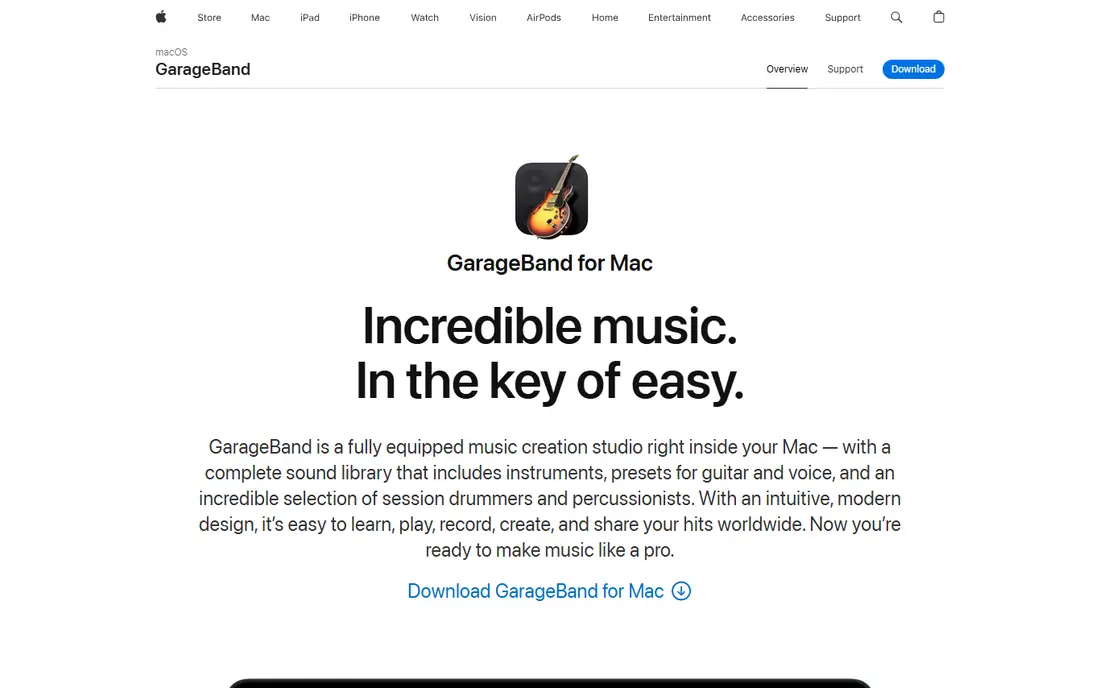
GarageBand fits Mac owners who want to start making music today without buying software. It comes free with Mac and iOS devices, includes virtual instruments, loops and a Drummer tool, and lets you record vocals and instruments in a clean timeline. That low barrier is why it tops many best free music making apps lists for beginners.
The app supports multi-track recording and built-in lessons for guitar and piano in older versions, and projects can move to Logic Pro if you later pay for a fuller studio. That upgrade path matters, since you will not lose early work when you outgrow the free app.
The honest catch is platform. GarageBand does not run on Windows or Linux, so Windows users should start with Cakewalk or Waveform Free instead. It also lacks some advanced mixing and editing depth, but for first songs and demos that gap rarely matters.
- Large loop and instrument library
- Up to 255 tracks in vendor comparisons
- Easy upgrade path to Logic Pro
- Mac and iOS only
- Fewer advanced mixing tools than a full pro DAW
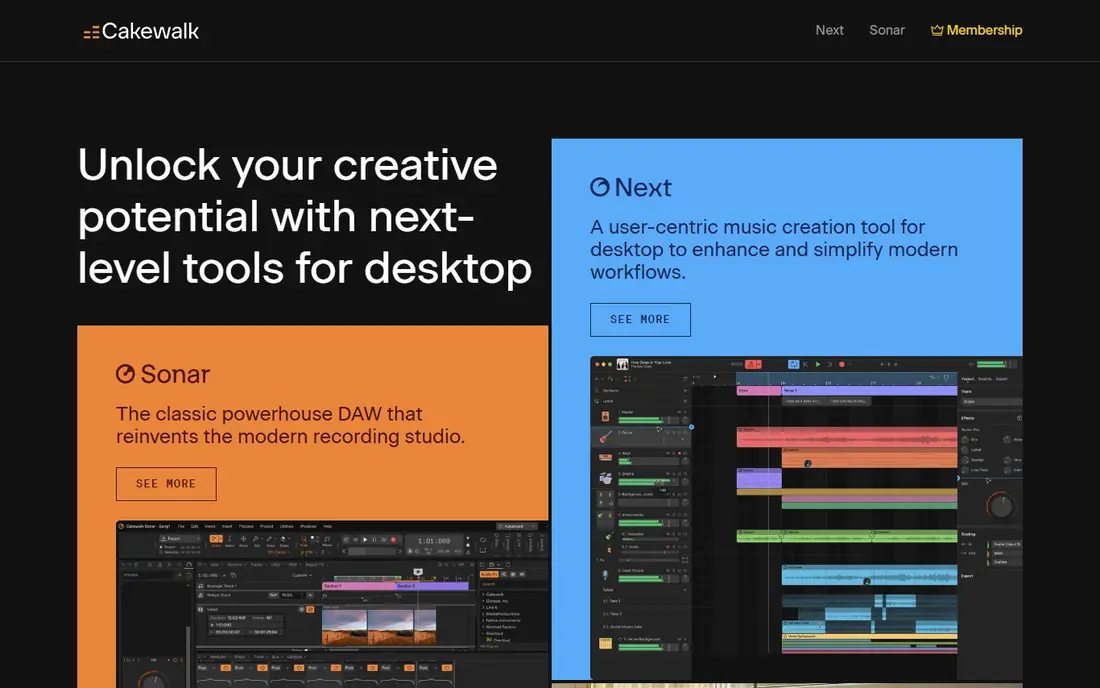
Cakewalk fits Windows users who want a professional studio without paying. Formerly a paid DAW, it is now free through BandLab, with unlimited audio and MIDI tracks, comping for assembling the best take, and a familiar console-style mixing view. That depth makes it the best free software for making music on Windows for bands, vocalists and producers who record live instruments.
The app includes a mastering suite and plugin support, so you can record, mix and finish a track in one program. It also publishes directly through BandLab in some workflows, which helps if you want to share a finished song quickly.
The catch is learning curve and platform. Cakewalk runs on Windows only, and its dense interface takes longer to learn than GarageBand or BandLab. Give yourself a weekend to learn the timeline, mixer and plugin browser before judging it.
- Unlimited tracks
- Full recording, mixing and mastering tools
- VST3 support in vendor comparisons
- Windows only
- Interface can feel dense for complete beginners
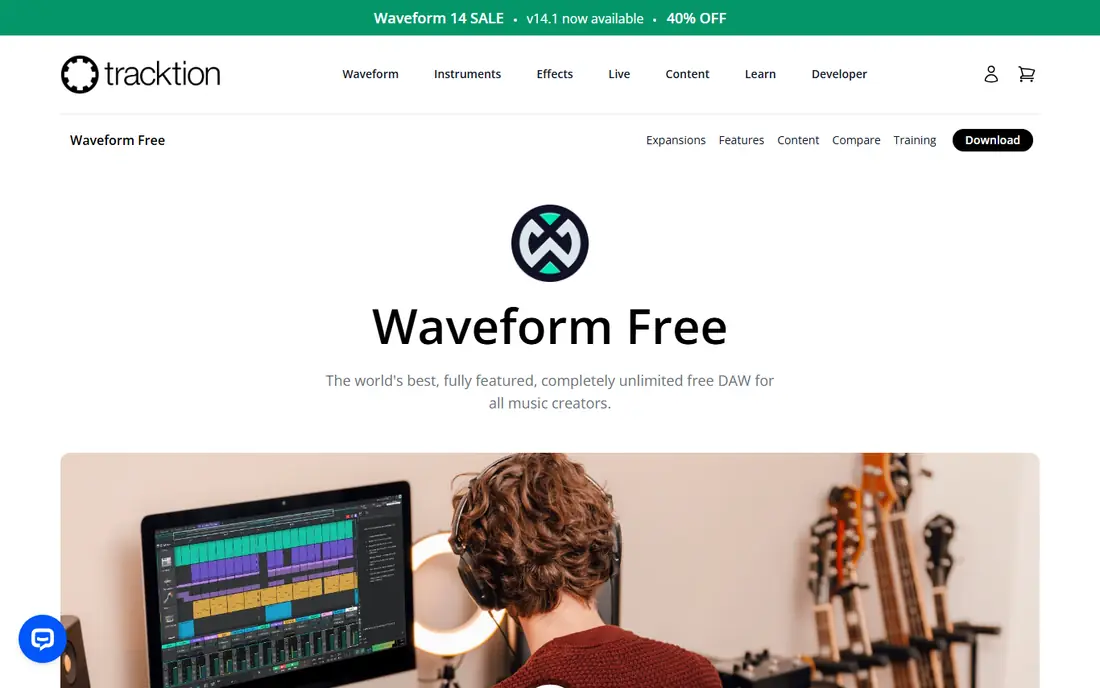
Waveform Free fits producers who move between systems or who want no track limits. It runs on Windows, Mac and Linux, offers unlimited tracks, MIDI editing and automation, and supports third-party plugins. That combination makes it a strong all-rounder for electronic producers and songwriters who do not want to pay for a DAW yet.
The free version is genuinely free for core DAW work, with paid upgrades adding extra instruments and tools. You can build full songs, use your own plugins, and export finished audio without a trial clock.
The catch is feel. Waveform's single-window layout is different from most DAWs, so users coming from GarageBand or Cakewalk may need a few sessions to find their way around. Watch a short starter guide first, then judge it on a real project.
- Unlimited audio and MIDI tracks
- Windows, Mac and Linux support
- VST plugin support
- Interface feels unconventional at first
- Fewer built-in loops than GarageBand
LMMS fits electronic producers who want a free, FL Studio-style workflow. It includes a Beat and Bassline editor, built-in synthesisers and effects, and support for samples and plugins, all on Windows, Mac and Linux. That beat-first design makes it a natural pick for the best beat making software among free tools.
The app is open source, so there is no subscription, trial limit or watermark on exports. You can build patterns, arrange them into a song, and experiment with synthesis without paying for a single instrument.
The catch is polish and recording. The interface looks dated next to GarageBand or BandLab, and live audio recording is less strong than in a studio DAW. Use LMMS for beats and electronic songs, and pair it with Audacity or Ardour if you record a lot of live audio.
- Open source and cross-platform
- Built-in instruments and beat tools
- No cost or track cap in core use
- Dated interface
- Recording live audio is weaker than in Cakewalk or Ardour
BandLab fits beginners and collaborators who want to start on any device. You can make music in a browser, on iOS or on Android, share projects with other musicians, and use loops and virtual instruments without installing a heavy DAW. That access is why BandLab is often named the best free music making app for students and remote collaborators.
The platform is free, with a social side for sharing songs and finding collaborators. You can also master a track and publish it from inside BandLab, which shortens the path from idea to release.
The catch is plugin depth. BandLab's browser DAW does not support VST plugins in the way a desktop DAW does, so producers with a large plugin collection will feel limited. Use BandLab for ideas and collaboration, and move a project to Cakewalk or Waveform Free when you need desktop plugins.
- Free cloud DAW in browser and mobile apps
- Collaboration and sharing built in
- Large loop library
- No VST plugin support in the browser DAW
- Internet needed for cloud projects
SoundBridge fits beginners who want a modern DAW without a steep learning curve. Its layout is cleaner than LMMS, it supports VST plugins, and it includes a drum machine for beat making. That mix suits casual producers who want to learn a DAW workflow without paying or wading through a dense pro interface.
The app is free on Windows and Mac, with a lightweight feel that runs well on modest machines. You can record, sequence and mix in one program, and use third-party plugins as your library grows.
The catch is support material. SoundBridge has a smaller community than GarageBand, Cakewalk or LMMS, so you will find fewer tutorials and templates. If you learn best from videos, check that enough starter guides exist for your style before you commit.
- Modern, beginner-friendly layout
- VST support
- Drum machine and touchscreen support in vendor descriptions
- Smaller community and fewer tutorials than GarageBand or LMMS
- Fewer built-in sounds
Ardour fits serious recordists who want an open source equivalent to a pro studio DAW. It handles multi-track recording, detailed editing and mixing with full plugin support, and it is especially strong on Linux, with Mac and Windows builds also available. Bands, podcasters and engineers who record many tracks at once will appreciate its depth.
The project is open source, and source code is free, though the vendor download page describes different ways to obtain ready-built versions. Check the Ardour download page for the current option on your system before you install.
The catch is learning time. Ardour expects you to understand tracks, buses, routing and plugin chains, so beginners may feel lost at first. If you are new to recording, start with GarageBand or BandLab, and move to Ardour when you need its routing and editing depth.
- Open source multi-track recording and mixing
- Full plugin support
- Strong on Linux and Mac
- Steeper learning curve
- Free download model varies by platform in vendor notes
Audacity fits anyone who needs to edit audio fast. It is the best free tool for chopping samples, cleaning up a recording, changing pitch or tempo, and preparing files for a DAW. Recent versions added real-time effects and VST3 support, which closed a major gap for sample work.
The app is free and open source on Windows, Mac and Linux, with a lightweight install that runs on older machines. Podcasters, sample makers and vocal editors use it daily for tasks that do not need a full DAW timeline.
The honest catch is that Audacity is not a DAW for making beats from scratch. It has no step sequencer, piano roll or virtual drum kit, so use it beside LMMS, Cakewalk or GarageBand: chop and clean samples in Audacity, then arrange them in your DAW.
- Free and open source
- Fast sample chopping and editing
- Broad format support and plugin support
- Not a full beat-making DAW
- No step sequencer or piano roll for beats
MPC Beats fits beat makers who like pads and samples. Based on the MPC workflow from Akai, it lets you trigger samples from pads, build patterns, and arrange beats with a hands-on feel that a mouse-only DAW does not always give. That pad workflow is why it is a strong pick for hip-hop and sample-based producers.
The software is free, with built-in instruments, samples and effects to start with, and it pairs with Akai MPC hardware if you later buy a controller. You can export beats to a fuller DAW for mixing and arrangement.
The catch is scope. MPC Beats is a beat tool first, not a full studio DAW, so mixing, vocal recording and large arrangements are better in Cakewalk, Waveform Free or GarageBand. Use it to make beats, then finish songs elsewhere if you need deeper mixing.
- MPC-style pad workflow
- Built-in sounds and samples
- Clear path to full MPC hardware and software
- More limited than a full DAW
- Best for beats rather than full song mixing
How we picked these
We compared official feature pages, download pages and app store listings, and checked public reviews for how each tool handles recording, beats, mixing and collaboration. We favoured tools that are free in their core form, with no time limit or watermarked exports, and we noted where a tool is an editor rather than a full DAW. Trial versions of paid DAWs were not ranked as free picks, since a trial ends while a free DAW does not.
What to check before you pick free music software
Start with your system and your style. Mac users have an easy first pick in GarageBand, Windows users have Cakewalk, and cross-platform users have Waveform Free and LMMS. Beat makers, live recordists and collaborators need different tools, so pick for your main style first.
Check track limits and plugin support
Some free tools limit tracks, while others offer unlimited tracks but limit plugins or built-in sounds. Waveform Free, Cakewalk and LMMS offer unlimited tracks in vendor comparisons, while BandLab trades plugin support for collaboration. If you already own plugins, check VST or Audio Units support before you download.
Check whether you need a DAW or an editor
A DAW arranges, sequences and mixes a full song, while an editor such as Audacity cuts, cleans and prepares audio. Most makers need both: a DAW for songs and Audacity for samples. If you only need to edit a podcast or a vocal take, Audacity alone may be enough.
Try one project end to end
Download one DAW, make a short song from start to finish, and export it. That single project will teach you more than a week of feature lists: how fast you can find sounds, how the mixer feels, and whether the app runs well on your machine. Only add a second tool when the first one hits a clear limit.
Frequently asked questions
What is the best free music making software?
The best free music making software for most beginners is GarageBand on Mac and Cakewalk on Windows, since both offer full DAW features at no cost. Waveform Free is the best cross-platform pick, LMMS is best for electronic beats, and BandLab is best for collaboration. Pick by system first, then by style.
What are the best free music making apps for phones?
BandLab is the best free music making app for phones and browsers, with a cloud DAW on iOS and Android. GarageBand on iOS is also strong for Apple users, with instruments and loops on iPhone and iPad. For serious mixing and plugins, move a phone project to a desktop DAW when you can.
What is the best free music mixing software?
Cakewalk and Waveform Free are strong free options for mixing, with full mixers, effects and plugin support. Ardour also suits serious mixing, especially on Linux. Audacity can mix simple projects, but it is an editor rather than a full mixing DAW, so use a DAW for larger mixes.
Is GarageBand really free?
Yes, GarageBand is free for Mac and iOS users, and it comes with Apple devices at no extra cost. It includes instruments, loops and multi-track recording, with an upgrade path to Logic Pro for users who later want a fuller studio. Windows and Linux users need a different free DAW.
What is the best beat making software that is free?
LMMS and MPC Beats are strong free picks for beats: LMMS suits pattern-based electronic beats, while MPC Beats suits pad-based sample beats. Waveform Free and Cakewalk also make beats, but they are full DAWs rather than beat-first tools. Try LMMS for electronic styles and MPC Beats for sample-based hip-hop.
Can I release music made with free software?
Yes, songs made with free DAWs can be released, since the tools do not watermark exports in their core free form. Check the licence for any loops or samples you use, since loop licences vary, and keep your project files so you can remix or remaster later. BandLab also offers publishing tools inside its platform.
Sources we checked (9)

Online Jobs is an independent blog about careers, online work, learning new skills and the tools that help people earn. More about us.
Keep reading
All posts
Zoom Alternatives
Zoom alternatives compared for 2026: Google Meet, Microsoft Teams, Webex, Jitsi and more for free calls, large meetings and webinars for teams and classrooms.

Top Rated Poster Maker Software
Top rated poster maker software compared for 2026: Canva, Adobe Express, VistaCreate, PosterMyWall and more for events, sales and classrooms for US users.

Surfshark Alternatives
Looking for Surfshark alternatives? We compare 8 VPN services on price, privacy, streaming, and device limits to help you find a VPN that fits your needs.