Best Free Habit Tracker App in 2026: 8 Apps Compared


Privacy and simplicity on Android · Starting price: Free
How we put this together: we compare official feature and pricing pages, app store listings, privacy policies and public user reviews. Prices change, so check the provider's site before you pay.
Key takeaways
- Loop Habit Tracker and OpenHabitTracker are the only picks here that are fully free with no habit cap and no subscription.
- Habitica is the best free pick for people who need game mechanics to stay consistent, since its core tracking costs nothing.
- HabitNow, Habitify, and Way of Life are free to start, but their free tiers cap habits, so check the cap before you build a long list.
- HabitShare is the best free pick for accountability with a partner, since sharing and encouragement are built into the core app.
- The best free habit tracker is the one you will open daily, so platform, reminders, and simplicity matter more than a long feature list.
Quick comparison
| Name | Who it suits | Starting price | Free option | |
|---|---|---|---|---|
| Loop Habit Tracker | Privacy and simplicity on Android | Free | Yes | Visit |
 Habitica Habitica | Gamified habit tracking | Free | Yes | Visit |
 HabitNow HabitNow | Android habits and breaking bad habits | Free | Yes | Visit |
 HabitShare HabitShare | Accountability with friends | Free | Yes | Visit |
 OpenHabitTracker OpenHabitTracker | Free tracking on every platform | Free | Yes | Visit |
 Habitify Habitify | Cross-platform tracking with stats | Free | Yes | Visit |
 Way of Life Way of Life | Simple trend tracking | Free | Yes | Visit |
 Finch Finch | Gentle self-care and habit support | Free | Yes | Visit |
The best free habit tracker apps
A free habit tracker should help you build a routine without pushing you into a subscription on day two. We compared official app store listings, vendor pages, and public documentation, and we focused on what the free tier actually includes, how many habits it allows, which platforms it runs on, and whether your data stays on your device or in the cloud.
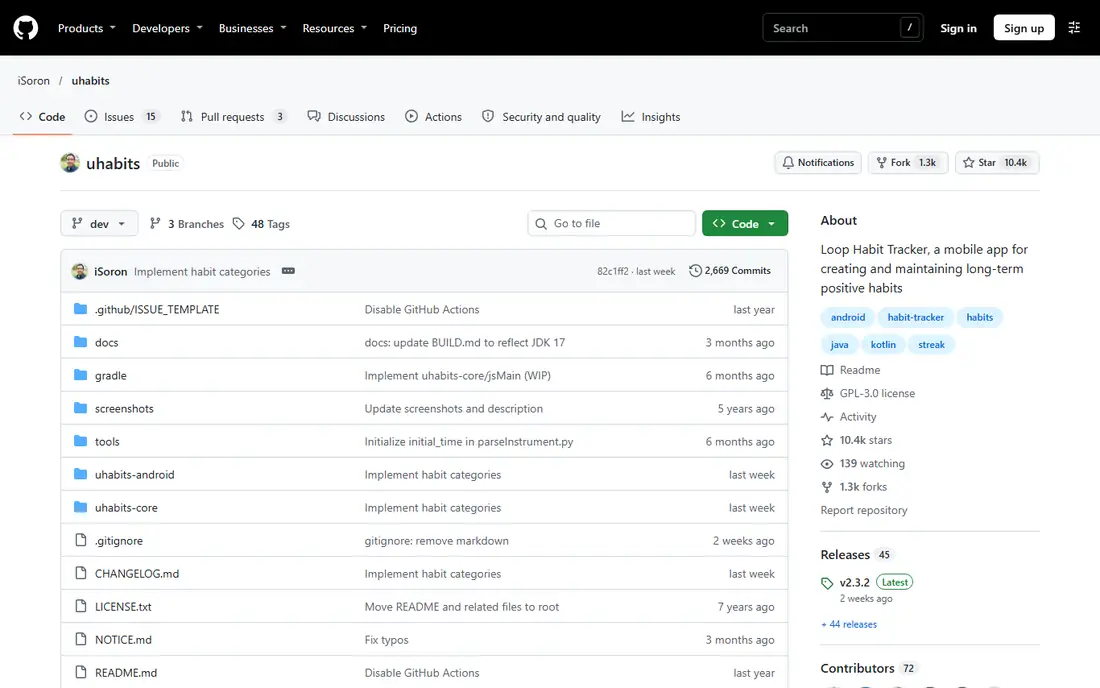
Loop Habit Tracker is the cleanest free option in this guide, because there is no paid tier to hit. It is free, open source, and has no ads and no in-app purchases, so the app you download is the full app. You can track habits with flexible schedules, view streaks and statistics, set reminders, and add widgets to your home screen.
The limits are platform and sync. Loop runs on Android only, and data stays on your device, which is good for privacy but means no automatic sync to a second phone or tablet. If you use one Android phone and want a simple, private tracker that will never ask for payment, Loop is the first app to try.
- Fully free and open source
- No ads and no in-app purchases
- Data stays on your device
- Android only
- No cloud sync between devices
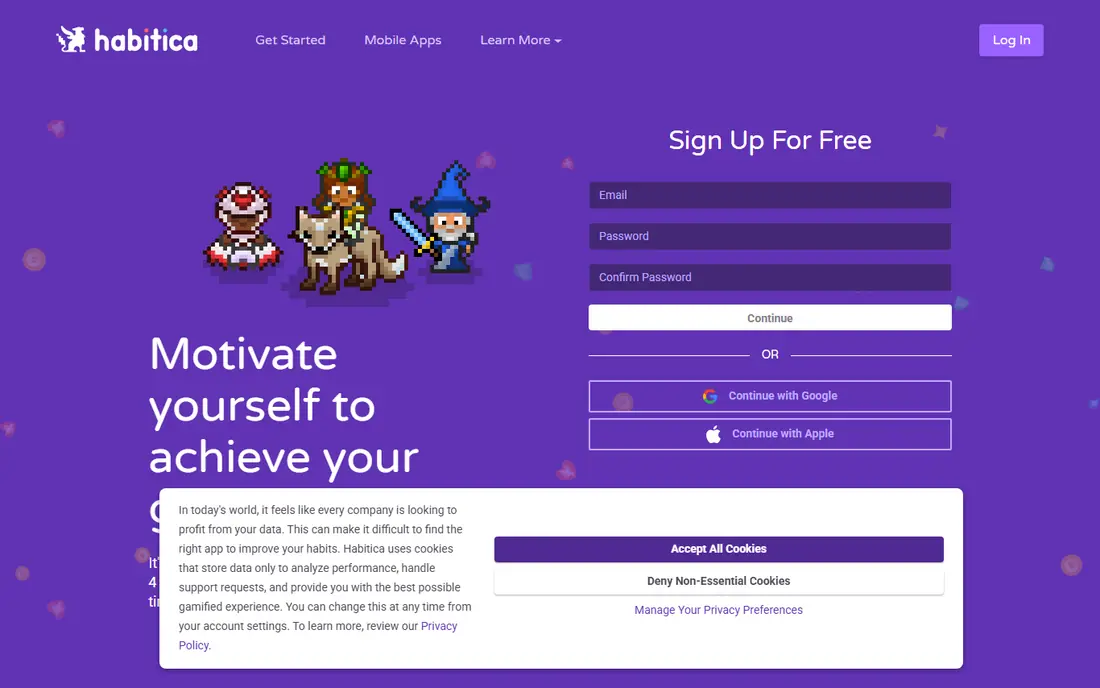
Habitica turns habits into a role-playing game, where completing habits earns experience and gold, and missing habits damages your character. You can join a party, take on quests with friends, and use rewards to keep momentum going on days when motivation is low. The core app, including habits, daily tasks, to-dos, and parties, is free, while the subscription at $4.99 per month adds cosmetic items and supporter perks.
That game layer is the reason Habitica works for people who have tried plain trackers and quit after a week. It is also the reason some people will bounce off it quickly, since the fantasy theme, pets, and quests add noise if you just want a checklist. Habitica is available on web, iOS, and Android, which makes it a good pick for tracking across devices without paying.
- Core tracking, quests, and parties are free
- Works on web, iOS, and Android
- Strong social accountability
- Subscription is optional but promoted
- Game style will not suit everyone
HabitNow is an Android tracker that handles both sides of habit change. You can track positive habits you want to build, such as reading or walking, and negative habits you want to reduce, such as snacking or phone use, in the same app. Routines, tasks, reminders, and statistics sit alongside habits, so a morning routine and a daily checklist do not need a second app.
The free tier covers up to 7 habits, which is enough for most people starting out, and a one-time purchase removes the cap rather than adding a subscription. The main limit is platform, since HabitNow is Android only. For Android users who want a practical, no-subscription tracker that also tracks habits to break, HabitNow is a strong pick.
- Free for up to 7 habits
- Tracks habits to build and habits to break
- Routines and tasks included
- Android only
- Unlimited habits need a one-time purchase
HabitShare is built around a simple idea. Habits stick better when someone else can see them, so the app lets you share habits with friends, send encouragement, and check in on each other without a group chat. Tracking itself is straightforward, with habits, reminders, and streaks, and the core app is free.
The trade-off is depth. HabitShare does not match Habitify or Loop for detailed statistics, and the social features only pay off if at least one friend or partner actually uses the app with you. If you already have an accountability partner, or you want to build a habit with a spouse or friend, HabitShare turns that relationship into a daily nudge that a solo tracker cannot provide.
- Free core tracking
- Share habits with friends for accountability
- Works on iOS and Android
- Fewer statistics than Habitify or Loop
- Social features only help if friends join
OpenHabitTracker is a newer open-source tracker that removes the usual free-tier compromises. There is no habit limit, no subscription, and no ads, and you do not need an account to start tracking. Native apps cover Android, iOS, Windows, Linux, and macOS, plus a web version, which makes it the most cross-platform fully free option here.
Data stays on your device by default, which protects privacy, and an optional self-hosted server can sync across devices if you are comfortable setting it up. The app is less polished than Habitica or Habitify, and it has a smaller community for help. For readers who want a tracker that is free in full, not just free to try, OpenHabitTracker deserves a place near the top of the list.
- Free with no habit limit, subscription, or ads
- Runs on Android, iOS, Windows, Linux, and macOS
- No account required
- Newer and less polished than older apps
- Optional self-hosted sync needs setup
Habitify is a polished cross-platform tracker with strong statistics, streak views, and progress charts. You can organize habits by time of day, set reminders, and see completion trends over weeks and months. It runs on iOS, Android, Mac, and the web, so a habit started on your phone can be checked off from your computer later.
The free tier caps at 3 habits, which is enough to test the app but not enough for a full routine. Paid plans remove the cap and add data export and extra features. Habitify suits readers who want a clean, data-rich tracker across devices and who are willing to pay later if the free tier proves useful, but it is not the best pick for someone who needs many habits free from day one.
- Works on iOS, Android, Mac, and web
- Clear statistics and progress views
- Free tier is useful for a few habits
- Free tier caps at 3 habits
- Unlimited habits need a paid plan
Way of Life takes a journal approach to habits. Each habit gets a simple yes or no each day, plus an optional note, and the app turns those answers into trend charts that show patterns over time. That design helps readers who want to understand when a habit slips, such as on weekends or travel days, rather than just counting a streak.
The free tier covers up to 3 habits, with a premium plan that removes the habit cap and full statistics. Way of Life runs on iOS and Android, and its simplicity is a strength for people who find gamified or feature-heavy trackers distracting. If you want to track a few key habits and see the trend, Way of Life is an easy free start.
- Simple yes or no tracking
- Clear trend charts
- Notes and journal entries per habit
- Free tier caps at 3 habits
- Premium plan needed for unlimited habits
Finch is a self-care app with a virtual pet that grows as you complete daily goals, check-ins, and habits. The tone is gentle rather than strict, which helps readers who find streak pressure stressful or who want habit tracking tied to mood and self-care rather than to productivity alone. The core app is free, with in-app purchases for extra items and features.
Habit tracking in Finch is lighter than in Loop or Habitify, with fewer statistics and less flexible scheduling. That makes Finch a support tool rather than a primary tracker for someone with a long habit list. It works best as a companion app, or as a first tracker for someone who needs encouragement more than data, and who will open an app daily because a small pet is waiting.
- Free core self-care and habit tools
- Gentle, low-pressure design
- Virtual pet gives a daily reason to return
- Habit tracking is lighter than dedicated trackers
- Many extras sit behind in-app purchases
How we picked these
We compared official app store listings, vendor pages, and public documentation, and we checked that each vendor homepage loads and belongs to the product named. We required a usable free tier, not just a free download with a paywall on the first habit, and we favored apps that are fully free or that allow at least 3 habits free. We left out paid-only trackers, including Streaks, even though it is popular on Apple devices, because this guide focuses on options that cost nothing to start and, for several picks, nothing at all.
How to pick a free tracker that you will still use in a month
Start with platform, not features. An Android-only app is useless on an iPhone, and a web-only tracker fails if you need a phone reminder at 7 in the morning. Next, count the habits you actually want to track. If the list is longer than 3, skip the capped free tiers and start with Loop, Habitica, HabitShare, or OpenHabitTracker, which do not cap habits on their free tiers.
Then test reminders and friction for three days. A tracker that needs five taps to log a habit will lose to a widget or a one-tap check-in, no matter how good its charts look. Finally, decide how much social pressure helps you. Some readers do better alone with a private streak, while others need a partner who can see a missed day. Match that preference first, and let statistics and design come second.
Privacy is part of the free price
Free apps pay their bills in different ways, so check what data leaves your device. Loop and OpenHabitTracker keep data local by default, while cloud trackers need an account and store habits on their servers. Read the privacy policy for data sharing and ads, and avoid any tracker that asks for more permissions than it needs to send reminders and store your list.
A note on habit advice
Habit trackers help you notice patterns and stay consistent, but they are not medical or mental health treatment. If a habit relates to eating, substance use, sleep, or mood, and it is causing harm, talk to a clinician or a trusted health professional rather than relying on an app alone. Use the tracker as a record and a reminder, not as a diagnosis or a treatment plan.
Frequently asked questions
What is the best free habit tracker app with no limits?
Loop Habit Tracker on Android and OpenHabitTracker on most platforms are the strongest no-limit free picks, since neither caps habits nor charges a subscription. Habitica also offers unlimited core tracking for free, with an optional subscription for cosmetic perks. Choose Loop for Android privacy, OpenHabitTracker for cross-platform use, and Habitica if game mechanics help you.
Is Habitica really free?
Yes, for core tracking. Habits, daily tasks, to-dos, quests, and parties are free, while the $4.99 per month subscription adds supporter perks and cosmetic items. You can use Habitica for months without paying, which is why it ranks highly in a free-focused guide.
Why is Streaks not in this list?
Streaks is a popular Apple tracker, but it has no free tier and costs $5.99 as a one-time purchase. This guide focuses on genuinely free options, so paid-only apps were left out even when they are well designed. If you use Apple devices and prefer a one-time purchase over a subscription, Streaks is worth considering separately.
How many habits should I track at once?
Start with 3 to 5 habits, even if your app allows unlimited habits. A short list is easier to complete daily, and a full week of wins builds more momentum than a long list with daily misses. Add one habit at a time once the first set feels automatic, rather than starting with ten habits on day one.
Do free habit trackers work on both iPhone and Android?
Some do, and some do not. Habitica, HabitShare, Habitify, Way of Life, Finch, and OpenHabitTracker cover both iOS and Android, while Loop and HabitNow are Android only. Check the platform before you invest time in setup, especially if you switch phones often.
Can a habit tracker help with breaking a bad habit?
Yes, if the app supports it. HabitNow explicitly tracks habits to break alongside habits to build, and Way of Life notes help you spot triggers. A tracker alone rarely changes a strong habit, so pair it with a plan for the moment of temptation, such as a replacement action or a change in routine.
Sources we checked (8)

Online Jobs is an independent blog about careers, online work, learning new skills and the tools that help people earn. More about us.
Keep reading
All posts
Best workout apps for women
Compare the best workout apps for women in 2026, from free guided classes to structured strength plans, with current prices, free plans and honest trade-offs.

Best Yoga App
Find the best yoga app for home practice in 2026, with verified prices, free options, class styles, trials and honest limits for 10 yoga apps compared.
Best Workout Tracker App
We compared the best workout tracker app options for gym, home, and running training, checking prices, free plans, and logging tools in detail. See inside.