Best Free EDM Production Software in 2026: 8 Tools Compared

How we put this together: we compare official feature and pricing pages, app store listings, privacy policies and public user reviews. Prices change, so check the provider's site before you pay.
Key takeaways
- LMMS and Cakewalk give the most complete free starting points for EDM, with pattern tools, synths and plugin support.
- Waveform Free suits producers who want a modern timeline and unlimited tracks without paying for a first DAW.
- BandLab and GarageBand are best for fast ideas and mobile-friendly sketching, while desktop DAWs suit finished tracks.
- No free DAW does everything, so check operating system support, plugin formats and audio recording before you commit to a project.
Quick comparison
| Name | Who it suits | Starting price | Free option | |
|---|---|---|---|---|
 LMMS LMMS | Free EDM beat making on any system | Free | Yes | Visit |
 Cakewalk by BandLab Cakewalk by BandLab | Full Windows DAW at no cost | Free | Yes | Visit |
 Waveform Free Waveform Free | Modern timeline with unlimited tracks | Free | Yes | Visit |
 BandLab Studio BandLab Studio | Browser and mobile collaboration | Free | Yes | Visit |
 GarageBand GarageBand | Free Mac and iPad starting point | Free | Yes | Visit |
 Audacity Audacity | Simple audio editing and cleanup | Free | Yes | Visit |
 MPC Beats MPC Beats | Pad-based beat making | Free | Yes | Visit |
 Ardour Ardour | Open recording and mixing | See website | Free trial | Visit |
The best free EDM production software
We compared official feature pages, download pages, plugin support and system requirements for free tools that can actually make electronic music in October 2026. The list favours tools with a real pattern or timeline workflow, built-in sounds, and a clear free tier, and it notes where a tool is an editor or a sketchpad rather than a full DAW.
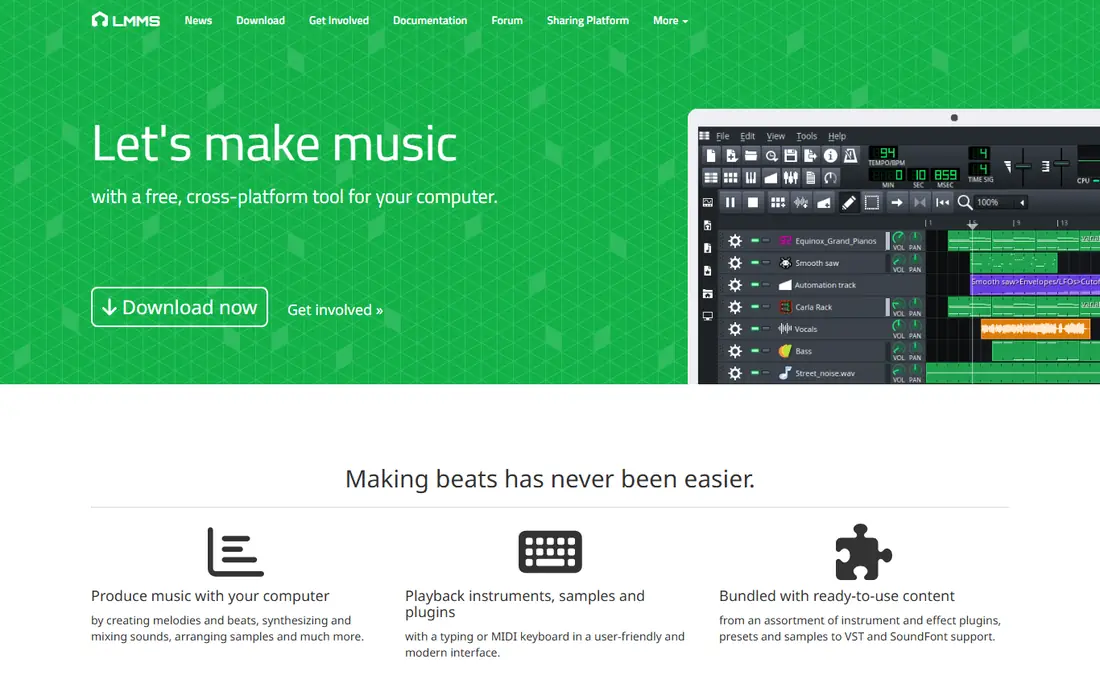
LMMS is built for electronic music first, which is why it leads this list. Its Beat and Bassline Editor, Song Editor, piano roll and automation tools map closely to how EDM tracks are made: patterns first, arrangement second, mix last. Built-in synthesizers, drum tools and sample support mean you can finish a sketch without buying plugins.
The main limit is recording. LMMS is stronger for MIDI, patterns and samples than for recording vocals or live instruments, so pair it with Audacity if you need audio takes. It also looks less polished than newer DAWs, but that is a fair trade for a tool with no track limits, no paywall and no expiry. For a beginner on any operating system, LMMS is the safest free first download.
- Completely free and open source
- Built-in synths and beat editor
- Runs on Windows, macOS and Linux
- No native audio recording
- Interface feels dated next to paid DAWs
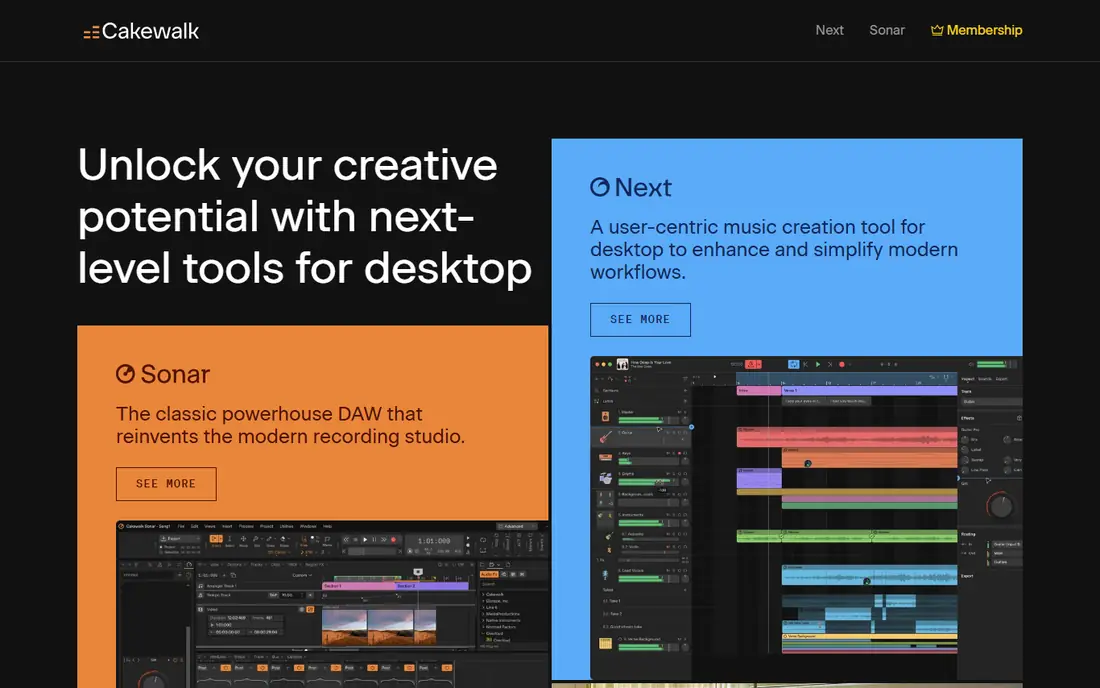
Cakewalk was once a paid professional DAW, and its free BandLab version keeps much of that depth. You get unlimited audio and MIDI tracks, advanced mixing tools, and broad VST plugin support, which puts it closer to paid DAWs than most free options. For EDM producers on Windows, that combination is hard to beat.
The catch is platform and complexity. There is no Mac version, and the full interface can overwhelm a first-time producer. Start with a small project, learn the piano roll and the mixer, and add plugins gradually. If you are on Windows and you want a free DAW that can grow with you from first beats to finished mixes, Cakewalk is the strongest pick in that lane.
- Professional-grade Windows DAW
- Unlimited tracks and plugin support
- Strong MIDI editing
- Windows only
- Large feature set can feel intimidating at first
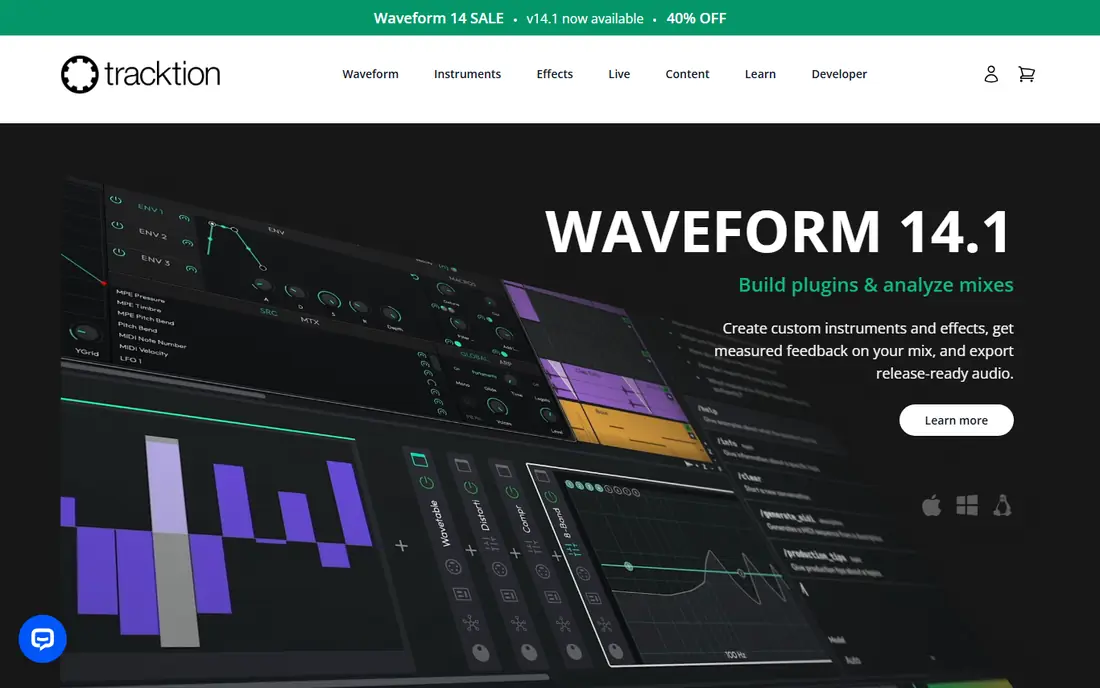
Waveform Free stands out because it does not feel like a cut-down demo. The free version offers unlimited tracks, a modern timeline and plugin support, so you can build a full EDM arrangement without hitting an artificial track ceiling. Its single-screen layout keeps clips, mixer and editing tools in view, which helps when you are arranging patterns into a song.
Some producers will need time to adjust, because Waveform does not copy the look of older DAWs. Its built-in effects are also serviceable rather than standout, so plan to add free third-party plugins for specialist synths and processing. If you want a free DAW that feels current and lets you finish songs without upgrading, Waveform Free deserves a serious trial.
- Unlimited audio and MIDI tracks
- Clean single-screen workflow
- Plugin support included
- Built-in effects are basic compared with paid DAWs
- Workflow feels different from traditional DAWs
BandLab Studio is the best free option when you want to start anywhere and share quickly. It runs in a browser and on mobile, includes loops, virtual instruments and multi-track recording, and makes collaboration simple: invite a friend, work on the same project, and publish the result. For EDM sketches, remixes and ideas on the move, that speed matters.
It is not a replacement for a deep desktop mix session. Advanced routing, detailed plugin chains and precise mastering are easier in Cakewalk, Waveform or LMMS. Treat BandLab as the sketchpad and collaboration hub, then export stems to a desktop DAW when a track needs a careful finish. For beginners and for producers who work with others, that two-step workflow works well.
- Free browser and mobile studio
- Loop library and virtual instruments
- Easy collaboration and sharing
- Less deep for final mixing than desktop DAWs
- Needs internet for full browser workflow
GarageBand remains the easiest free start on a Mac or iPad. Its loop library, drum tools and built-in synths let a new producer build an EDM sketch in an afternoon, and the interface stays friendly even as tracks grow. Projects can later move to Logic Pro, which gives Apple users a clear upgrade path without relearning everything.
The limits are platform and depth. Windows and Linux users cannot use it, and producers who want deep sound design, complex automation or advanced mixing will outgrow it. That is fine for a first DAW. Use GarageBand to learn arrangement, sound choice and basic mixing, and move on when a specific limit, rather than curiosity alone, pushes you to upgrade.
- Free with Apple devices
- Excellent loop library and built-in instruments
- Simple to learn
- Mac and iOS only
- Fewer advanced EDM tools than Logic Pro or desktop DAWs
Audacity belongs on this list with a clear warning: it is an audio editor, not a full EDM DAW. It excels at recording a vocal, trimming a sample, removing noise and exporting a clean file. It does not offer the pattern sequencing, piano roll and instrument workflow that EDM production depends on, so it cannot carry a whole project alone.
Used correctly, it is still valuable. Record and clean samples in Audacity, then drop them into LMMS, Cakewalk or Waveform for arrangement. That pairing costs nothing and covers a gap in several free DAWs. Just do not judge Audacity as a failed DAW. Judge it as a fast, free editor, and it earns its place in almost any free setup.
- Free and open source
- Fast for recording, trimming and cleaning audio
- Runs on Windows, macOS and Linux
- Not a full DAW
- No MIDI sequencing or pattern workflow for EDM production
MPC Beats gives free producers a different way in: pads, samples and drum programming in the classic MPC style. It includes a large sound library, a piano roll and step sequencing, plus dozens of built-in effects, so beat makers can build EDM and hip-hop patterns quickly. It also pairs well with Akai and other MIDI controllers, which makes pad playing feel natural.
The limit is scope. With limited audio tracks, it is less suited to recording a full band or a long vocal session, and its MPC-centred workflow can feel unfamiliar if you expect a standard timeline. For EDM producers who think in drums, chops and patterns, that focus is a strength. Use it to build beats, then export to a fuller DAW if a track needs extensive audio work.
- Free MPC-style workflow
- Large included sound library
- Strong pad and sample tools
- Limited audio tracks for full band recording
- Workflow suits beat makers more than traditional timeline users
Ardour is a serious open source DAW for recording, editing and mixing, and it suits producers who want a traditional timeline with strong audio handling. It runs across major desktop systems and supports plugins, automation and detailed editing, which makes it a good home for finished EDM mixes and for projects that mix recorded audio with electronic elements.
New users should read the download page carefully, because Ardour offers paid builds and a free trial alongside source code for self-building. That flexibility is welcome for open source users but can confuse a beginner who just wants a download button. Ardour is also less pattern-led than LMMS or MPC Beats, so it works best as a recording and mixing DAW rather than a first beat sketchpad.
- Open source recording and mixing
- Unlimited tracks in the full version
- Runs on Windows, macOS and Linux
- Free build options and pricing can confuse new users
- EDM pattern tools are less central than in LMMS
How we picked these
We compared official feature pages, download pages, plugin support and system requirements for tools that are free to start and still maintained in October 2026. We favoured EDM-relevant workflows such as patterns, piano rolls, sampling and plugin support, and we included a mix of full DAWs, a browser studio and an editor so readers can see where each tool fits. We did not test every tool hands-on for this guide, and free tiers and system requirements change, so check the vendor download page before installing.
Building a free EDM setup that works
Pick one main DAW and learn it properly
Free DAWs differ in workflow, and switching every week slows progress. Choose one main DAW from this list, finish three small tracks in it, and only then judge its limits. Most early frustration comes from unfamiliar layout, not from a missing feature.
Add free plugins slowly, not all at once
A free synth and a free effects bundle can expand any DAW on this list. Add one plugin at a time, learn its controls, and keep a short list of favourites. A large plugin folder that you never learn will slow sessions and complicate projects.
Finish tracks, then upgrade on a specific need
Export finished songs, share them, and note what actually blocked you. Upgrade or switch only when a named limit, such as audio recording, plugin format or collaboration, keeps appearing. That habit keeps a free setup productive instead of turning tool choice into the main hobby.
Frequently asked questions
What is the best free EDM production software for beginners?
LMMS is a strong free start on any system, Cakewalk is best for Windows users who want depth, and GarageBand is best for Mac and iPad users. Pick by operating system first, then by whether you prefer patterns or a traditional timeline.
Can you make professional EDM with free software?
Yes, free DAWs can produce finished tracks, especially when paired with good sound choice, arrangement and mixing practice. Paid tools add convenience and specialist instruments, but they do not replace songwriting, sound selection and careful mixing.
Is Audacity good for EDM production?
Audacity is good for recording and editing audio, but it is not a full EDM DAW. Use it to clean samples and record takes, then arrange and mix in LMMS, Cakewalk, Waveform or another DAW on this list.
Does LMMS work on Mac and Windows?
Yes, LMMS runs on Windows, macOS and Linux, and it is completely free and open source. Note that it lacks native audio recording, so pair it with an editor if you need vocal or instrument takes.
What free DAW is best for collaboration?
BandLab Studio is best for collaboration, because it runs in a browser and on mobile and lets multiple people work on the same project. Desktop DAWs suit deeper mixing, so many producers sketch in BandLab and finish in a desktop DAW.
Do free DAWs support VST plugins?
Most full DAWs on this list support VST or similar plugin formats, but the exact format and platform support vary. Check the vendor documentation for your operating system before buying or downloading a plugin.
Sources we checked (8)

Online Jobs is an independent blog about careers, online work, learning new skills and the tools that help people earn. More about us.
Keep reading
All posts
Spotify Alternatives
Looking for Spotify alternatives? We compare 8 music services on price, sound quality, free tiers, and catalogs to help you find a good alternative to Spotify.

Zoom Alternatives
Zoom alternatives compared for 2026: Google Meet, Microsoft Teams, Webex, Jitsi and more for free calls, large meetings and webinars for teams and classrooms.

Top Rated Poster Maker Software
Top rated poster maker software compared for 2026: Canva, Adobe Express, VistaCreate, PosterMyWall and more for events, sales and classrooms for US users.