Best Free Apps for Health in 2026: 9 Apps Compared

How we put this together: we compare official feature and pricing pages, app store listings, privacy policies and public user reviews. Prices change, so check the provider's site before you pay.
Key takeaways
- Nike Training Club and Nike Run Club offer strong free libraries with no paid tier for core workouts.
- MyFitnessPal and Lose It suit food tracking, while Strava and Hevy suit activity and strength logging.
- Apple Health and Samsung Health work best as hubs that gather data from other apps and devices.
- Free tiers vary, so check which features need Premium before relying on an app for a health goal.
Quick comparison
| Name | Who it suits | Starting price | Free option | |
|---|---|---|---|---|
 Nike Training Club | free guided workouts | Free | Yes | Visit |
 FitOn | free home workouts and classes | Free | Yes | Visit |
 MyFitnessPal | food and calorie tracking | Free | Yes | Visit |
 Strava | running and cycling tracking | Free | Yes | Visit |
 Hevy | gym workout logging | Free | Yes | Visit |
 Samsung Health | steps, sleep, and activity on Samsung | Free | Yes | Visit |
 Apple Health | health data hub on iPhone | Free | Yes | Visit |
 Nike Run Club | free coached runs | Free | Yes | Visit |
 Lose It | simple weight and food tracking | Free | Yes | Visit |
The best free apps for health
We compared these apps on price, free access, core features, and the limits that show up in daily use. The order below starts with the most broadly useful pick and then moves to options that suit a narrower need. This article is for general information only and is not medical advice. Talk to a clinician about health conditions, injuries, or major changes to diet or exercise.
People who want guided workouts at no cost will find this the easiest place to start. Nike Training Club fits free guided workouts and gives you a clear place to start without a long setup process. It offers video workouts across strength, cardio, yoga, and mobility, with filters for time, equipment, and level. Where Nike Training Club stands out is in how it handles guided workout library. Workouts are grouped by goal and level, so a beginner can start with short sessions and move to longer training over time. The honest catch is it does not track food or log every set in detail, so users who want nutrition or strength data will need a second app. Try the free plan or trial first, test the exact task you care about most, and check pricing on the vendor site before you pay.
- Guided workouts
- Strength, yoga, and mobility
- No paid tier for core library
- No nutrition tracking
- No detailed strength log
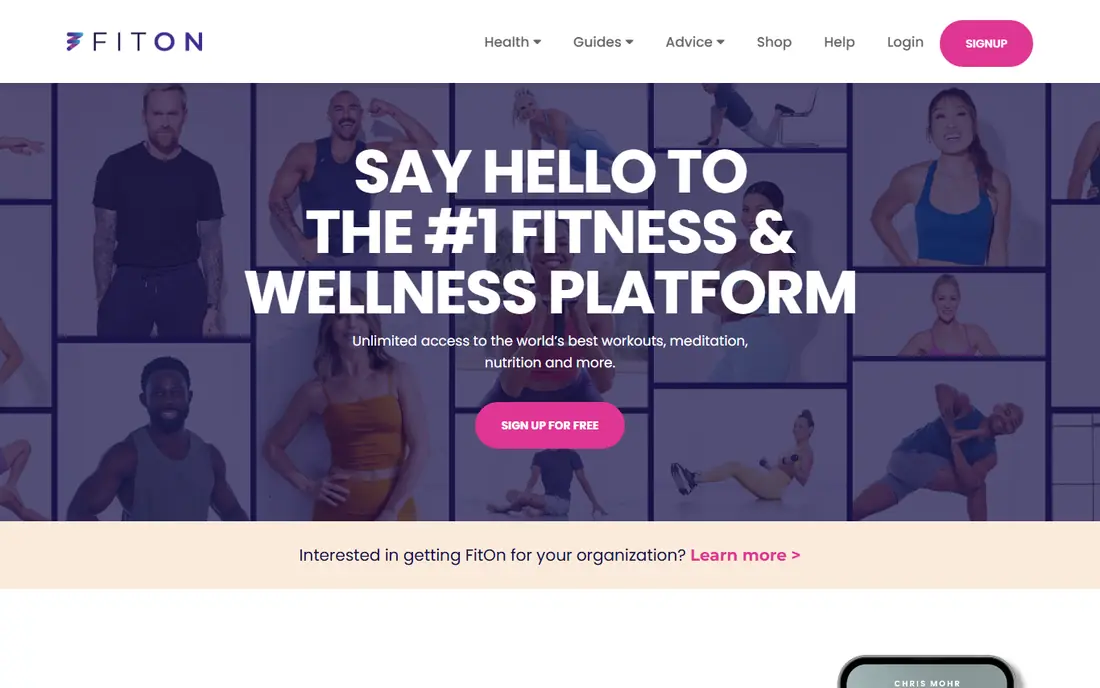
Home exercisers who want classes without a subscription will like the free range here. FitOn fits free home workouts and classes and gives you a clear place to start without a long setup process. It offers classes across cardio, strength, yoga, and dance, with challenges that add a social reason to keep going. Where FitOn stands out is in how it handles free class range. Classes cover several styles and lengths, which helps a home routine stay varied without a paid membership. The honest catch is some content sits behind a paid tier, and the free experience includes prompts to upgrade. Try the free plan or trial first, test the exact task you care about most, and check pricing on the vendor site before you pay.
- Free classes
- Cardio, strength, and yoga
- Social challenges
- Some premium content costs extra
- Ads and upsells appear
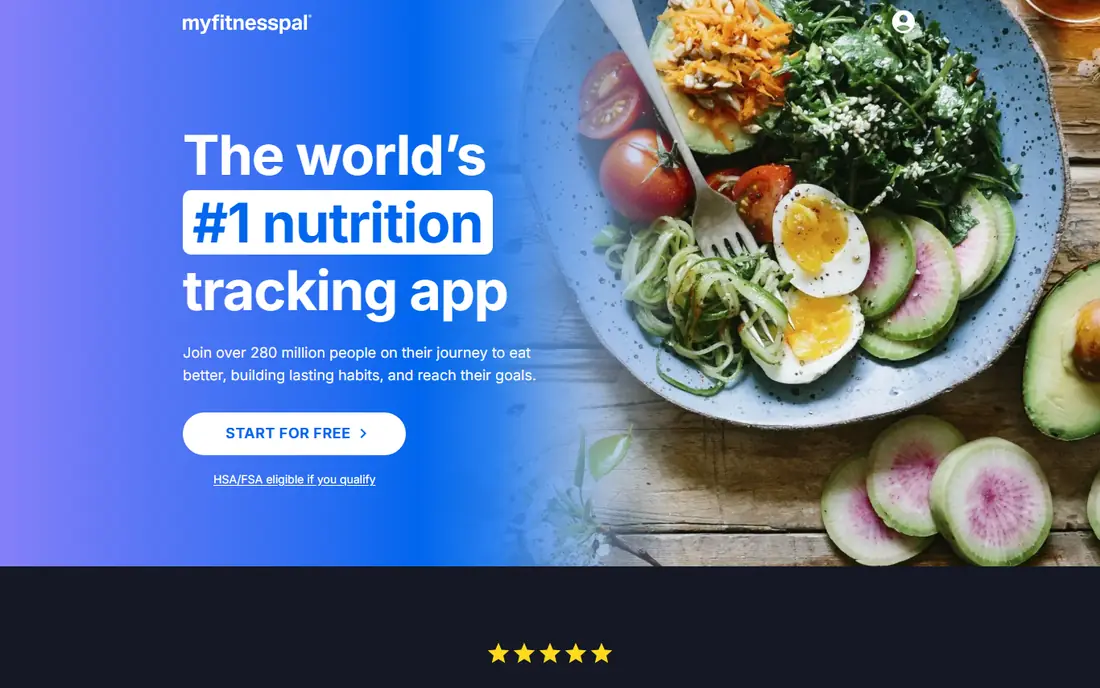
People whose main goal is food tracking will find the database here hard to beat. MyFitnessPal fits food and calorie tracking and gives you a clear place to start without a long setup process. It lets users log meals, track calories and macros, and set goals, with a large food database that covers many brands and dishes. Where MyFitnessPal stands out is in how it handles food logging. Manual logging and a large database make it possible to record most meals, while goals show daily totals against a target. The honest catch is barcode scanning and several advanced reports need Premium, so free users should expect manual logging for many items. Try the free plan or trial first, test the exact task you care about most, and check pricing on the vendor site before you pay.
- Large food database
- Barcode and manual logging
- Goal tracking
- Barcode scanning and deeper reports need Premium
- Ads on free tier
Runners and cyclists who like a social training record will enjoy this app. Strava fits running and cycling tracking and gives you a clear place to start without a long setup process. It records runs and rides by GPS, shows pace and distance, and lets users join clubs and challenges for motivation. Where Strava stands out is in how it handles GPS activity tracking. GPS records show route, pace, and distance, which helps runners and cyclists compare efforts over time. The honest catch is deeper analysis, including segment leaderboards and training plans, sits behind the paid plan. Try the free plan or trial first, test the exact task you care about most, and check pricing on the vendor site before you pay.
- GPS tracking
- Clubs and challenges
- Route data
- Segments and deeper analysis need paid plan
- Social features dominate for some users
Gym users who want a simple log for sets, reps, and weights will find this a clean fit. Hevy fits gym workout logging and gives you a clear place to start without a long setup process. It lets users build routines, log each set, and view progress charts, without the clutter of a full fitness suite. Where Hevy stands out is in how it handles strength routines. Routines can be built once and reused each session, and progress charts show whether weights are rising over weeks. The honest catch is the free tier limits routines and custom exercises, so regular gym users may need the paid plan. Try the free plan or trial first, test the exact task you care about most, and check pricing on the vendor site before you pay.
- Simple strength logging
- Routines
- Progress charts
- Routine and exercise limits on free tier
- Paid plan for full use
Samsung phone owners who want activity and sleep tracking in one free app should start here. Samsung Health fits steps, sleep, and activity on samsung and gives you a clear place to start without a long setup process. It tracks steps, activity, sleep, and, with a compatible watch, heart data, and it offers challenges for motivation. Where Samsung Health stands out is in how it handles daily activity tracking. Steps and active minutes appear in one daily view, and sleep data helps users see rest patterns over time. The honest catch is it works best on Samsung devices, and the fullest data needs a compatible watch. Try the free plan or trial first, test the exact task you care about most, and check pricing on the vendor site before you pay.
- Steps and activity tracking
- Sleep and heart data with compatible devices
- Challenges
- Best on Samsung devices
- Some features need a watch
iPhone owners who want one place for health data will find this built-in hub useful. Apple Health fits health data hub on iphone and gives you a clear place to start without a long setup process. It gathers steps, activity, sleep, and other health data from apps and devices into one record on the phone. Where Apple Health stands out is in how it handles health data hub. Data from workout apps, watches, and other health apps can appear in one place, which makes long-term trends easier to see. The honest catch is it is iPhone only, and it records little on its own, so it needs apps or devices to supply the data. Try the free plan or trial first, test the exact task you care about most, and check pricing on the vendor site before you pay.
- Central health records
- Steps and activity
- App and device links
- IPhone only
- Needs other apps or devices for most data
Runners who want coached sessions at no cost will like this focused app. Nike Run Club fits free coached runs and gives you a clear place to start without a long setup process. It offers coached runs, training plans, and GPS tracking, with audio coaching that guides pace and effort during a run. Where Nike Run Club stands out is in how it handles coached running. Audio coaching gives pace and effort cues during a run, and training plans structure weeks of running toward a goal. The honest catch is it covers running only, so strength, yoga, or food tracking will need another app. Try the free plan or trial first, test the exact task you care about most, and check pricing on the vendor site before you pay.
- Coached runs
- Training plans
- GPS tracking
- Running only
- No strength or nutrition tools
People who want a simple food and weight tracker without a complex setup will find this a clear option. Lose It fits simple weight and food tracking and gives you a clear place to start without a long setup process. It supports food logging, weight entries, and calorie goals in a layout that stays focused on daily totals. Where Lose It stands out is in how it handles weight and food goals. Daily totals show calories against a goal, and weight entries chart progress over time in one view. The honest catch is advanced reports and some logging shortcuts need Premium, and the free tier includes ads. Try the free plan or trial first, test the exact task you care about most, and check pricing on the vendor site before you pay.
- Food logging
- Weight tracking
- Goal setting
- Advanced features need Premium
- Ads on free tier
How we picked these
We started from official feature pages, pricing pages, and app store listings, and we checked privacy pages and public reviews where they helped explain a limit or a plan change. We left out products where the price or the free tier could not be pinned down, and we marked those cases as See website rather than guessing a figure. We also weighed fit over feature count. A product with fewer features can still be the right pick when it does one job well, costs less, or works on the devices a reader already owns. That is why the list mixes free options, paid specialists, and broad suites instead of ranking on price alone.
How to pick a free health app for your goal
Match the app to one goal first. A workout app will not track food well, and a food app will not coach a run well, so pick the app that covers your main goal and add a second app only if a second goal matters. That single-goal start keeps daily logging simple enough to maintain. Next, check what the free tier actually includes. Barcode scanning, deep analysis, and advanced reports often sit behind a paid plan, so test the free version for two weeks with real meals or real workouts. If the free version covers your routine, there is no need to pay.
Frequently asked questions
What is the best free health app?
Nike Training Club is a strong all-round free pick for workouts, while MyFitnessPal is a strong free pick for food tracking. The best pick depends on whether your goal is exercise, food, or activity tracking.
Are free health apps really free?
Many are free for core features, with paid plans for advanced reports or extra content. Check the free tier limits before you build a routine around a paid-only feature.
Which free app is best for weight loss?
MyFitnessPal and Lose It both support food logging and weight tracking on free tiers. Pair either with a workout app for exercise, since food alone rarely covers the full picture.
Do I need a smartwatch for health apps?
No. A phone can track steps, GPS runs, workouts, and food without a watch. A watch adds heart rate and sleep data, but it is not required to start.
Are health apps medical advice?
No. These apps support tracking and exercise, but they do not replace medical advice. Talk to a clinician about health conditions, injuries, or major diet changes.
Sources we checked (9)

Online Jobs is an independent blog about careers, online work, learning new skills and the tools that help people earn. More about us.
Keep reading
All posts
Best workout apps for women
Compare the best workout apps for women in 2026, from free guided classes to structured strength plans, with current prices, free plans and honest trade-offs.
Best Yoga App
Find the best yoga app for home practice in 2026, with verified prices, free options, class styles, trials and honest limits for 10 yoga apps compared.
Best Workout Tracker App
We compared the best workout tracker app options for gym, home, and running training, checking prices, free plans, and logging tools in detail. See inside.