Best Free AI Hairstyle App in 2026: 7 Apps Compared

How we put this together: we compare official feature and pricing pages, app store listings, privacy policies and public user reviews. Prices change, so check the provider's site before you pay.
Key takeaways
- YouCam Makeup offers the widest free try-on range in this list, with many cuts and colors in one app.
- Photo AI Studio suits a quick, no-signup preview, while FaceApp suits fast transformations with a watermark on free exports.
- A good preview needs a clear, front-facing photo with good light, because poor photos produce poor previews in every app.
- Check photo privacy settings before you upload a selfie, and delete photos from an app account when you no longer need them.
Quick comparison
| Name | Who it suits | Starting price | Free option | |
|---|---|---|---|---|
 YouCam Makeup | Widest free try-on range | Free | Yes | Visit |
 FaceApp | Fast transformations | Free | Yes | Visit |
 Photo AI Studio | Quick no-signup preview | Free | Yes | Visit |
 Fotor | Web-based hair changes | Free | Yes | Visit |
 Canva | Hair edits inside design | Free | Yes | Visit |
 ModiFace | Hair color accuracy | Free | Yes | Visit |
 Perfect365 | Full makeover preview | Free | Yes | Visit |
The best free AI hairstyle app
A free AI hairstyle app lets you preview a cut or color on your own photo before you book a salon visit. Results vary with photo quality, hair type, and style complexity. Simple length and color changes usually look more convincing than a complex cut that changes hair texture and shape at once. We compared official feature pages, app-store listings, and public reviews.
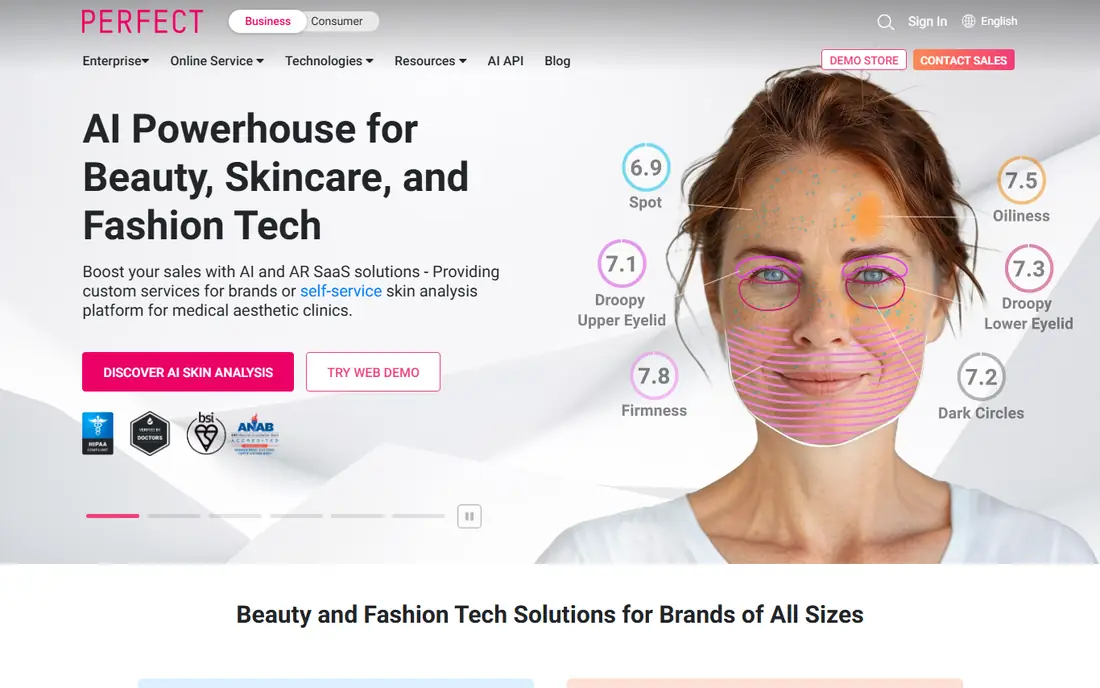
YouCam Makeup suits a user who wants to try many styles in one sitting. You upload a photo or use the live camera, pick a cut, adjust color, and compare options side by side. The app covers short, medium, and long styles for many face shapes, and color options include natural shades, highlights, and bolder colors. The free version covers basic styles and colors, while advanced styles and unlimited saves sit behind a paid plan. That limit matters if you want to save every option for a stylist. For a first round of ideas, the free range is enough to rule out styles that do not suit your face. Use a front-facing photo in daylight for the most convincing result.
- Large style and color library
- Live camera preview
- Web and mobile versions
- Free version limits some styles and saves
- Full features need a paid plan
FaceApp fits a user who wants a fast answer to a simple question: would this cut suit me. Upload a photo, pick a hairstyle or color, and the app returns a transformed image in seconds. The workflow is simple, which makes it easy to test ten styles in a few minutes. The catch is the free export. Published guides note a watermark on free exports, and free use includes ads and prompts to upgrade. That is fine for a private preview, but less ideal for sharing a clean image with a stylist. If you need a clean export without paying, Photo AI Studio or YouCam Makeup may suit you better for that step.
- Fast AI transformations
- Wide style and color options
- Simple one-tap workflow
- Free exports carry a watermark in published guides
- Ads and paid prompts are frequent in free use
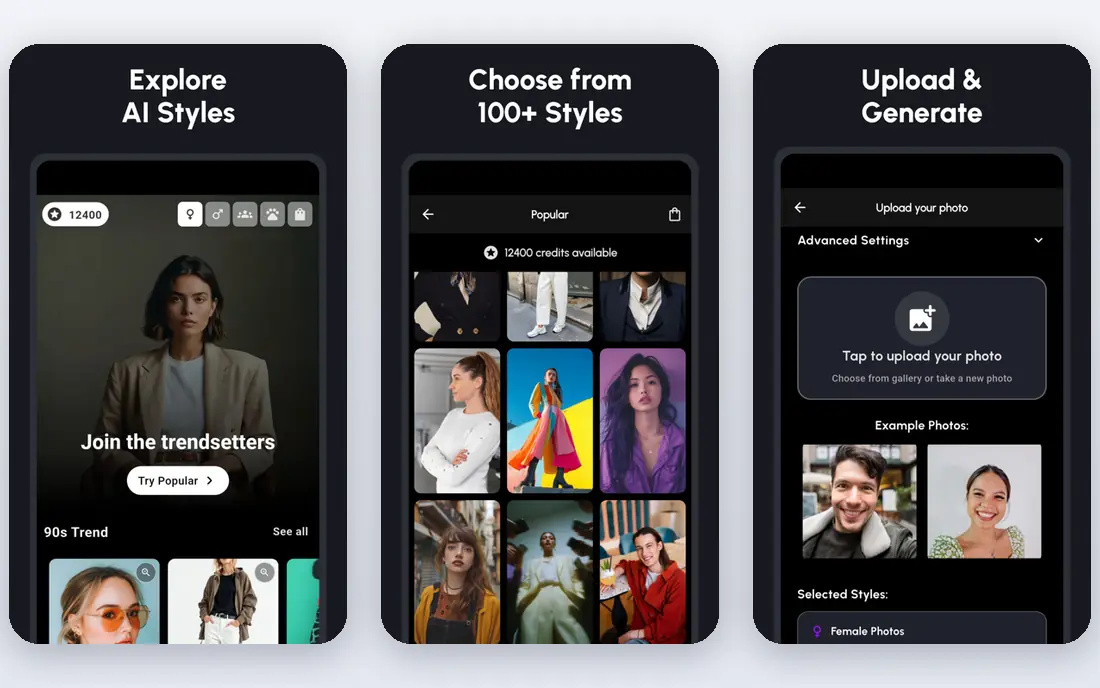
Photo AI Studio suits a user who wants a quick preview without creating an account. Its AI Hair Changer offers many styles, keeps lighting and shadows fairly natural in published tests, and returns a full-resolution export for basic use. That combination makes it a good first stop before you commit to a salon booking. The limit is credits for premium tools. Basic previews are free, but advanced features and higher volumes need credits. Processing takes 15 to 30 seconds in published tests, which is normal for AI generation. Use a clear headshot, try the same style on two photos, and compare both before you judge the result.
- No signup needed for basic use in published guides
- Many styles
- Exports without a watermark on free basic use
- Premium tools need credits
- Processing takes time on larger photos
Fotor fits a user who already edits photos on the web and wants a hair change in the same workflow. You upload a photo, apply a hair change, adjust color or length, and then edit brightness, crop, and background without switching apps. That single workflow helps when you want a clean image to send to a stylist. The trade-off is realism on complex styles. Published tests found Fotor less convincing than YouCam Makeup on dramatic cuts, with more visible edges on some photos. For color changes and moderate length changes, Fotor works well. For a complex cut, test the same photo in YouCam Makeup as a second opinion.
- Web-based editing without a heavy app install
- Hair change plus photo editing in one place
- Simple sharing
- Hair results can look less natural on complex styles than specialist try-on apps
- Advanced AI features need a paid plan
Canva suits a user who wants to build a full style brief, not just one preview. Magic Edit lets you select hair in a photo and describe a change, such as a shorter bob or a warmer brown, then you can place several previews on one mood board with notes for your stylist. That board is more useful in a salon than a single screenshot. The limit is specialization. Canva handles length changes well in published tests, but dramatic color shifts and complex textures are less reliable than in YouCam Makeup or ModiFace. Use Canva when you want a brief with several options and notes. Use a specialist app when you want the most convincing single preview.
- Free with a Canva account
- Magic Edit for hair changes
- Easy to build a mood board for a stylist
- Hair tool is part of a general design app, not a specialist try-on app
- Dramatic color shifts are less reliable
ModiFace fits a user whose main decision is color, not cut. The tool is known for color accuracy, with shades that match real dye results more closely than many general apps in published tests. You pick a shade, preview it on your photo, and compare natural, highlighted, and bold options before you buy dye or book a color appointment. The limit is cut range. ModiFace offers fewer trendy cuts than YouCam Makeup, so a user who wants both a new cut and a new color should test the cut elsewhere and the color here. For a color-only decision, ModiFace is our pick for the most useful preview. Check the result in daylight and indoor light, because hair color shifts with lighting.
- Strong hair color simulation
- Realistic shade matching
- Simple try-on flow for color decisions
- Cut library is smaller than YouCam Makeup
- Best for color, not for complex cuts
Perfect365 suits a user who wants to see hair together with makeup for a complete look, such as for an event or a photoshoot. You upload a photo, try a hairstyle and color, then add makeup looks to see the full effect. That combined preview helps when hair and makeup choices affect each other. Hair realism is moderate in published tests, with simpler styles looking more convincing than complex cuts. Advanced styles and saves need a paid plan. Use Perfect365 for a full-look check, and confirm the hair choice in YouCam Makeup or Photo AI Studio before you book a cut.
- Full makeover preview with hair plus makeup
- Simple photo workflow
- Good for a complete look check
- Hair realism is moderate compared with specialist try-on apps
- Advanced features need a paid plan
How we picked these
We compared official feature pages, app-store listings, and public reviews, and we checked that each homepage loads and matches the product named. We kept apps with a real free tier for hairstyle try-on, and we left out apps that only offer a paid trial with no usable free preview. Prices are shown as Free where a free tier exists, and we advise checking in-app prices before paying, because style limits and save limits change by plan.
What to check before you trust a preview
Use a clear, front-facing photo with your hair pulled back from your face where possible, good daylight, and a plain background. A side photo, a dark photo, or a photo with a hat will produce a weaker preview in every app, and that weakness is a photo problem, not always an app problem.
Test the same style in two apps
Run the same cut or color in two apps and compare both results. If both apps show a similar shape and color, the preview is more trustworthy. If one app shows a dramatic change and the other shows a subtle change, treat the result as uncertain and ask your stylist for advice.
Check privacy before you upload
Read the photo privacy policy for any app you use with selfies. Check whether photos are stored, used for training, or shared, and delete uploads when you no longer need them. Avoid uploading photos of children or other people without their permission, and prefer apps from established developers with clear privacy pages.
Frequently asked questions
What is the best ai hairstyle app free for cuts and colors?
YouCam Makeup offers the widest free range for cuts and colors in this list. Photo AI Studio suits a quick no-signup preview, and ModiFace suits color accuracy. The best free app depends on whether you need cuts, colors, or a full makeover preview.
What is the best free ai app for hairstyles without a watermark?
Photo AI Studio is reported to offer watermark-free exports on basic free use in published guides. FaceApp free exports carry a watermark, so use Photo AI Studio or YouCam Makeup when you need a clean image to share with a stylist.
What is the best ai app for hairstyle free on iPhone and Android?
YouCam Makeup, FaceApp, and Perfect365 all run on iOS and Android with free tiers. Photo AI Studio and Fotor also work on the web, which suits a user who does not want to install an app. Check the app store listing for your device before you download.
Are free AI hairstyle apps accurate?
Accuracy varies with photo quality and style complexity. Simple length and color changes are usually convincing, while complex cuts with texture changes are less reliable. Test the same style in two apps and ask your stylist before you commit to a major change.
Can I try hair color for free?
Yes, YouCam Makeup, ModiFace, and Fotor all offer free color previews. ModiFace suits color accuracy, while YouCam Makeup offers more color and cut options together. Compare the preview in daylight and indoor light, because lighting changes how color looks.
Do AI hairstyle apps keep my photos?
Policies vary by app, so read the privacy page before you upload. Some apps store photos for processing and let you delete them from your account, while others may retain data longer. Delete uploads when you no longer need them, and avoid uploading photos of other people without permission.
Sources we checked (7)

Online Jobs is an independent blog about careers, online work, learning new skills and the tools that help people earn. More about us.
Keep reading
All posts
Best free hairstyle app
Looking for the best free hairstyle app? We compare 9 apps for virtual try-ons, hair colour, and realistic previews before your next haircut for 2026.

n8n Alternatives
n8n alternatives compared for 2026, with Zapier, Make, Activepieces, and more, covering visual builders, code steps, self-hosting, and pricing models.

eBay Alternatives
Looking for ebay alternatives? We compared 9 marketplaces for sellers on fees, buyer reach, categories and ease of listing, to help you sell with confidence.