Best Free 3D Modeling Software in 2026: 10 Tools Compared
 Online Jobs·Updated Oct 26, 2026·13 min read
How we put this together: we compare official feature and pricing pages, app store listings, privacy policies and public user reviews. Prices change, so check the provider's site before you pay.
Key takeaways
- Blender is the best free 3D software overall. It is open source under the GNU GPL, includes the Cycles path-tracing renderer, and the current long-term support release is 5.2.3.
- For 3D printing and mechanical parts, the strongest free CAD options are FreeCAD (open source, version 1.1.4), Onshape Free (browser based, but every document is public) and Shapr3D Free (two projects, basic-quality STL and 3MF export).
- Tinkercad is the easiest place to start. Autodesk describes it as a free, easy-to-use app for 3D design, electronics and coding, and it runs in a browser.
- Several "free" plans are non-commercial only. Onshape Free and Houdini Apprentice both say so plainly, and Houdini Apprentice caps renders at 1920x1080 with a watermark.
- Fully free for commercial work: Blender, FreeCAD, OpenSCAD and Wings 3D, all open source.
Quick comparison
| Name | Who it suits | Starting price | Free option | |
|---|---|---|---|---|
 Blender Blender | All-round modeling, sculpting and rendering | Free | Yes | Visit |
 Tinkercad Tinkercad | Total beginners and kids | Free | Yes | Visit |
 FreeCAD FreeCAD | Parametric CAD for 3D printing | Free | Yes | Visit |
 Onshape Onshape | Browser-based CAD for hobby projects | Free | Yes | Visit |
 SketchUp Free SketchUp Free | Quick architectural and room models | Free | Yes | Visit |
 Shapr3D Shapr3D | Intuitive CAD on iPad, Mac and Windows | Free | Yes | Visit |
 OpenSCAD OpenSCAD | Code-based models for printing | Free | Yes | Visit |
 Houdini Apprentice Houdini Apprentice | Learning procedural 3D and effects | Free | Yes | Visit |
 Spline Spline | Interactive 3D for websites | Free | Yes | Visit |
 Wings 3D Wings 3D | Simple low-poly modeling | Free | Yes | Visit |
The best free 3D modeling software
Free 3D tools fall into two camps: artistic modelers (meshes, sculpting, rendering) and CAD tools (exact dimensions for parts you will print or build). We cover both and say which camp each tool belongs to.
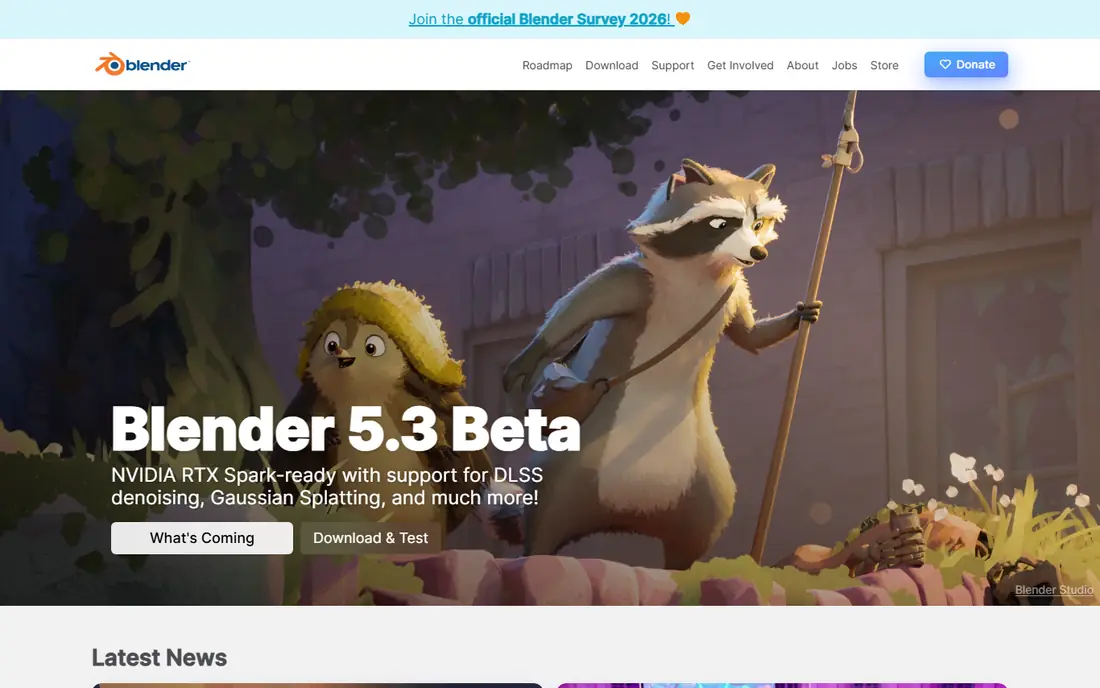
Blender is the answer to "what is the best free 3D software" for most people, and it is also the best free 3D rendering software we know of. The Blender Foundation describes it as free and open source, licensed under the GNU GPL and owned by its contributors. The download page lists version 5.2.3 LTS for Windows (including Windows on Arm), Apple Silicon Macs and Linux.
It does everything: polygon modeling with full n-gon support, sculpting with multi-resolution and dynamic subdivision, UV unwrapping, 3D painting, rigging, animation and rendering. Cycles, its built-in path tracer, supports CPU and GPU rendering, PBR shaders and HDR lighting.
The catch is time. Blender has a huge interface and hundreds of shortcuts, so expect a few weeks before you feel comfortable. It is also mesh-based, so if you need a bracket that is exactly 42.5 mm wide, a CAD tool like FreeCAD or Onshape is the better fit.
- Free and open source forever under the GNU GPL
- Built-in Cycles path tracer with CPU and GPU rendering
- Modeling, sculpting, UV, animation and 3D painting in one app
- Steep learning curve
- Not designed for precise engineering dimensions
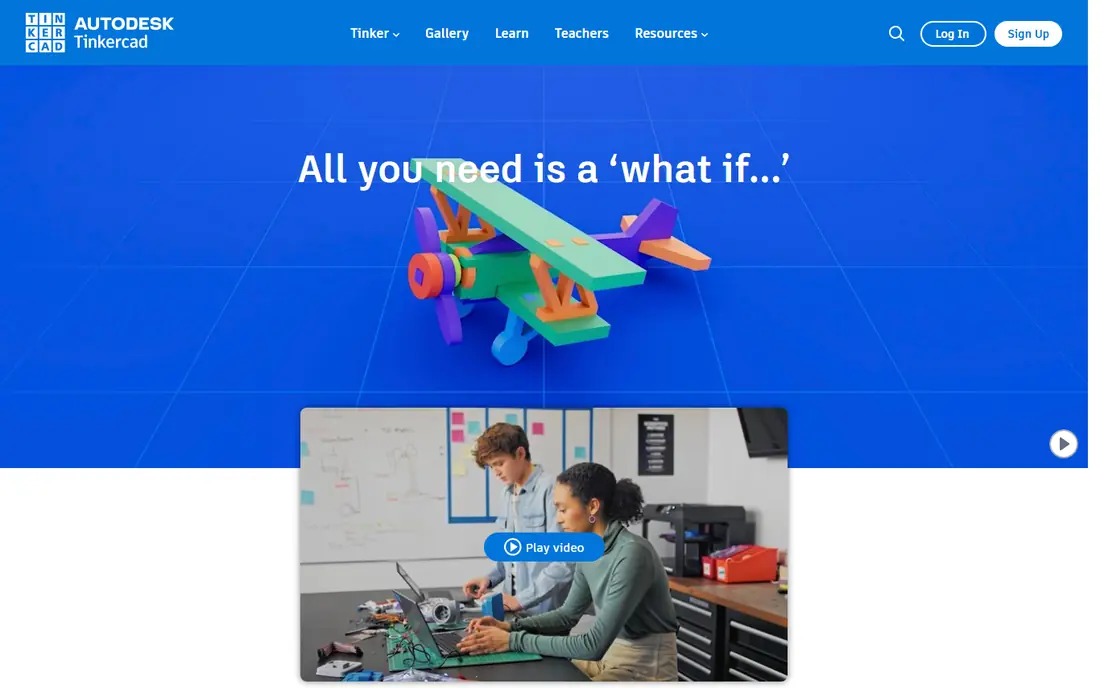
Tinkercad is where many people make their very first 3D model. Autodesk describes it as "a free, easy-to-use app for 3D design, electronics, and coding," and it runs entirely in the browser, so it works on school laptops and Chromebooks.
You drag boxes, cylinders and text onto a workplane, then combine them or cut holes out of them. That approach is perfect for 3D printing simple objects like name tags, phone stands and replacement knobs, and you can export your design for a slicer.
The ceiling is low by design. Curved, organic shapes and detailed mechanical parts quickly become awkward, and once you hit that wall the natural next steps are FreeCAD or Onshape for parts, or Blender for art.
- Free and runs in a web browser
- Build models by combining simple shapes
- Also covers electronics and coding lessons
- Too basic for organic or detailed models
- Requires an Autodesk account and an internet connection
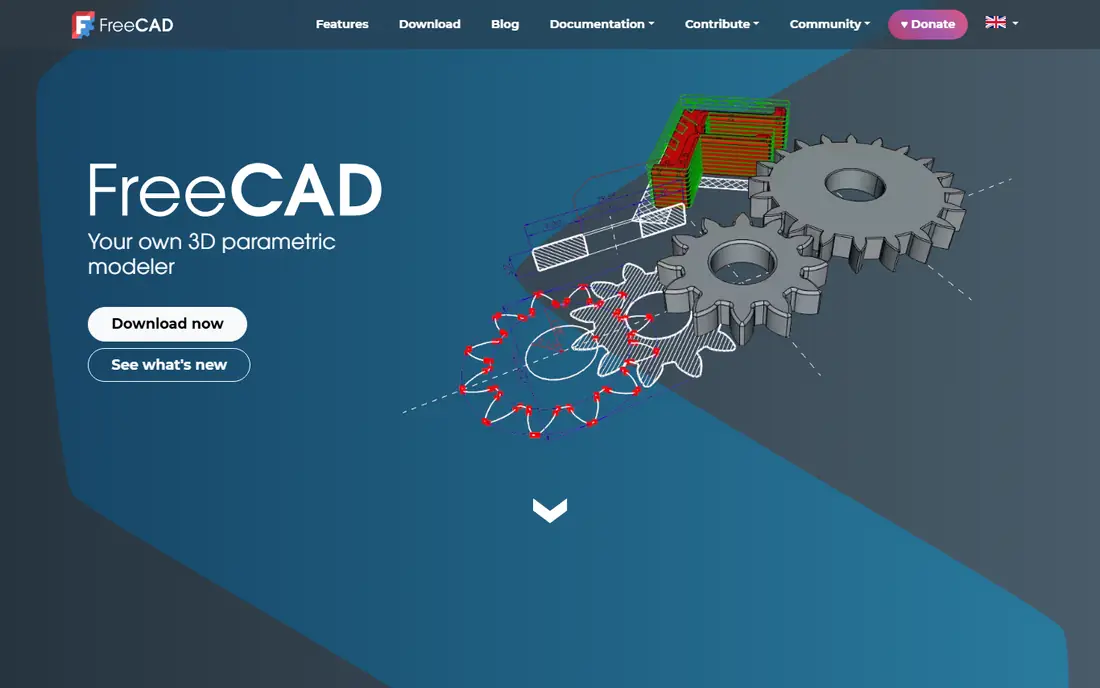
FreeCAD is our pick for the best free 3D CAD software for 3D printing if you want something that runs offline and never asks for a subscription. The current stable version is 1.1.4, with downloads for Windows 10 and later, macOS 12 and later (Apple Silicon and Intel), and Linux.
Everything in FreeCAD is parametric. You sketch a profile with constraints, extrude it, and if you later change a hole diameter, the rest of the part updates. Version 1.0 also merged the old Arch and BIM tools into a built-in BIM workbench, so it can handle simple building models as well as mechanical parts.
The honest weakness is the user experience. FreeCAD splits tools into "workbenches" (Part Design, Sketcher, BIM and others), and beginners often get stuck switching between them.
- Open source and free for any use
- Fully parametric, so you can change a dimension and the model updates
- Exports STL, STEP, IGES, OBJ, DXF and many other formats
- Interface is less polished than commercial CAD
- Workflow differs between workbenches, which confuses new users
Onshape runs in a web browser, so it works on almost any computer, including ones that could never run desktop CAD. Its free plan page calls it "professional-grade, cloud-native CAD and PDM for non-commercial use," aimed at makers, hobbyists and people learning modern CAD.
The free plan includes the same CAD tools as paid plans, plus unlimited public storage, real-time collaboration, version control and mobile apps. For 3D printing hobbyists that is a very generous deal, since you can design from a cheap laptop and export files for your slicer.
There are two firm rules. The free plan is for non-commercial use only, and all Onshape documents on it are accessible to the public. If you need private files or commercial rights, the Standard plan is $1,500 per user per year, which is a big jump.
- Professional-grade CAD in a browser with nothing to install
- Real-time collaboration and version control
- Mobile apps for iOS and Android
- Free plan is non-commercial only
- Every document on the free plan is public
SketchUp is famous for its push-pull style: draw a rectangle, pull it up into a box, and you have a wall. That makes it one of the fastest ways to model a room, a deck or a piece of furniture. Trimble describes SketchUp Free as running in a web browser with nothing to download.
The free version imports SKP, JPG and PNG files and exports SKP, PNG and STL, so you can 3D print simple designs. It also includes 10 GB of Trimble Connect cloud storage and access to the 3D Warehouse library of ready-made models.
The limits show up when you get serious. The desktop modeler and the large library of extensions are in paid plans, with SketchUp Go at $10.75 per month billed annually (iPad and web only) and Pro at $33.25 per month billed annually. For precise mechanical parts, FreeCAD or Onshape is a better match.
- Runs in a browser with no download
- Push-pull modeling is fast to learn
- 10 GB of Trimble Connect cloud storage and STL export
- Free version is web only, no desktop app
- Fewer tools and extensions than paid plans
Shapr3D is the friendliest "real" CAD tool on this list. It was built for the iPad and Apple Pencil, and it now runs on Mac and Windows too. Its pricing page says you can get to your first model in about 15 minutes, which matches its reputation for being easy to pick up.
The free plan allows two projects, imports common CAD formats like STEP, IGES, DWG and STL, and exports basic-resolution 3MF and STL files. That is enough to design and print a handful of personal parts.
The limits are tight. Two projects is not much, and high-resolution exports plus STEP export sit in the paid plans. Pro is listed at $299 per editor seat billed annually, with a 14-day free trial, so treat the free plan as a long demo or a small-project tool.
- Very approachable CAD, especially with an Apple Pencil
- Runs on macOS, iPadOS, Windows and visionOS
- Free plan exports STL and 3MF for printing
- Free plan is limited to two projects
- Free exports are basic resolution only
OpenSCAD calls itself "the programmers solid 3D CAD modeller," and that sums it up. Instead of dragging shapes, you write a short script that describes cubes, cylinders and how they combine. Change a number in the code and the model rebuilds.
That approach is surprisingly useful for 3D printing. A box with a lid, a cable clip or a shelf bracket can be written once with variables for width and height, then resized in seconds. Many customizable models shared online are built this way.
It is not for everyone. If you have never written code, the blank text editor can feel hostile, and there is no way to sculpt or freely shape surfaces.
- Free software for Linux, Windows and macOS
- Models are written as code, so they are easy to tweak and share
- Very popular for customizable 3D printing designs
- No point-and-click modeling at all
- Not suited to organic or artistic shapes
Houdini is the software behind a lot of film and game effects, and SideFX offers Houdini Apprentice as a free version of Houdini FX for students, artists and hobbyists. If you want to learn procedural modeling, simulations or effects work with a view to a career, this is the free way in.
SideFX is clear about the limits. Apprentice must be used on non-commercial projects, uses its own file format, is restricted to 1920x1080 when rendering, and adds a watermark when rendering to common formats like JPG, TIF and EXR. It cannot be mixed into a commercial Houdini pipeline.
For a beginner who just wants to model a chair, Houdini is overkill and harder to learn than Blender. For someone eyeing VFX or technical art jobs, it is one of the most valuable free downloads available.
- Free version of Houdini FX with the full feature set
- Industry-standard tool for simulations and procedural modeling
- Files work with Houdini Education
- Non-commercial use only
- Renders capped at 1920x1080 and watermarked
Spline is a 3D design tool aimed at web designers rather than modelers or engineers. You build simple 3D scenes, add materials, interactions and animations, and embed them in a website.
The free plan costs $0 per month and includes limited personal files, unlimited file viewers and web exports with a watermark, but no AI credits. The Hobby plan is $12 per seat per month billed annually ($15 monthly) and removes the watermark and file limits.
Spline is not the place for detailed models or 3D printing. Its strength is making a product mockup or animated hero graphic that moves when a visitor scrolls or hovers.
- Runs in the browser with a design-tool style interface
- Built for interactive 3D scenes you can embed on websites
- Unlimited viewers on every plan
- Free plan has a limited number of personal files and no AI credits
- Free web exports carry a watermark
Wings 3D describes itself as "an advanced subdivision modeler that is both powerful and easy to use." It does one thing: polygon and subdivision modeling. There is no animation timeline or full renderer, which actually makes it calmer to learn than Blender.
The project is open source and its site says it is completely free for both personal and commercial projects. That makes it a good fit for game hobbyists making low-poly props or anyone who wants to learn mesh modeling basics on a modest computer.
The trade-off is reach. The community is small compared with Blender's, so you will find fewer up-to-date tutorials, and many users eventually move to Blender for texturing and rendering.
- Open source and free for personal and commercial projects
- Focused subdivision modeler that is easy to learn
- Lightweight compared with Blender
- Modeling only, with no animation
- Small community and fewer tutorials
How we picked these
We focused on 3D modeling software that is free to use today, not just free to try for a week. For each tool we checked the official website, download page and pricing page in October 2026 to confirm current versions, platforms, what the free plan includes and whether commercial use is allowed.
We left out tools that are only time-limited trials, and we also left out Autodesk Fusion's personal-use license because we could not load Autodesk's current terms page to confirm its limits at the time of writing. If you are considering Fusion for hobby 3D printing, check Autodesk's site directly.
How to choose free 3D software for what you want to make
For 3D printing
Start with Tinkercad if you are brand new. Move to FreeCAD, Onshape or Shapr3D when you need exact dimensions, holes that fit real screws, or parts you will revise. OpenSCAD is worth a look if you are comfortable with code. All of these export STL, which every slicer accepts.
For art, games and rendering
Blender is the default choice for characters, environments, props and renders. Wings 3D is a lighter way to learn mesh modeling, and Houdini Apprentice is the free route into procedural effects work.
For architecture and interiors
SketchUp Free is the quickest way to block out rooms and furniture in a browser. FreeCAD's built-in BIM workbench is an open-source option if you need more technical drawings.
Check the license before you earn money
If you plan to sell models, prints or renders, read the terms. Onshape Free and Houdini Apprentice are non-commercial only. Blender, FreeCAD, OpenSCAD and Wings 3D are open source and can be used for paid work.
Frequently asked questions
What is the best free 3D modeling software?
For most people it is Blender, because it is free, open source and covers modeling, sculpting, animation and rendering in one package. If you mainly design parts with exact measurements, FreeCAD or Onshape Free will suit you better.
What is the best free 3D CAD software for 3D printing?
Tinkercad for beginners, then FreeCAD or Onshape Free for more precise parts. FreeCAD runs offline and allows commercial use, while Onshape runs in a browser but makes every free document public and is limited to non-commercial use.
What is the best free 3D rendering software?
Blender's Cycles renderer is the strongest free option we know of, with CPU and GPU rendering, PBR shaders and HDR lighting. Houdini Apprentice also renders well but limits output to 1920x1080 with a watermark and non-commercial use.
Is Blender really free for commercial use?
Yes. Blender is released under the GNU GPL, and the Blender Foundation states it is free and open source software forever. You can sell the models, renders and animations you make with it.
What is the easiest free 3D design software for beginners?
Tinkercad is the easiest, since you build models from simple shapes in a browser. SketchUp Free is also quick to learn for rooms and furniture, and Shapr3D is the most approachable of the CAD tools.
Can I use free 3D modeling software on a Chromebook?
Yes, through browser-based tools. Tinkercad, Onshape Free, SketchUp Free and Spline all run in a web browser. Desktop tools like Blender and FreeCAD need Windows, macOS or Linux.
Sources we checked (17)
- https://www.blender.org/
- https://www.blender.org/download/
- https://www.tinkercad.com/
- https://www.freecad.org/
- https://www.freecad.org/downloads.php
- https://www.freecad.org/features.php
- https://www.onshape.com/en/pricing
- https://www.onshape.com/en/products/free
- https://sketchup.trimble.com/en/plans-and-pricing
- https://sketchup.trimble.com/en/plans-and-pricing/sketchup-free
- https://www.shapr3d.com/pricing
- https://openscad.org/
- https://openscad.org/downloads.html
- https://www.sidefx.com/products/compare/
- https://www.sidefx.com/get/try-houdini/
- https://spline.design/pricing
- https://www.wings3d.com/
Online Jobs is an independent blog about careers, online work, learning new skills and the tools that help people earn. More about us.
Keep reading
All posts
Best Free Drawing Apps for Beginners
The best free drawing apps for beginners in 2026, compared: Krita, Adobe Fresco, ibis Paint X, Sketchbook and more, with real prices, limits and platforms.

Best Web Scraping Tools
Compare the best web scraping tools in 2026, from no-code Octoparse and Browse AI to Apify, Firecrawl, Bright Data, Zyte, ScraperAPI and free Scrapy, with prices.

Best Tools to Find Company Decision Makers
The best tools to find company decision makers in 2026: LinkedIn Sales Navigator, Apollo, ZoomInfo, Lusha, Hunter and more, with real prices and free plans.