Best Flashcard App in 2026: 8 Apps Compared

How we put this together: we compare official feature and pricing pages, app store listings, privacy policies and public user reviews. Prices change, so check the provider's site before you pay.
Key takeaways
- Anki remains our pick for serious long term study, since its desktop and Android apps are free and its scheduling is the most adjustable of any app here.
- Quizlet has the largest library of ready made sets, which makes it the fastest start when you do not want to write every card yourself.
- Knowt and Cram are the strongest free options for students who want a simple flashcard app without paying for a subscription.
- Brainscape and RemNote suit different habits: Brainscape keeps reviews quick with confidence ratings, while RemNote turns notes into cards in the same workspace.
- Mochi and Memrise fill narrower gaps, with Mochi for plain text and Markdown fans and Memrise for language vocabulary with video clips.
Quick comparison
| Name | Who it suits | Starting price | Free option | |
|---|---|---|---|---|
 Anki Anki | Serious long term study | Free | Yes | Visit |
 Quizlet Quizlet | Ready made study sets | $7.99 per month | Yes | Visit |
 Brainscape Brainscape | Confidence based review | $9.99 per month | Yes | Visit |
 RemNote RemNote | Notes that become flashcards | $8 per month | Yes | Visit |
 Knowt Knowt | Free Quizlet style study | Free | Yes | Visit |
 Mochi Mochi | Markdown and plain text cards | $5 per month | Yes | Visit |
 Cram Cram | Simple free flashcards | Free | Yes | Visit |
 Memrise Memrise | Language vocabulary | Free | Yes | Visit |
The best flashcard apps
Flashcards only work when the app schedules reviews well and stays easy enough to open every day. The eight apps below cover that range, from a free power tool to simple free options for casual study.
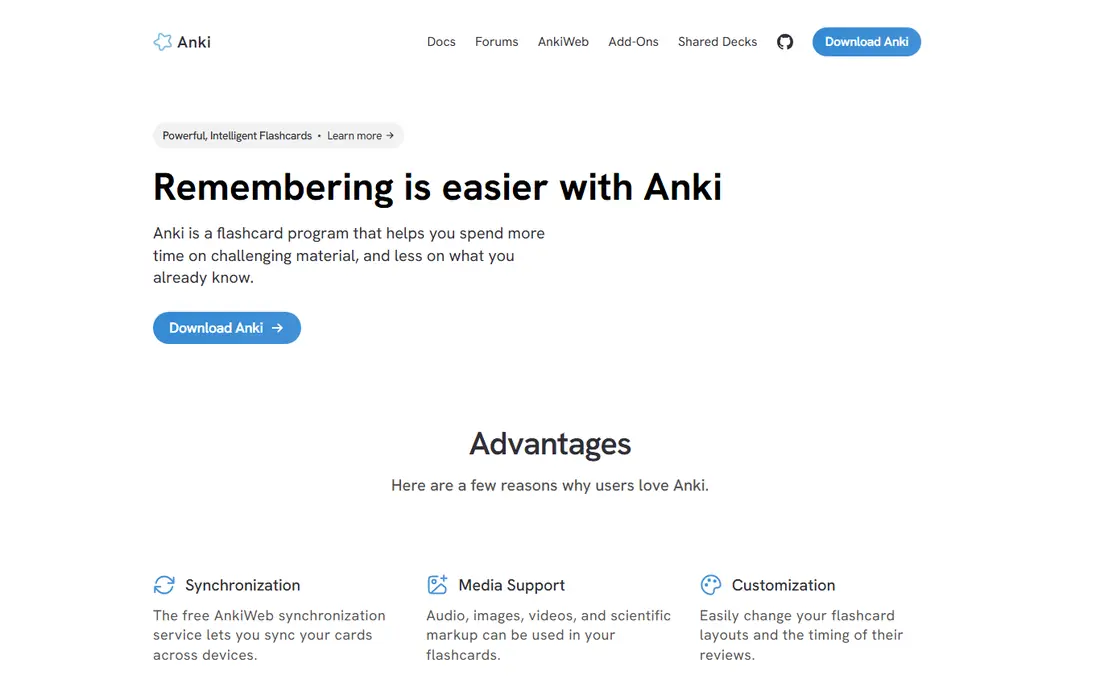
Anki is the app we point to first when someone plans to study for months rather than days. Its scheduling adjusts review intervals based on how well you remember each card, and the newer FSRS scheduler gives you more control over that timing than most rivals offer. You can build your own decks, import shared decks made by other learners, and add images, audio and cloze deletions to cards.
The trade off is the learning curve. Anki looks plain next to newer apps, and setting it up well takes an evening of reading and tweaking. If you accept that, you get a free tool on most platforms that does not push a subscription at you. The iPhone app costs $24.99 as a one-time purchase, which funds development, while the desktop, Android and web versions stay free.
- Free on desktop, Android and the web
- Highly adjustable scheduling with FSRS support
- Huge library of shared decks and add-ons
- Plain interface that takes time to learn
- IPhone app is a paid one-time purchase
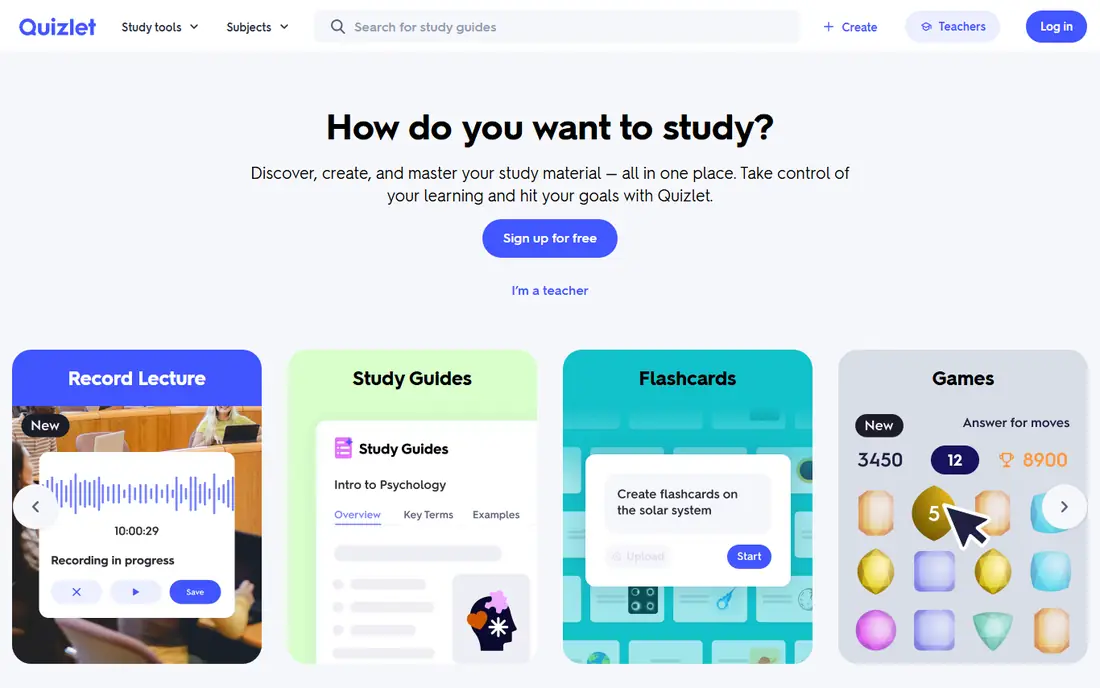
Quizlet wins on content more than on scheduling. Millions of students have already made sets for school subjects, exams and languages, so you can often find a set for your course in minutes. Learn mode, practice tests and matching games make review feel less like a chore, which matters when motivation is the real problem.
The catch is that the free plan is limited. Full Learn mode and AI tools such as Magic Notes require Quizlet Plus, and the app does not schedule long term reviews as carefully as Anki does. Pick Quizlet when you want ready made material and a friendly interface, and pick Anki when retention over months matters more than convenience.
- Largest library of user made study sets
- Learn mode, practice tests and games
- Simple interface that needs no setup
- Full Learn mode and AI features sit behind Quizlet Plus
- Scheduling is weaker than true spaced repetition apps
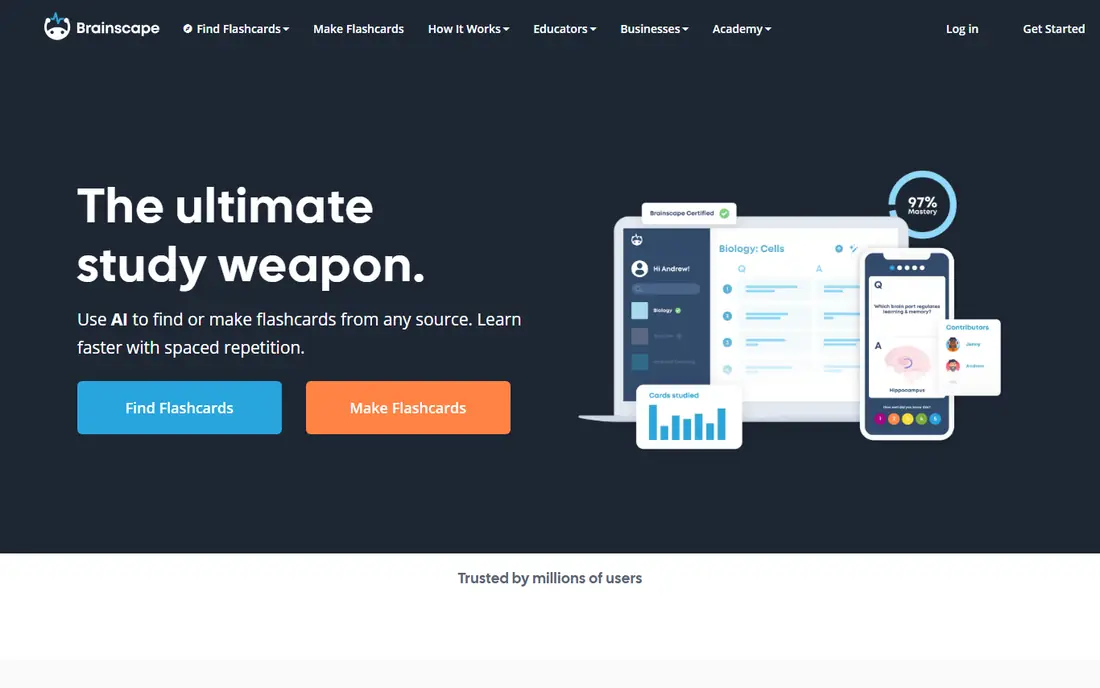
Brainscape takes a different route to the same goal. After each card, you rate how well you knew it on a scale of 1 to 5, and the app schedules the next review from that rating. The system is easy to grasp in one session, which makes it a good fit for learners who found Anki too fiddly. Its catalog includes decks made by educators and publishers for professional exams.
That catalog is the main reason to pay. The free Basic plan covers making your own cards and basic review, while Pro opens the premium decks and extra study features. If your exam is covered by a Brainscape deck, the price can be worth it. If not, you are paying for an interface that Anki matches for free.
- Simple confidence rating from 1 to 5 drives review timing
- Curated decks for exams such as the MCAT and bar exam
- Clean interface
- Pro subscription needed for the full deck catalog
- Less flexible than Anki for custom card types
RemNote suits students who take notes anyway and want those notes to turn into review material without a separate step. You write structured notes, highlight the parts worth testing, and the app builds flashcards from them. That workflow removes the usual gap between reading a chapter and reviewing it later, and it keeps your source notes linked to each card.
The free plan is usable for trying the system, but it has caps on AI use, annotated PDFs and exams, and Pro costs $8 per month on the yearly plan. RemNote is also heavier than a simple card app, so it fits note takers better than someone who only wants to flip cards. For that group, though, the combined workspace is a genuine time saver.
- Notes and flashcards live in one workspace
- Cards can be made from highlighted text
- Supports spaced repetition with adjustable scheduling
- Free plan caps AI credits, annotated PDFs and exam scheduling
- More complex than a plain flashcard app
Knowt is the closest thing to the old free Quizlet experience. Its free plan includes unlimited Learn mode, practice tests and games, plus a one click import that pulls in sets from Quizlet. You can also turn PDFs, lecture notes and videos into flashcards with its AI tools, which cuts down the dull work of card creation.
The weakness is scheduling. Knowt reviews cards, but it does not run a full spaced repetition system like Anki or RemNote, so it suits course based study over a term better than retention over years. The paid Ultra plan adds more AI features, but most students can start free and only upgrade if they hit a limit. For a student budget, that is a fair deal.
- Free Learn mode and practice tests
- One click import of Quizlet sets
- AI tools that turn notes and PDFs into cards
- No true spaced repetition scheduling
- Paid Ultra plan needed for some AI features
Mochi is built for people who write in Markdown and like their tools plain. Cards are written in the same plain text style as notes, so a deck reads like a document you can edit fast. It supports spaced repetition, including the FSRS scheduler, and keeps notes alongside cards so context stays close at hand.
The trade off is size. Mochi has a smaller community than Anki or Quizlet, so shared decks are thinner, and syncing across devices plus unlimited cards sits behind the $5 per month Pro plan. If you already write notes in Markdown, those limits may not bother you. If you want a big ready made library, start elsewhere.
- Clean Markdown based editor
- Spaced repetition with FSRS support
- Notes and cards in one place with sync on Pro
- Smaller community and fewer shared decks
- Sync and unlimited cards need the paid plan
Cram does one job with little fuss. You search its library of user made sets, pick one, and start flipping cards in memorize or cram mode. There is no scheduler to tune and no deck building system to learn, which makes it a fine choice for a quick test or a short course. It runs in the browser, so it works on almost any device.
The limits are clear. Cram shows ads, and its review modes do not schedule cards over weeks the way Anki does. Treat it as a free, low effort option for short term study, not as a long term memory system. For that price, meaning free, it is hard to complain.
- Free with a large library of shared sets
- Two study modes, memorize and cram
- No setup needed
- Ads on the free plan
- No advanced spaced repetition scheduling
Memrise is not a general flashcard app, and that focus is its strength. It teaches vocabulary with short video clips of native speakers, so you hear words used naturally instead of reading them in isolation. Spaced repetition is built in, and the free tier covers the core learning path for many languages.
The limit is scope. If you need cards for biology, law or medicine, Memrise is the wrong tool. Language learners, though, get a more engaging review loop than a plain deck of translations. Paid plans add offline mode and the full course catalog, but you can judge the method free before spending anything.
- Video clips of native speakers give words real context
- Spaced repetition built in
- Free tier covers core learning
- Narrow focus on languages
- Full course content and offline mode need a paid plan
How we picked these
We compared official feature pages, pricing pages and app store listings for each app, and checked public reviews for the common complaints that do not show up in marketing copy. We gave weight to scheduling quality, because a flashcard app that only flips cards is little better than paper, and to free plans, because students are the main audience here. We also favored apps that are still actively maintained and that work on the platforms most readers own.
What to check before you pick
A flashcard app should match how you study, not the other way round. Start with these questions before you commit to one.
How long do you need to remember this?
Exam prep over a few weeks works fine in Quizlet, Knowt or Cram. Study that must last months or years, such as medical or law exams, calls for Anki, RemNote or Mochi, where scheduling is built to protect long term recall.
Who makes the cards?
Ready made sets save hours, and Quizlet and Cram have the deepest libraries. If your course is unusual, you will write your own cards anyway, so a strong editor and import tools matter more than library size.
What device do you study on?
Check the cost on your actual device. Anki is free on desktop and Android but paid on iPhone, while most rivals are free to download with subscriptions inside. Also check offline mode if you study on trains or in places with weak signal.
Will you actually open it daily?
The best scheduler is the one you use. A simple app you open every day beats a powerful app you avoid. Try two finalists for a week each with real course material before you pay for either.
Frequently asked questions
What is the best flashcard app for free?
Anki is the strongest free flashcard app for serious study, since its desktop, Android and web versions cost nothing and its scheduling is the most adjustable here. Knowt and Cram are better free picks if you want a simpler interface and ready made sets without learning a new system.
What is the best app for flashcards for medical school?
Anki is the usual pick for medical school, because shared decks for medical exams are widely available and its scheduling handles the large card counts that medical courses demand. Brainscape is a simpler alternative if a curated deck covers your exam and you prefer confidence ratings to manual setup.
Is Quizlet or Anki better?
Quizlet is better for finding ready made sets fast and for short term course study with games and practice tests. Anki is better for long term retention, custom card types and full control over scheduling, and it costs less over time on most platforms.
What is the best free flashcard app with no ads?
Anki has no ads on any platform, which sets it apart from free apps that show ads to pay their bills. Cram and Knowt are free but include ads or upsells, so Anki is the cleaner choice if ads bother you while studying.
Can I import my Quizlet sets into another app?
Yes, Knowt offers a one click import from Quizlet, and Anki can import sets through community tools and file exports. Check the import steps for your chosen app before you cancel a paid plan, since formatting and images do not always carry over cleanly.
What is the best notecard app for language learning?
Memrise is our pick for language vocabulary, because its native speaker video clips give words context that plain translation cards lack. Anki is still a strong choice for language learners who want shared frequency decks and full control over card design.
Sources we checked (8)

Online Jobs is an independent blog about careers, online work, learning new skills and the tools that help people earn. More about us.
Keep reading
All posts
Best Tools for Virtual Tutoring
Compare the best tools for virtual tutoring, from one-to-one tutor marketplaces to free self-paced learning, with pricing, subjects and honest limits.
Best Study Apps for Young Children
Compare the best study apps for young children in 2026, from Khan Academy Kids and ABCmouse to Reading Eggs, Starfall, Duolingo ABC and PBS Kids, with prices.
Best Study Apps for Kids
Looking for the best study apps for kids? We compare Khan Academy Kids, ABCmouse, Prodigy, IXL and more on age, safety, price and subjects for home learning.